-
-
-
-
-
-
-
-
-
-

App Icon
-
-
-
-
-

Inspiration
After school ends and work settles into a routine, a lot of us stop exercising our brains the way we used to. I noticed it in myself: the problem-solving and quick recall I relied on as a student were slowly getting rusty, simply because I didn't use them anymore.
At the same time, I was reaching for my phone dozens of times a day, often without thinking, and ending up scrolling through content I barely remembered afterward. So I wondered: what if some of those moments became short workouts for my mind instead?
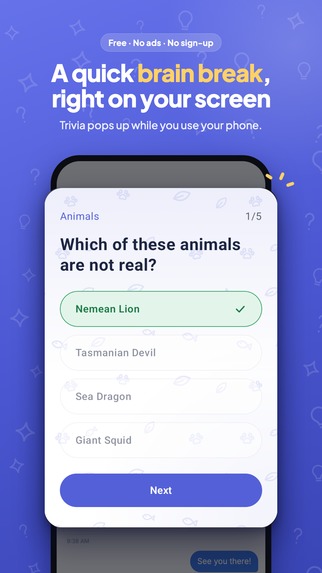
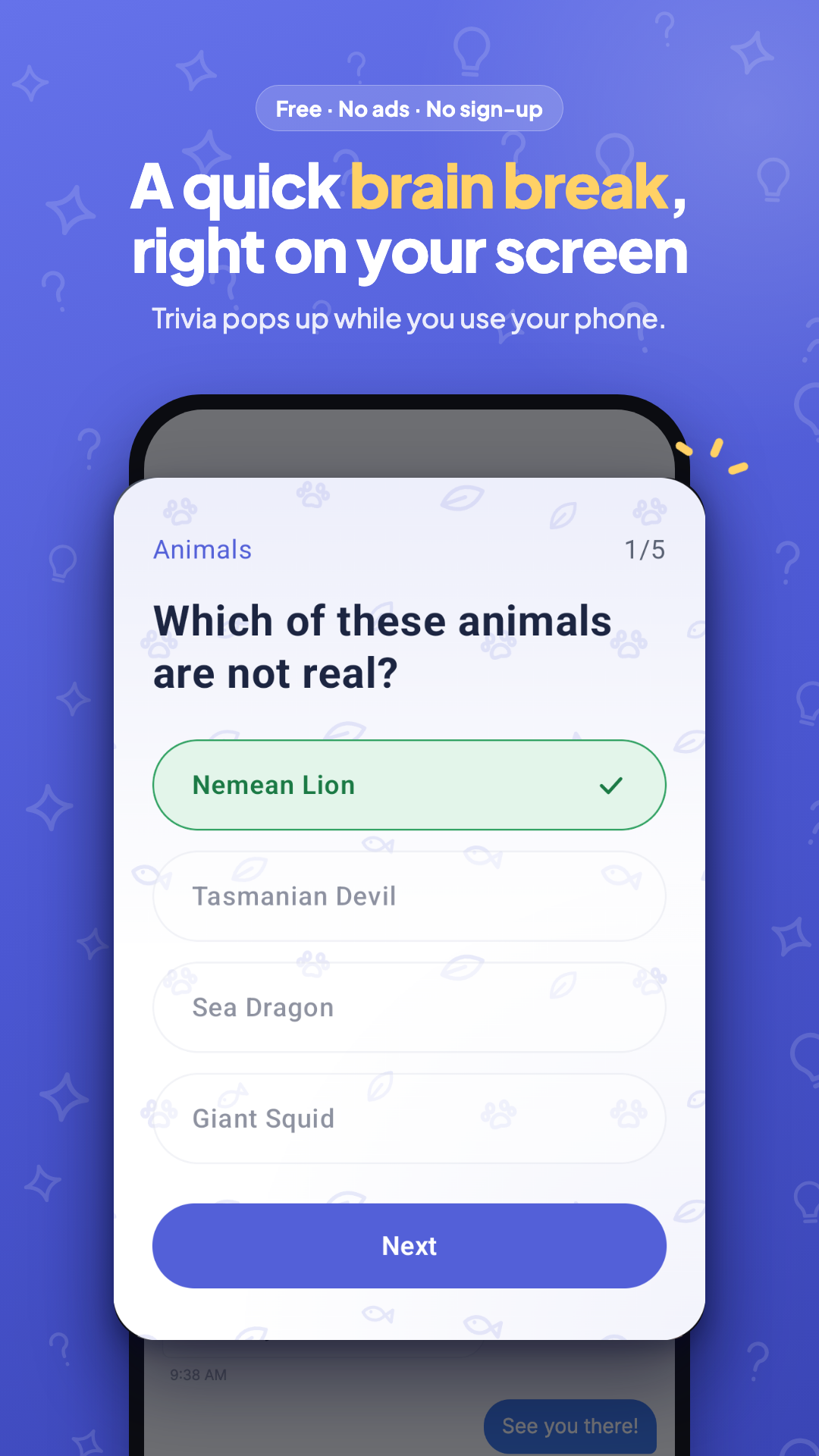
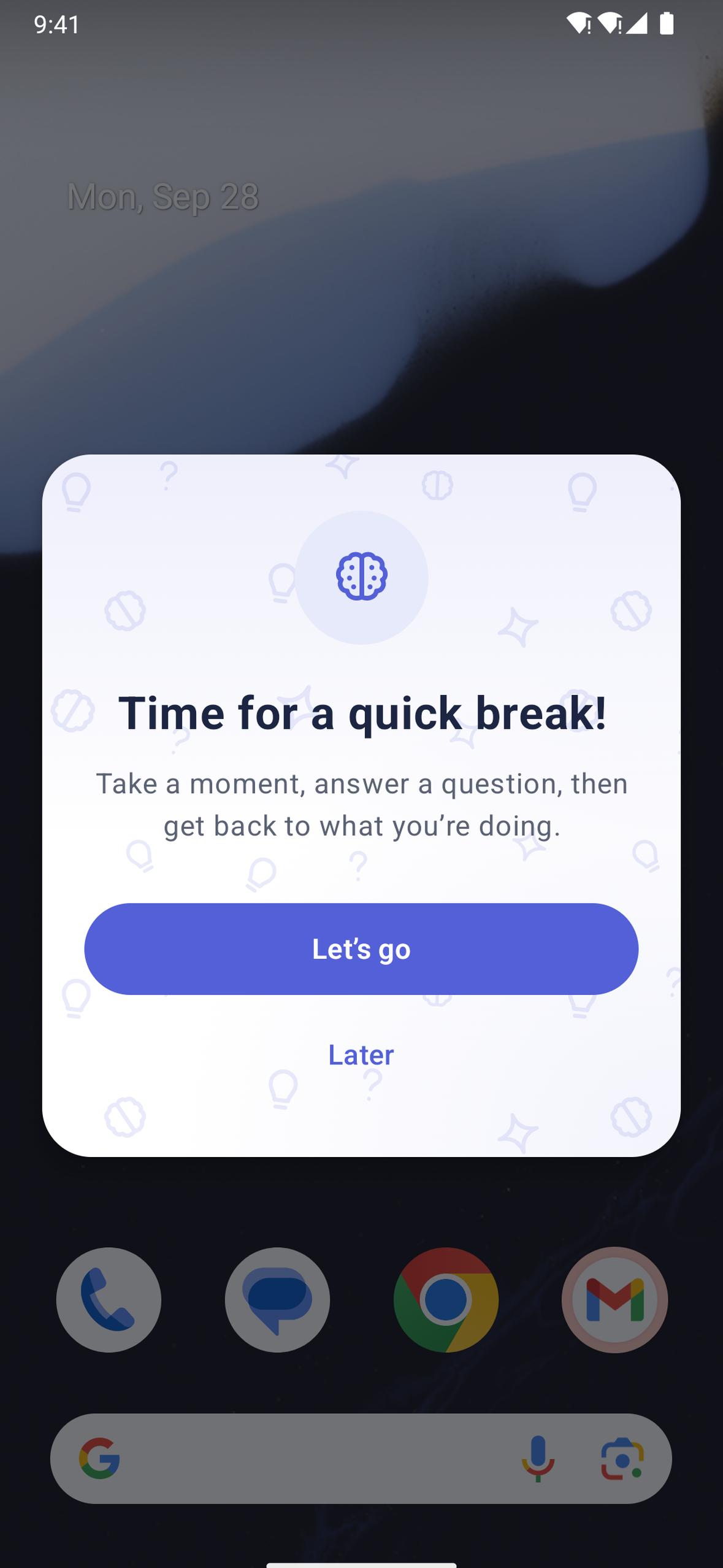
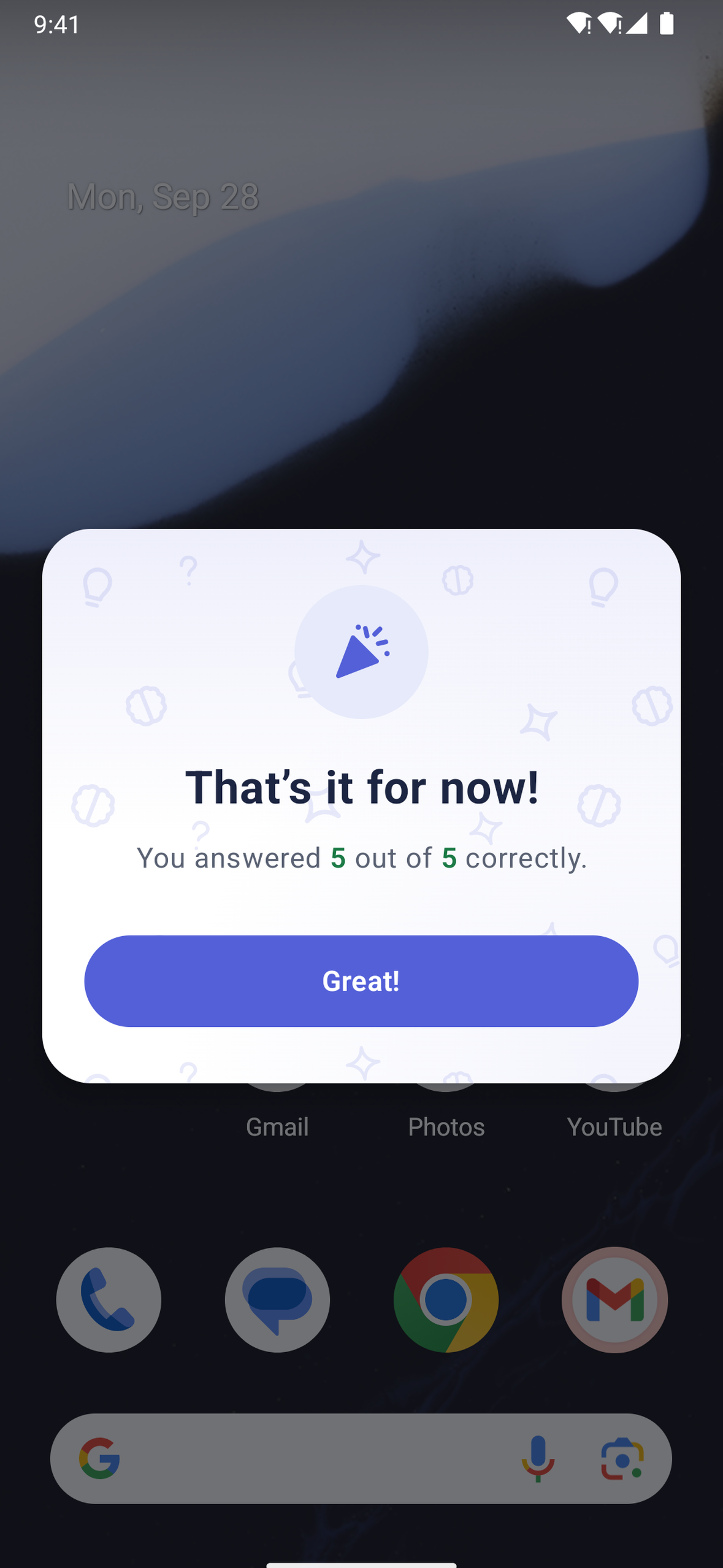
That's the idea behind MindPop. Every so often, when you pick up your phone, a quick question pops up. It takes a few seconds to answer, keeps you learning something new, and gives you a small break from mindless scrolling. It's a low-effort way to stay sharp that fits into habits you already have.
What it does
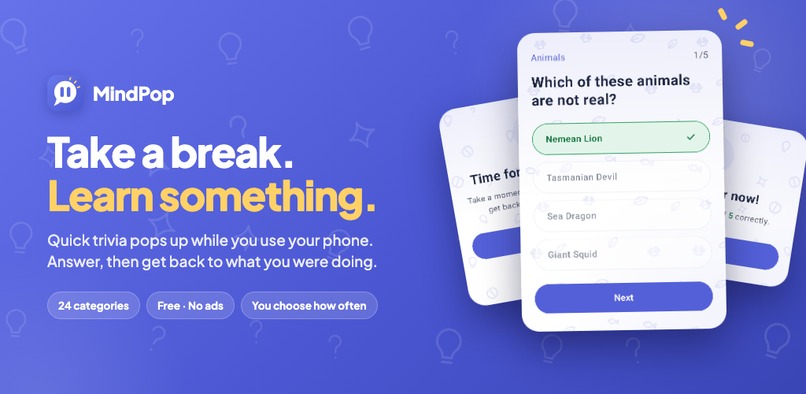
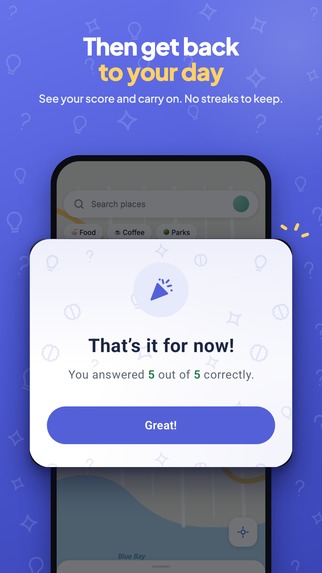
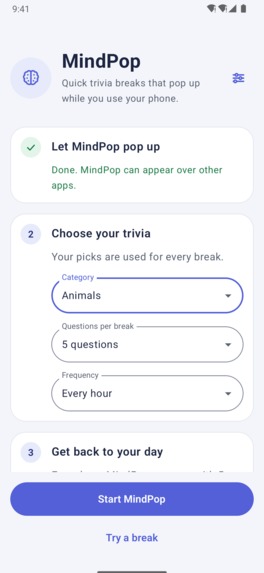
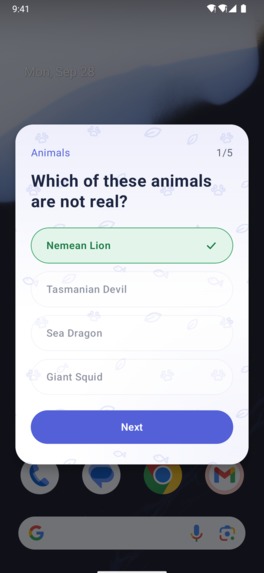
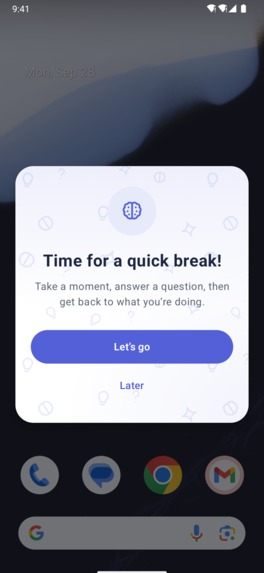
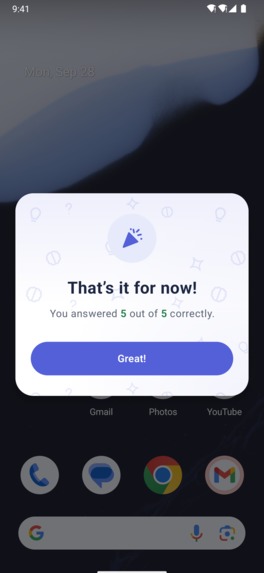
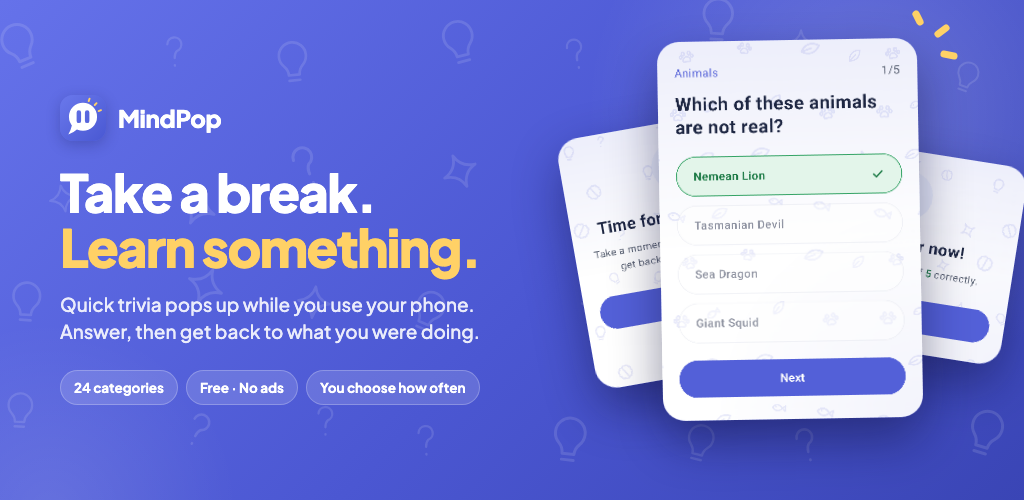
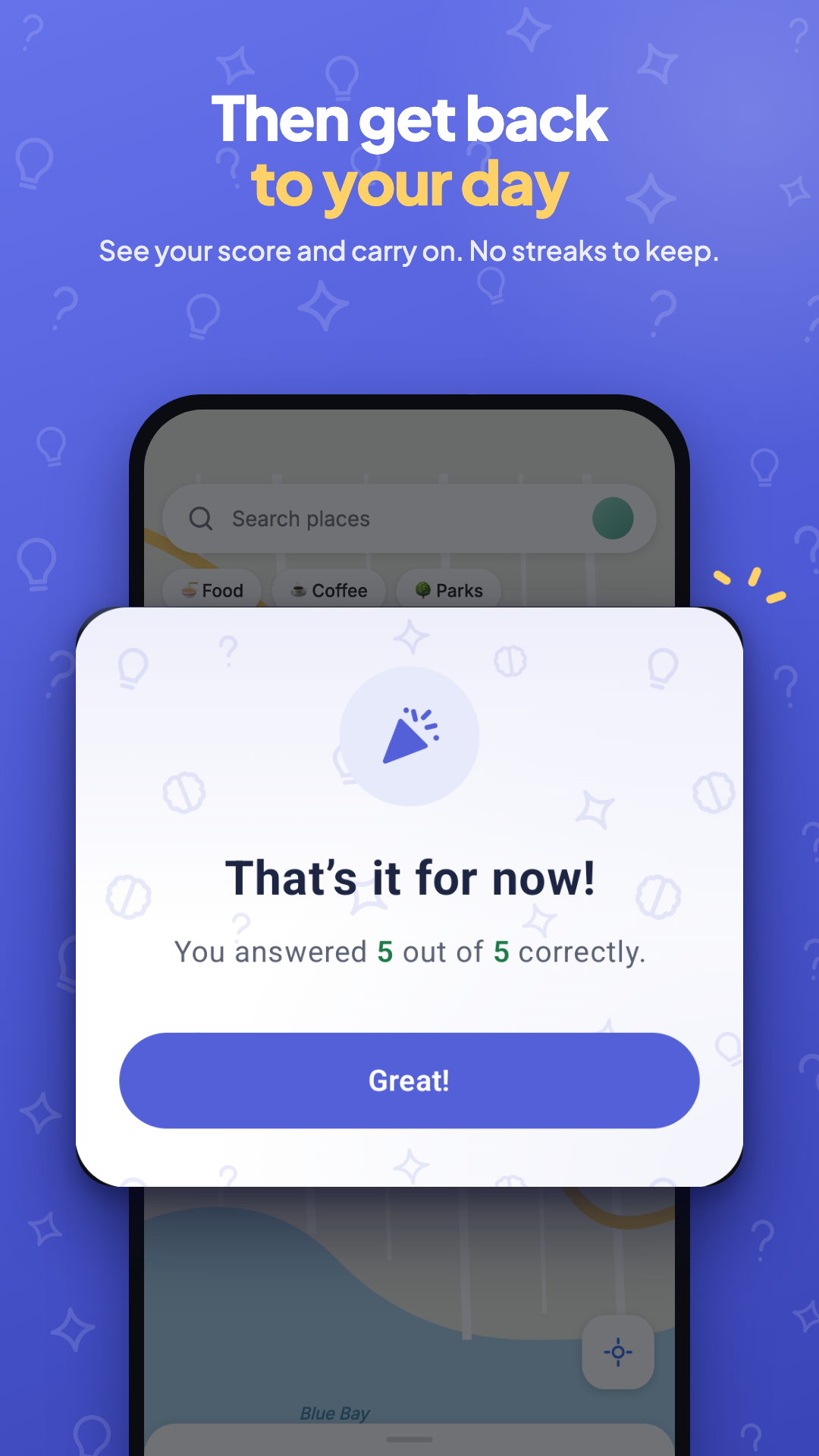
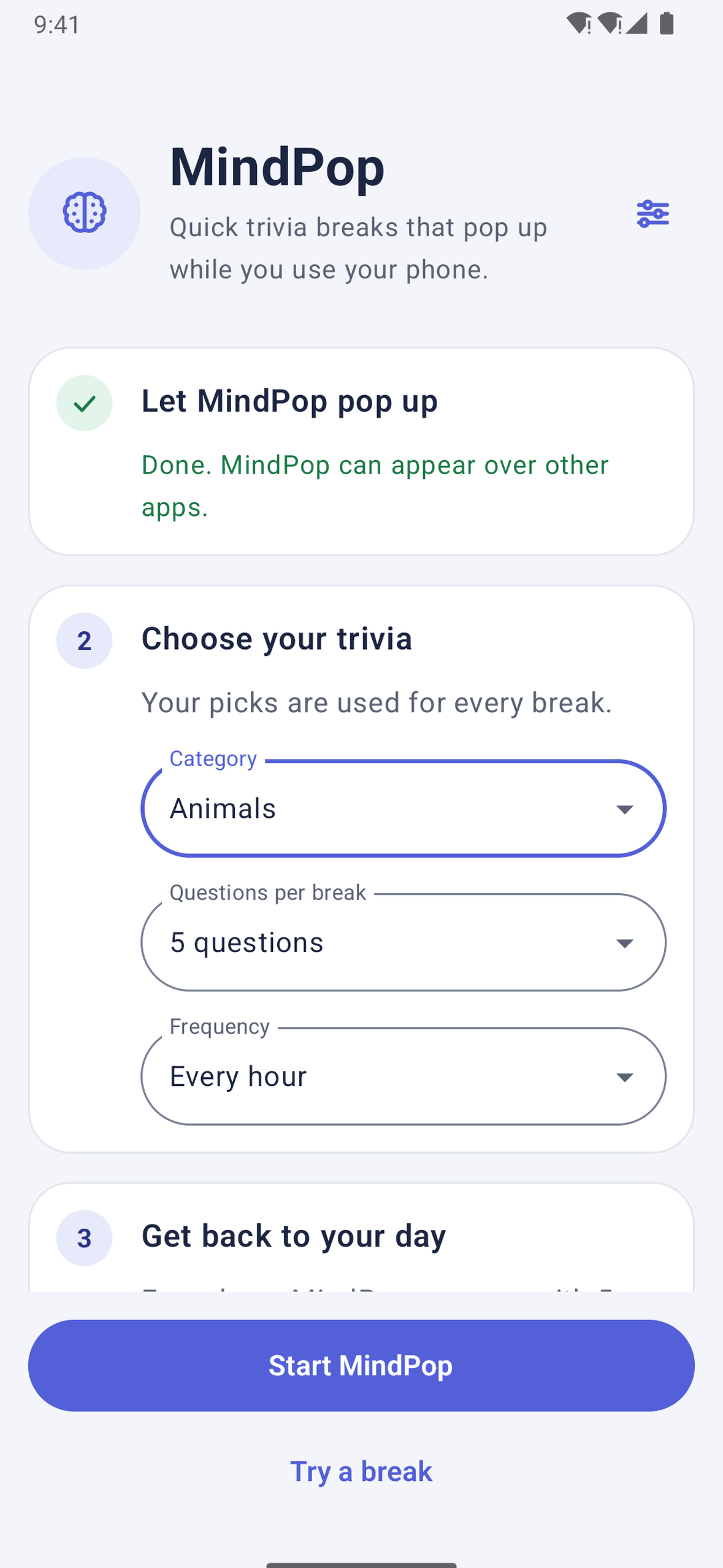
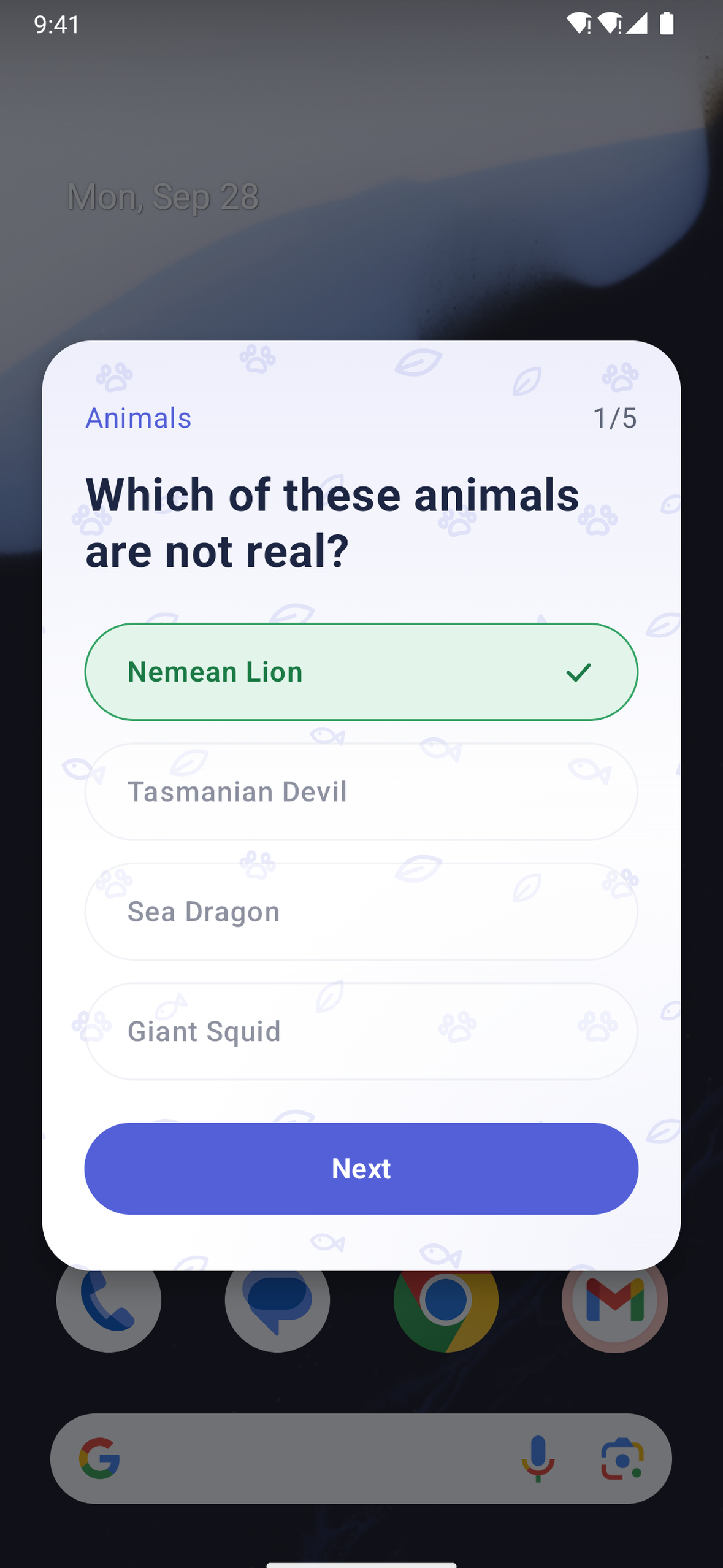
MindPop turns spare moments into quick trivia breaks. On a schedule you choose, a short quiz pops up over whatever app you're using. You answer a few questions, see your score, and get back to your day.
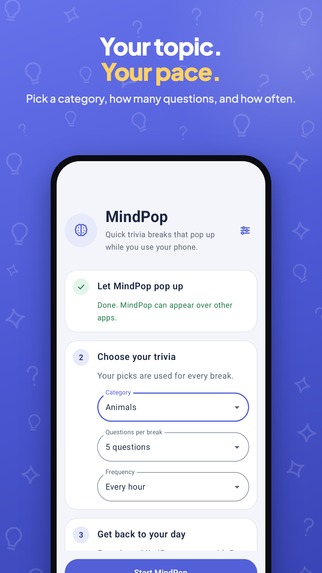
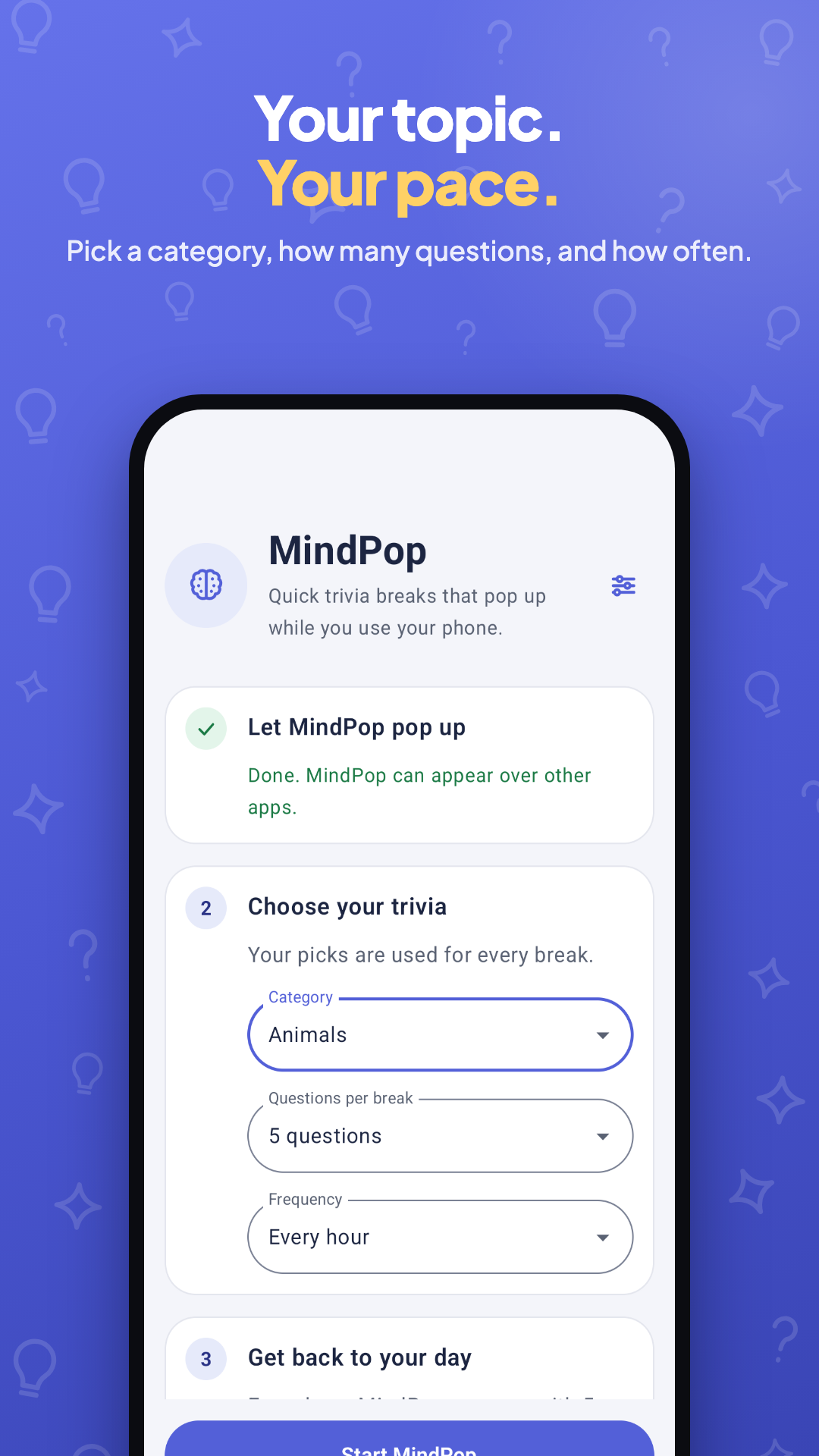
- 24 trivia categories, 1 to 10 questions per break, and breaks from every 15 minutes up to every 4 hours
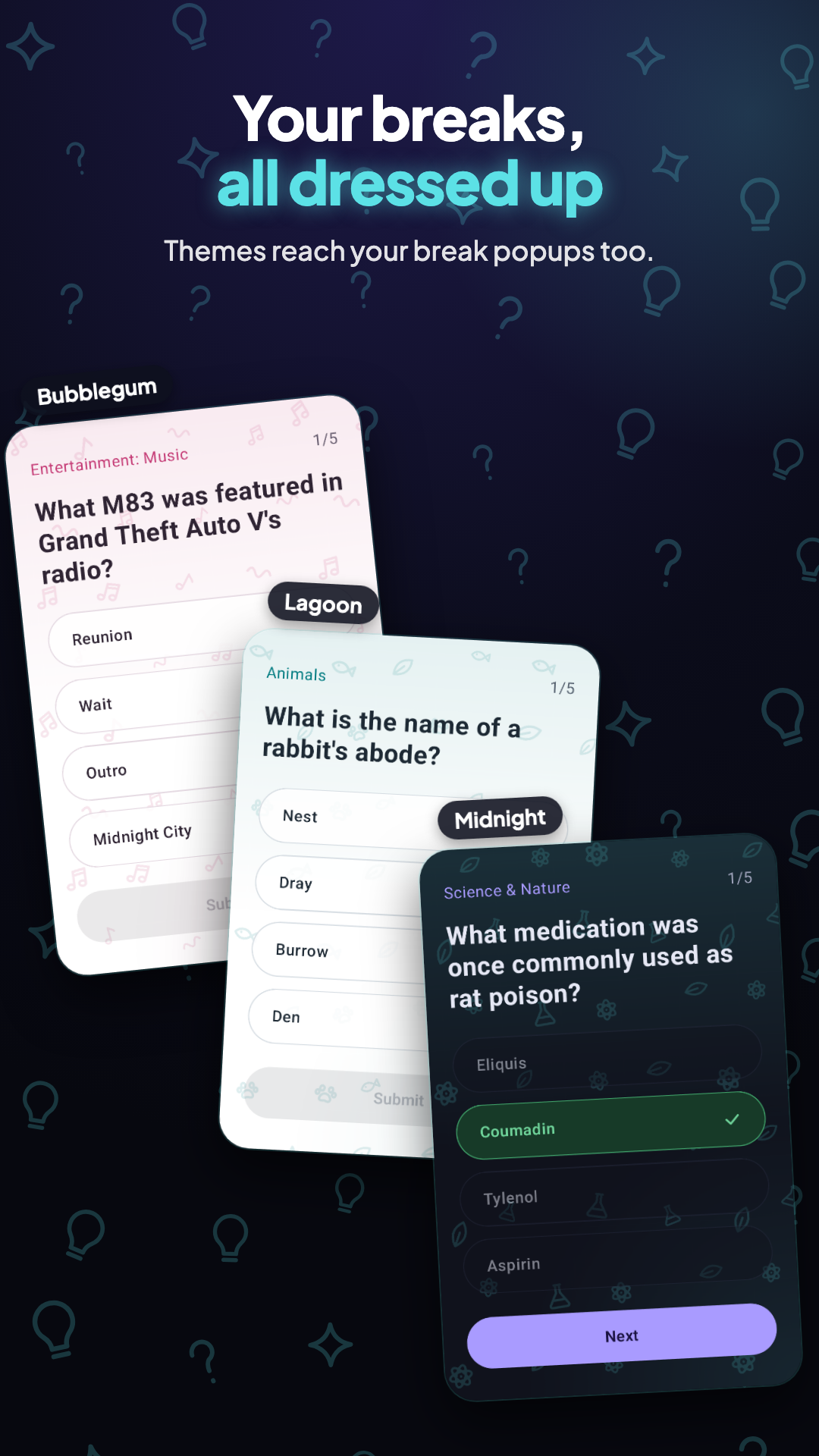
- Instant feedback with sounds, plus a doodle wallpaper for each category that bounces when you answer correctly
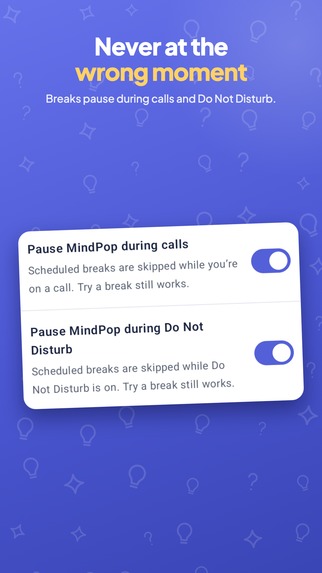
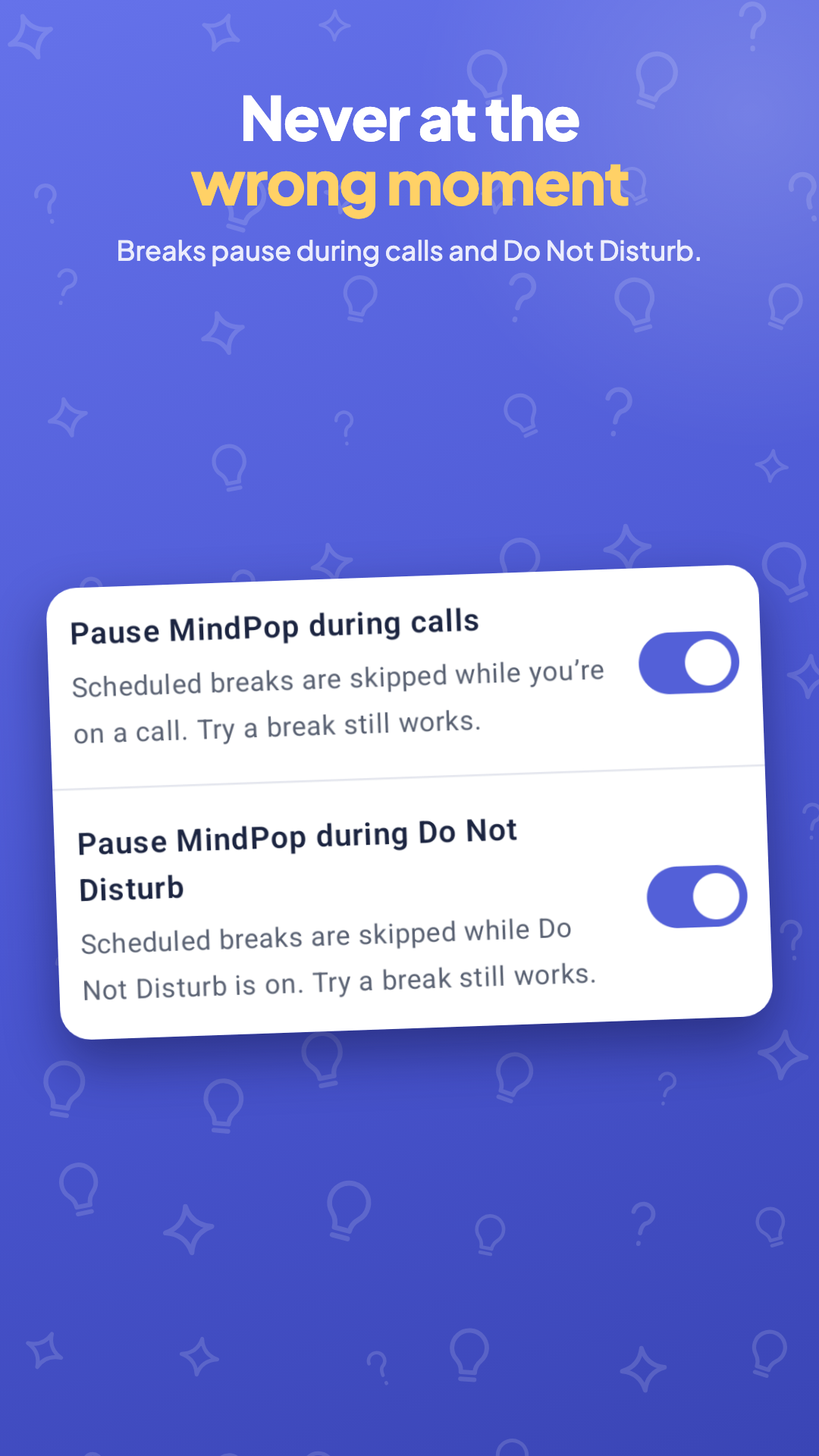
- Pauses on its own during calls and Do Not Disturb
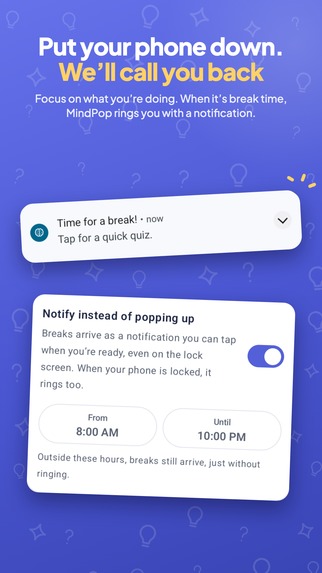
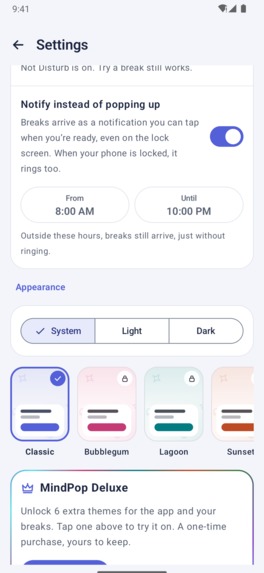
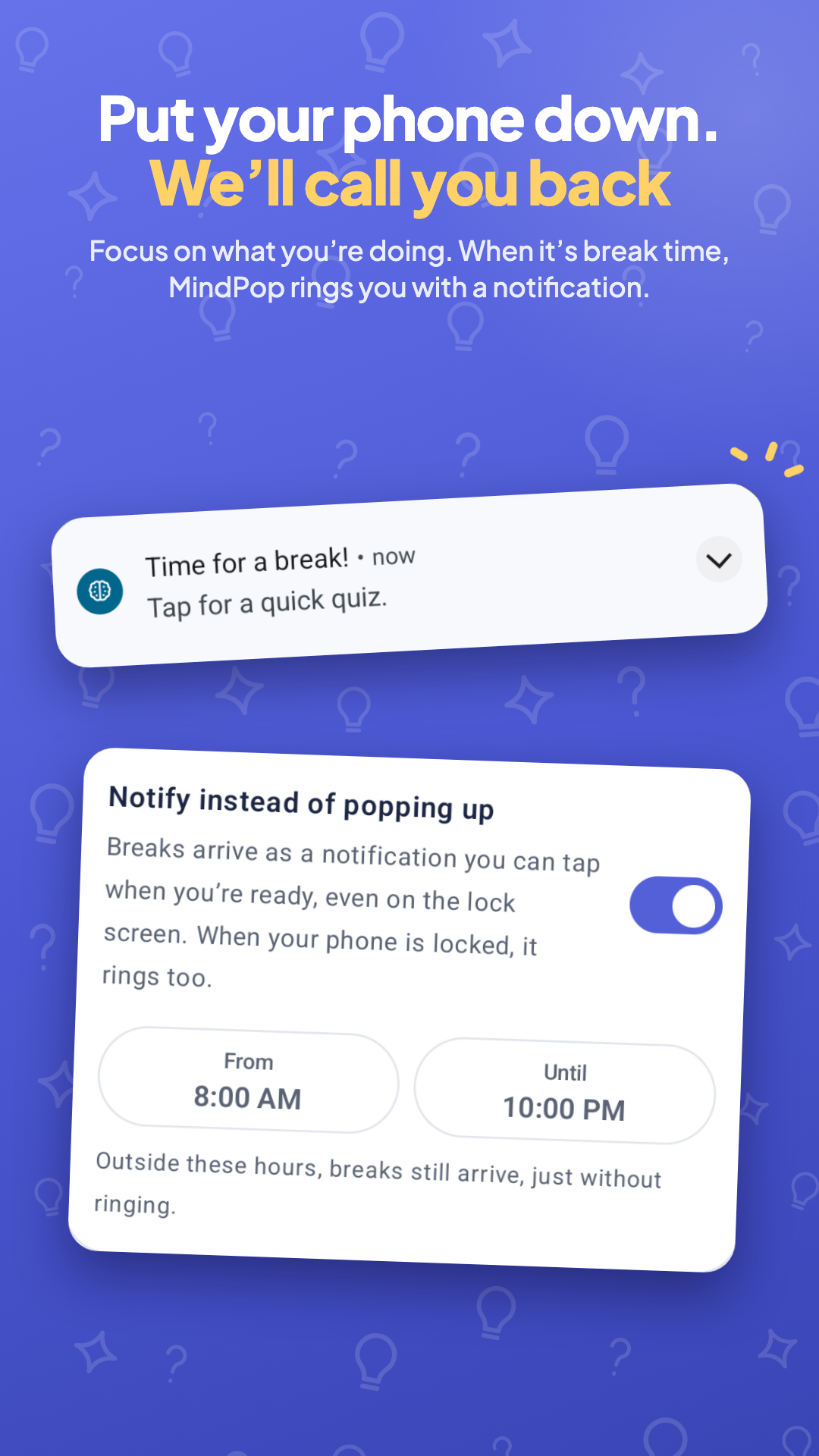
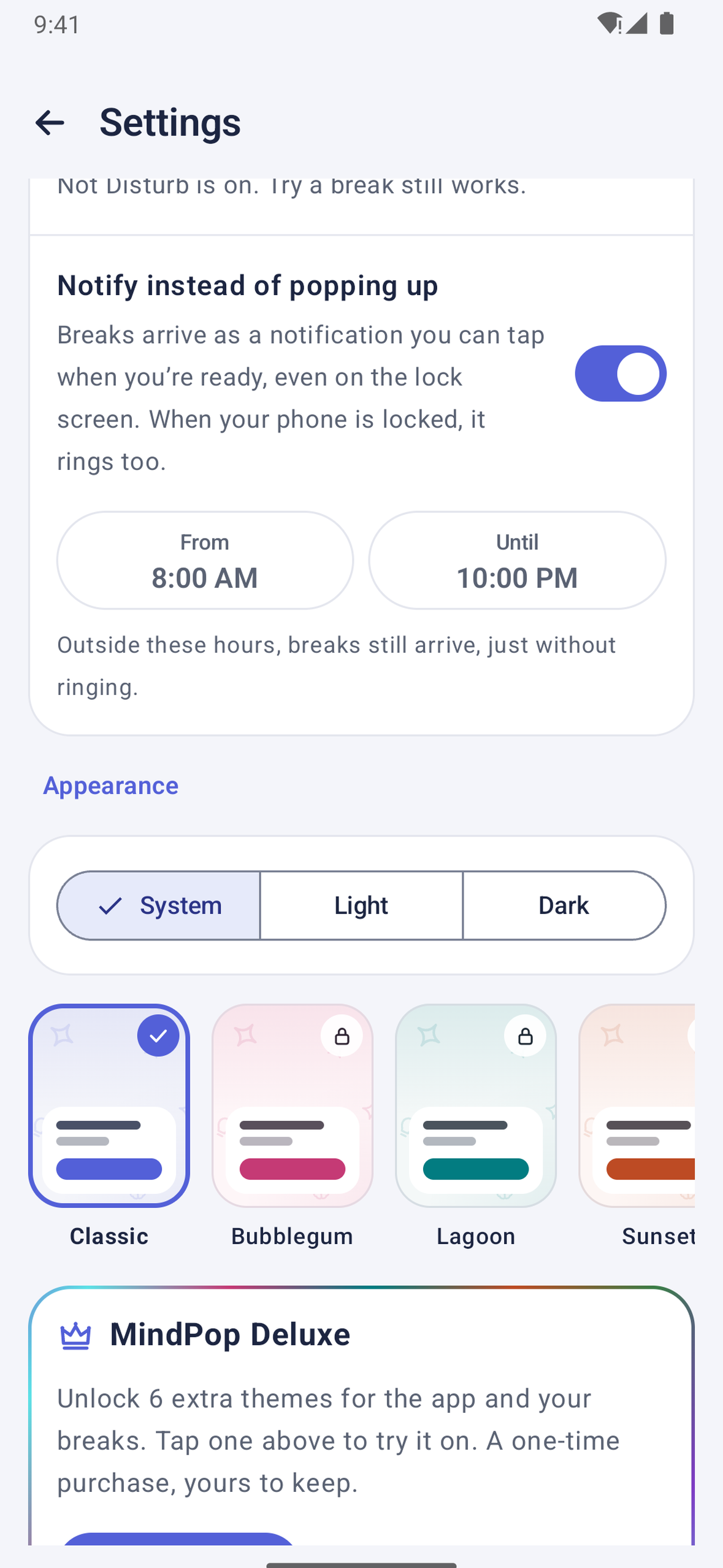
- Notification mode for anyone who'd rather not have breaks pop up on screen
- Gentle chime when your phone is set down, only during the hours you choose
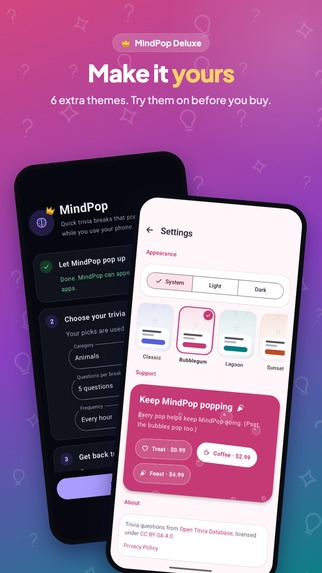
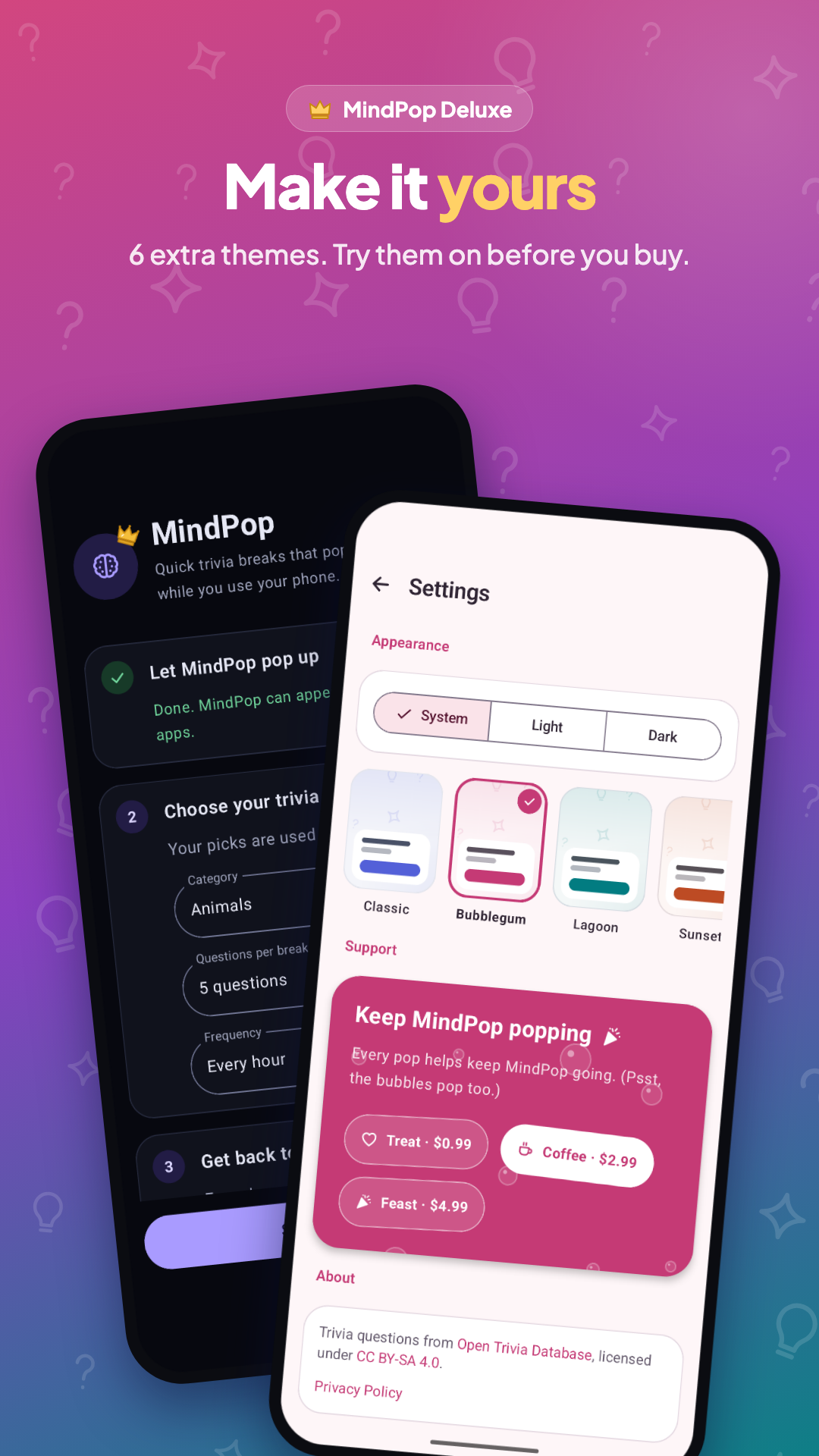
- MindPop Deluxe, a one-time purchase that adds 6 extra themes
- Free, with no ads and no account, and your settings stay on your phone
How we built it
Android: Native Kotlin with Jetpack Compose and Material 3, plus Navigation 3 for screens and DataStore for settings. Breaks appear in a system overlay window so they show up on top of any app, and exact alarms keep them on schedule.
Trivia: Questions come from the Open Trivia Database (opentdb.com) API, fetched with Ktor and kotlinx.serialization`.
Monetization: RevenueCat handles MindPop Deluxe, a one-time purchase that unlocks 6 extra themes, as well as optional tips.
Challenges we ran into
- A tight deadline and a new way of working: I started about a week before the deadline, so I brought in Claude to help write the code even though I'd planned to do it all myself. I'd never relied on AI this much before, so I also had to learn how to guide it and review what it wrote.
- Getting to the trivia fast: The first version loaded questions before showing the pop-up, which could delay it by a few seconds. Now the pop-up appears right away and loads questions in the background, and the start button shows a spinner if they're not ready yet. It's not perfect, and prefetching questions ahead of time is next.
- Monetizing without locking features: I don't like putting features behind a paywall, so everything that matters is free. Deluxe only unlocks extra themes.
- Using Compose in an overlay: Compose is built to run inside an Activity, so using it in a system overlay window meant wiring up its lifecycle by hand and making sure it's always cleaned up properly.
- Phones that block breaks: Some manufacturers' battery savers stop breaks from appearing, and Xiaomi phones also have a hidden permission for showing on the lock screen. I used exact alarms for timing and added a troubleshooting section in the app, including a shortcut to Xiaomi's lock screen permission.
Accomplishments that we're proud of
- Launched on the Play Store in about a week, from the first line of code to a live app with in-app purchases and a store listing.
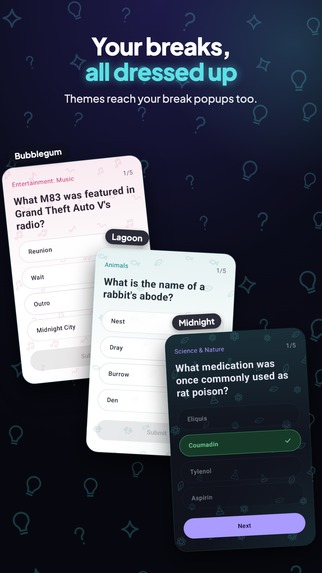
- The look and feel: each category has its own doodle wallpaper that bounces when you answer correctly, and there are themes that give every break some personality.
- Keeping it fair: MindPop is free, with no ads and no account, and all core features are free. Only extra themes cost money.
- Working through the challenges: a tight deadline, new technical problems, and a new way of building, and still shipping something I'm happy with.
- Learning to build with AI: I moved faster than I could have alone while still understanding and owning every part of the code.
What we learned
- Compose works outside an Activity: by setting the lifecycle, ViewModel store and saved state owners yourself, you can run Compose in a system overlay window.
- Phone makers have their own rules: some manufacturers block scheduled alarms to save battery, and some go as far as blocking apps from showing on the lock screen unless you find the right hidden setting.
- AI is a real teammate: Claude helped me build in a week what would have taken me much longer alone, and let me spend my time on decisions instead of boilerplate.
- RevenueCat makes purchases painless: setting up in-app purchases and checking what a user owns took a few lines of code instead of days of billing logic.
And a lot of random trivia :)
What's next for MindPop
- More kinds of breaks: true/false trivia first, then math questions, puzzles, fun facts, or anything fun that takes a minute.
- A more playful design across the whole app, not just the breaks.
- More Deluxe customization beyond themes.
- Faster and smoother: prefetching questions so breaks start instantly, and adding a Baseline Profile to speed up app startup.
Built With
- android
- android-studio
- claude
- jetpack-compose
- kotlin
- opentdb
- revenuecat


Log in or sign up for Devpost to join the conversation.