-
-
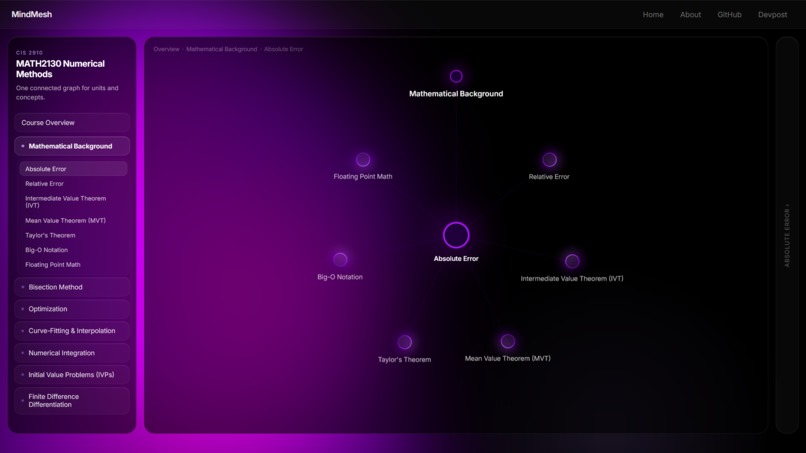
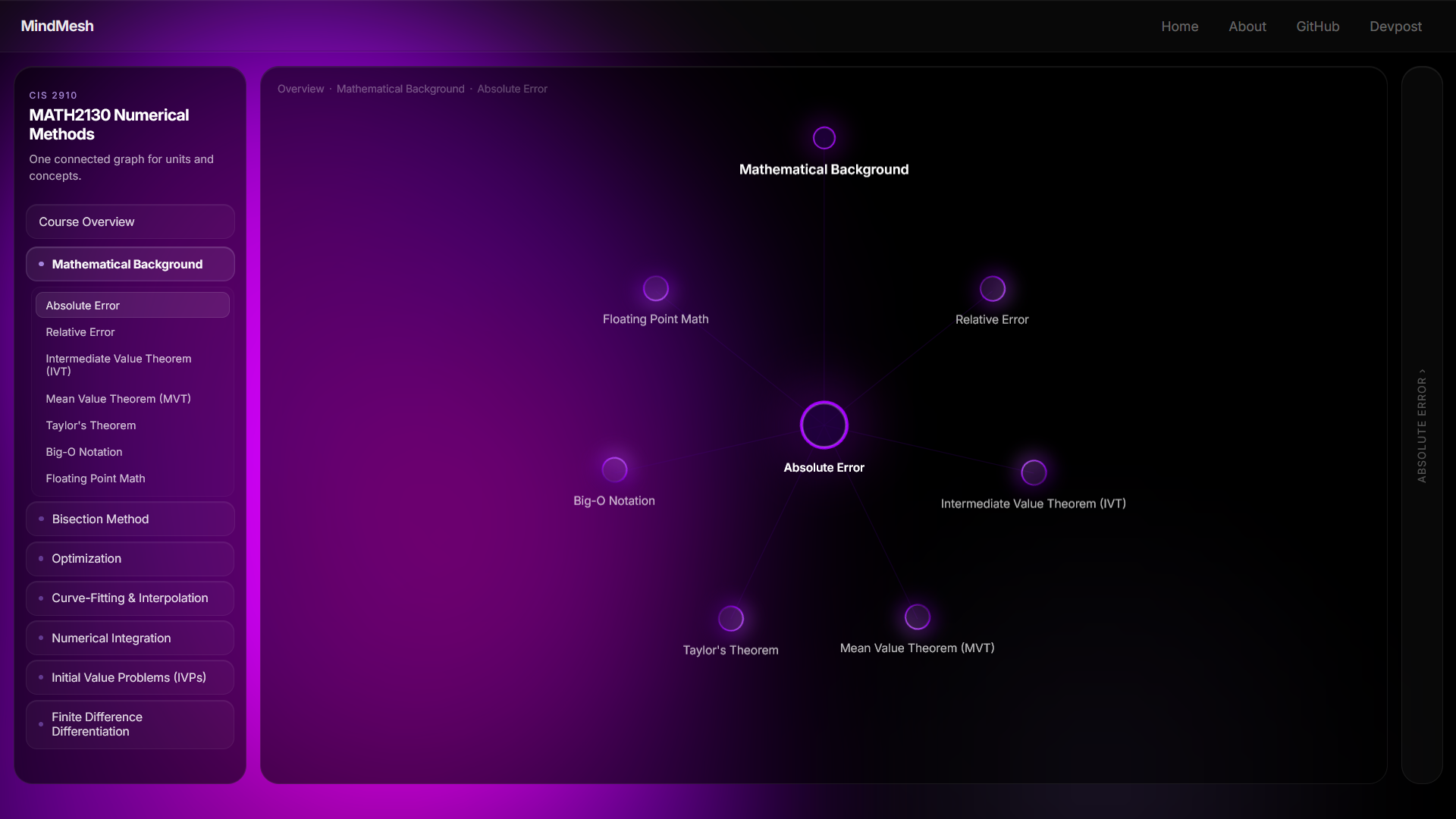
Concept Nodes
-
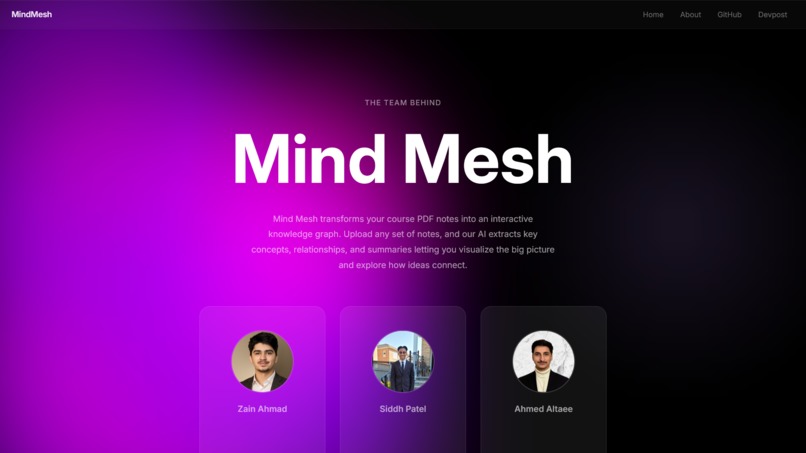
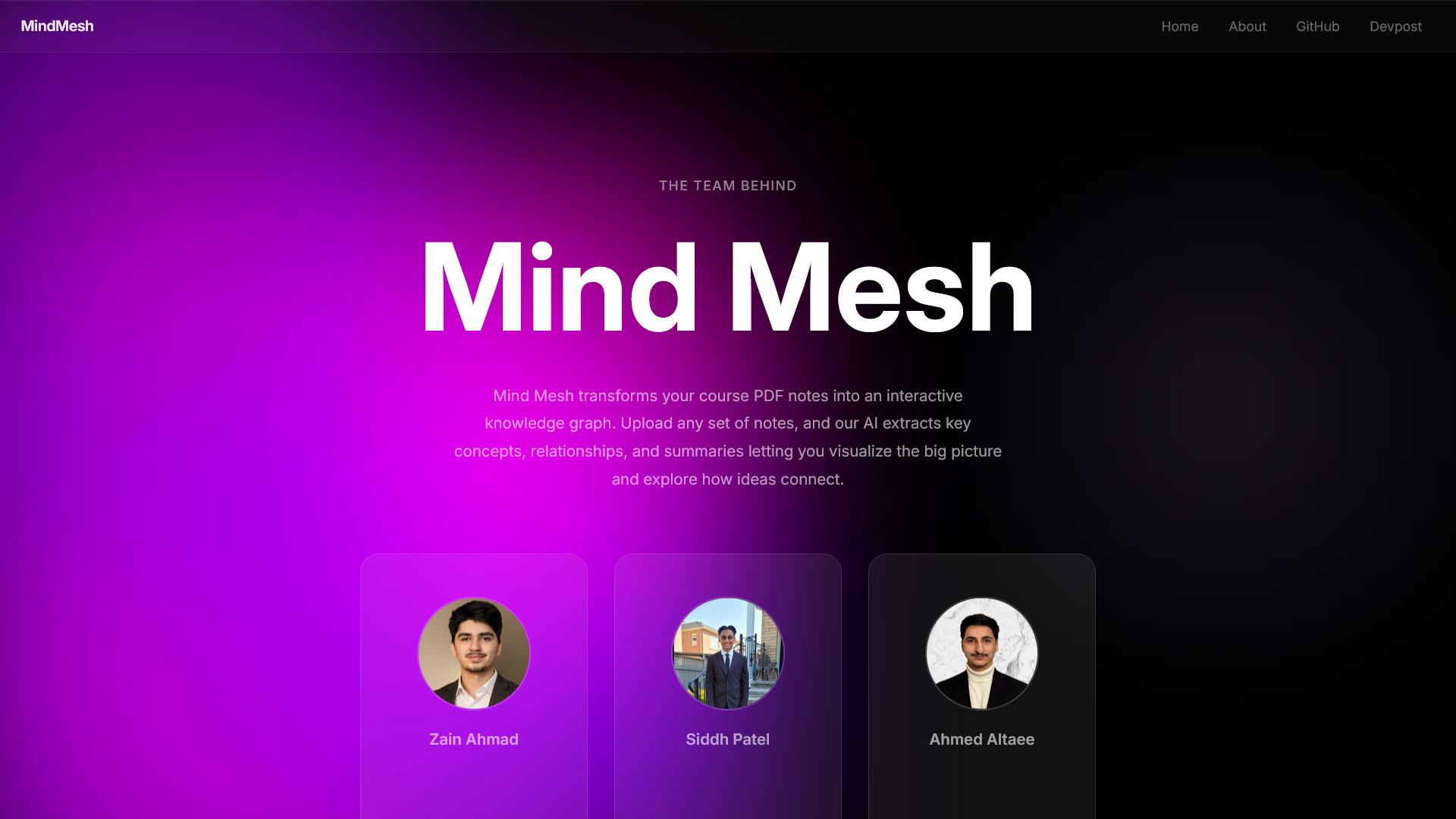
About Us
-
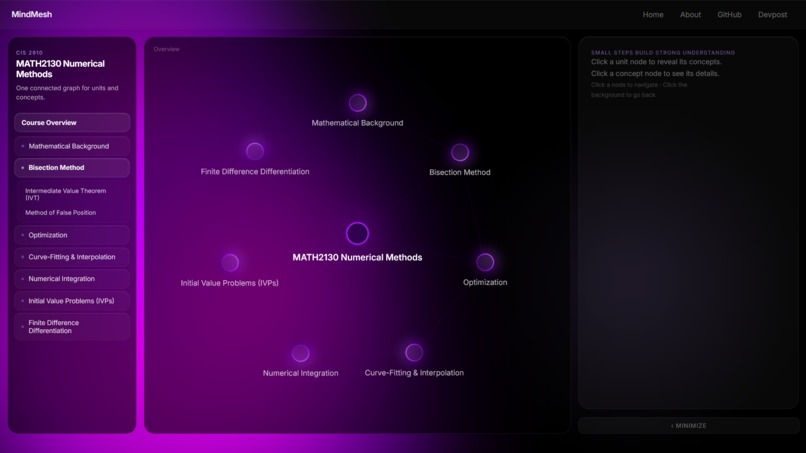
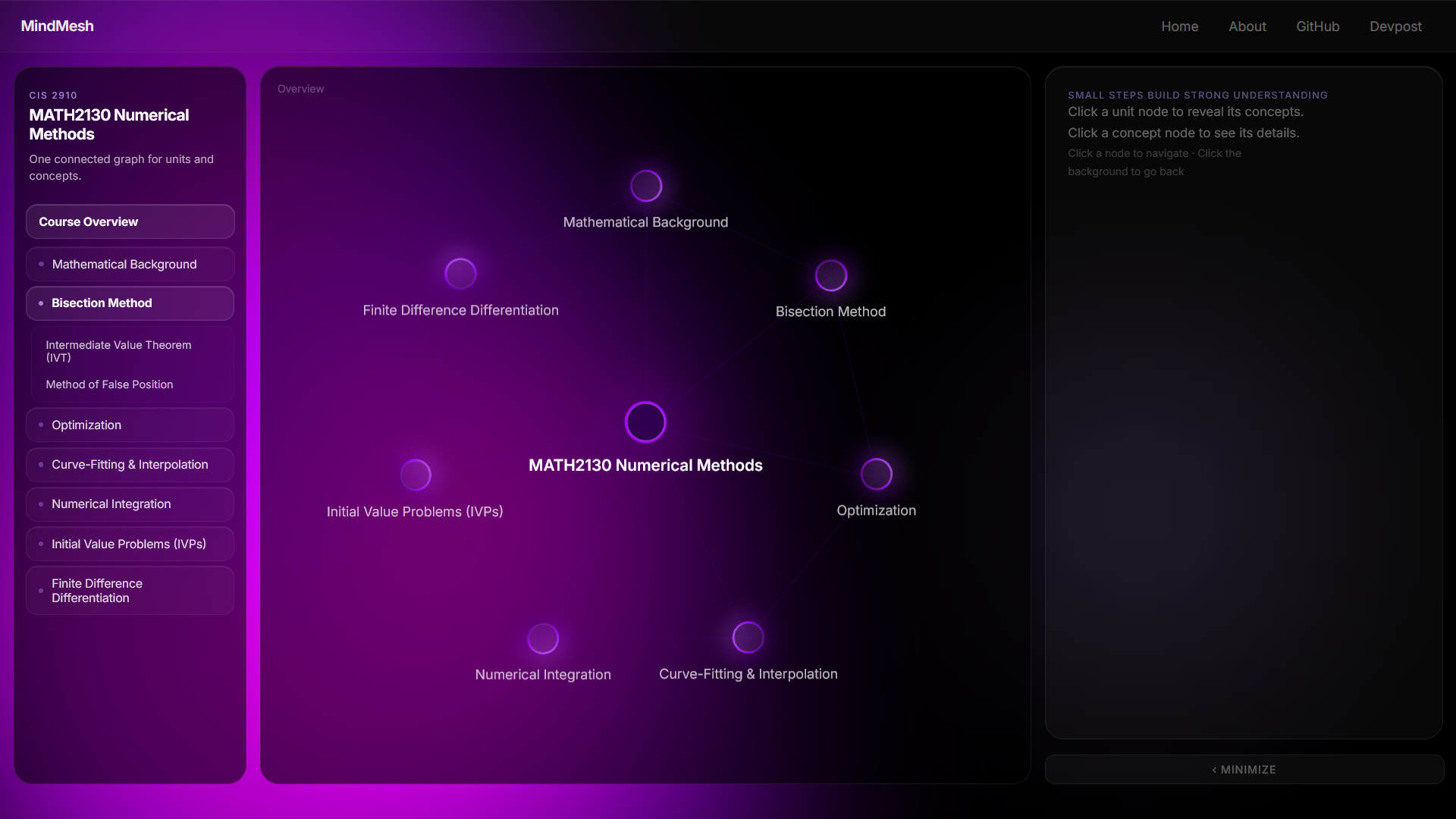
Navigation Bar on the left
-
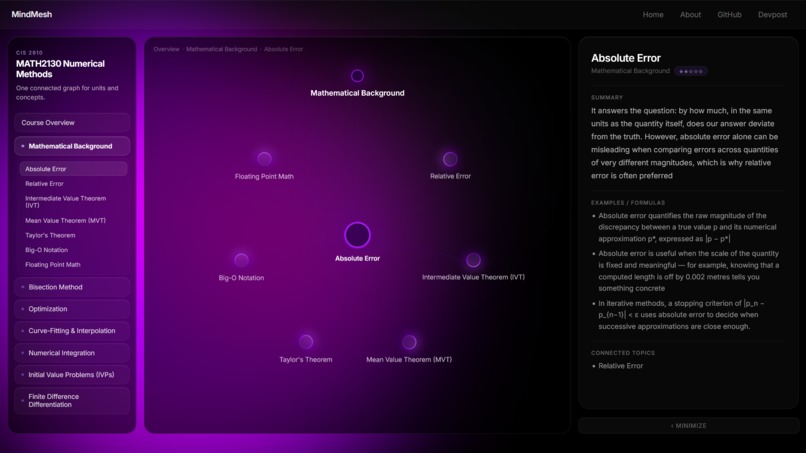
Side Panel with summaries
-
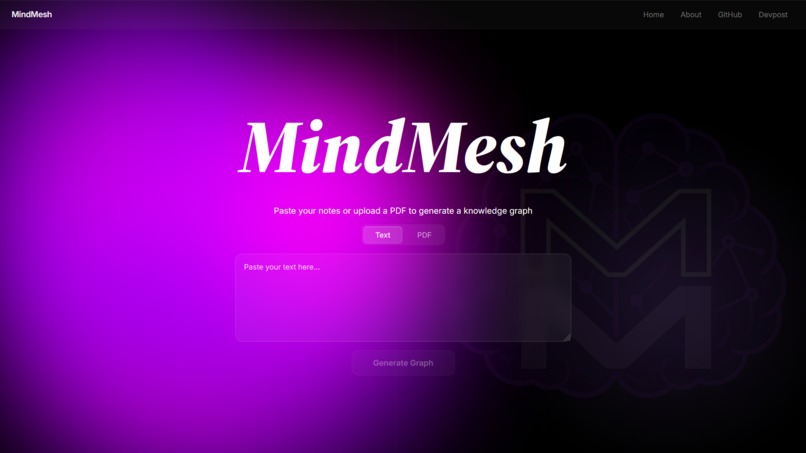
Homepage
Inspiration
Studying can get overwhelming fast, especially when courses throw huge amounts of disconnected information at students. We wanted to make studying feel less like reading endless notes and more like navigating through a visual map of knowledge.
Instead of flipping through slides or documents, we thought it would be easier if students could start with their course, break it down into units, then concepts, and actually see how everything connects.
MindMesh was inspired by the idea of making studying more interactive, organized, and honestly less painful.
What it does
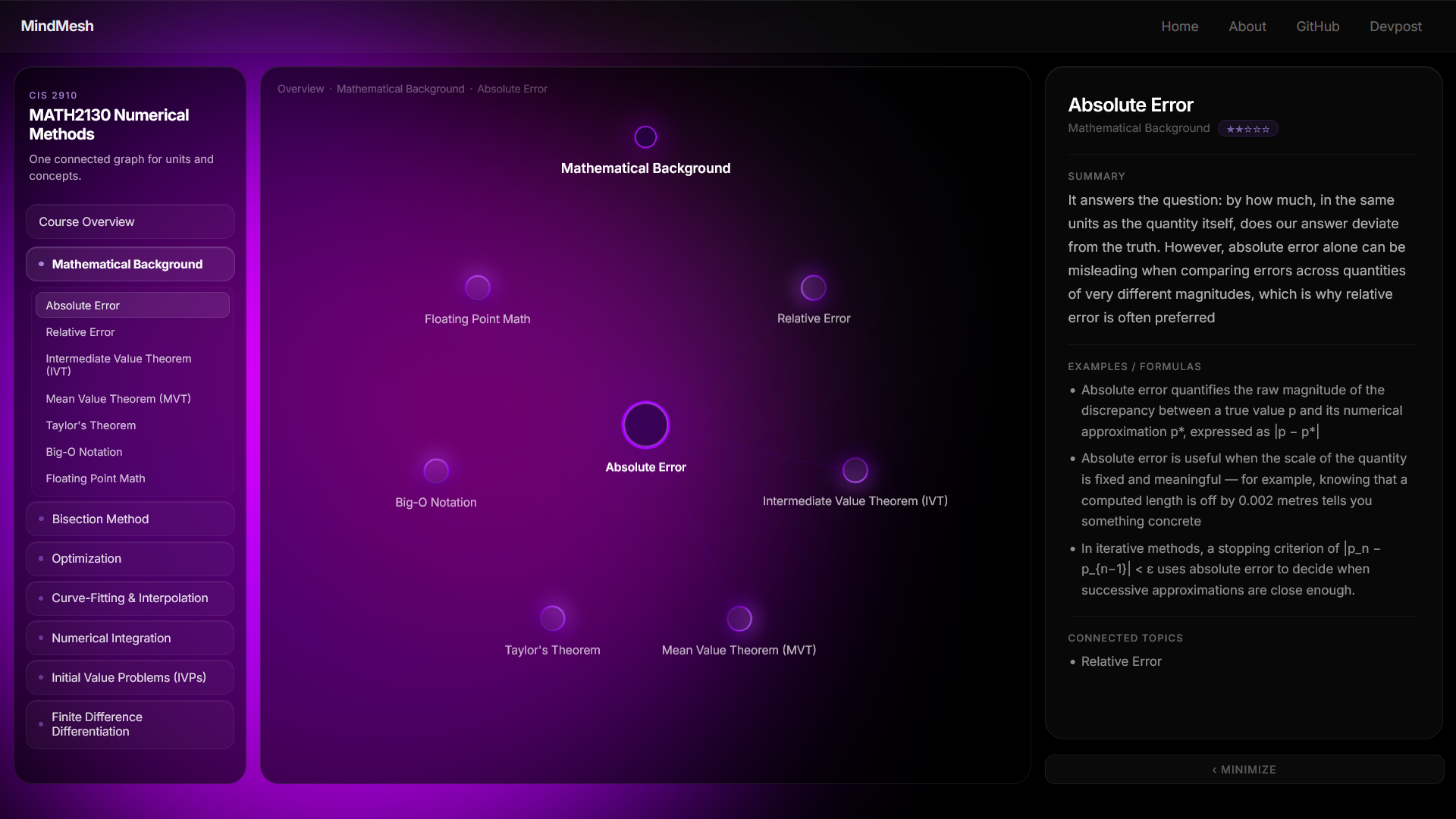
MindMesh is an AI-powered visual study tool that transforms course content into an interactive node graph.
Users start at their main course page, then click into units, concepts, and detailed summaries.
Each concept includes:
- Concise explanations
- Formulas or examples
- A Read More option for deeper understanding
For example:
$$ |P(A)| = \frac{2}{|A|} $$
Or inline notation like:
( f : X \rightarrow Y )
Instead of memorizing isolated information, students can focus on how concepts actually connect.
How we built it
We built MindMesh using:
- React for frontend development
- React Flow for the interactive node graph structure
- JSON for scalable course/unit/concept data organization
- Tailwind CSS + custom styling for UI design
This allowed us to create a system where students navigate through:
Course → Units → Concepts
React state management was used to control:
- Node transitions
- Unit navigation
- Concept displays
- Read More interactions
Challenges we ran into
One of our biggest challenges was making the graph feel both functional and visually clean.
Early versions were:
- Too cluttered
- Hard to navigate
- Not intuitive enough
We also had to rethink how students should move between concepts without getting lost.
Another challenge was structuring educational content into a hierarchy that visually made sense, since different topics naturally branch in different ways.
Balancing usability, scalability, and design took a lot of trial and error.
Accomplishments that we're proud of
We’re proud that we turned a simple studying concept into something that actually feels modern and interactive.
Key wins
- Built a functional node-based learning system
- Created a polished UI from an initially rough prototype
- Designed a scalable structure for multiple courses
- Solved a real problem students deal with daily
Most importantly, MindMesh feels practical rather than gimmicky.
What we learned
Through building MindMesh, we learned:
- Visual clarity is everything in UI/UX
- Graph systems like React Flow are powerful for educational tools
- Structured JSON makes scaling content significantly easier
- User experience often matters just as much as functionality
We also learned that building something useful means constantly adapting based on what actually feels intuitive.
What's next for MindMesh
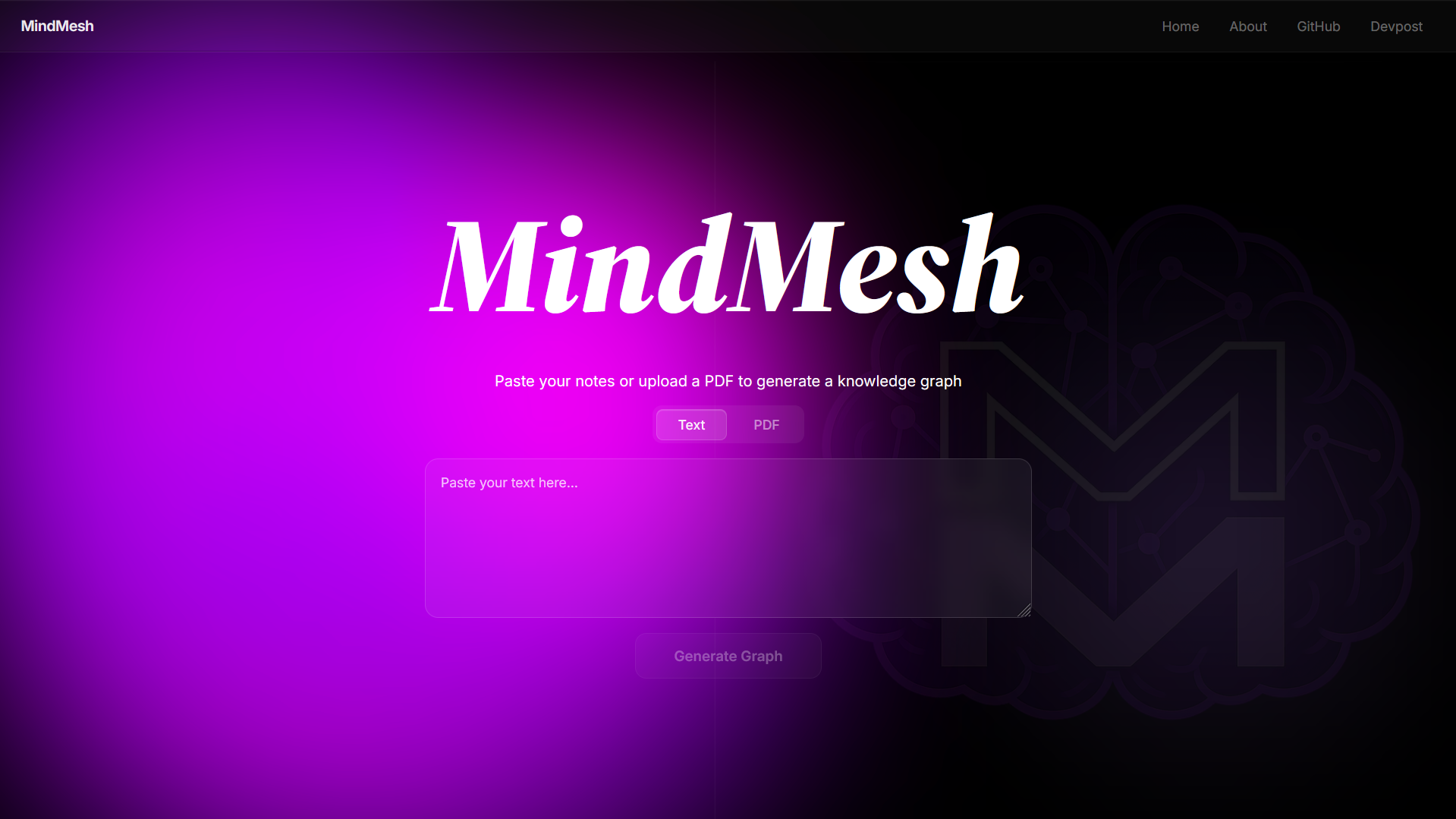
Next, we want to integrate AI note summarization so users can upload their own notes and automatically generate personalized study maps.
Planned features
- Light theme
- Progress tracking
- Practice quizzes
- User login
- Multiple mind maps across courses
For example:
$$ \text{Learning Efficiency} \propto \text{Recall} \times \text{Repetition} $$
Long term, we want MindMesh to become more than just a visualizer.
Our goal
Help students learn smarter, not harder.

Log in or sign up for Devpost to join the conversation.