-
-
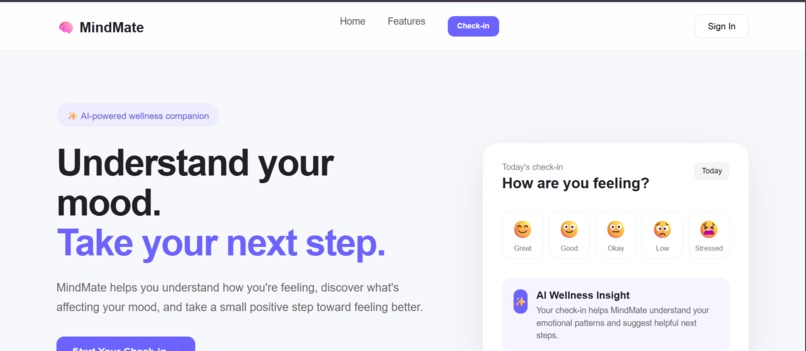
Mindmate
-
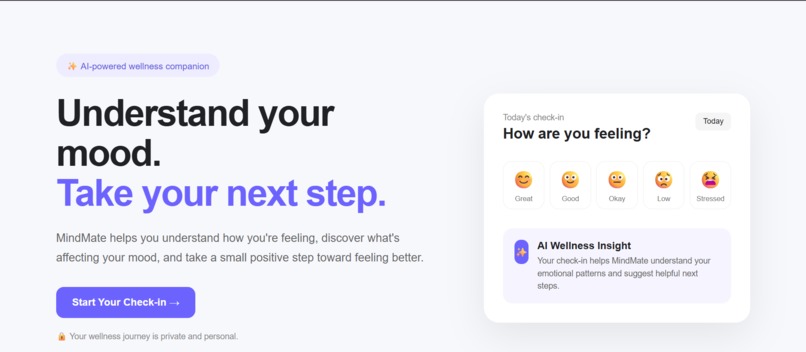
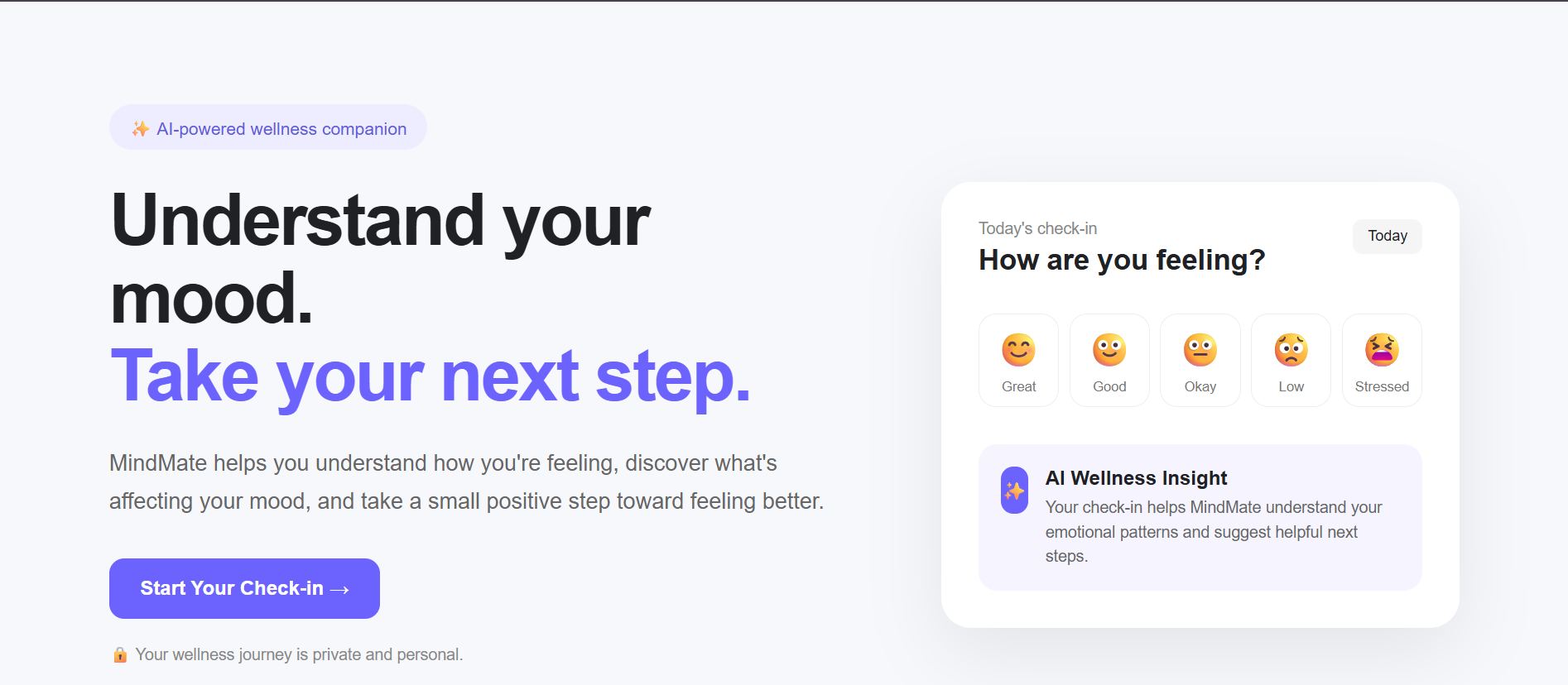
Mindmate-home Page
-
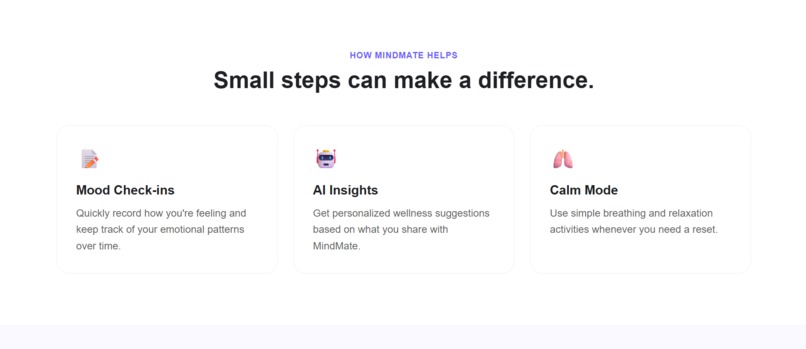
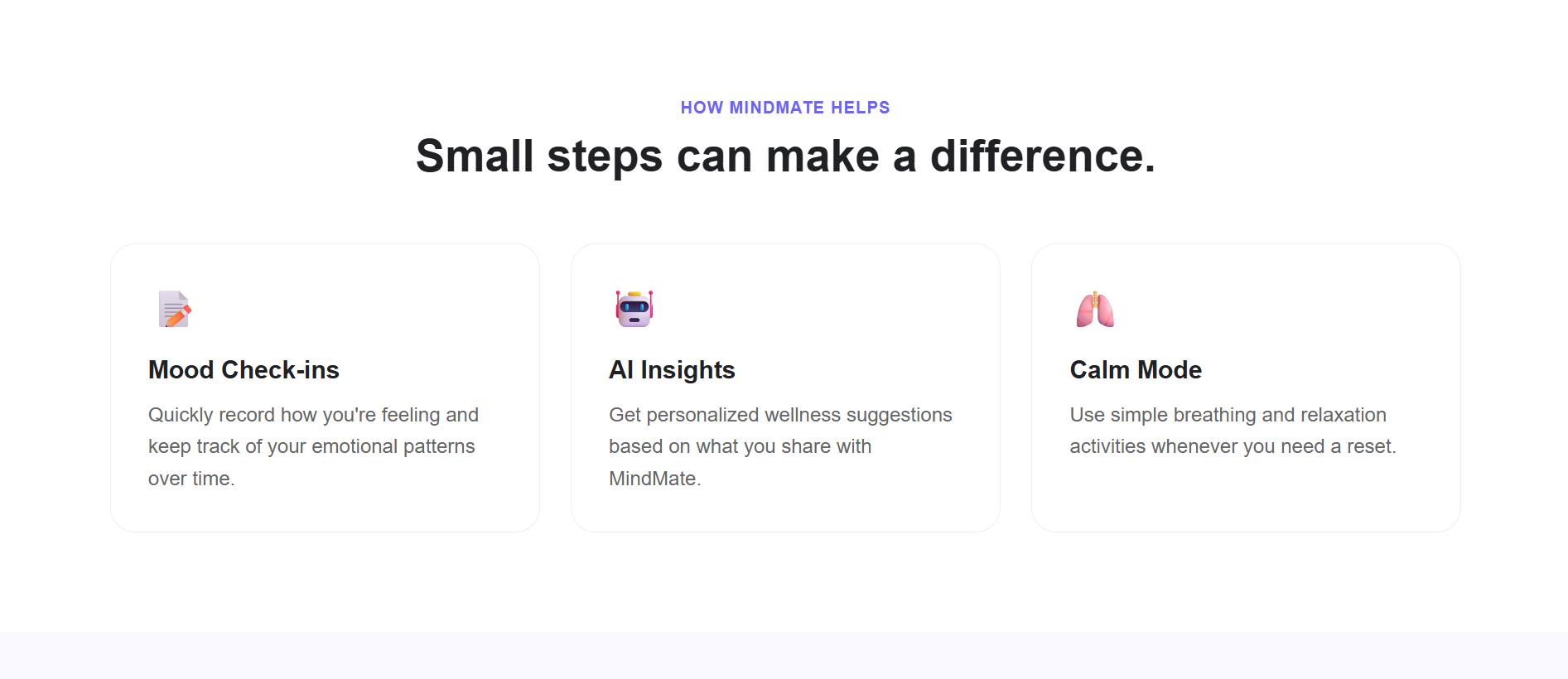
Mindmate-features page
-
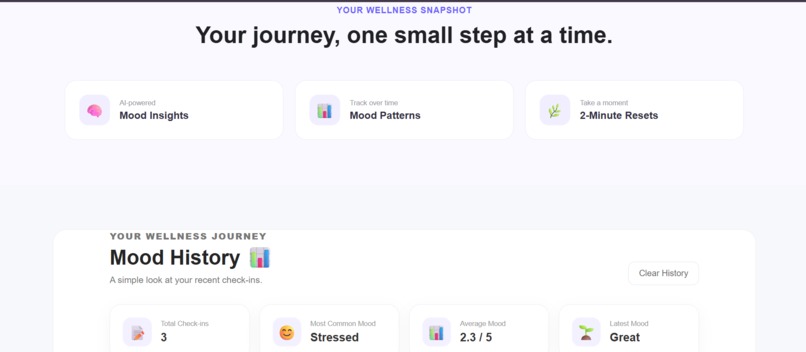
Mindmate-qualities
-
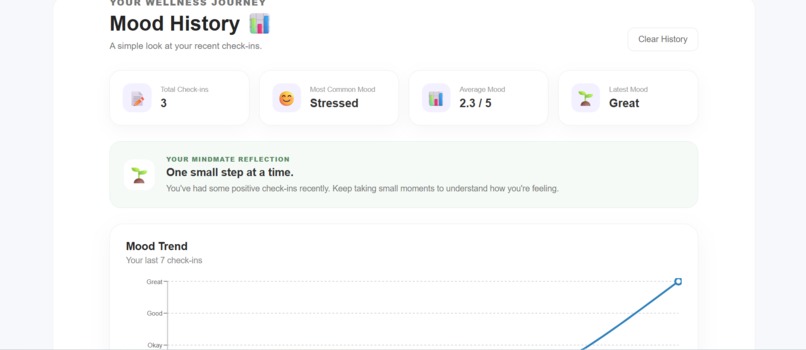
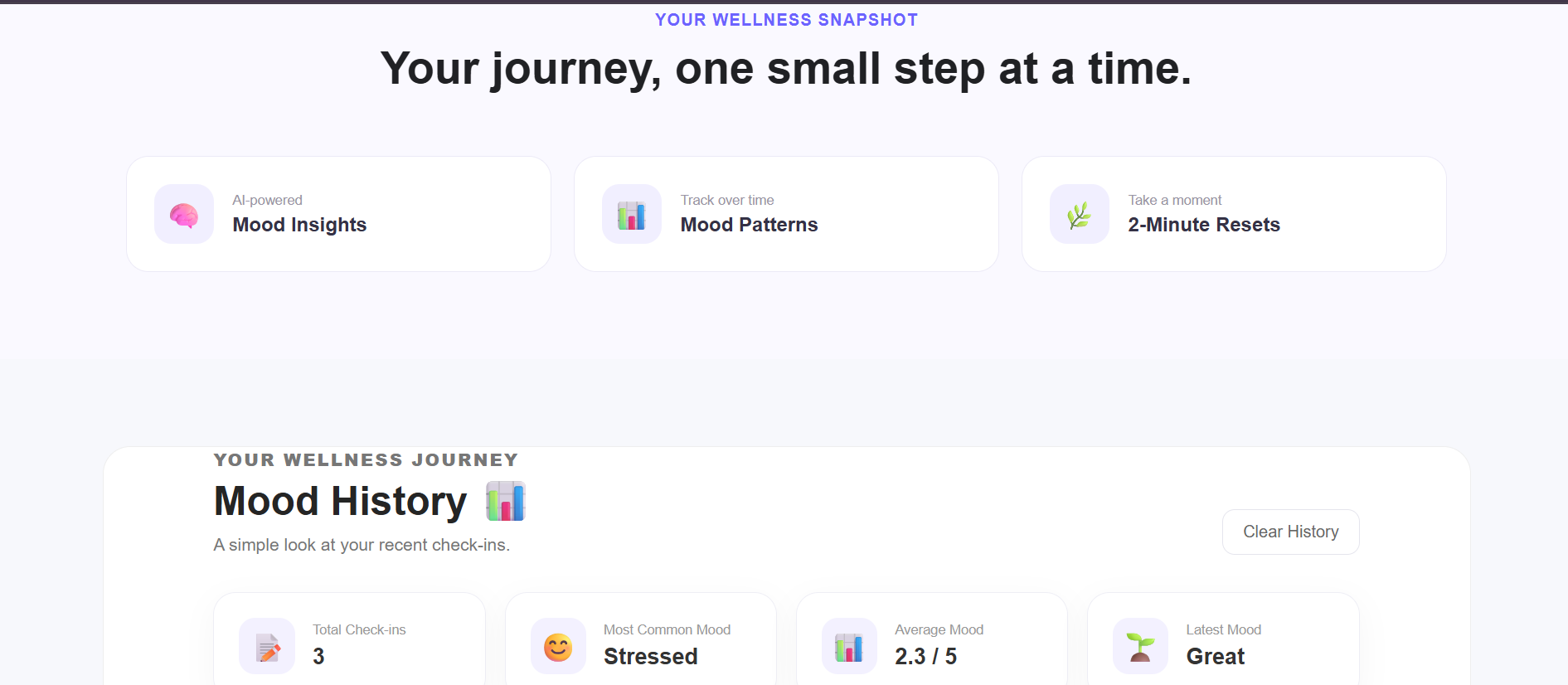
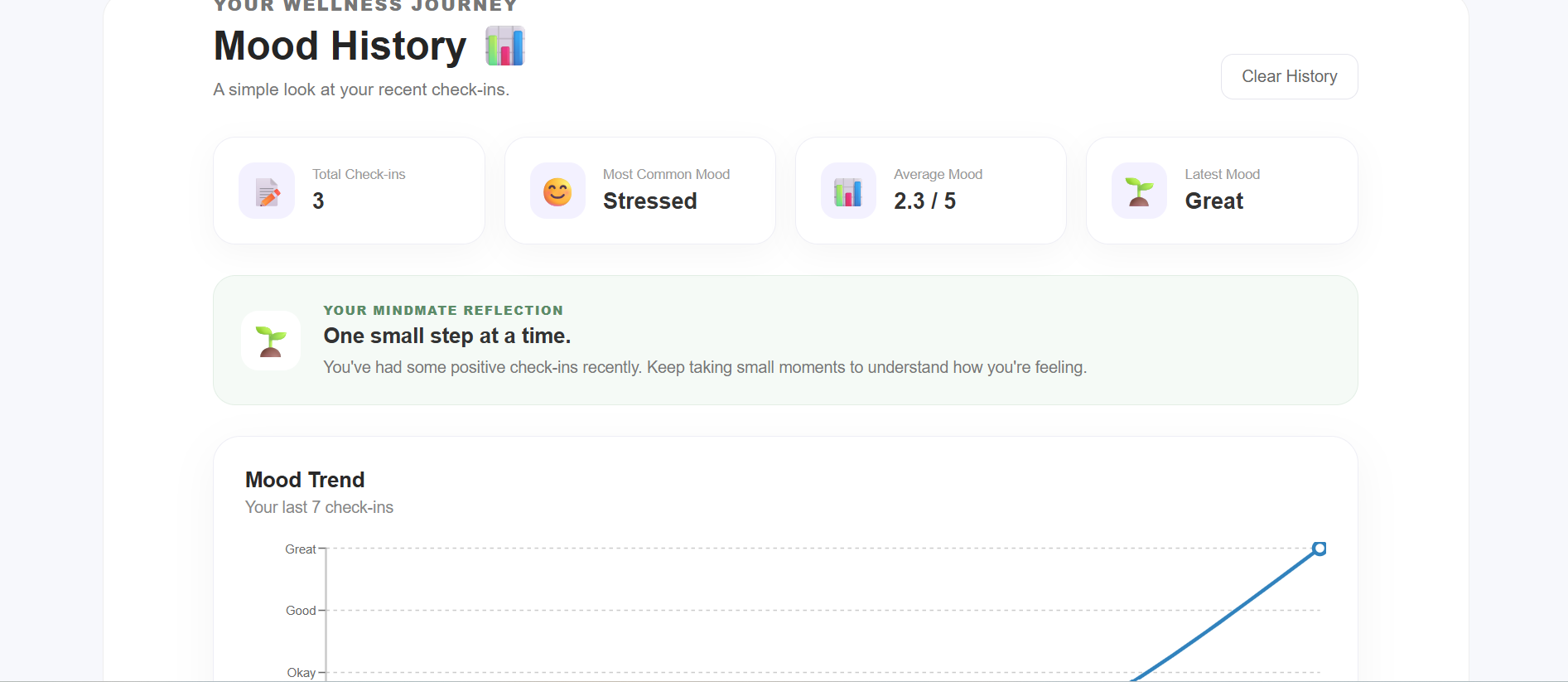
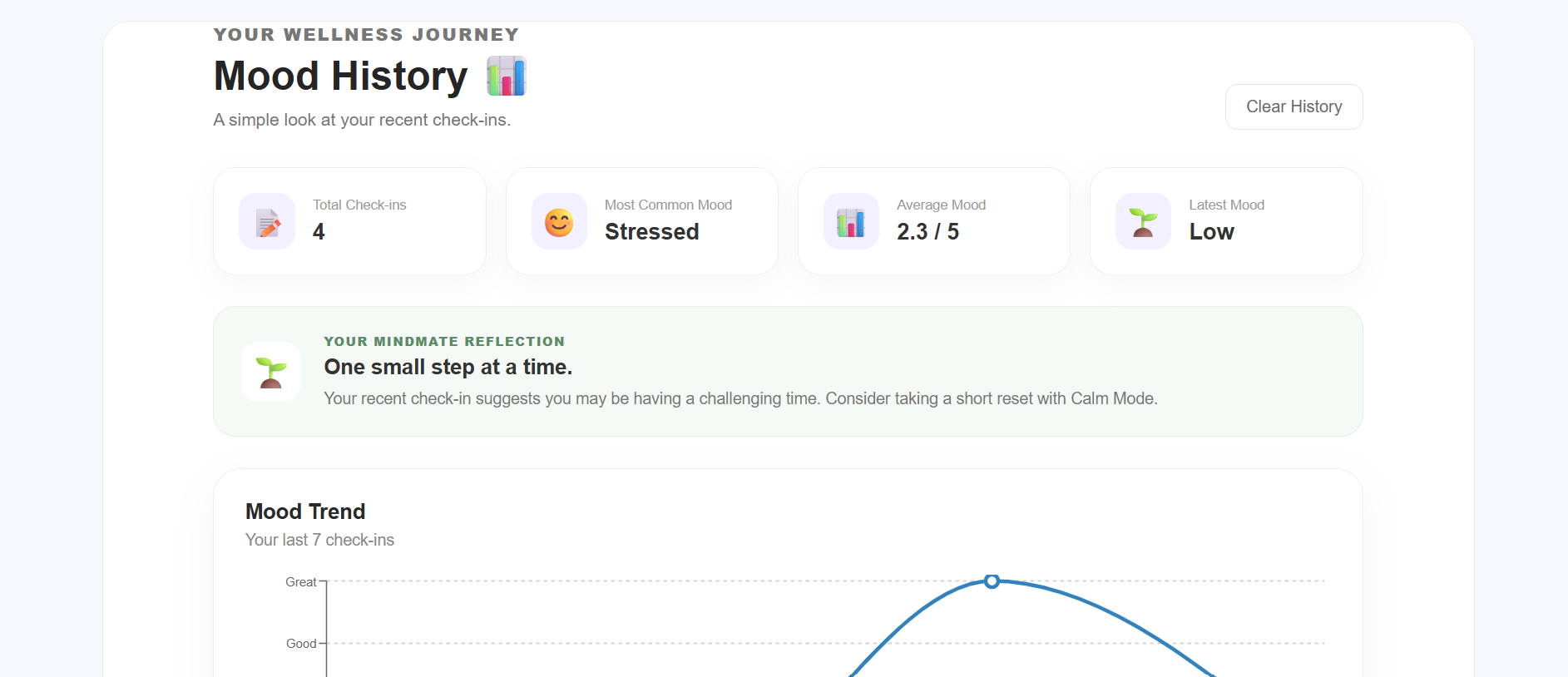
Mindmate-history page
-
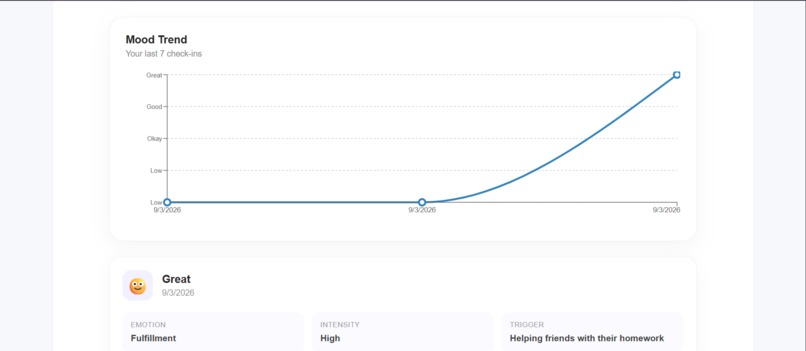
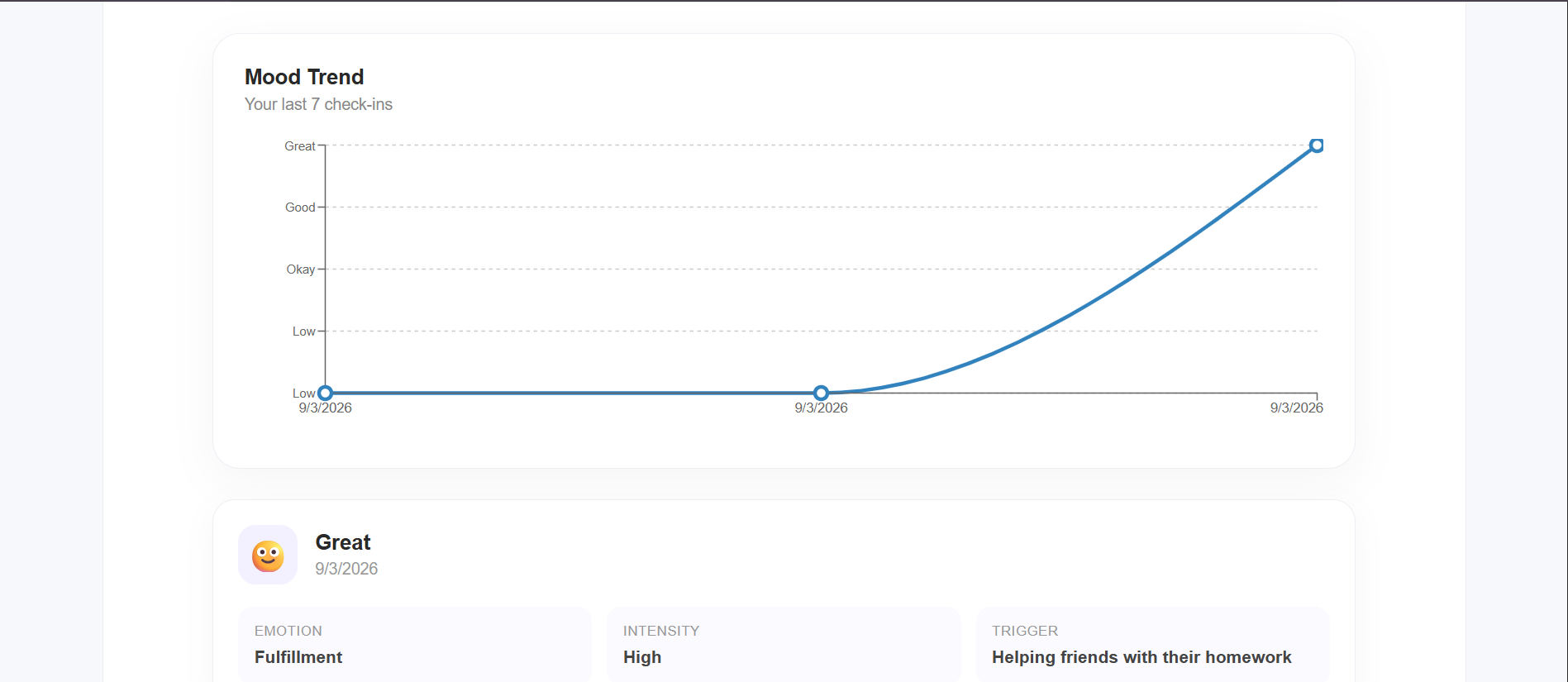
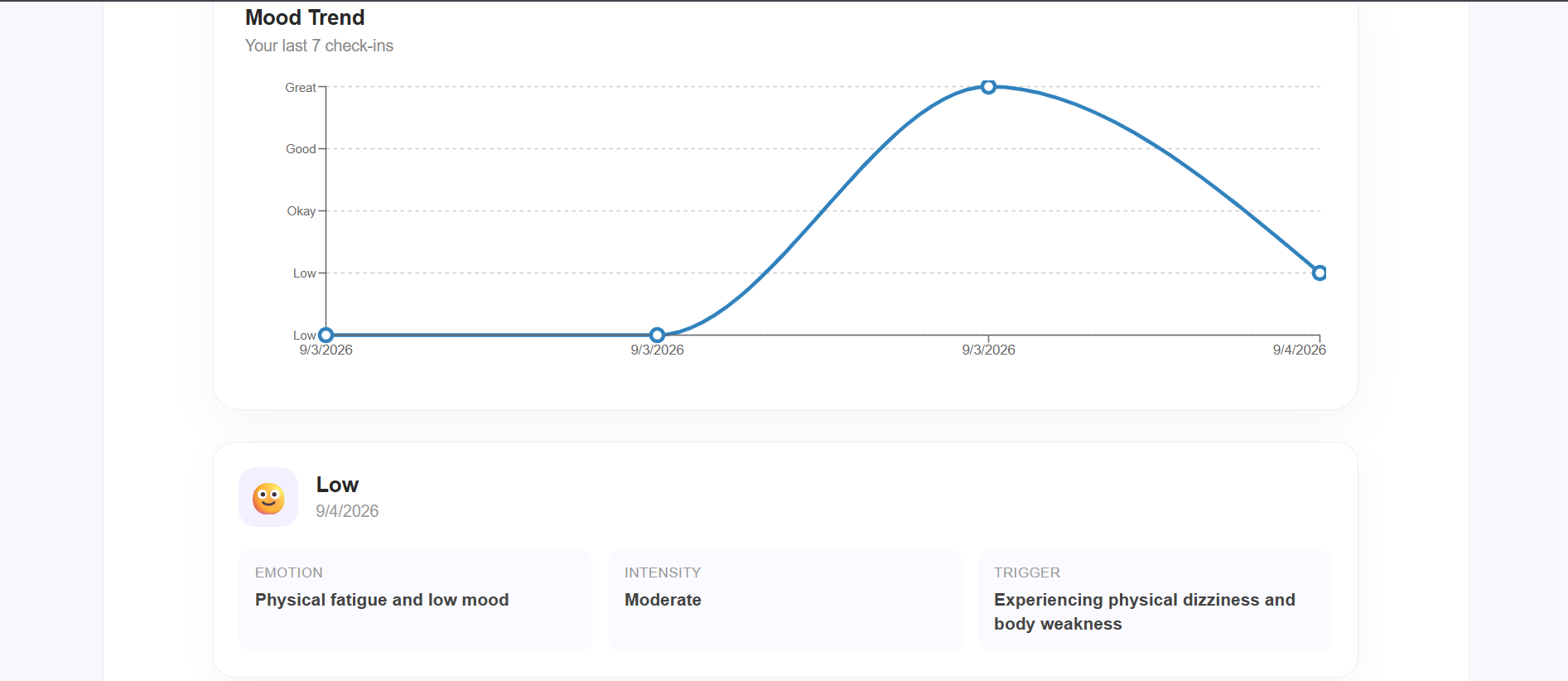
mindmate-graph of given mood data
-
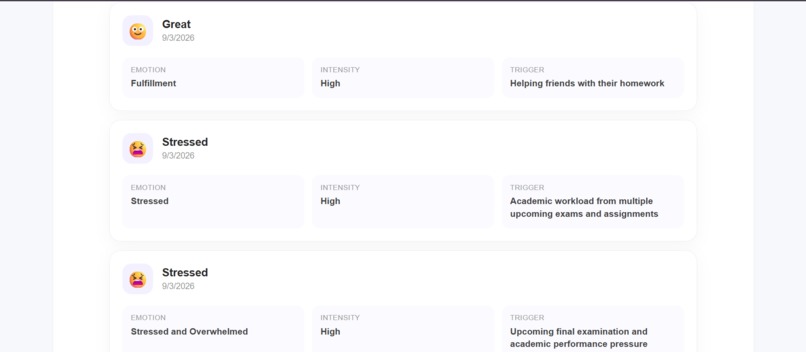
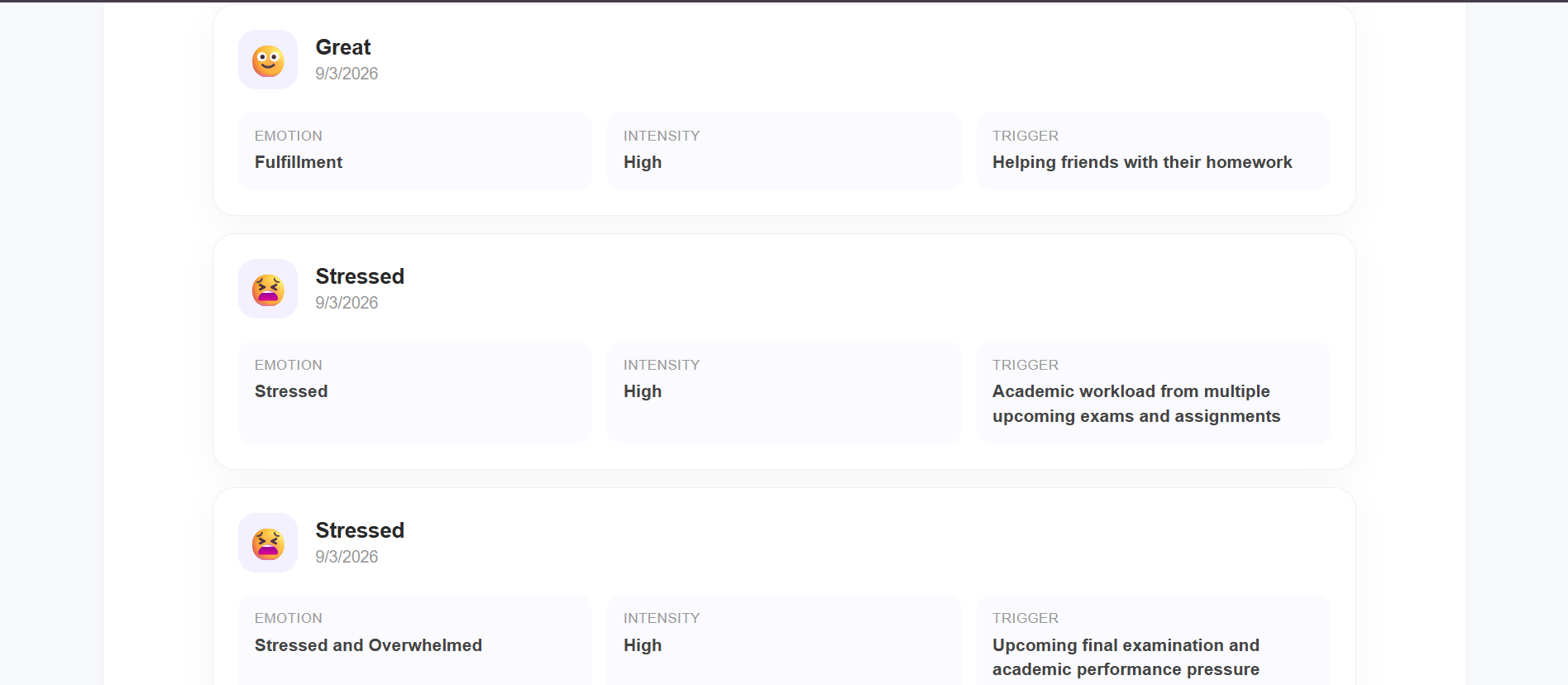
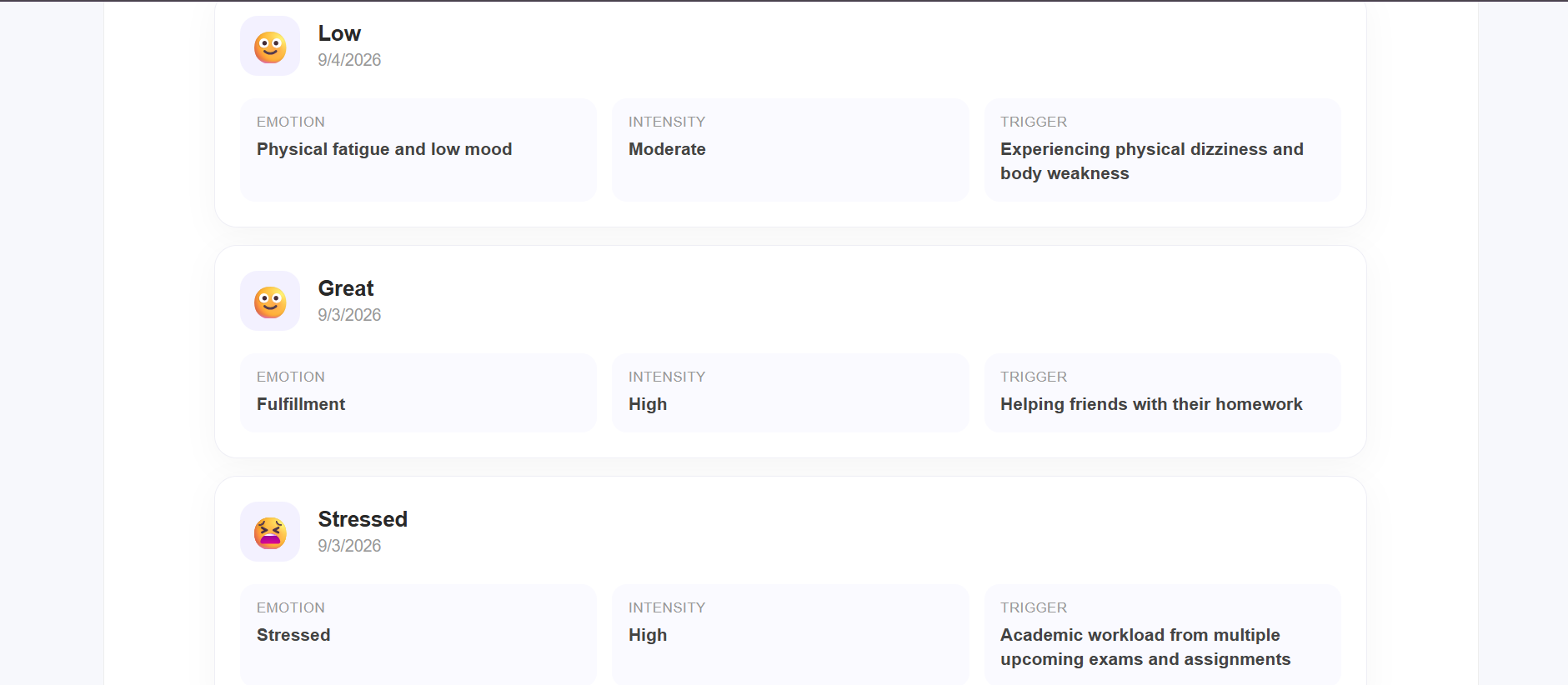
Minmate-history records
-
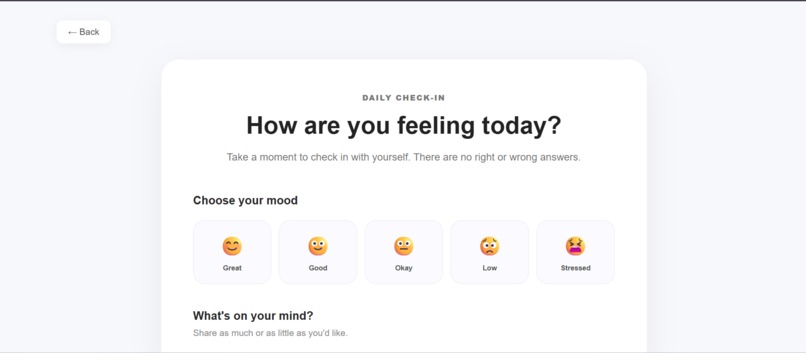
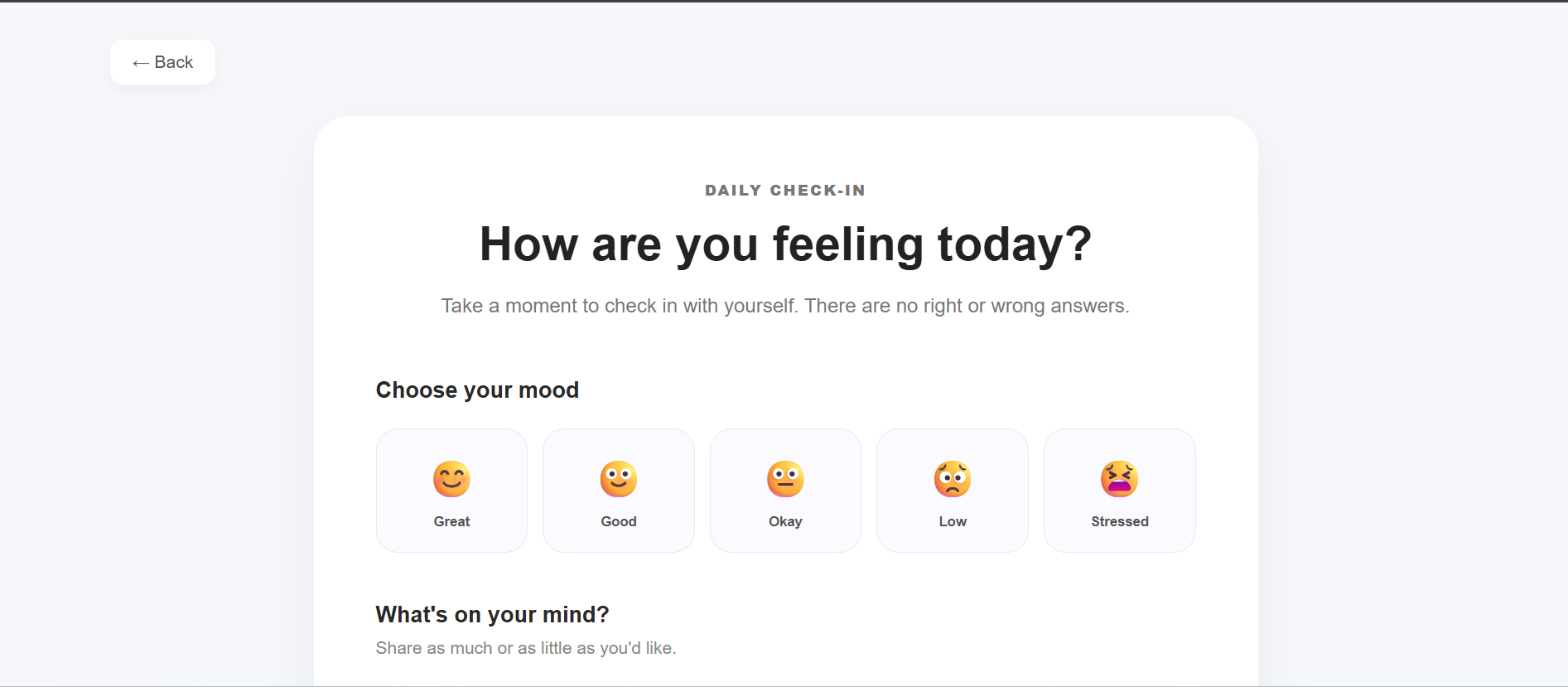
Mindmate-check-in page
-
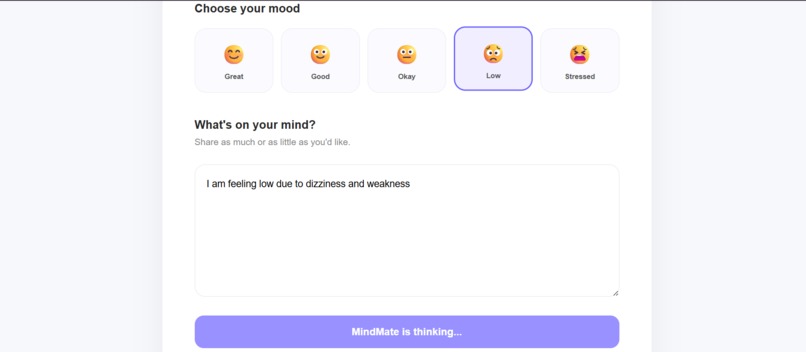
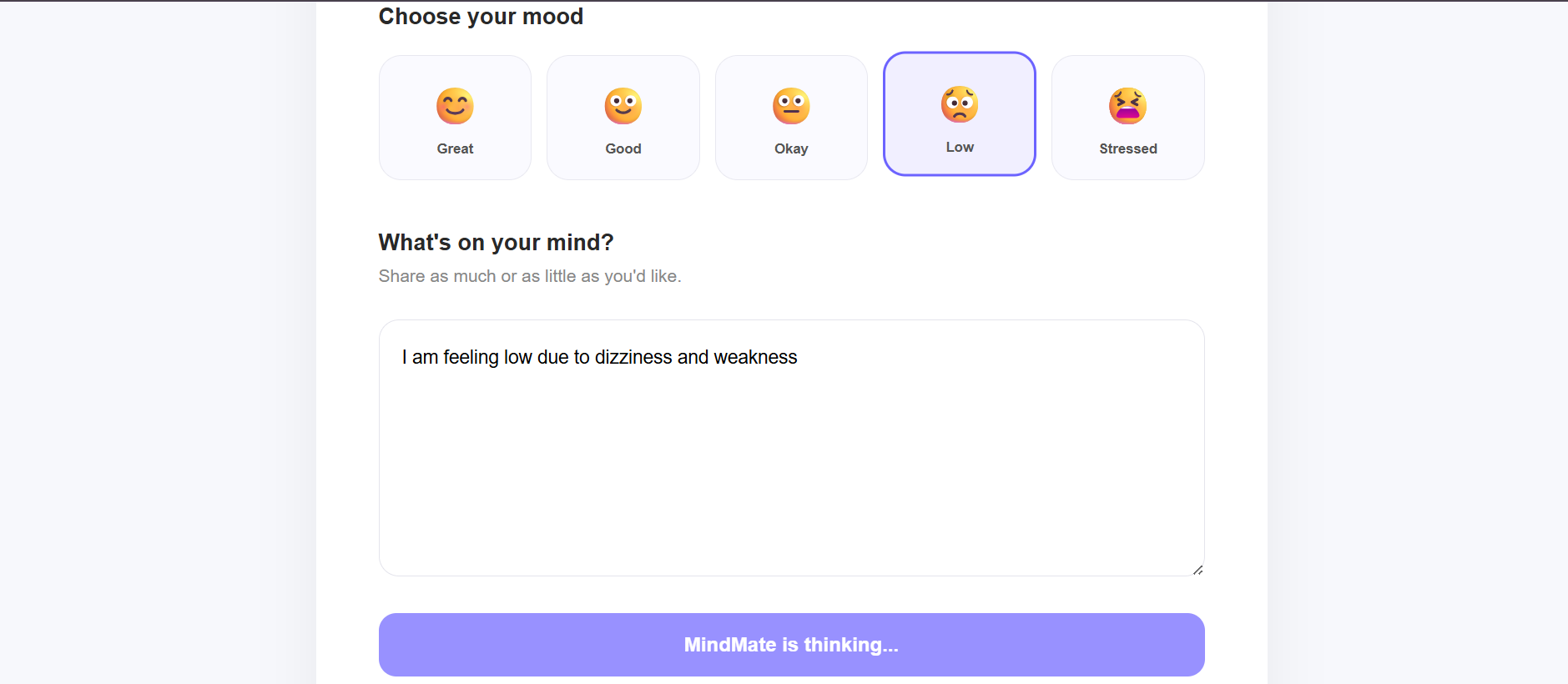
Mindmate-current mood analysis
-
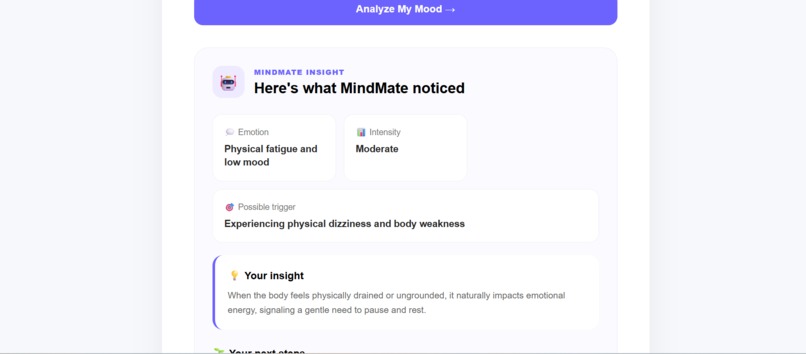
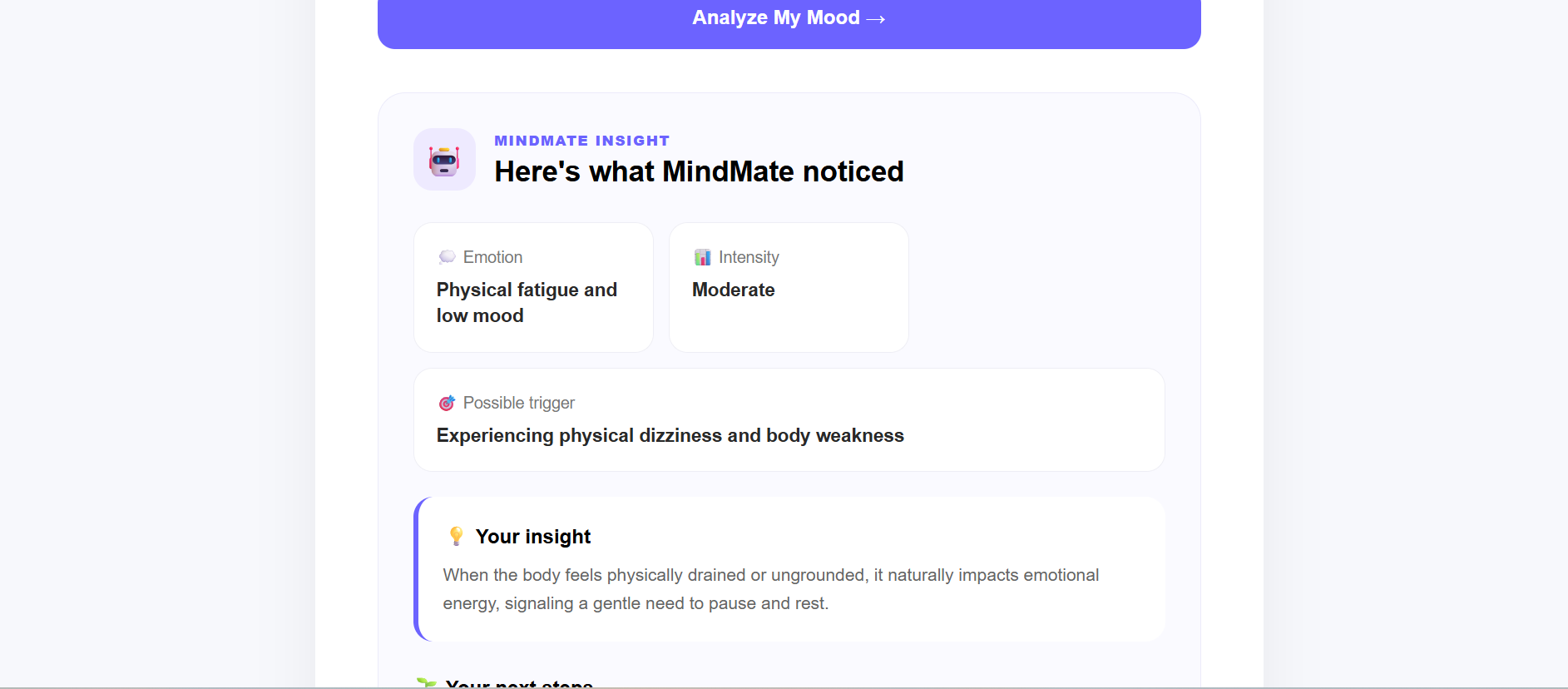
Mindmate-result of current data
-
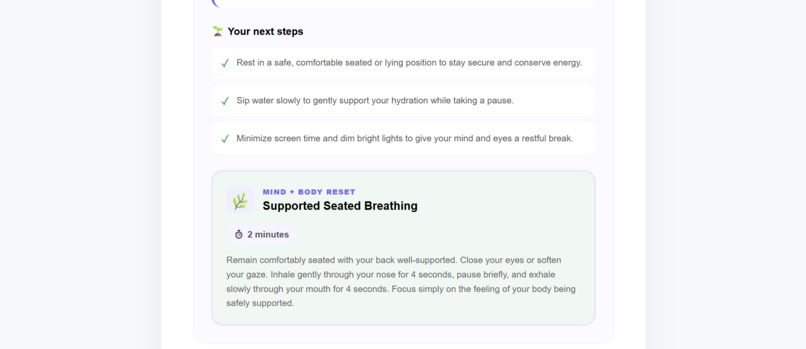
Mindmate-detailed result
-
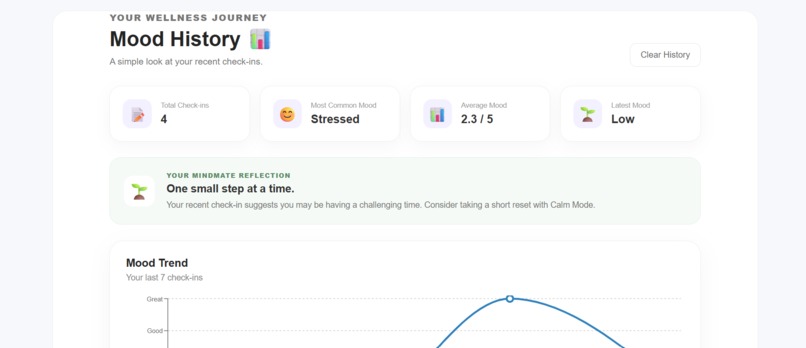
Mindmate-currentHistory
-
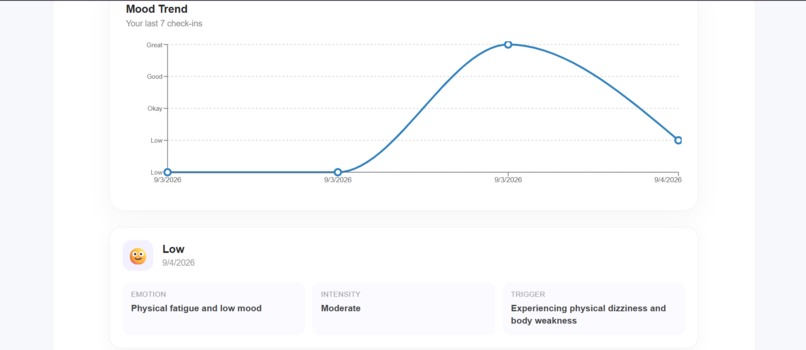
Mindmate-graph till current data
-
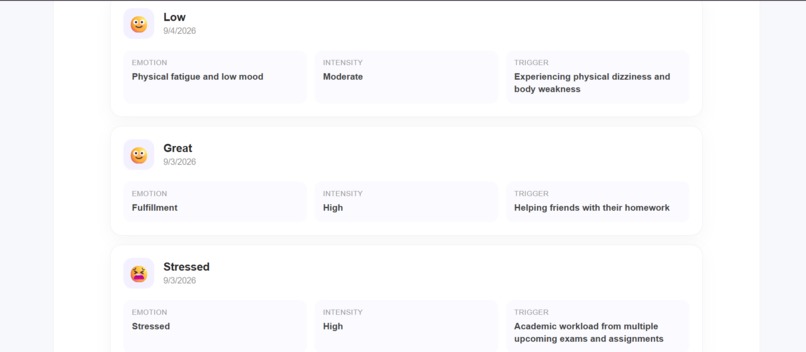
mindmate-log of current input in history
-
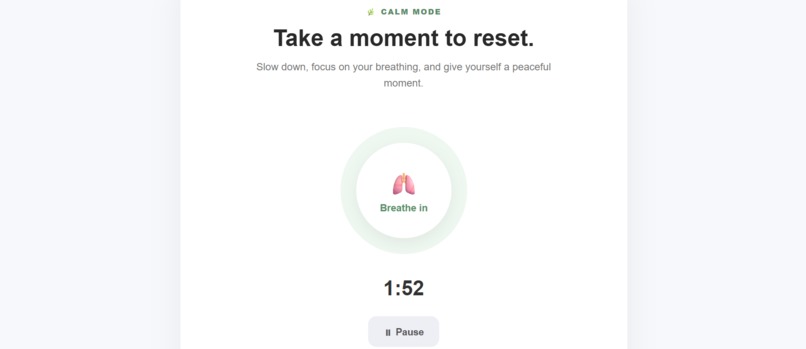
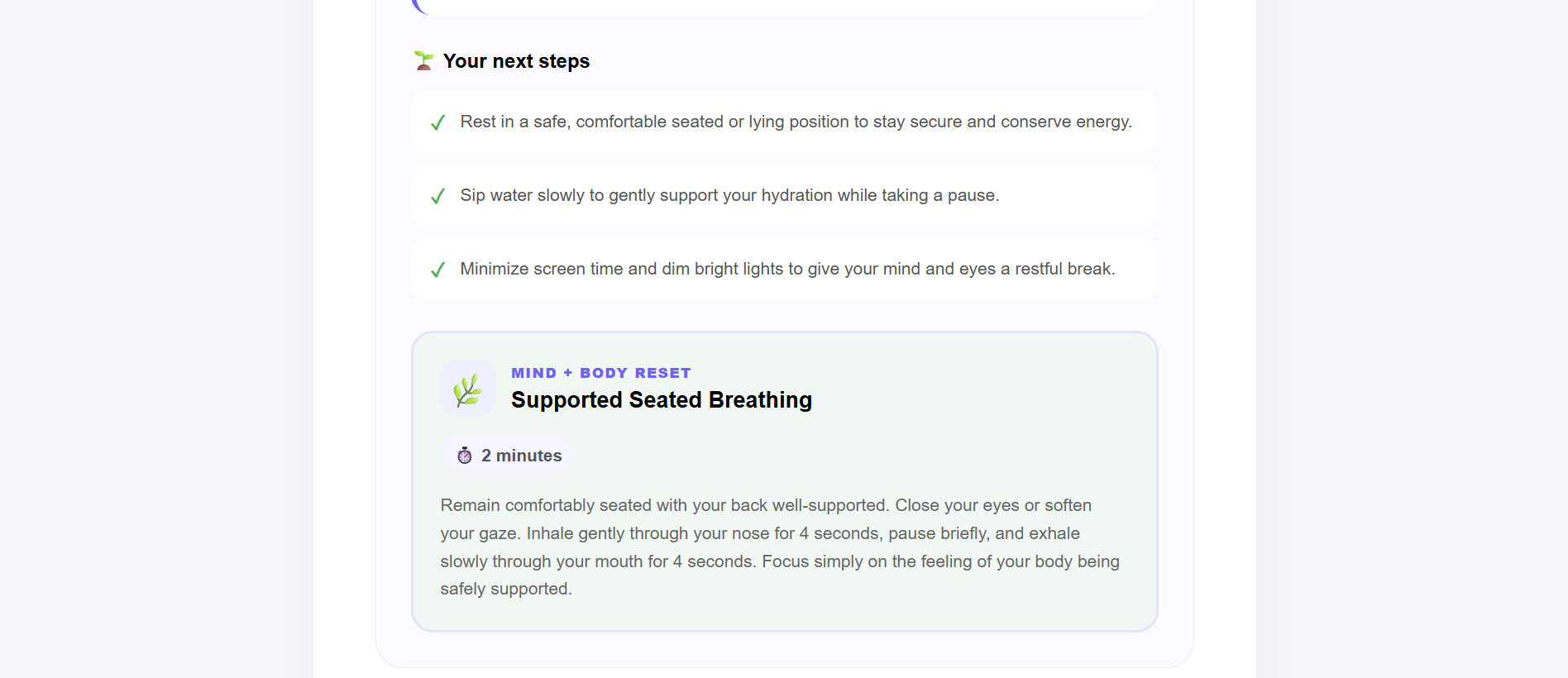
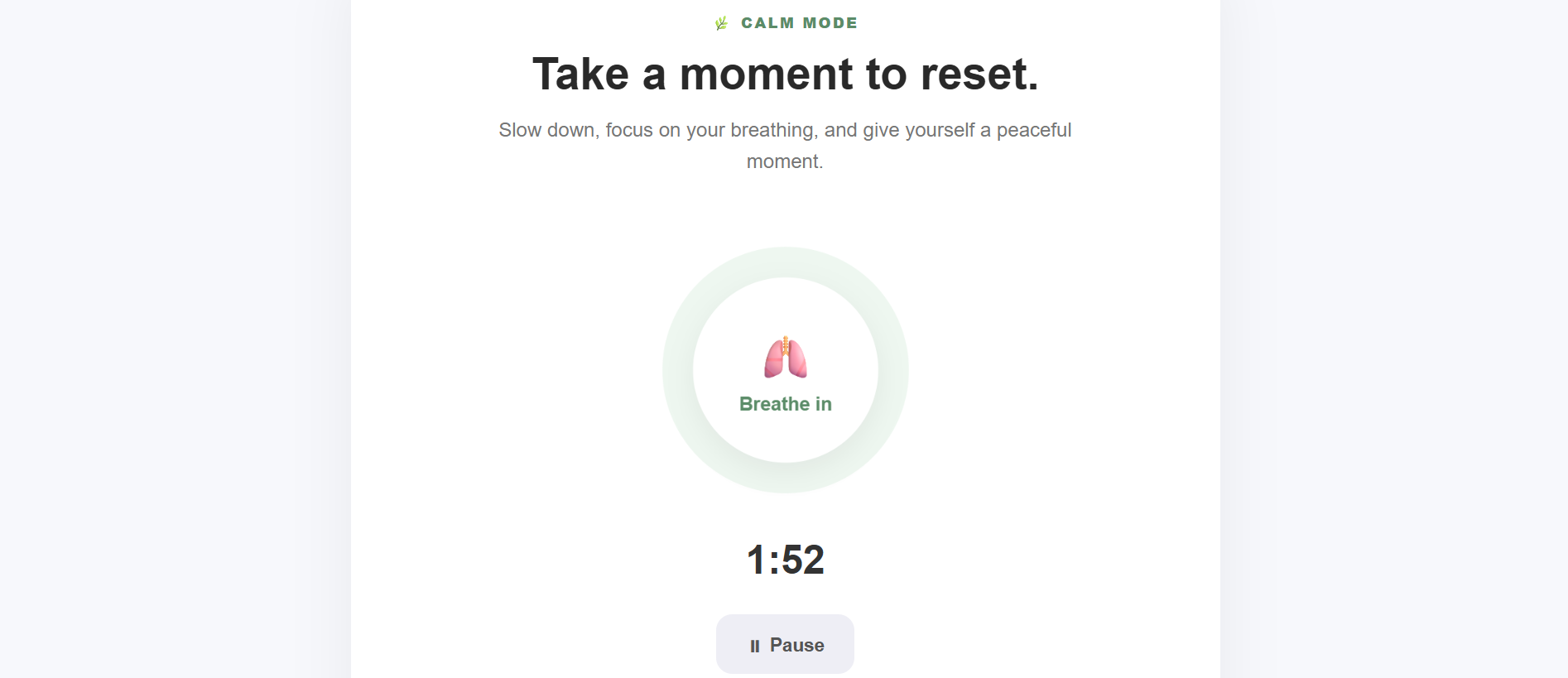
Mindmate-calm mode timer on
Inspiration
In our daily lives, stress, academic pressure, deadlines, and emotional ups and downs are common. However, people often do not take a moment to pause and reflect on how they are feeling.
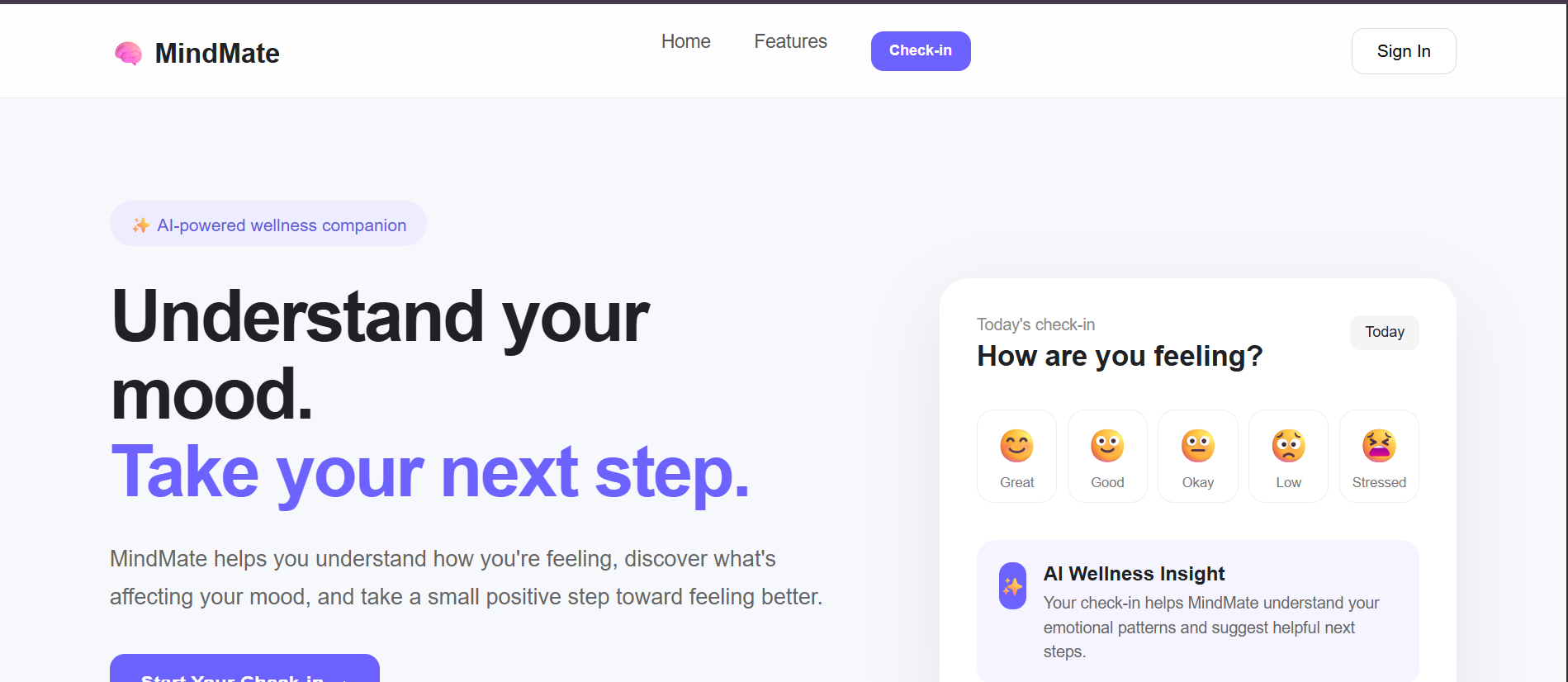
We wanted to create something simple that encourages users to check in with themselves without making the process complicated. This inspired us to build MindMate, an AI-powered wellness companion that combines mood reflection, AI-generated insights, mood tracking, and short calming activities in one application.
Our goal was not to create a system that diagnoses mental health conditions, but rather a supportive tool that encourages self-awareness and small, positive wellness habits.
What MindMate Does
MindMate provides three main features:
AI Mood Check-ins- Users select their current mood and write a short journal entry. The AI analyzes the check-in and provides an emotion, intensity, possible trigger, supportive insight, practical suggestions, and a short reset activity. Mood History- Previous check-ins are stored so users can review their mood patterns over time through a simple history section and visual chart. Calm Mode- Users can access short wellness activities such as breathing, grounding, gentle movement, or taking a short break.
The AI responses are designed to provide general wellness support and do not diagnose or treat medical conditions.
How We Built It
MindMate was developed as a full-stack web application.
Frontend
The frontend was built using:
- React
- Vite
- JavaScript
- HTML
- CSS
- Recharts for mood visualization
The React frontend handles the user interface, mood selection, journal input, AI results, mood history, chart visualization, and Calm Mode.
Backend
The backend was developed using:
- Node.js
- Express.js
- CORS
- Environment variables
The frontend sends the user's mood and journal entry to the backend through an API request. The backend communicates with the Google Gemini API, receives a structured AI analysis, and sends the result back to the frontend.
The application uses environment variables to keep the API key separate from the source code.
Deployment
The source code is maintained in GitHub.
-Frontend: Deployed using Vercel
- Backend: Deployed using Render
- AI: Google Gemini API
This allows MindMate to function as a complete deployed full-stack application.
What We Learned
Building MindMate helped us understand how different parts of a modern web application work together.
We learned how to:
- Build and organize a React application.
- Create REST API endpoints using Express.js.
- Connect a frontend to a backend.
- Integrate an AI API into a web application.
- Work with structured JSON responses from an AI model.
- Handle API errors and loading states.
- Deploy a frontend and backend separately.
- Use Git and GitHub for version control.
- Manage API keys using environment variables.
One of the most valuable lessons was understanding that building an AI application involves more than simply connecting an AI model. The application also needs proper validation, error handling, safe prompts, and a user-friendly way to present the AI's response.
Challenges We Faced
One of our biggest challenges was integrating the AI API and making sure the generated response followed the structure required by the frontend.
We also encountered deployment and connectivity issues while connecting the React frontend to the Express backend. We had to configure the frontend to communicate with the deployed backend instead of the local development server.
Another challenge was handling API rate limits. During testing, the Gemini API reached its free-tier request quota. This helped us understand the importance of rate limits, error handling, and designing applications that can gracefully handle temporary service limitations.
We also spent time debugging the interaction between the mood check-in, AI analysis, and mood history so that a successful check-in would correctly appear in the user's history.
Final Goal
MindMate was created around a simple idea:
Small steps can make a difference.
By combining AI-powered reflection, mood tracking, and short wellness activities, we hope MindMate can encourage users to pause, reflect, and take a small positive step toward their everyday well-being.
Built With
- ai
- api
- css
- express.js
- gemini
- generative
- github
- html
- javascript
- node.js
- react
- rest
- vite

