-
-
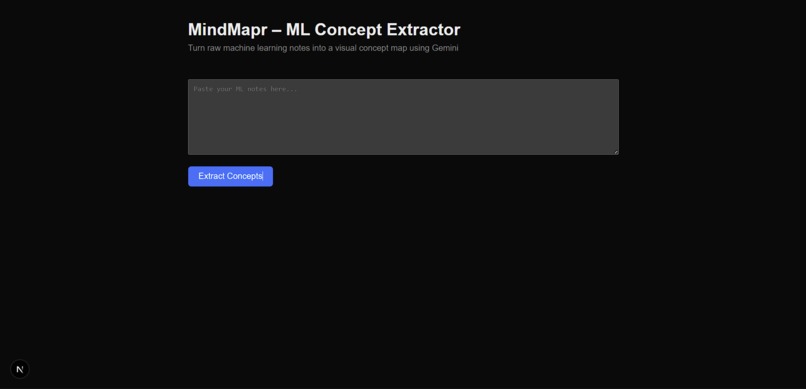
HomePage
-
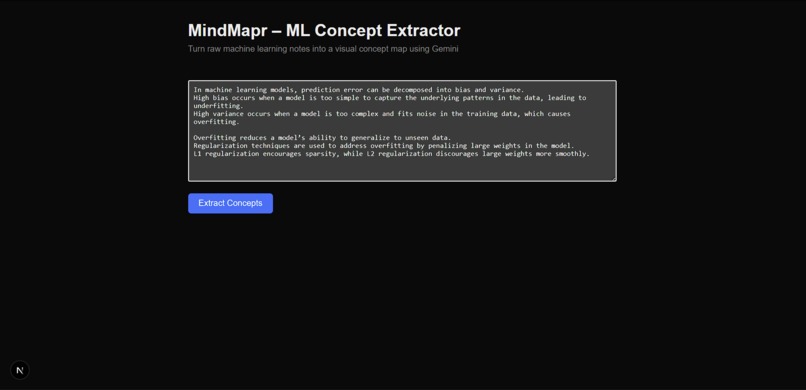
Notes
-
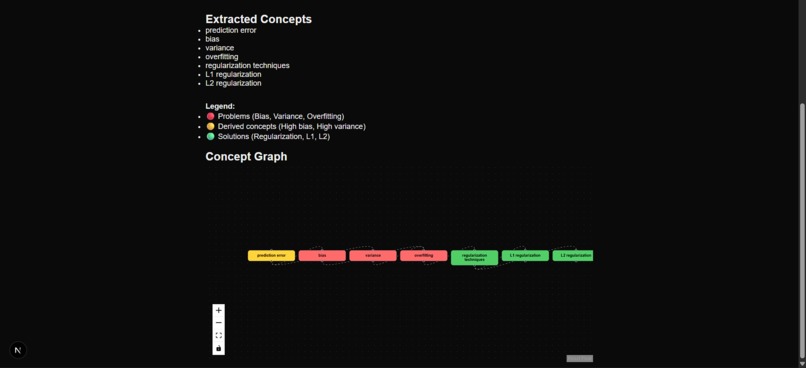
extracted concepts
-
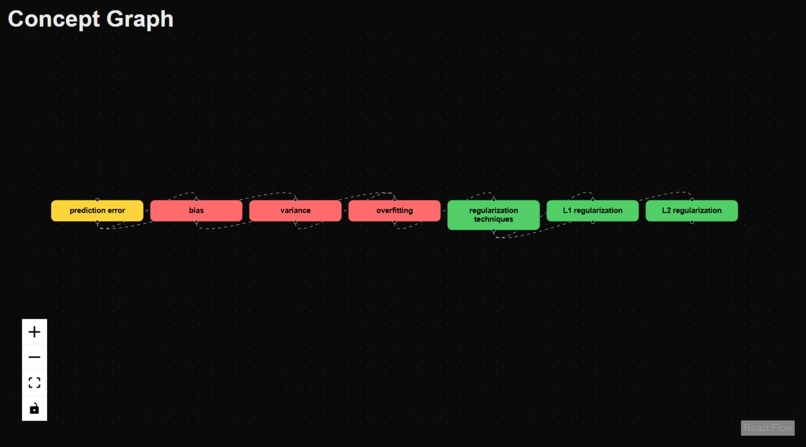
concept graph
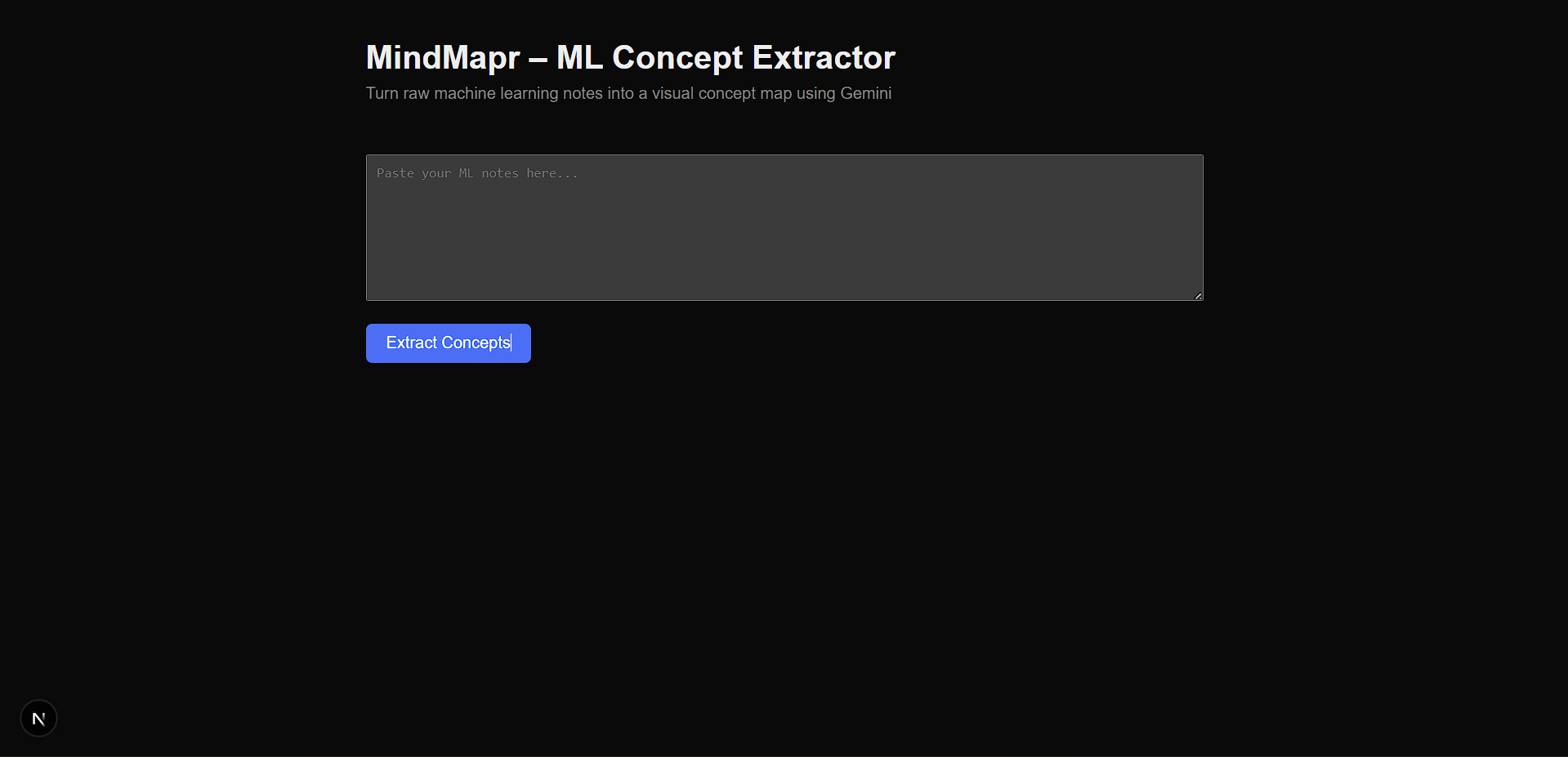

MindMapr – Visual ML Concept Mapping with Gemini
Inspiration
Many machine learning students struggle not because concepts are difficult, but because the relationships between concepts are unclear.
Topics such as bias, variance, and overfitting are often memorized independently rather than understood as a connected system.
MindMapr was created to help learners build clear mental models instead of memorizing definitions.
What it does
MindMapr takes unstructured machine learning notes and:
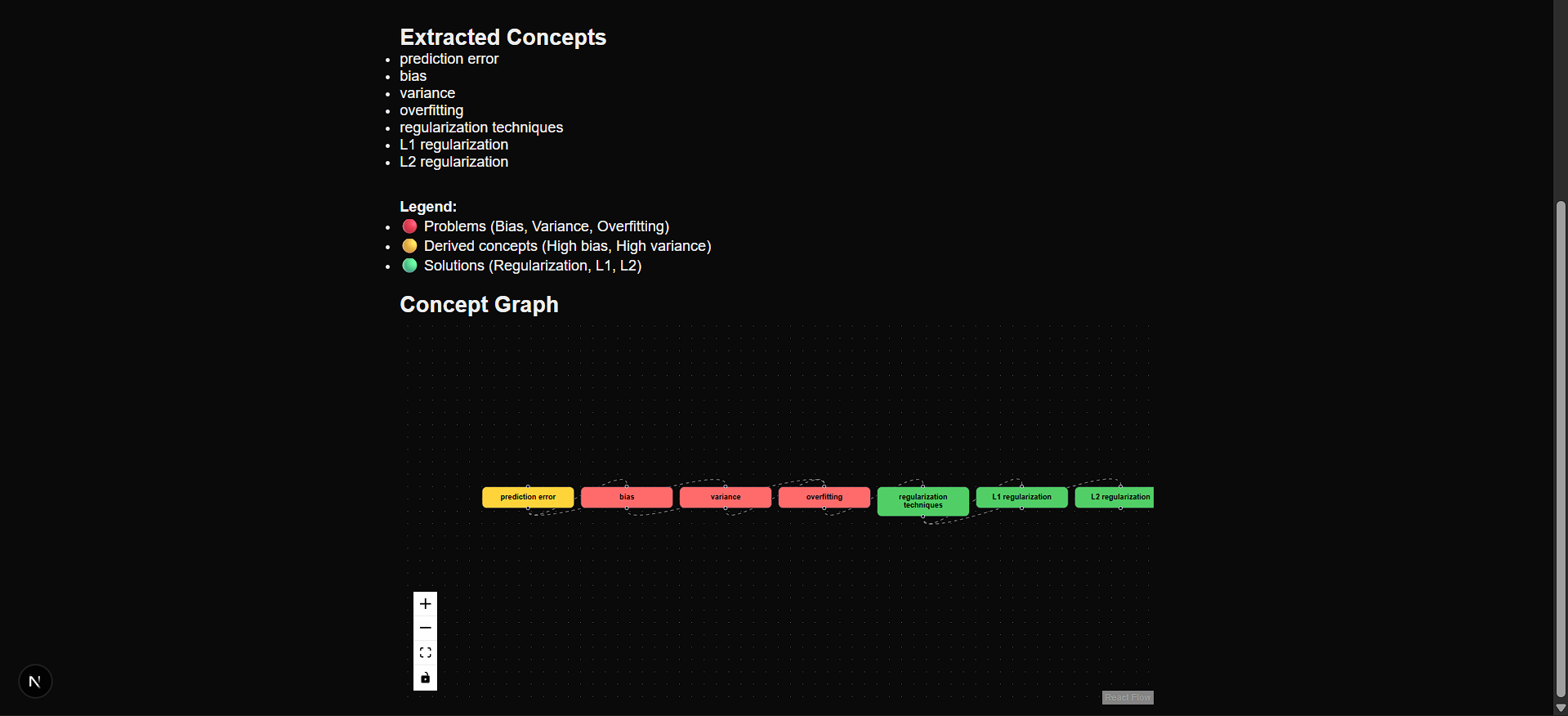
- Extracts key ML concepts using Google Gemini
- Identifies prerequisite and dependency relationships
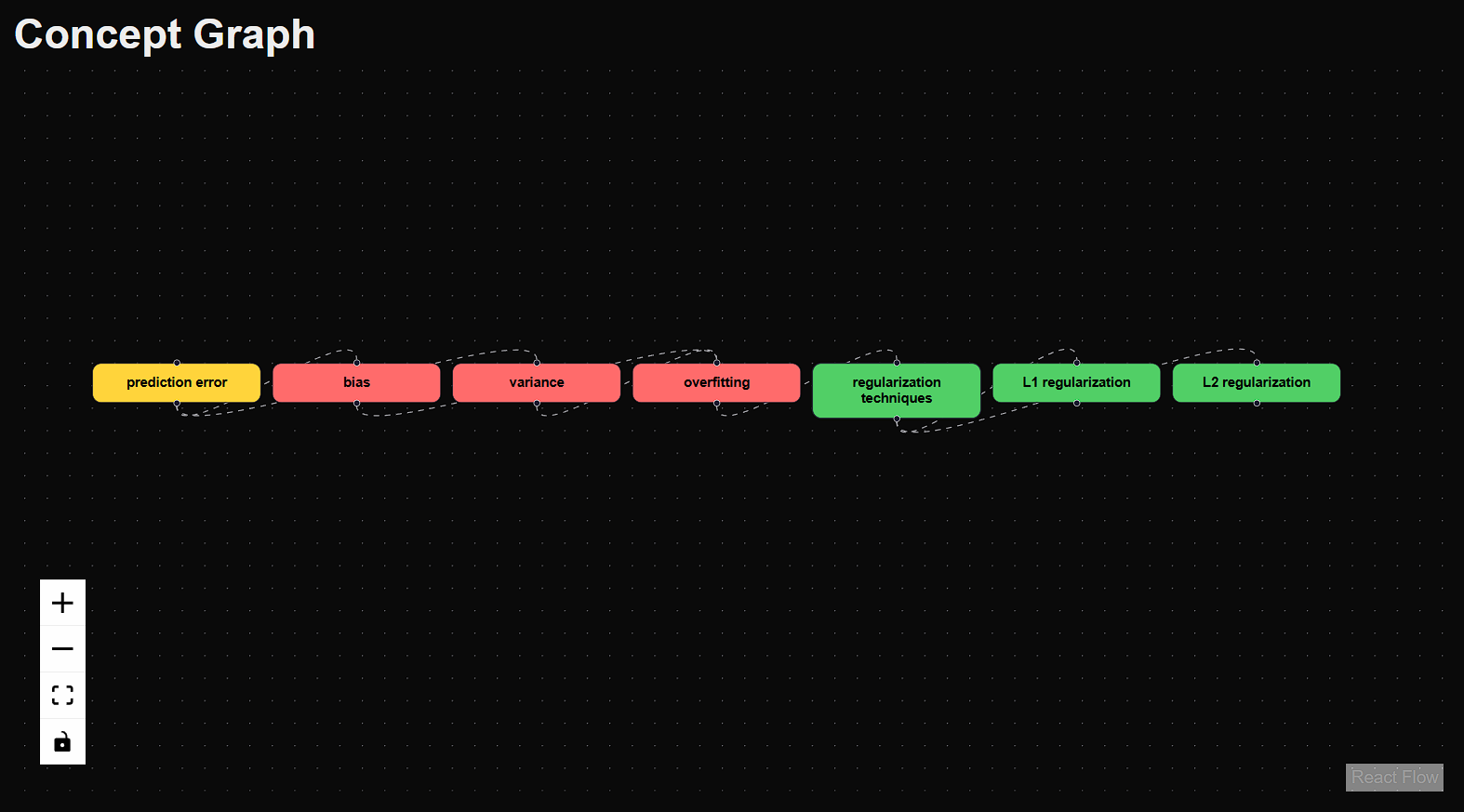
- Displays everything as an interactive visual concept graph
- Uses color-coded nodes for clarity:
- Problems (Bias, Variance, Overfitting)
- Derived concepts (High bias, High variance)
- Solutions (Regularization, L1, L2)
This allows learners to see how concepts connect rather than reading long explanations.
Why this matters
In machine learning, total error is often explained using the bias–variance tradeoff:
$$ \text{Total Error} = \text{Bias}^2 + \text{Variance} + \text{Noise} $$
While students may see this equation, they often struggle to understand how these components relate to real problems like overfitting.
MindMapr visually demonstrates relationships such as:
- High variance → Overfitting
- Overfitting → Regularization
- Regularization → L1 / L2
This makes abstract theory more intuitive and memorable.
How we built it
- Frontend: Next.js (React + TypeScript)
- Backend: Node.js with Express
- AI Model: Google Gemini API
- Visualization: React Flow
System Flow
- User provides raw machine learning notes
- Gemini extracts key concepts from the text
- A pruning and validation layer filters noisy output
- Gemini infers prerequisite relationships between concepts
- The frontend renders an interactive visual concept graph
Gemini Integration
Gemini is the core intelligence layer of MindMapr.
It is used to:
- Understand free-form educational text
- Extract meaningful ML concepts beyond simple keywords
- Infer prerequisite relationships between concepts
A pruning layer ensures the final output is concise, accurate, and educational rather than raw AI output.
Challenges we ran into
- Noisy AI output, requiring careful pruning
- API rate limits, handled with graceful fallbacks
- Visual clarity, balancing detail without overwhelming users
Accomplishments we’re proud of
- Converting raw notes into structured knowledge graphs
- Designing a self-explanatory color-coded visualization
- Building a robust application that handles AI limitations gracefully
- Improving conceptual understanding rather than rote memorization
What we learned
- AI output needs curation, not blind display
- Visualization significantly improves learning
- Robust error handling is critical in AI-powered applications
- Small UX decisions can greatly impact comprehension
What’s next
- Difficulty tagging (Beginner / Intermediate / Advanced)
- Knowledge gap detection
- Exporting concept maps as images or PDFs
- Expansion into other CS subjects
Final Note
MindMapr helps learners move from memorizing terms to understanding how ideas fit together.
Built With
- express.js
- git
- github
- google-gemini-api
- javascript
- next.js-(react)
- node.js
- react-flow
- typescript


Log in or sign up for Devpost to join the conversation.