-
-
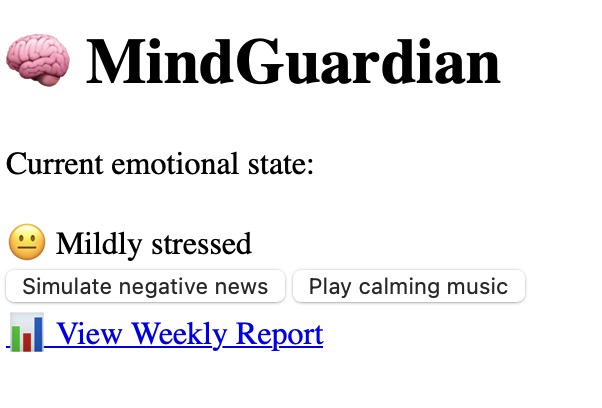
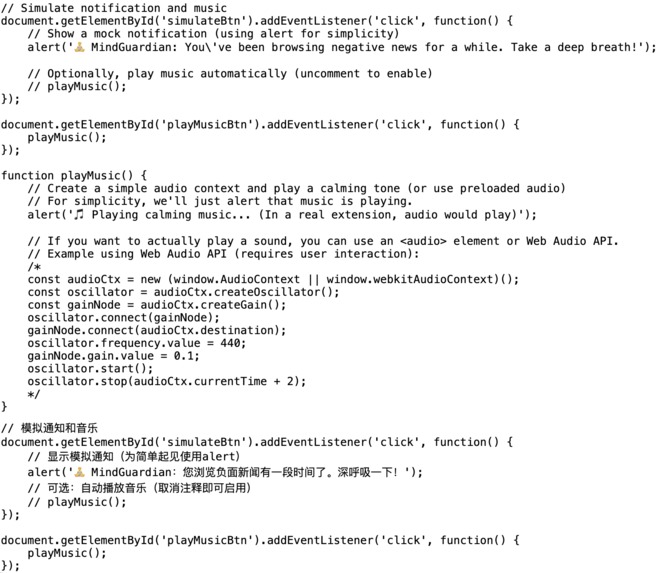
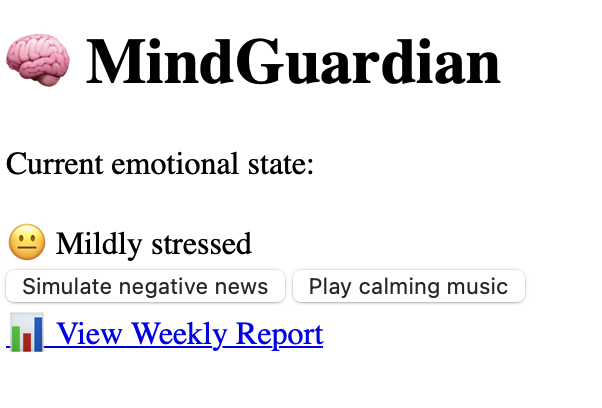
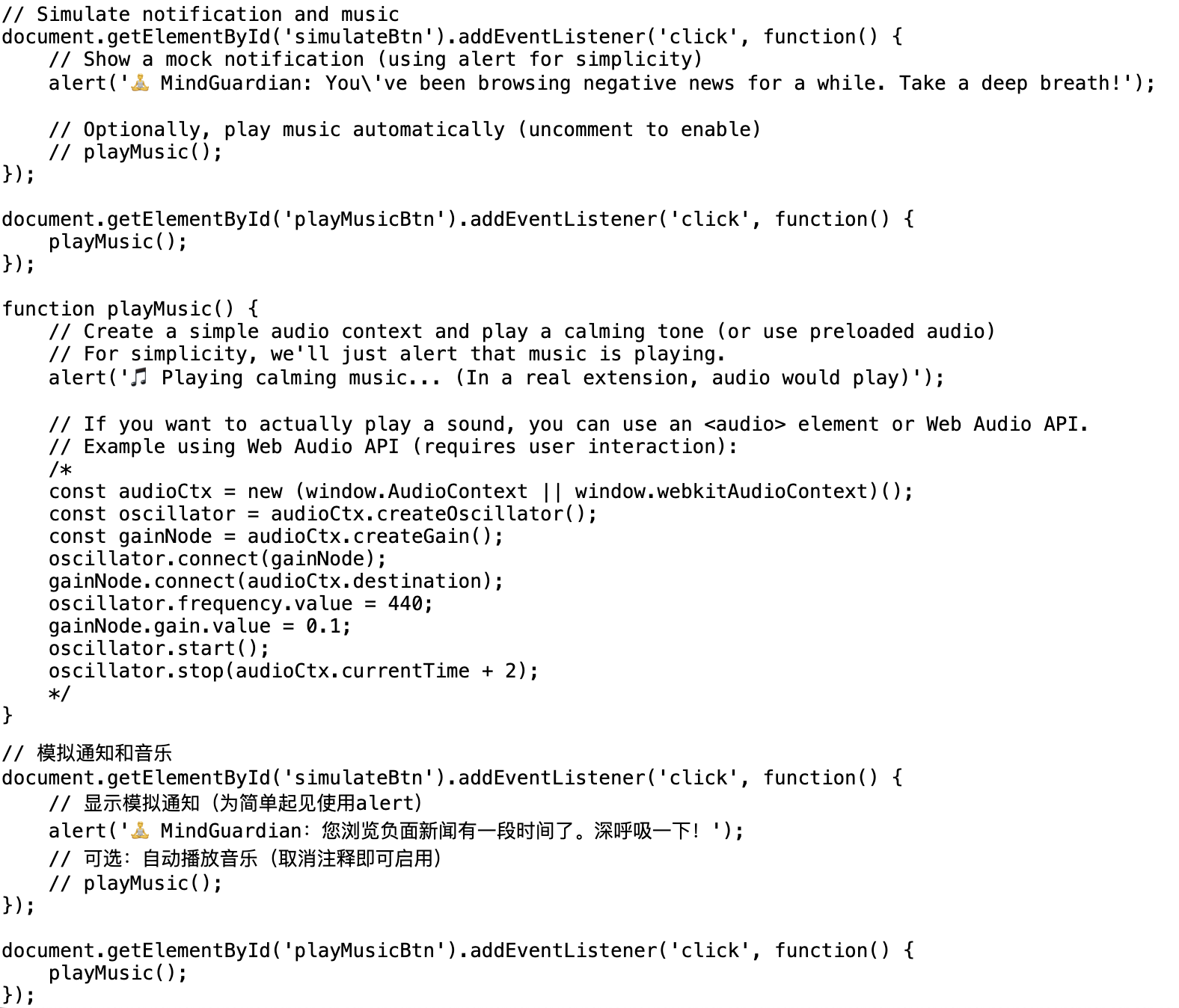
It displays the user’s current emotional state (simulated) and providessimulating a negative news alert or playing calming music.
-
When prolonged negative browsing or late‑night activity is detected, it shows a non‑intrusive notification encouraging a mindful break.
-
With a single click, users can play soothing ambient music directly in the browser to help lower stress levels in the moment.
-
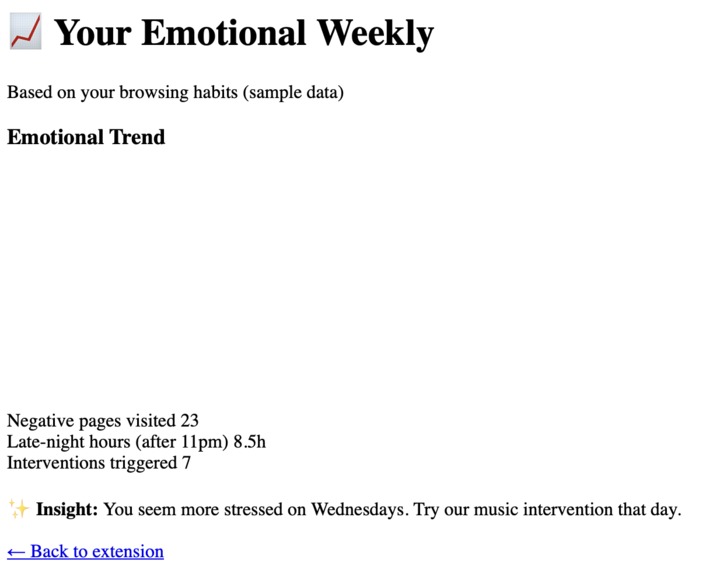
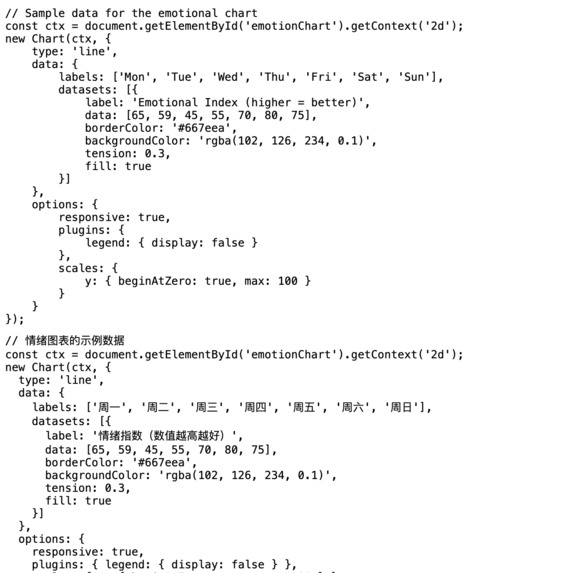
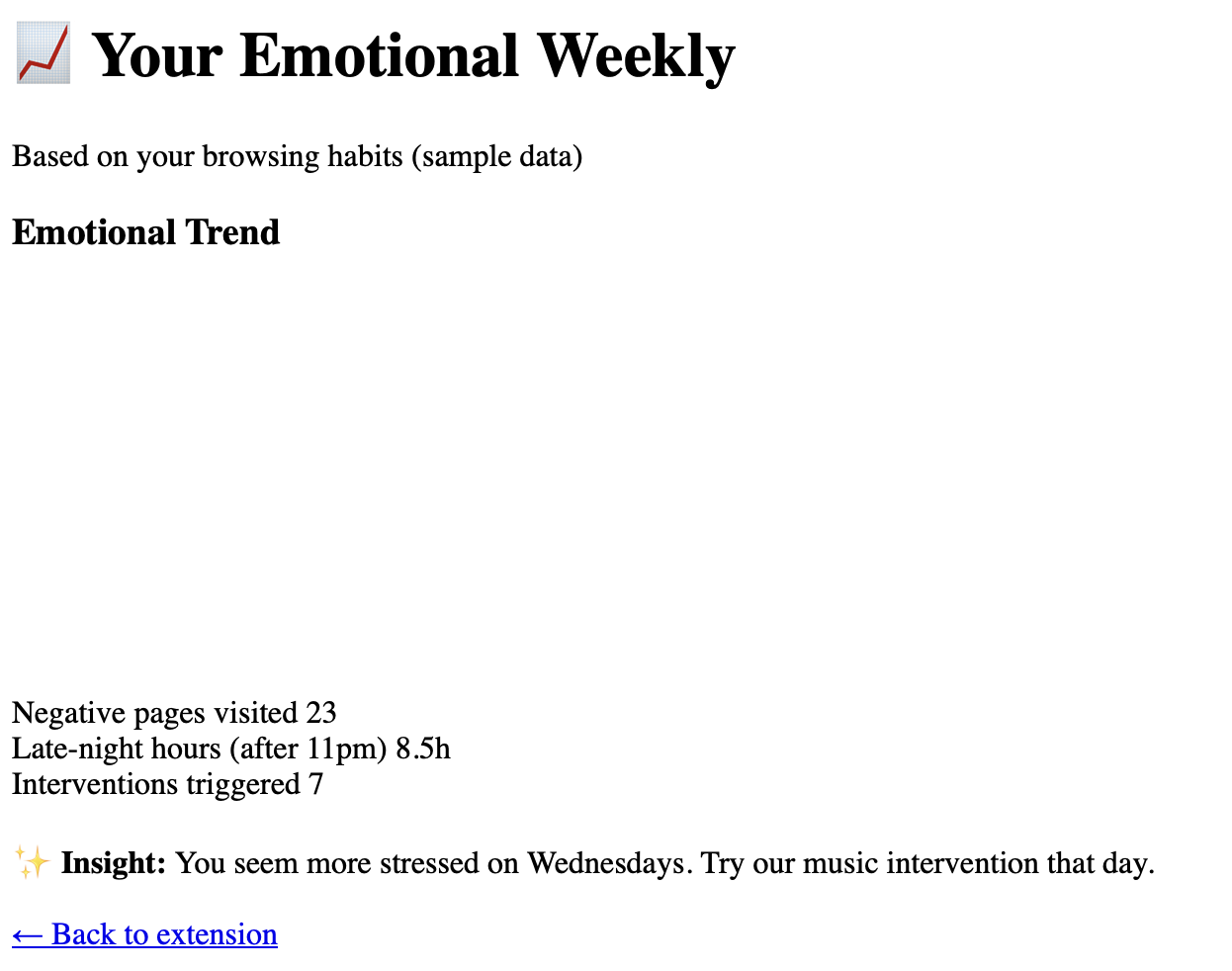
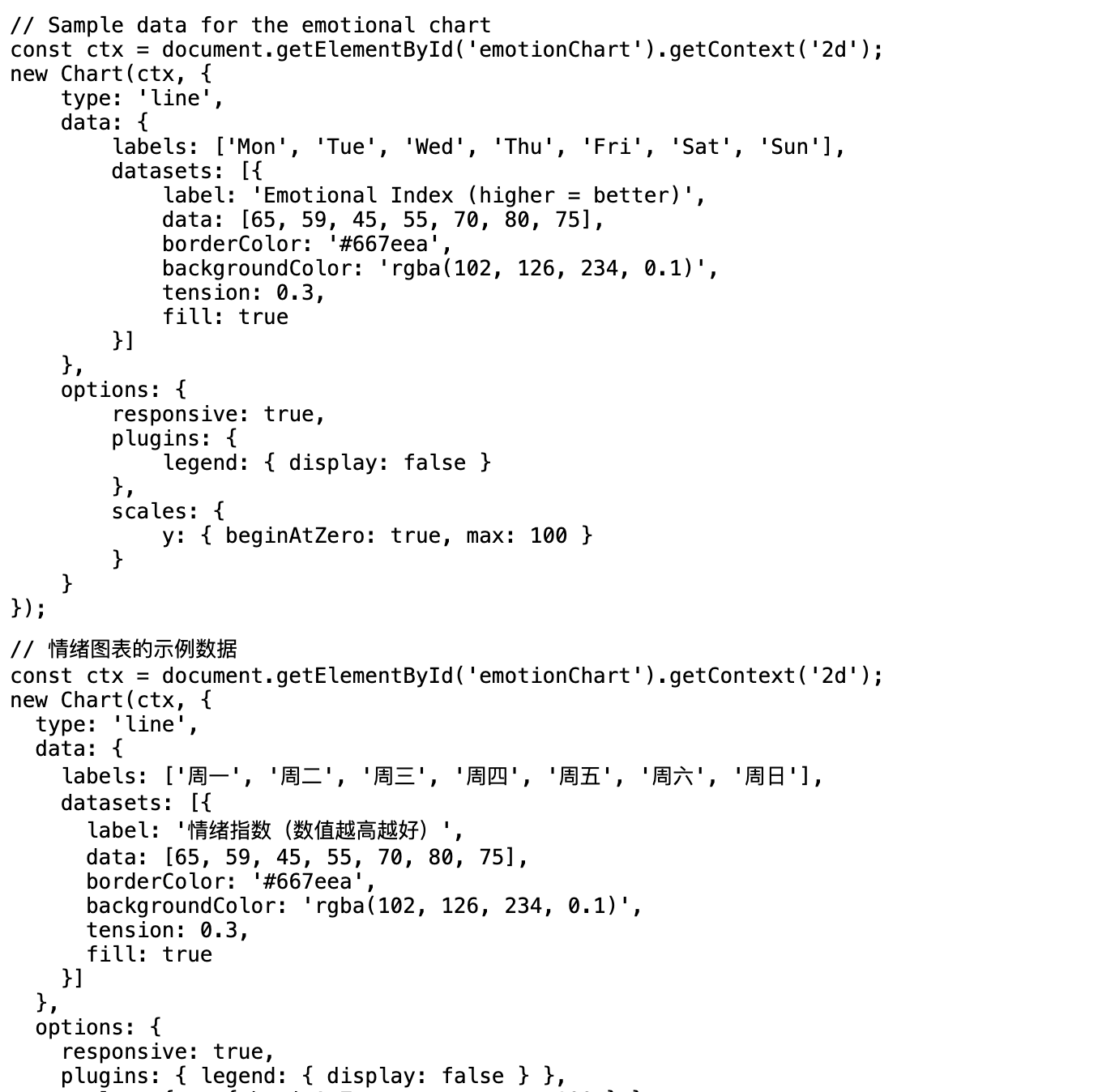
A line chart visualises the user’s emotional index over the past week, making it easy to spot patterns and reflect on digital habits.
-
It presents negative pages visited, late‑night hours, interventions triggered and a personalised insight to promote healthier behaviour.
-
We collaborating intensely during the 48‑hour BUHACK hackathon, brainstorming, coding, and refining it to address digital wellbeing.
Project Story: MindGuardian
Inspiration
In today's hyper-connected world, our digital habits silently shape our emotional well-being. Scrolling through negative news late at night or binge-watching episodes until 3 a.m. has become the norm for many. We noticed that while there are plenty of meditation apps and mental wellness platforms, they all require active engagement—you have to open the app, start a session, and consciously reflect. What if emotional support could be invisible, happening in the background while you go about your digital life?
Inspired by the concept of digital wellbeing and the BUHACK theme, we set out to build a tool that bridges the gap between our online behavior and our mental health. We wanted to create a browser extension that gently nudges users when their digital footprint signals stress or anxiety, without being intrusive. This is how MindGuardian was born—a silent guardian for your emotional peace.
How We Built It
With only 48 hours on the clock, we had to be smart about our scope. We decided to build a lightweight browser extension prototype that demonstrates the core loop: detect → intervene → report.
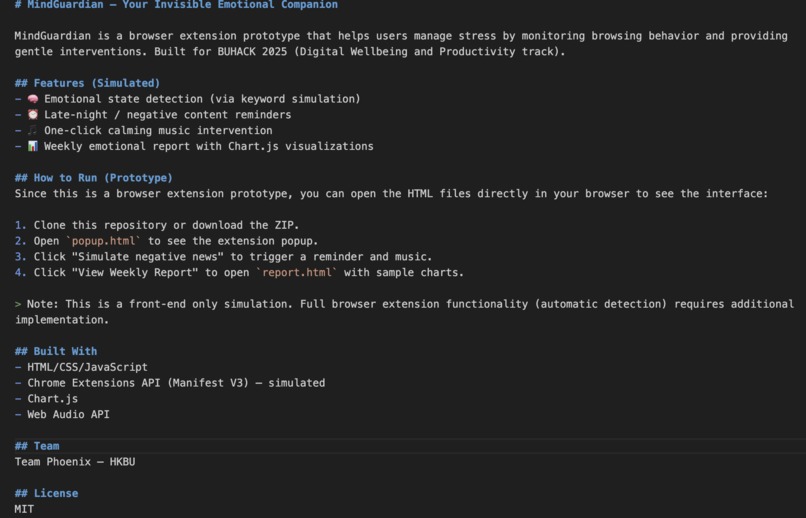
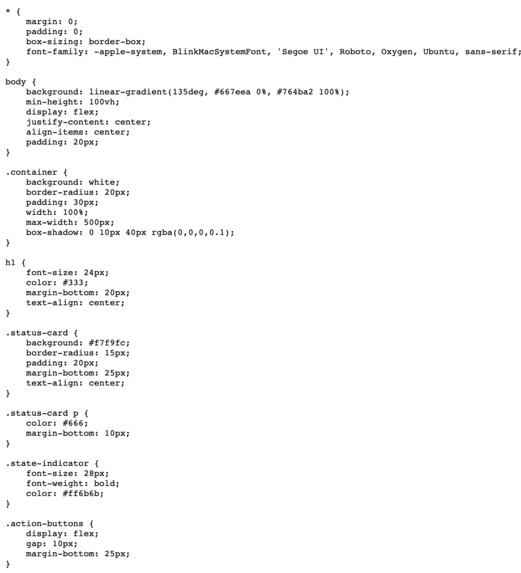
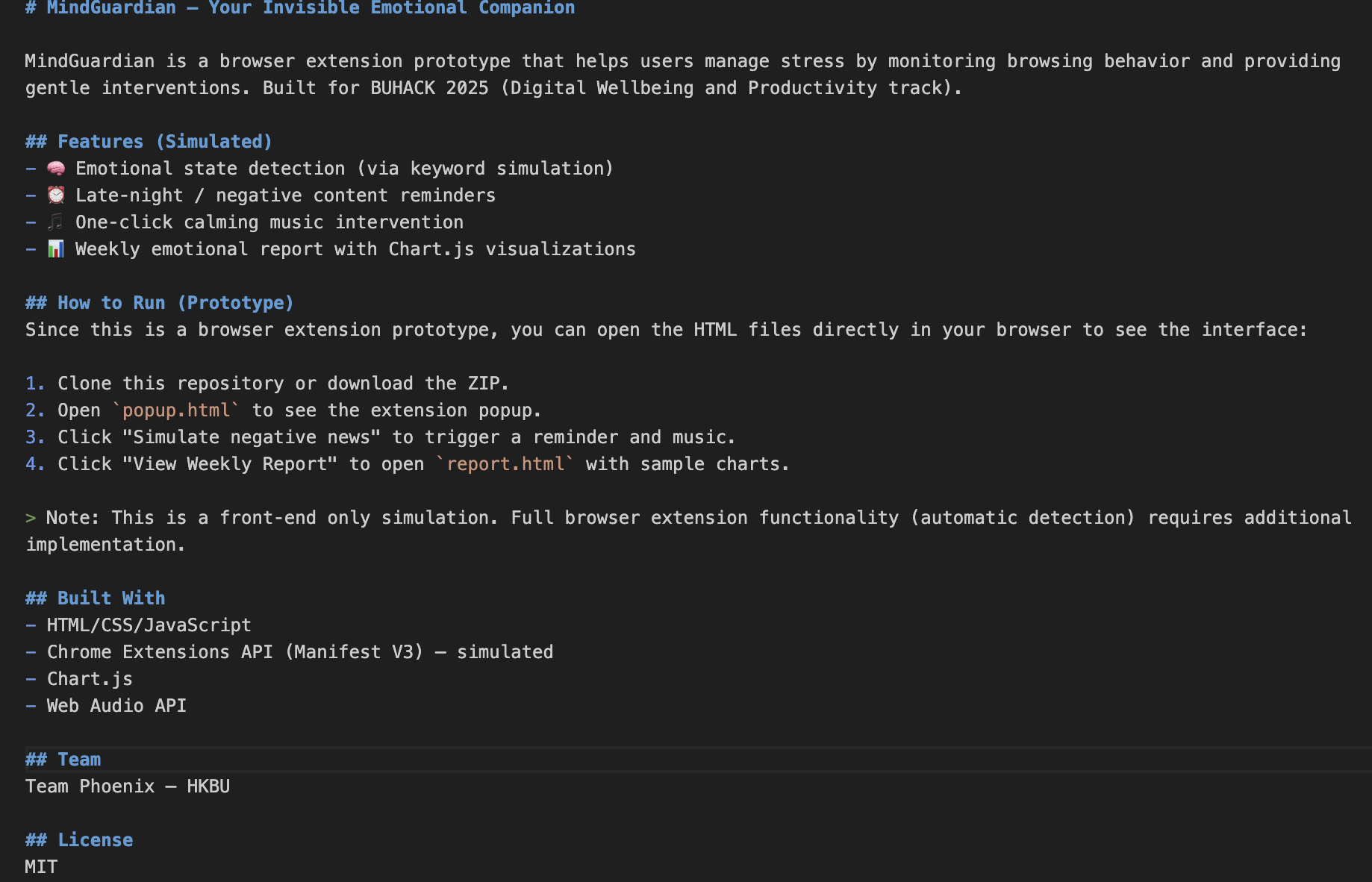
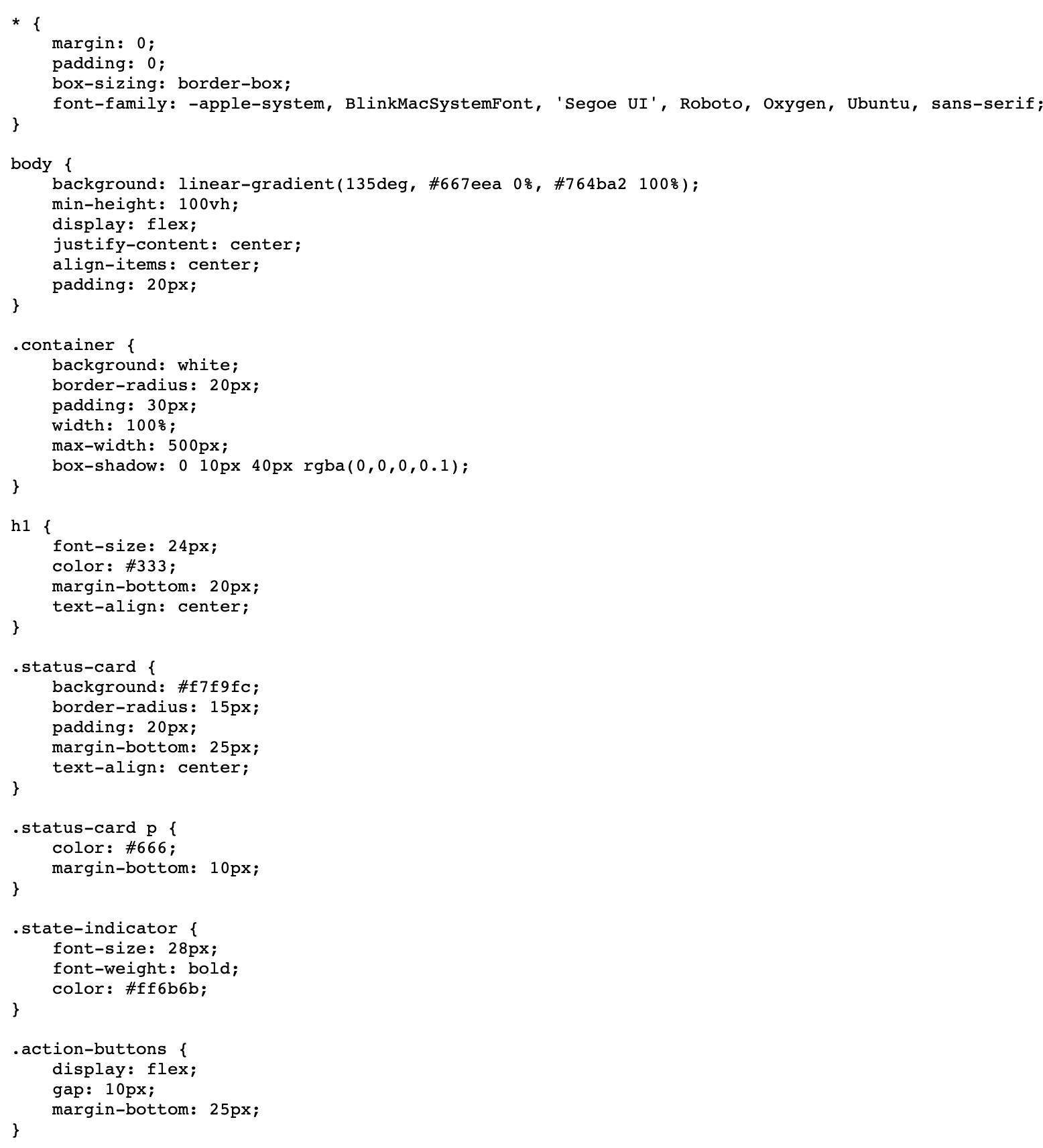
- Frontend: We used plain HTML, CSS, and JavaScript to create the extension popup and the weekly report page. The popup shows the current emotional state (simulated) and offers a "Play Calming Music" button. The report page uses Chart.js to visualize emotional trends over the week, with sample data that mimics real usage.
- Simulated Detection: Since we couldn't implement full sensor fusion in time, we created a "simulate negative news" button that triggers a browser notification and plays a soft ambient track via the Web Audio API. This shows the intended interaction without needing live data.
- Privacy First: All data is stored locally using Chrome's
storage.localAPI. No information ever leaves the user's device, aligning with ethical design principles. - Mathematical Touch: To hint at the underlying intelligence, we defined a simple emotional index formula:
$$E = \frac{\sum_{i=1}^{N} w_i \cdot s_i}{\sum_{i=1}^{N} w_i}$$
where (s_i) is the sentiment score of browsed content (from (-1) to (1)) and (w_i) is the time spent on that page. The intervention triggers when a weighted stress score exceeds a threshold:
$$T = \alpha \cdot t_{\text{negative}} + \beta \cdot t_{\text{night}} > \theta$$
These equations are not implemented yet but represent our future vision for a more intelligent system.
- Tools: We used Visual Studio Code for coding, Git for version control, and OBS Studio to record our demo video. Figma helped us quickly mock up the UI before writing code.
Challenges We Faced
- Time Constraint: 48 hours is brutal. We had to ruthlessly prioritize the minimum lovable product. The biggest challenge was deciding what not to build. We chose a strong narrative over a half-baked complex system.
- Sensor Data Access: Initially we wanted to use mobile phone sensors (accelerometer, gyroscope) to detect gait and infer stress, as hinted in the track description. But integrating that with a browser extension in such a short time was unrealistic. We pivoted to a browser-only approach, leaving sensor fusion for future iterations.
- Privacy vs. Functionality: We wanted to analyze browsing content to detect negativity, but we didn't want to send data to a cloud server. Building a local keyword‑based analyzer was straightforward, but we worried about false positives. We solved this by keeping the keyword list small and allowing users to customize it later.
- Team Coordination: With members in different time zones, we relied heavily on Slack and live screen‑sharing sessions. Clear task division (one on UI, one on logic, one on presentation) kept us moving.
What We Learned
- Rapid Prototyping: We learned that a working demo with a compelling story often wins over an unfinished feature‑rich product. The ability to simulate key interactions saved us.
- Digital Wellbeing Is Multifaceted: The problem is not just about screen time; it's about the quality of that time. Negative content affects us even if we limit usage.
- Team Dynamics: Effective communication and dividing work based on strengths (design, coding, storytelling) made the impossible possible.
- Technical Takeaways: We got hands‑on with Chrome Extension APIs, Chart.js, and the Web Audio API. We also became proficient in crafting Markdown for Devpost (as you can see!).
Next Steps
MindGuardian is just a seed. In the future, we plan to:
- Integrate real‑time sentiment analysis using on‑device machine learning (TensorFlow.js).
- Connect with wearable devices to incorporate heart rate variability (HRV) as an additional stress indicator.
- Build a mobile companion app that uses phone sensors to detect walking patterns and emotional states.
- Conduct user studies to validate the effectiveness of musical interventions.
We believe that technology should serve our well‑being, not undermine it. MindGuardian is our small step toward that vision.
Team Phoenix – Building for a healthier digital world.

Log in or sign up for Devpost to join the conversation.