-
-
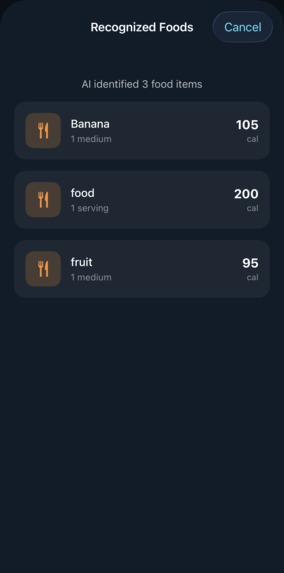
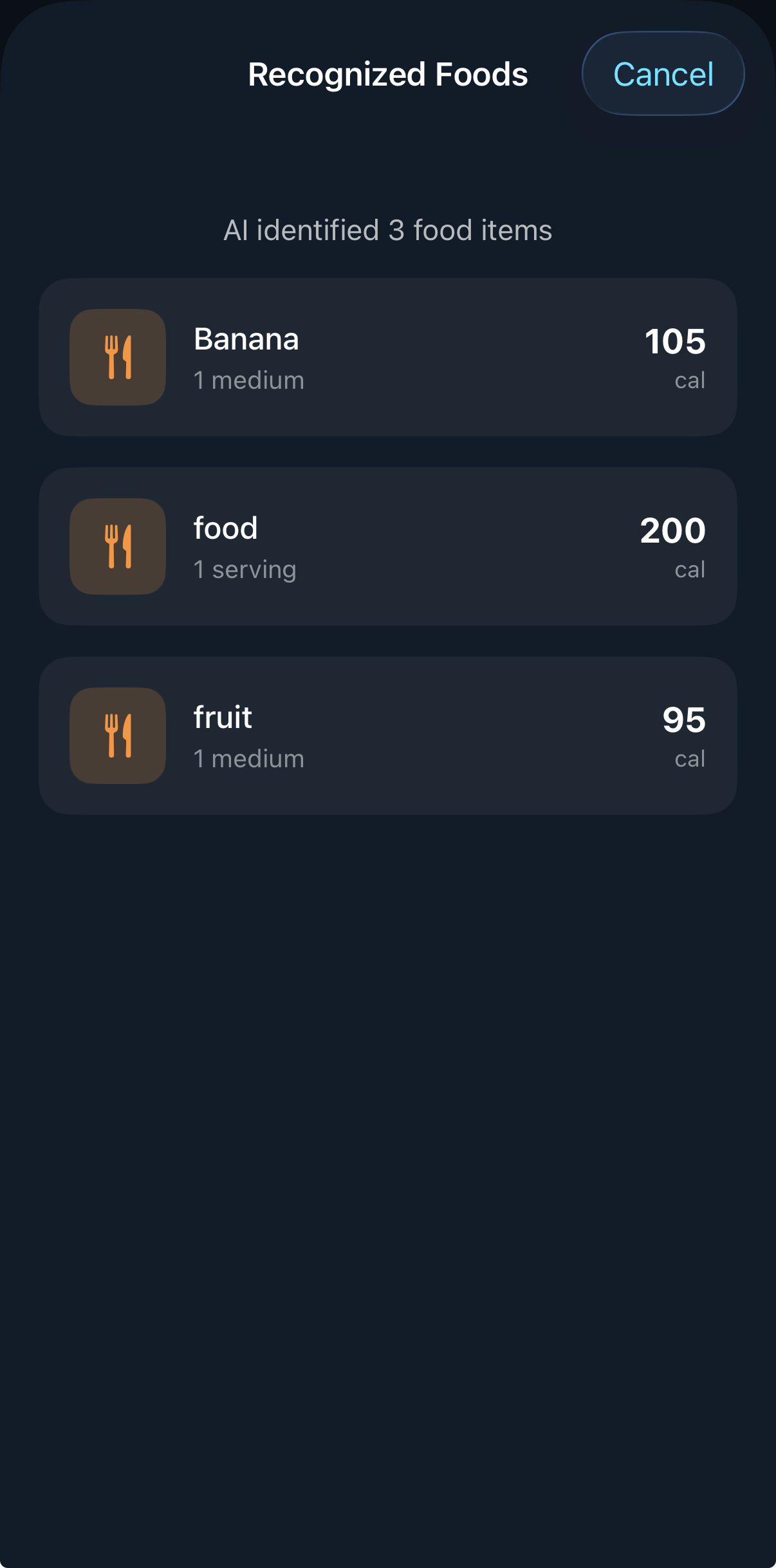
Food Addition Options to Choose
-
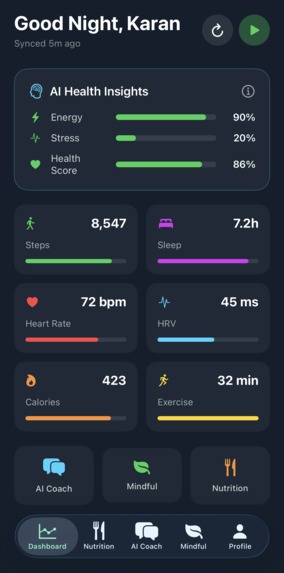
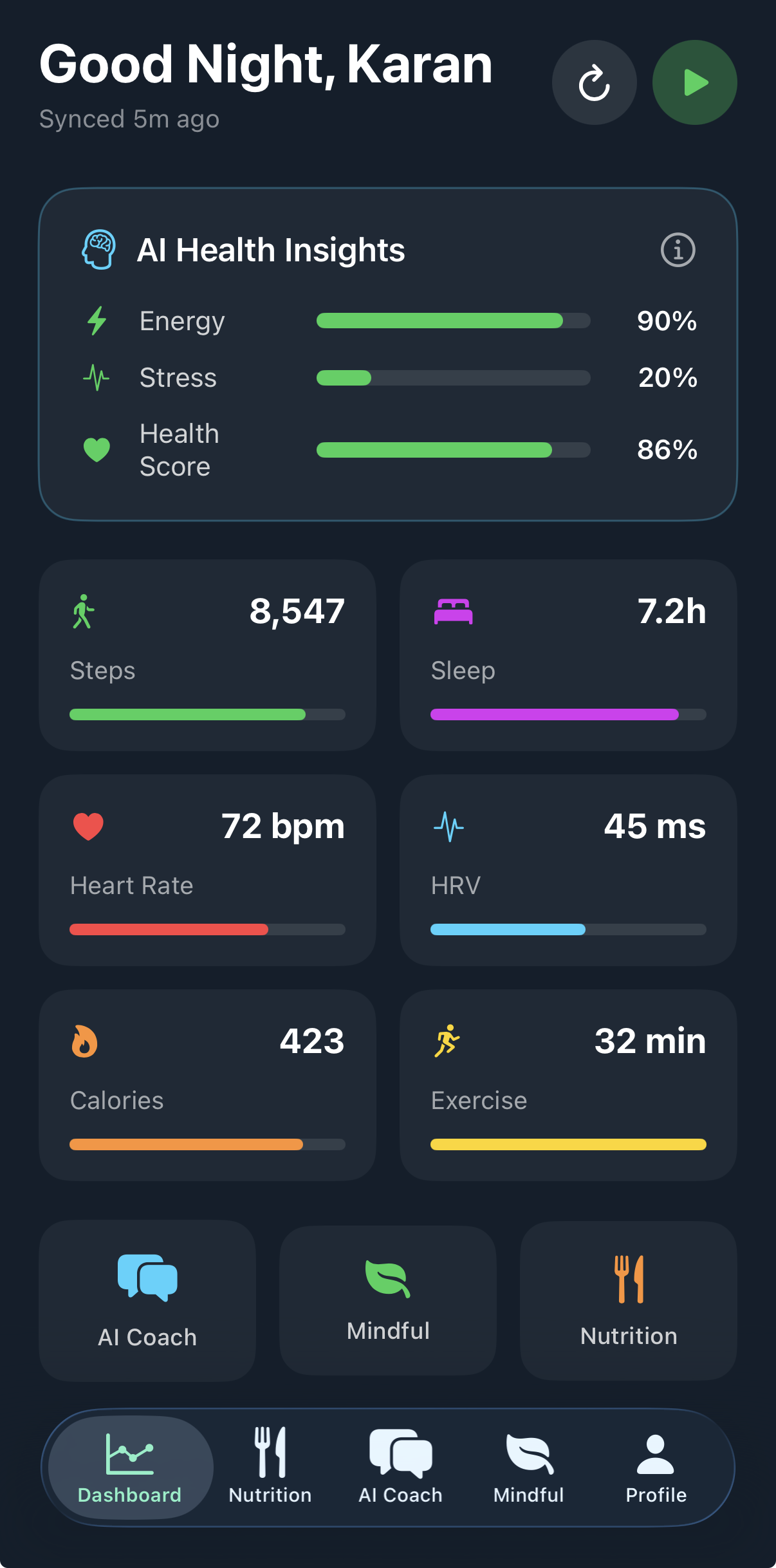
App Dashboard
-
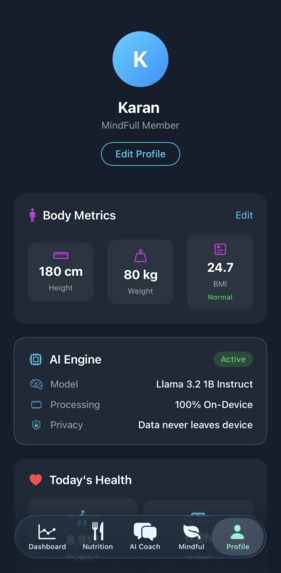
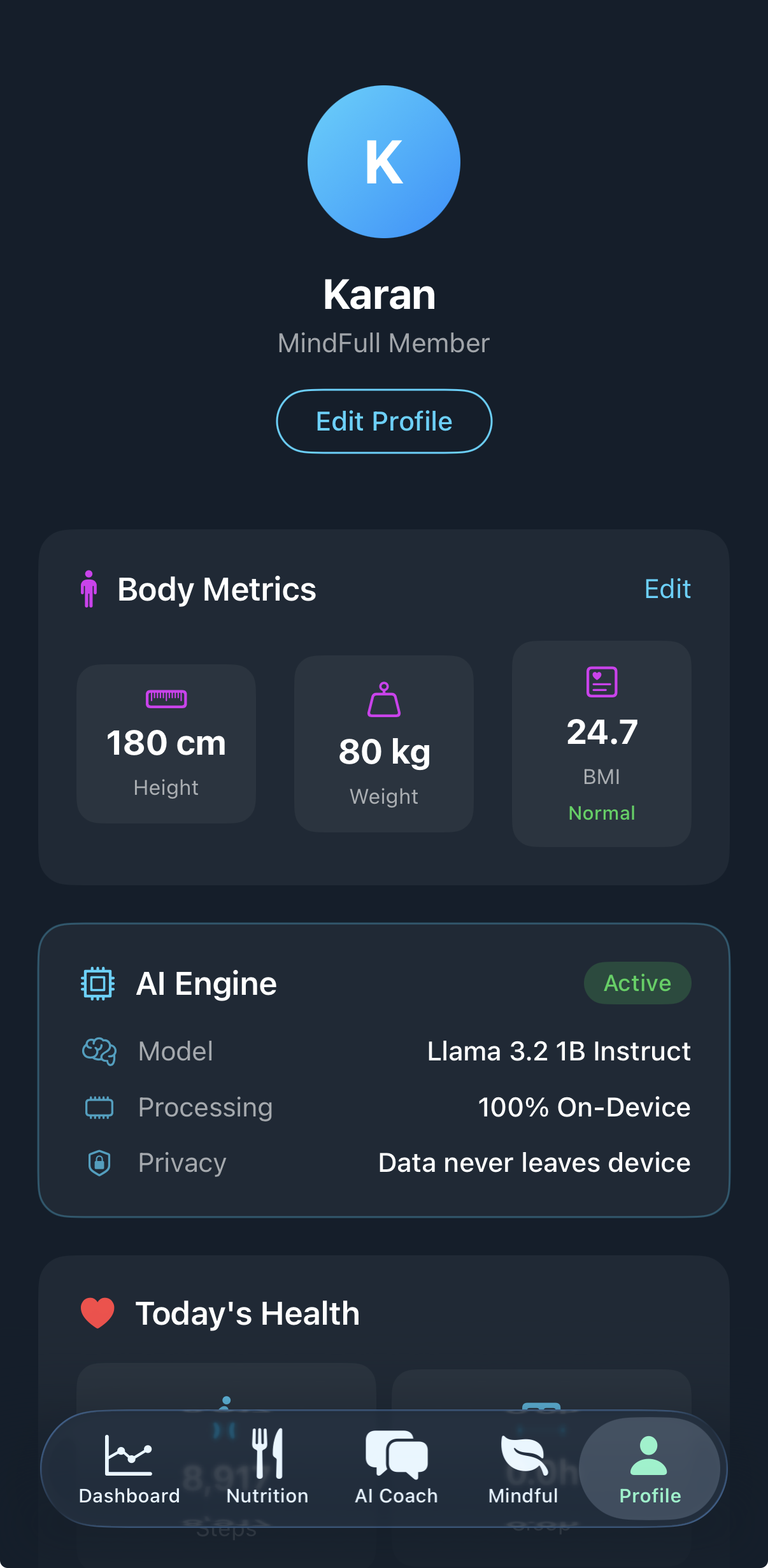
Profile View
-
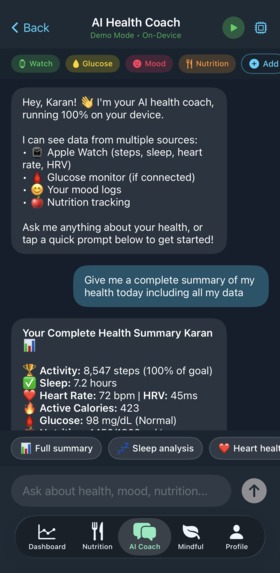
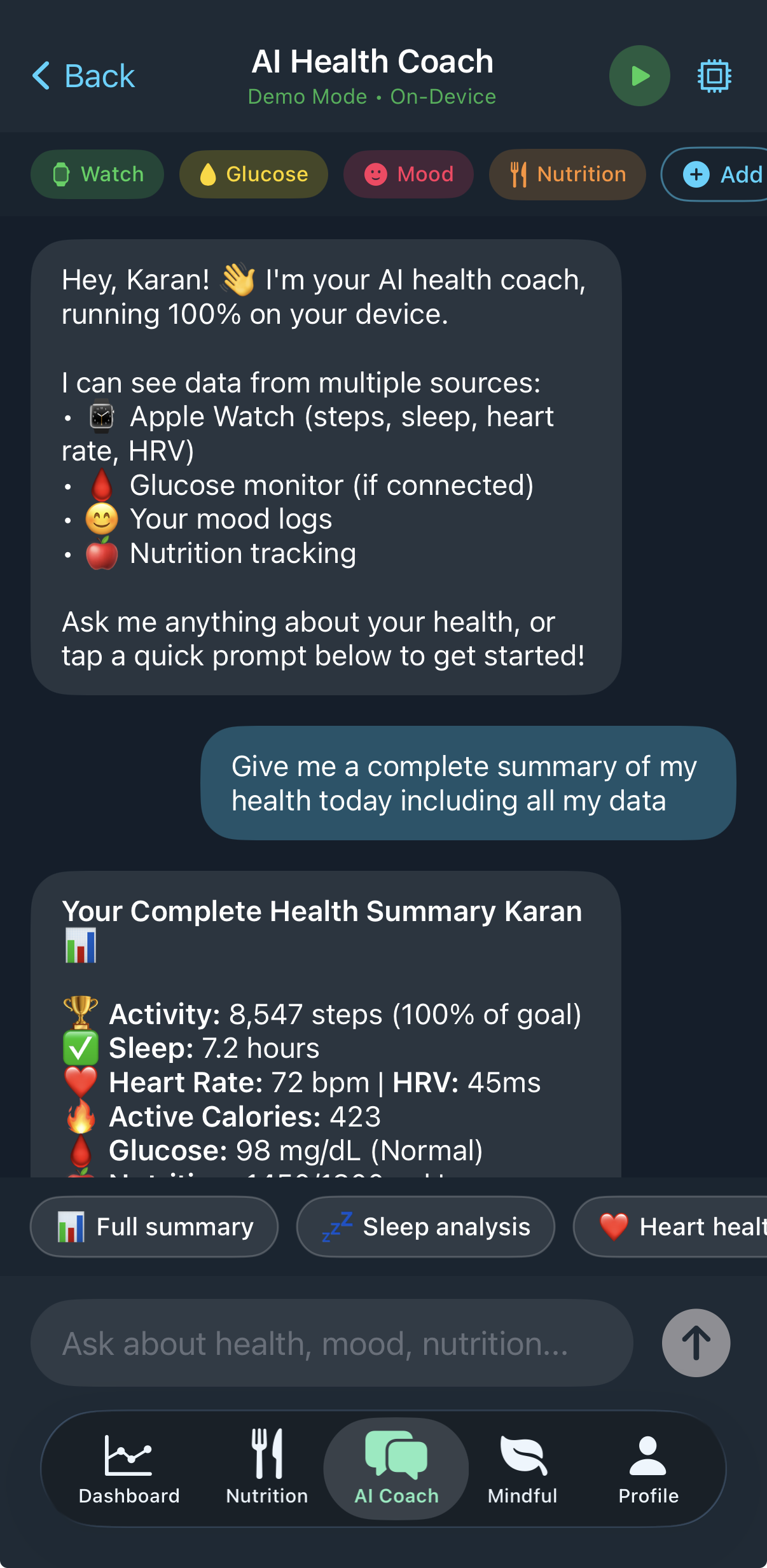
AI Health Coach Enabled via LLama
-
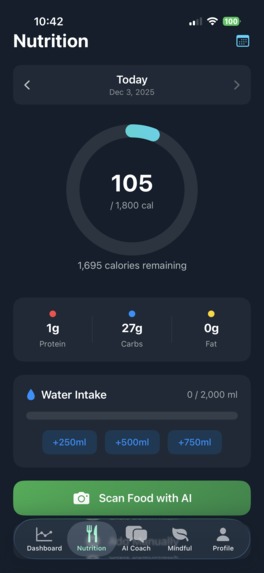
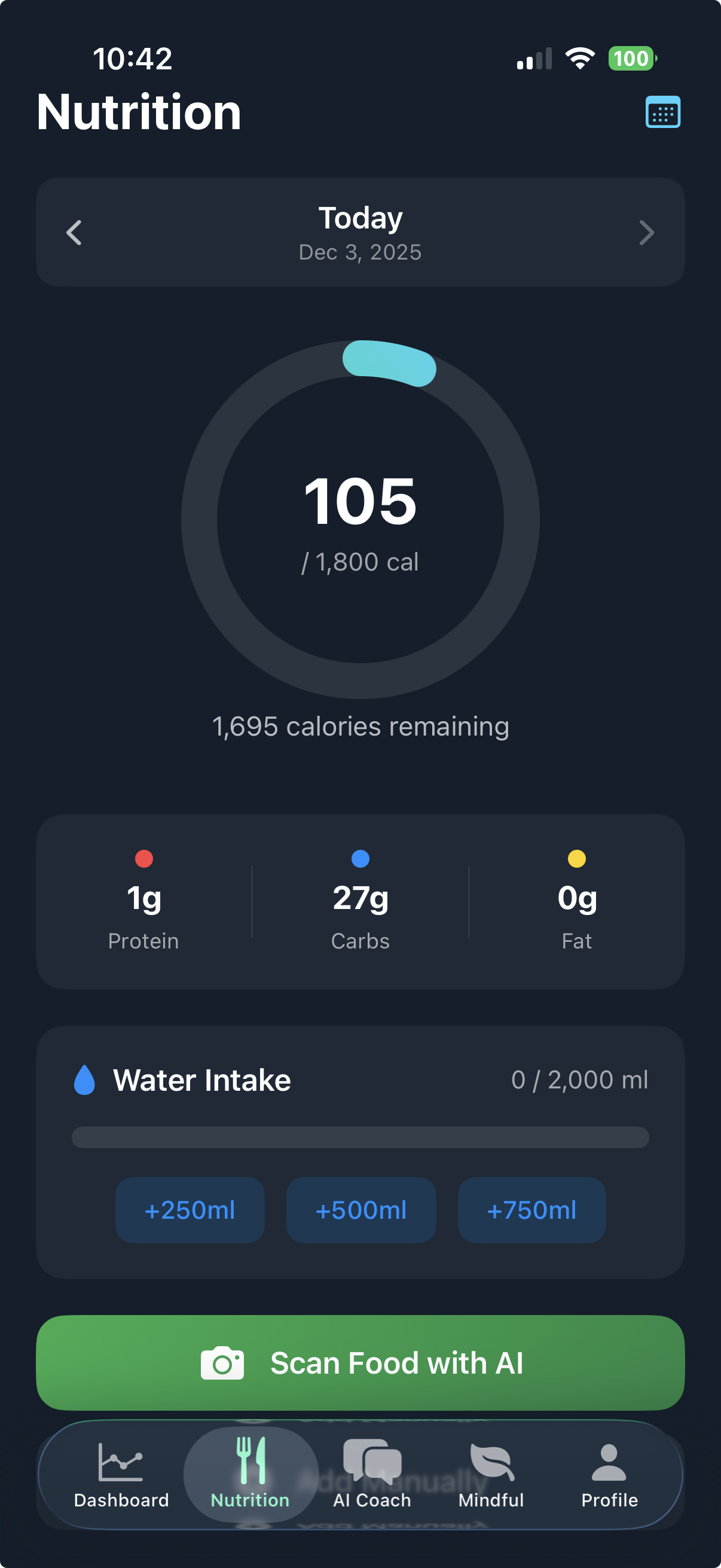
CoreML Nutrition
-
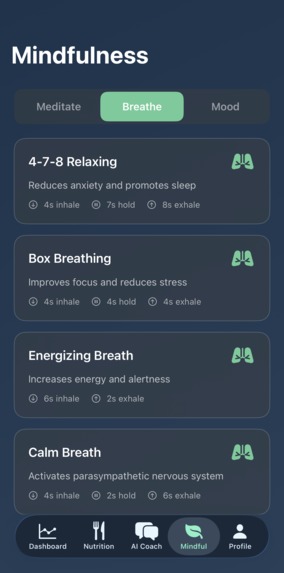
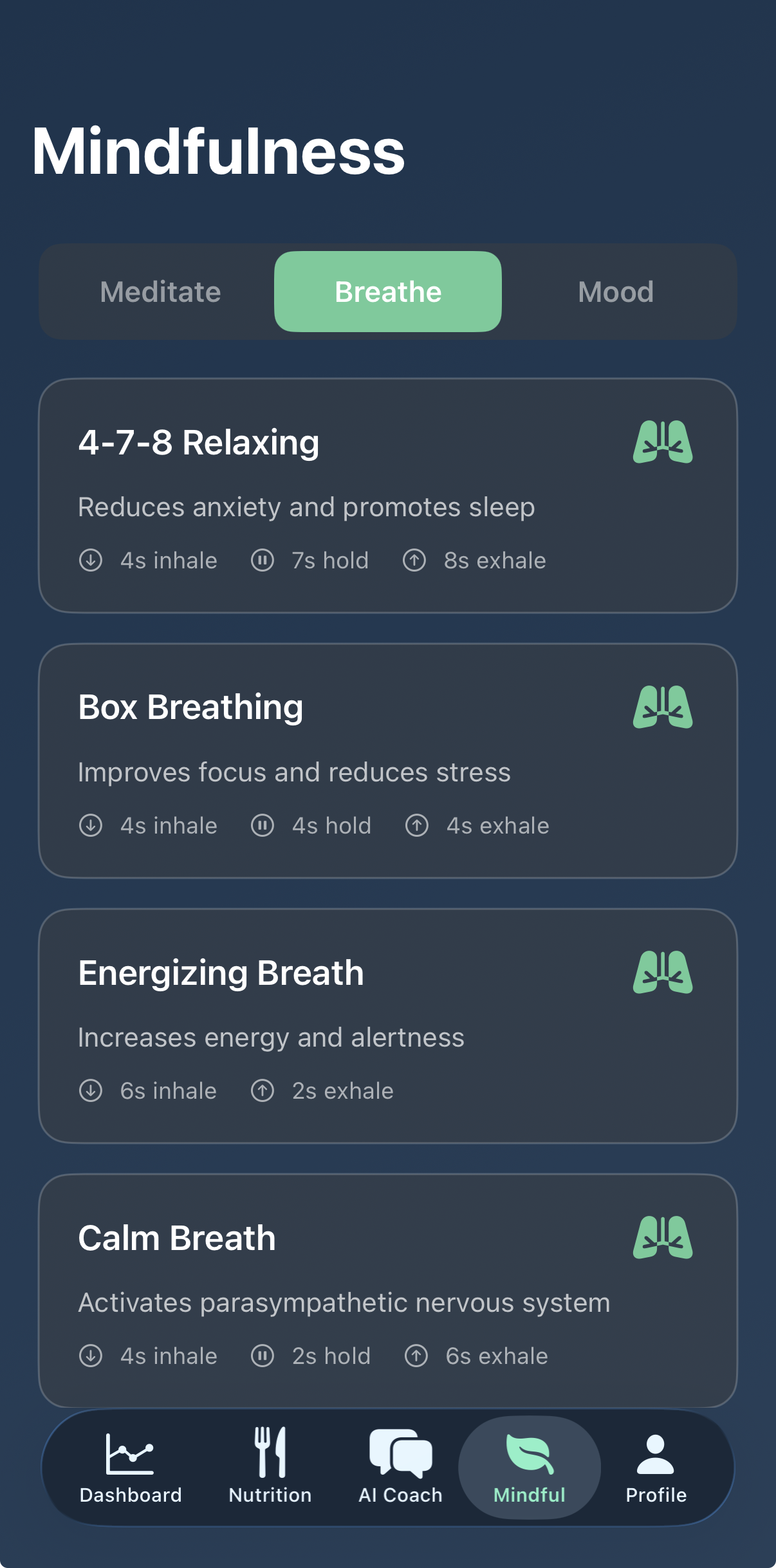
Mindfullness Exercises
🎯 Inspiration
I have a biomedical research background - worked in labs at Harvard Medical School and in New York on biosensors and diagnostics. I'm not a software developer by trade. Health apps promise personalized insights while shipping your most sensitive data to servers you don't control. Sleep patterns, heart rate, what you eat - all going to the cloud. I wanted to see if I could build an AI health coach that runs entirely on the phone. The ARM AI Challenge pushed me to actually try it.
🛠️ What it does
MindFull is a health companion with four main features: AI Health Coach - Chat with a Llama 3.2 1B model running on-device. It has the ability to see your Apple Watch data (steps, sleep, heart rate, HRV) and gives personalized responses as well as HealthKit Data on your iphone. The model runs through llama.cpp with Metal GPU acceleration. Nutrition Tracking - Scan food with your camera. CoreML identifies it using the Neural Engine, then pulls nutrition info from a local database. Tracks calories and macros. Mindfulness - Mood logging, guided breathing exercises (box breathing, 4-7-8 technique), meditation timers. The AI coach can reference your mood history. Health Dashboard - Visualize trends from HealthKit data. On-device anomaly detection flags unusual patterns.
🏗️ How I built it
AI Stack: Llama 3.2 1B Instruct (Q4_K_M quantization, ~750MB GGUF) llama.cpp compiled as iOS XCFramework Metal for GPU inference on ARM Custom Swift wrapper for the C API
Health Integration: HealthKit syncs Apple Watch data Context string passes real metrics to the LLM
Food Recognition: CoreML + Vision framework Runs on Apple Neural Engine Local nutrition database
App: SwiftUI iOS 17+
ARM Optimization:
- Utilized XNNPACK partitioner for CPU inference optimization
- Leveraged Apple's Neural Engine (ARM NPU) for CoreML models
- Implemented efficient memory management for resource-constrained mobile environments
💡 Challenges
llama.cpp API changes - The sampling API changed in recent versions. Old functions like llama_sample_top_k are gone, replaced with a sampler chain system. Took a while to figure out the new llama_sampler_chain_init approach and get the pointer types right in Swift. Learning Swift - I'm not a mobile developer. Type casting is strict. Environment objects need to flow through the view hierarchy correctly. Model on a phone - 750MB model seemed ambitious. But Q4 quantization and Metal acceleration make it work. Kept context at 2048 tokens to manage memory.
📚 What I learned
On-device LLMs are practical today with the right tools llama.cpp + Metal is a solid path for iOS AI ARM's mobile chips can handle real AI workloads You don't need to be a professional developer to build something functional
🚀 What's next
CGM integration (FreeStyle Libre, Dexcom) More wearables via HealthKit (Oura, WHOOP, Garmin) Apple Watch companion app Voice interface for hands-free queries

Log in or sign up for Devpost to join the conversation.