-
-
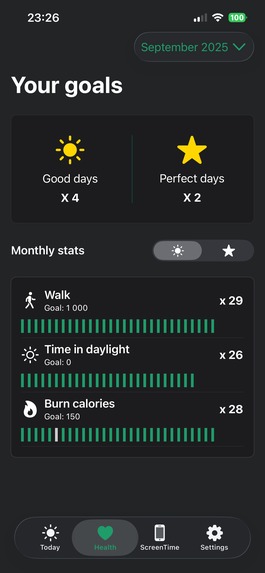
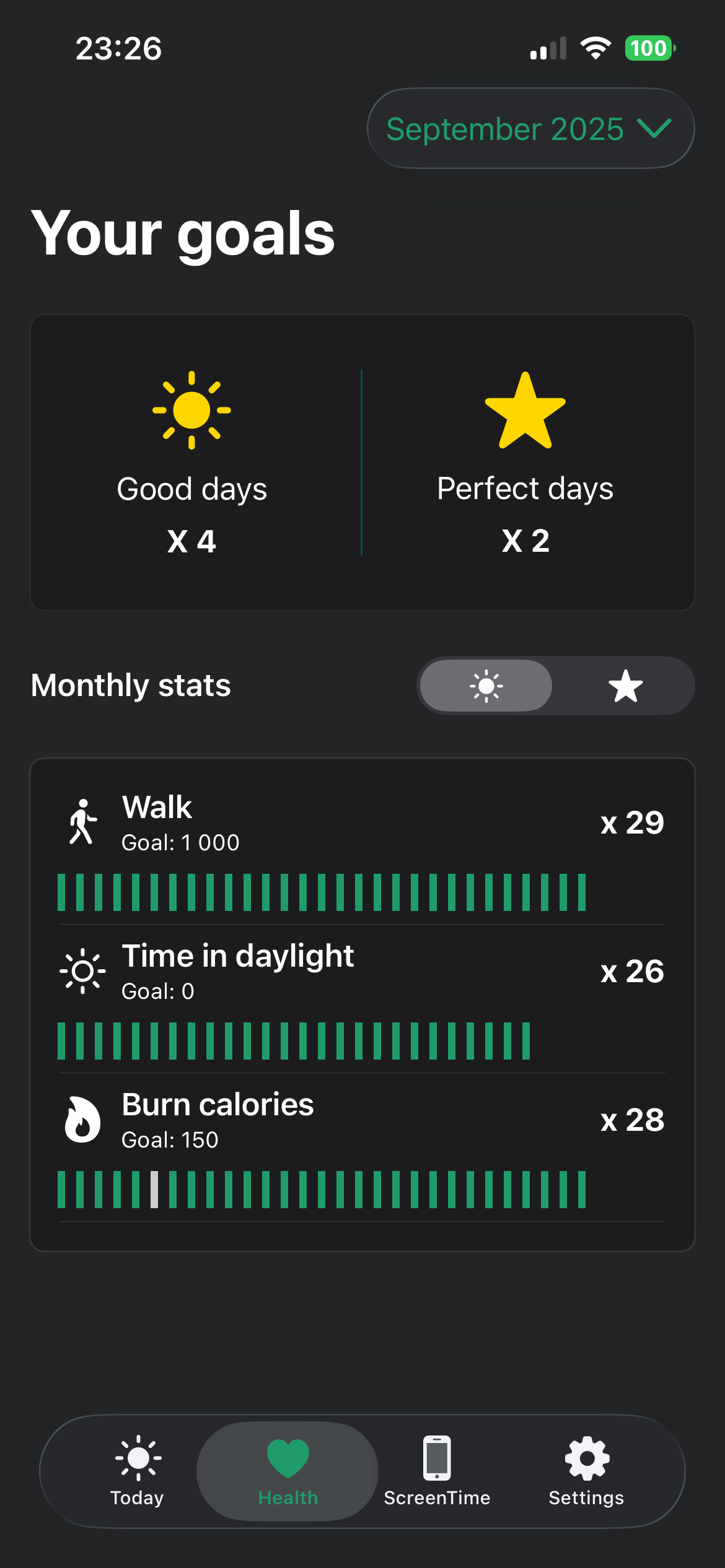
Your goal stats
-
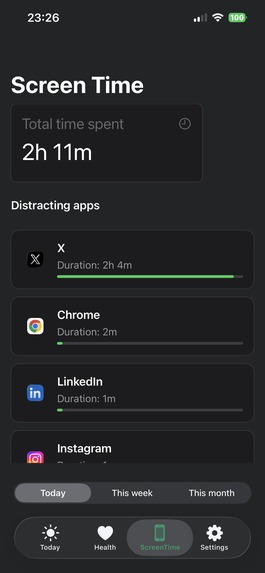
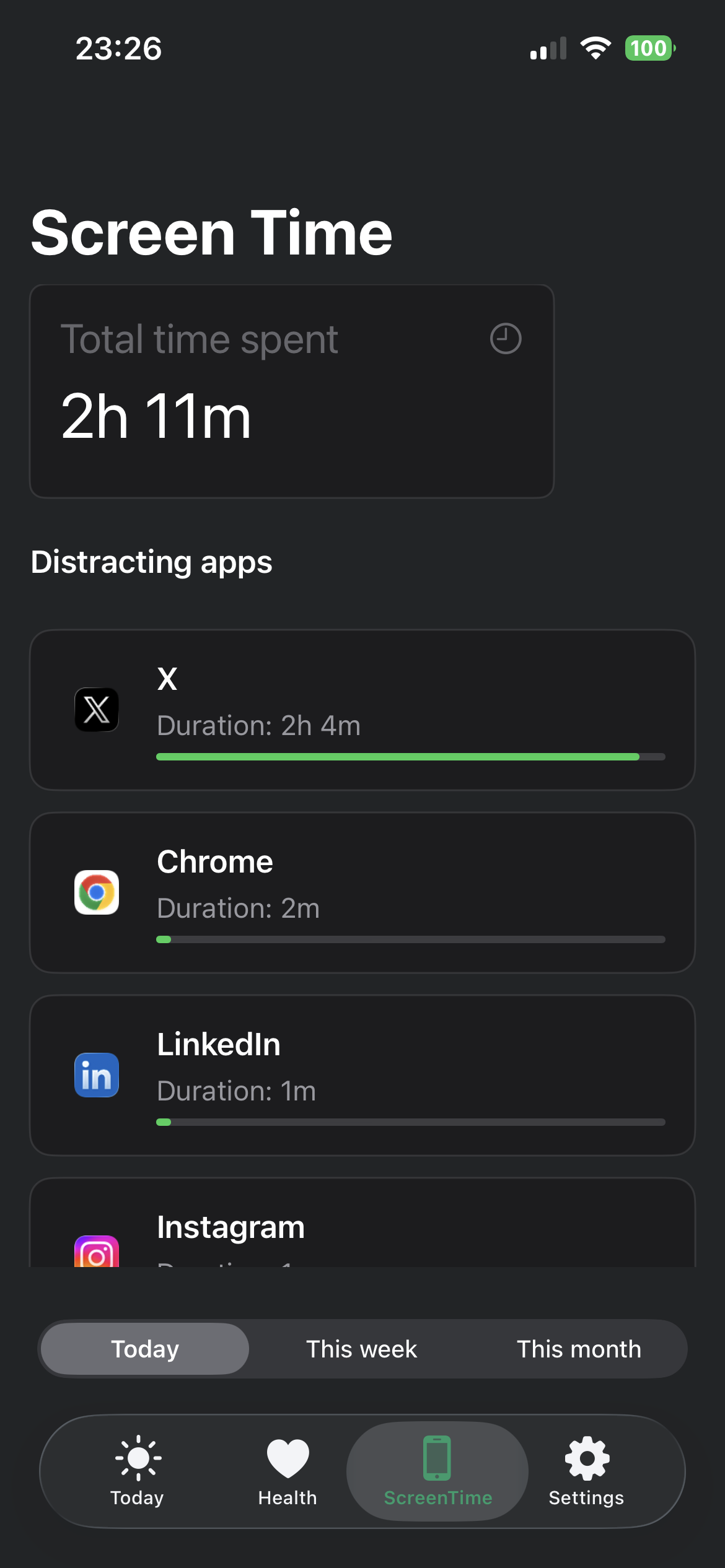
Your screen time
-
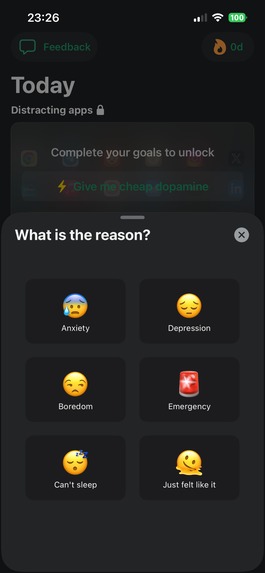
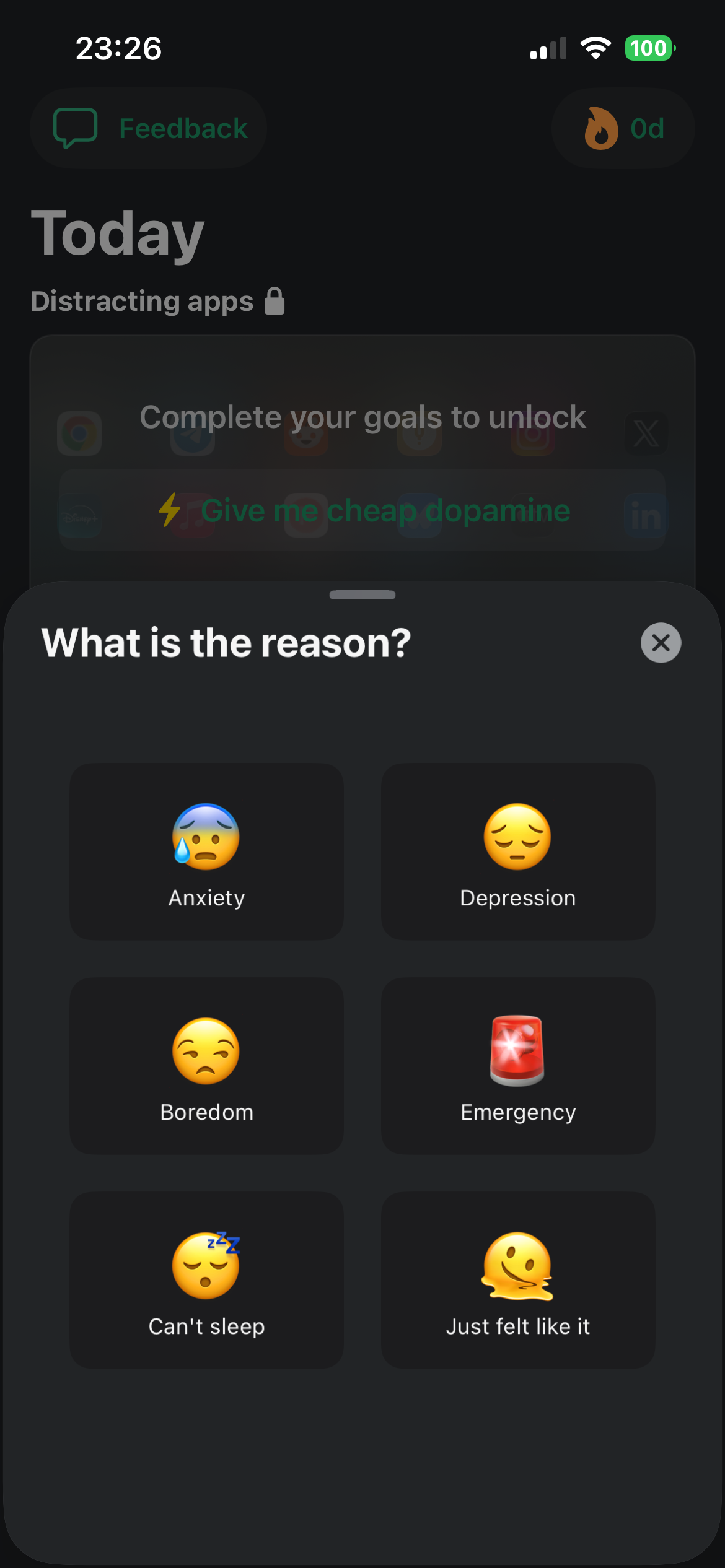
Asking for cheap dopamine
-
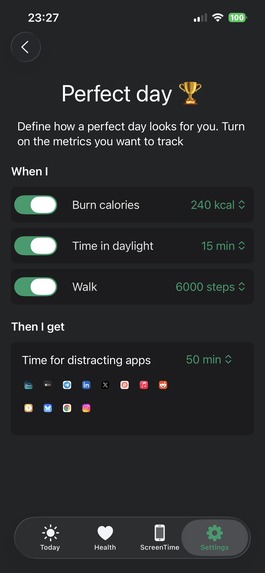
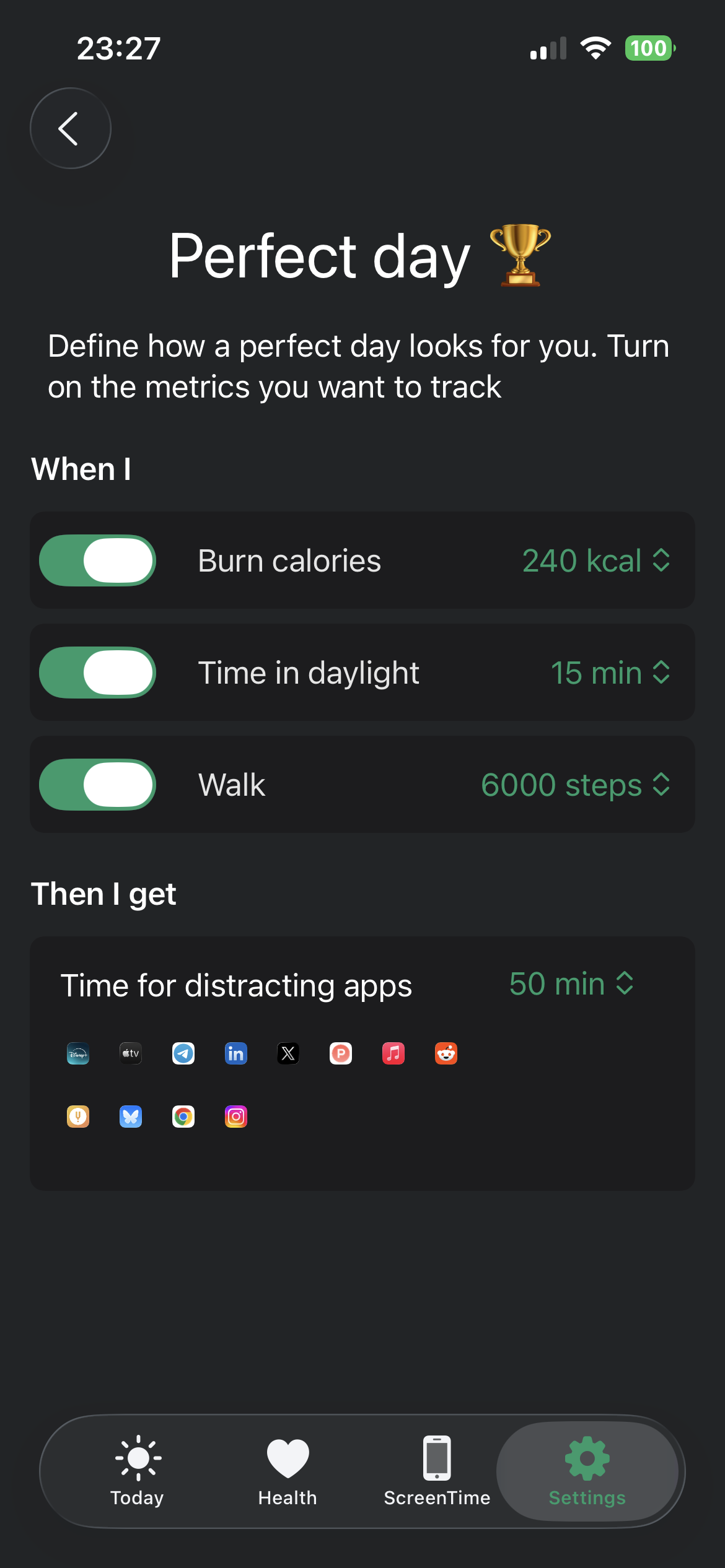
Setup your perfect day
-
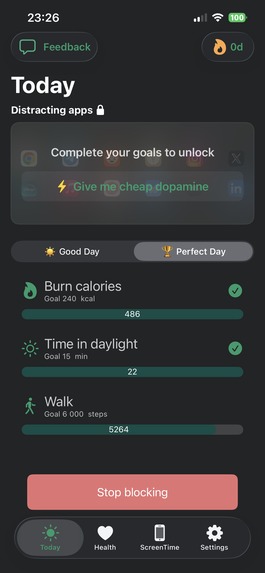
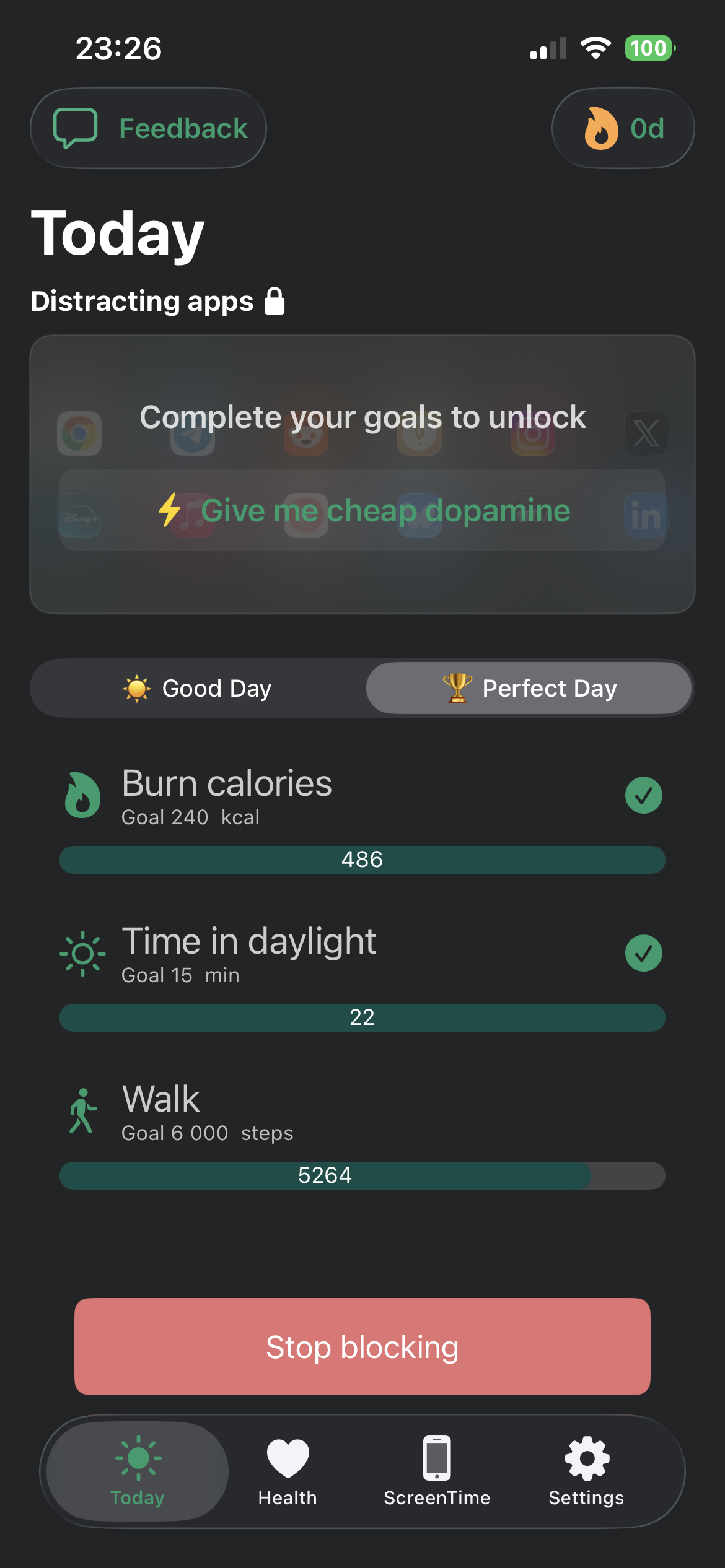
Dashboard view when your apps are locked
Inspiration
I drew inspiration from my own habits and I know I’m not alone. Like many people, I struggle with doomscrolling. I often say I’m too busy to focus on my health, but that excuse falls apart the moment I check my screen time. Every time I catch myself scrolling, I feel a mix of regret and helplessness even as I keep doing it.
That’s when the idea for Mindful Bytes clicked: What if I could use my own screen addiction as motivation? Instead of fighting against distraction, I wanted to reframe it as a reward, one that I could earn through healthier choices and daily movement. If I’m going to scroll, why not make it mindful and meaningful?
What it does
Mindful Bytes helps you earn your screen time by meeting your health goals.
It works in a simple but powerful way:
- You choose which apps distract you the most, typically social media, news, or entertainment apps.
- You define what a "Good Day" and a "Perfect Day" look like in terms of your health. This includes setting personal goals using Apple Health metrics like:
- Steps walked
- Active energy burned
- Time spent in daylight
- Mindfulness minutes
- Steps walked
- Mindful Bytes listens for real-time changes in your Apple Health data and notifies you when you've achieved your goals.
Once you meet a goal, your distracting apps become unlocked, turning screen time into a well earned reward instead of a reflexive habit.
Example Use Case
You want to avoid doomscrolling first thing in the morning. So, you set up the following rules in Mindful Bytes:
- Good Day Goal: Walk 1,000 steps + Spend 15 minutes in sunlight → 🟢 Unlock distracting apps for 30 minutes
- Perfect Day Goal: Walk 10,000 steps + Burn 500 kcal → 🟢 Unlock another 30 minutes of screen time
You can customize both the goals and the reward durations based on your own rhythm and routines.
In short, Mindful Bytes flips the habit loop it makes you move your body before you move your thumbs.
How we built it
I used Swift and SwiftUI with HealthKit API and ScreenTime API. I use a local database using SwiftData. No data leaves your phone.
Challenges we ran into
There were many challenges along the way and there will likely be more ahead. This was my first native iOS app, having previously worked with React Native and Expo, so getting comfortable with Swift and learning HealthKit took some time.
However, the biggest challenge was integrating the Screen Time API and ensuring that the app extension and main app could sync data properly. The documentation around these APIs is limited, and there are very few tutorials available, especially when it comes to syncing health data with screen time restrictions across different app targets.
Accomplishments that we're proud of
- Finding the time to work on Mindful Bytes while balancing a full-time job and caring for a 2 year old.
- Learning Swift and exploring several new iOS APIs, including HealthKit and Screen Time.
- Integrating multiple APIs and app targets into a single, cohesive experience—and getting everything to work smoothly across the full flow.
What we learned
- Building something that solves your own problem is deeply motivating and rewarding.
- iOS development has a steep learning curve, even for experienced developers coming from other platforms.
- I became more aware of how much time I waste on mindless scrolling. Time that could be spent improving my health or doing something meaningful.
What's next for MindfulBytes
MindfulBytes have been in public beta for a while and I have managed to get many people to use it. I would like to get some more feedback and iron out some bugs and then add a lot more health metrics users can choose from like: sleep score, mindful minutes, exercise minutes, flights climbed etc. Afterwards have a more detailed view on doomscrolling triggers.

Log in or sign up for Devpost to join the conversation.