-
-
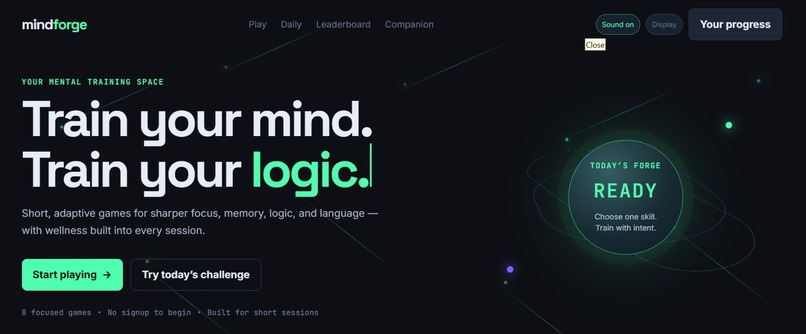
Landing page
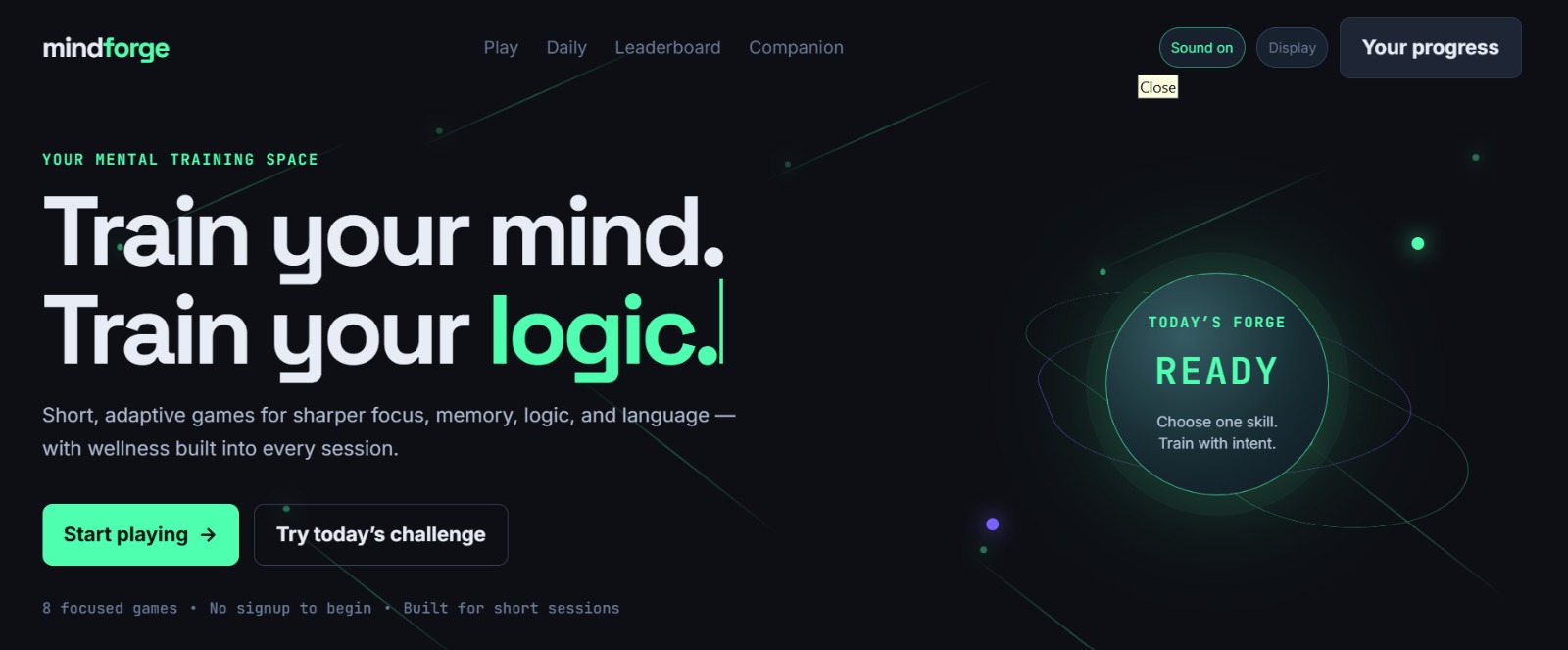
Inspiration
MindForge began with a simple question: what if cognitive training felt less like a test and more like a sustainable daily practice?
Many people want to improve focus, memory, logic, and language, but traditional brain-training tools can feel repetitive, clinical, or disconnected from real life. I wanted to create a calm, motivating mental gym where a player can begin immediately, choose their own pace, and feel challenged without feeling overwhelmed.
What it does
MindForge is an AI-powered cognitive-training platform with eight short games:
- Colors Challenge for attention and focus
- Memory Match for visual working memory
- Number Guessing and Chess for logic
- Liar's Duel and Voice Spelling Chat for language
- Shuttle Table for visual sequencing
- Reverse Count for concentration and mental calculation
Players can use touch, keyboard, or voice controls where supported. They can adjust difficulty, timers, and answer style before a round begins.
The platform also includes:
- An AI Companion for concise cognitive-wellness conversations
- AI session feedback with practical training recommendations
- Daily Forge challenges and browser-saved streaks
- Local personal bests, achievements, sound controls, calm-motion settings, and shareable challenges
- Wellness-aware reminders that encourage short breaks
How we built it
MindForge is built with Next.js 14, TypeScript, React, and Tailwind CSS, then deployed on Vercel.
We used the Web Speech API for voice input and speech output, while keeping typed and touch controls available for accessibility. OpenAI powers the MindForge Companion and the post-session Coach feedback through secure server-side API routes. Guest progress and preferences are saved locally in the browser so people can start training without creating an account.
The design uses a dark, performance-and-calm visual system with an animated neural background, adaptive game setup screens, and mobile-first layouts.
Challenges we faced
The biggest challenge was making voice interaction feel useful without making it required. Speech recognition behaves differently across browsers and can mishear answers, so every voice feature has a clear permission step, real-time feedback, and a non-voice fallback.
Another challenge was keeping the experience compact on mobile devices. Games such as Memory Match can contain many cards, so we refined layouts, game settings, and board density to reduce unnecessary scrolling.
We also learned to treat AI as a focused coach rather than an empty motivational feature. The Companion and Coach are designed to be concise, practical, and clear about the fact that they are not medical advice.
What we learned
This project taught us how design, accessibility, voice interaction, and AI can work together in a playful but responsible product. We learned that meaningful cognitive training is not only about harder challenges; it is also about pacing, clear feedback, player choice, and sustainable habits.
What's next
Next, we plan to add optional Google and email/password accounts, cross-device progress syncing, friend challenges, multiplayer rooms, and account-based leaderboards.
Built With
- api
- css
- gpt-4o
- html
- javascript
- local
- mini
- next.js
- openai
- react
- speech
- tailwind
- typescript
- vercel
- web


Log in or sign up for Devpost to join the conversation.