-
-
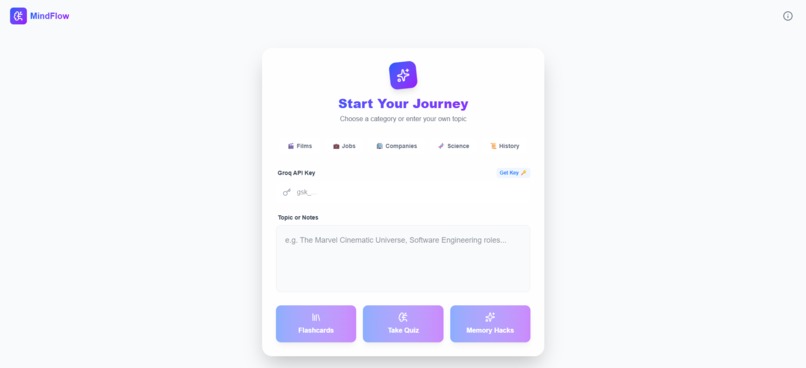
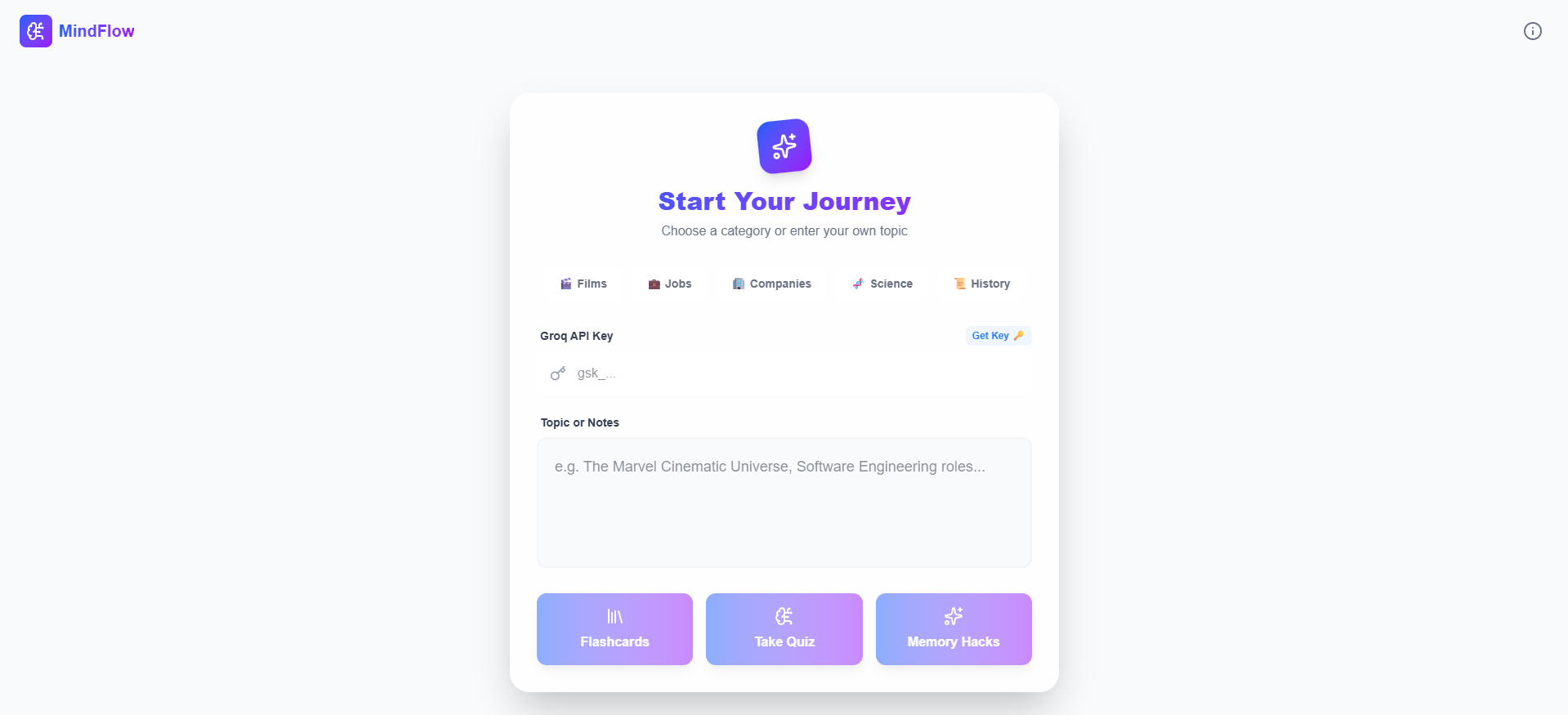
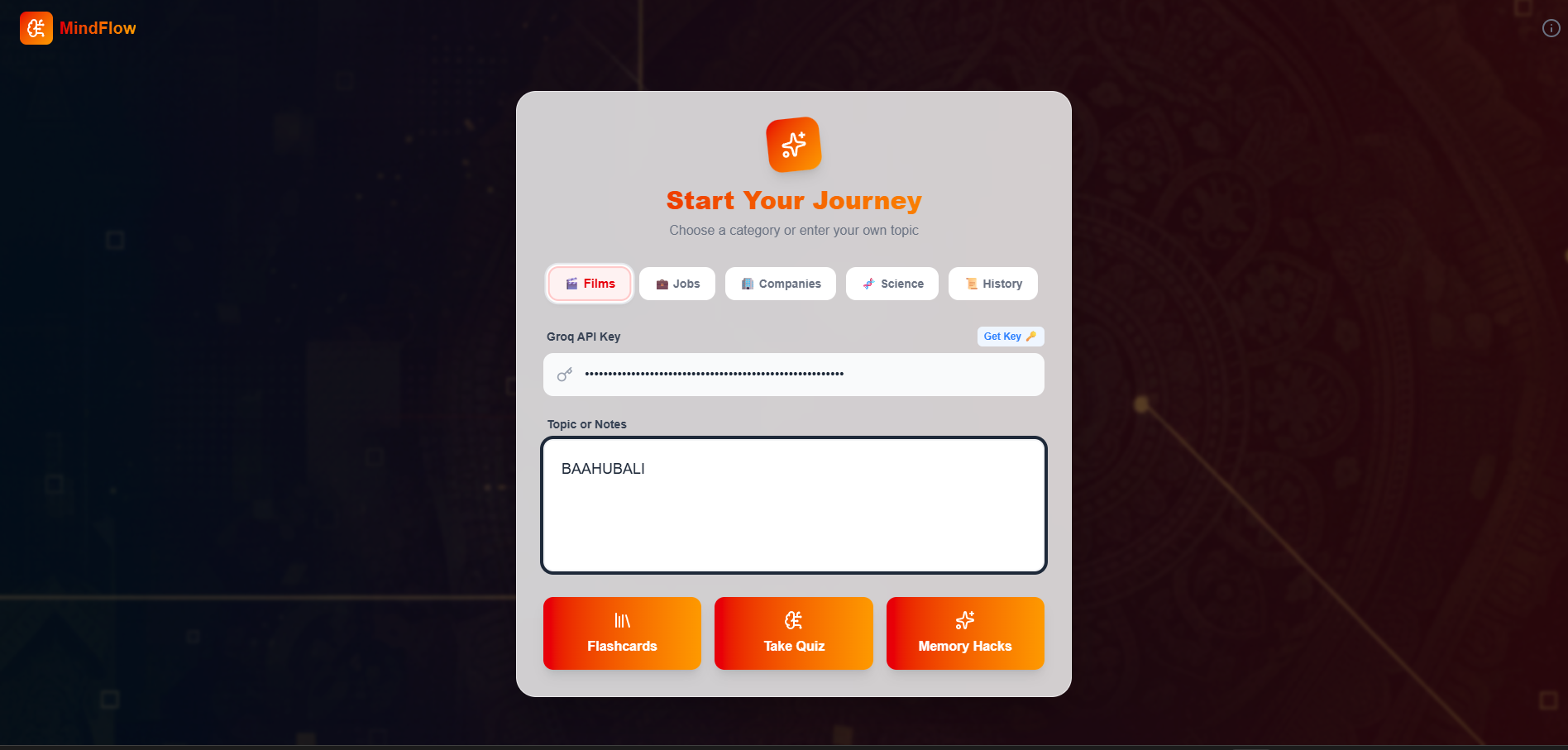
Start learning instantly! Our clean, glassmorphic UI invites you to type any topic and begin your journey.
-
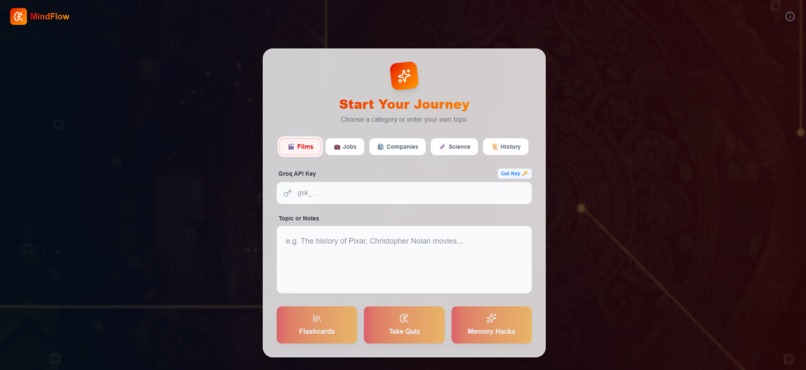
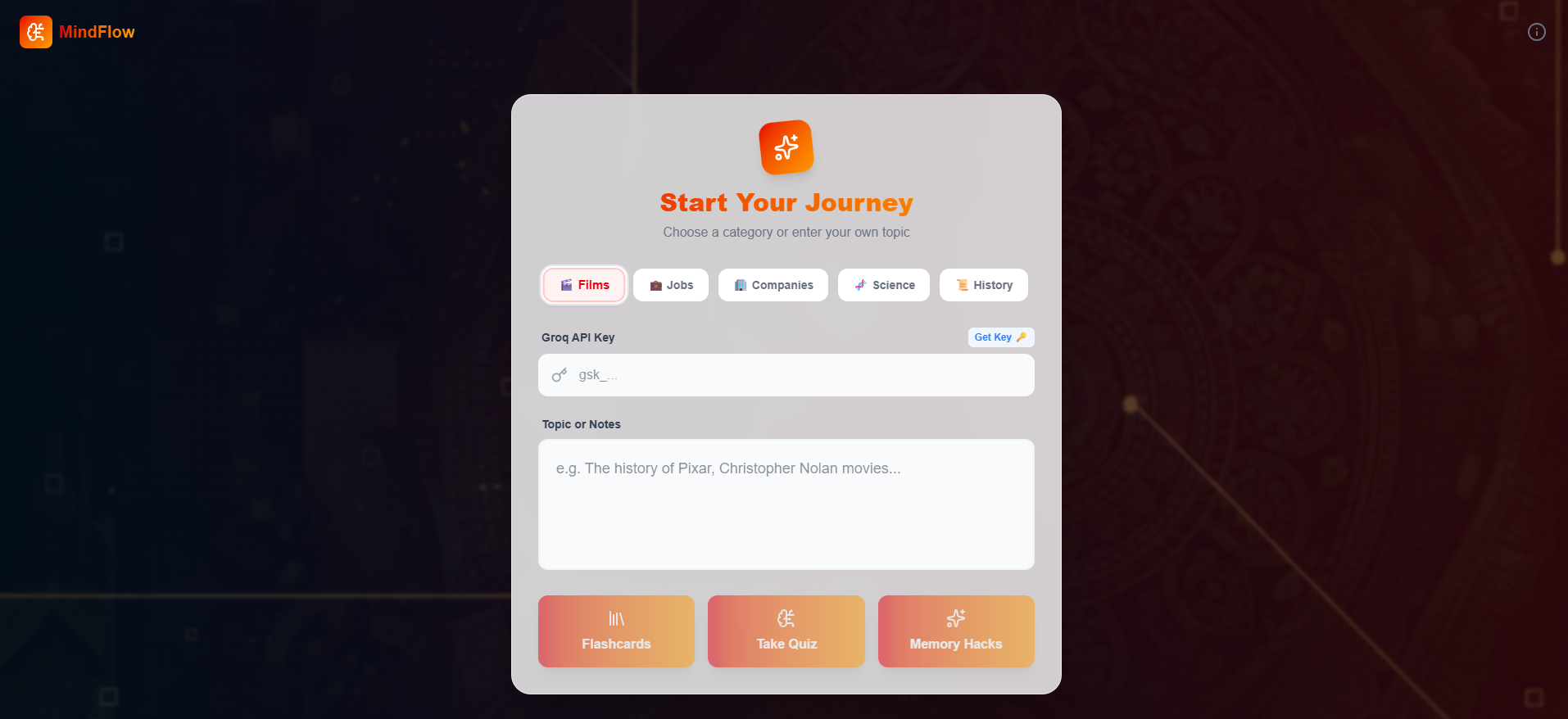
Cinematic learning! The Films category transforms the UI into a dramatic dark mode with rich red accents.
-

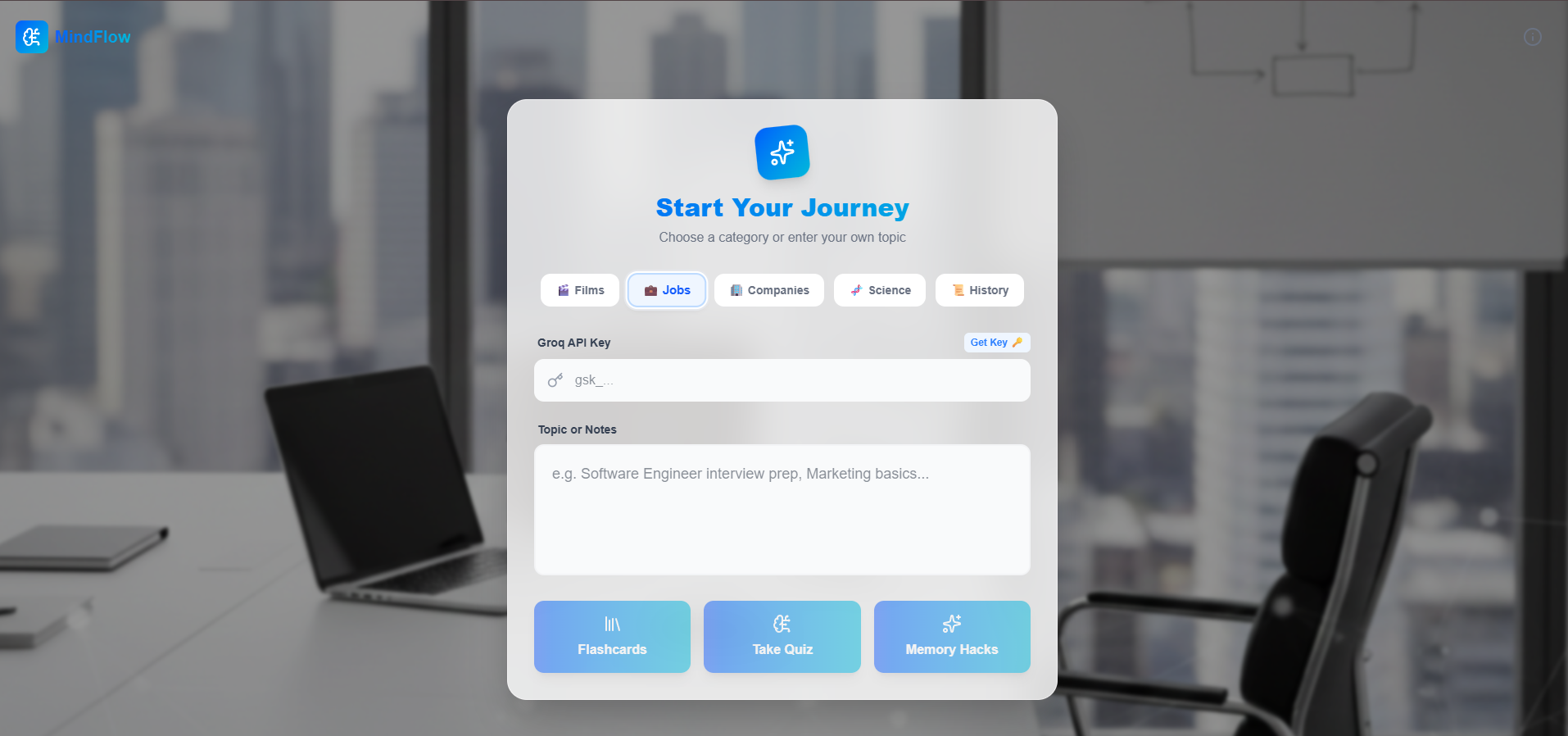
Career ready! The Jobs mode uses a sleek blue office-inspired theme to set the tone for interview prep.
-
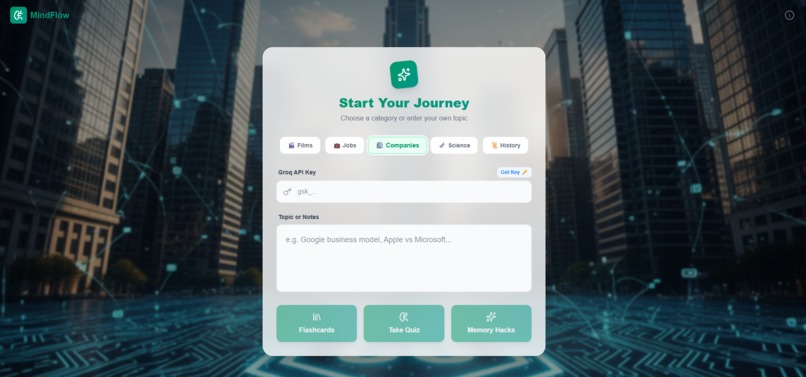
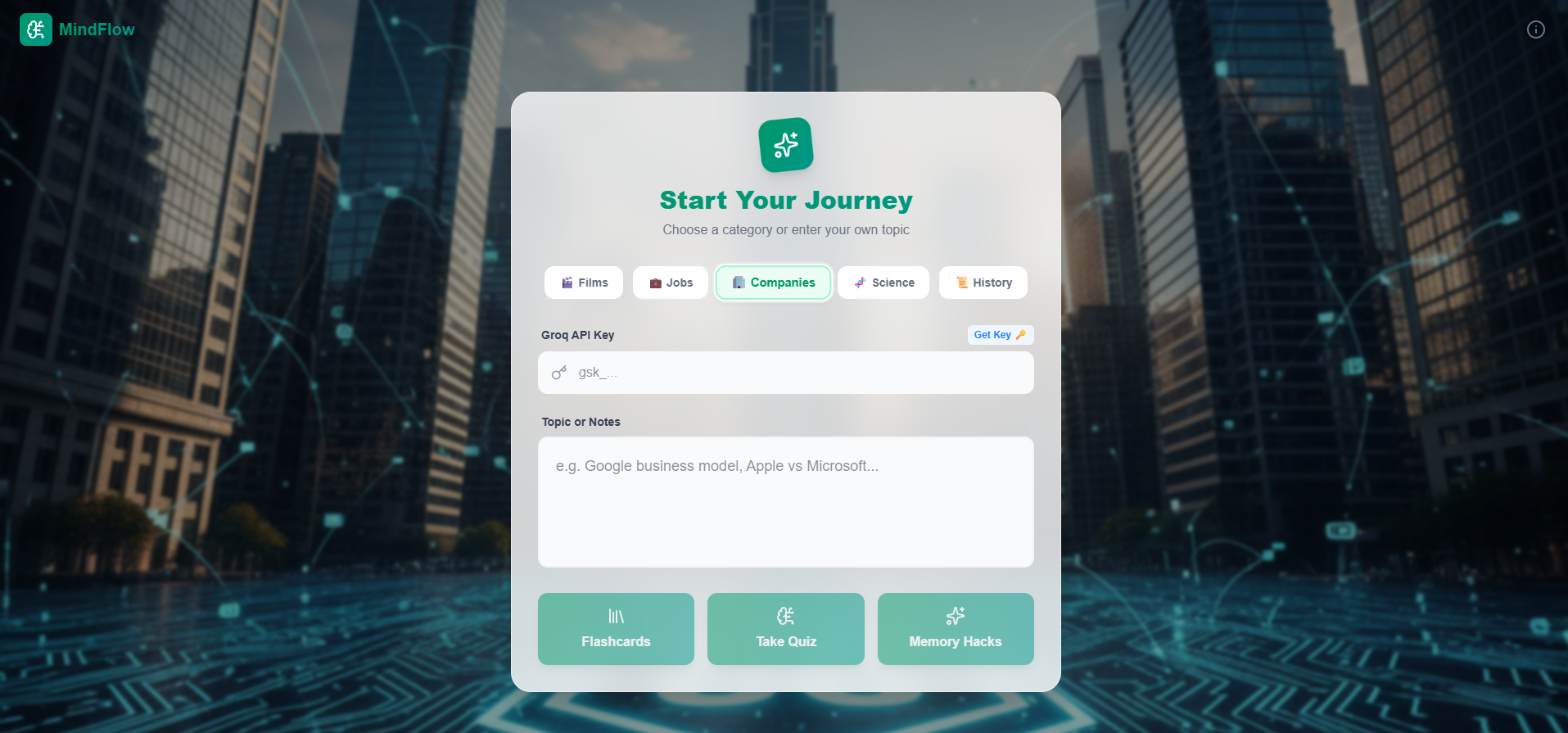
Business focus! The Companies category shifts to a professional emerald theme for deeper market analysis.
-
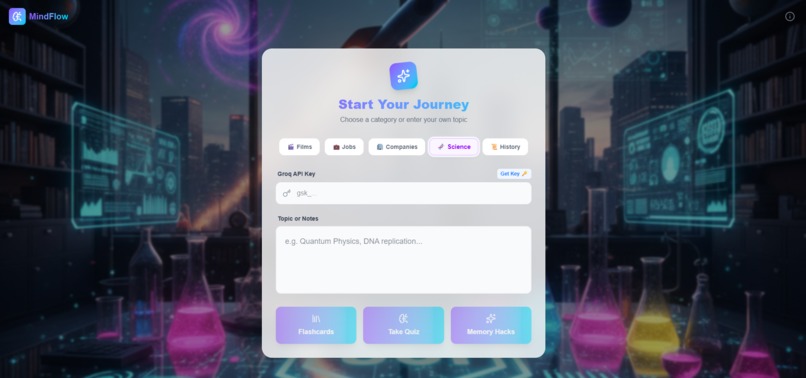
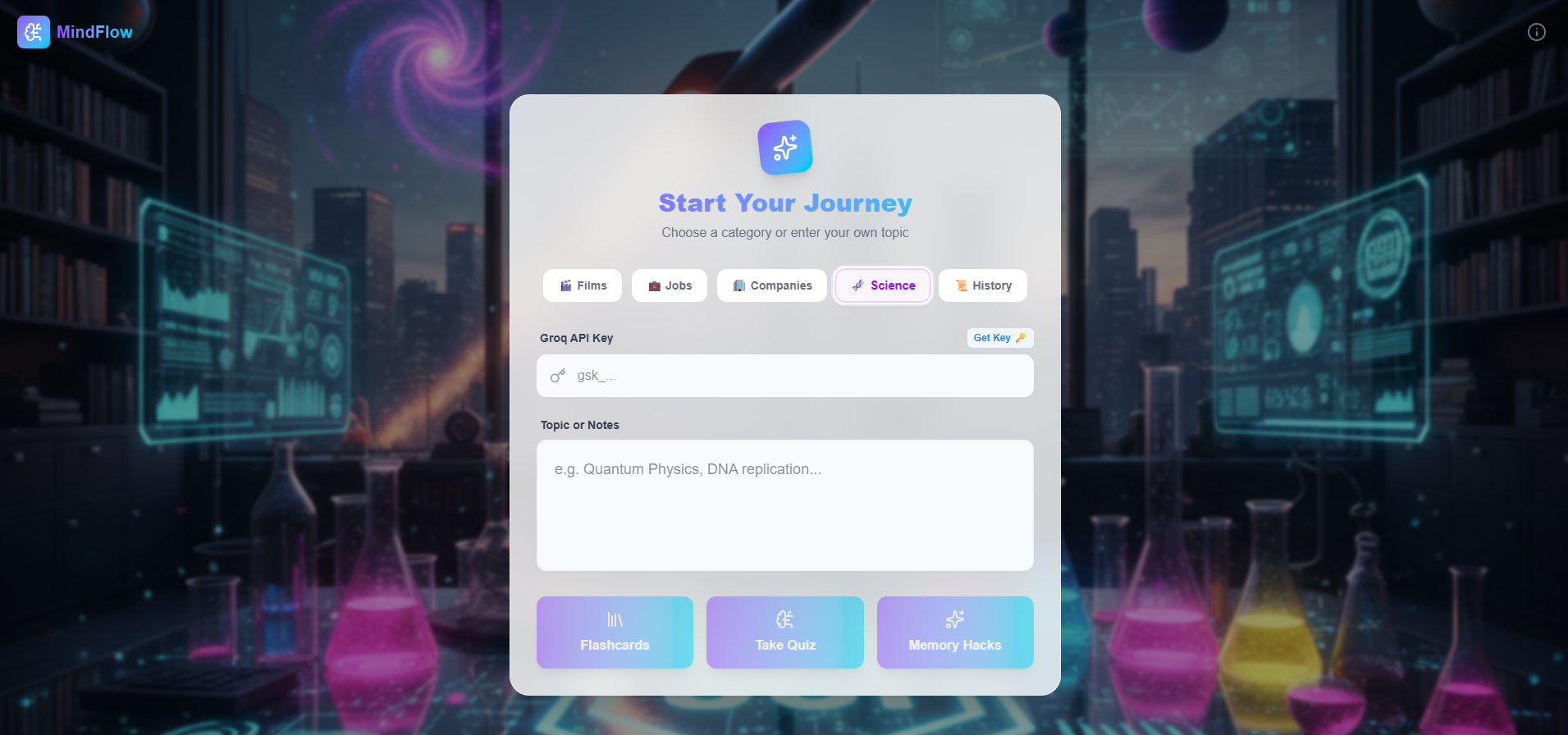
Explore the future! The Science mode features a vibrant purple & teal aesthetic perfect for STEM topics.
-
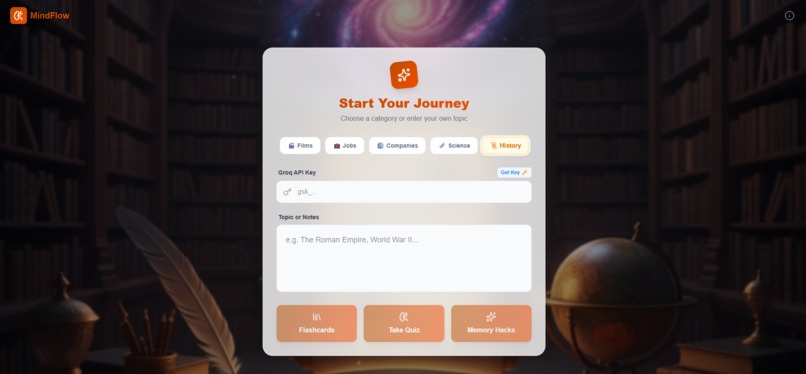
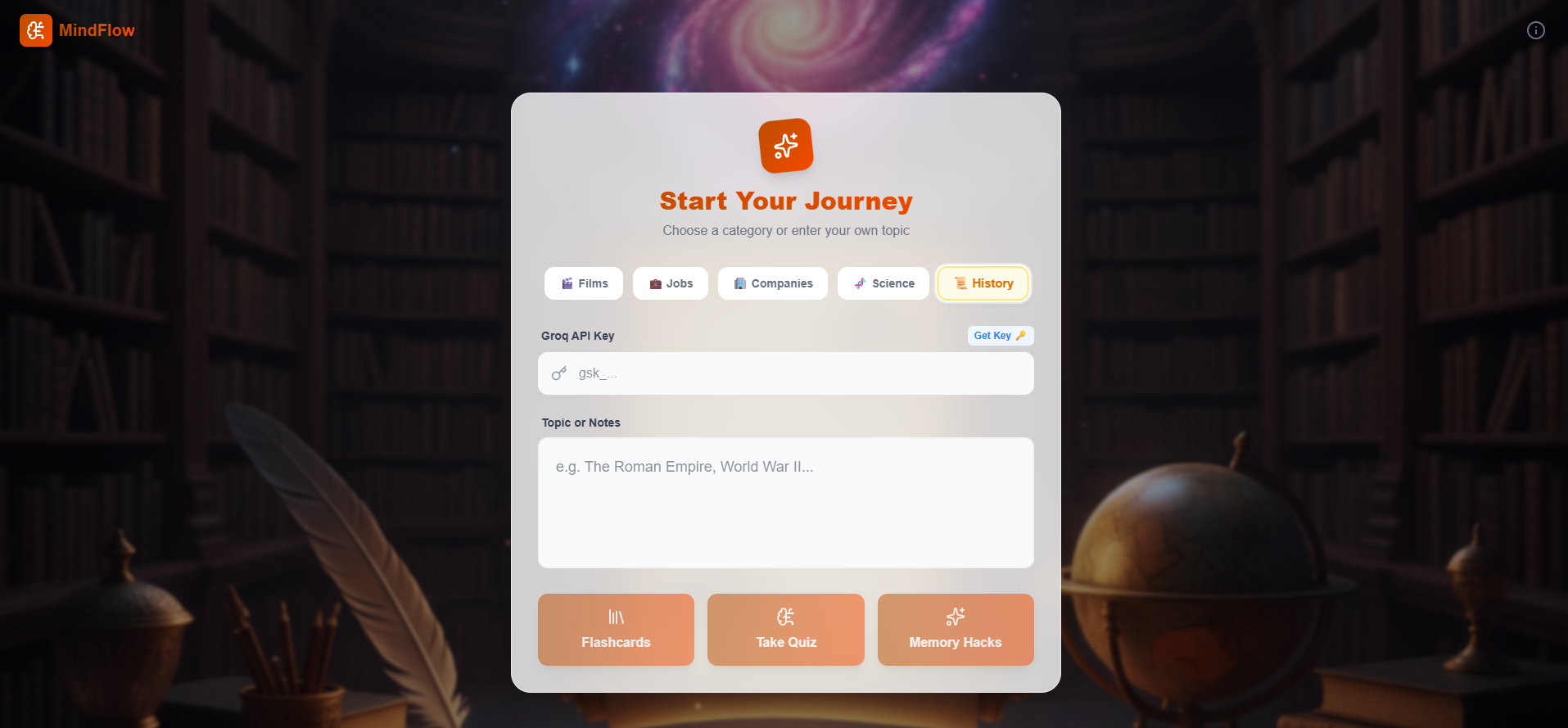
Timeless learning! The History mode features a classic library theme to bring the past to life.
-
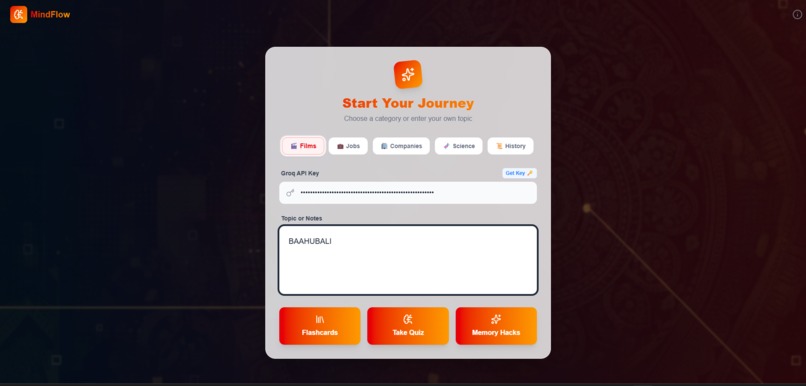
Immersive themes! Select 'Films' and watch the UI transform into a cinematic dark mode.
-

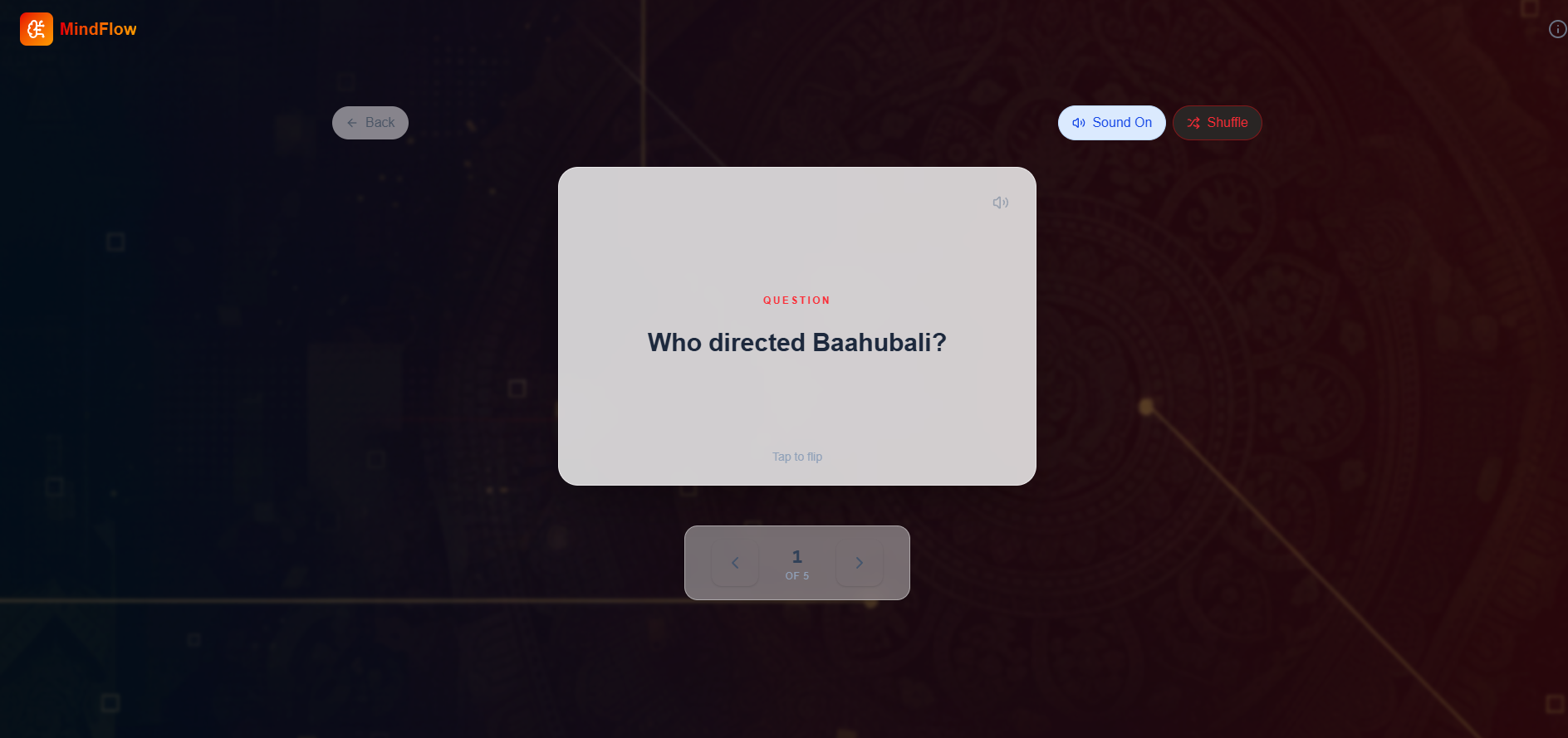
Active recall made easy. The AI generates interactive flashcards to test your knowledge.
-
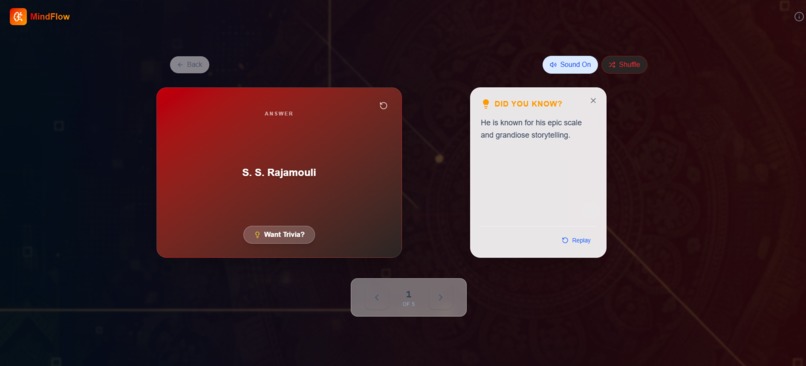
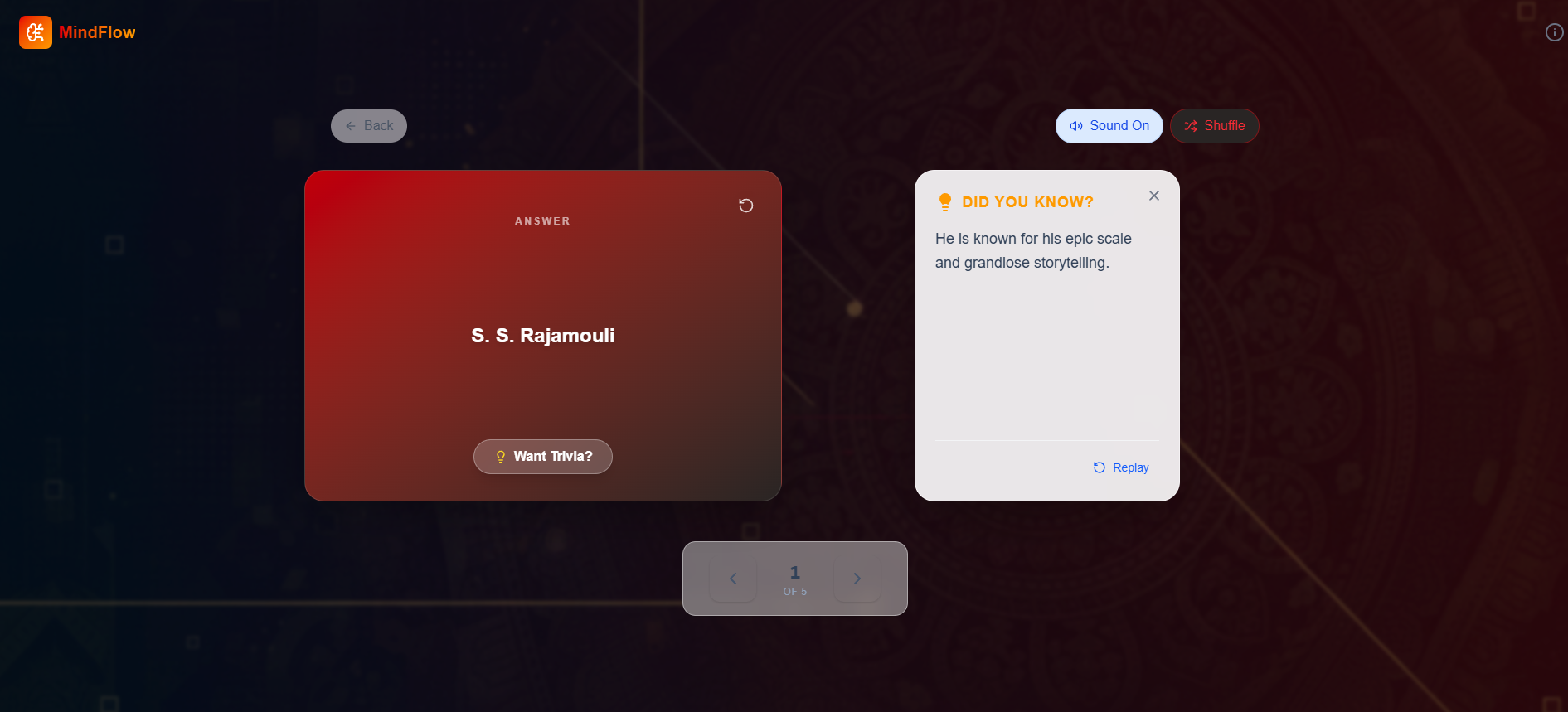
Learn more with every flip. Get the answer plus interesting trivia to deepen understanding.
-
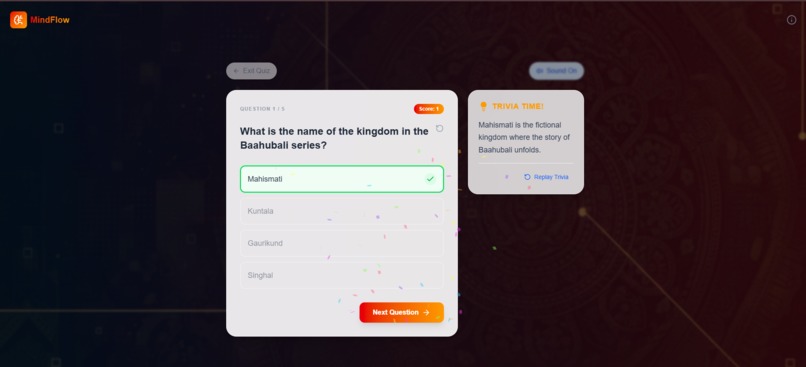
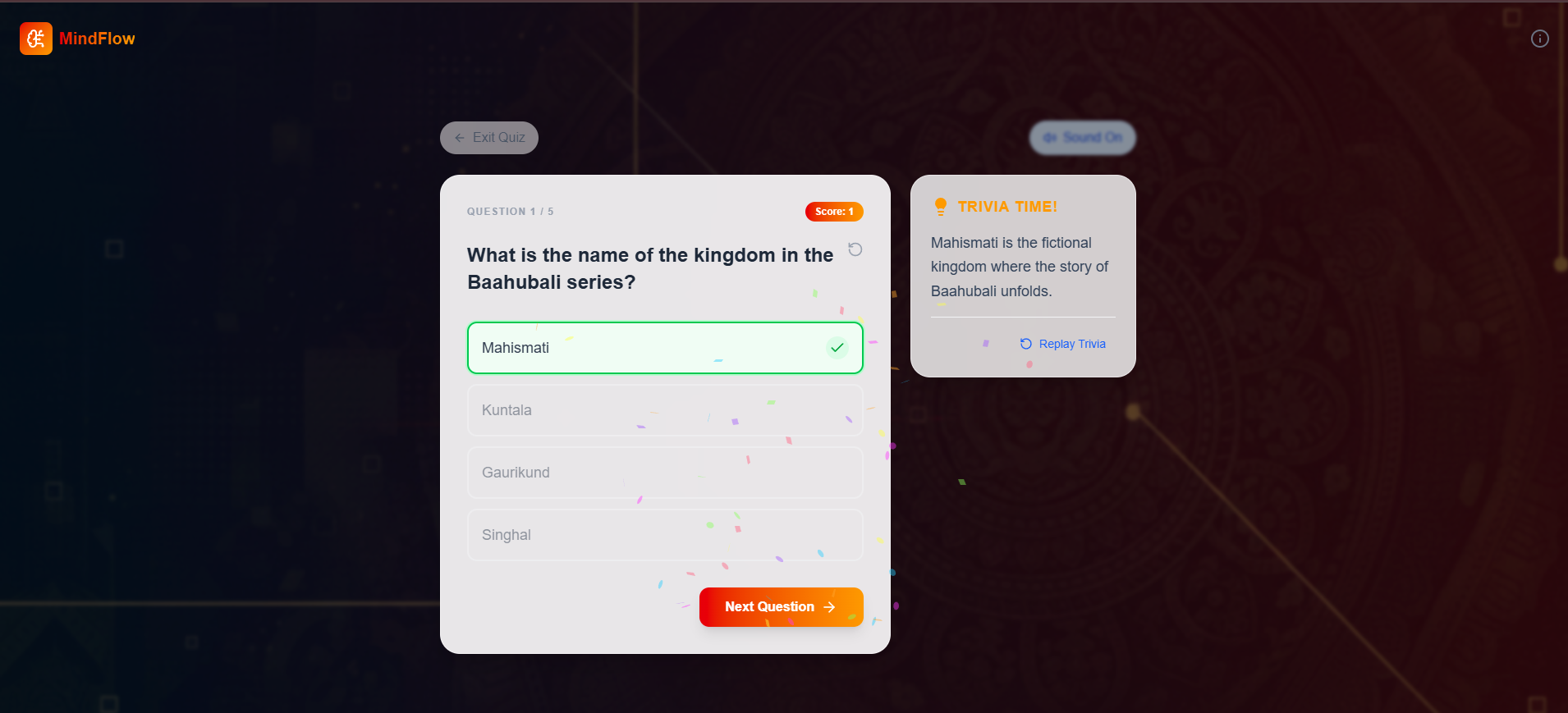
Gamified testing! Challenge yourself with auto-generated quizzes and instant feedback.
-
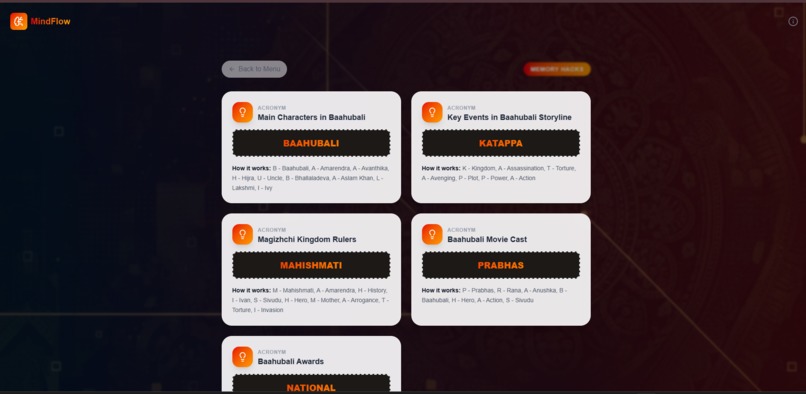
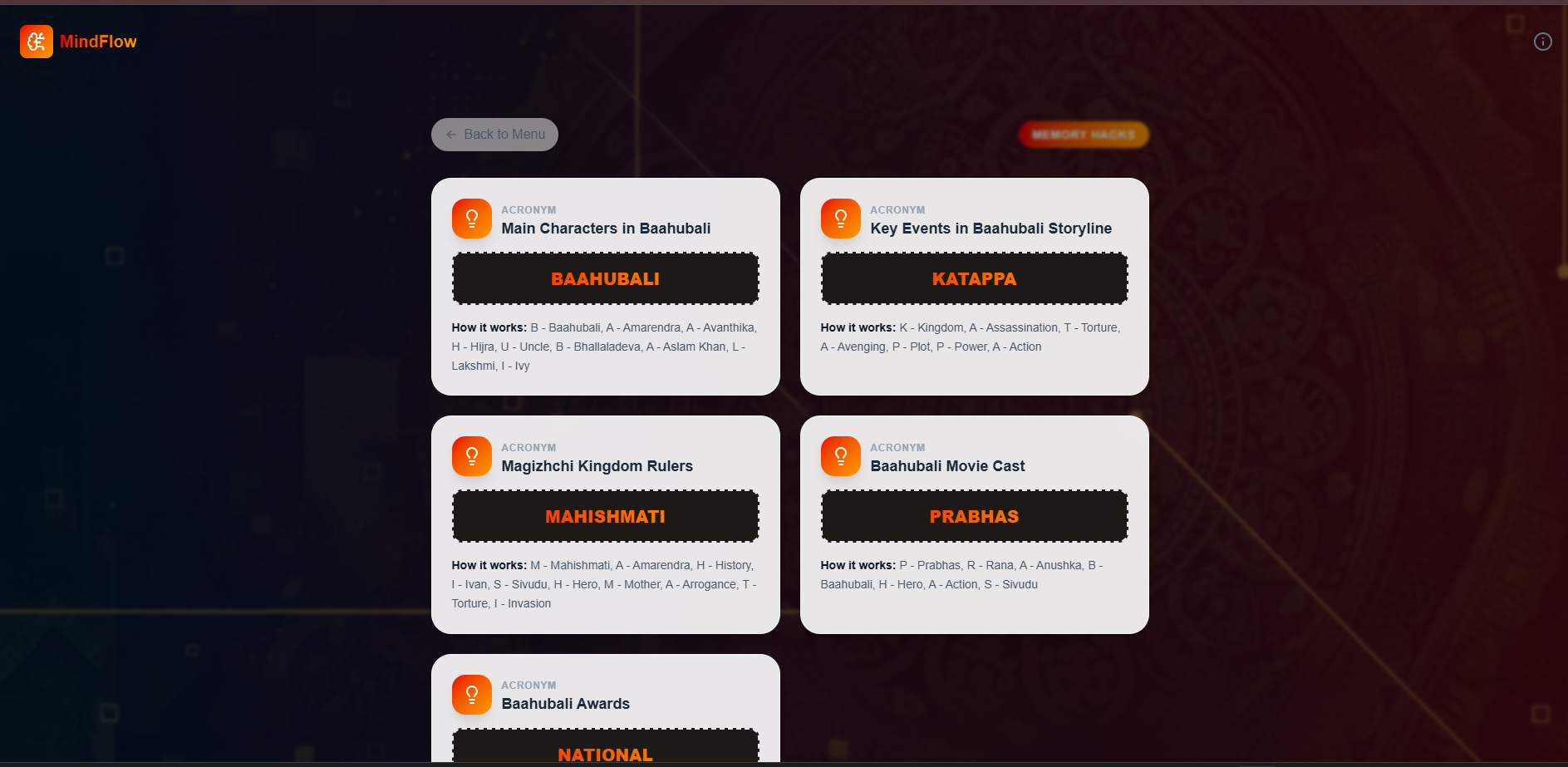
Master complex details! Memory Hacks create catchy acronyms and rhymes to make facts stick.
-
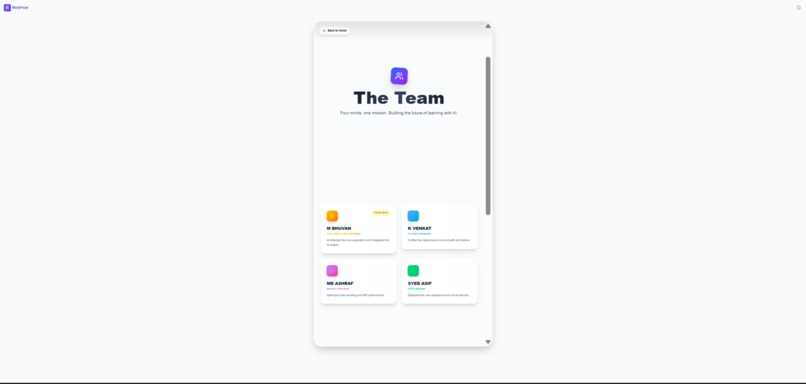
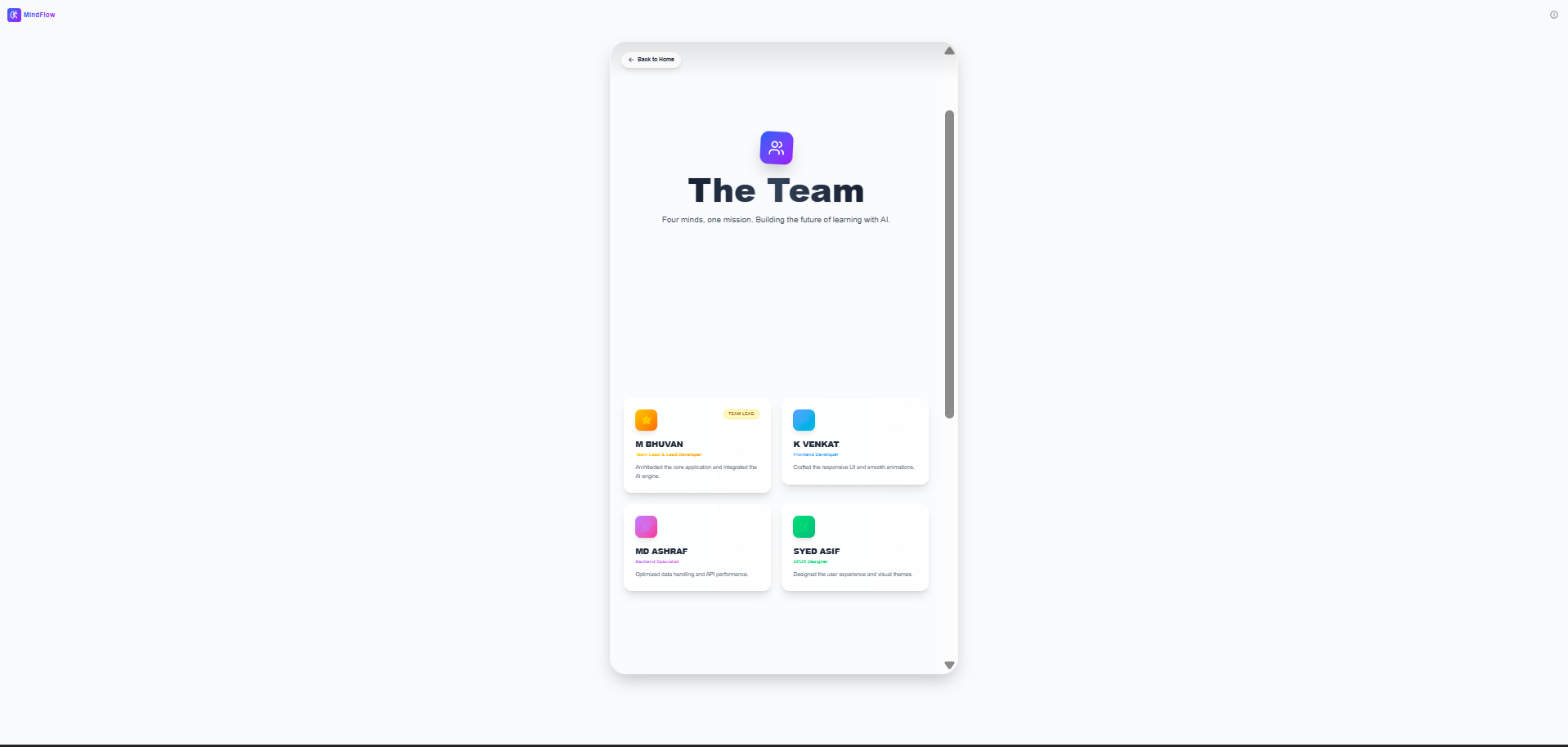
Built for every screen. Our responsive design adapts perfectly to mobile, like this Team page.
💡 Inspiration
The inspiration for MindFlow came from observing a common struggle among students: the boredom and inefficiency of passive studying. We realized that while students have access to information, they lack tools to actively engage with it. We wanted to build a bridge between raw notes and active recall, using Generative AI to create a personal tutor that is fun, instant, and available 24/7.
⚙️ What it does
MindFlow is an intelligent study companion that transforms any topic into three distinct learning modes:
- Flashcards: Auto-generated cards with "flip" animations and text-to-speech audio for auditory learners.
- Quiz Mode: Gamified multiple-choice questions with instant scoring, feedback, and celebratory effects.
- Memory Hacks: A unique feature that generates catchy mnemonics (acronyms and rhymes) to help students memorize complex strings of information.
🔧 How we built it
We built the application using React and Vite for a lightning-fast frontend experience. The user interface was crafted with Tailwind CSS, utilizing a modern "glassmorphism" aesthetic with custom category themes.
The core intelligence is powered by the Groq API (Llama 3 model). When a user enters a topic, we send optimized system prompts to Groq, which returns structured JSON data containing the educational content. This data is then rendered dynamically into our interactive components. We used Framer Motion for fluid animations and the Web Speech API to give the AI a voice.
🛑 Challenges we ran into
- Structured AI Output: Getting the AI to consistently return valid JSON without hallucinating extra text was difficult. We solved this by refining our strict system prompts and implementing robust error handling.
- Mobile Responsiveness: Designing complex 3D-flipping cards that look good on mobile screens required careful CSS grid optimizations.
- Voice UX: The default browser text-to-speech was too fast. We had to implement rate control (0.8x speed) and proper speech cancellation to ensure a smooth auditory experience.
🧠 What we learned
We learned a great deal about Prompt Engineering—how to guide Large Language Models to act as educators. We also deepened our understanding of React state management for handling complex user flows (switching between inputs, games, and results) and the importance of Accessibility features like voice support in educational tools.
Try Now
Built With
- api
- css
- framer
- github
- groq
- javascript
- lucide
- react
- tailwind
- vite

Log in or sign up for Devpost to join the conversation.