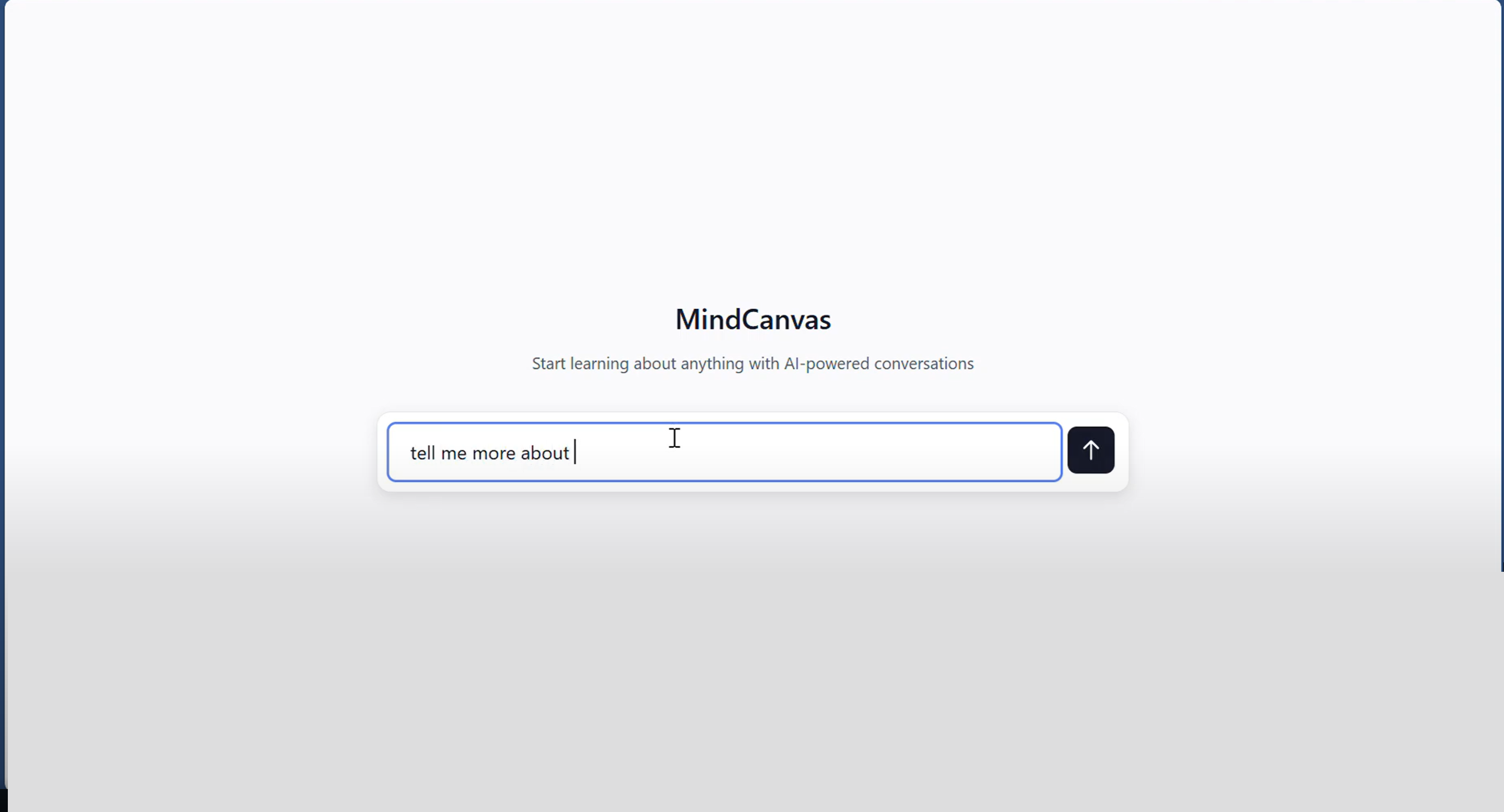
🧠 MindCanvas
💡 Inspiration
Learning something new online can feel like falling down a rabbit hole. You start with one question, the AI gives you an answer, and suddenly you’re juggling five more concepts you don’t fully understand.
We wanted a way to see how our understanding grows, not just scroll through endless chat logs. That’s where MindCanvas was born: a visual, AI-powered note-taking space that helps you organize curiosity itself.
⚙️ What it does
MindCanvas turns AI conversations into a connected knowledge map.
- Each chat becomes a draggable “card” on an infinite canvas.
- You can highlight text you don’t understand and branch off into a new clarification chat, automatically linked to the original concept.
- When you’re done, AI summarizes your conversations into clean, readable notes.
It’s like building your own visual encyclopedia, one question at a time.
🛠️ How we built it
We built the frontend using React + TypeScript with Vite for rapid development.
For the interactive canvas, we used React Flow to manage nodes (cards) and edges (connections).
State is handled with Zustand, and TailwindCSS powers the modern, responsive UI.
Our AI backend (built with Python FastAPI) connects to Gemini API, which handles chatting, summarizing, and clarifying concepts.
Mathematically, MindCanvas can be seen as a knowledge graph: $$G = (V, E)$$ Where $V$ represents study cards (concepts), and $E$ represents the conceptual links between them.
🚧 Challenges we ran into
- Designing an infinite canvas that’s intuitive and smooth.
- Managing complex conversation branching and state synchronization.
- Balancing a beautiful UI with fast performance.
- Making AI interactions feel natural, not robotic.
We went through multiple design iterations to get the flow just right.
🏆 Accomplishments that we're proud of
- Built a fully working AI-driven visual learning interface.
- Implemented clarification branching, highlight any text to start a new conversation.
- Designed clean, dynamic note summarization for focused review.
- Created an interface that makes studying fun and interactive.
- Created the infinite canvas which can be smoothly accessed and utilized.
📚 What we learned
We learned how powerful it is to merge conversation and visualization.
On the technical side, we deepened our understanding of state management, AI integration, and UX flow design.
Most importantly, we realized that the best learning tools adapt to how humans actually learn, through exploration, confusion, and clarity.
🚀 What's next for MindCanvas
Next, we plan to:
- Add real-time collaboration so multiple users can learn together.
- Support export to PDF, Notion, and Obsidian.
- Implement semantic search for connected ideas.
- Explore a mobile-friendly version for on-the-go learners.


Log in or sign up for Devpost to join the conversation.