✨Inspiration
The idea for MindMingle was inspired by how apps like Snapchat make digital avatars feel fun and personal. I wanted to blend that emotional connection with the intelligence of modern AI. My goal was to create a space where users could chat with an assistant that doesn’t feel robotic, but expressive and engaging.
🛠️ How I Built It
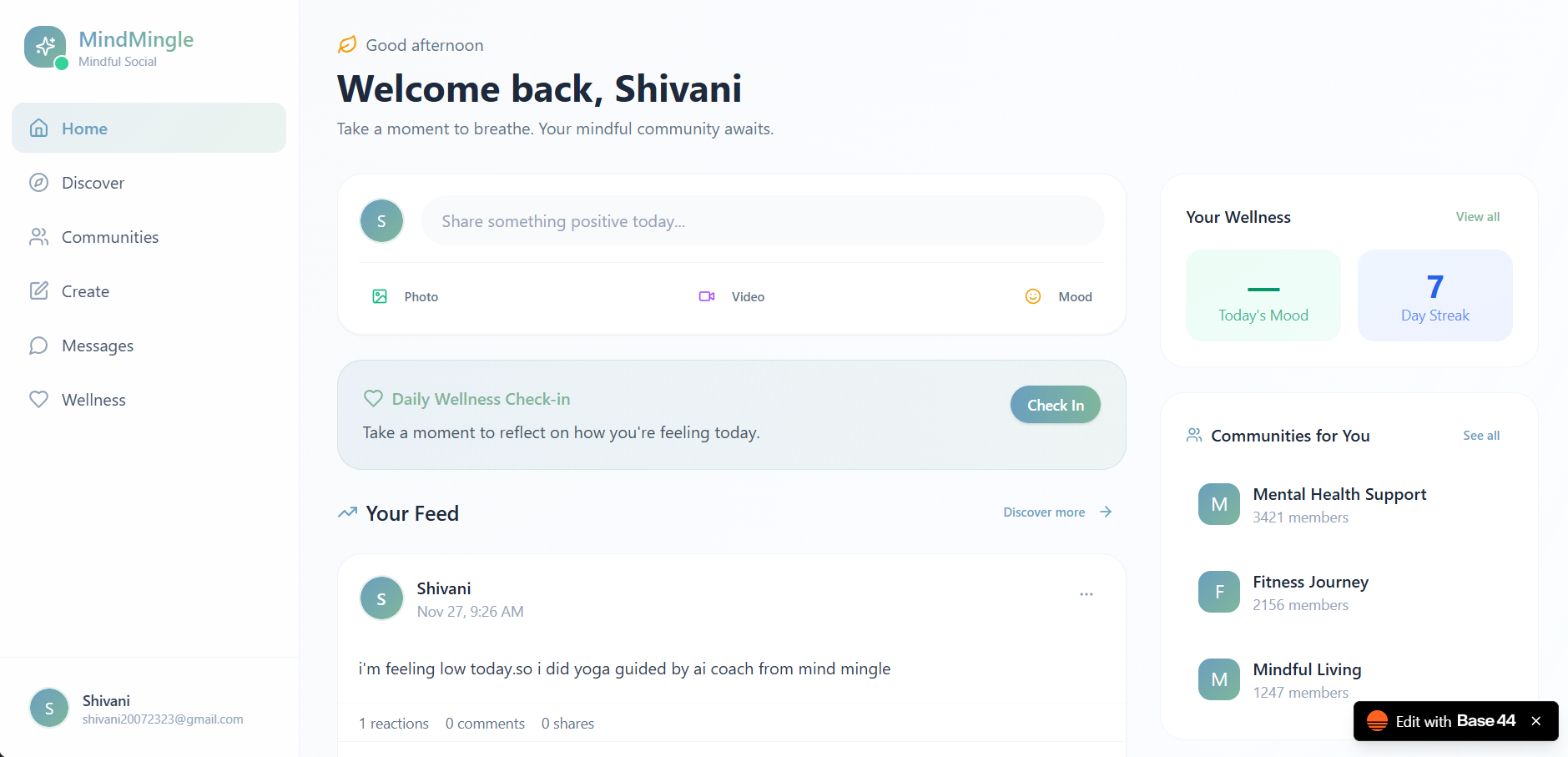
I designed the app using an elegant UI approach—clean colors, smooth animations, and a minimal layout. For the AI chat system, I integrated a conversational model capable of natural responses. The avatar system was created to mimic user emotions by syncing reactions with the AI’s output. I also focused on ensuring the app has enough information screens, helping users understand features easily.
📚 What I Learned
I learned how to merge front-end UI/UX principles with AI interaction design. I also gained experience in structuring prompts, polishing user flow, and applying consistency in avatar expression. Understanding how AI models process text using functions like: f(x)=AI_Response(x)
helped me design better conversational prompts.
⚡ Challenges
The biggest challenge was making the avatar feel responsive and not static. Ensuring the UI stayed elegant while adding multiple features was also difficult. Balancing speed, design quality, and avatar animation took several iterations.
Built With
- avatar-focused-screens-firebase-/-supabase-?-for-authentication-and-real-time-data-openai-/-gemini-api-?-to-power-the-ai-chatbox-and-avatar-reactions-node.js-/-express-?-backend-logic-for-chat
- minimal
- prompt
- user-data

Log in or sign up for Devpost to join the conversation.