-
-
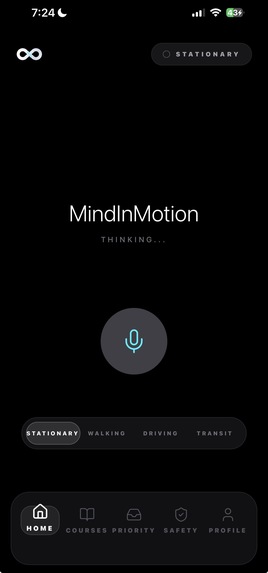
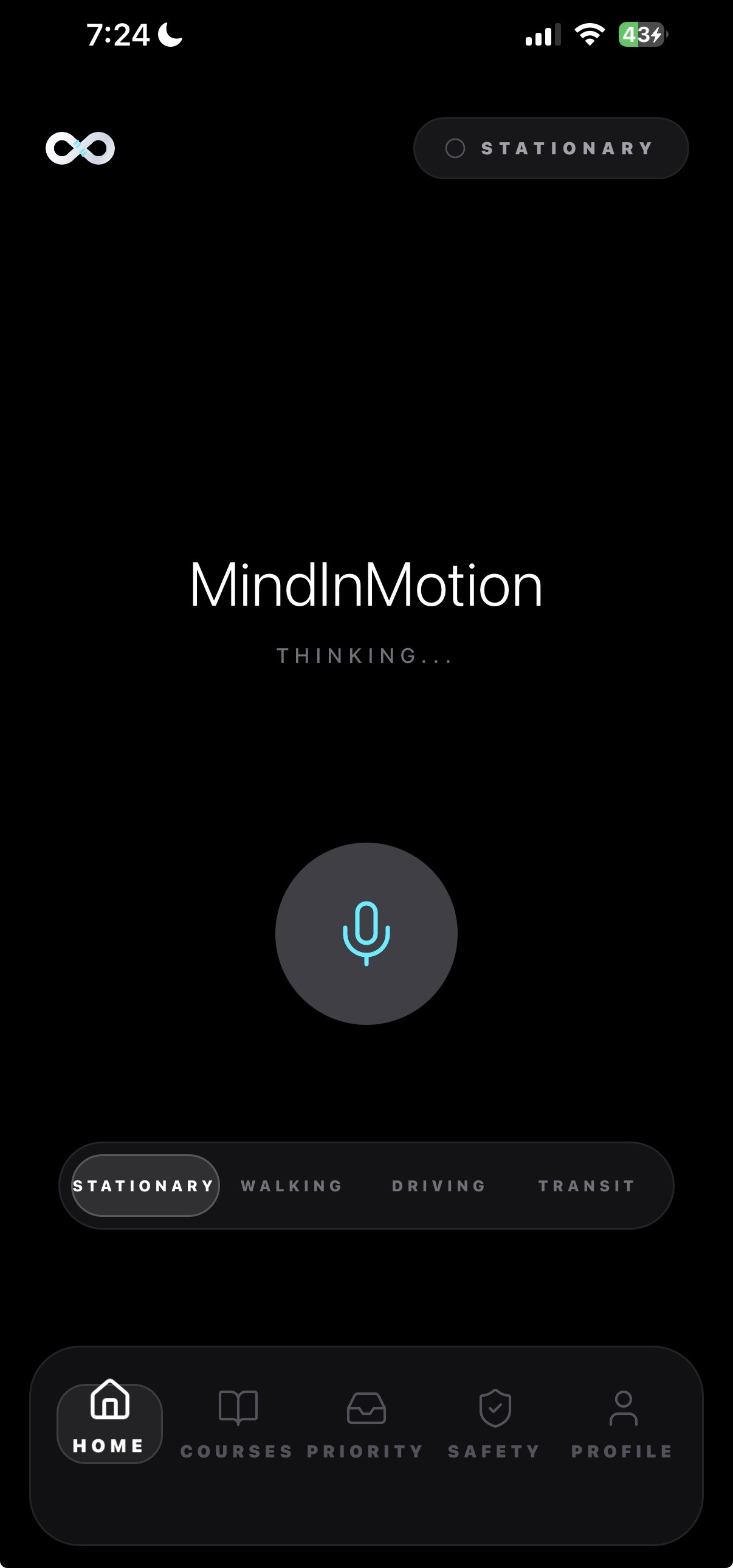
Homepage
-
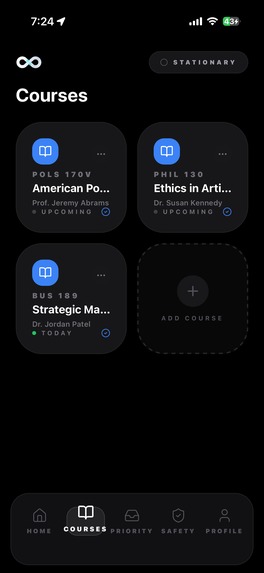
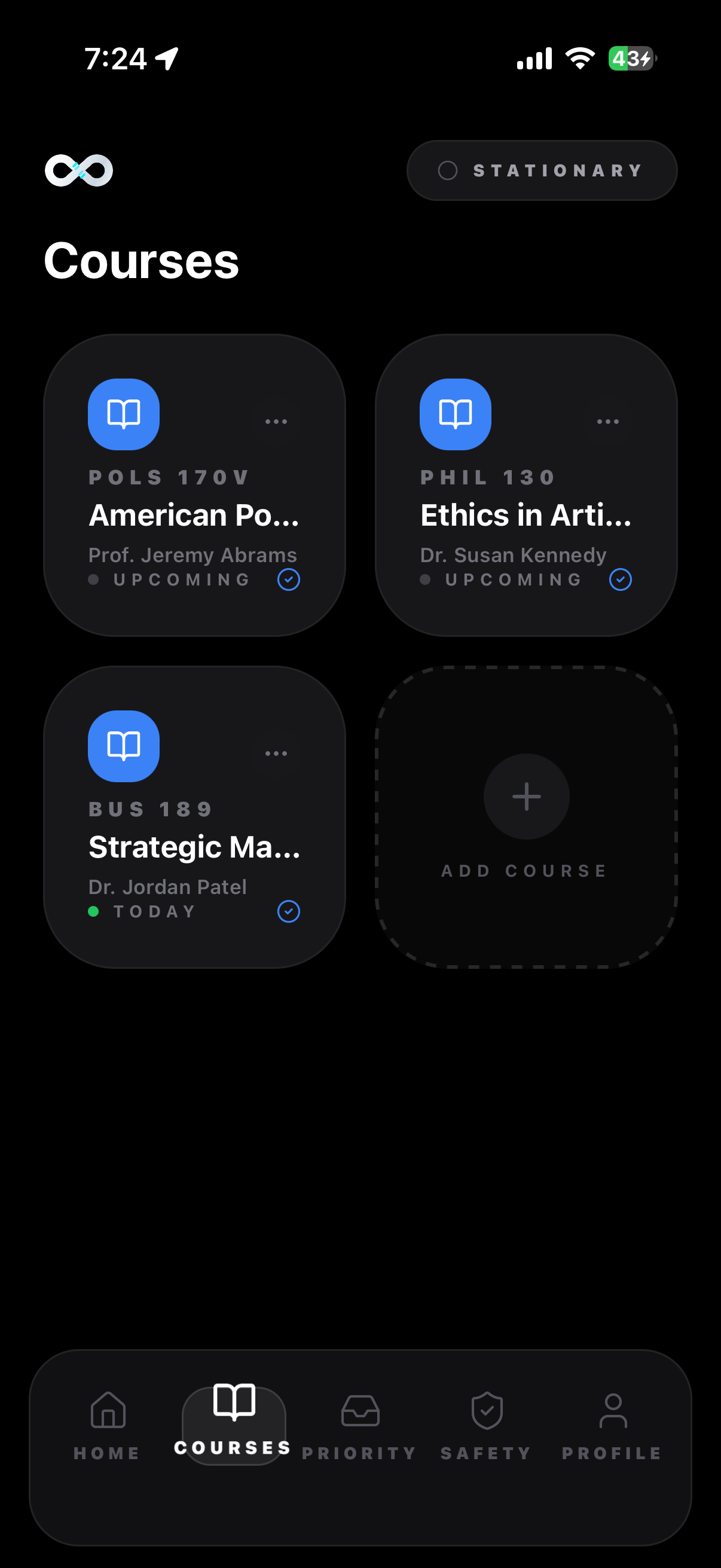
Courses
-
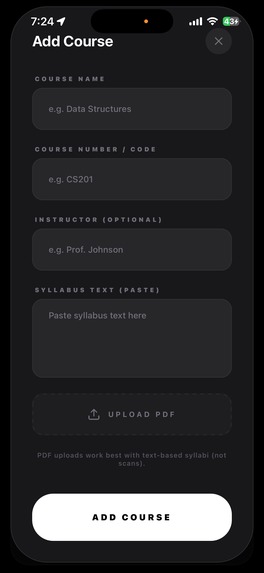
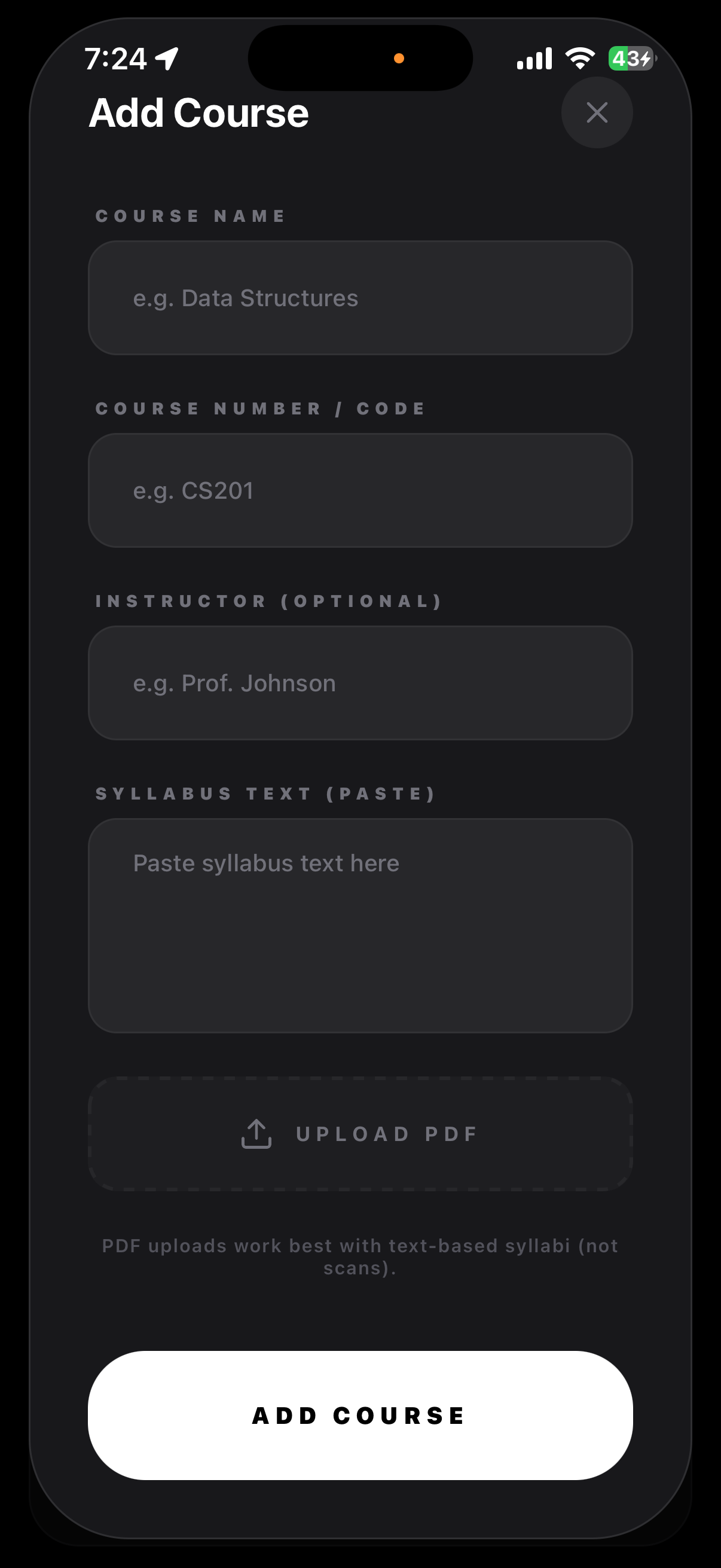
Add a Course
-
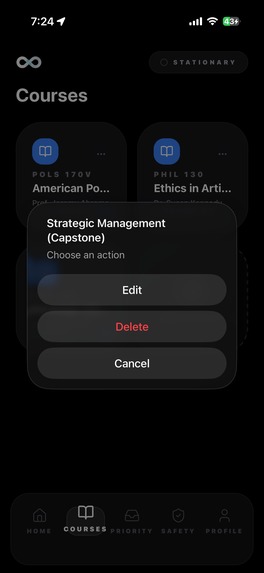
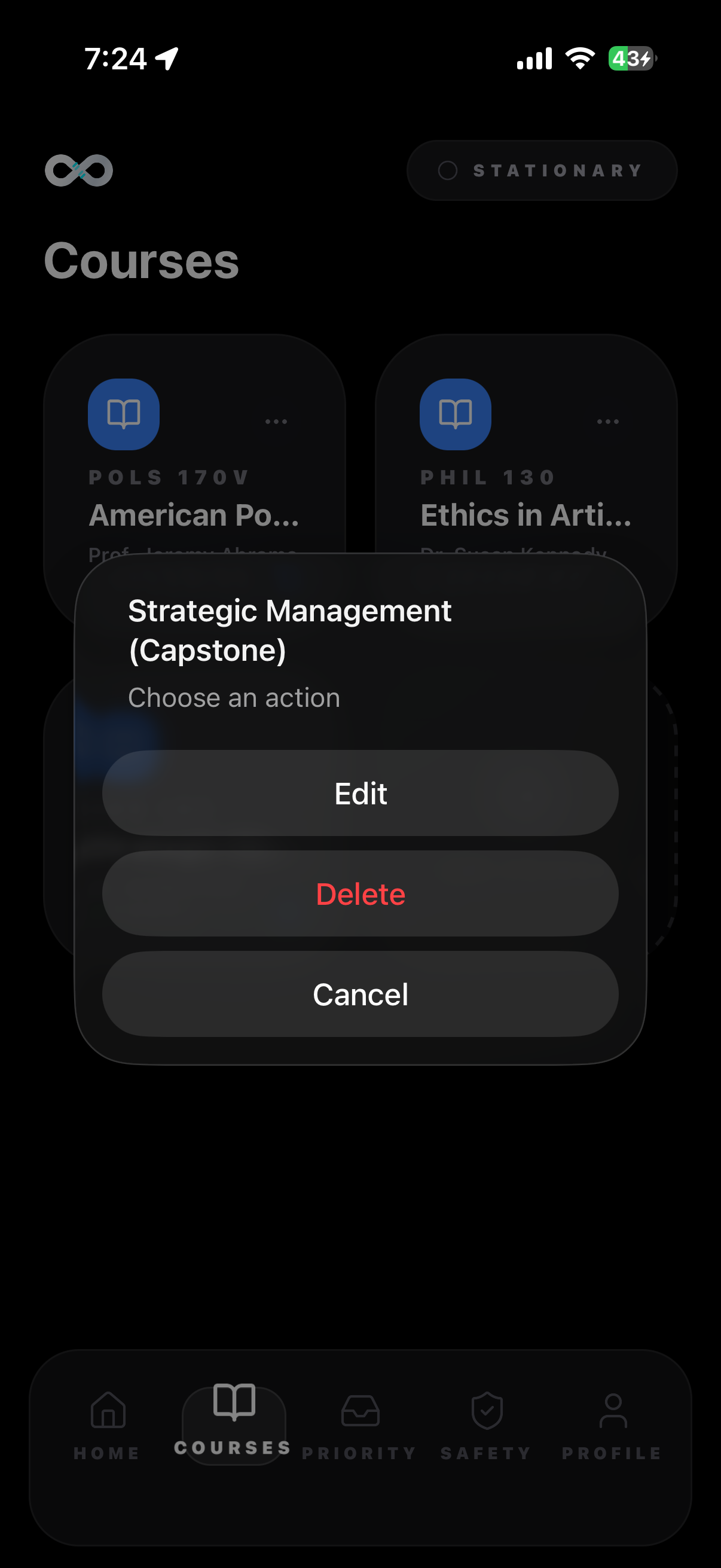
Edit/delete
-
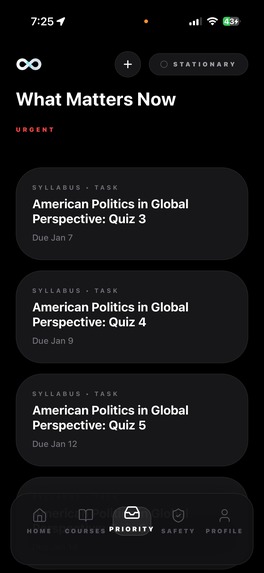
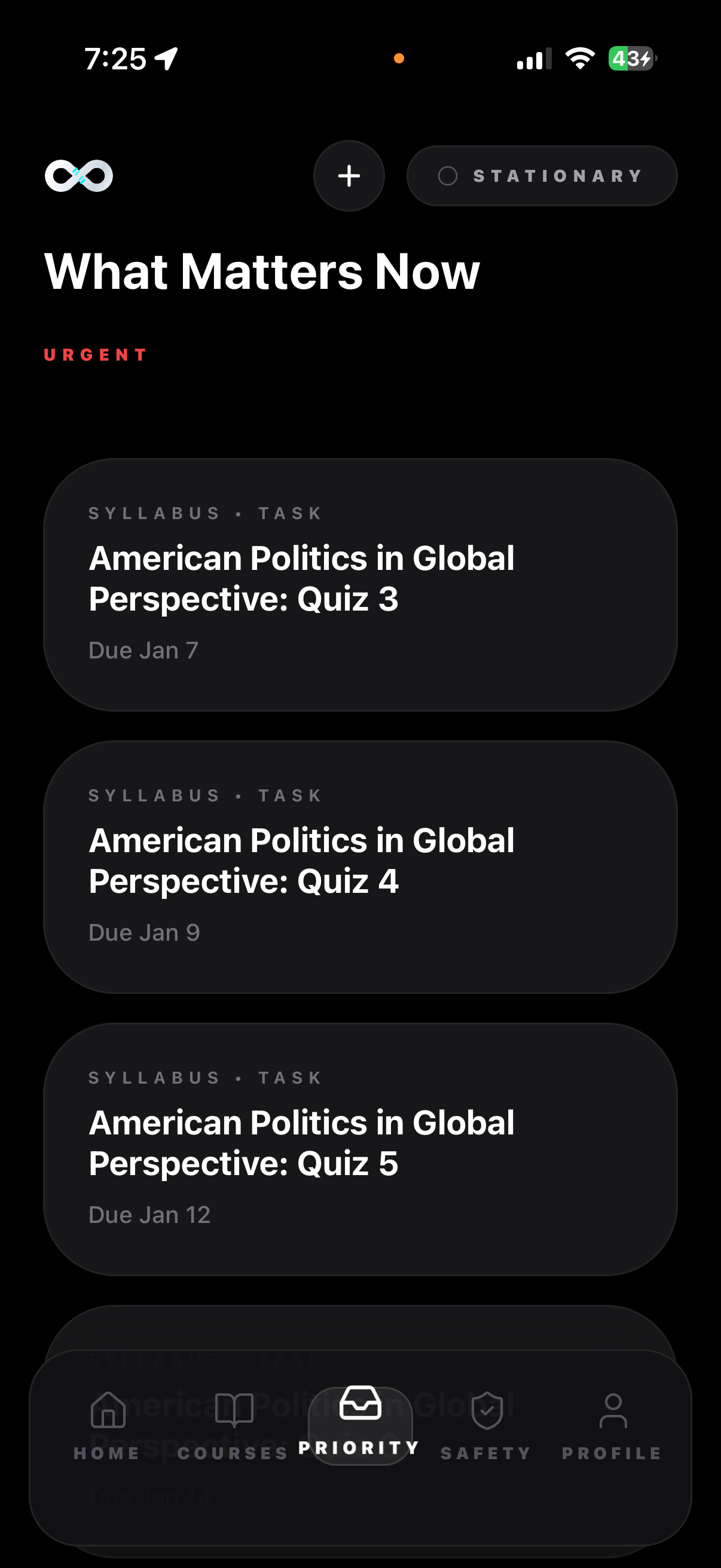
What Matters Now
-
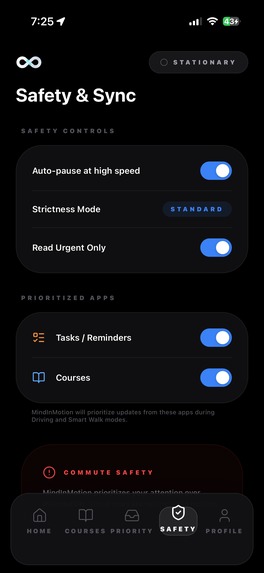
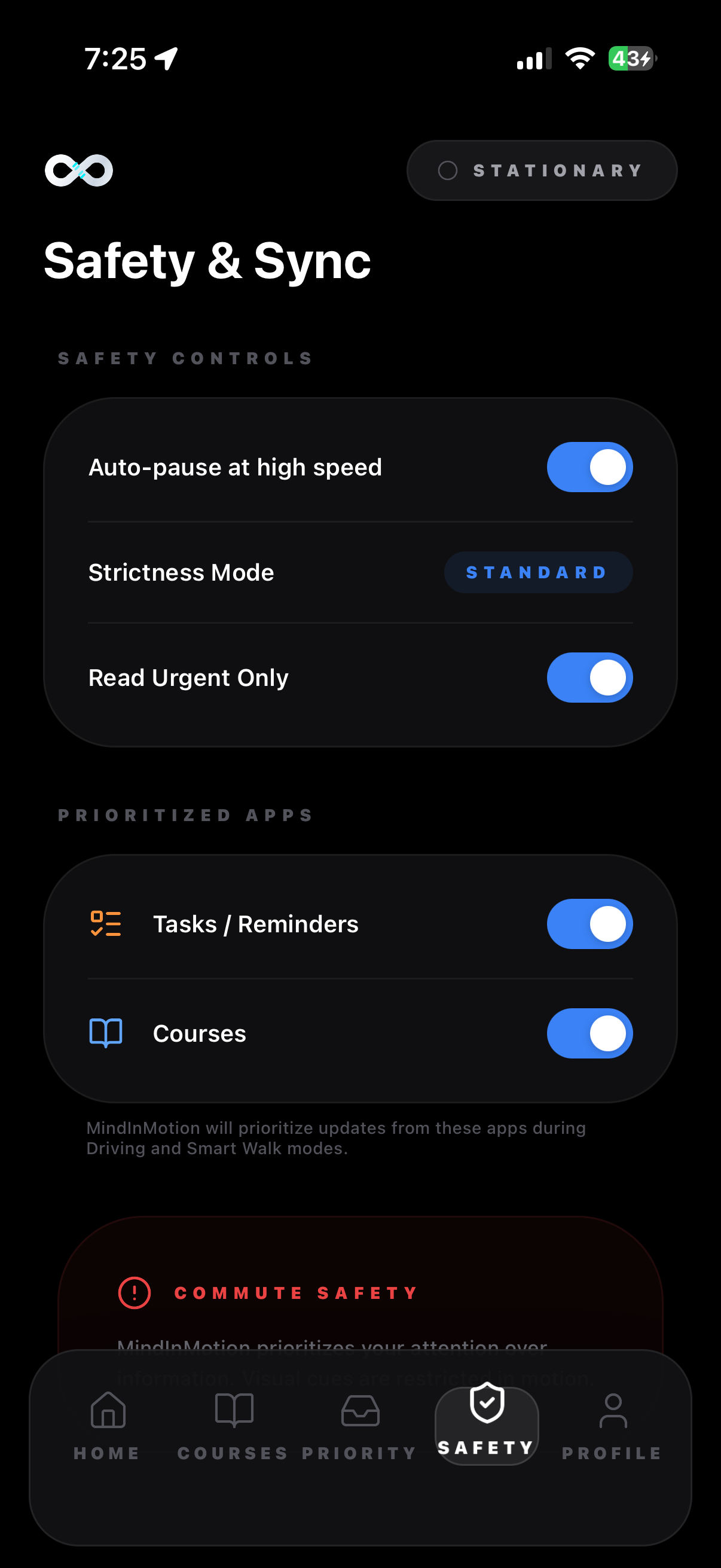
Safety and Sync
-
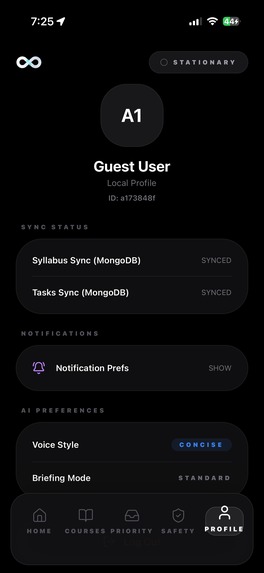
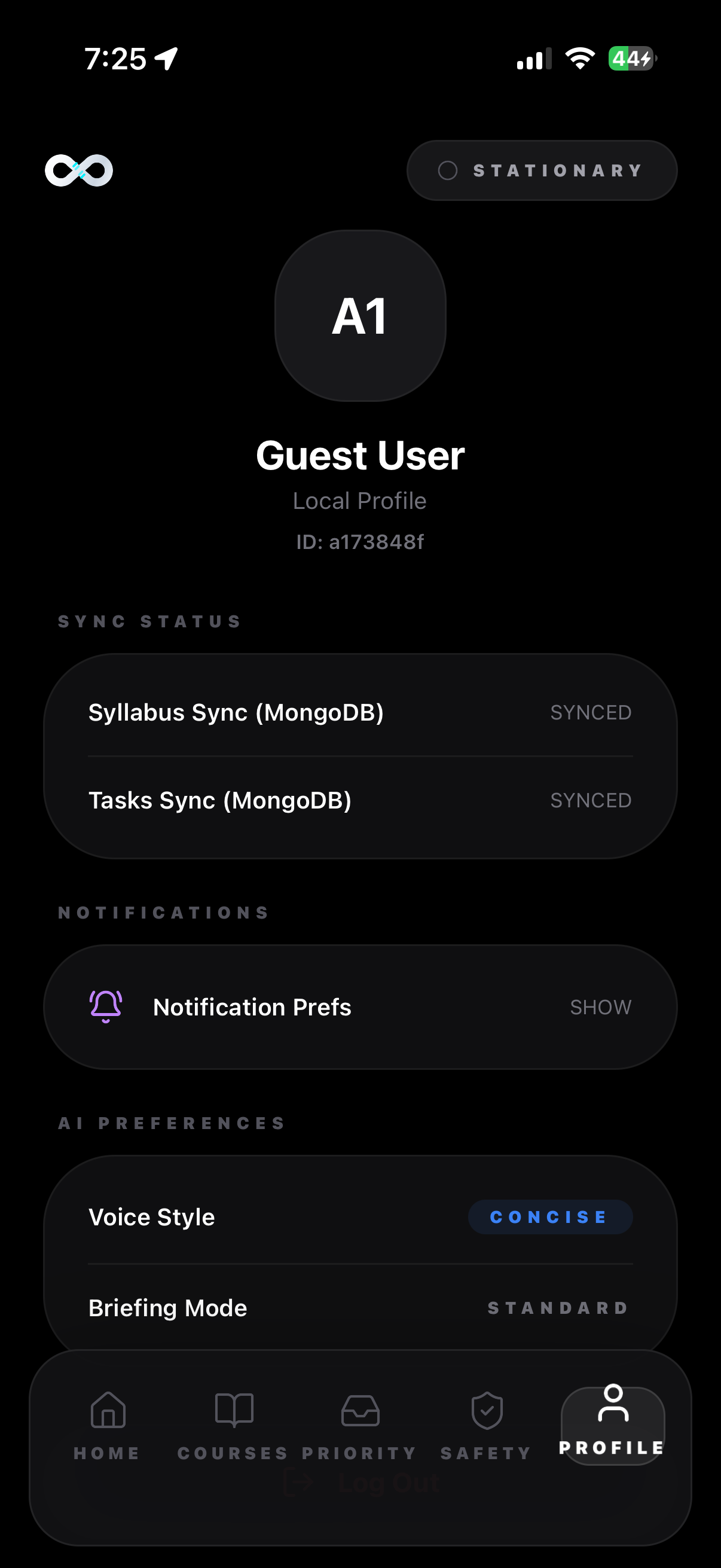
User Page
Inspiration
What inspired us: A lot of students have “dead time” during commutes, but that’s also when urgent messages, tasks, and class prep start piling up. We wanted something that works without staring at a screen: a voice-first assistant for students on the go that can help prioritize tasks, create to-dos, and deliver study support, while adapting to whether you’re walking or driving. When we looked at what exists, we noticed most tools are fragmented, they do read-aloud, or notes, or email actions, but not an integrated flow that combines prioritizing tasks + academic content for commutes.
What it does
We scoped our MVP around three commute-friendly workflows: Voice → To-Do List: hands-free task capture that structures what you say into a clear to-do, detects due times, and confirms before saving. Study Capsules: short 30–60 second audio capsules generated from uploaded syllabi to answer “what’s next” and “what did I miss.” Context-aware safety: behavior changes depending on whether you’re driving, cycling, walking, or stationary, with a near voice-only driving experience.
How we built it
React Native + Expo (TypeScript) for fast cross-platform development. A Gemini/LLM layer for generating capsules and rewriting content. Native device speech (TTS/STT) so the core experience is voice-first Motion detection APIs to switch modes (walk/drive/passenger) and reduce distraction Because this is meant for commuting, we designed around low attention: Large touch targets, minimal screens, high contrast Short conversational prompts (simple choices instead of menus) Continuous audio confirmations so users don’t need to look down
Challenges we ran into
Speech UX is harder than it looks. If the app talks too much, it becomes noise; if it’s too short, it’s not helpful. We spent time tightening outputs into “just enough” audio. Mode switching + safety. Detecting motion states is one thing; making the whole experience feel safe and consistent (especially in “driving mode”) required careful constraints and confirmation steps. Structuring voice tasks reliably. Turning messy real-world speech into a clean to-do and getting the due time right is tricky, so we made confirmation (“Add it? Yes/Edit/Cancel”) a first-class step.
Accomplishments that we're proud of
Built a voice-first MVP that turns natural speech into structured to-dos with confirmations, designed for real commuting scenarios. Implemented context-aware “safe mode” that adapts the experience based on motion state (walking vs. in-vehicle) to reduce distraction. Created study capsules (30–60 seconds) from syllabus uploads so students can prep or review hands-free during commute time. Designed an in-motion UX with large touch targets, minimal screens, and audio prompts that keep cognitive load low. Delivered an end-to-end flow that connects capture → organize → act, so users can move from “I need to do this” to a saved task quickly. Scoped the project into a hackathon-realistic build while still keeping a clear path for future integrations (Calendar, LMS/Canvas, task apps).
What we learned
Designing for commuting forces discipline: the best interactions are the ones you can complete in one breath. “Context-aware” isn’t a bonus feature here, it’s the product. Mode detection changes everything about what’s safe and usable. The most valuable output isn’t more information, it’s the right information first (prioritized tasks + concise capsules).
What's next for Mind In Motion
We listed a few expansions that make the product feel truly “student-native”: Email summarizer + tone-controlled replies. Google Calendar sync for priority-based reminders. Upload lecture notes/materials and get a summary before class. Canvas integration to read instructor announcements and deadline.
Built With
- ai
- asyncstorage
- elevenlabs
- expo-av
- expo.go
- fastify
- figma
- gemini
- javascript
- mongodb
- node.js
- pdf-parse
- reactnative
- shell
- stt
- tts
- typescript
- vscode


Log in or sign up for Devpost to join the conversation.