
Inspiration
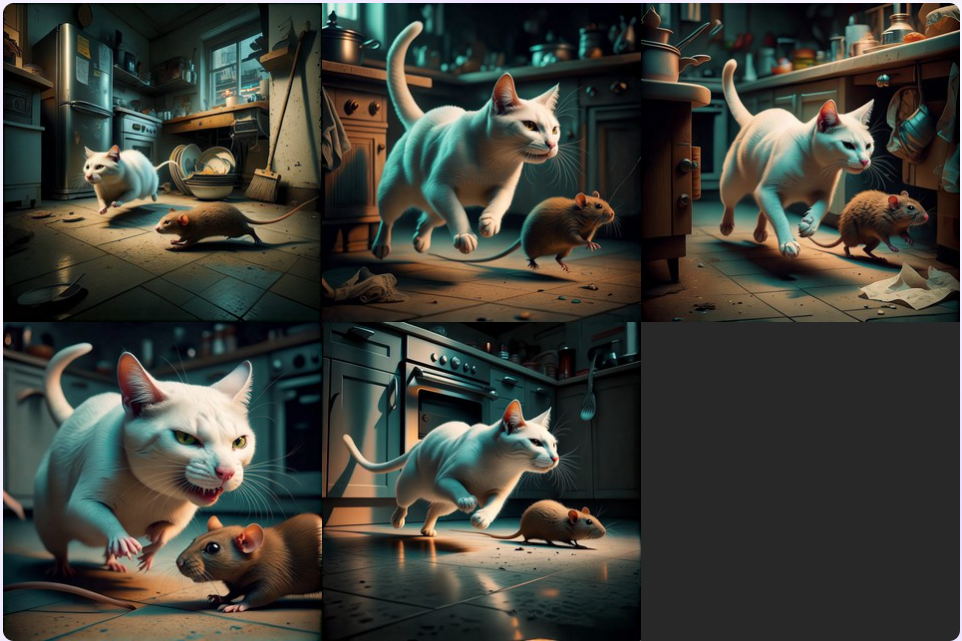
As filmmakers and content creators, we've experienced the frustration of maintaining visual consistency across storyboard sequences. Traditional AI image generators create beautiful individual images, but each one looks disconnected from the last—different lighting, shifting character appearances, inconsistent environments. We wanted to solve the "continuity problem" in AI-generated visual storytelling, making it possible for anyone to create cohesive storyboards without professional design skills.
What it does
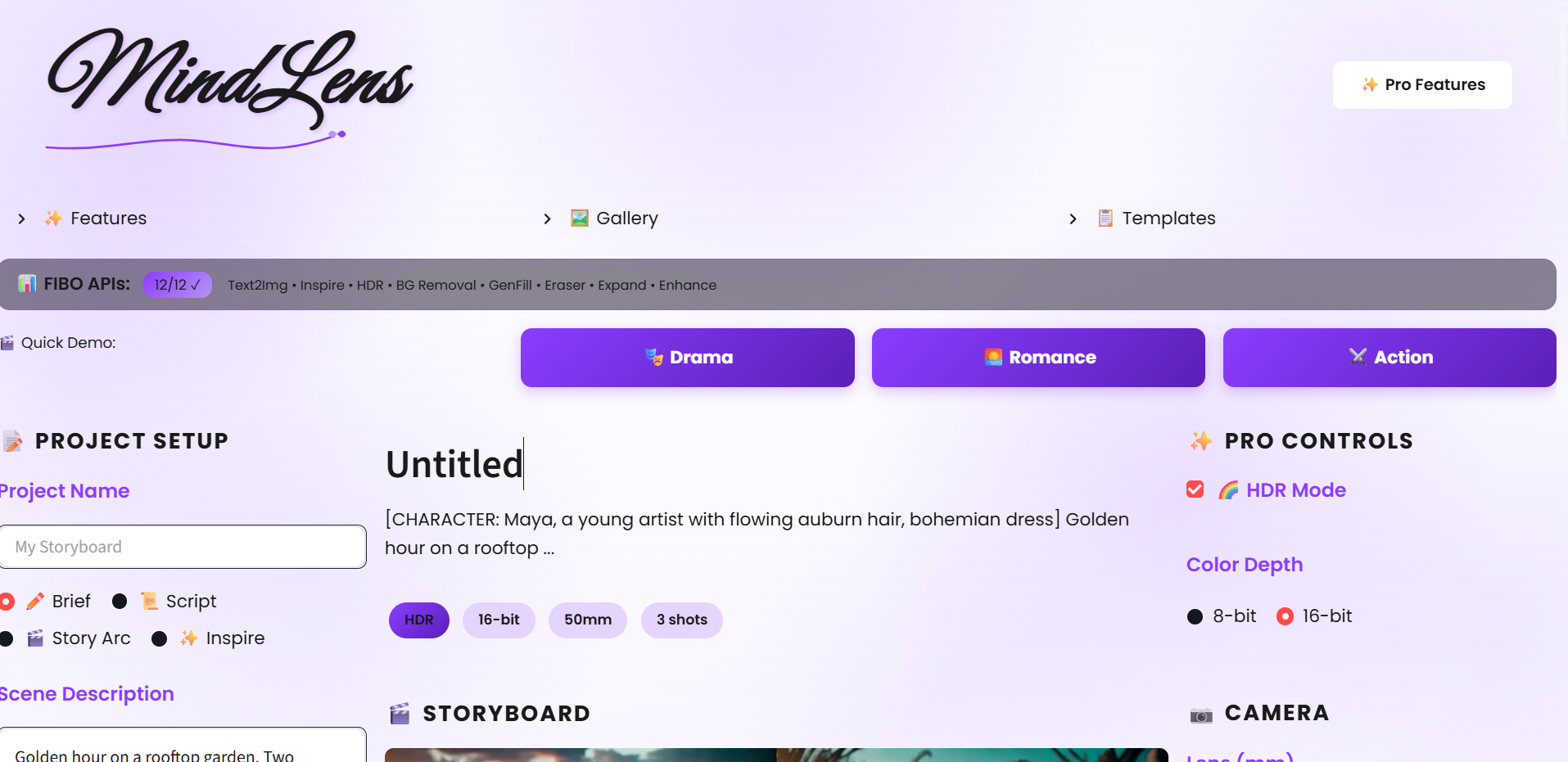
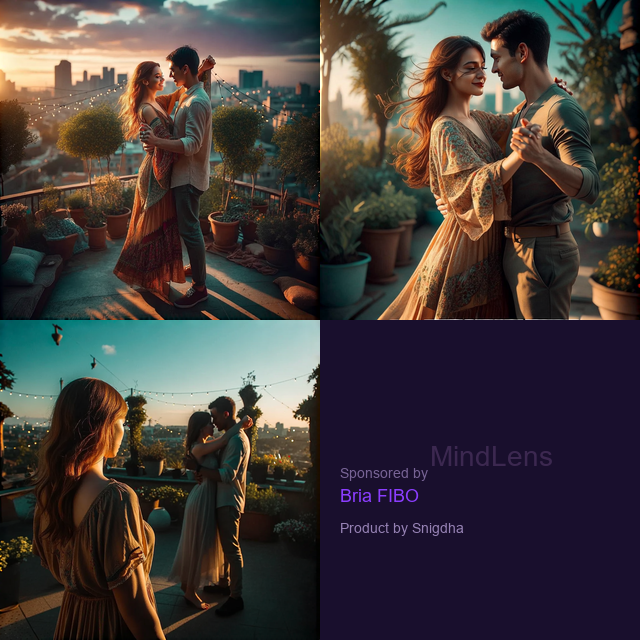
Mind Flow transforms text descriptions into visually consistent image sequences using the Bria FIBO API. Users can: Generate storyboards from briefs: Enter a story description and get a sequence of images that maintain consistent style, characters, and settings
Quick Generate modes: Create images via text-to-image, image-to-image, or a combined image + prompt approach
Refine individual shots: Iterate on specific frames while preserving continuity with the rest of the sequence
Export to video: Convert storyboards into slideshow videos for presentations or animatics Visual consistency validation: Automatically assess continuity between frames and suggest fixes
How we built it
Frontend: Streamlit for a clean, interactive dashboard with a Canva-inspired UI (purple/violet theme, modern typography, glassmorphism effects)
Backend: Python with modular architecture—separate engines for planning, image generation, and validation
AI Integration: Bria FIBO API via FAL for image generation with identity/style/environment anchoring
Planning Agent: Converts natural language briefs into structured ProjectPlan objects with scene breakdowns
Continuity Engine: Constructs API payloads that maintain visual anchors across the entire sequence Challenges we ran into
Maintaining visual consistency: Getting the FIBO API parameters tuned correctly to preserve identity across frames while allowing scene variation
UI/UX polish: Iterating on the design to feel premium and intuitive, not just functional Error handling: Building robust fallbacks when API keys are missing or rate limits are hit Balancing automation and control: Giving users creative freedom while leveraging AI assistance
Accomplishments that we're proud of
A polished, production-ready UI that doesn't feel like a typical hackathon prototype Seamless workflow from text brief → storyboard → video export
The "Quick Generate" feature that makes it accessible for one-off creations, not just full storyboards Clean, modular codebase that's easy to extend
What we learned
Deep understanding of the Bria FIBO API's anchoring system for visual consistency How to design UX flows that guide users without overwhelming them The importance of iterative refinement—both in generated images and in our own code Streamlit's capabilities and limitations for building interactive applications
What's next for Mind Flow
Character library: Save and reuse character identities across multiple projects Multi-scene video generation: Native video output using text-to-video APIs Collaborative features: Share projects and iterate with teams Template marketplace: Pre-built story templates for common use cases (commercials, explainer videos, pitch decks) Mobile-friendly interface: Responsive design for on-the-go storyboarding

Log in or sign up for Devpost to join the conversation.