-
-
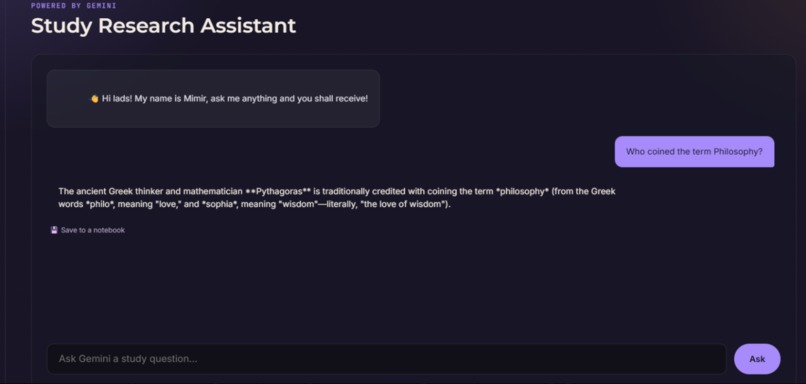
The AI Section
-
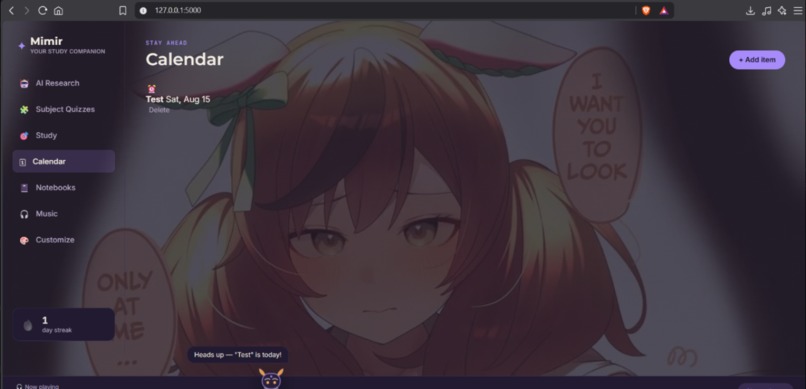
The Calendar Secion
-
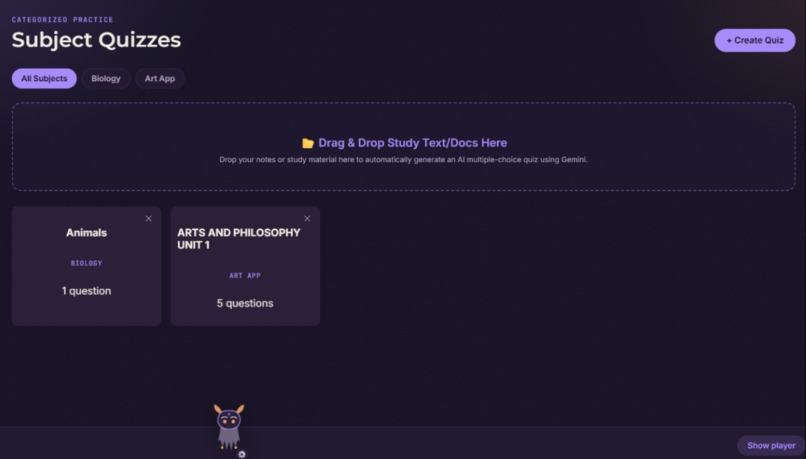
The Quizzes Section
-
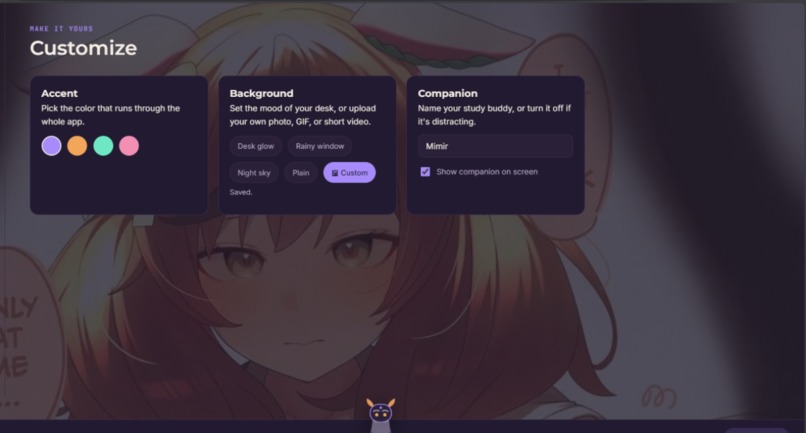
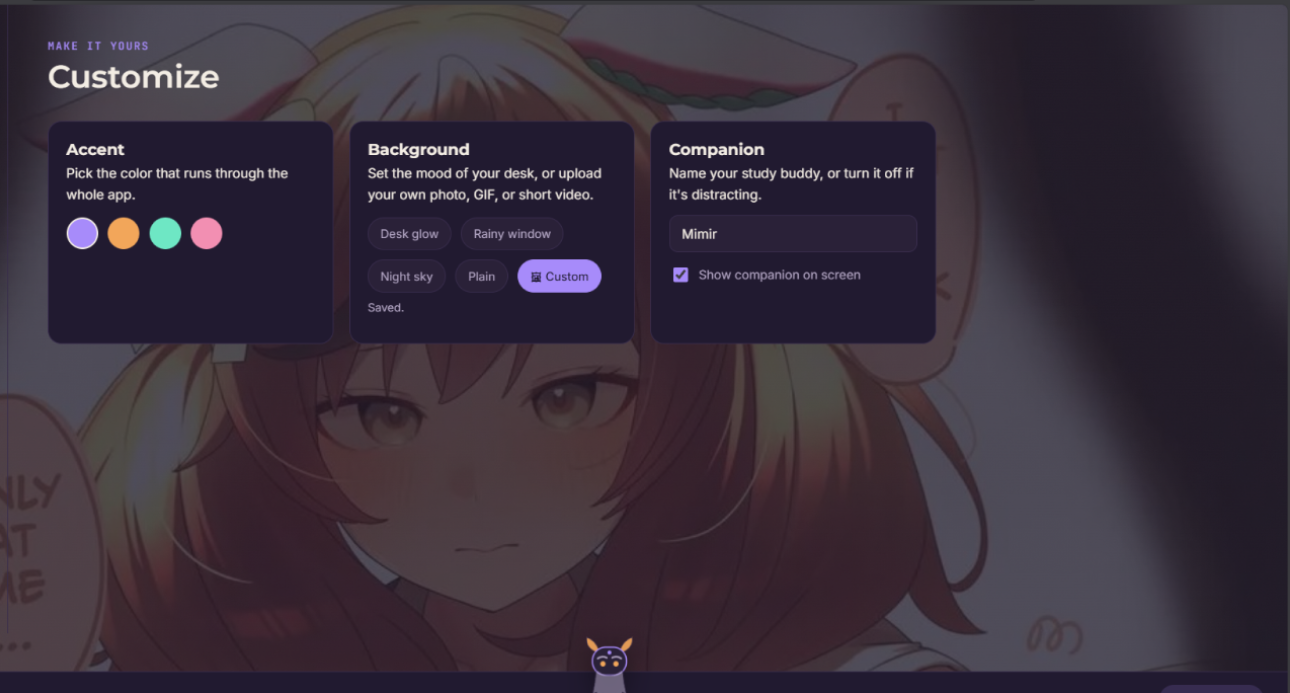
The Settings and Customization Section
-
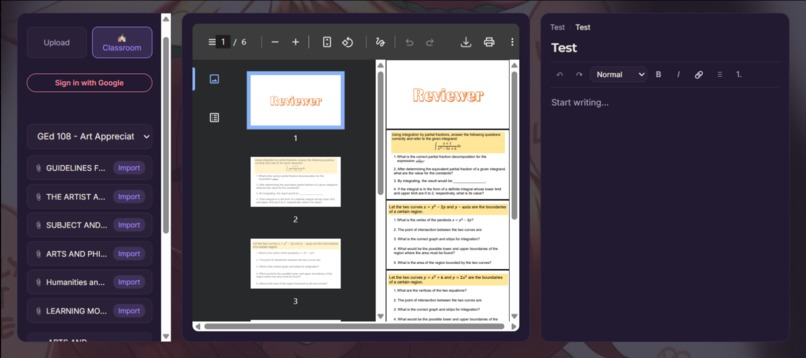
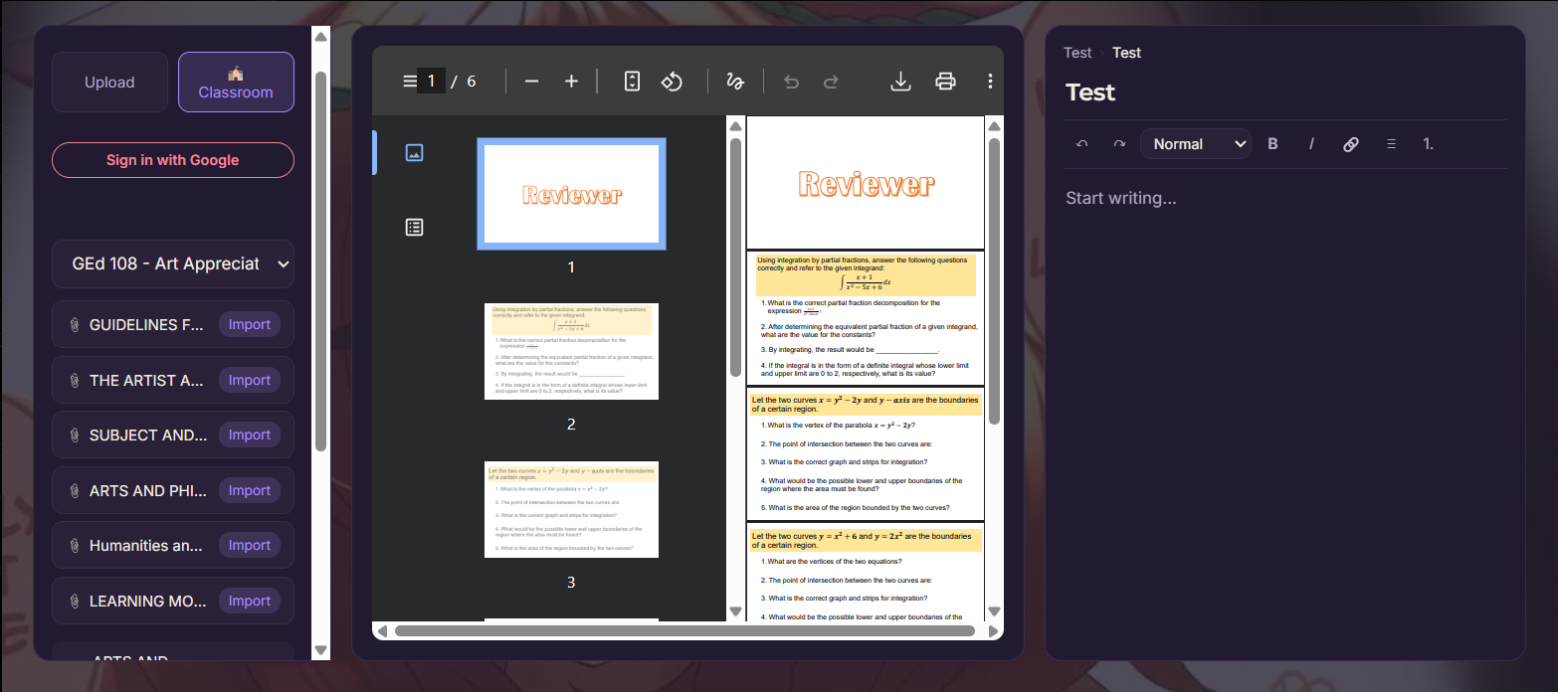
The Notebook Section with Google Classroom Integration
Inspiration
The reason I wanted to build a website like this is because many students — including myself and a lot of classmates I've known throughout high school and college — like to open a lot of tabs for different purposes, all in service of studying: checking Google Classroom, taking notes digitally, listening to music, using AI for research and information, and even using quiz websites like Gizmo and Quizizz to review.
The downside is that students like us end up opening and switching between a lot of tabs. Even using the split-screen feature on our desktops doesn't fully solve the problem, since split screen can only fit two tabs at once. This also affects the device's performance, since having many tabs open eats up a lot of RAM, and it can hurt students' focus from constantly switching between them.
I wanted to build a program or web application where students can have all these features in one website — something where they don't need to keep switching, because the notes they take, the AI they use, the quizzes they review with, and even the music they enjoy are all in one place. That's why I called it "Mimir," after the Norse god of omniscience, who — according to mythology — knows all things. It fits the website well, since it's a single program that brings all these things together and, with the power of AI, knows all things too.
How we built it
I built the backend and API integration using Python and Flask, with SQLite as the database. I also used Google Cloud APIs to connect both Google Drive (for file access) and Google Classroom (so students can connect their Google Classroom, check their modules, and take notes without switching tabs).
For the frontend, I used CSS for the design and layout, JavaScript for the functions that call out to the backend, and HTML for the structure of the whole website.
Alongside building it myself, I used Claude throughout development as a kind of coding assistant — mainly for catching bugs I wouldn't have noticed on my own, like a leftover database constraint that silently broke file uploads, or a missing field in an API response that made new songs appear in the queue but not actually play until the page was refreshed. Beyond fixing what was broken, it also helped me understand why something broke, walked me through improving existing functions (like turning a flashcard's plain show/hide into a proper flip animation), and pointed out smaller improvements I hadn't thought to ask for. It was less like having code written for me and more like having a second pair of eyes that could explain the reasoning behind each fix.
Challenges we ran into
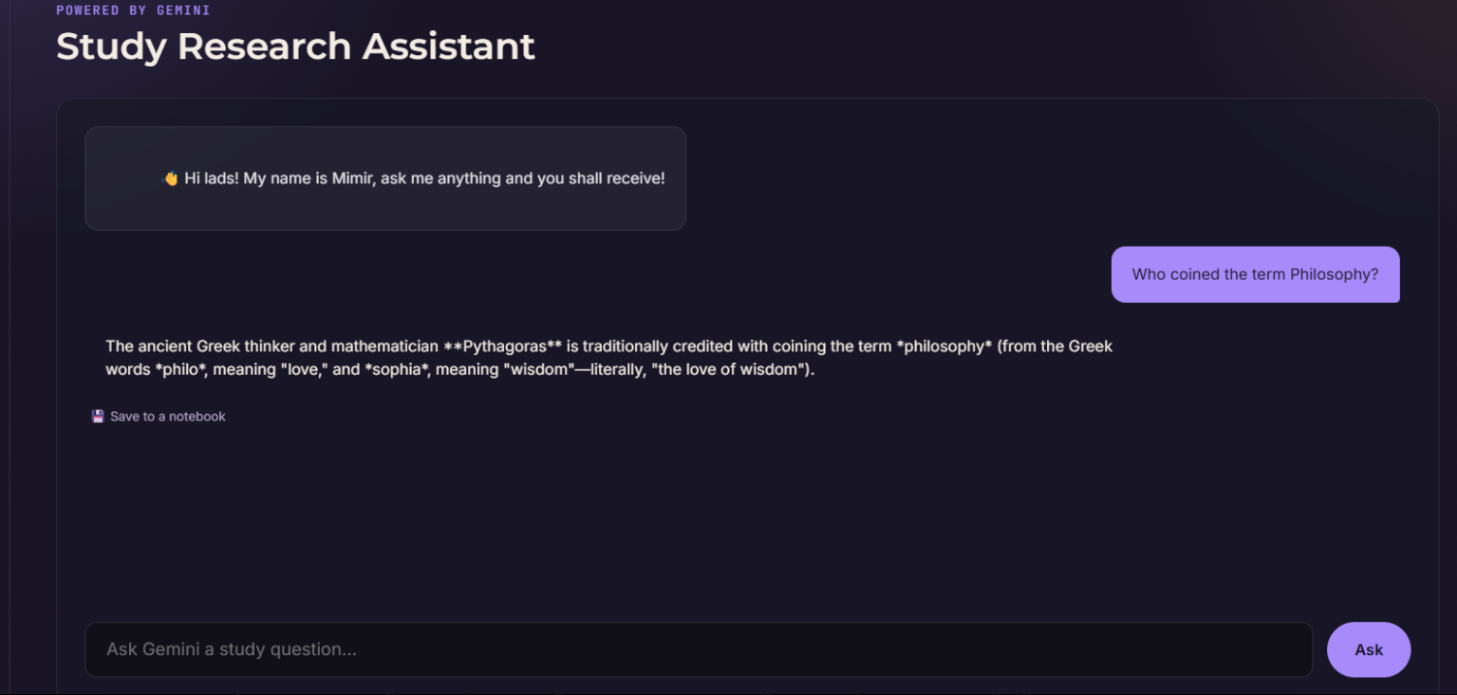
I ran into multiple challenges. One major challenge is that the website's APIs and functions are entirely built on free-tier usage — so the AI section, powered by Gemini, can sometimes respond slowly or not at all due to traffic, on top of having a limited number of tokens per day, which limits how much a test user can prompt the AI section in one sitting.
The music section also had its own downsides: YouTube doesn't allow embedding video links on other websites due to copyright, and Spotify requires Premium to play a full song rather than just a 30-second preview. Because of that, the best alternative I could offer users was to either embed links from SoundCloud or drop in their own music files directly.
Accomplishments that we're proud of
The feature I'm most proud of is the Google Classroom connection, which lets students check their modules on the same website where they're taking notes. Integrating the Google Cloud APIs — specifically the Google Classroom API and Google Drive API — turned out to be simpler than I expected, and I'm glad it works without errors.
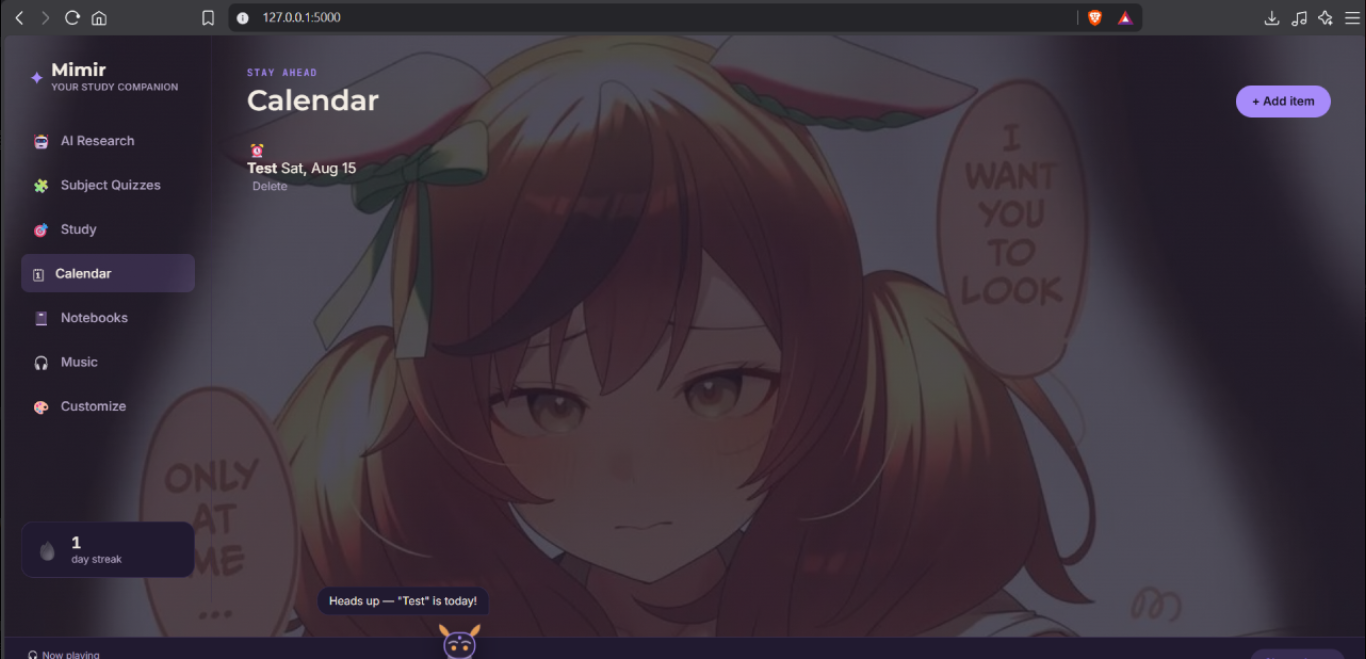
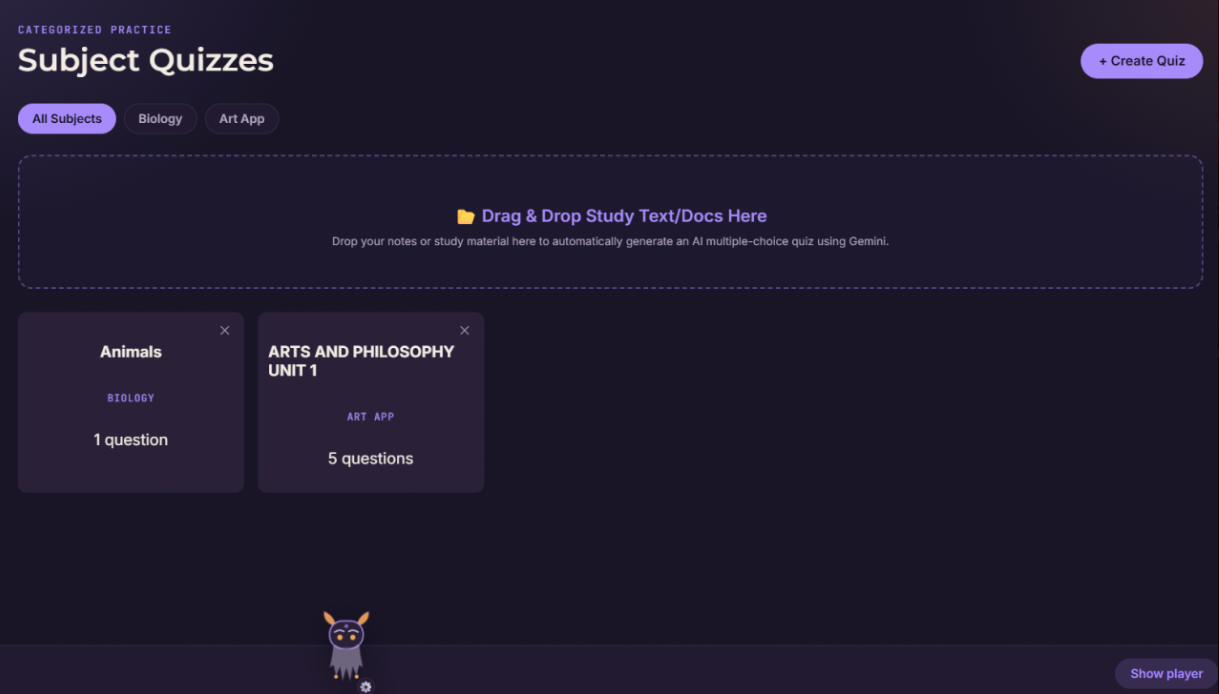
I'm also proud of the overall design, along with the small Mimir "head" companion that reminds students of their deadlines. Students can even customize the website's UI themselves if they want. Lastly, I'm proud of the AI integration for research and for generating quizzes and flashcards — this is one of the best features for students' review process, since it saves them the exhaustion of going through multiple modules manually to make quizzes, and gives them the option to have it done automatically, alongside using the AI for their research as well.
What we learned
Building a website with complex features may look easy from the outside, but it was genuinely difficult — especially given how strict some APIs and third-party websites are about integrating with your own project. I learned that it's better to learn a lot first before diving into a project this complex. That said, I'm proud of this project, since it was built out of passion — not just for myself, but for students around the world, to lessen the hassle of studying.
What's next for Mimir: Your Study Companion
If this website is ever improved further, the major improvements will definitely be the AI section and the Music section — with a paid subscription, both would become fully accessible without the current difficulties, such as Gemini's slow responses or traffic limits, and Spotify links being fully embeddable rather than preview-only.
Minor updates would include improving the interface, increasing the size of the notebook viewer (since viewing modules currently feels a bit small), and refining some button functions.
Note:
When trying the program, it is recommended to create your own API key for Gemini as the .env file is private. Moreover, to become a test user, one must submit to me privately their Gmail account so that the Google Classroom and Google Drive API to activate
Additional Note:
The zip file does not have the "instance folder" due to it being too big, it is recommended to just click my Github "try it out" link for the complete package of the program.

Log in or sign up for Devpost to join the conversation.