-
-
Procces_v1
-
workflow
Inspiration
We watched lab technicians spend hours manually copying numbers from spectrophotometer software into Google Sheets — a
tedious, error-prone task that exists only because the lab software has no API. We realized millions of knowledge workers
are stuck in the same loop: reading data from one screen and typing it into another. Existing automation tools like Zapier
require both apps to have APIs. What if AI could just read the screen like a human does?
## What it does
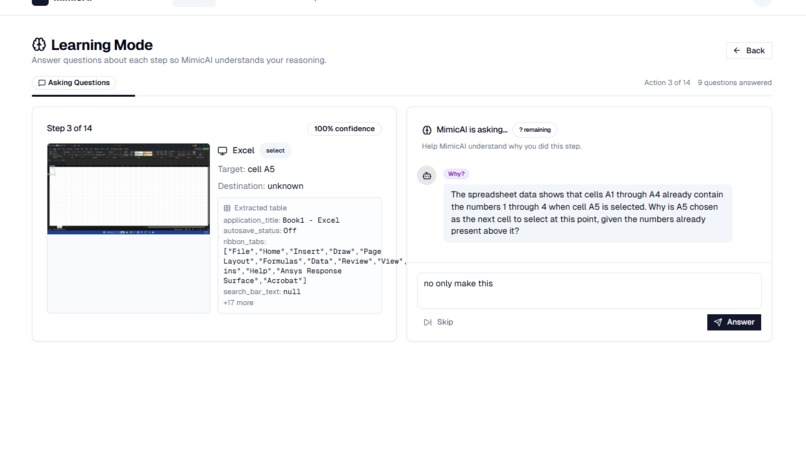
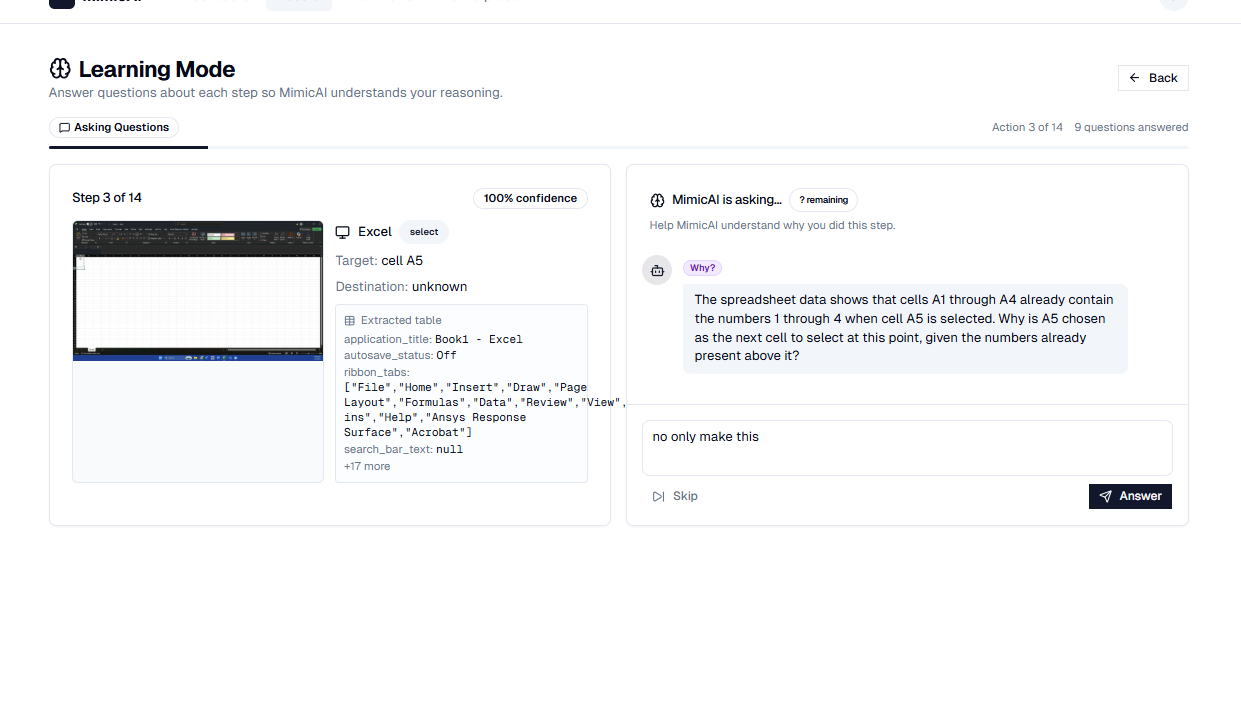
MimicAI lets users record their screen while performing a repetitive task. AI Vision watches the recording — not just to
see WHAT the user does, but to READ THE ACTUAL DATA on screen (numbers, tables, text). Then it asks questions like a
curious apprentice: "Why did you skip that row?" "Is 1.5 always the threshold?" From the answers, it builds an intelligent
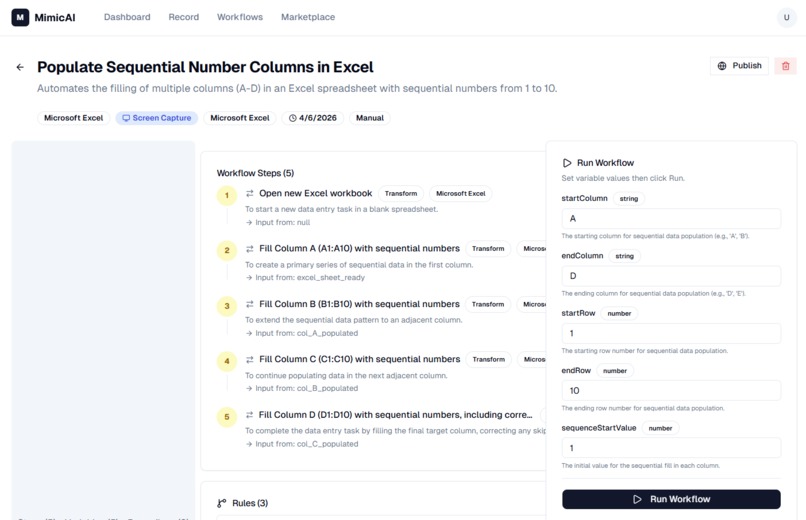
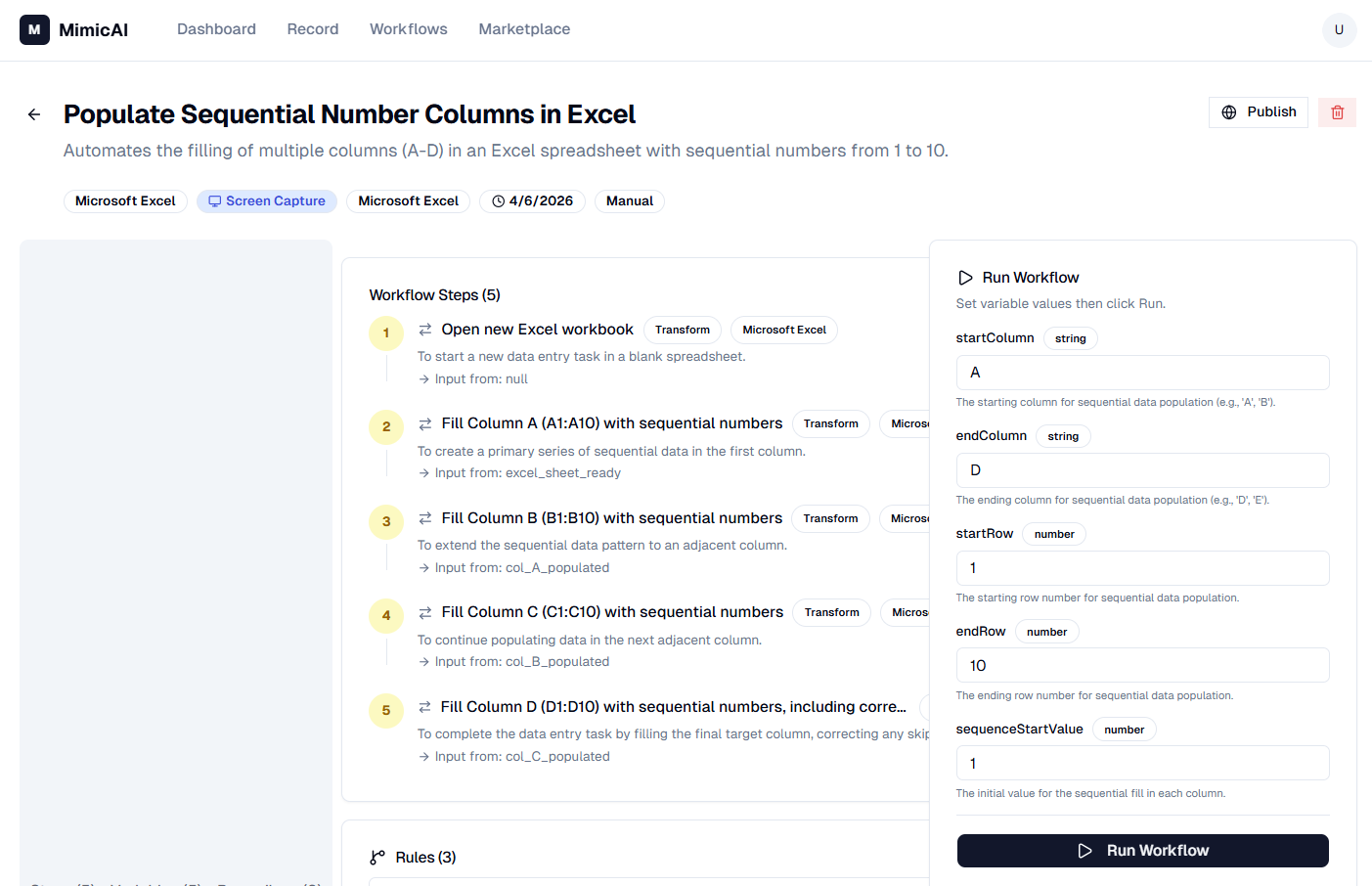
automation that understands the reasoning behind each step — not just the sequence.
Creators can publish their automations on a marketplace. Buyers install them and connect their own accounts securely
through Auth0 Token Vault — zero tokens stored in our database.
## How we built it
- Frontend: Next.js 14 (App Router), React 18, Tailwind CSS, shadcn/ui
- AI Engine: Multi-provider architecture — Gemini 2.5 Flash (default/cheapest), OpenAI GPT-4o, and Claude Sonnet 4.
Users choose their provider and bring their own API key. - Screen Capture: Browser MediaStream API with periodic screenshots sent to AI Vision for interpretation
- Learning Engine: AI asks identity, reason, rule, and edge-case questions for every step, then synthesizes IF/THEN
rules, variables, and edge cases into a reusable workflow template - Auth & Security: Auth0 for AI Agents v4 with Token Vault for secure third-party token management (Gmail, Google
Sheets, Slack) - Database: PostgreSQL with Prisma 6 ORM
- Execution Engine: Step-by-step runner that evaluates learned rules, resolves variables, and dispatches API calls
through service adapters
## Challenges we ran into
- Screen is the only API: Teaching AI to reliably extract structured data from arbitrary app screenshots required
heavy prompt engineering and multi-pass validation. - "Why" is harder than "What": Getting AI to ask the RIGHT follow-up questions — not just generic ones — required
building a category system (identity, reason, rule, edge case) and feeding full conversation context. - Auth0 SDK v4 migration: The v4 SDK uses a completely different pattern (
Auth0Client+ middleware) compared to v3. Documentation was sparse, so we had to reverse-engineer the Token Vault flow. - Temp file lifecycle: Screenshots must exist long enough for the learning conversation but be deleted afterward.
Managing this lifecycle without orphaned files required careful session tracking.
## Accomplishments that we're proud of
- The Learning Engine genuinely understands WHY a user does something, not just what they clicked. It produces
automations that can make decisions, handle edge cases, and adapt to new data. - Zero token storage — every OAuth token lives in Auth0 Token Vault. Our database never touches a single access token.
- Multi-provider AI — users aren't locked into one expensive model. Gemini 2.5 Flash makes learning sessions cost
~$0.23 each. - A full marketplace where creators monetize their expertise and buyers get intelligent automations, not dumb macros.
## What we learned
- AI Vision is far more capable as a data extraction tool than most people realize — it can read spectrophotometer
readings, legacy desktop apps, PDF tables, and anything else visible on screen. - The gap between "record a macro" and "teach an apprentice" is enormous. The Q&A learning loop is what makes automations transferable between users.
- Auth0 Token Vault solves the hardest part of building an automation marketplace — letting buyers safely connect their
own accounts without the platform ever touching their tokens.
## What's next for MimicAI
- Live execution mode: AI Vision watches the screen in real-time during execution to extract source data, then writes to destination services automatically.
- BullMQ workers: Background job processing for scheduled and event-triggered automations.
- Workflow versioning: Creators can update automations and buyers get prompted to upgrade.
- Team workspaces: Share automations within an organization before publishing to the public marketplace.
Built With
- anthropic
- api
- auth0
- claude
- css
- events
- gemini
- mediastream
- next.js
- node.js
- openai
- postgresql
- prisma
- radix
- react
- server-sent
- shadcn/ui
- tailwind
- token
- typescript
- ui
- vault

Log in or sign up for Devpost to join the conversation.