Inspiration
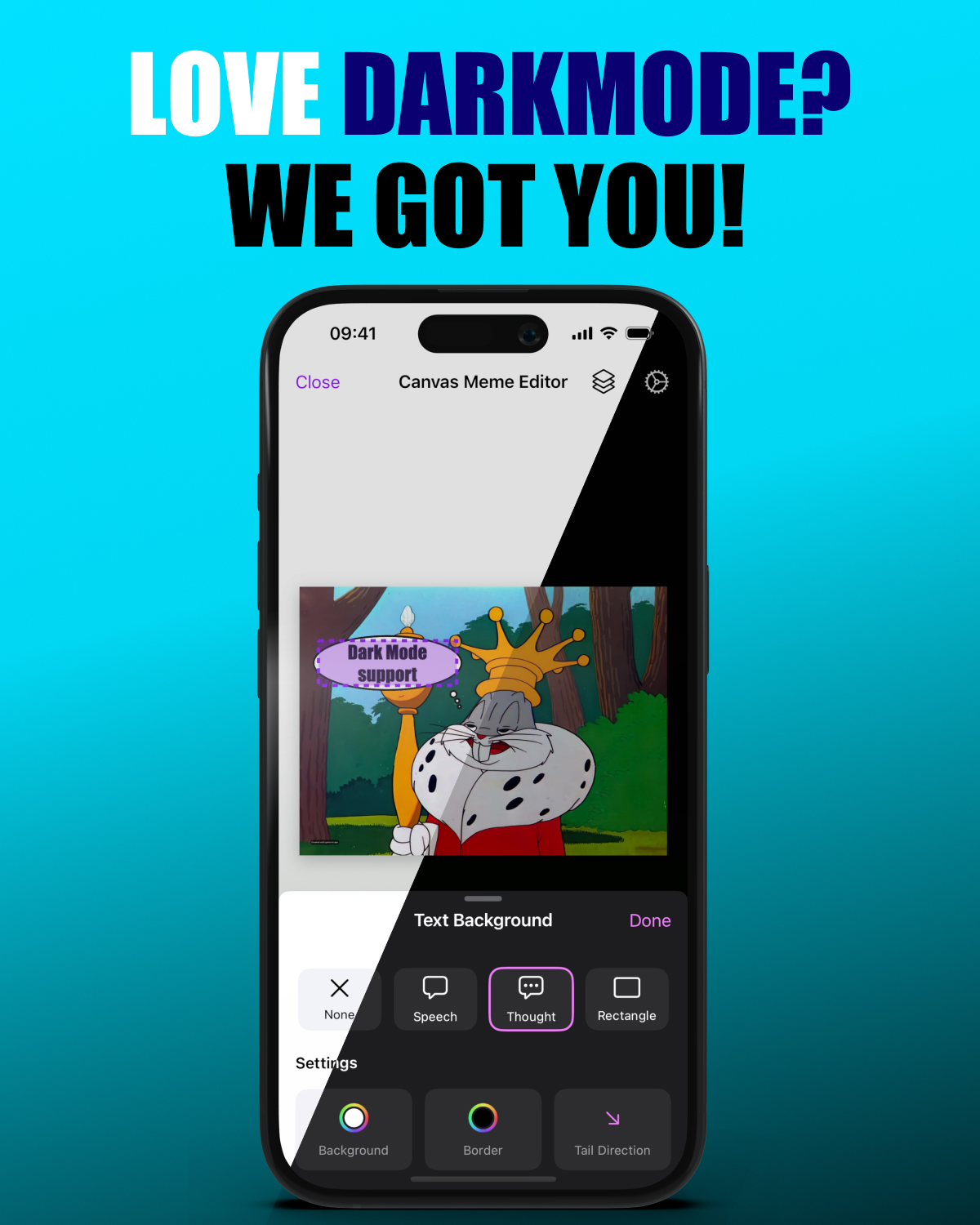
I’ve always wanted to create an app for making memes, but never found the time. At WWDC, I watched a session about the Canvas element and got curious if I could build a full image editor just with Canvas on iOS? Especially to build everything completely in SwiftUI without having to reside to UIKit. I guess I kinda like to hurt myself ... :)
What it does
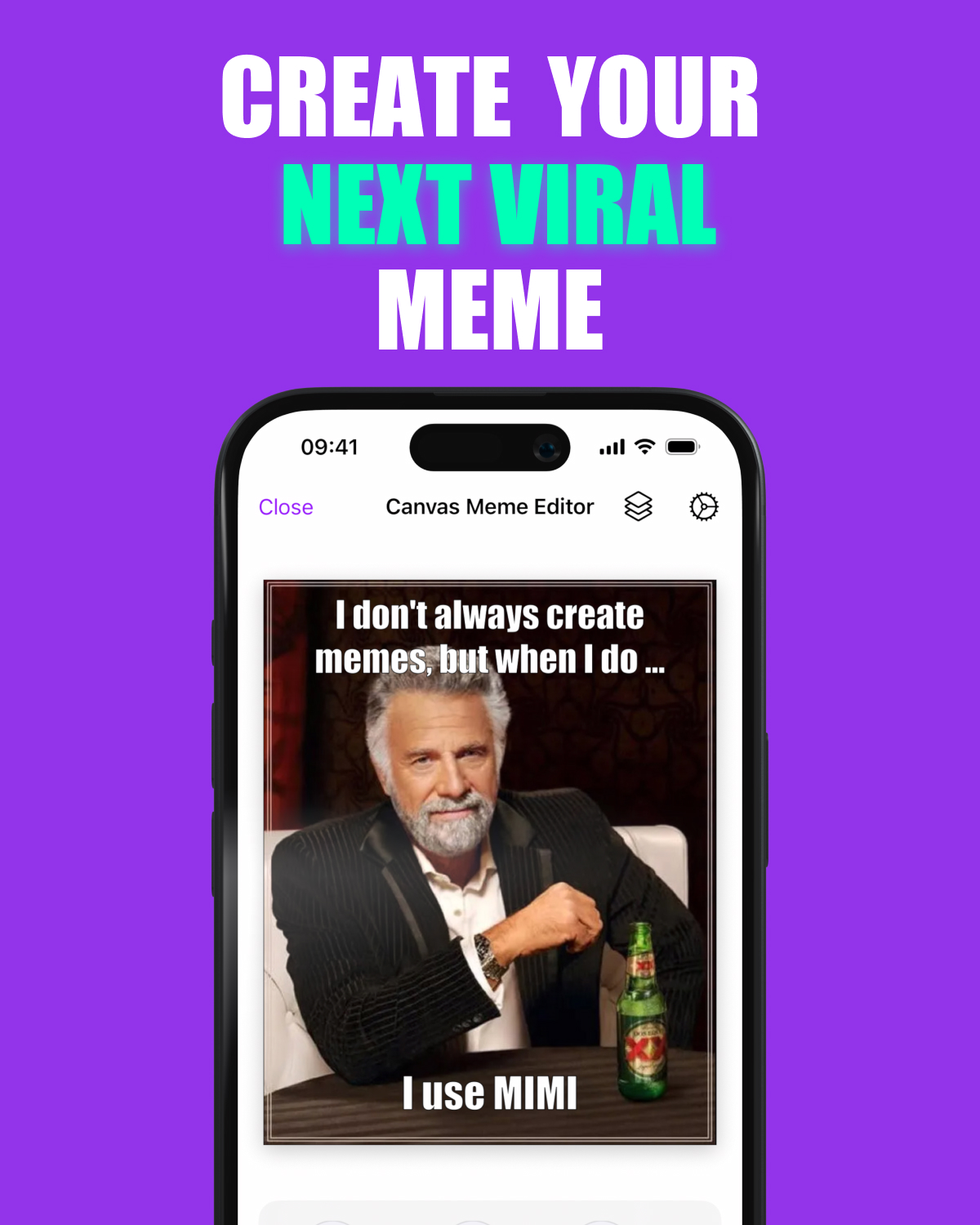
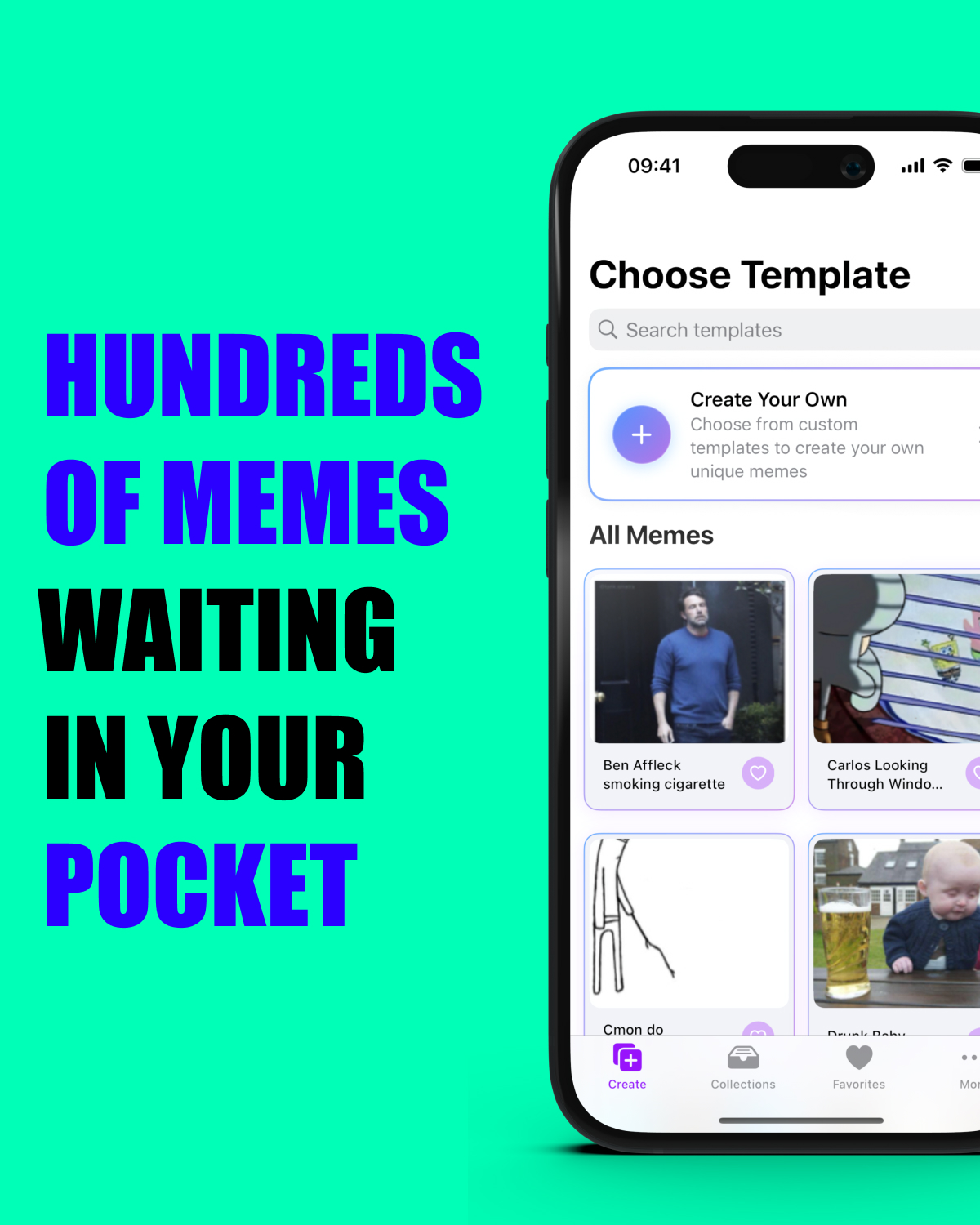
Mimi lets you browse curated meme templates from a Laravel backend that I control.
- You can easily add text or other images on top of meme templates.
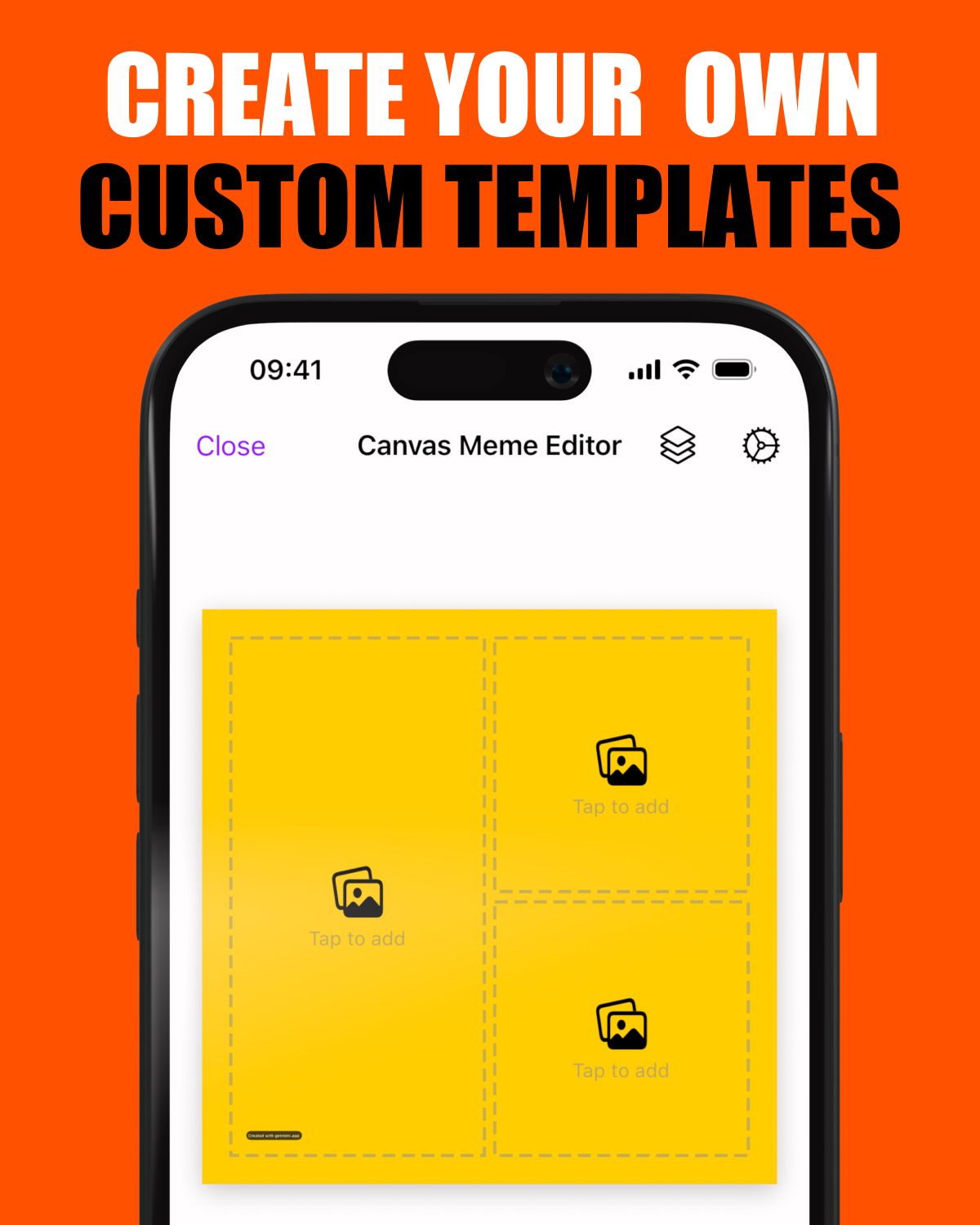
- Create collage-style memes with custom templates
- Add your own watermark to claim credit for your creations
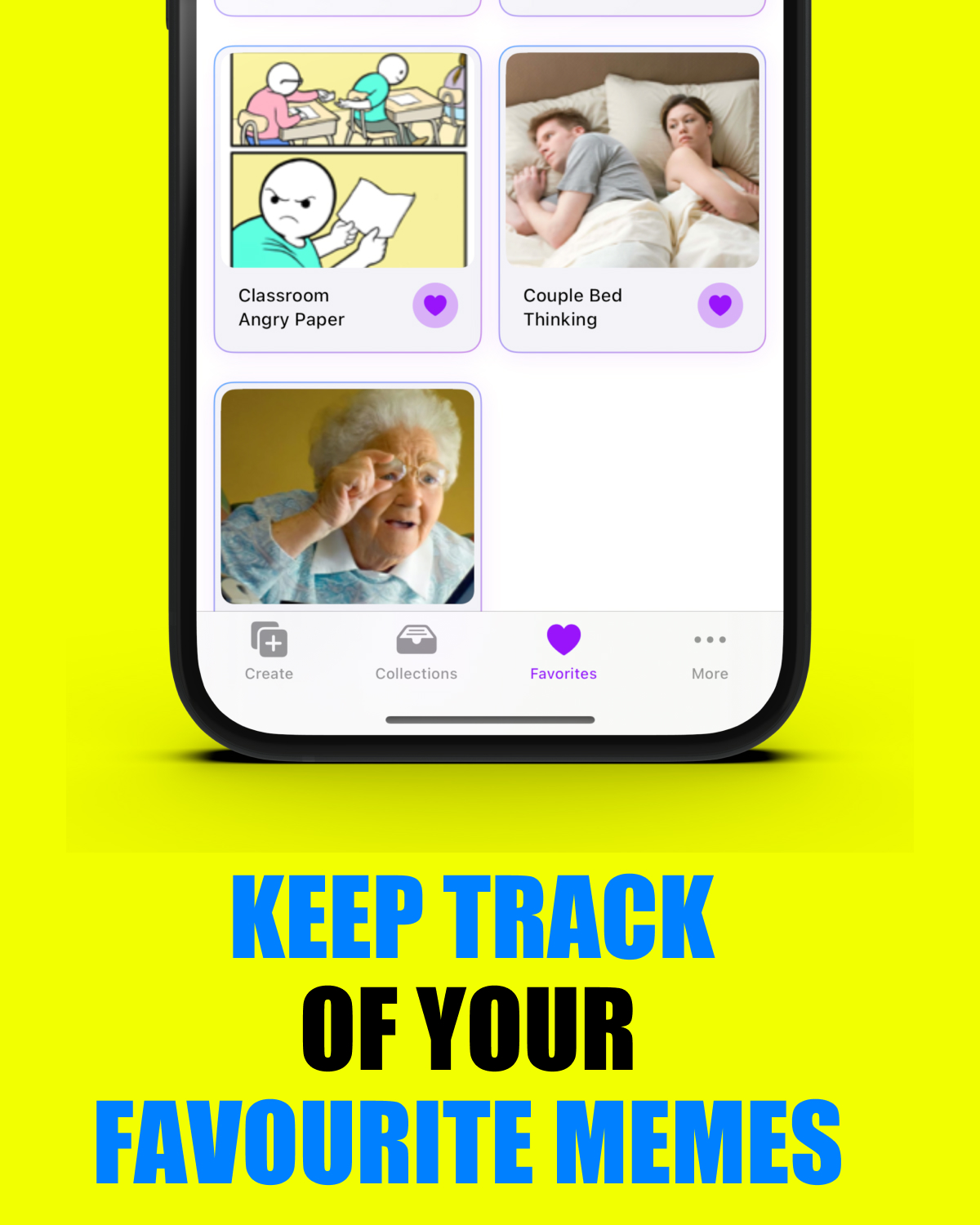
- Add your favorite memes
How we built it
I started small, fetching the top 100 memes from the Imgflip API (https://api.imgflip.com/get_memes). However during testing, my friends told me that the top 100 wouldn't cut it as they wanted to use other (older) memes that were not available in the API. So I decided to built my own backend and create a curated list of meme . More than 10 years ago I did quite a bit of PHP development, and I thought it would be fun to see what had changed in the eco-system (tldr; a lot). I went with Laravel, and use Claude Code to speed up my development. After adding over 800 memes by hand, I thought it would also be cool if the iOS app could show pre-positioned labels when you open specific memes. So I (and Claude) built a visual editor in vue.js, that would give the the relative coordinates for bounding boxes that i would draw on the original meme, so I could send those to the app.
Challenges we ran into
Getting gestures to behave correctly without interfering with each other within the SwiftUI Canvas element was quite a hassle, and it took me a long time before I got it right (and there is still room for improvement). I wanted to have as much of a WYSIWYG experience as I could, but for example, when you drag around labels you can add the styling to that labels (like color, shadow, ...), but when you double tap the label I needed to convert the label to a textfield. And SwiftUI TextFields really don't have a lot of styling options, so I made some trade-offs there.
Rendering clean, stroked text outlines was also very hard, especially when you render the final image with Core Graphics to a jpg. That's why many editors just fake it with hard shadows.
Managing custom template layouts for collage-style memes was mostly a lot of math and clipping logic to get everything right.
Accomplishments that I'm proud of
- I was able to ship a complete app ánd a PHP backend on my own
- Pre-positioned text labels (and the ease of finding the coordinates with the Vue.js editor) are awesome
- The custom watermark and collage template features were quite a bit of work and fiddly to get right! But - I had great friends who tested the app every day and gave me great feedback.
- For the backend, I used an AI coding assistant for the first time, and it really speeded up the backend development.
What we learned
How far the Canvas element can go in powering a full image editor (quite far ... if you like the pain), and I learned a lot about backend Laravel development thanks to Claude.
What's next for Mimi, the best meme maker for iOS
I'm mostly busy with keeping the templates up to date, every few days there is a popular meme that I try to get in the app as quickly as possible. Exploring more advanced editing tools while keeping the experience simple is the most technical next step that I want to take. And ofcourse ... grow Mimi into the go-to app for creating viral memes on iOS!

Log in or sign up for Devpost to join the conversation.