-
-
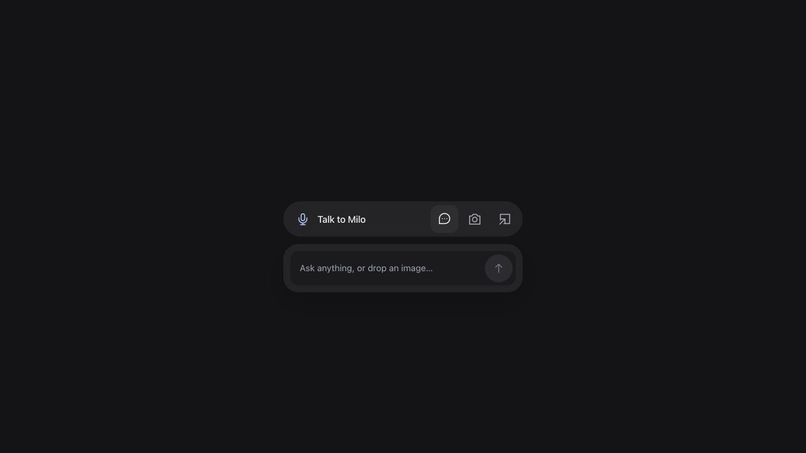
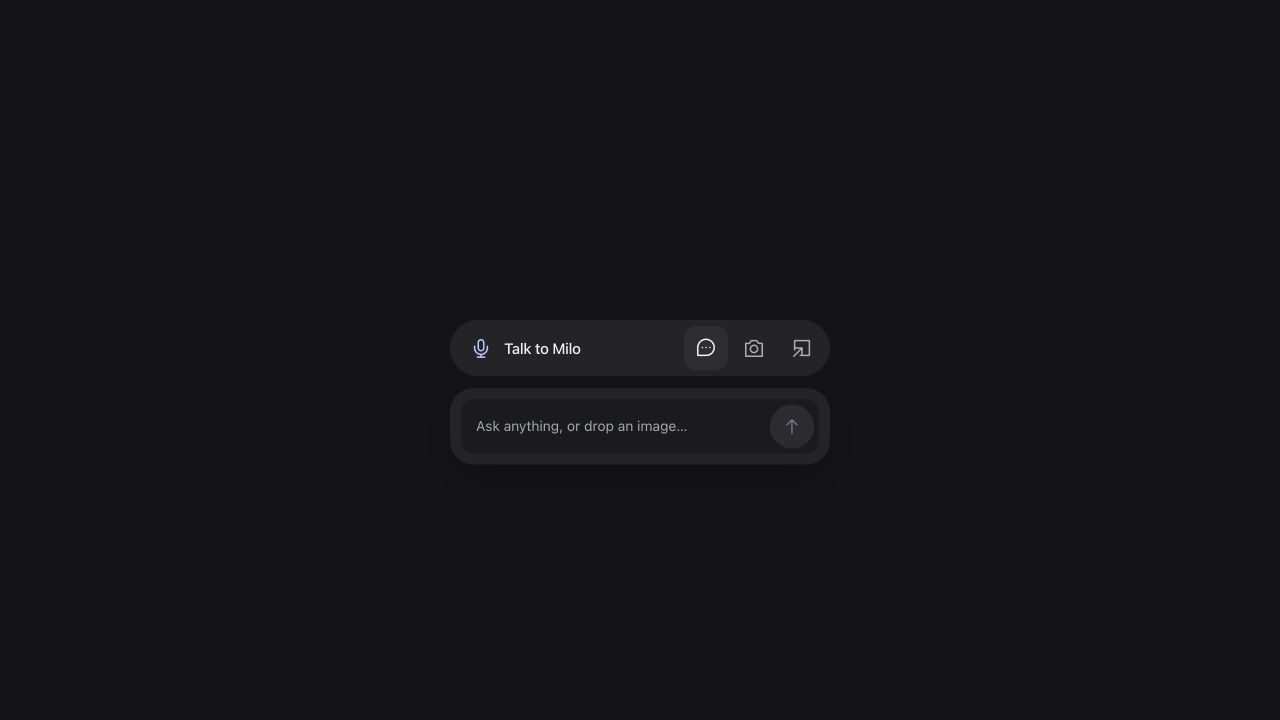
Milo in the browser — voice, text and screenshot controls.
Inspiration
When something on a page sounds wrong, checking it often means leaving the page, opening more tabs and starting a separate search. Milo keeps that question in the conversation.
What it does
Milo is a small voice research assistant that can float beside the page you are reading in a supported desktop browser. Ask a question aloud, or attach a screenshot and ask about what it says. There is no app or extension to install.
Milo searches the web, reads public sources and explains what it could establish. Source links let you inspect the answer yourself. You can also type, collapse the sources, or end a call without losing the research.
Screenshots are optional and on demand. Capture one frame through the browser's screen chooser, or upload, paste or drop an image. Sharing stops after capture. The image stays local until you request a check, with crop and redaction available in the capture preview.
How we built it
React, TypeScript and Vite power the interface, with an Express backend. GPT-Live handles conversation over WebRTC and delegates factual questions to a research workflow. GPT-5.6 terra extracts the claim, searches for sources, fetches pages and evaluates their contents.
The server validates citation identifiers and verbatim quotations against fetched documents. Research can return insufficient evidence when the available pages do not support a conclusion. Findings return to the same voice session, and the interface displays the source set acknowledged by that session.
The live voice model handles conversation, while the research model analyzes attached images. Model keys remain server-side. Public-page fetching blocks private-network addresses and applies redirect, size and time limits.
Challenges we ran into
Voice and research run at different speeds. Initially, the spoken answer and the written summary could diverge. We changed the handoff so the voice session receives the actual findings before explaining them, and voice mode shows the corresponding sources instead of generating another summary.
We also had to distinguish attaching an image from analyzing one. The attachment state now reaches the voice session, so a request about the image can delegate to the research workflow. Users do not have to retype what the screenshot says.
Accomplishments
The demo shows a real user speaking with Milo while browsing: first asking about an NBA season date, then attaching a screenshot and checking a claim about phone pricing. It preserves the user's voice and Milo's responses, including a clarification question. Two waiting sections are shortened, and captions and camera movement make the interaction easier to follow.
Automated tests cover evidence delivery, attachment synchronization, browser capture helpers, floating-window behavior, access controls and protected page fetching. These checks support the implementation, but do not establish a general accuracy rate.
What we learned
A useful answer needs more than a plausible voice and a link. It needs a traceable connection between the question, the documents read and the explanation the user hears. Clear uncertainty and the ability to open the source are part of that experience.
Impact and what's next
Milo is intended for readers and students who want to check a claim without interrupting what they are doing. The next priorities are faster research, broader multilingual evaluation and clearer handling of conflicting sources.
The MVP has no saved history and depends on browser support for floating windows. Blocked or login-only sources may be unreadable. Answers can still be wrong, so Milo is an aid to verification rather than a guarantee of truth.
Credits
A small image-routing helper adapts MIT-licensed Xiexie/Clicky code; attribution is retained in LICENSE and NOTICE. Milo's browser interface, capture workflow and voice-to-evidence pipeline are separate implementation work.
Built With
- express.js
- node.js
- openai
- react
- typescript
- vite
- webrtc

Log in or sign up for Devpost to join the conversation.