-
-
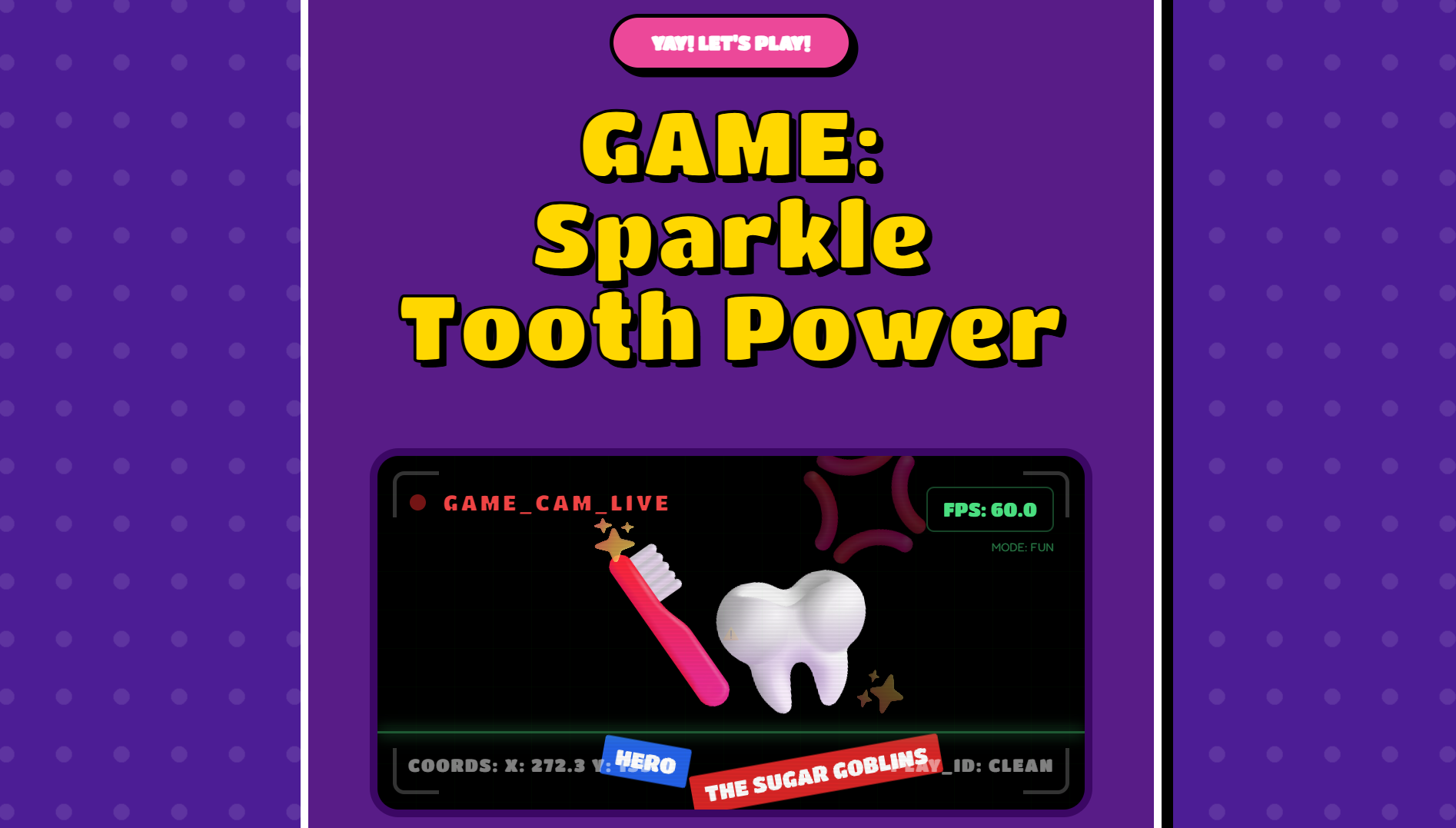
Commander's Mission
-
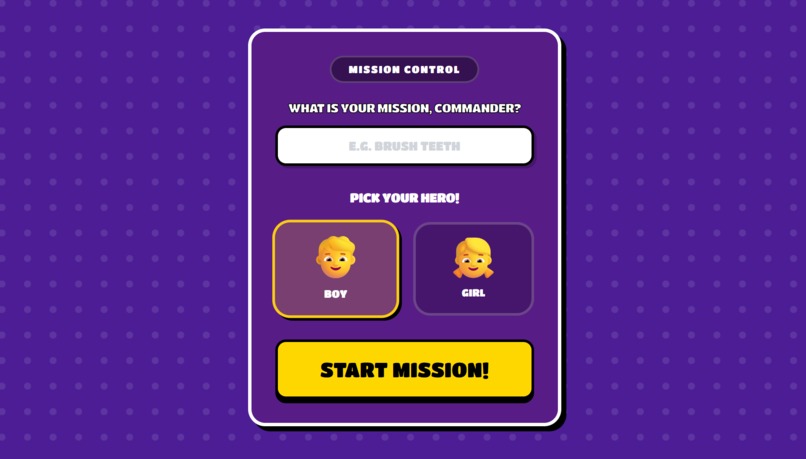
Which Commander did you like the most ?
-
Commander is eating tasks..
-
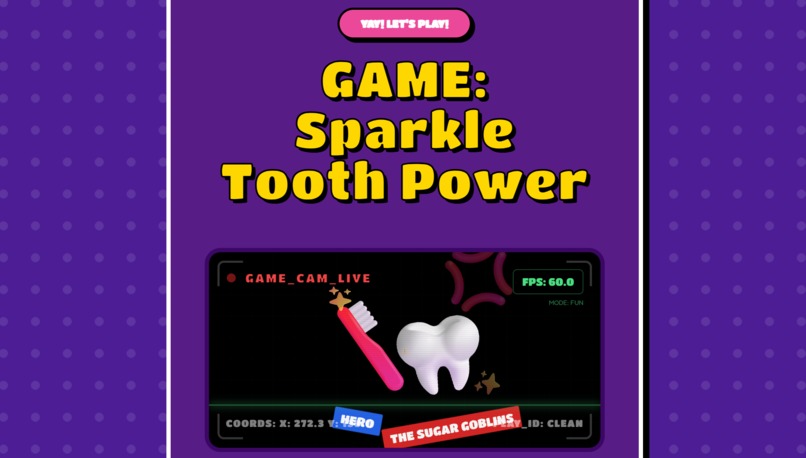
Mission Implemented
-
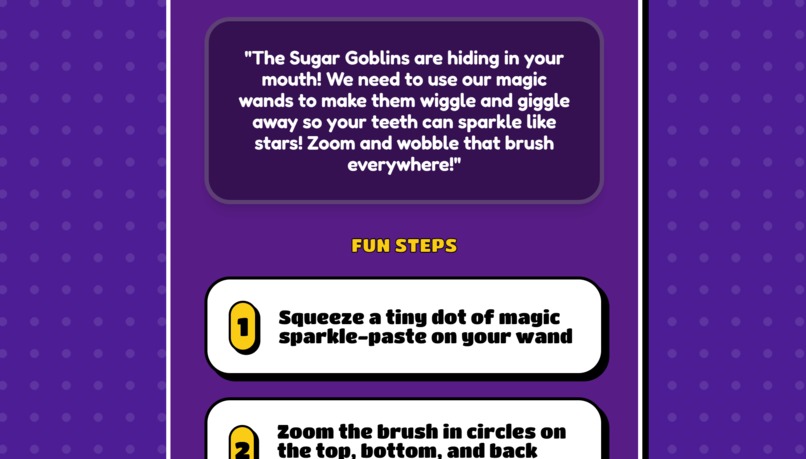
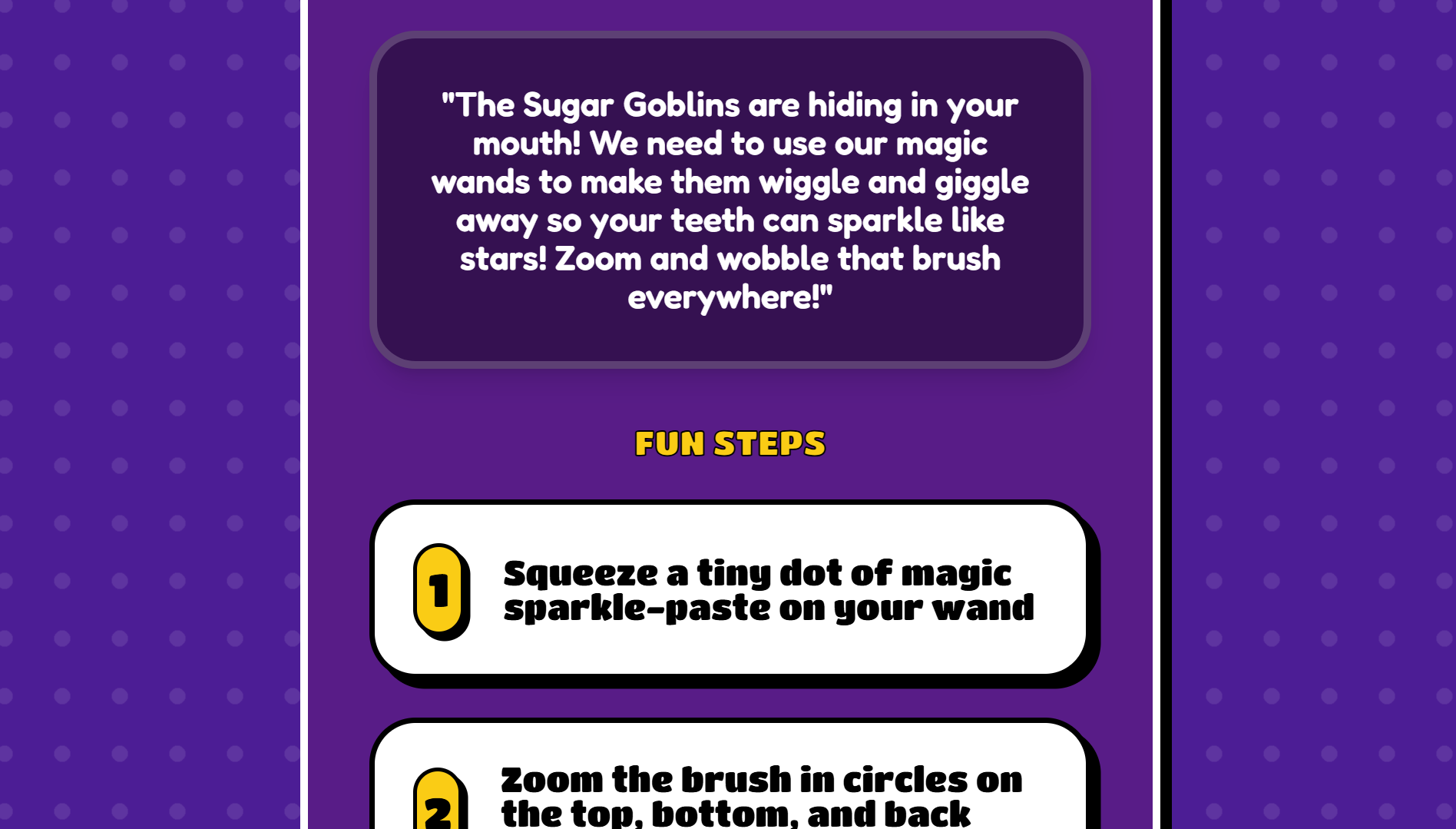
Fun Steps!
-
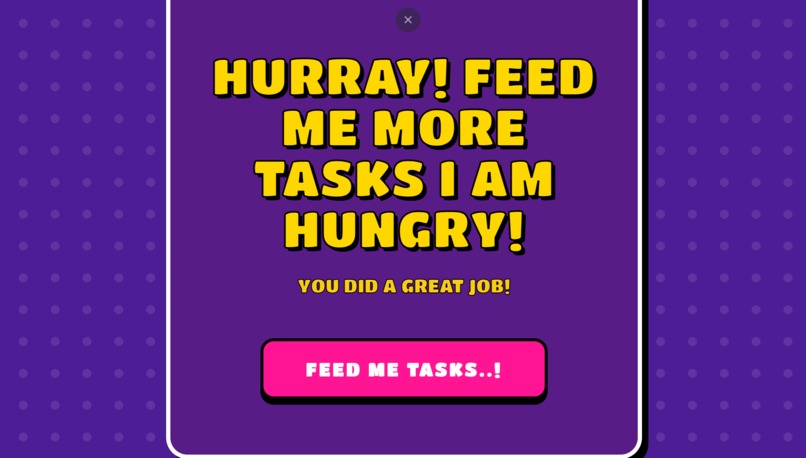
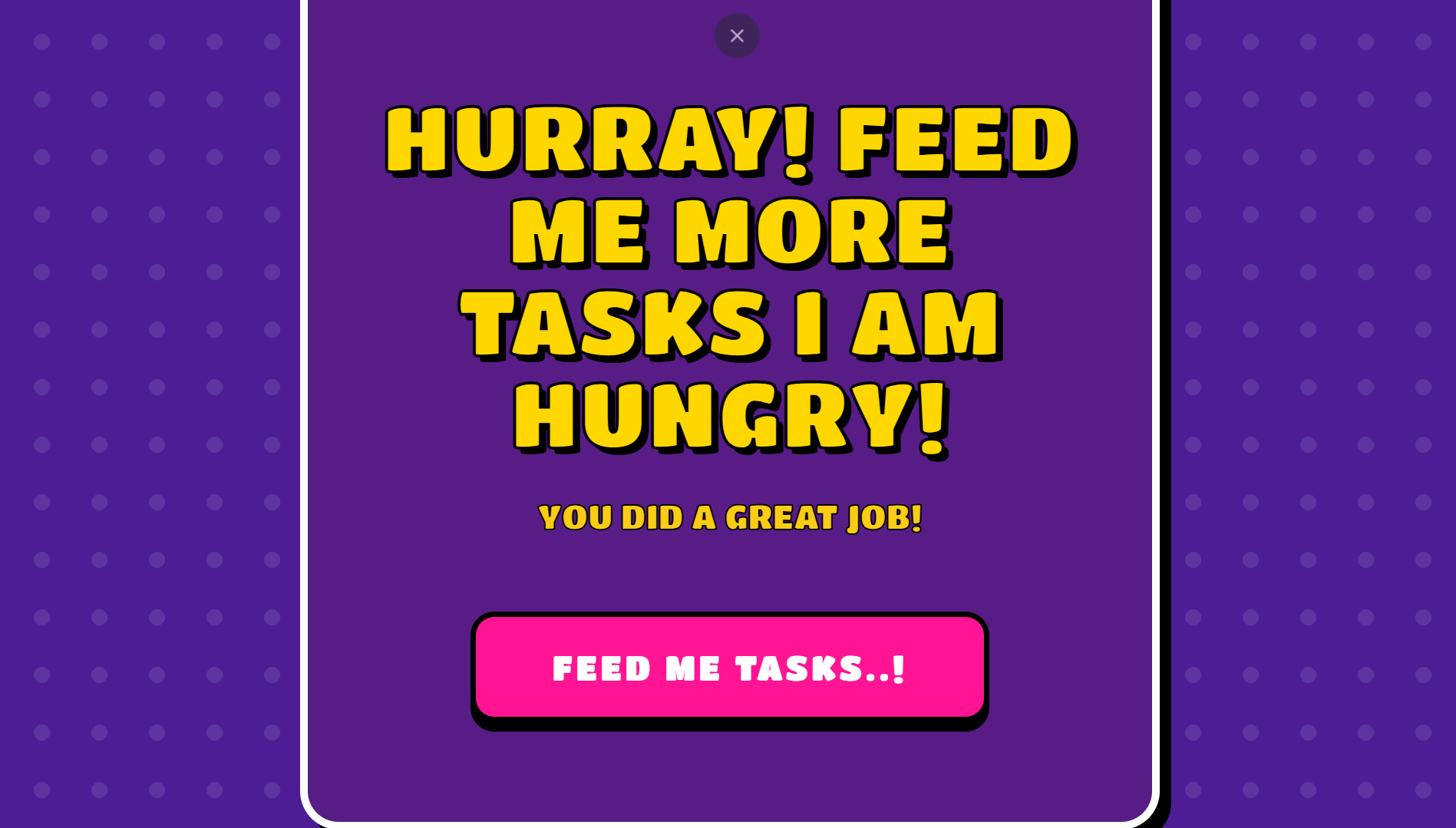
Feed him more tasks
Inspiration
I was tired of building "serious" projects. Every hackathon seems to be full of complex data dashboards, financial tools, or boring science experiments for adults.
I wanted to build something new, creative, and genuinely fun. I realized that for kids, daily chores are the ultimate enemy. So, I asked myself: Why just "clean the room" when you can launch a "Tactical Operation" instead?
Military Baby was born out of a desire to step away from "boring adult apps" and create a high-energy, playful experience that turns a child's boring list of tasks into an exciting video game mission.
What it does
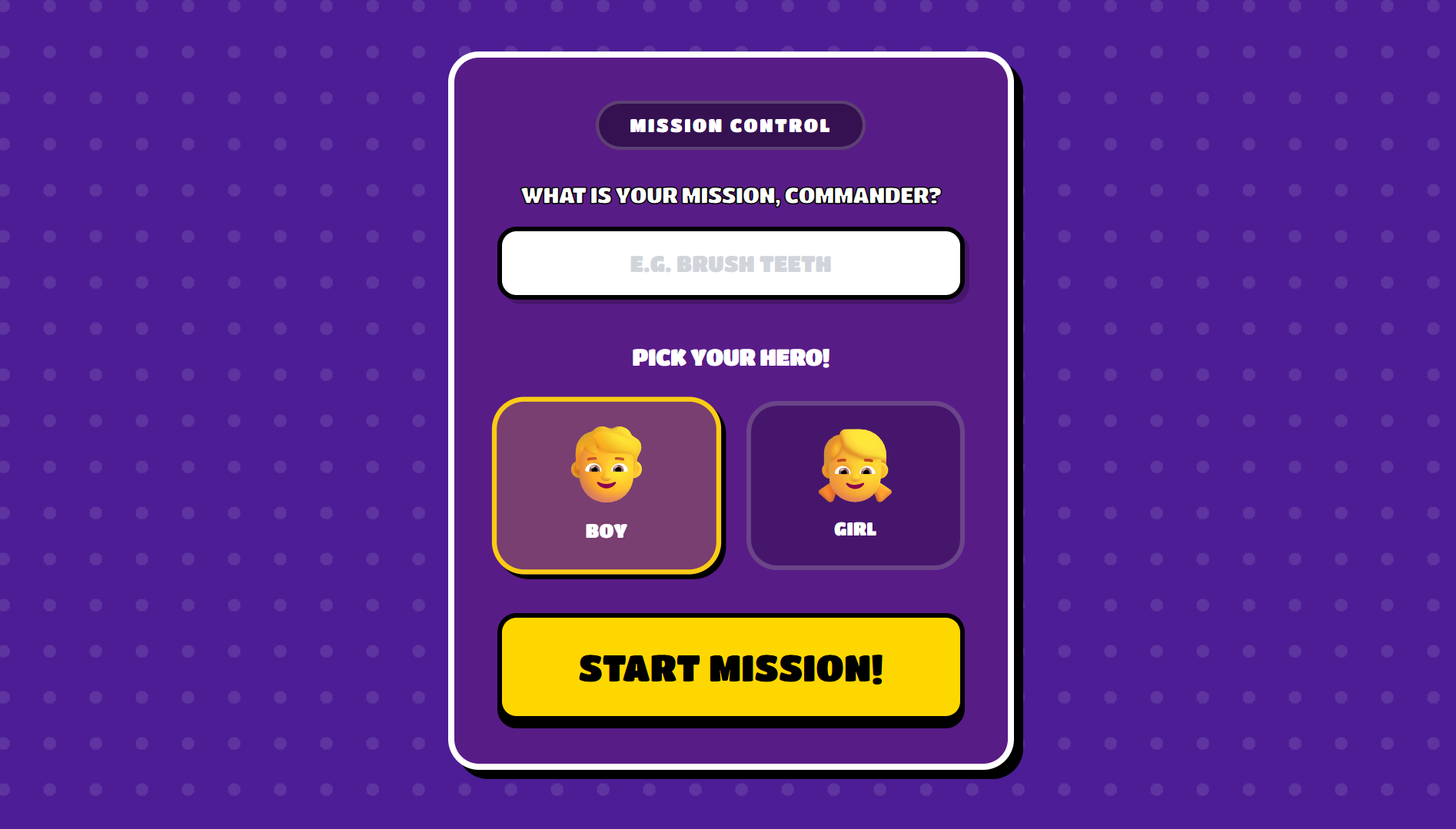
Military Baby is a role-playing interface for kids. It takes a boring command from a parent (like "Brush your teeth") and transforms it into a Classified Military Mission.
- The Input: The user types a simple task.
- The Transformation: The app uses Google Gemini to rewrite the task into a funny, high-stakes sci-fi briefing (e.g., "Operation: Dental Defense").
- The Voice: It leverages Gemini's Multimodal capabilities to generate the spoken audio directly. The AI adopts the persona of a "Kid Commander," shouting instructions like a squad leader in a video game.
- The Result: The child isn't just doing a chore; they are executing a critical operation to save the base.
How we built it
We moved away from basic HTML and built a modern, robust Single Page Application (SPA) to handle the animations and state.
- Core Framework: React with TypeScript for type-safe, component-based architecture.
- Build Tool: Vite for lightning-fast development and bundling.
- Project Structure: We used a clean component-based structure (
MissionCard.tsx,TerminalInput.tsx) and separated our logic into services. - The AI Engine: We went "All-In" on Google Gemini. It handles the Text Generation (creating the mission script) AND the Voice Generation (speaking the script).
- The Logic: We implemented a custom "intensity" logic where the AI calculates how dramatic the mission should be based on the boredom level of the task:
$$\text{Mission Intensity} = \frac{\text{Task Urgency} \times \text{SciFi Jargon}}{\text{Boredom Level}} + \text{Chaos Factor}$$
Challenges we ran into
- Tone Calibration: The biggest challenge was prompting Gemini to sound like a kid. Early versions sounded too much like a serious adult soldier or a helpful assistant. We had to tweak the system prompts to make it funny, chaotic, and child-friendly.
- Handling Audio Data: Determining the best way to stream or play the audio blob generated by Gemini directly within a React component without lagging the UI.
Accomplishments that we're proud of
- Single-Model Efficiency: We didn't need multiple expensive APIs. By using Gemini for both text and voice, we kept the architecture clean and the latency low.
- The "Terminal" Aesthetic: Creating a UI that looks like a futuristic military computer but is intuitive enough for a child to use.
- Visual Consistency: The glowing neon components match the high-energy vibe of the AI voice perfectly.
What we learned
- Fun is Functional: A project doesn't have to be "scientific" to be technically impressive. The value of an app lies in how it makes the user feel.
- Multimodal is the Future: Using one model to handle different types of media (Text and Audio) is much more efficient than chaining different services together.
- TypeScript is King: Using TypeScript (
.tsx,types.ts) saved us from bugs by strictly defining what our "Mission" data objects looked like.
What's next for Military Baby
- Augmented Reality (AR): Using the camera to scan a messy room and have the "Commander" identify specific targets (e.g., "Target acquired: Dirty Socks").
- Multi-Kid Squads: Allowing siblings to sync their apps and complete cleaning missions together as a team.
Built With
- typescript
- vite


Log in or sign up for Devpost to join the conversation.