Why We Created Miko
Most language learning apps teach vocabulary you rarely use in daily life. We wanted to build something that connects learning directly to real moments, where every word comes from objects and situations around you. With Meta Quest’s passthrough and hand tracking, we saw an opportunity to turn someone’s home into an immersive language classroom. That idea became Miko, a coach that helps people learn languages naturally by interacting with their own environment.
How Miko Helps You Learn
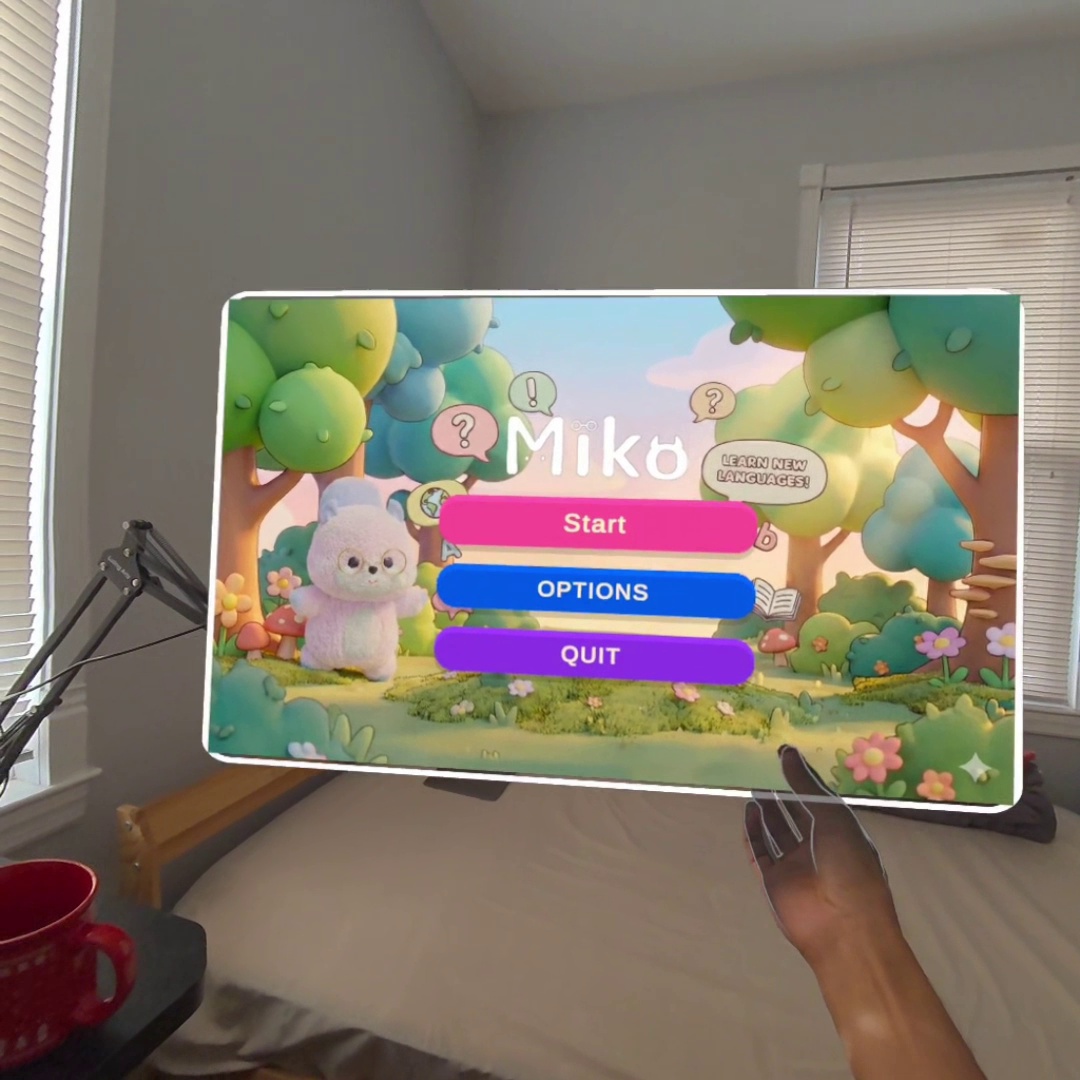
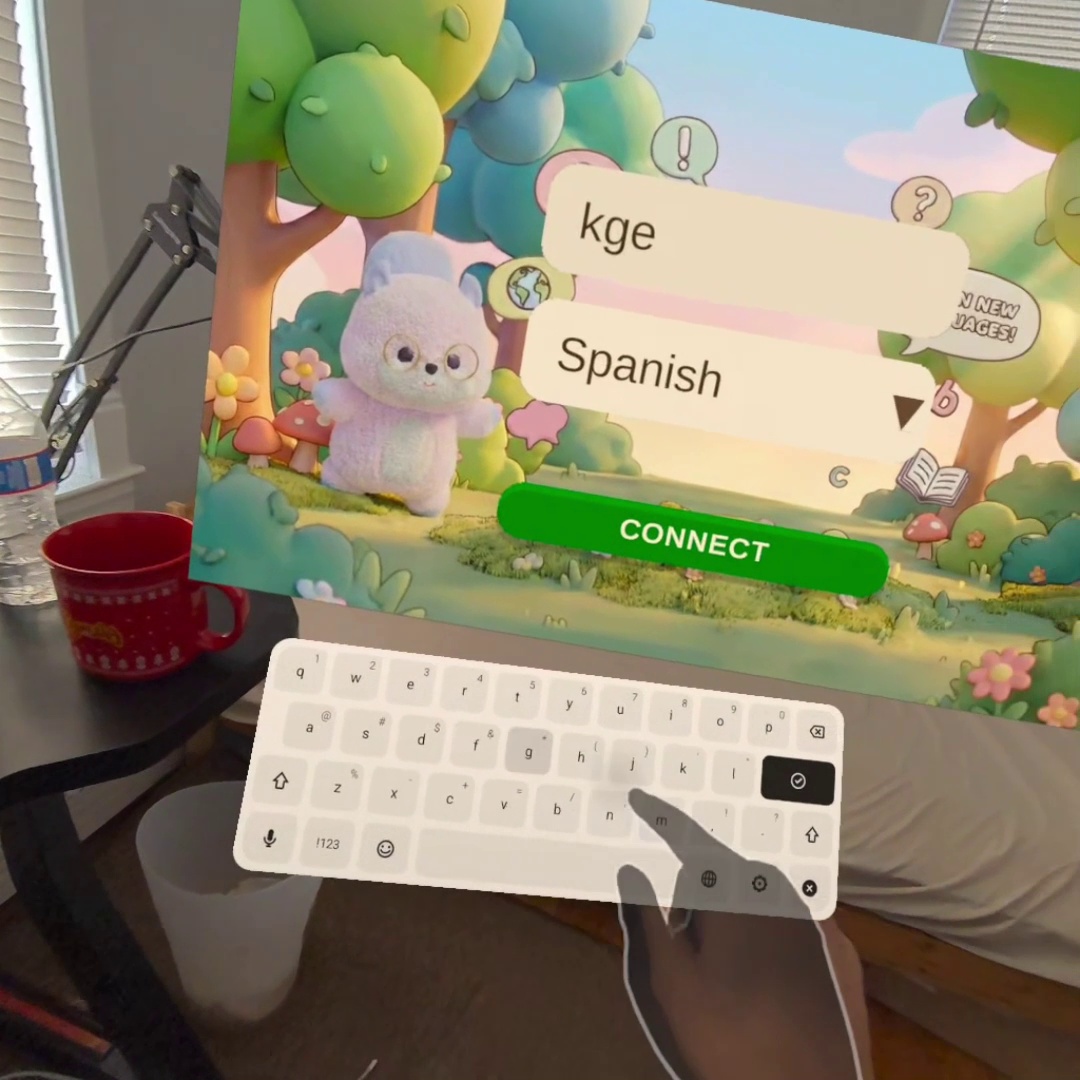
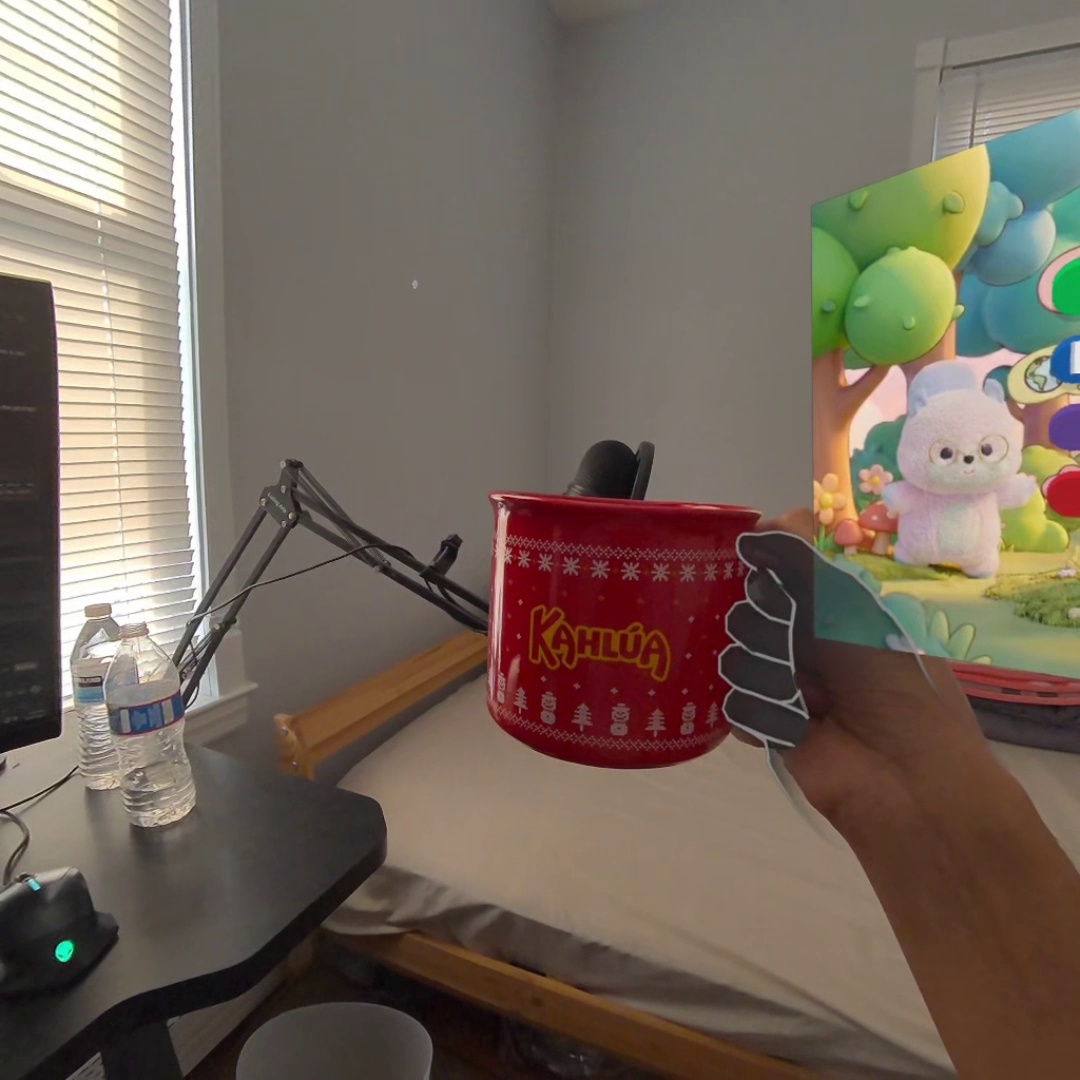
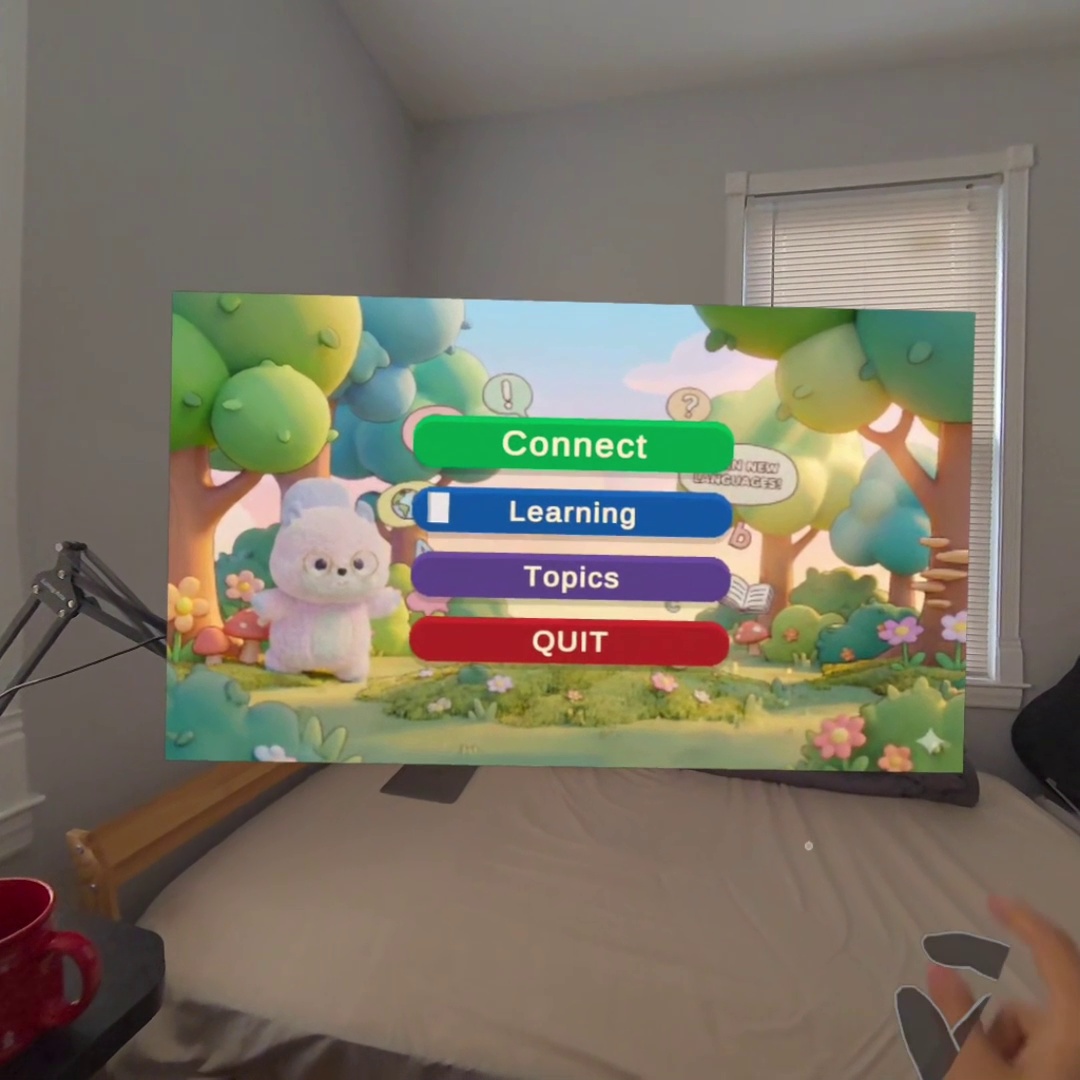
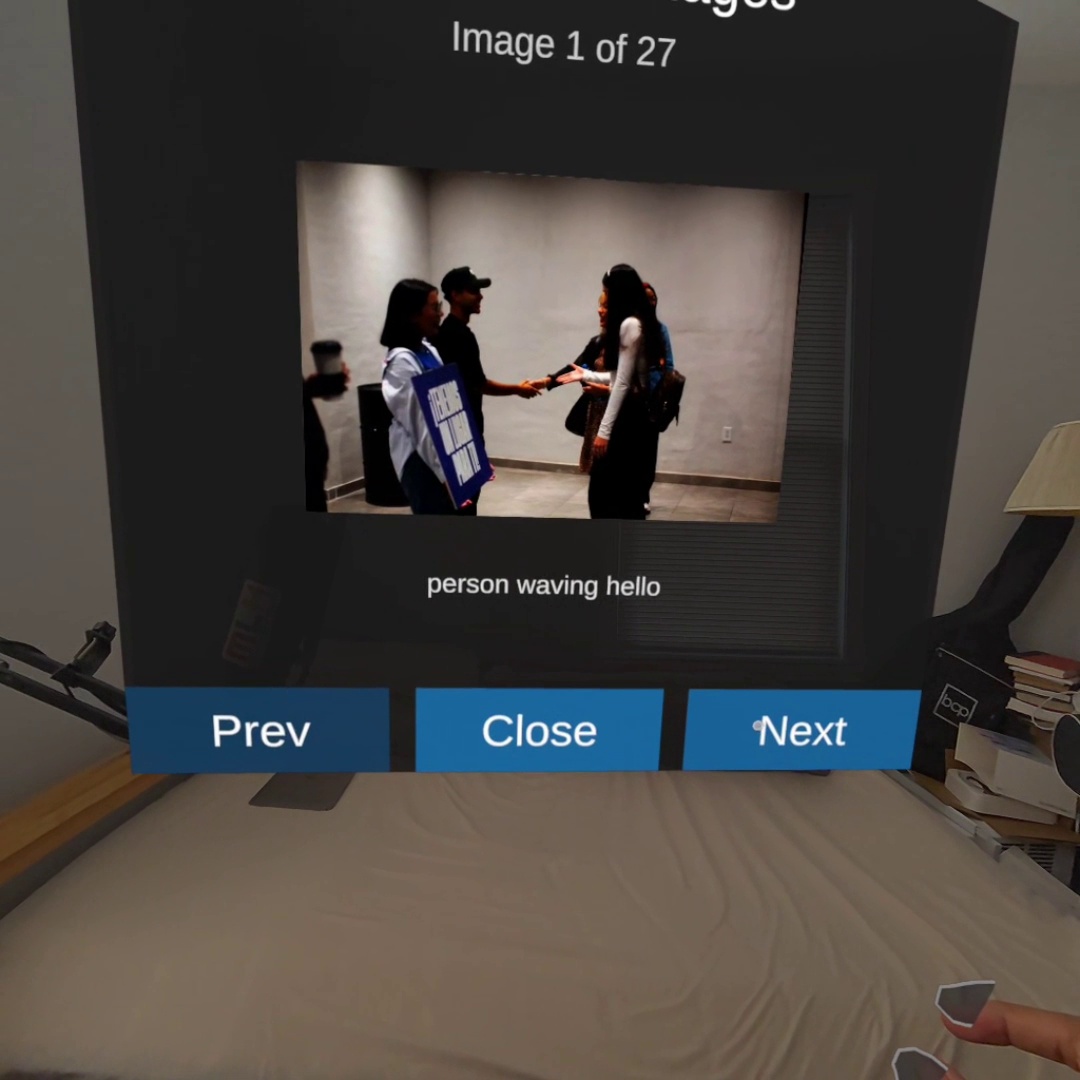
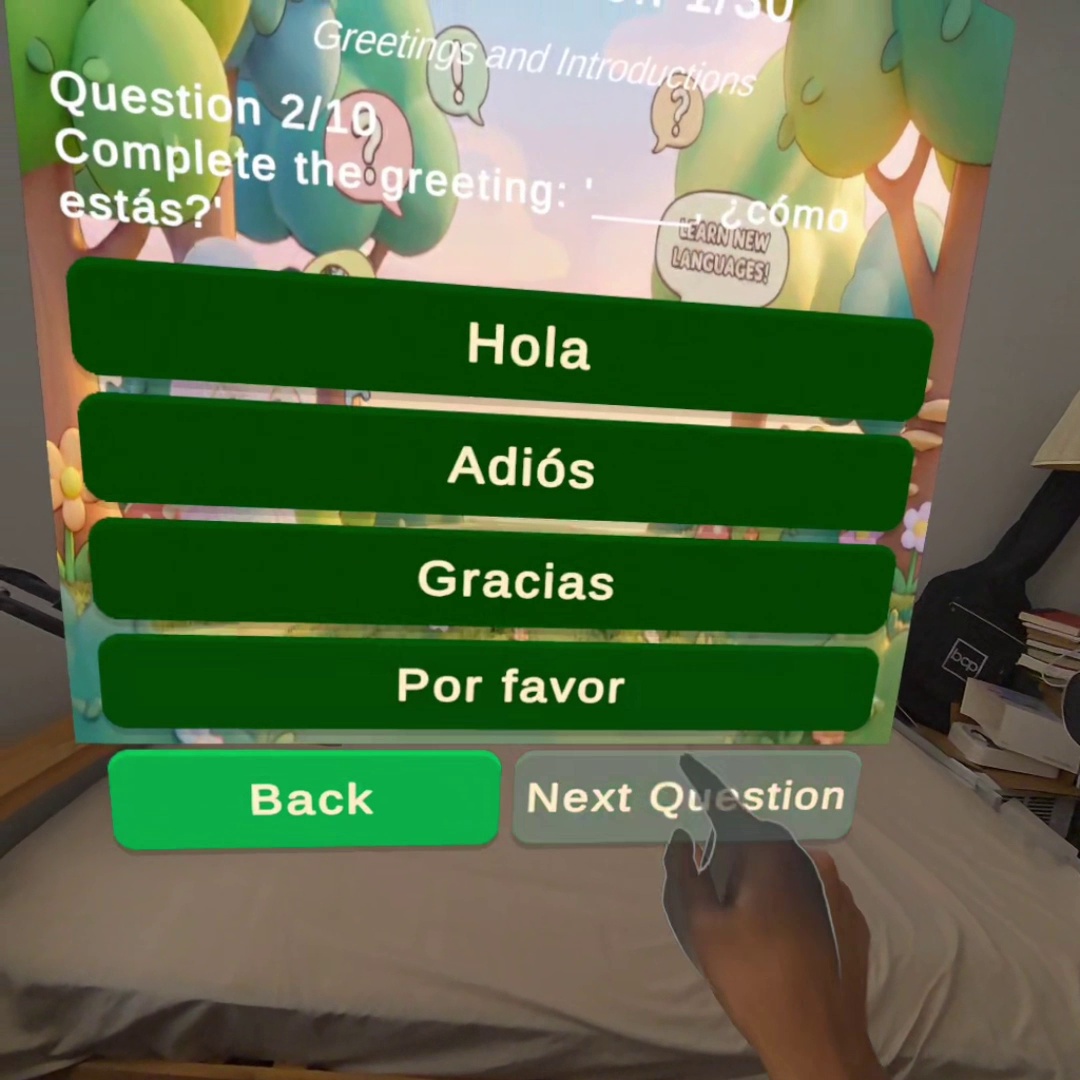
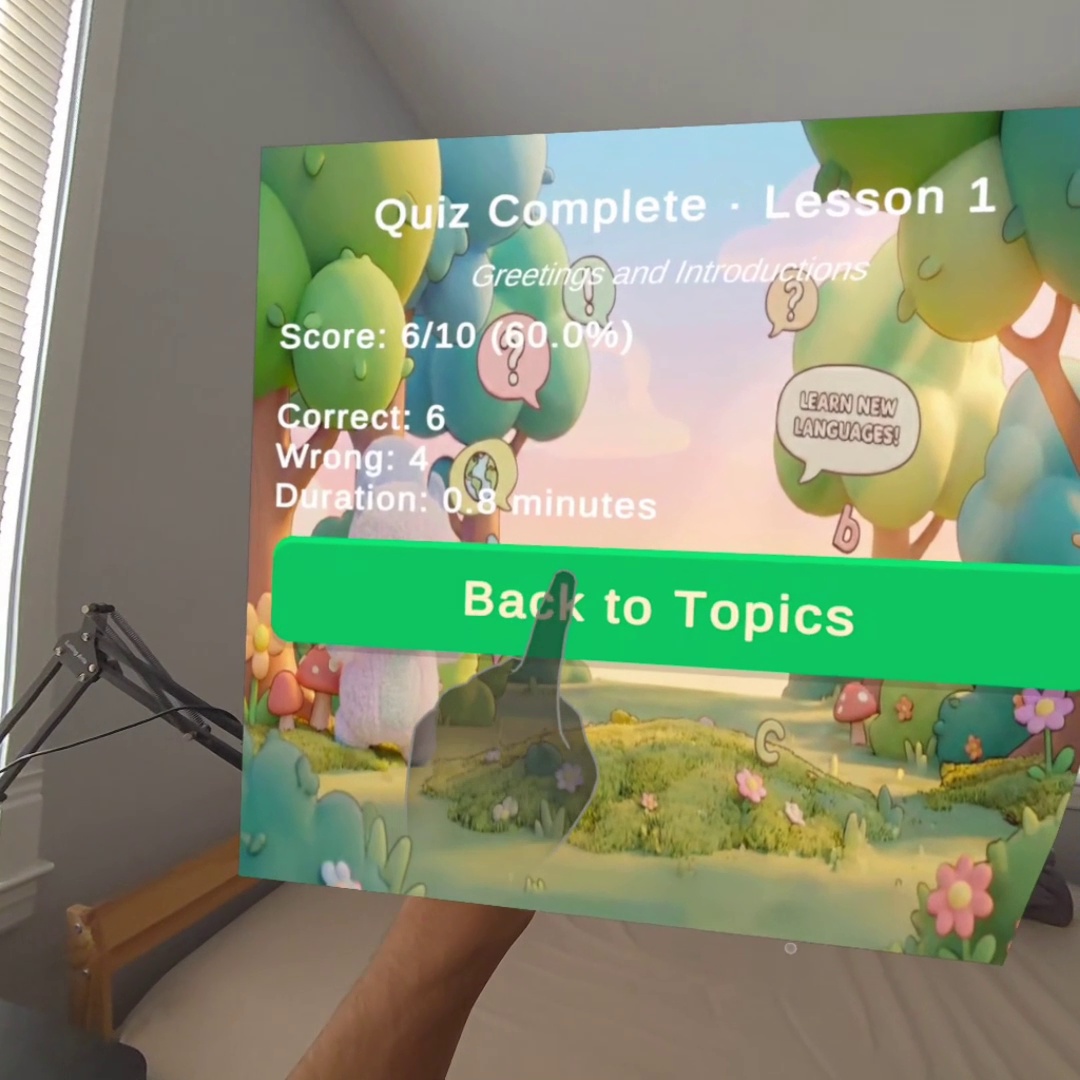
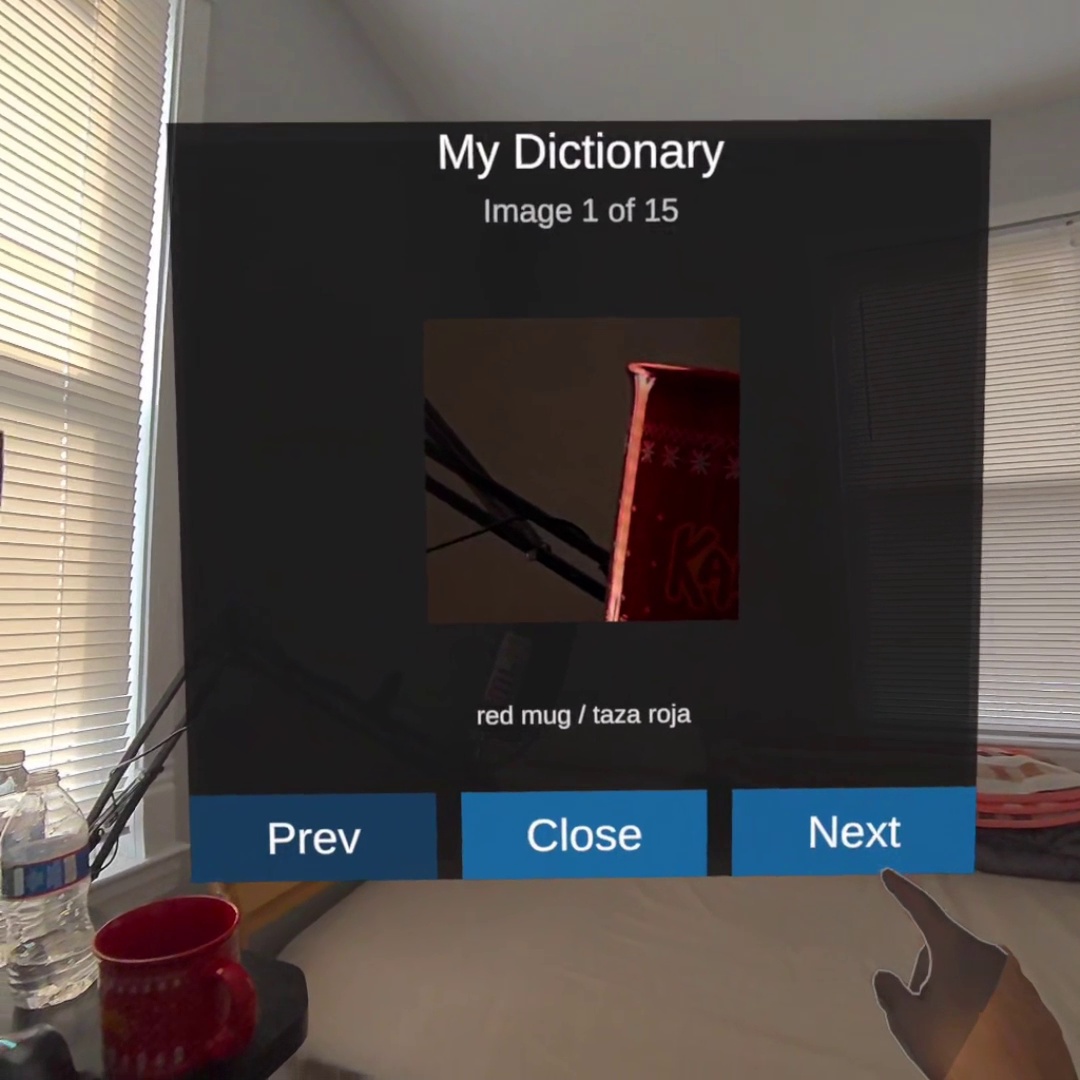
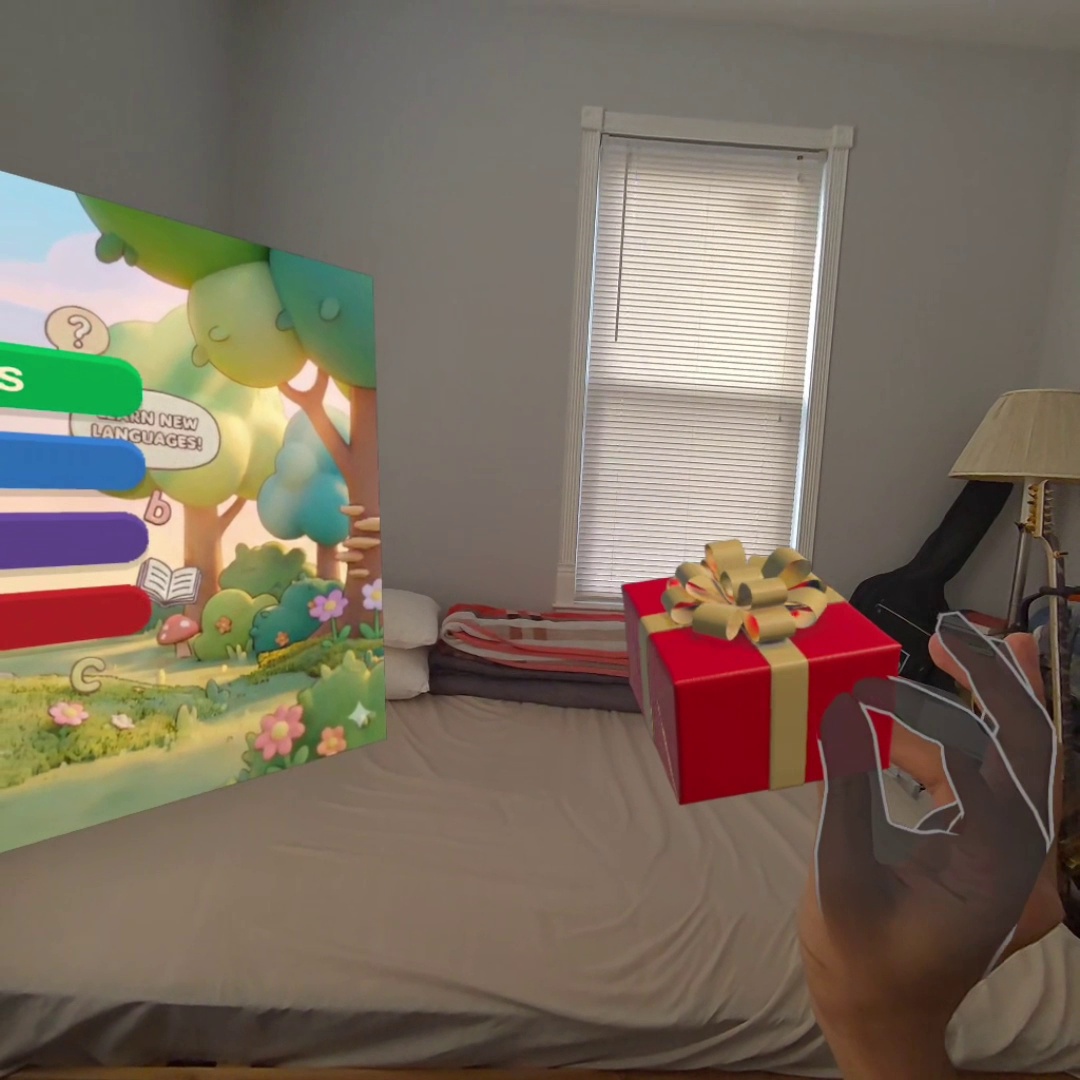
Miko transforms your surroundings into an interactive teaching space using passthrough AR, hand tracking, and AI object recognition. Users can point at or hold an item and ask, “What is this in Spanish?” Miko identifies the object, teaches the vocabulary, provides example sentences, and supports pronunciation practice. If a user wants to remember it later, they can say, “Save this to my dictionary,” and the system captures an image and creates a personalized vocabulary card. Over time, this dictionary becomes a visual library of words tied to real-life experiences, making them easier to recall. The Learn from Image mode lets users load photos and practice describing what they see. Miko guides them through identifying objects, forming sentences, and learning grammar in context. To reinforce memory, the app includes adaptive quizzes generated from the user’s personal dictionary and image lessons. Miko blends immersive discovery, real-time AI feedback, and active recall into a learning loop grounded in everyday life.
How We Built It
The experience was built in Unity using Meta’s XR SDKs for passthrough, hand tracking, spatial anchors, and scene interaction. Users navigate through gestures such as palm taps and fist actions, allowing for controller-free interaction. We integrated:
- AI object recognition
- Real-time voice processing powered by OpenAI’s voice API
- Bidirectional translation
- Image capture and cloud storage for the personal dictionary
- Adaptive quiz generation
- Image description tools for Learn from Image mode
The system was iterated with MR-native UX principles to ensure panels, labels, and prompts remained readable and comfortable in passthrough environments. Challenges We Ran Into Reducing latency in translation and voice recognition was essential for conversational flow. Gesture reliability also varied between environments and required repeated tuning. Another challenge was designing context-aware interactions so the system could react meaningfully to objects users pointed at or held. Creating clear passthrough UI demanded testing across different lighting and background conditions.
Accomplishments That We’re Proud Of
We’re proud of how Miko uses technology to genuinely support learning. By integrating mixed reality and AI, we created an experience that makes language practice intuitive and tied to real life. We built a hands-free learning flow using gestures and voice, a personalized visual dictionary powered by real-time translation, and an image-based mode for developing more advanced descriptive skills.
What We Learned
We learned how effective mixed reality can be in improving memory, motivation, and confidence. Learning feels more natural when tied to real objects. We also gained experience designing passthrough-friendly UI, managing real-time audio and AI processing, and creating conversational learning flows. Most importantly, we saw how MR lowers the barrier to speaking by making practice feel safe and effortless.
What’s Next for Miko
We plan to expand Miko with more real-life scenarios, smarter conversational abilities, improved pronunciation tools, multiplayer practice, additional languages, a guided curriculum, and playful modes inspired by childhood learning. Our long-term vision is for Miko to become a daily MR companion that helps people build real-world language confidence through natural interactions in their environment.
Built With
- amazon-web-services
- c#
- hand
- meta-xr-sdk
- openai-gpt-4
- openai-real-time-voice-api
- openxr
- pcm16-audio
- pipecat-framework
- postgresql
- python
- sqlite
- textmesh-pro
- unity
- unity-xr-hands
- voice-activity-detection-(vad)
- websocket


Log in or sign up for Devpost to join the conversation.