-
-
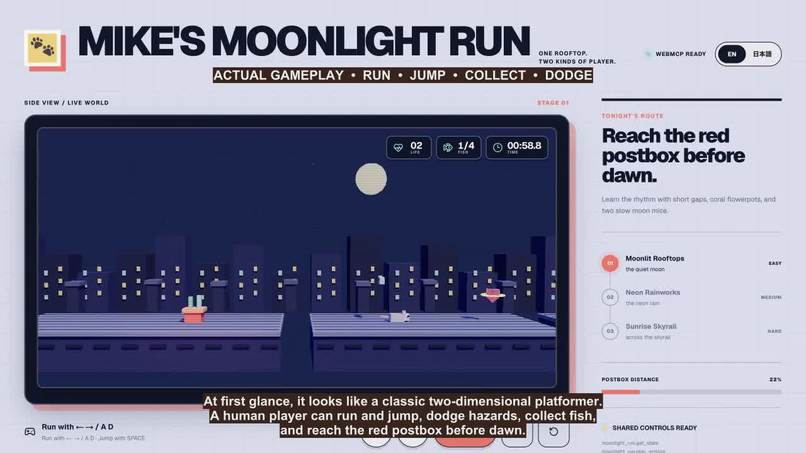
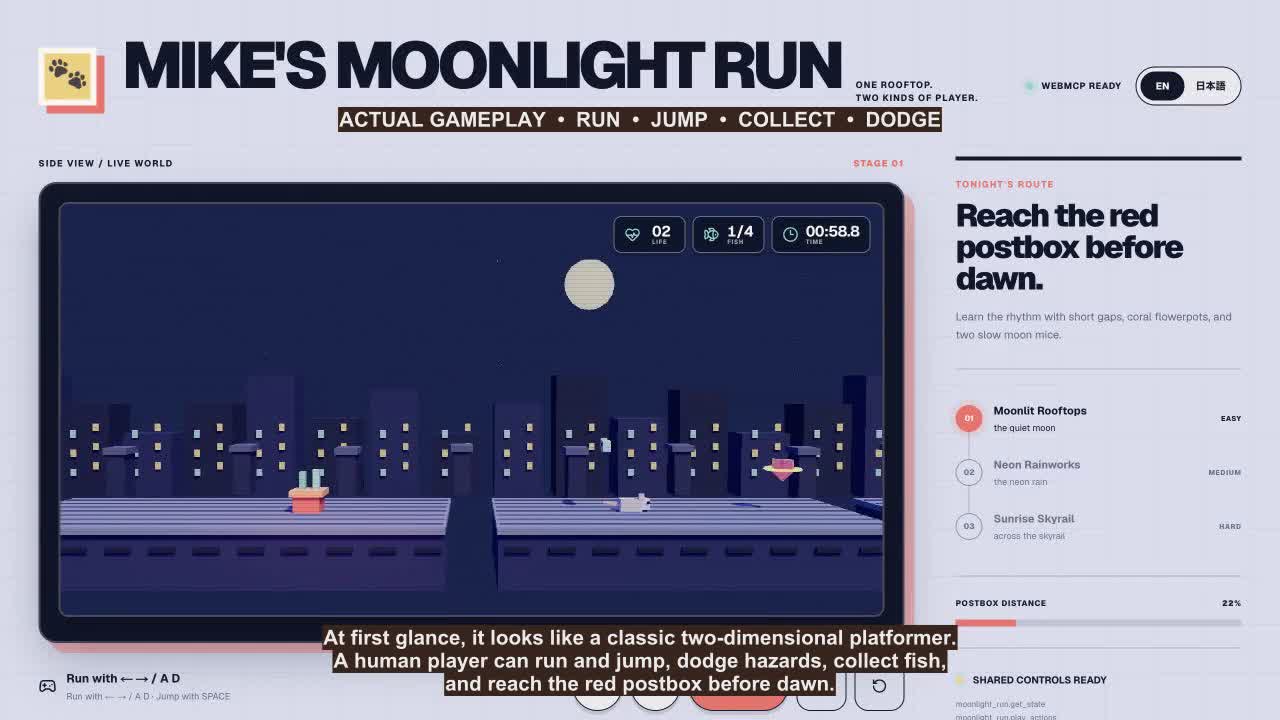
Mike running across the moonlit rooftops in the live 3D game.
-
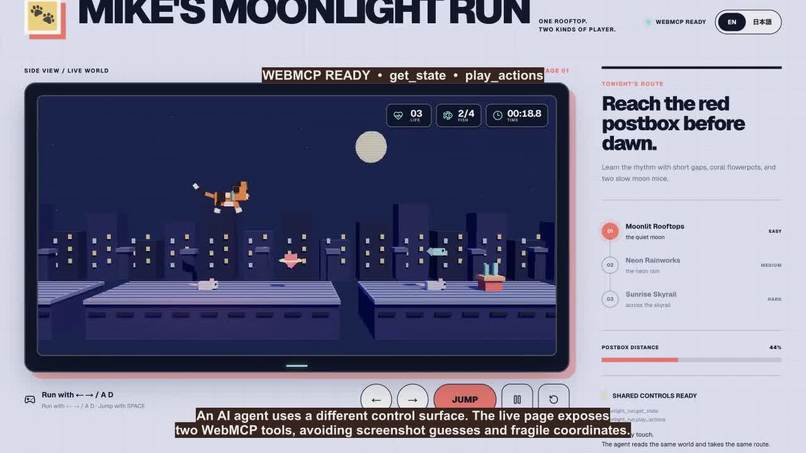
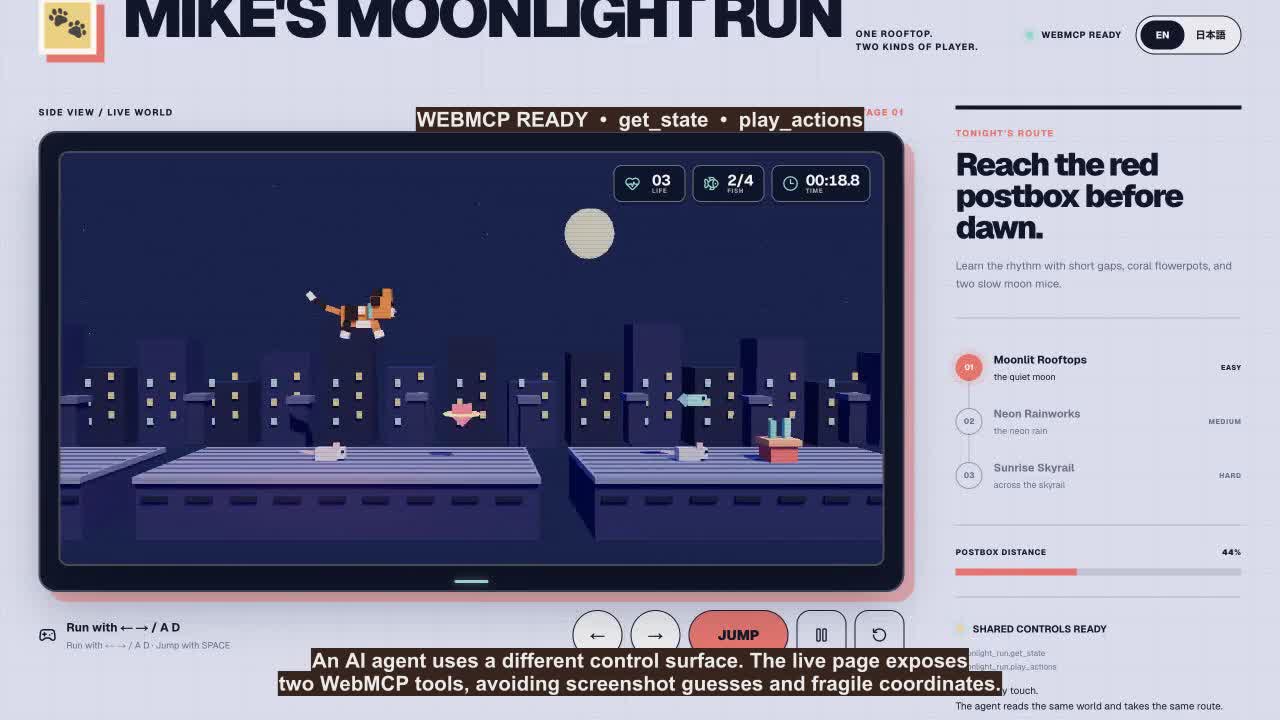
The WebMCP Agent Console showing the registered game tools.
-
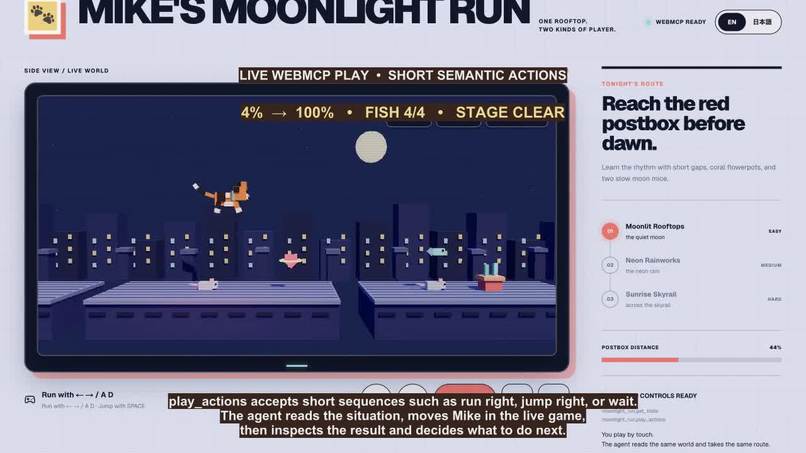
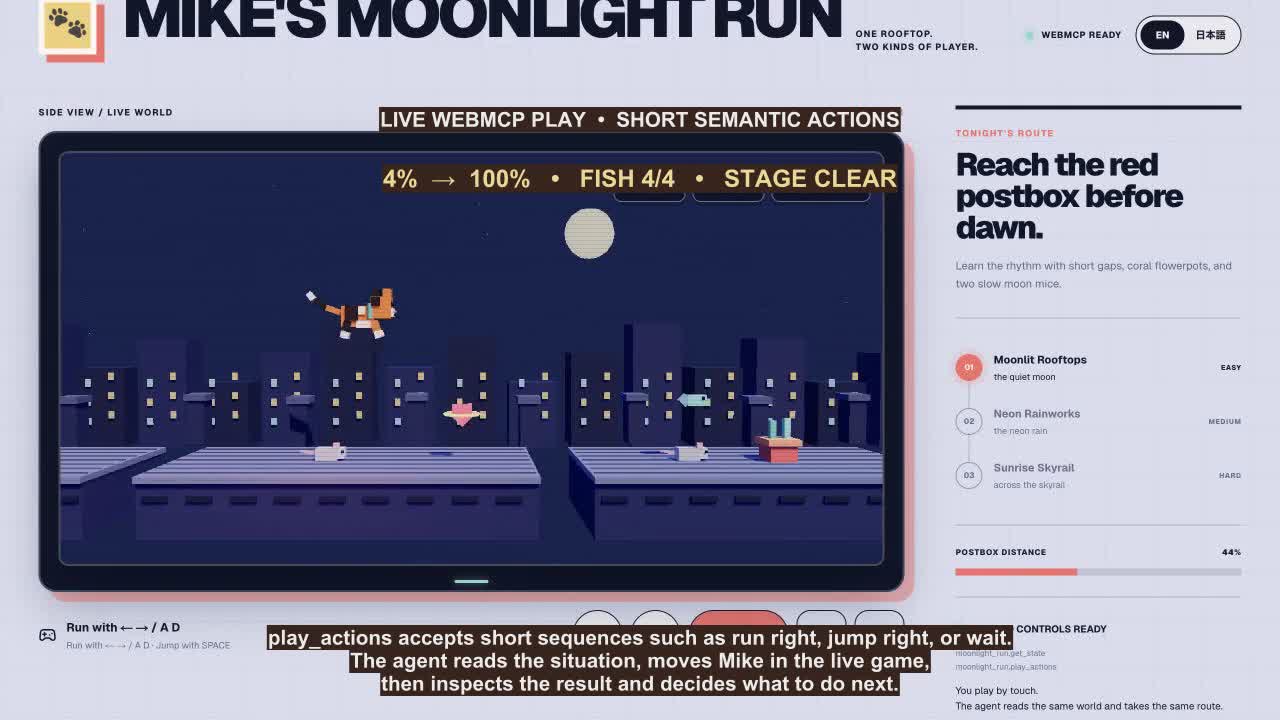
A timed WebMCP action sequence controlling Mike in the shared world.
-
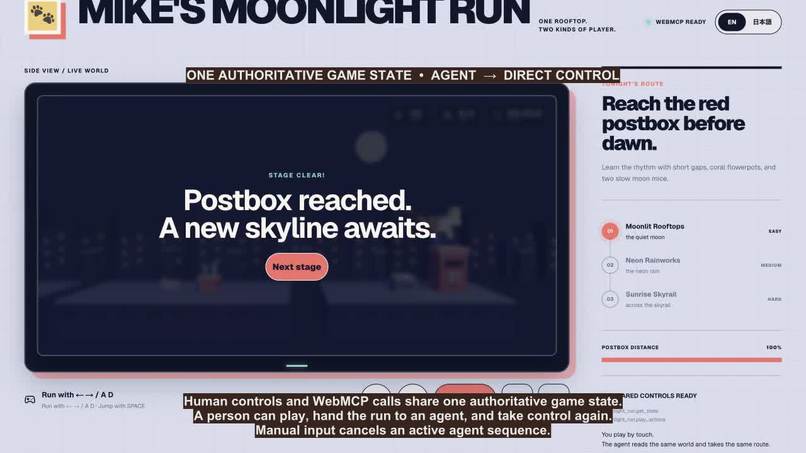
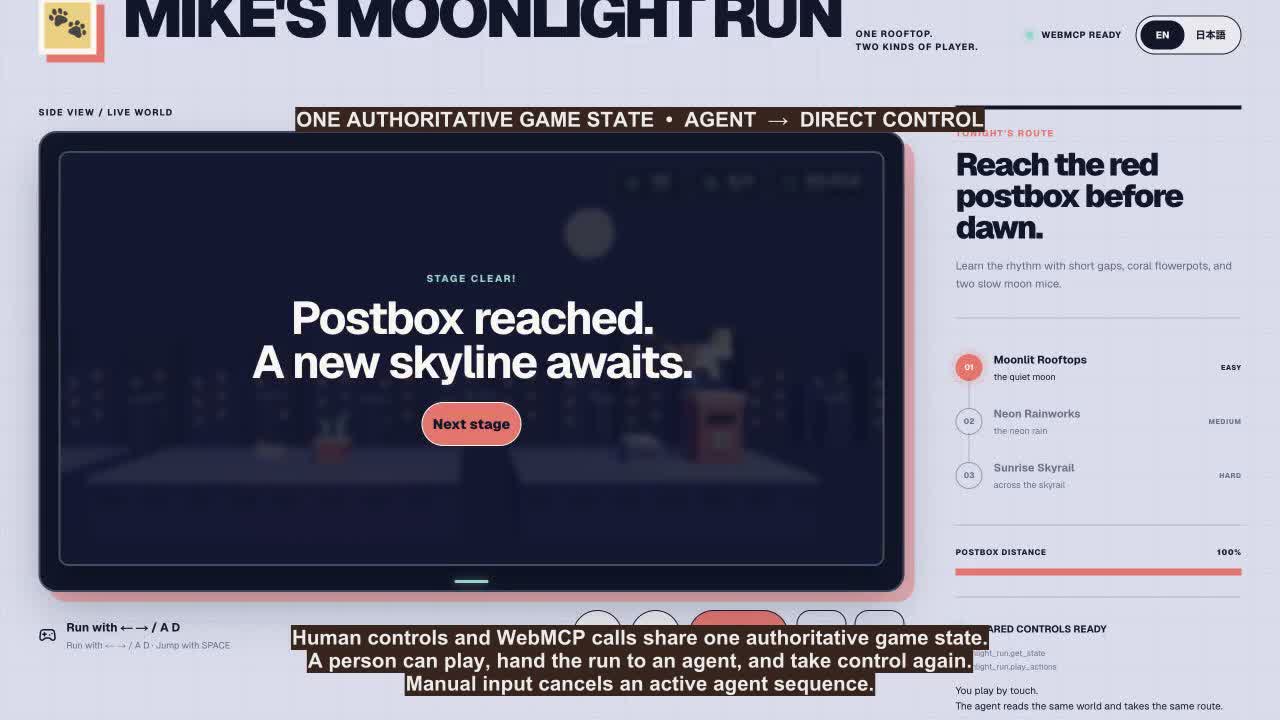
Manual input taking control back from the active agent sequence.
Inspiration
Platform games are easy for a person to understand by sight, but they are difficult for an agent to control. The agent must track gaps, moving enemies, collectibles, momentum, and a camera that keeps changing. I wanted one open web page that gives each player the interface they need without maintaining a second game server or an agent-only copy of the world.
What it does
Mike's Moonlight Run is a three-stage rooftop action game. A person runs and jumps with a keyboard, touch controls, or on-screen buttons. The goal is to cross each skyline, avoid gaps and hazards, collect fish, and reach the red postbox.
The game renders the world as real-time 3D geometry with Three.js. It resembles a 2D platformer from the side, then the camera orbits through 360 degrees and reveals the depth of the scene while the game continues.
An AI agent controls the same cat through two WebMCP tools:
moonlight_run.get_statereturns Mike's position and velocity, ground segments, gaps, obstacles, moving enemies, collectibles, the goal, and the camera angle.moonlight_run.play_actionsruns a short sequence of timed actions such asrun_right,jump_right, orwait, then returns the resulting state.
The person and agent share one authoritative game state. A person can start a run, hand it to an agent, and take control again. Manual input cancels the active agent sequence, so the handoff happens inside the live game.
Why WebMCP fits
Screenshot interpretation and coordinate-based clicking give an agent a fragile view of a platform game. A rotating camera makes that approach harder, and moving enemies can invalidate a plan before the next click.
WebMCP lets the page expose stable world coordinates and game semantics while preserving the visual experience for the person. The agent can observe, act, inspect the result, and adjust through short action sequences. The person keeps the direct controls and can take over at any point. Both players use the same public URL and the same running world.
How I built it
Codex wrote all of the project's code. I focused on the output: how the game felt, how Mike looked from each camera angle, whether the handoff between a person and an agent made sense, and whether the published build matched my intent. I reviewed the live game and screenshots, gave Codex concrete correction instructions, and accepted each change after checking the visual and functional result.
For the technical implementation, Codex used React, TypeScript, Three.js, Vite, and vinext. The shared GameState and physics live in lib/moonlight-game.ts. Keyboard input, touch input, rendering, collisions, and WebMCP calls all read or update that state.
The page registers both tools with document.modelContext.registerTool(...) in app/page.tsx. moonlight_run.get_state reads the live world. moonlight_run.play_actions accepts one to thirty timed actions, supports cancellation through AbortSignal, and stops when the person resumes manual control.
Codex also ran the checks, prepared the public repository, and deployed the game to ChatGPT Sites. I reviewed the output at each stage. The complete source is available under the MIT license, and the project does not require an account, API key, database, or private testing credential.
Challenges
Directing Codex through the visual corrections took more work than the initial build. I evaluated screenshots and the live site, then turned each mismatch into a specific instruction. I asked Codex to align Mike with the README artwork, keep the scarf wrapped around his neck, move the mouth to the front of the face, and replace separate front and side eyes with one coherent 3D eye layout.
The rotating camera exposed mistakes that a side-view screenshot hid. One revision made Mike's tongue and white muzzle look like thick lips from the side. I asked Codex to remove the tongue, shorten the muzzle and nose, refine the mouth, reduce the eye size, and add small glints. I required screenshots from the side and front angles before publication so I could judge Mike as one 3D character.
I also corrected product details after using the build. I asked Codex to keep the English and Japanese READMEs aligned, repair the Japanese artwork text, show per-stage fish counts in the HUD, include the total fish count in the result, restore the paw favicon, and simplify sharing to an X link plus clipboard copy. The hard part was giving precise feedback, checking each new output, and noticing when a fix introduced a new problem from another angle.
What I learned
An agent interface works best when it exposes intent, state, and constraints instead of mirroring every visual control. Short tool calls also produce better results in a changing world because the agent can inspect each outcome before continuing.
WebMCP made the handoff between a person and an agent part of the product rather than a separate automation demo. The same pattern could support editors, simulations, accessibility tools, and other interactive web apps.
Built With
- chatgpt
- cloudflare
- node.js
- react
- tailwind
- three.js
- typescript
- vinext
- vite
- webmcp

Log in or sign up for Devpost to join the conversation.