Inspiration
Flat-pack furniture manuals ask people to translate dense diagrams, unfamiliar hardware, and vague instructions into a physical build. The difficult moments are usually simple questions: Which part is this? What comes next? Does this look right?
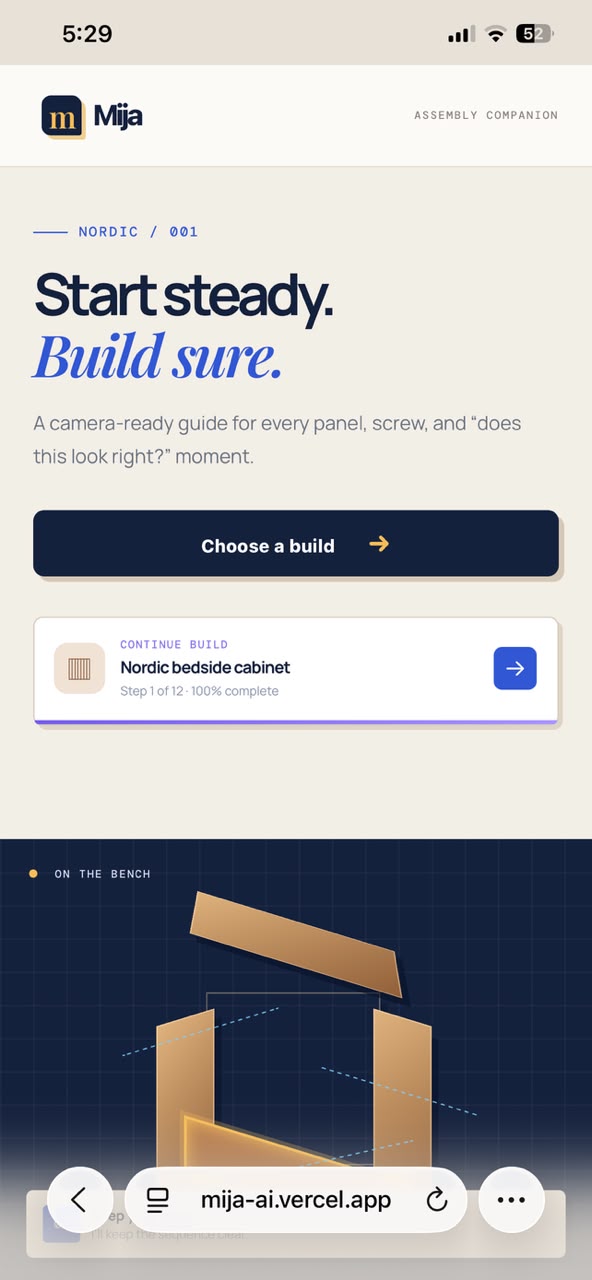
Mija AI was inspired by turning that stressful gap into a calm, mobile-first companion. Rather than replacing the builder's judgment, it keeps the next action visible and makes it easier to check progress with confidence.
What it does
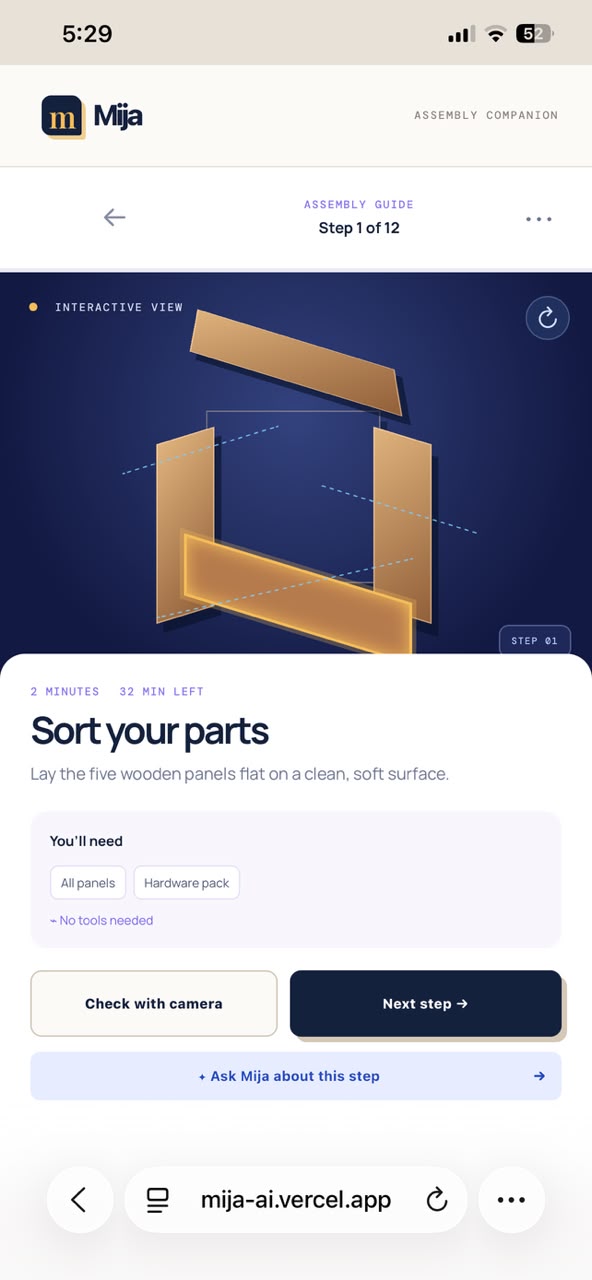
Mija guides a Nordic bedside-cabinet build through 12 focused steps. Each step combines the parts to use, timing, tools, an exploded visual, contextual help, and a visual confidence check.
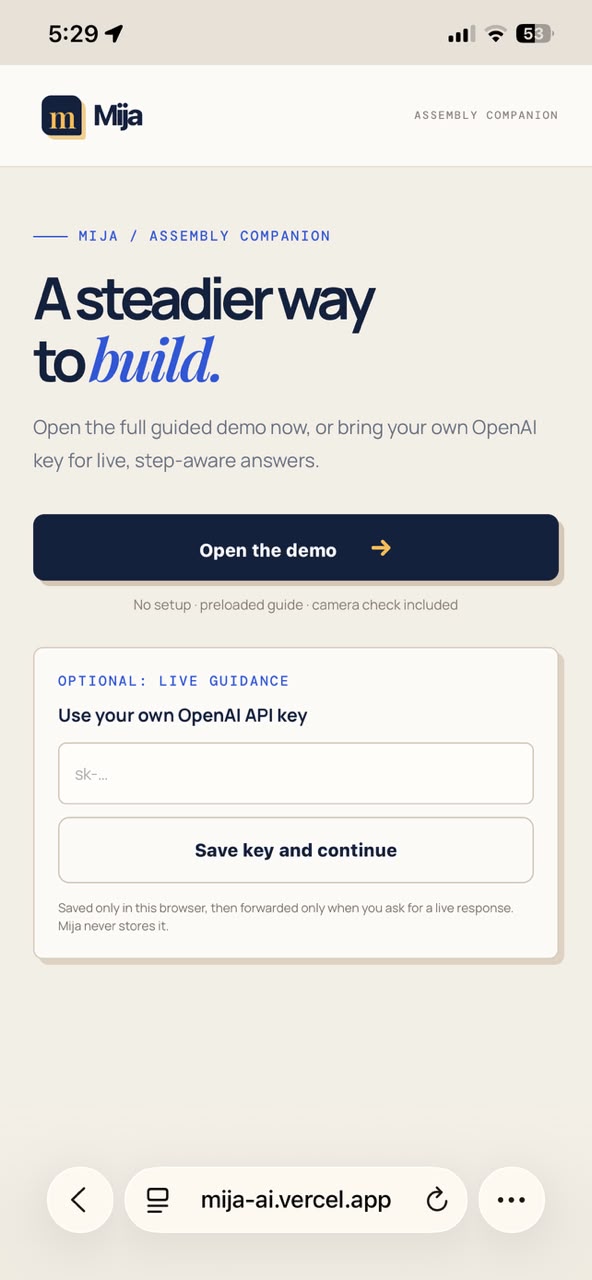
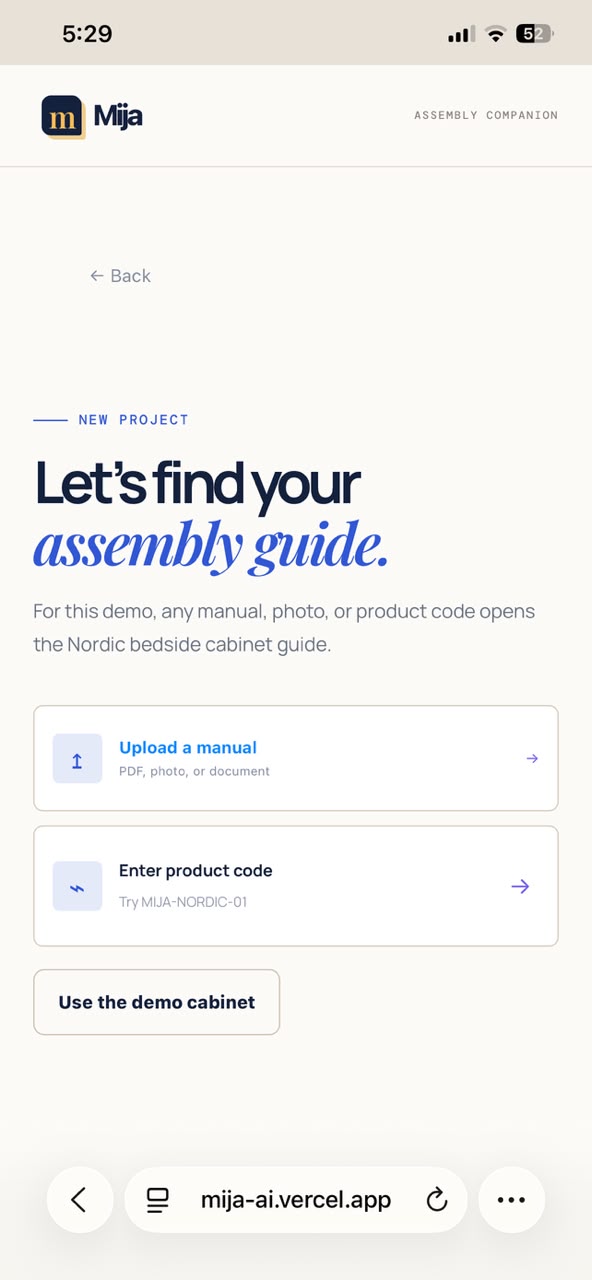
Judges can open Demo Mode immediately: no account, API key, or setup is required. This makes the complete product journey testable even when a judge does not have an OpenAI account.
How we built it
The experience is a lightweight mobile web app deployed on Vercel. The frontend is built with JavaScript, HTML, and CSS, with a PWA-ready shell for phone-sized use. Vercel Functions provide the Live AI endpoints.
In Live AI mode, Mija uses the OpenAI Responses API with GPT-5.6 for step-aware assembly help and vision-based visual verification. A builder's key remains in their browser and is sent only for the request; it is never stored in the application database. Demo Mode mirrors the interaction with local sample data so the core experience remains reliable and frictionless.
The repository also includes a Supabase PostgreSQL schema for secure project-progress and storage foundations.
How Codex and GPT-5.6 helped
Codex accelerated the project from product requirements to a working judge flow: implementing the mobile UI, shaping the serverless API routes, refining the visual identity, and testing the landing-to-verification journey.
GPT-5.6 powers the Live AI reasoning layer. It receives the current step context to give focused help instead of generic chat, and it can evaluate a captured assembly image for a structured visual-confidence result.
Challenges and what we learned
The main challenge was balancing a credible AI workflow with a zero-friction hackathon demo. Live AI needs a key and available quota; judges should not. Building a robust Demo Mode taught us to separate the product's experience from the external dependency while keeping the live implementation clear and inspectable.
We also learned that the smallest details matter in a physical task: concise wording, visible parts, clear progress, and an easy way to ask “does this look right?” are more useful than a broad, generic assistant.
Try it
- Open the live demo in Demo Mode for the complete no-setup experience.
- Use Live AI Mode with your own OpenAI API key for GPT-5.6 assistance and visual verification.
- The public repository includes local setup, sample data, and an explanation of how Codex and GPT-5.6 were used.
Built With
- bun
- computer-vision
- css3
- gpt-5.6
- html5
- javascript
- openai-api
- openai-responses-api
- postgresql
- progressive-web-app
- supabase
- vercel
- vercel-functions

Log in or sign up for Devpost to join the conversation.