-
-
Logo
-
-
Inspiration
Have you ever wondered why we have barcodes behind every food item? It's not just a random ID; it's a gateway to the entire nutritional profile and the official stance of health organizations on that product. We made SafeScan to make that lookup easier—built for those moments when you’re standing in the aisle thinking, "What's in my shi?"
Beyond curiosity, we were inspired by the lack of personalization in current health apps. A product isn't just "healthy" or "unhealthy"—it depends on who is holding it. We wanted to bridge that gap using enterprise-grade AI.
What it does
When the user enters the website they are sent to a landing page where recent news stories taken from out database is displayed
there are buttons to move to the scan page, the login/register page, and the settings page
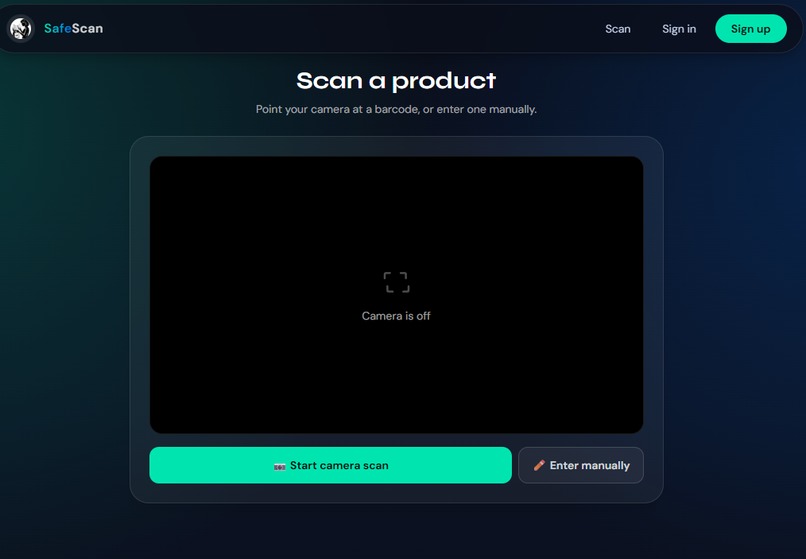
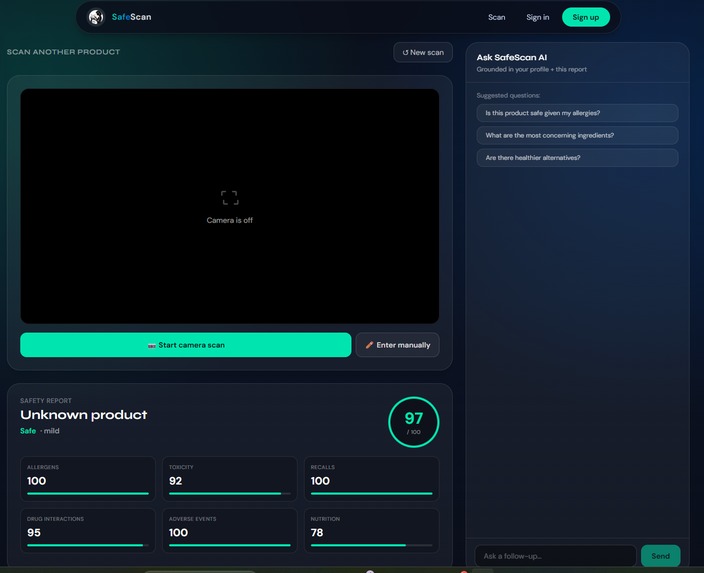
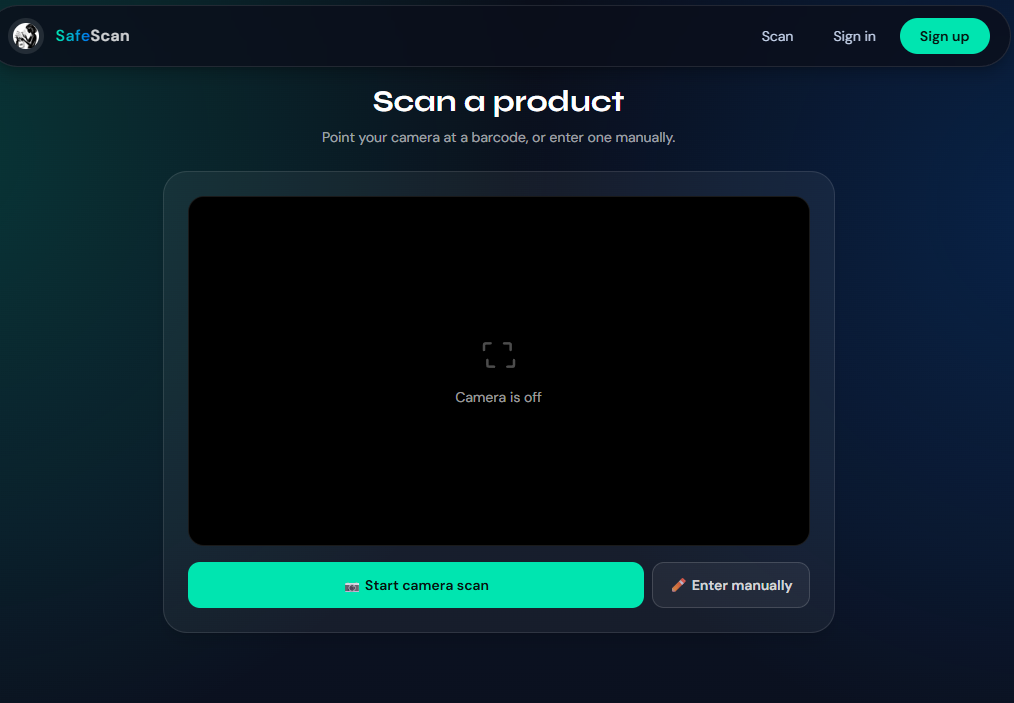
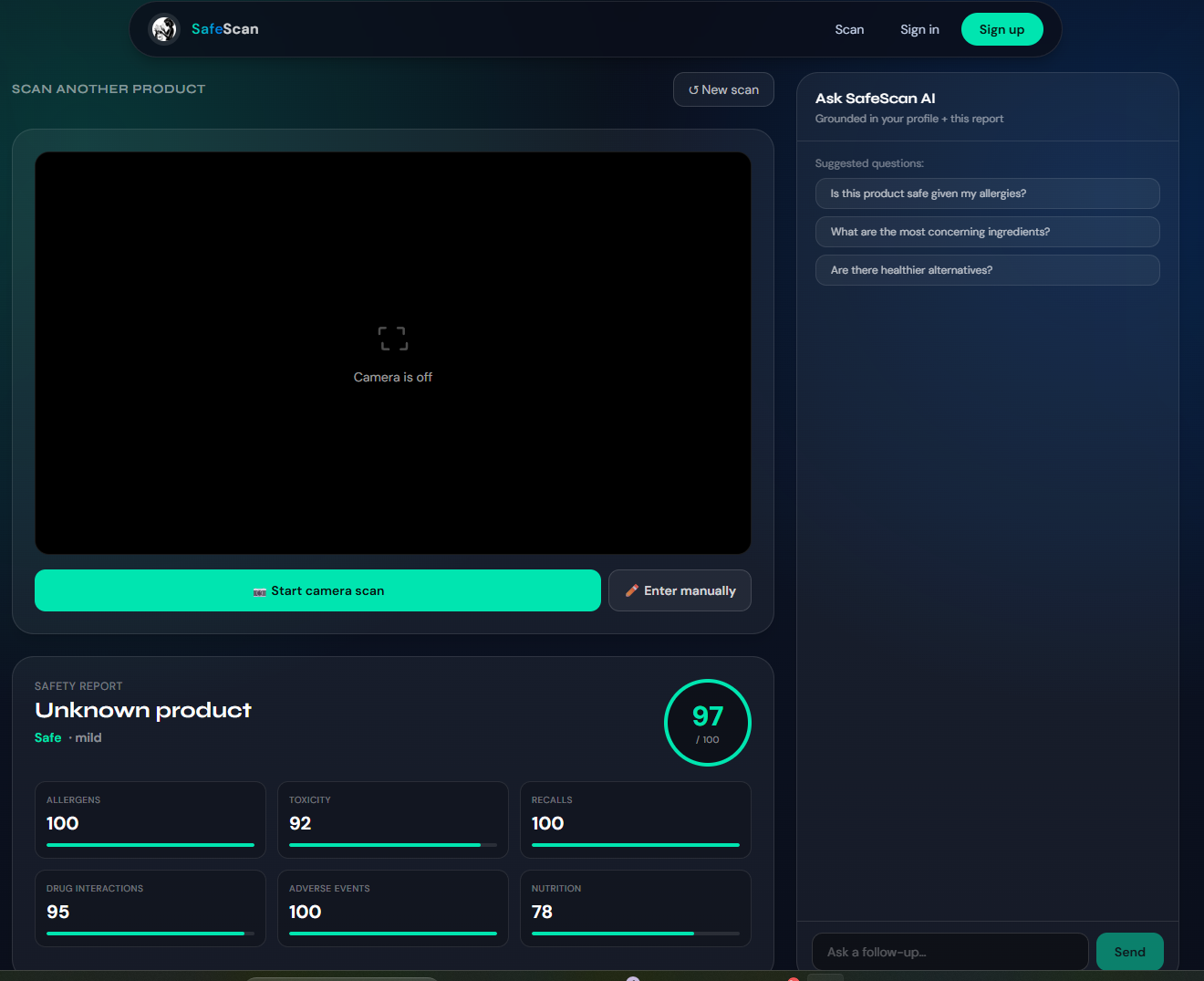
the scan page attempts to use the user's camera in order to take a picture, then it will scan the picture for a barcode and see if there is any matching product in the database, if not it will use ai to try to find the product online. after that is done, it will move to a results page, where the user can request more information that will be fetched via the ai
the login/register page allows the users to create and login into an account, and in the settings page logged in users are able to put in any health conditions, perscriptions allergies, or anything else they might have that might influence whether or not taking certain products is a good idea
How we built it
We divided the project into frontend, backend, database, and AI integration tasks to speed up development. The frontend team focused on building a responsive React/Next.js interface with pages for login/signup, settings, scanning, safety reports, and a news feed. We later optimized the design for mobile support and improved the UI using Tailwind CSS.
On the backend side, we set up API endpoints, authentication, Prisma ORM, and a PostgreSQL database container. The database structure included users, products, scan history, recalls, and health profiles. Team members worked in feature branches and tested endpoints using Postman before merging changes.
For the AI system, instead of training a custom model, we used external AI APIs to analyze scanned products using barcode/product data, ingredient lists, user health conditions, and recall information. We also explored using RAG and memory-layer tools for future contextual chatbot support while keeping the current implementation lightweight and scalable.
Challenges we ran into
One of our group mates was unable to use the IBM tools for this program as their verification was not working correctly so they were unable to use it
Built With
- aes
- bcrypt
- css
- featherlessai
- javascript
- nextjs
- postgresql
- prisma
- react
- typescript


Log in or sign up for Devpost to join the conversation.