-
-
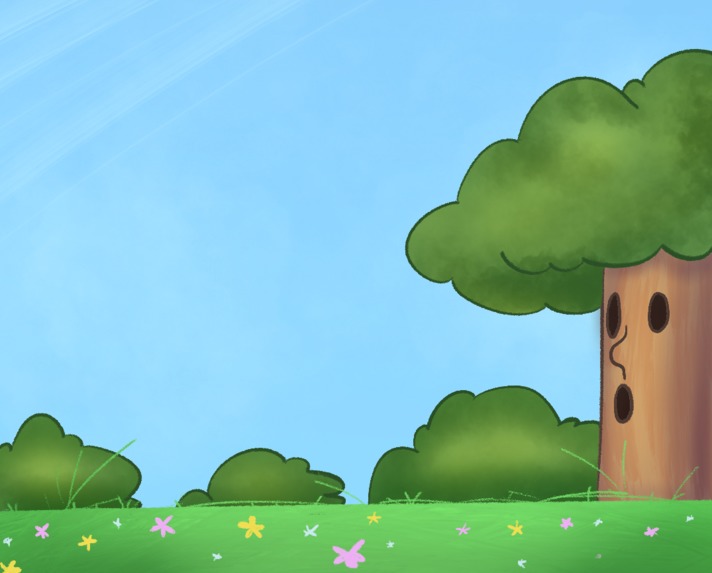
The beginning of our level
-

Our start button
-
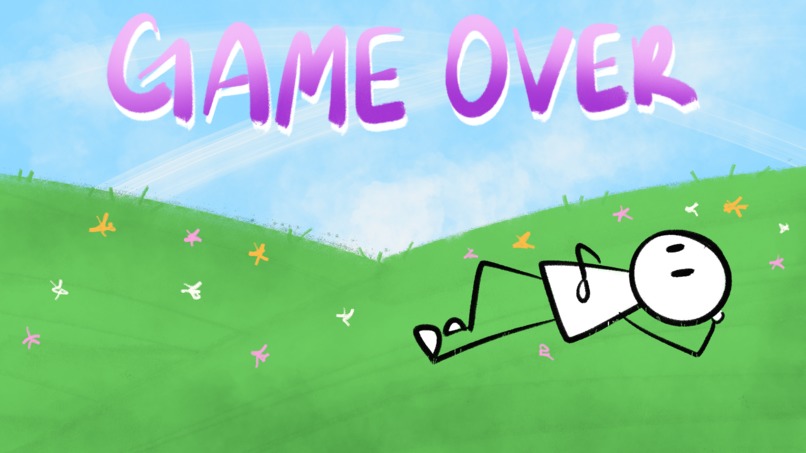
Our game over screen
-

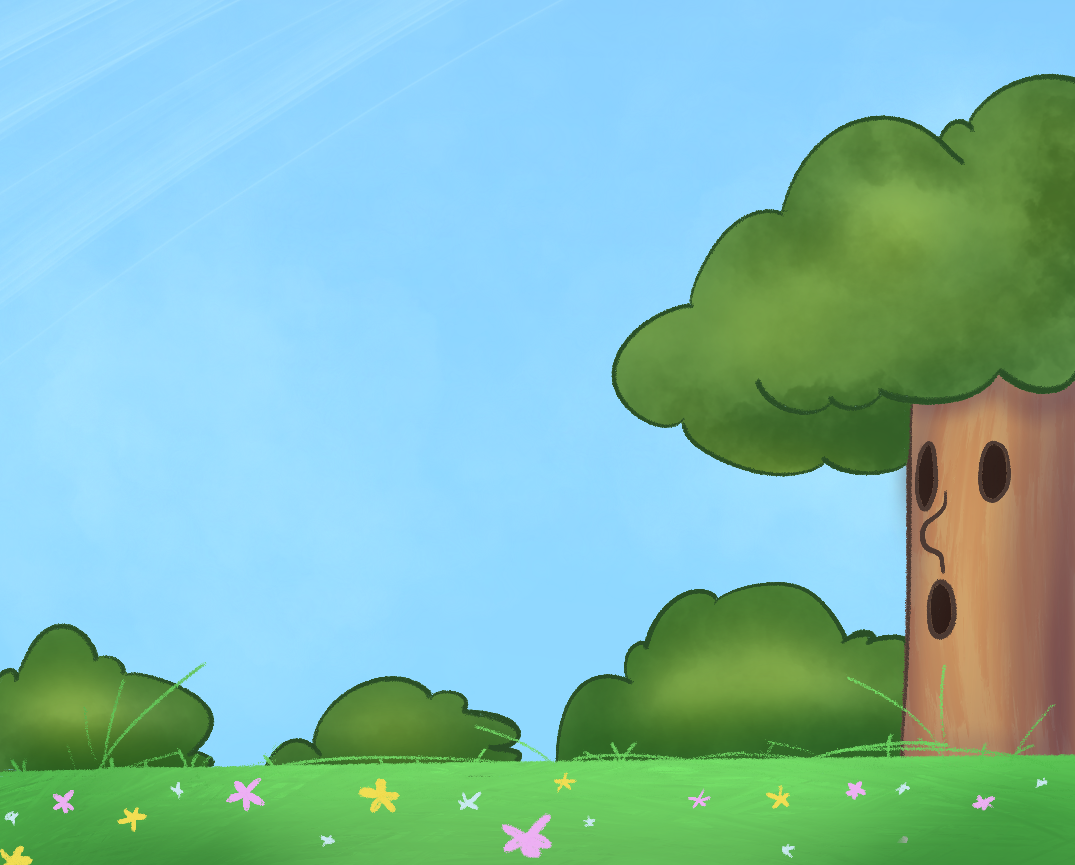
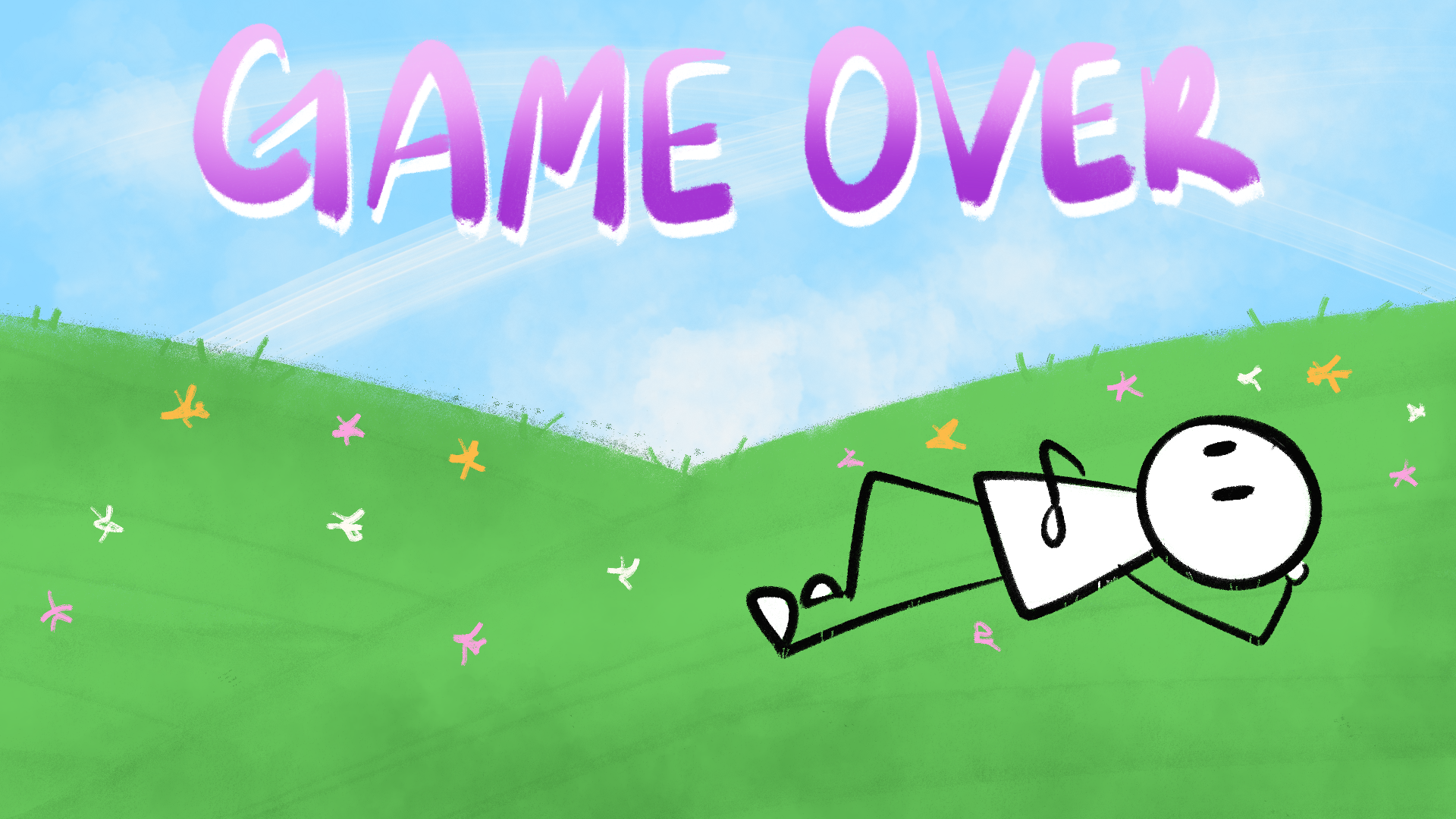
One of three scene panels the game scrolls through


Inspiration
Inspired by Japanese rhythm games, Doodle Jump, and Kirby, we wanted to add whimsy and make a unique rhythm game that pulls you through a universe you'll enjoy exploring. When approached by a friend with an Alesis VMini keyboard, we knew that a game using this keyboard's MIDI inputs would be perfect for this project.
What it does
This game is designed to have the player jump through levels, bringing enjoyment and refining hand motor skills essential for piano. The game brings the player through a series of jumps. The game calculates the player's velocity, bringing them to the correct platform, manages the creation of platforms, and is fully customisable through the Unity IDE to fit any song.
How we built it
Our team consisted of two programmers (one of whom is an artist) and an audio designer. For music, we used Logic Pro and implemented it into Unity with Fmod. For art, all assets were made on Procreate. Our development took place on Unity. With the help of a MIDI input plugin, we were able to use the Unity game engine to build our game.
Challenges we ran into
The first major setback was an issue with our version control. After struggling to set up GitHub since our file sizes were too large, we decided to settle on collaborating and communicating, sending files and merging manually. This slowed our process, also leading to a 'main' computer which was used for testing and meant that at times, two programmers, only one could only work at a time.
Accomplishments that we're proud of
We are extremely proud of having a fully functioning game which integrates the MIDI keyboard inputs seamlessly. Due to our never having gotten the Keyboard working prior to the hackathon, we were worried if it would work, however, we were extremely proud to get it working. We also had an amazing audio designer who created our own track for the game, and every art asset was drawn by our artist. Along with some complicated game mechanics like the player's aimed jump, our team is proud to have completed what we did.
What we learned
This entire project was a learning experience for Vlad, it was his first time using Unity and C#, and he had to adapt, learn, and solve many problems. For Jay, the MIDI keyboard was a highlight of learning, as they learnt how Unity's input managers worked.
What's next for Midi Hopper
Given more time, we would love to have more levels, the ability to have two keys pressed for platforms, a wider range of animations and various movement types as well as game speed modes.

Log in or sign up for Devpost to join the conversation.