Inspiration
For countless students around the world, science is something you memorize, not something you do. Millions of schools lack basic scientific instruments, especially in rural or economically vulnerable communities. A simple microscope might be broken, too expensive, or impossible to share across a crowded classroom.
This isn't just a technology gap—it’s an opportunity gap.
When kids can't experiment, turn a focus dial, or defend a conclusion based on what they actually see, they miss out on developing critical STEM skills. Ultimately, communities lose the chance to cultivate local scientific talent and future innovators.
This led us to a simple question:
What if the everyday devices we already have—a standard phone and a computer—could become a gateway to genuine scientific inquiry?
MicroWorld AI LAB was built to bridge this gap. We aren't trying to replace real microscopes or the funding that schools deserve. Instead, we’re providing a practical, offline-first alternative that lets students investigate the world around them, practice the scientific method, and actually experience science when traditional gear isn't available.
What it does
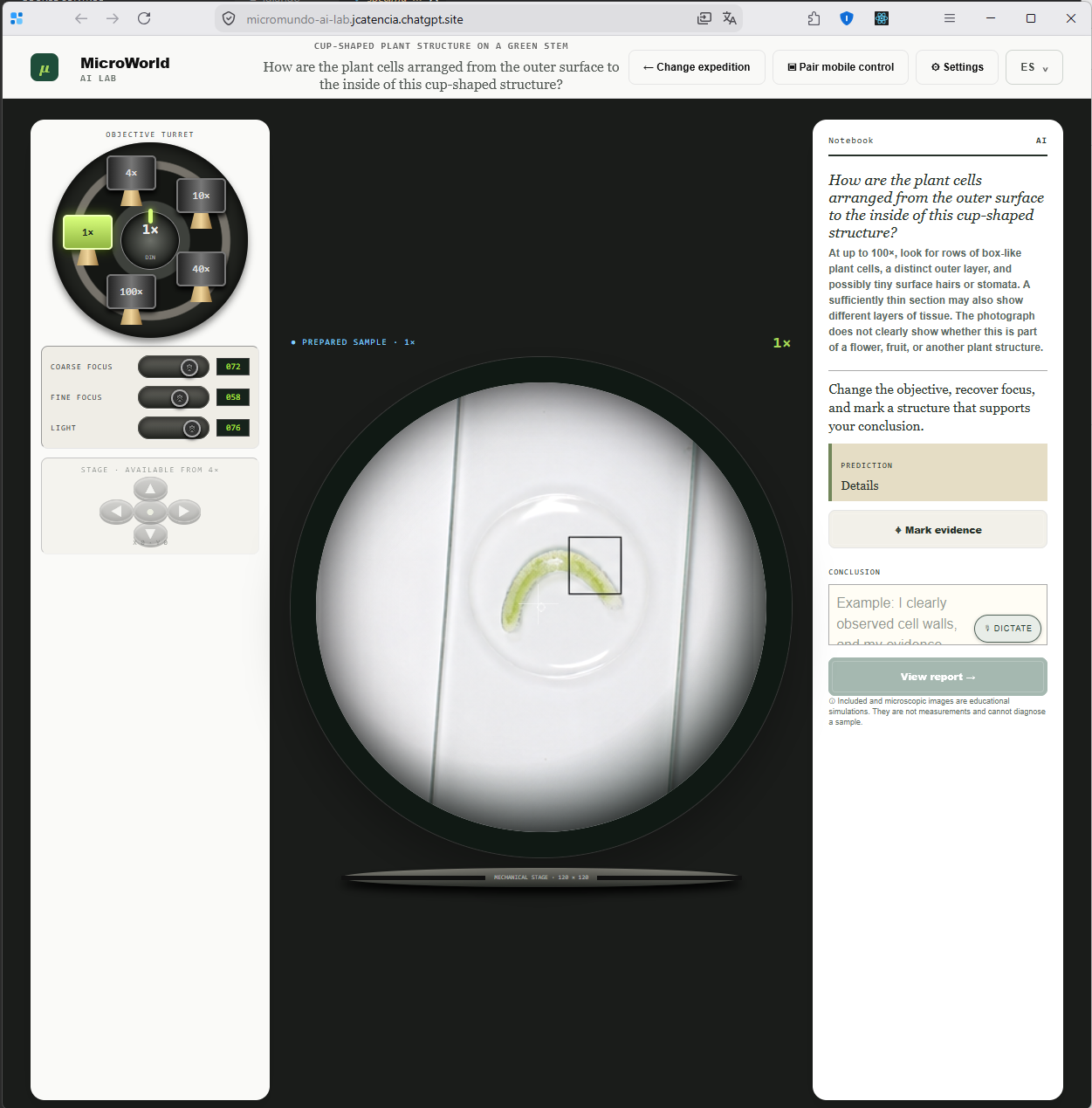
MicroWorld AI LAB is an offline-first generative microscope designed for learners ages 9 to 16.
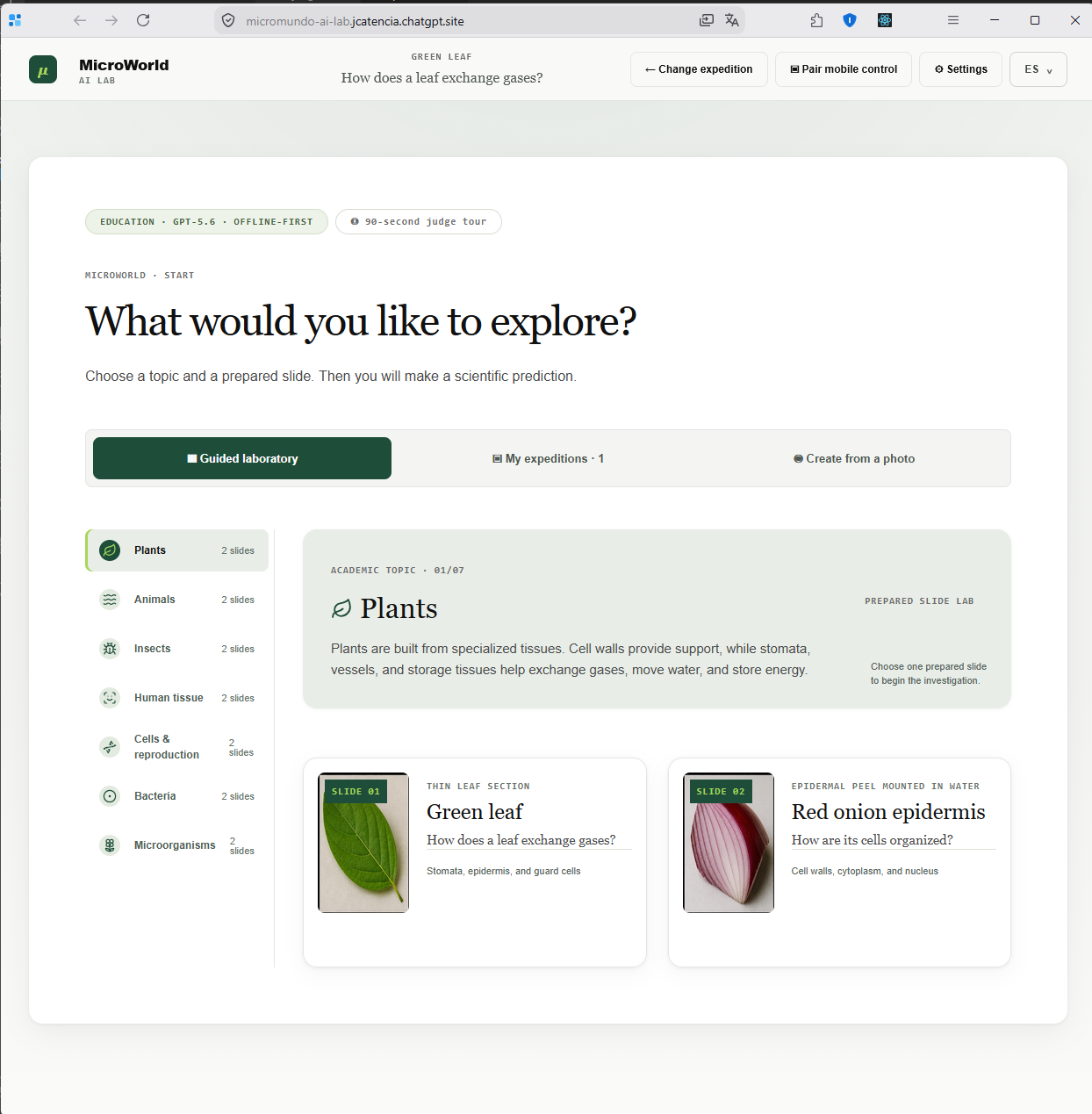
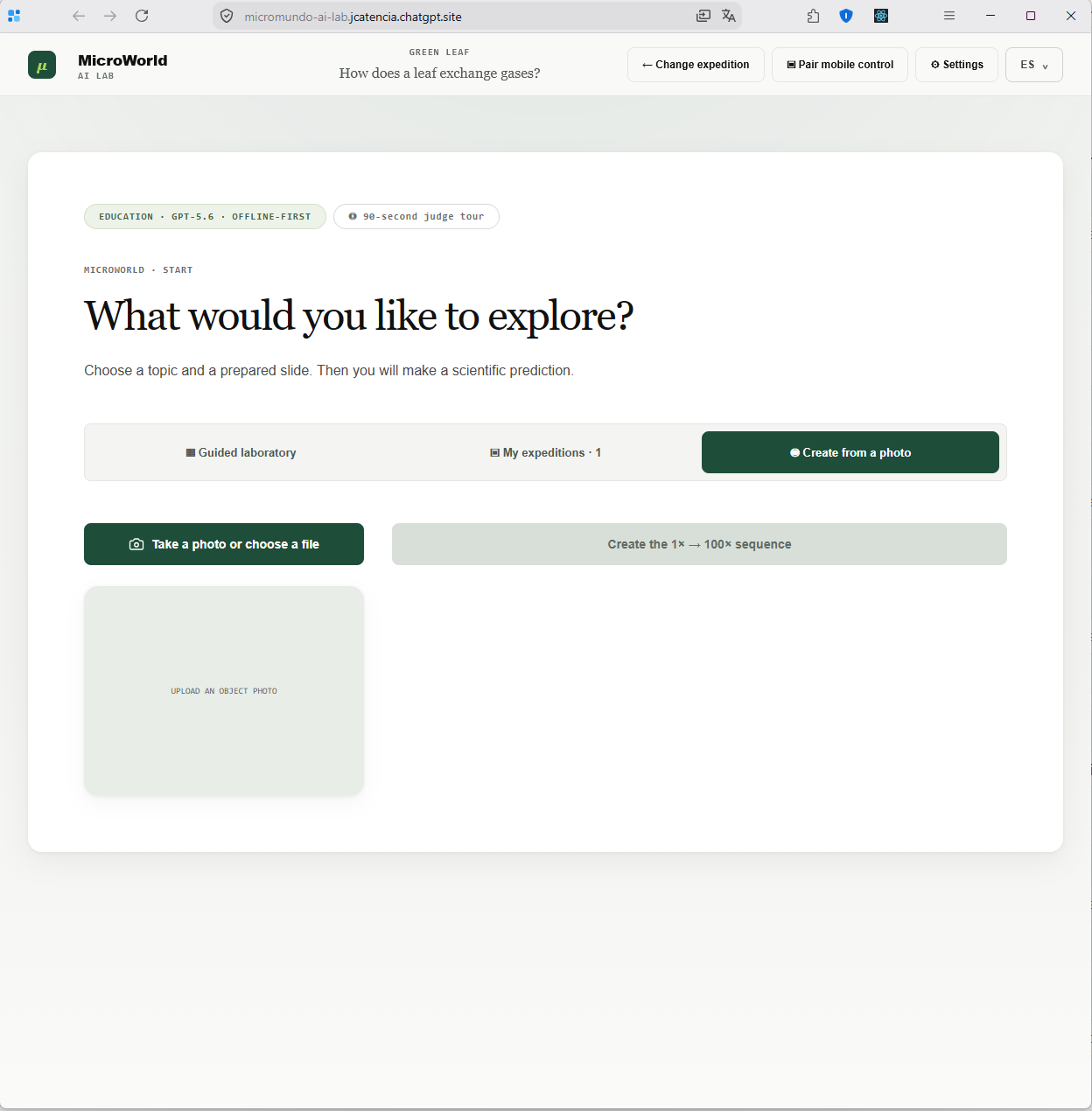
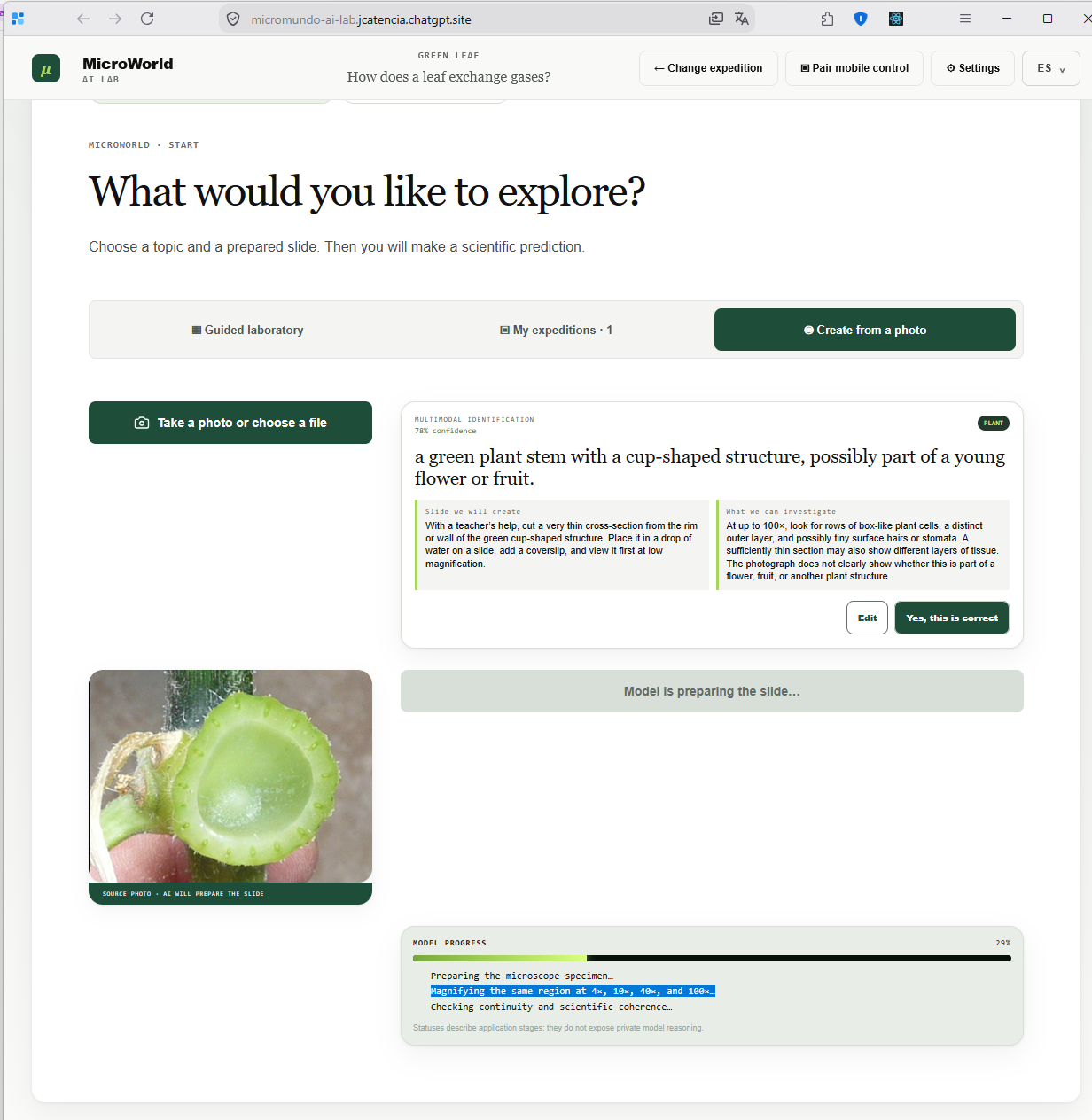
Students can either dive into one of ten pre-loaded expeditions or photograph something right in front of them: a leaf, a grain of salt, a piece of clothing, or their lunch.
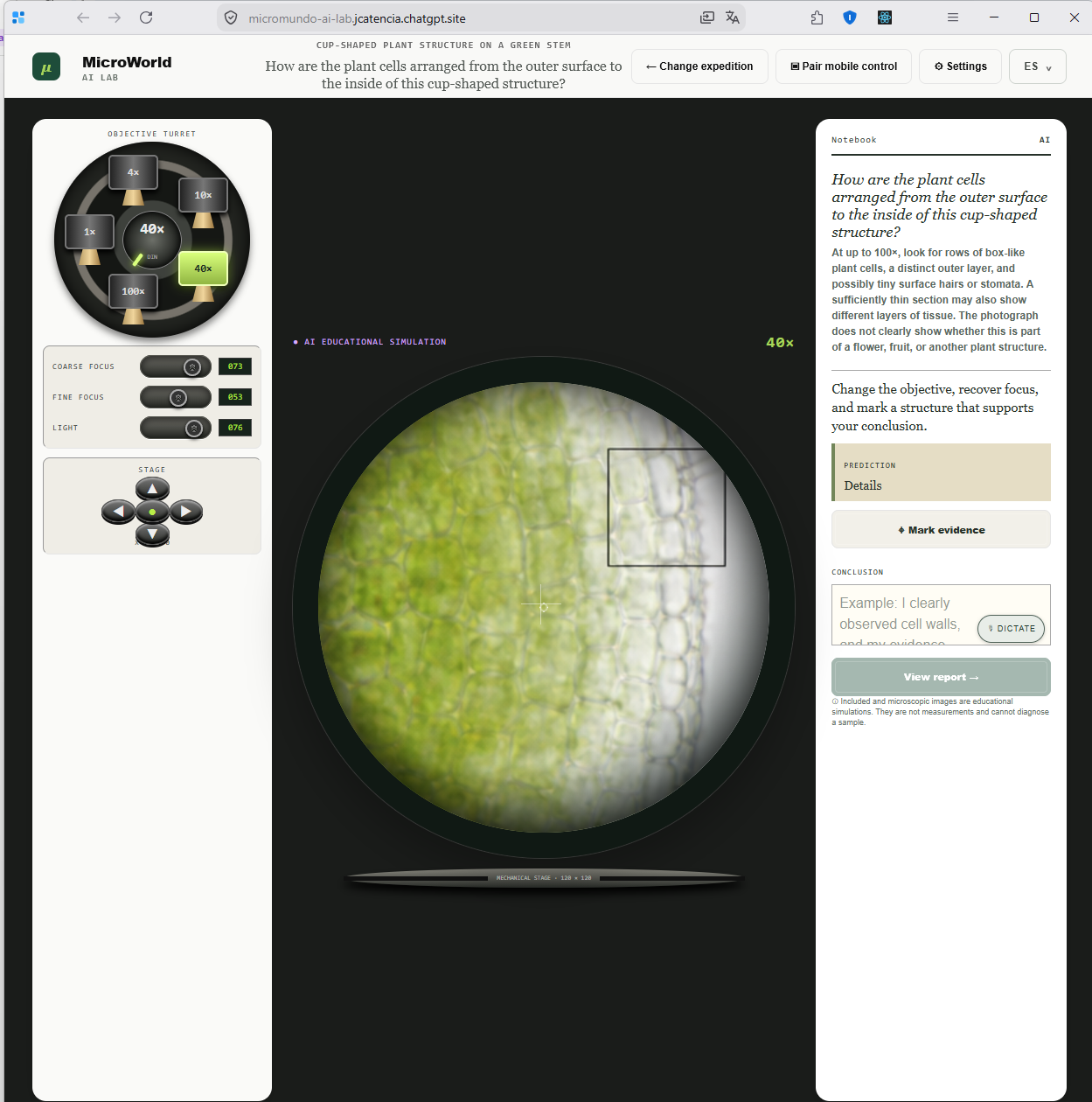
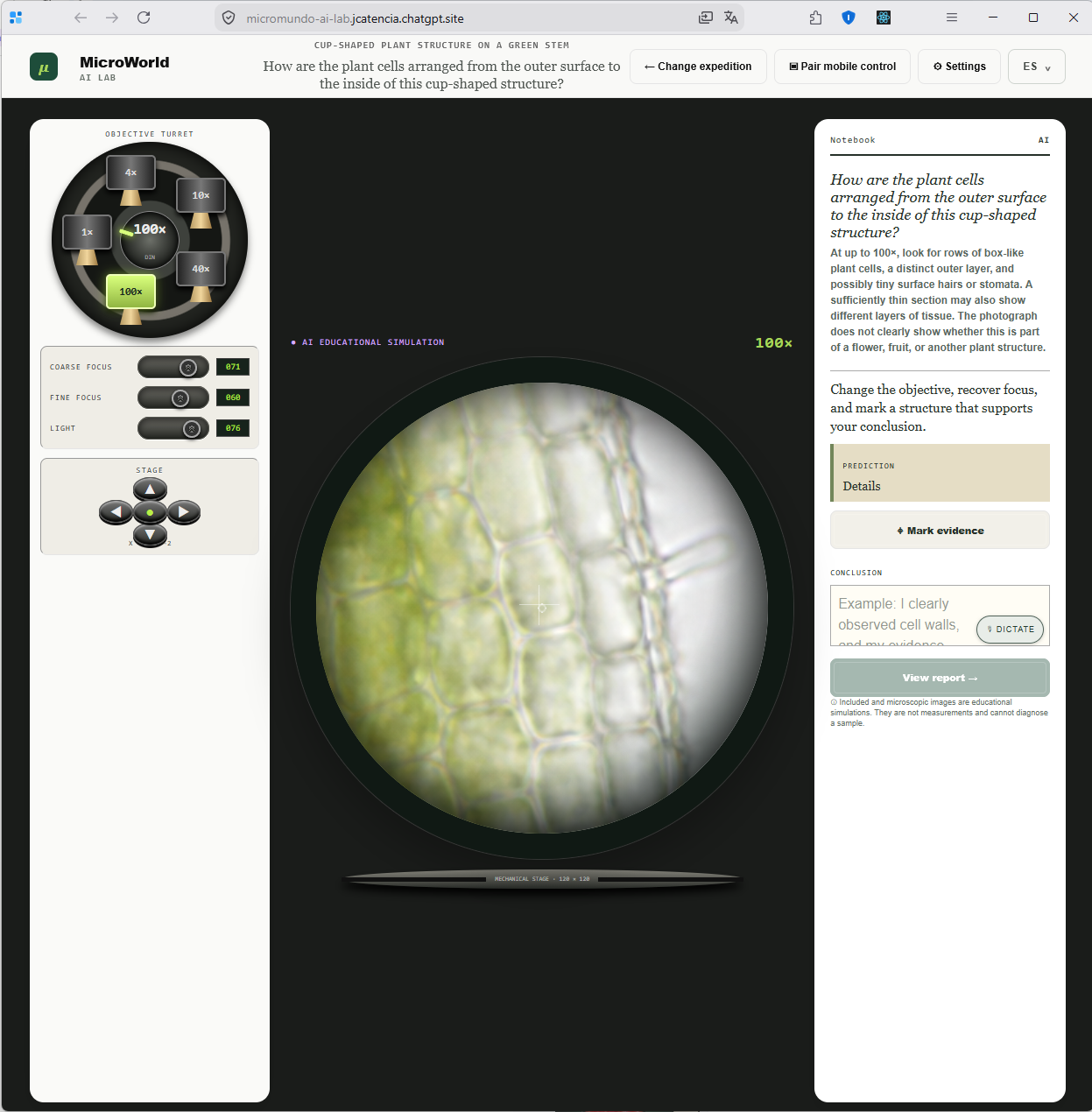
That real photograph becomes the baseline 0× observation. When connected to the internet, GPT-5.6 Sol analyzes the image and generates a coherent, educational "atlas" that simulates what the object looks like under 4×, 10×, 40×, and 100× magnification.
From there, students step into a highly tactile, microscope-inspired interface featuring:
- A mechanical objective turret to switch magnifications.
- Coarse and fine focus dials.
- Adjustable lighting and a movable stage.
- Tools to drop evidence markers.
- A lab notebook for predictions and conclusions (via typing or voice dictation).
We built the learning journey around a core loop: Predict what you'll see, Explore the sample, Mark your evidence, Explain your conclusion, and Reflect using personalized feedback generated by the AI.
Crucially, we don't fake science. MicroWorld strictly distinguishes between the original photo and the AI-generated microscopy. Simulations are clearly labeled as educational estimates, not exact scientific measurements. This transparency is a lesson in itself, teaching students to separate observation from simulation.
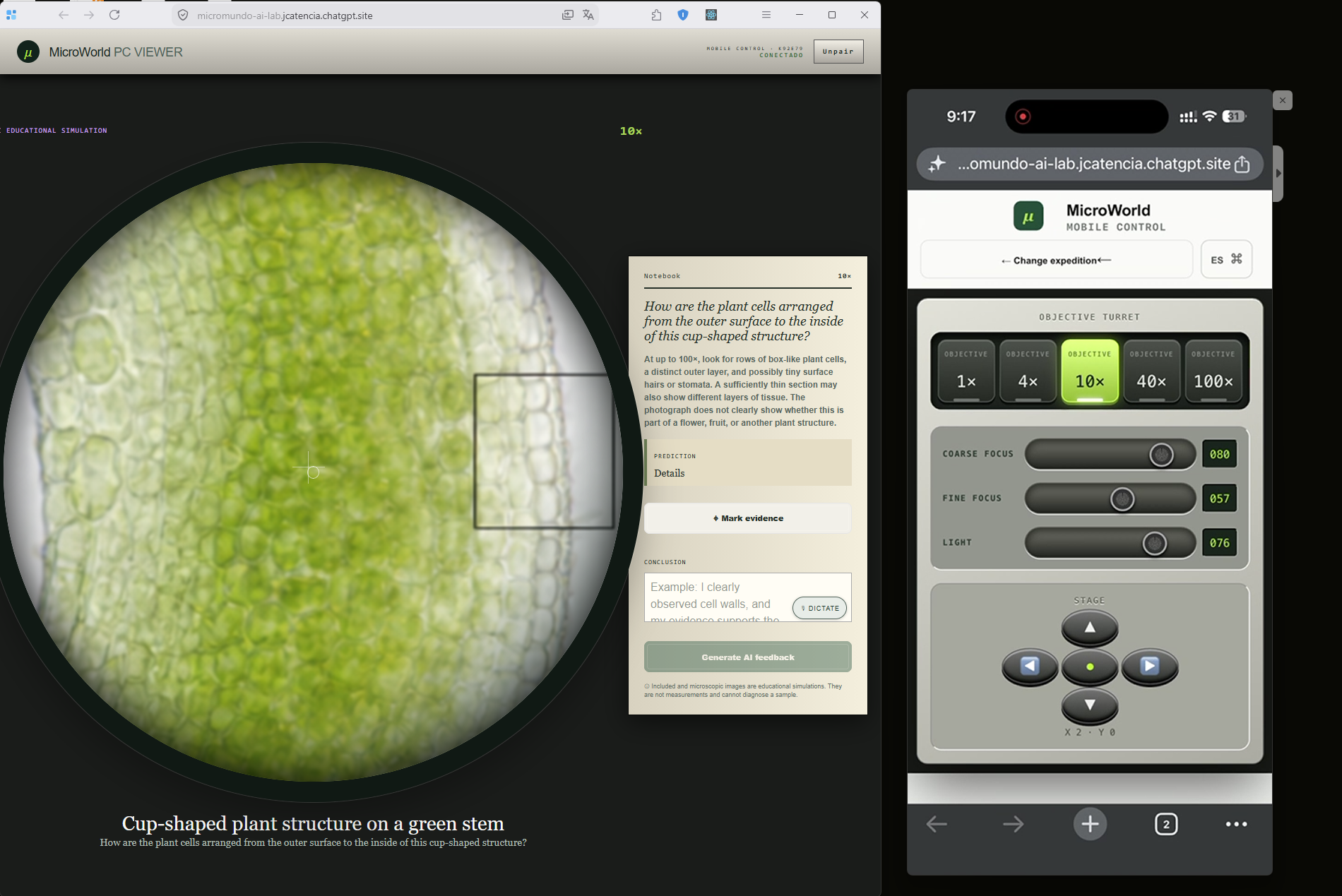
We also built a collaborative two-device mode. A teacher can open MicroWorld on a PC, display a QR code, and let a student scan it with a phone. The phone instantly becomes the tactile controller, while the PC acts as the shared viewfinder and lab notebook.
How we built it
We teamed up with Codex as our primary engineering collaborator during OpenAI Build Week. It helped us turn a bilingual product spec into a fully functional, tested, and deployed app.
Under the hood, we used:
- Frontend: Next.js, React, and TypeScript.
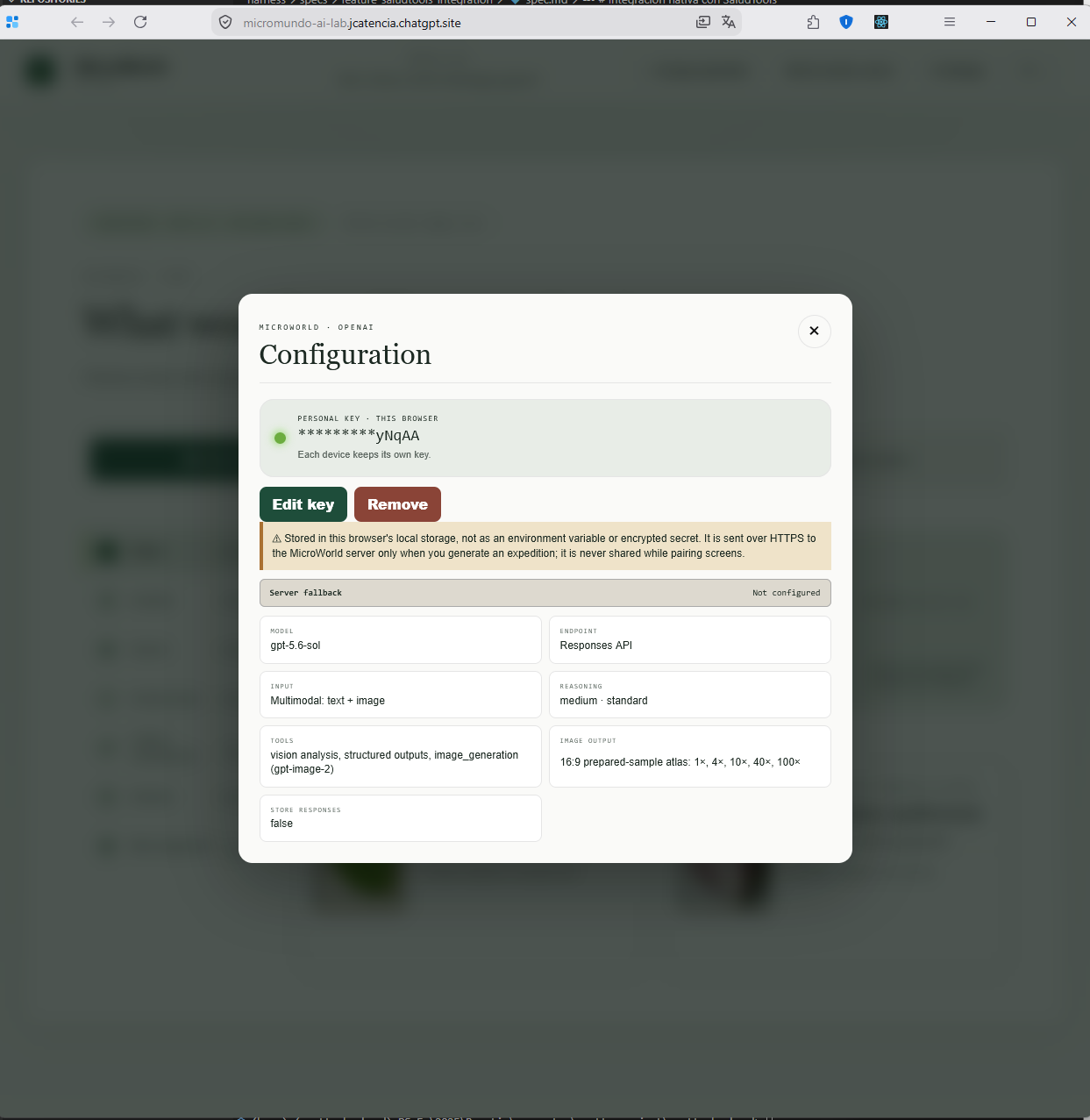
- AI: GPT-5.6 Sol (via the OpenAI Responses API) and multimodal image generation.
- Local Storage: IndexedDB for offline expeditions and
localStoragefor device preferences. - Cloudflare: D1 for pairing sessions and R2 for sharing generated media between devices.
- PWA: Service workers and web manifests to ensure it works beautifully offline.
GPT-5.6 Sol does the heavy lifting in two key areas. First, it generates the coherent 4-objective atlas based on the student's photo. Second, it acts as a mentor, analyzing the student’s predictions and conclusions to offer bite-sized, constructive feedback: one thing they did well, one area to improve, and a question to keep them thinking.
Challenges we ran into
Our biggest hurdle was scientific transparency. A phone camera can't capture real cellular structures, so how do we make a generative microscope engaging without lying to kids? We solved this by strictly preserving the 0× real photo and persistently watermarking generated views as educational simulations.
Generating the magnifications was another headache. If we generated the 4×, 10×, 40×, and 100× images independently, they would look completely disconnected—different colors, orientations, and structures. We fixed this by prompting the AI to generate a single, coherent 2×2 atlas containing all four objectives at once.
We also had to rethink our architecture for offline access. In many schools, internet is a luxury. We had to ensure the core microscope controls were deterministic in the browser, packaging pre-made expeditions locally and using IndexedDB to save user-generated ones for later offline use.
Finally, the two-device pairing experience brought up major privacy and sync challenges. We had to allow a mobile phone to control focus, lighting, and stage position on a PC without ever transmitting the user's OpenAI API key. We designed a handshake where credentials never touch the QR code, Cloudflare D1, or the controller messages.
Accomplishments that we're proud of
We’re incredibly proud that MicroWorld AI LAB isn't just a tech demo—it’s a complete, thoughtful educational tool.
We successfully shipped:
- Ten bilingual, offline-ready expeditions.
- A full prediction-to-conclusion inquiry cycle with AI formative feedback.
- A seamless, secure QR-pairing system between phones and PCs.
- A deeply tactile UI that actually feels like operating a lab instrument.
- Strict privacy boundaries and transparent scientific provenance.
Most importantly, we built something that makes a credible impact. We didn't just throw AI at a problem; we reduced a practical barrier to scientific inquiry using hardware schools already own.
What we learned
We learned that access to information isn't the same as educational access. Watching a YouTube video of a microscope is passive. Adjusting the focus, hunting for a structure on the stage, marking evidence, and defending your findings is active learning.
We also realized that AI in education shines brightest when it acts as a facilitator, not an answer key. Forcing students to make a hypothesis before the AI shows them the magnification creates a much richer learning moment.
Finally, we learned that offline support isn't just a "nice-to-have" feature; for our target audience, it’s the deciding factor on whether the app gets used at all.
What's next for MicroWorld AI LAB
The immediate next step is getting MicroWorld into classrooms. We want to pilot the app with teachers and students in schools dealing with limited lab equipment and spotty internet.
From there, our roadmap includes:
- Teacher Tools: Custom expedition packs, exportable lab reports, and a dashboard.
- Classroom Mode: Allowing multiple student controllers to share one viewer.
- Expanded Libraries: Specialized offline modules for geology, textiles, and environmental science.
- Accessibility: Better support for low-vision and motor-impaired learners.
- Scientific Grounding: Adding expert-reviewed reference layers that students can compare against the AI simulations.
Our ultimate vision is simple:
If a learner can find an object to observe, MicroWorld AI LAB can turn it into an expedition.
Built With
- accessibility
- bilingual
- cloudflare-d1
- cloudflare-r2
- cloudflare-workers
- codex
- devpost
- drizzle-orm
- educational-technology
- generative-ai
- gpt-5.6-sol
- indexeddb
- inquiry-based-learning
- multimodal-ai
- next.js
- node.js
- offline-first
- openai
- openai-image-generation
- openai-responses-api
- progressive-web-app
- react
- service-worker
- typescript
- web-speech-api


Log in or sign up for Devpost to join the conversation.