
Inspiration
Freelancers and small agencies often struggle with organizing tasks, tracking work time, and getting paid on time. They usually rely on multiple tools: one for task management, one for invoicing, one for time tracking, and another for sending emails. This not only kills productivity but also leads to errors, missed deadlines, and manual work.
As a developer myself, I wanted to create an all-in-one solution that automates these steps — from assigning a task to generating and sending an invoice — while still offering flexibility for different user types (free and premium).
That’s how MicroTasker was born — a smart, automated, full-stack productivity platform that streamlines the entire freelancing workflow.
What it does
MicroTasker is a full-stack platform designed for freelancers and small businesses. It helps users:
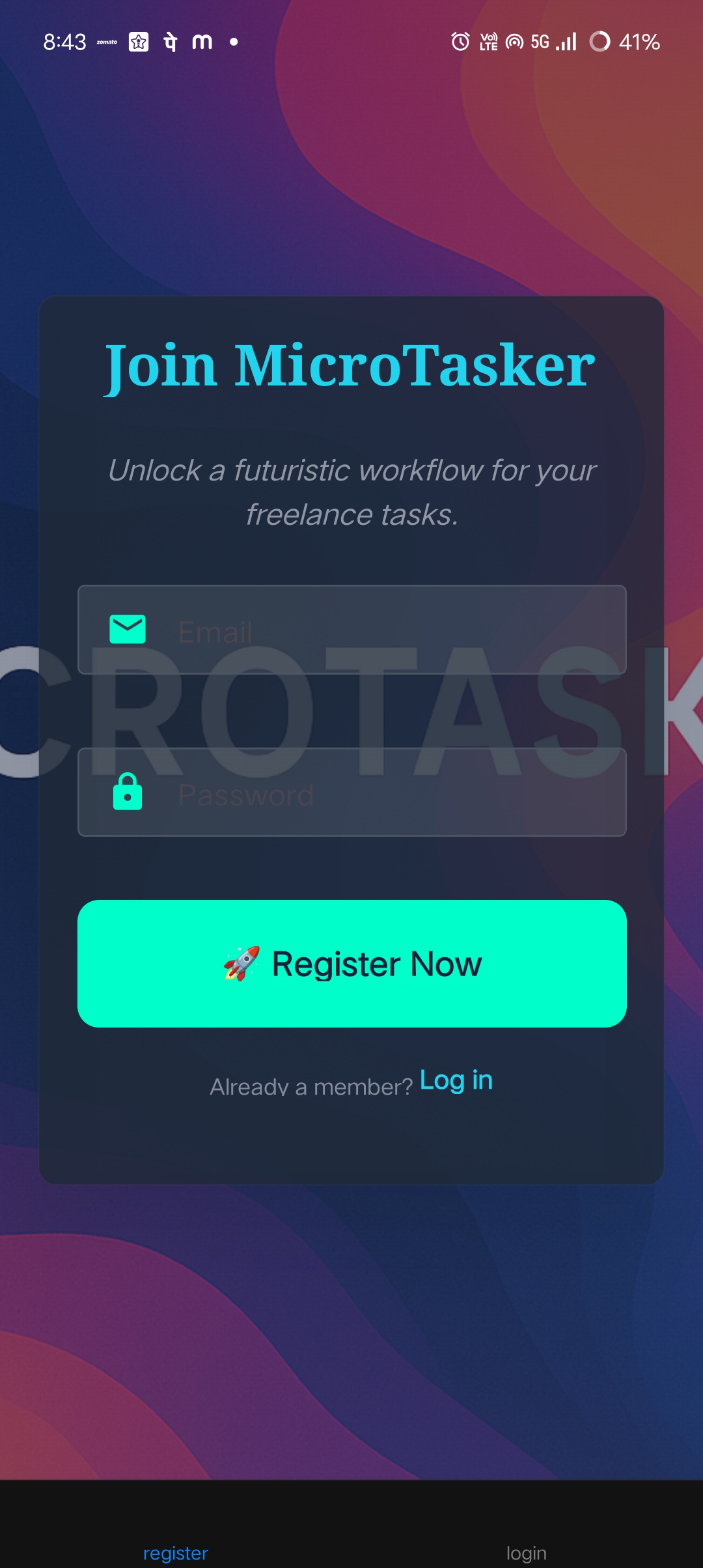
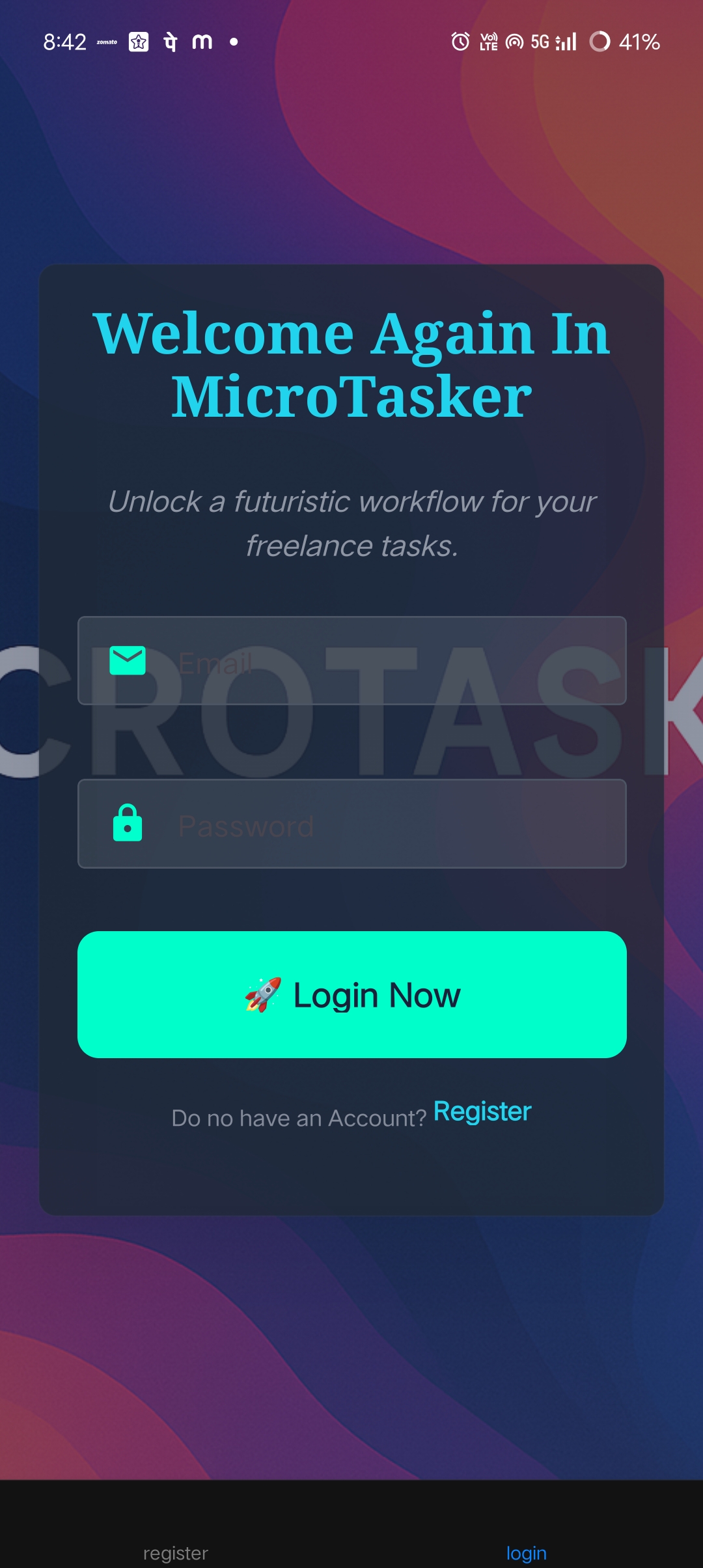
👤 User Account
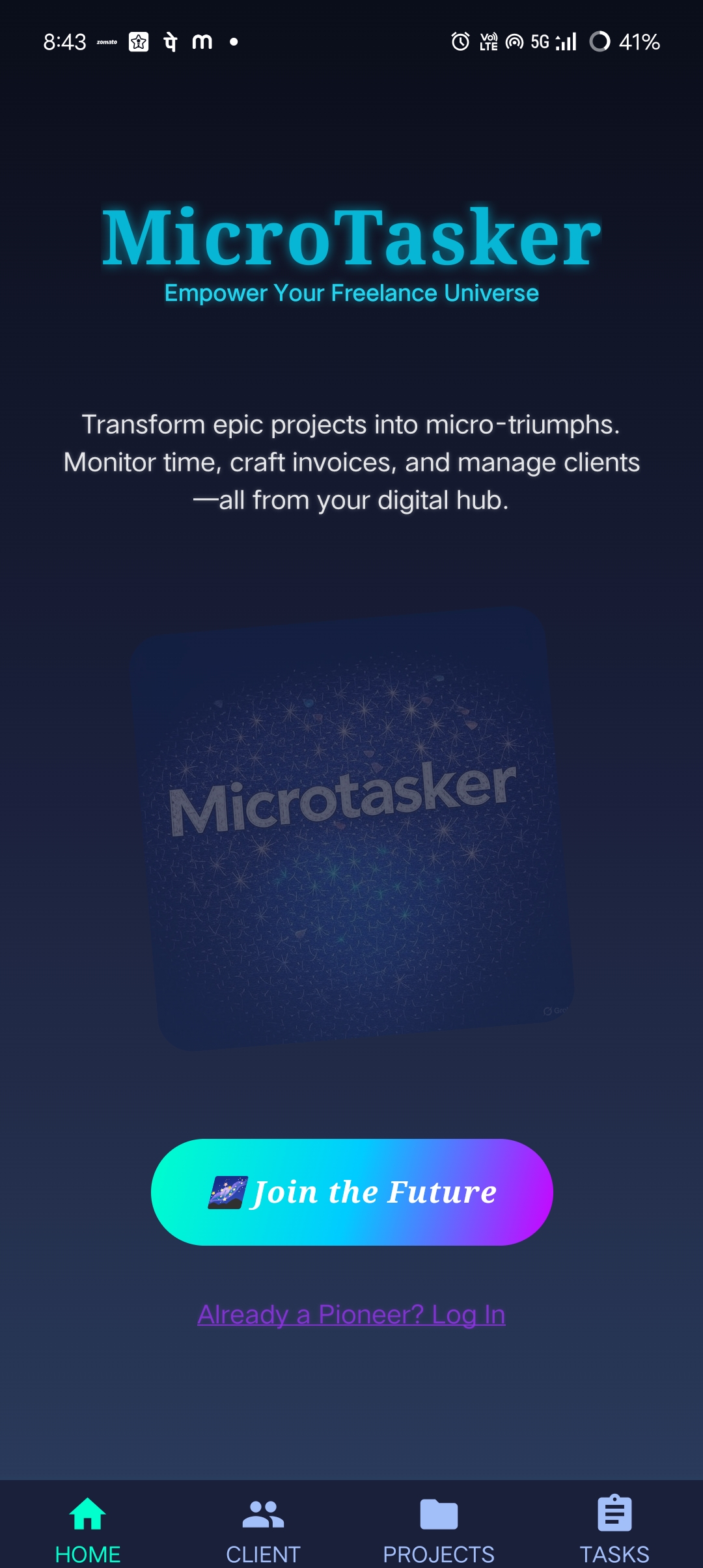
Sign up or log in using email & password.
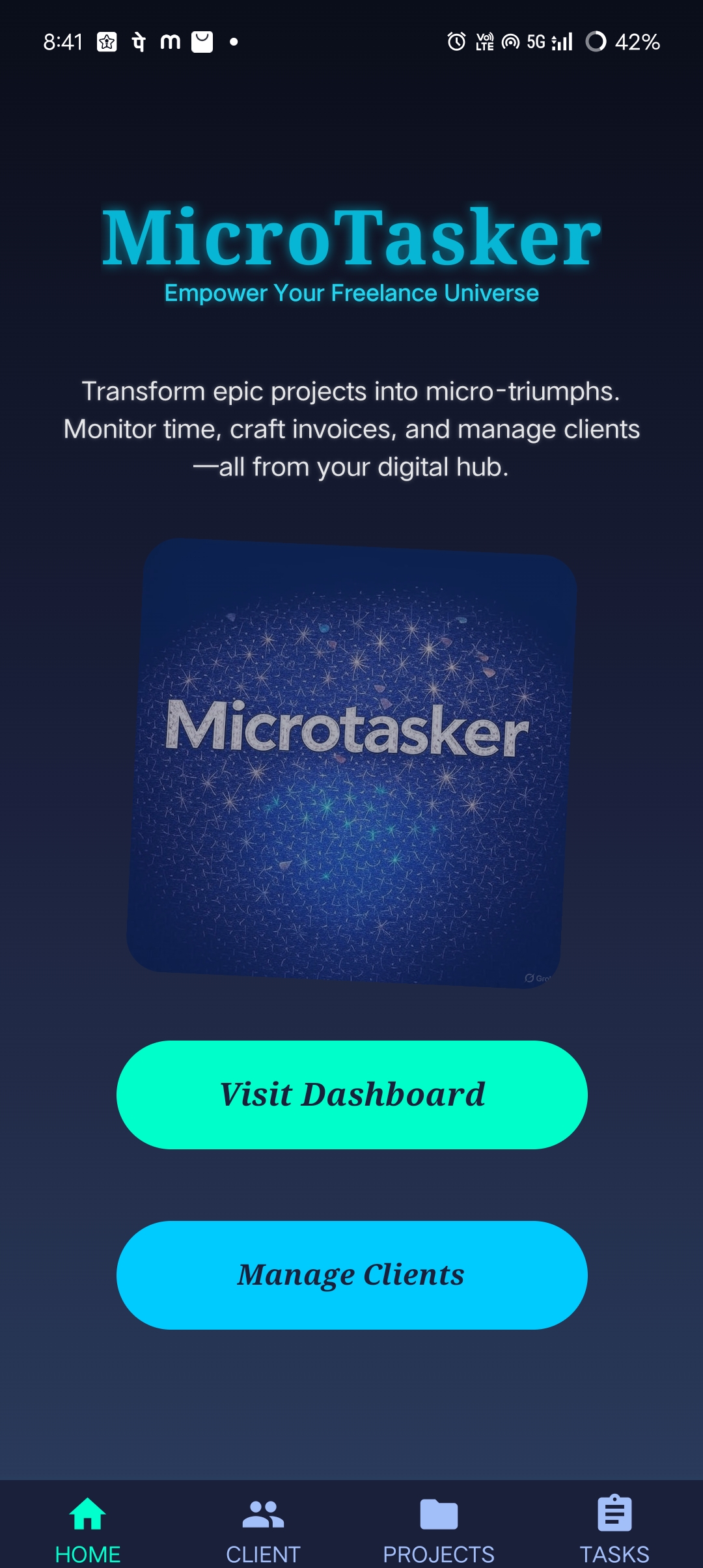
After login, users are redirected to their personal dashboard.
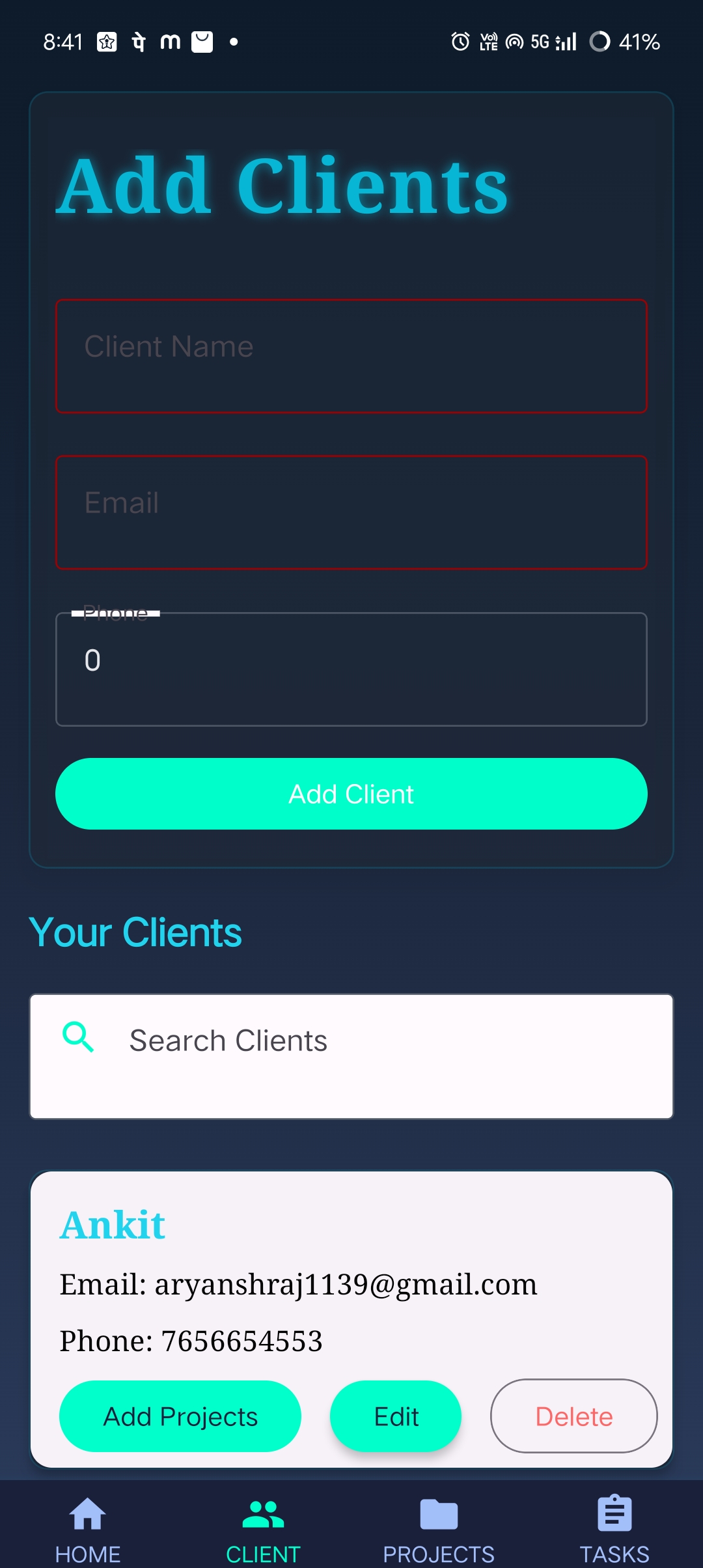
👥 Client Management
Add client details (name, email, password).
Store & manage multiple clients in one place.
Delete or update client info easily.
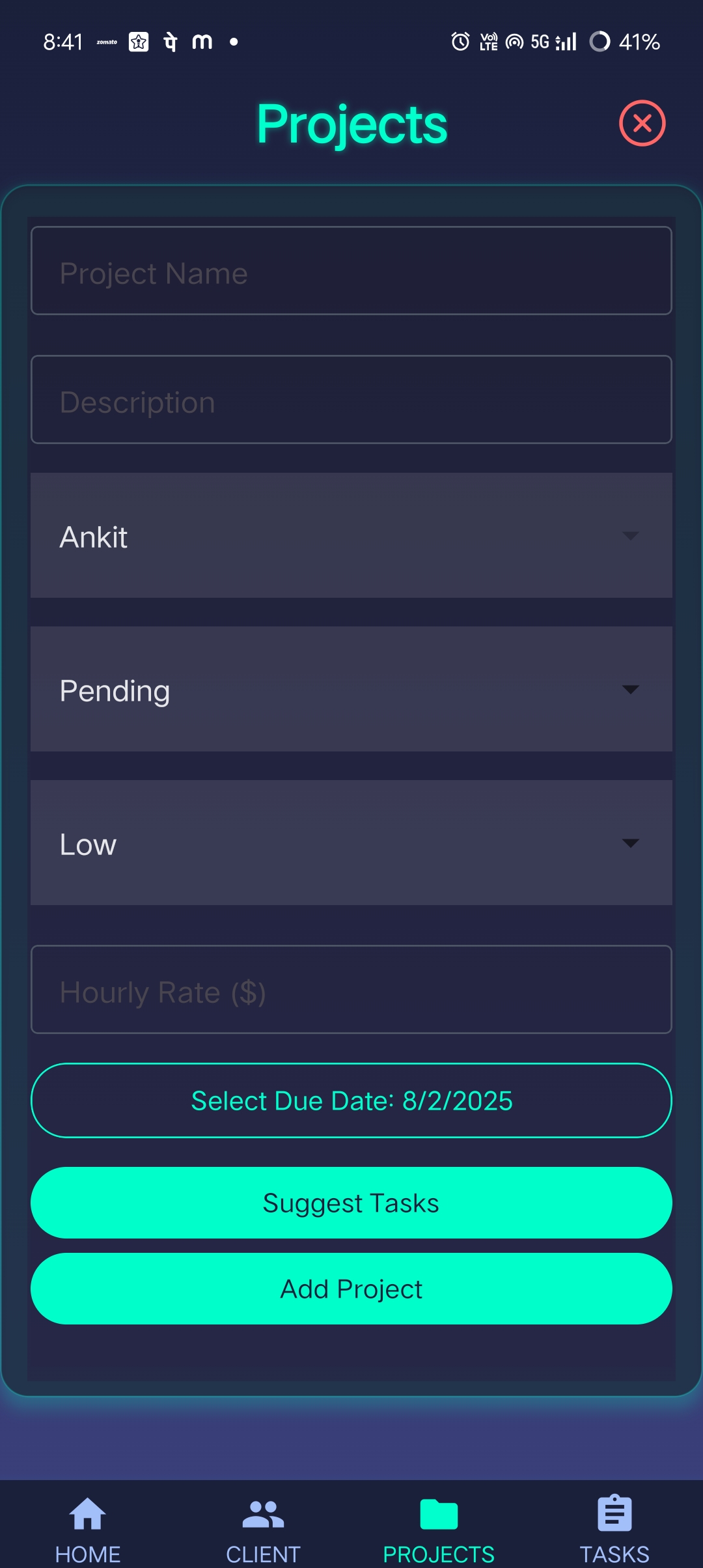
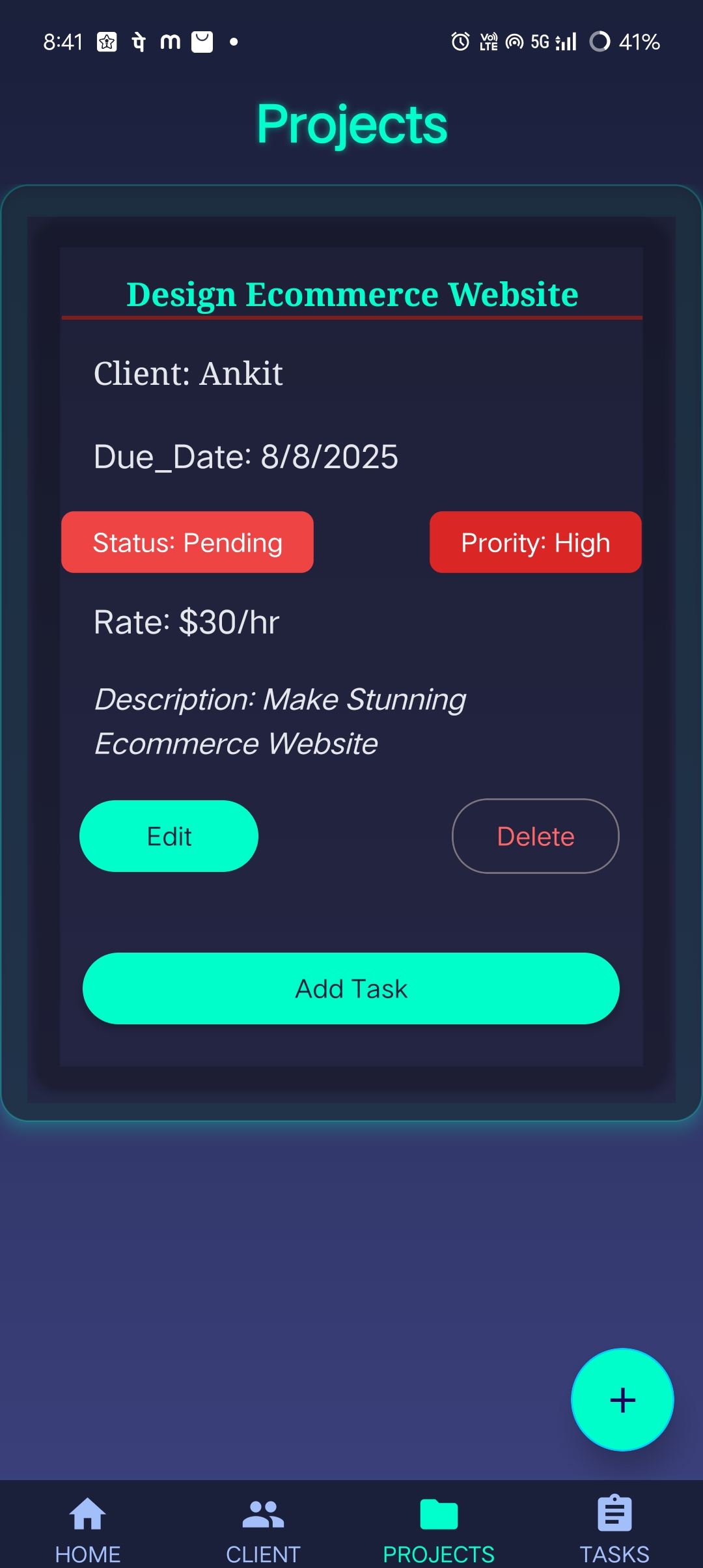
📁 Project Management
Add projects associated with specific clients.
Provide name, description, priority, status, due date, and hourly rate.
Track multiple projects across multiple clients.
Delete or Edit Projects Easily.
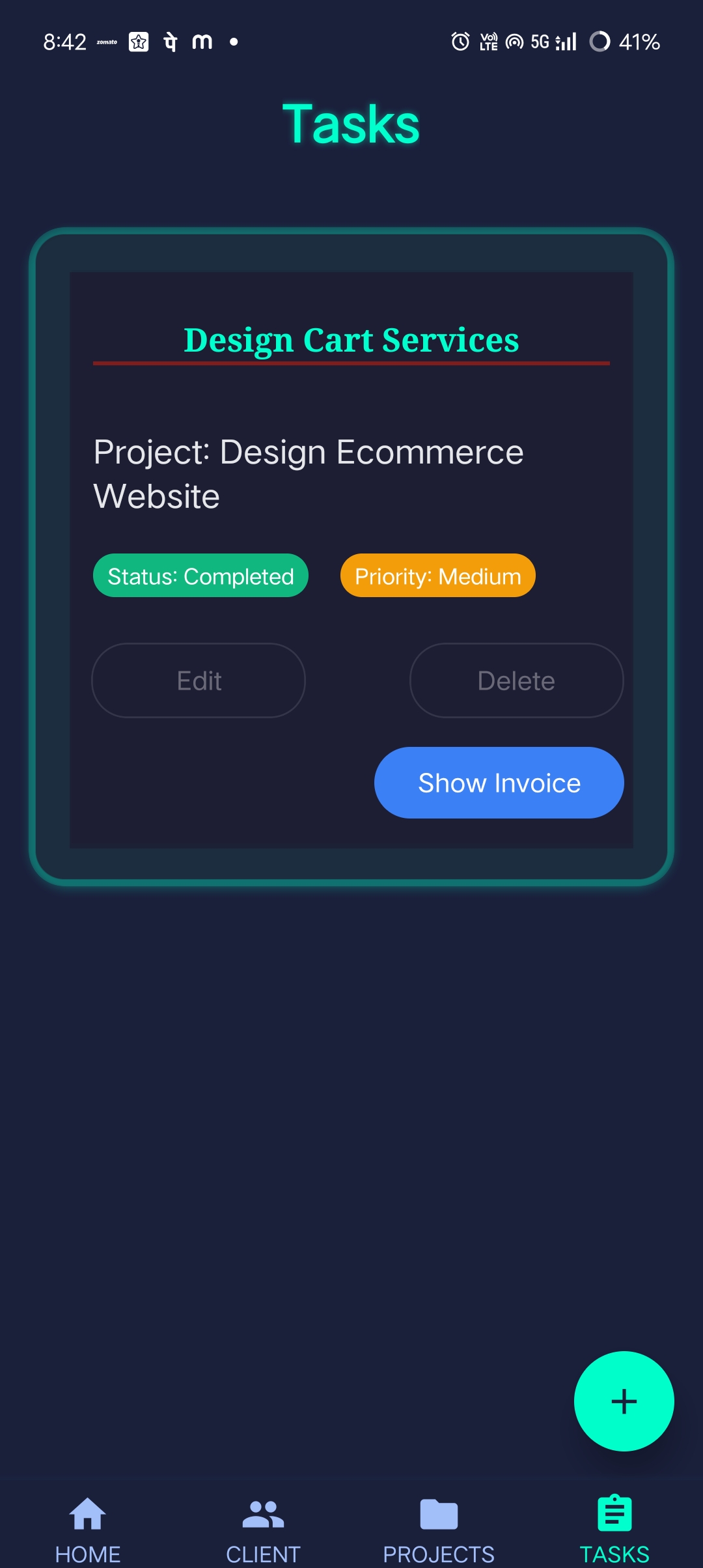
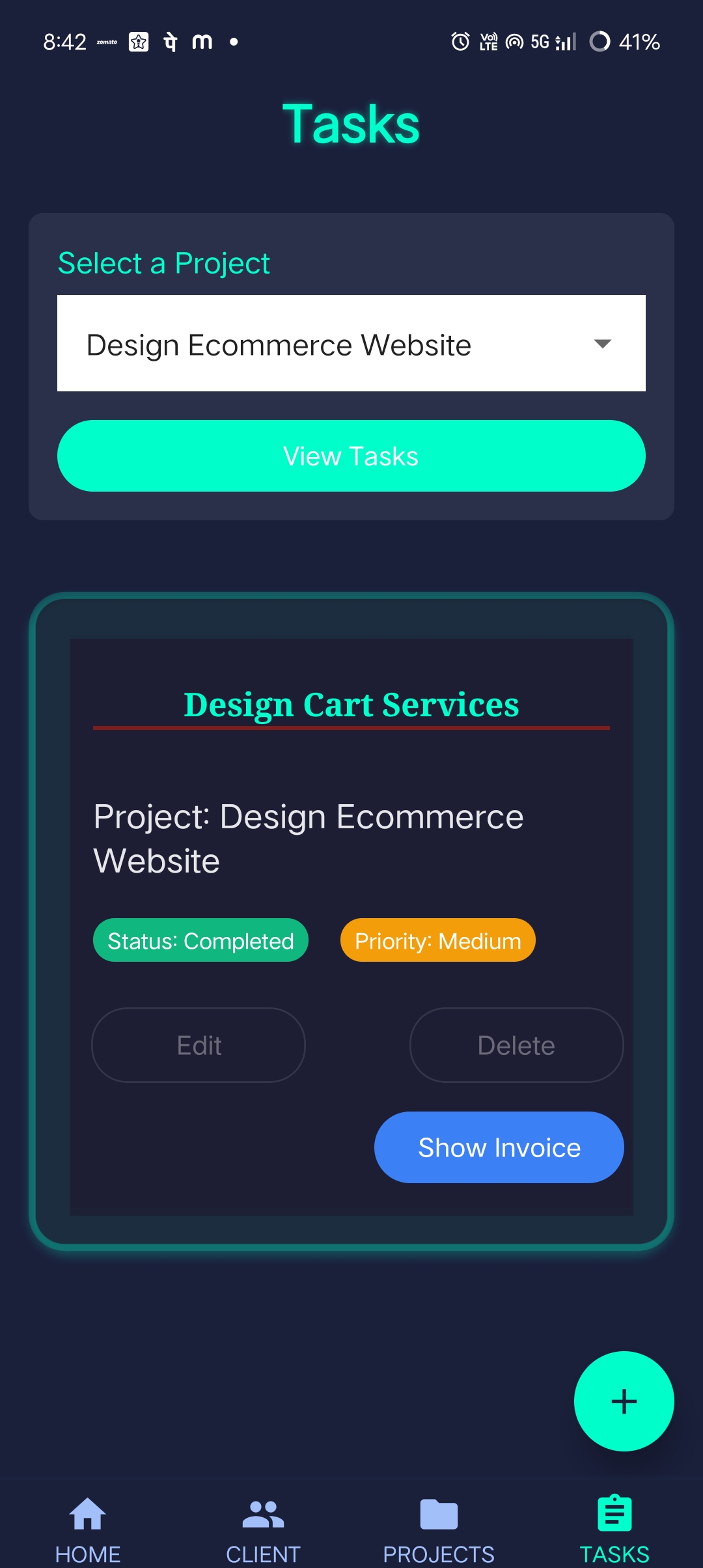
✅ Task Management
Create tasks under projects Assign:
Task name
Description (optional)
Priority
Status (To-Do, In Progress, Completed)
Due date
All tasks are nested inside their respective projects.
⏱️ Timer Feature
Start timer on any task.
Timer continues in the background even if the app closes.
Pause or stop timer anytime.
Resume timer picks up from where it left off.
Accumulates total time spent on each task.
Useful for hourly-based billing
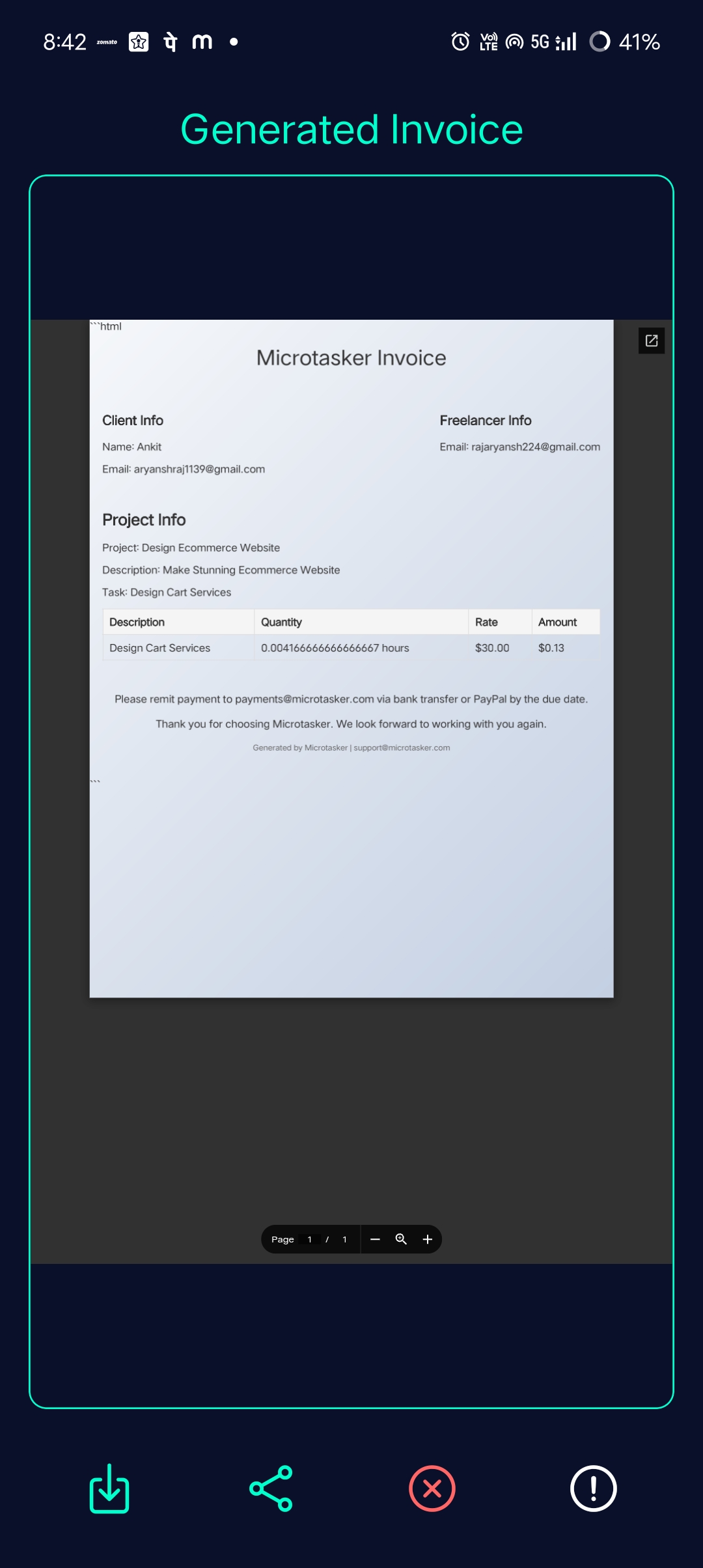
📄 Invoice Generation
Once a task is marked as completed, the user can:
Click Generate Invoice.
Automatically calculate work hours × hourly rate.
Automatically generate a PDF invoice.
Invoice is branded and professional.
📧 Automated Emailing
Invoice is automatically sent to:
The user's email.
The client’s email.
Powered by Nodemailer + AI integration.
Works in background without any manual action.
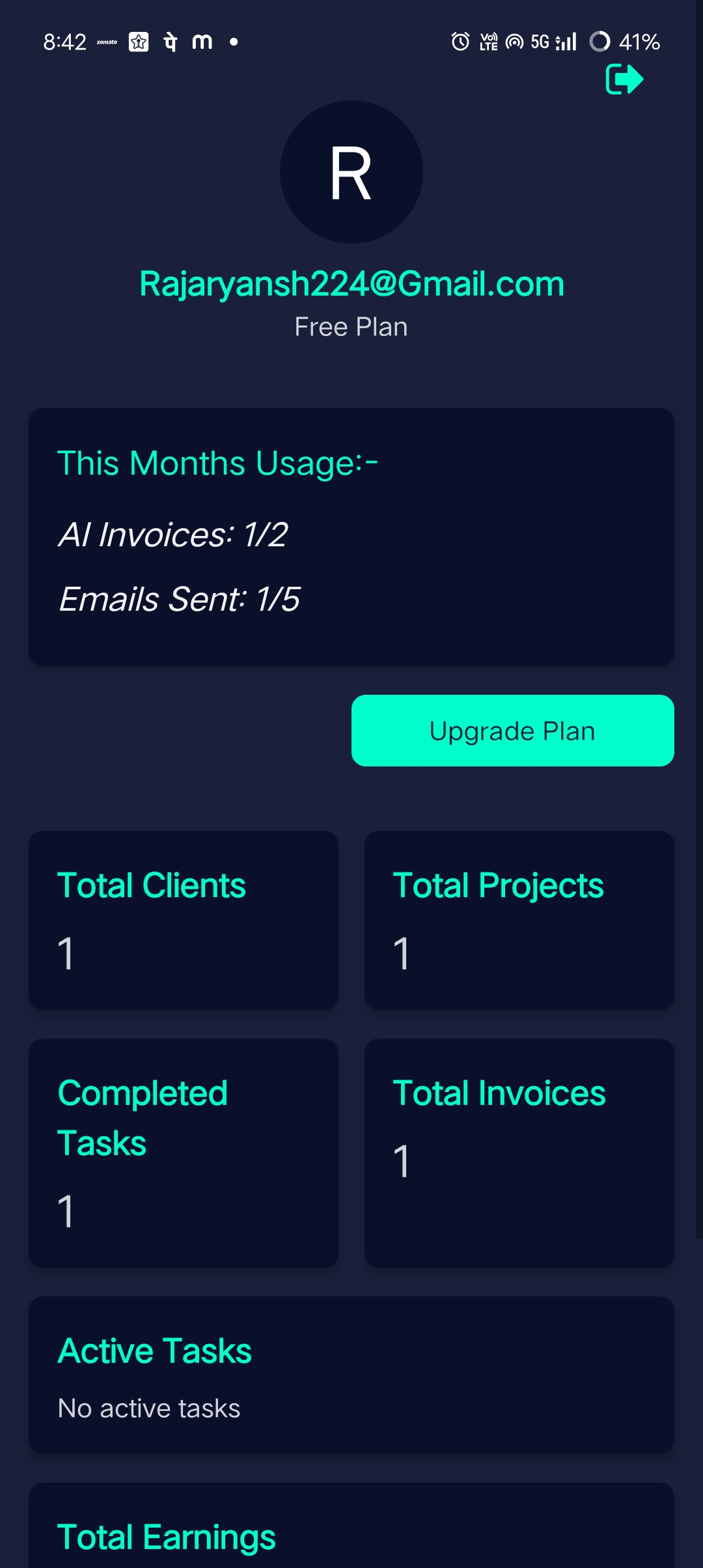
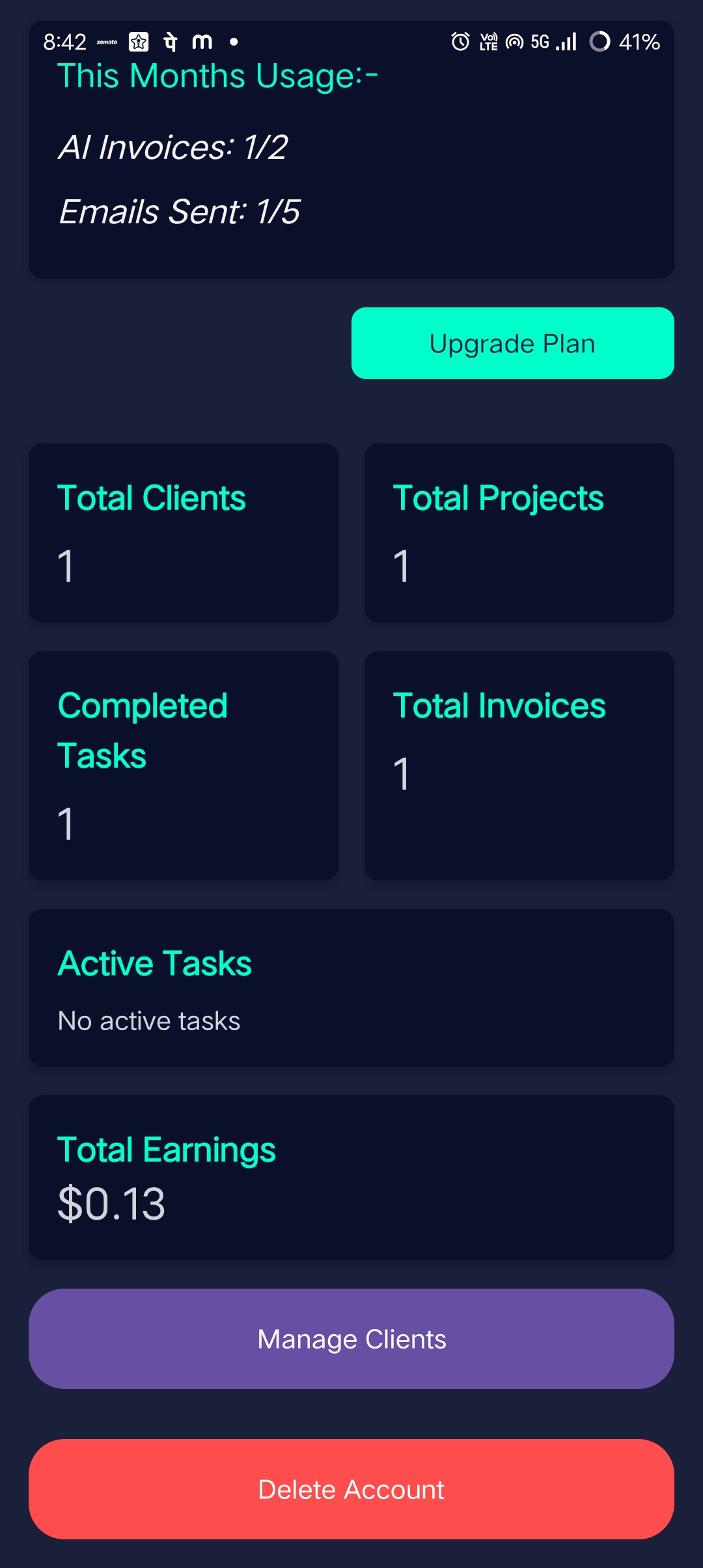
📊 Dashboard Personalized with user’s avatar (first letter of name)
Shows:
Total clients
Total projects
Total tasks
Active tasks
Total earnings
Total invoices
Quick action buttons: Manage Clients / Delete Account / Logout.
🔓 Free vs Paid Tier
Free users:
Can generate 2 AI-powered invoices per month.
Can send 5 auto-emails per month.
After limit, invoices still work locally (no automation).
Encourages upgrade without blocking core features.
🎁 Rewarded Ads (Upcoming)
Users can watch a rewarded ad to unlock 2 extra AI invoices per month Monetization opportunity without alienating users.
How we built it
🔧 Frontend (Mobile App)
Framework: React Native with Expo SDK 53+.
UI: Tailwind, Shadcn, and custom responsive styles.
Authentication: Firebase Auth with async persistence.
Navigation: React Navigation.
State Management: Context API + local state.
Data Fetching: Axios.
🌐 Backend (API Server)
Framework: Node.js + Express.
Database: Firebase Firestore (NoSQL).
Email: Nodemailer for sending invoices to users and clients.
Secret Management: Secrets stored in .env, fetched from backend.
Security: CORS, environment isolation, and API key protection.
☁️ Cloud & Storage
Backblaze B2: Used for PDF invoice file storage.
Firebase Cloud Storage: For images and attachments (if needed).
Deployment: Local and cloud-ready.
EAS Build: Used to build Android APK and AAB files for testing and release.
Challenges we ran into
🔒 Secret Key Management in Expo SDK 54+: Since sensitive environment variables are no longer supported natively, we had to build a secure backend to serve secrets at runtime — especially for Firebase, HuggingFace, and Nodemailer and Openai.
📱 Timer Persistence: Keeping the timer running even when the app is closed or restarted was tricky. We managed it using AsyncStorage and smart timestamp handling.
🧾 Invoice Formatting: Auto-generating well-formatted PDF invoices while maintaining design and structure across devices took time and testing.
📤 Email Sending: Ensuring emails are reliably sent to both users and clients, and managing limits per month without third-party billing tools.
🔐 User Restriction Logic: Implementing logic for free vs paid user without hard-blocking functionality required a lot of condition-based rendering and fallback flows.
Accomplishments that we're proud of
🔗 Seamless integration of client → project → task → invoice → email workflow.
⚙️ Created a smart time-tracking system that continues across sessions.
✉️ Fully automated invoice emailing using AI + Nodemailer.
💼 User-friendly dashboard with real metrics and stats.
📦 Ready-to-publish APK via EAS Build.
🔐 Designed a scalable free vs premium user logic.
💡 Innovated ways to add rewards and monetization without damaging UX.
What we learned
How to manage and fetch sensitive secrets securely in production-ready mobile apps.
Advanced use of React Native's persistence and performance optimizations.
Firebase’s flexible structure for multi-user and multi-client storage.
Best practices for email automation, PDF generation, and invoicing.
How to design for scale, monetization, and user retention from day one.
Built confidence in turning an idea into a functional, mobile-first product.
What's next for MicroTaskManager
💳 Razorpay Integration: For paid plans and invoice payments.
🧠 AI Suggestions: Suggest invoice fields, project rates, or task durations.
🛎️ Notification System: Push notifications for deadlines, reminders.
💬 Client Collaboration Tools: Real-time comments, file sharing, approval system.
📱 iOS Build: Extend support beyond Android.
📢 Marketing & Monetization:
Launch on Play Store.
Run ads and reward logic.
Freemium model with upgrade system.
📈 Analytics Dashboard: Insights into productivity, hours, and earnings.
🛠️ Admin Panel: To moderate, manage limits, monitor system usage
Built With
- backblaze
- express.js
- firebase
- node.js
- nodemailer
- openai
- react-native
- typescript

Log in or sign up for Devpost to join the conversation.