-
-
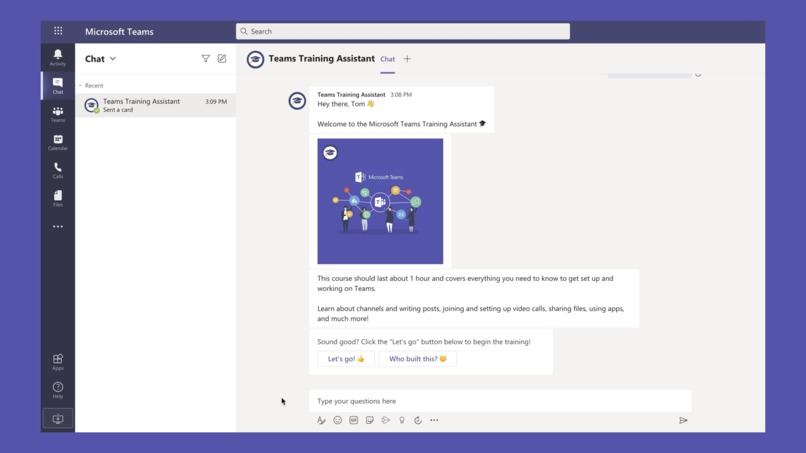
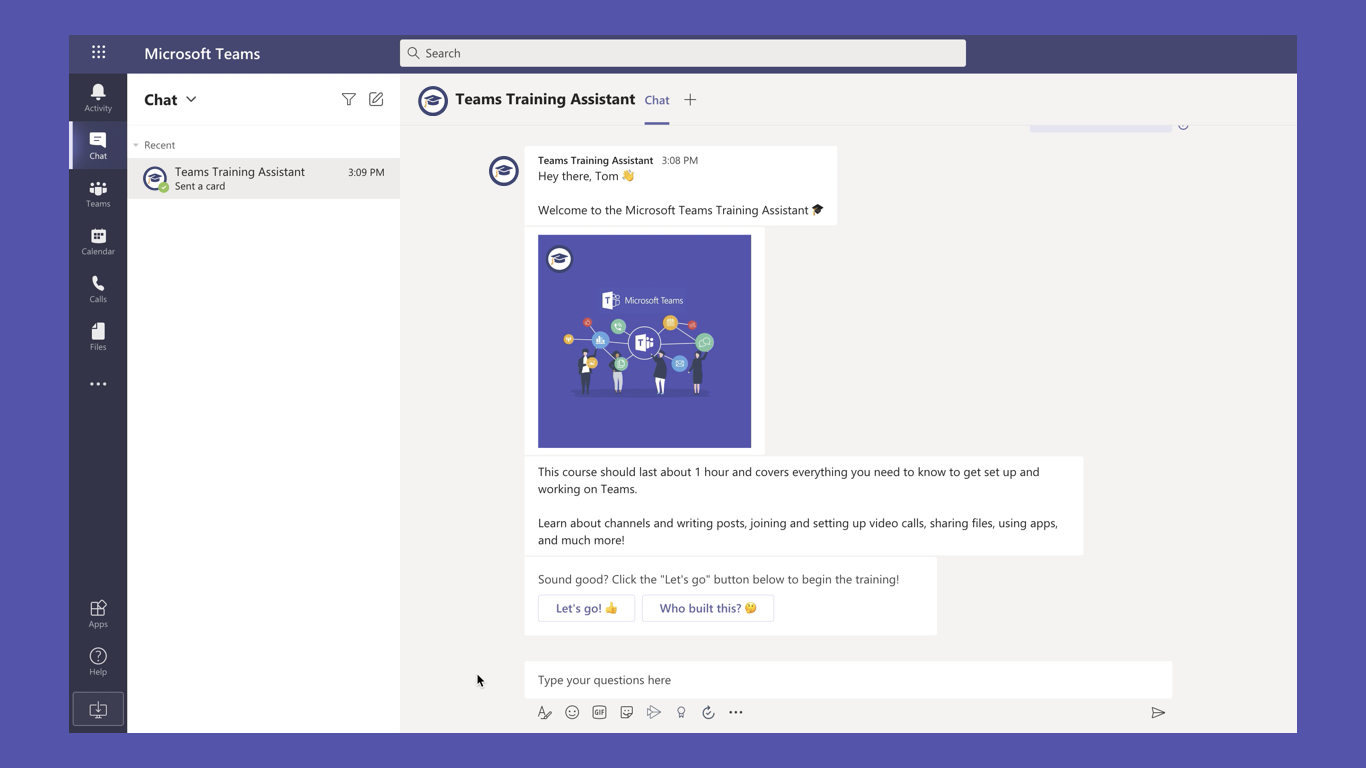
Greet users and provide options to start the training course or learn more
-
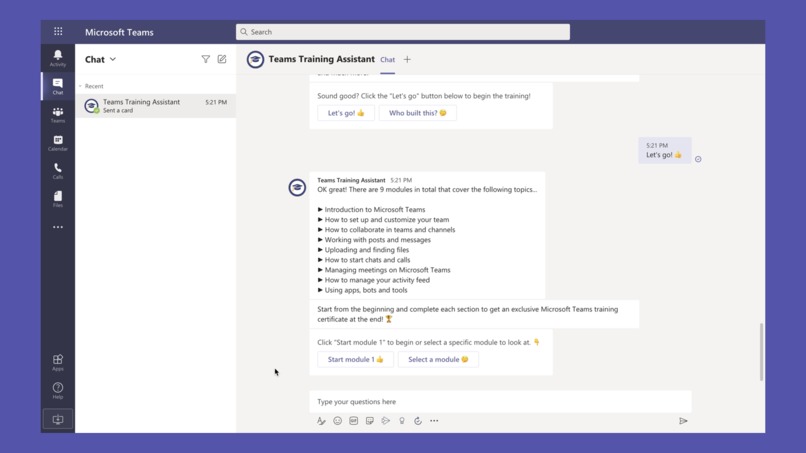
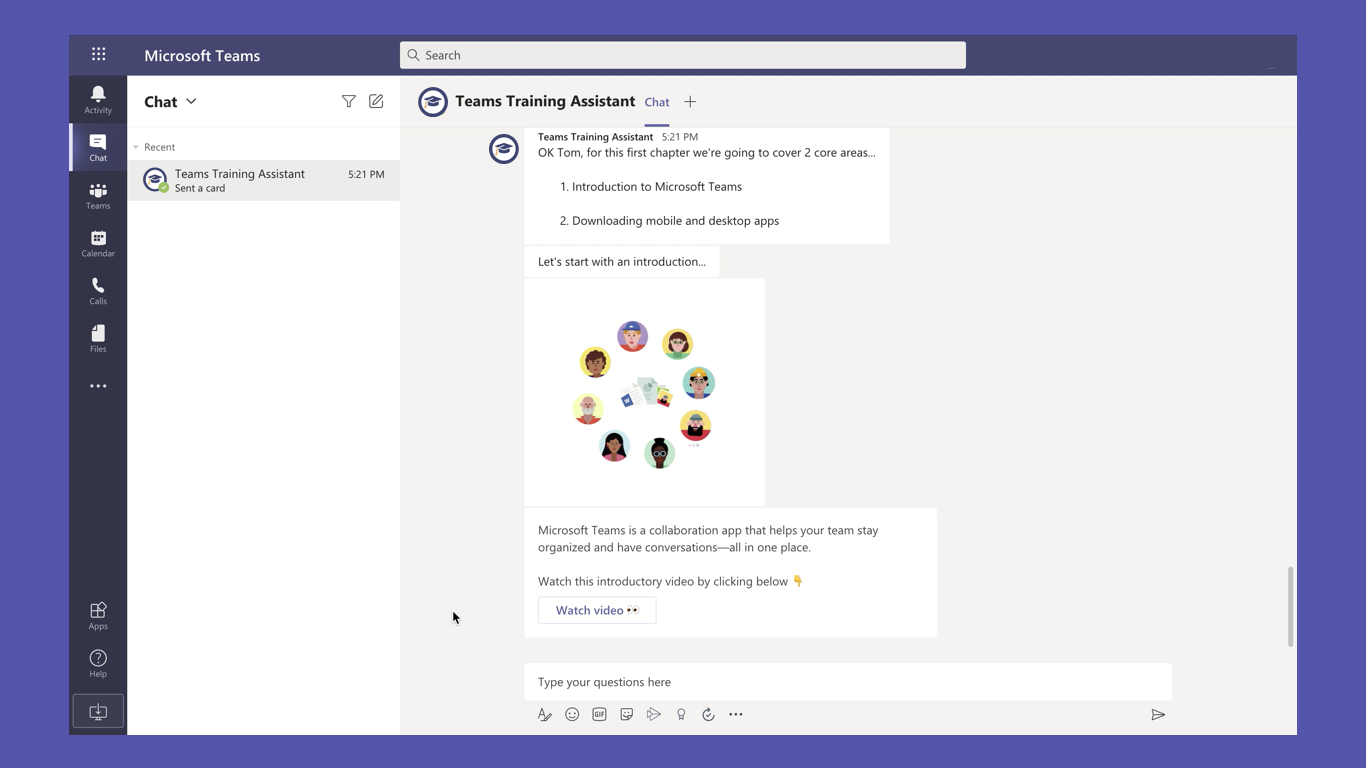
Provides an overview of the various learning modules
-
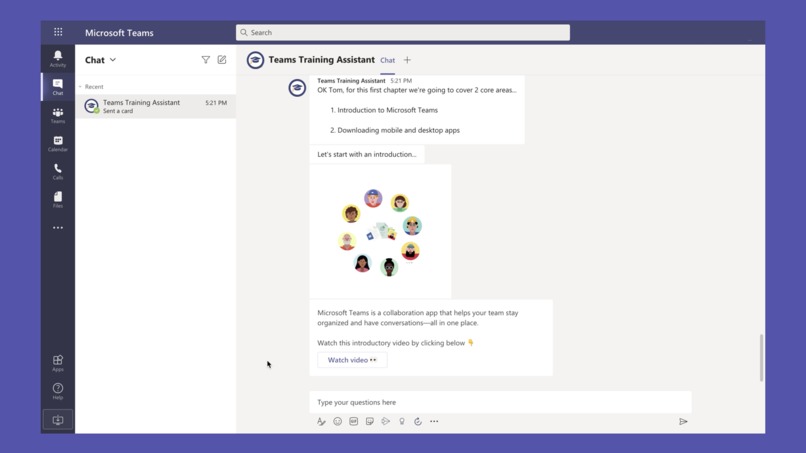
Provides links to useful tutorial videos
-
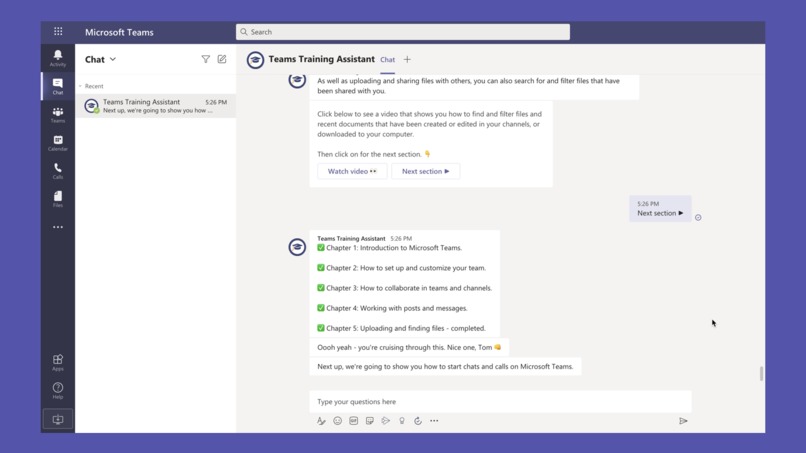
Tracks progress as users complete the course and provides motivation through out
-
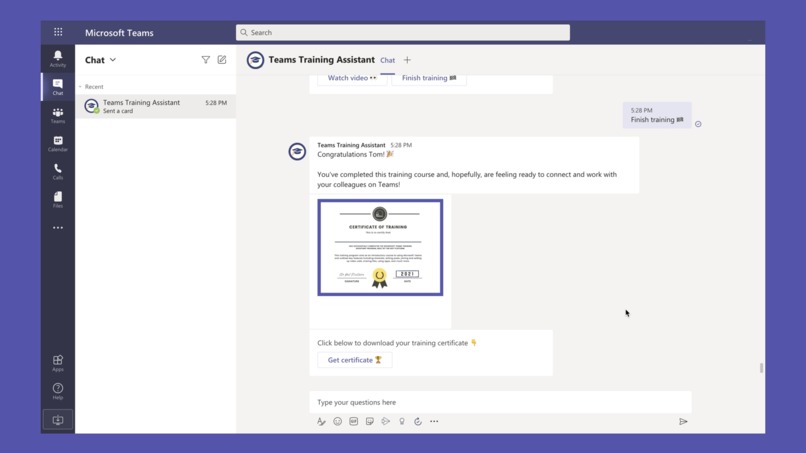
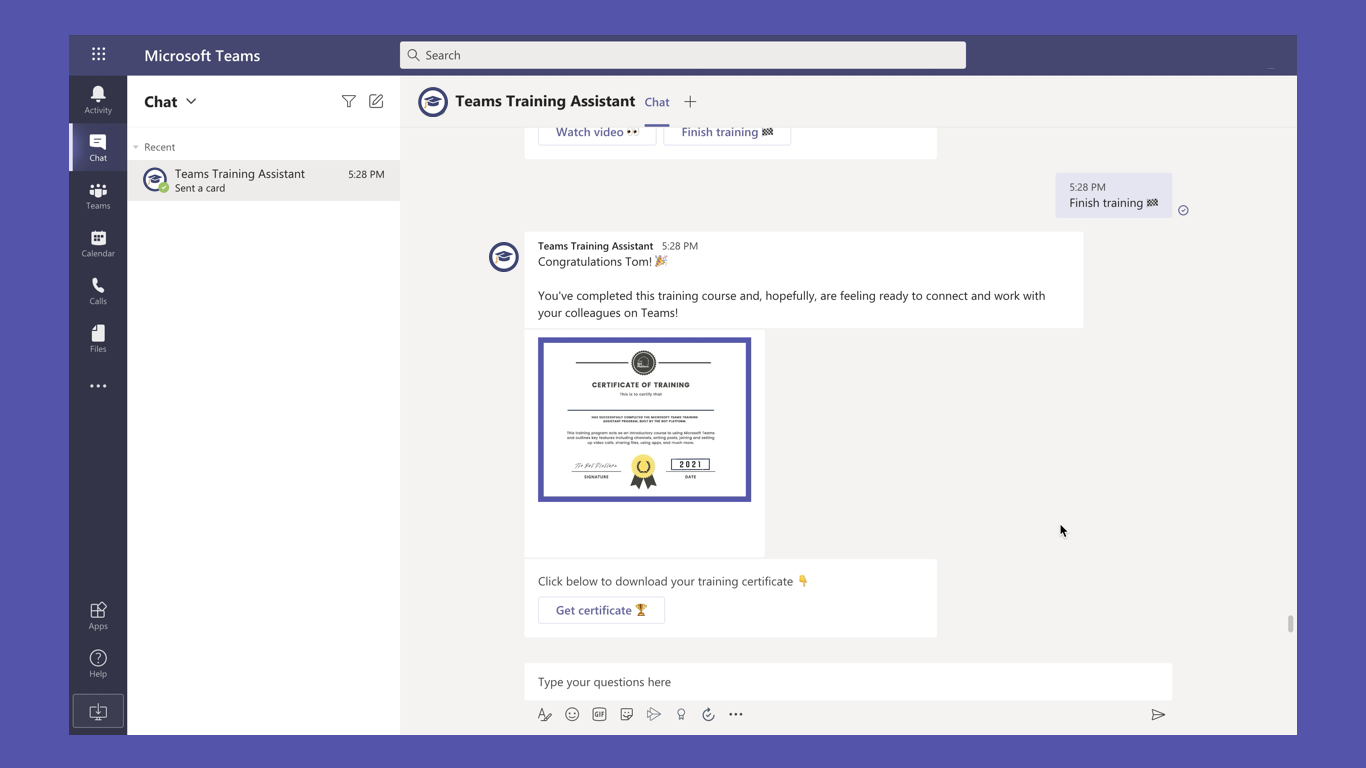
Rewards those who complete the course with a training certificate


Inspiration
Millions of people started using Microsoft Teams for the first time in 2020 and we noticed that while many were familiar with some of the more basic features, they never had any formal training and openly admitted to not knowing how to make the most of what Teams had to offer. We ourselves also started using Teams in 2020 and after finding an awesome library of Microsoft training content we thought it could be great to create an app that automatically guided people through the most useful content.
What it does
The Microsoft Teams Training Assistant takes you on a series of training modules that cover everything you need to know to get set up and working on Teams. Each module contains specific tutorial videos and training content to ensure your staff are fully aware of the breadth of features available on Microsoft Teams, and how to use them.
Learn how to collaborate using teams and channels, write posts, send messages, upload and find files, join video calls, manage meetings, customize your activity feed, use bots or apps, and much more. Complete the course from start to finish and get your own certificate of completion!
How I built it
The app was built using The Bot Platform - a no-code automation and bot building platform that allows Teams admins to easily build and launch automated experiences and integrate with third party systems. Something that could have taken weeks or months to build from scratch was able to be built in less than a couple of days including research time.
Challenges I ran into
Using The Bot Platform the main build of the app was actually very simple. The bigger challenge was finding and mapping out the most useful training content that the app would guide people through. Fortunately Microsoft have a breadth of awesome learning resources and so we were easily able to find a sequence of videos that would act as an awesome learning guide.
Accomplishments that I'm proud of
This is one of the first apps I've ever built for Microsoft Teams and definitely the first app I've built that could be so useful to so many people. Initial usage and feedback has all been very positive and people love the extra certificate reward we added at the end of the flow.
What I learned
Building apps on Microsoft Teams is incredibly easy when you're using the right tools and there is a huge potential audience of users in the Microsoft / Office 365 ecosystem that developers and companies alike can build awesome experiences for.
What's next for Microsoft Teams Training Assistant
We want to see as many people using it as possible and get people's feedback to improve the experience even more. Maybe we can add more modules to it or use it to help people understand the power of apps on Teams and what can be done using partners/software like The Bot Platform.
Built With
- the-bot-platform


Log in or sign up for Devpost to join the conversation.