-
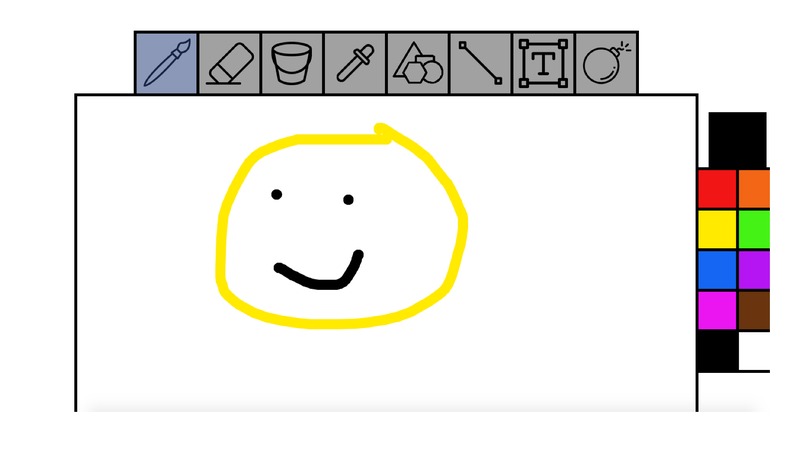
An example of what you can create
-
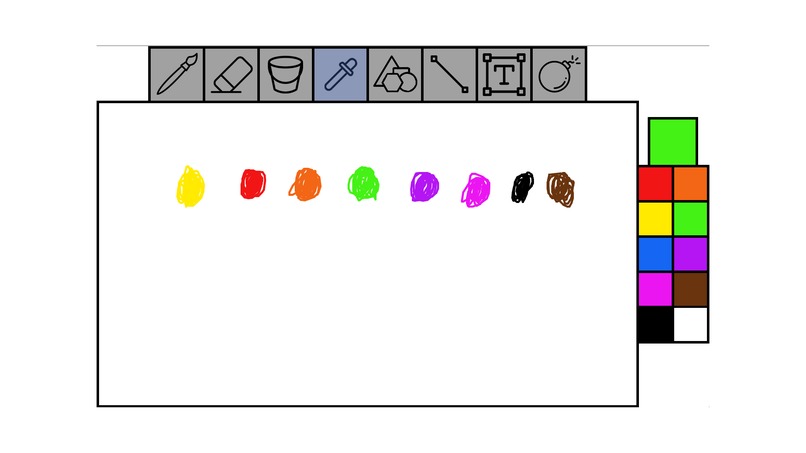
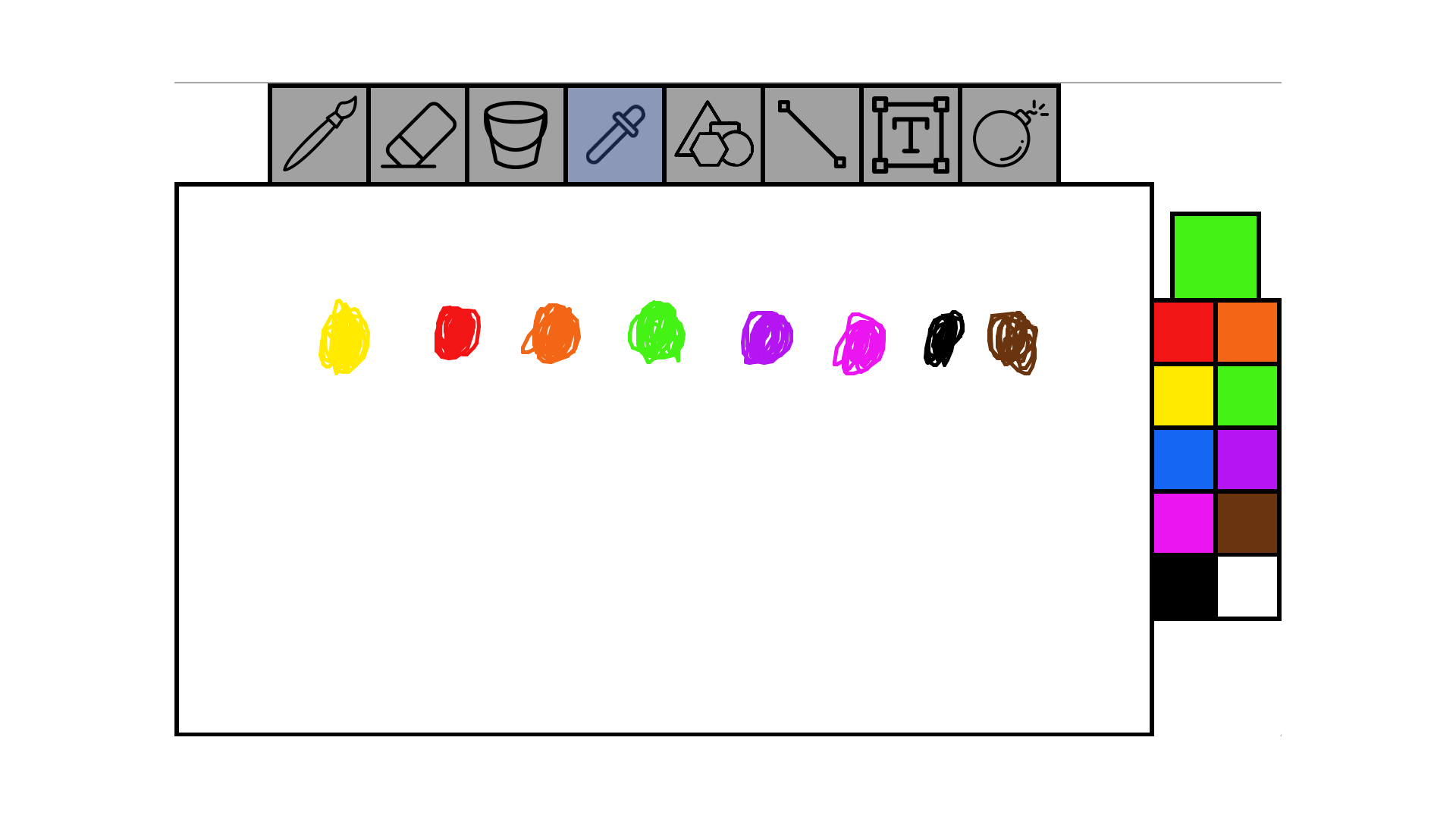
All the available colors
Inspiration
We wanted to make an accessible application that could be used to create simplistic creations
What it does
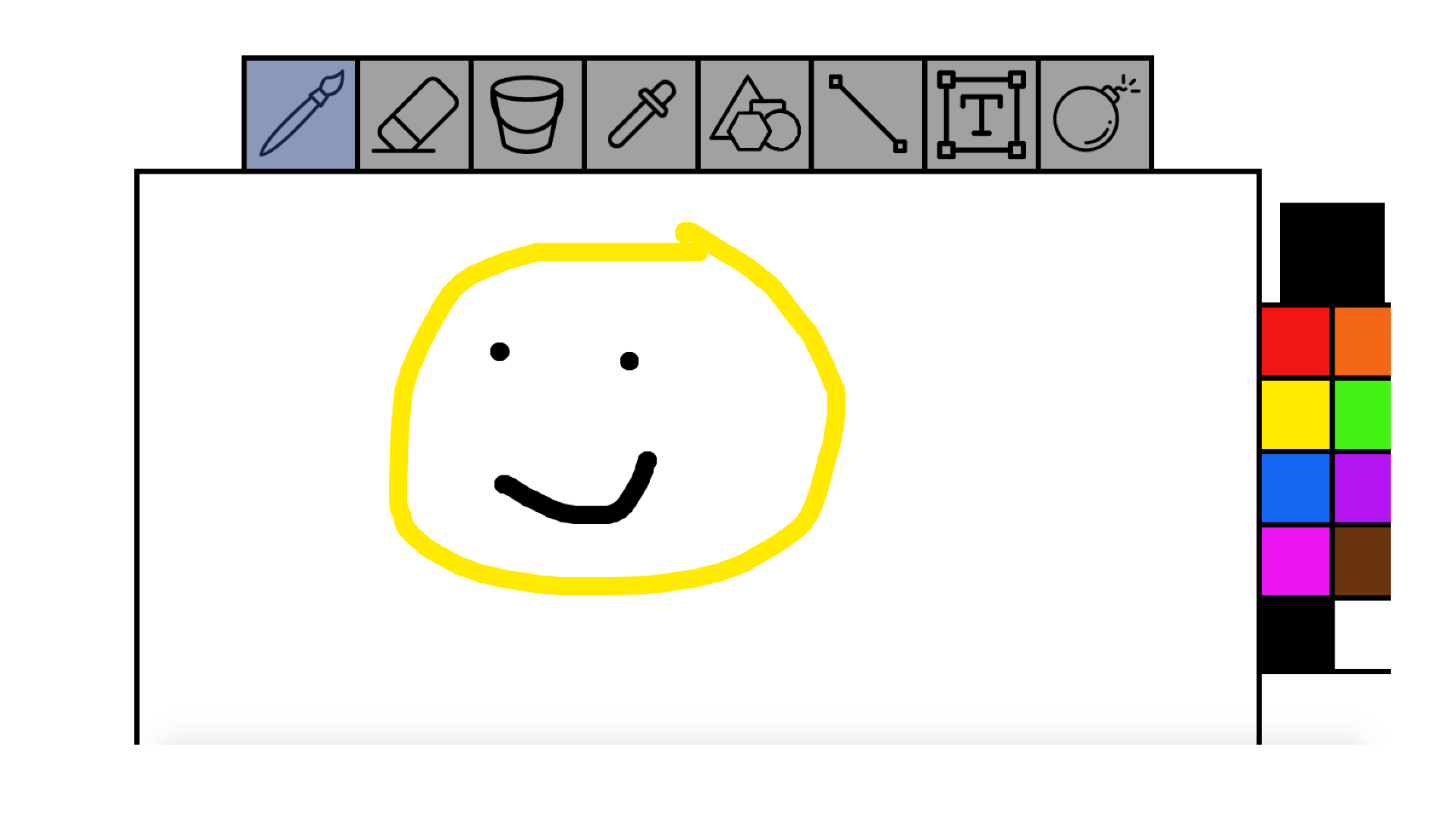
It is a drawing app that has a paintbrush, eraser, line, shape, and many other tools.
How we built it
We have been preparing for the last week by thinking of ideas, learning/reviewing java, and creating a time-based plan. Once the event started, we worked diligently, making sure we all knew what we were doing.
Challenges we ran into
Since most of us have no used Java too in-depth before, we had many problems from the shape selector breaking the whole GUI to the fill command crashing Robby's computer. Even while facing each challenge, we didn't give up and kept a good attitude.
Accomplishments that we're proud of
We are proud of the tool and color selectors because they both use arrays and classes which some of us learned yesterday. I didn't think we would be able to make it work but in the end, we got classes for toggle-able buttons to help make the application more user-friendly.
What we learned
Throughout the whole experience, we learned how to code a new language, how to use important concepts like arrays and classes, and we got better at troubleshooting difficult problems.
What's next for Microsoft Paint on a Budget
If we were to continue working on our project, there are many things we would do. To start off, we would fix the fill and make the shape function less buggy. We did not have time for it, but we were thinking about making a drop-down menu which would make it easier for shape selection. Other big things we could implement are a way to save the image to your computer and a way to undo your last stroke. There are also some small things including making it switch back to the last used tool after using either the color selector or reset feature as well as adding a gradient fill.


Log in or sign up for Devpost to join the conversation.