-
-
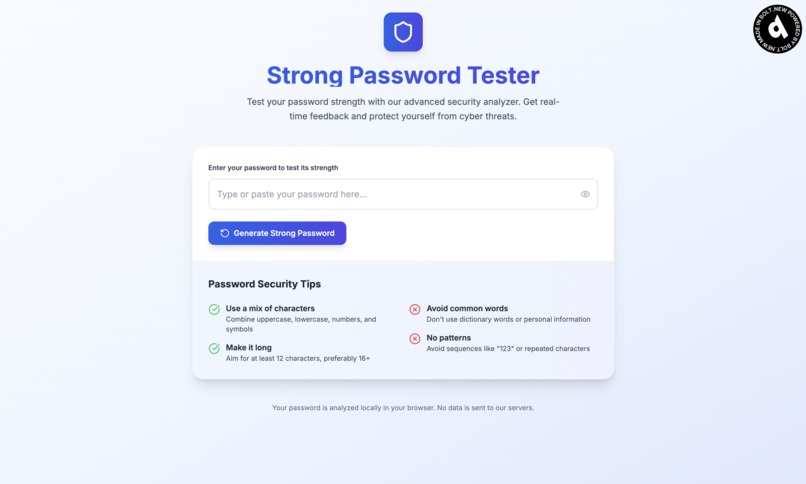
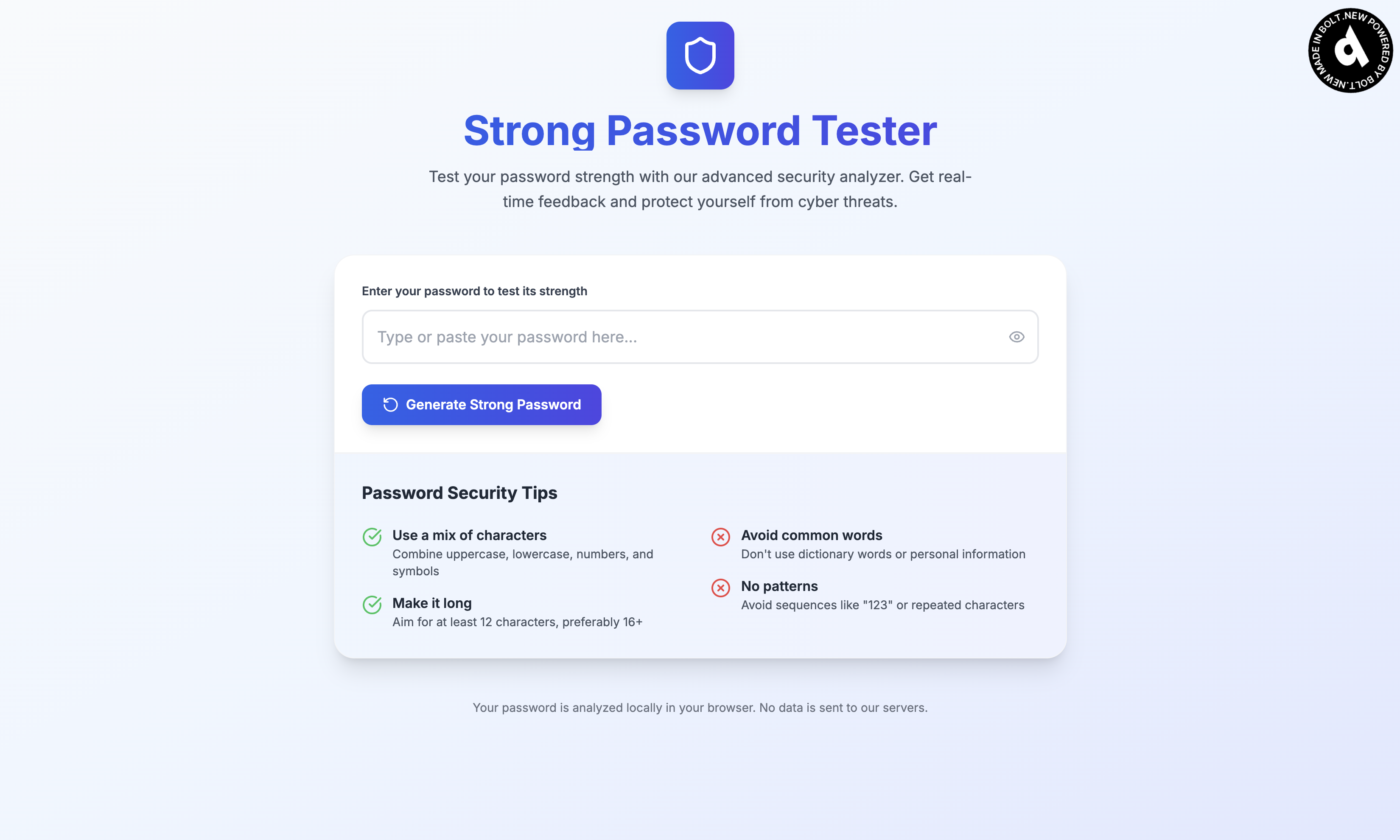
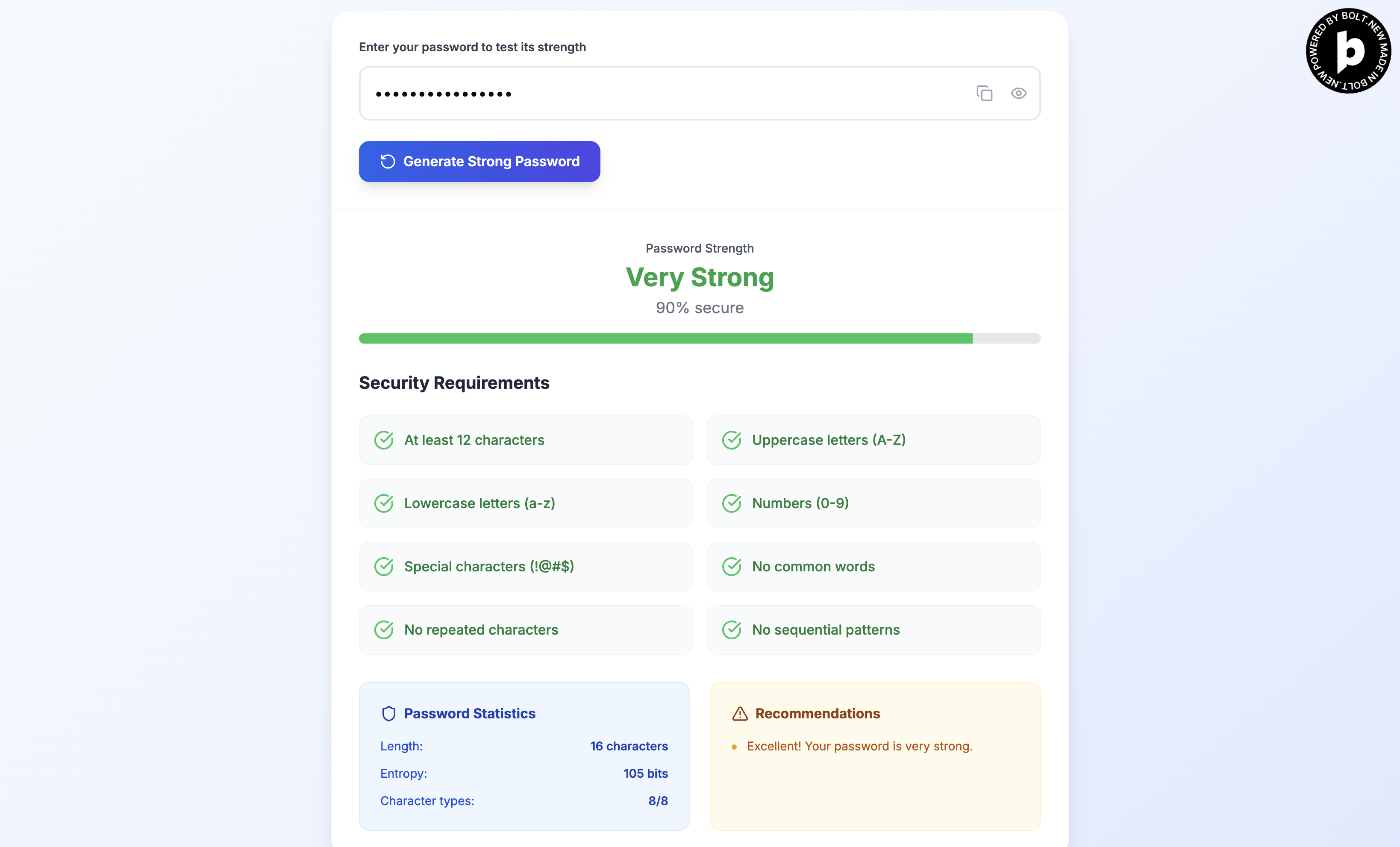
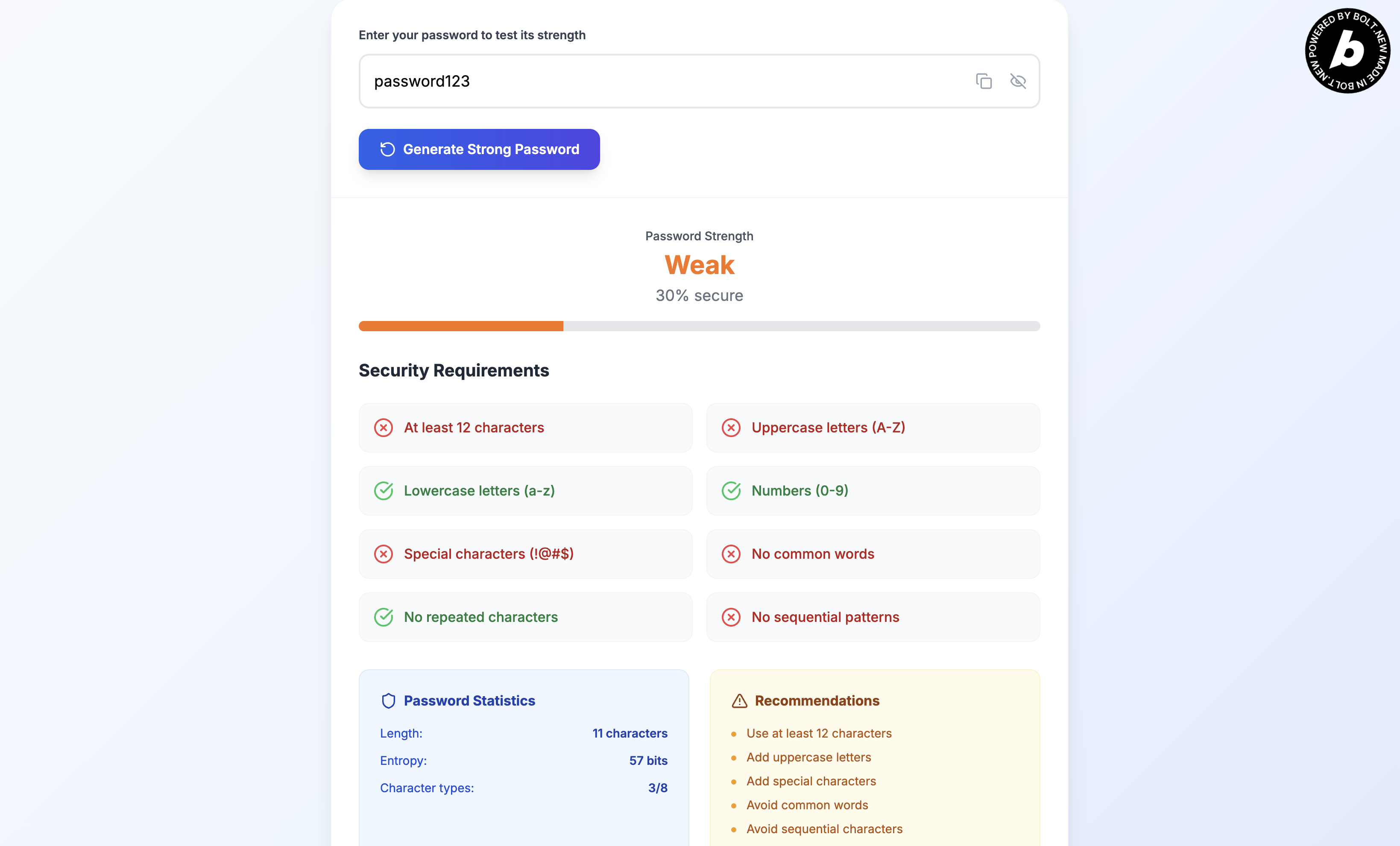
A simple and straightforward UI for user to use
-
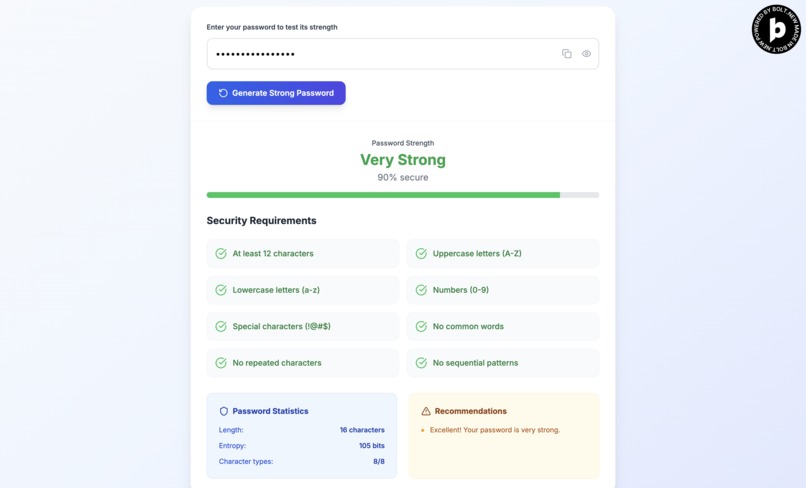
Explanation on what makes good password
-
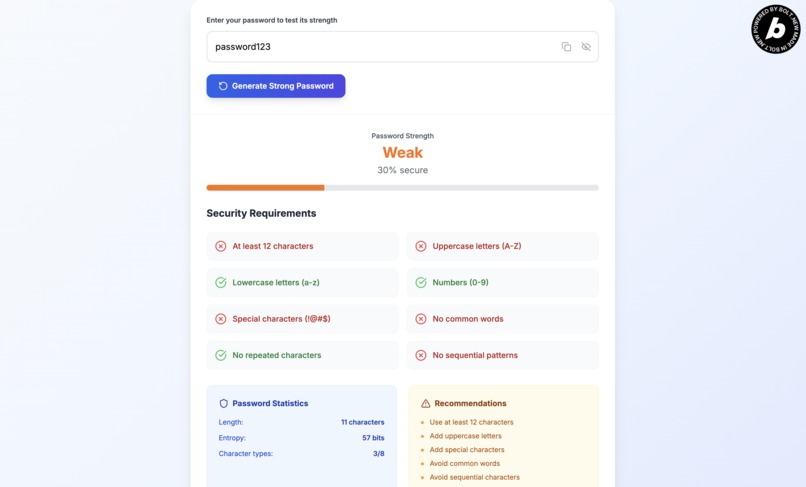
Recommendations for user to further improve their password
Inspiration
The inspiration for the Strong Password Tester emerged from witnessing the devastating aftermath of countless data breaches and password-related security incidents. Every week brought news of another company compromised, millions of user accounts exposed, and individuals whose digital lives were turned upside down by weak password practices. What struck me most wasn't just the scale of these breaches, but how preventable many of them were with proper password hygiene.
The catalyst came during a cybersecurity workshop where I watched participants struggle with existing password testing tools. Many were reluctant to test their actual passwords on unknown websites, rightfully concerned about transmitting sensitive credentials to third-party servers. Others were overwhelmed by complex security jargon that didn't translate into actionable improvements. I witnessed the fundamental tension between security best practices and user accessibility—people wanted to improve their password security but lacked trustworthy, understandable tools to do so.
This gap between security awareness and practical implementation inspired me to create a solution that would be both uncompromisingly secure and genuinely accessible. I envisioned a tool that would empower users to take control of their password security without requiring them to trust anyone else with their most sensitive credentials.
What it does
The Strong Password Tester transforms password security from guesswork into informed decision-making through comprehensive, real-time analysis:
Comprehensive Vulnerability Assessment: Analyzes passwords against multiple attack vectors including dictionary attacks, brute force attempts, credential stuffing patterns, and social engineering vulnerabilities. The tool examines character composition, length, entropy, and structural weaknesses.
Pattern Recognition Engine: Identifies dangerous patterns like keyboard walks (qwerty123), repeated sequences, common substitutions (@ for a, 3 for e), and personal information patterns that attackers commonly exploit.
Real-Time Strength Scoring: Provides instant feedback with detailed scoring across multiple security dimensions—length, complexity, uniqueness, and resistance to common attack methods. The scoring system adapts to current threat landscapes and attack methodologies.
Actionable Improvement Guidance: Goes beyond simple "weak/strong" classifications to provide specific, practical recommendations for password enhancement. Users learn not just that their password is weak, but exactly why and how to improve it.
Zero-Knowledge Architecture: All analysis occurs entirely within the user's browser using client-side JavaScript, ensuring that passwords never leave the user's device or touch external servers.
How I built it & Challenges I ran into
Well, this hackathon is al about vibe coding using Bolt.new, so of course this is completely built using Bolt.new and nothing else. One thing to note is that this was created from just a single prompt. However, there are definitely a lot of back and forth of trying to fix and deploy the app after the first prompt since there are issues with the app. But everything just happened with just a button click for fixing and a button click for deploying. I've tried my best to give the best single prompt possible since this is a submission for single prompt challenge.
Accomplishments that I'm proud of
Privacy-First Security Tool: Successfully created a comprehensive password security solution that never compromises user privacy, setting a new standard for client-side security applications.
Accessibility Achievement: Made advanced password security concepts accessible to users across technical skill levels, democratizing cybersecurity knowledge that was previously confined to security professionals.
Performance Excellence: Achieved instant analysis speeds even with comprehensive security checks, proving that privacy-preserving security tools don't require performance compromises.
What I learned
Privacy Enhances Trust: Users are significantly more willing to test their actual passwords when they're confident the data never leaves their device, leading to more effective security improvements. I know I would do so, hence why I choose to pivot and create this.
Education Drives Behavior Change: Explaining the "why" behind password recommendations creates lasting behavioral changes, while simple strength meters often fail to modify user behavior.
Performance and Privacy Can Coexist: Sophisticated security analysis doesn't require sacrificing user privacy or application performance when properly architected.
Context Matters in Security: Password strength requirements vary significantly based on use case, threat model, and user constraints—one-size-fits-all approaches often fail.
Security Communication is Critical: The way security information is presented dramatically impacts user adoption and compliance with security best practices.
What's next for Strong Password Tester | Password Analyzer
Advanced Threat Intelligence: Integrating real-time threat intelligence about emerging password attack patterns and breach data to keep security recommendations current with evolving threats.
Personal Security Assessment: Expanding beyond individual passwords to assess overall credential security, including password reuse analysis and account security posture evaluation.
Browser Extension Integration: Developing browser extensions that provide real-time password strength feedback during account creation and password changes across the web.
Multi-Language Support: Expanding dictionary and pattern recognition to support password analysis across different languages, regions, and cultural contexts.
Built With
- bolt.new
- chatgpt
- claude
- css3
- html5
- javascript
- netlify
- next.js
- react
- typescript

Log in or sign up for Devpost to join the conversation.