-
-
-
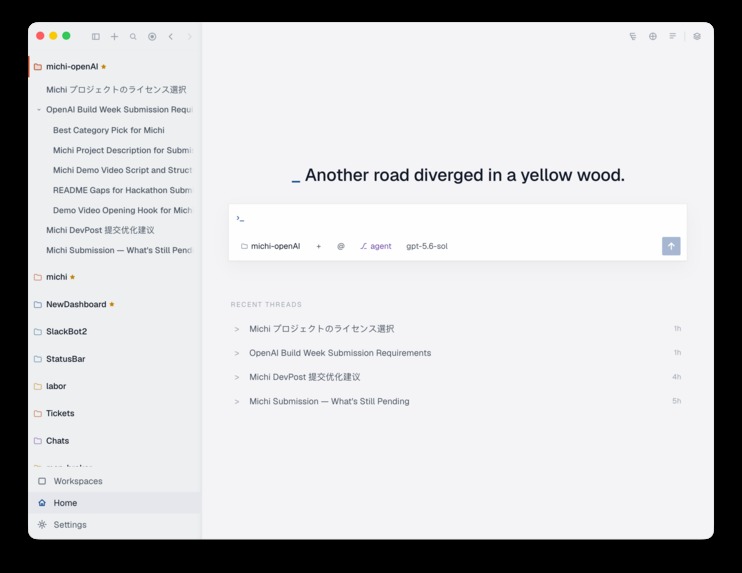
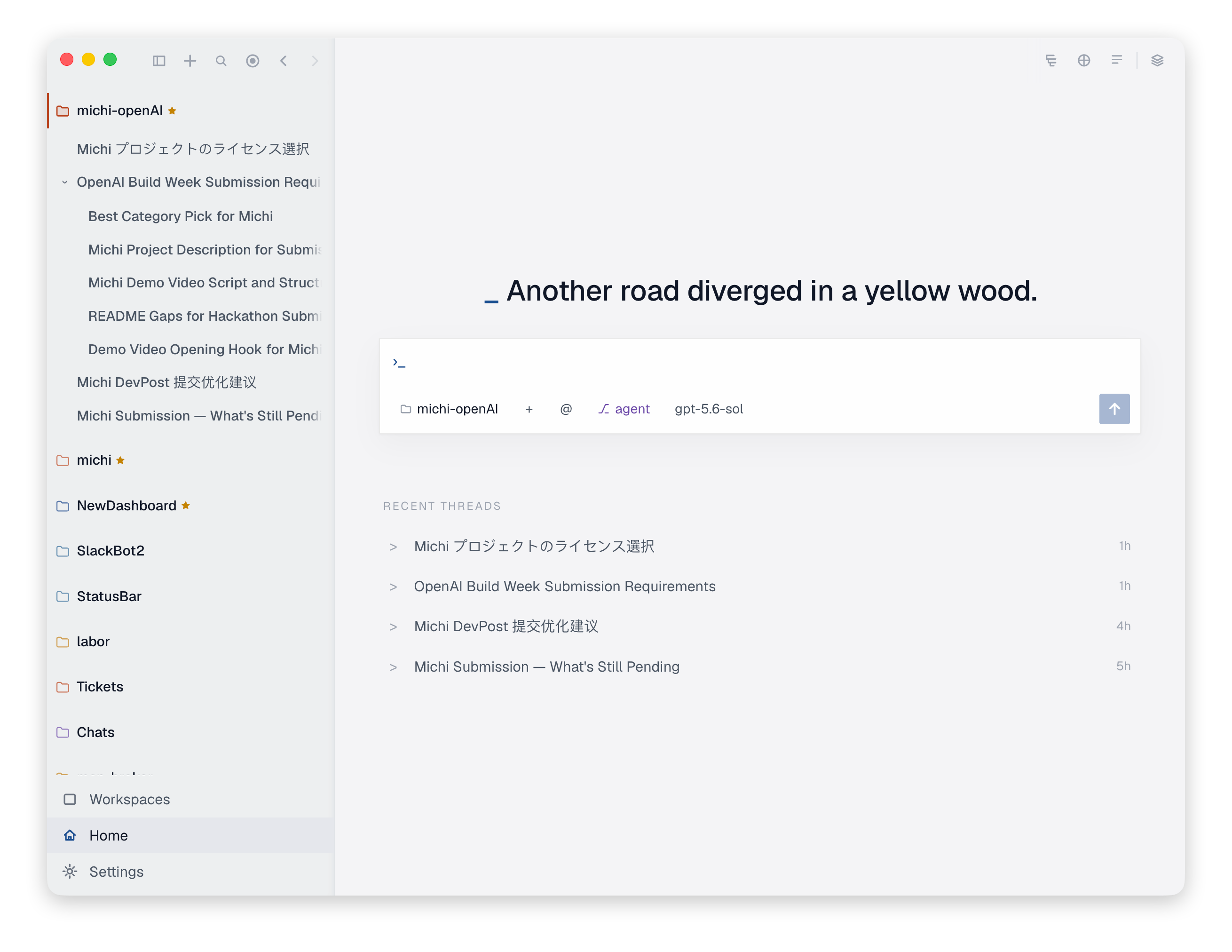
Home
-
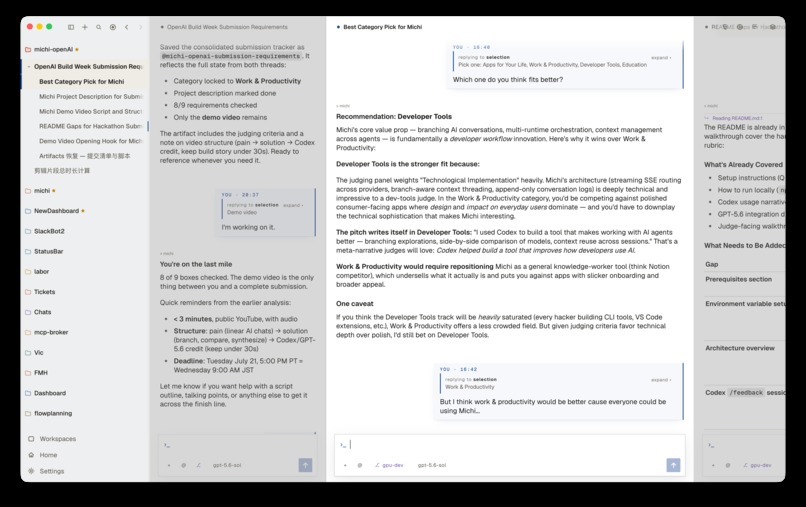
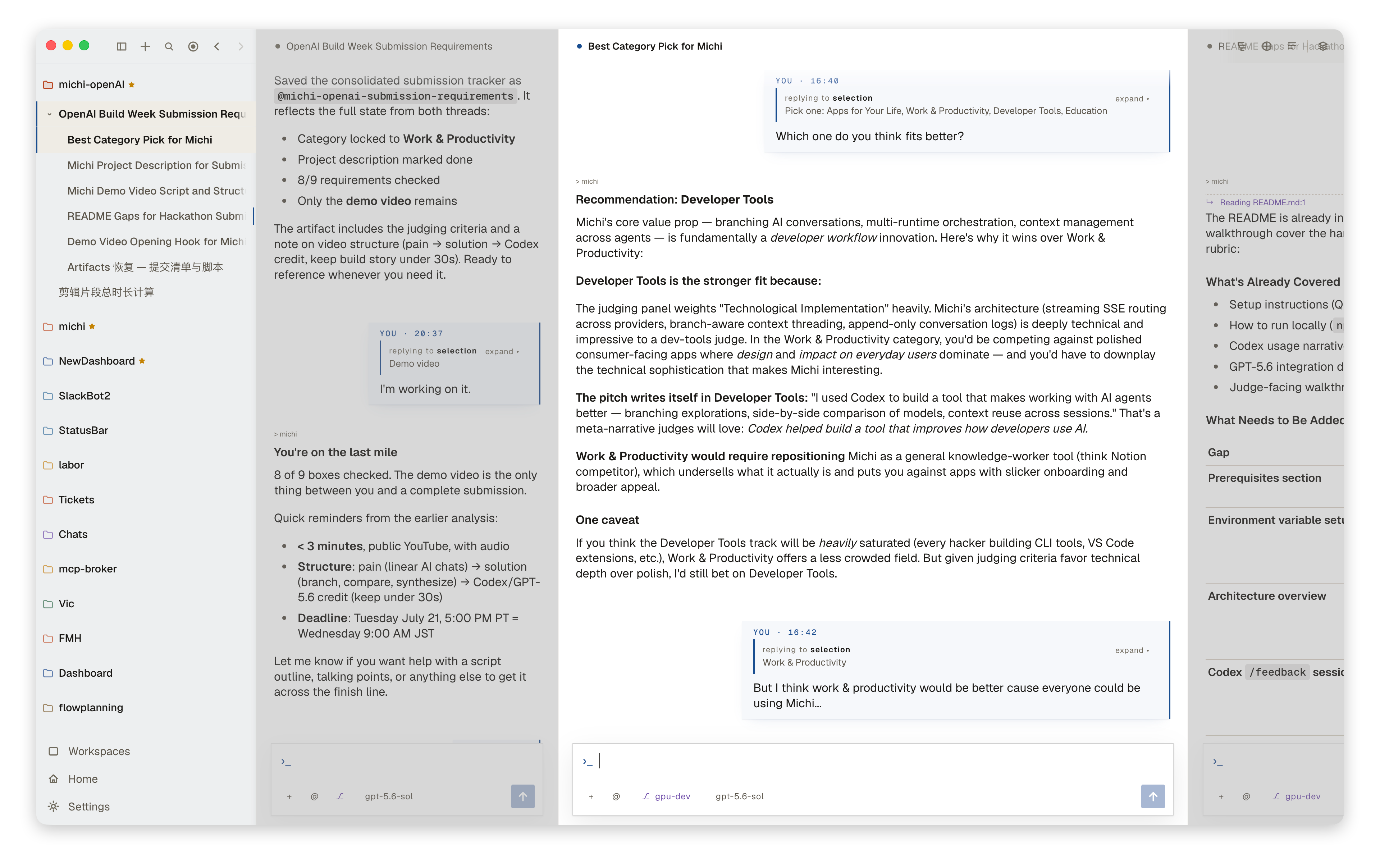
Multi panel
-
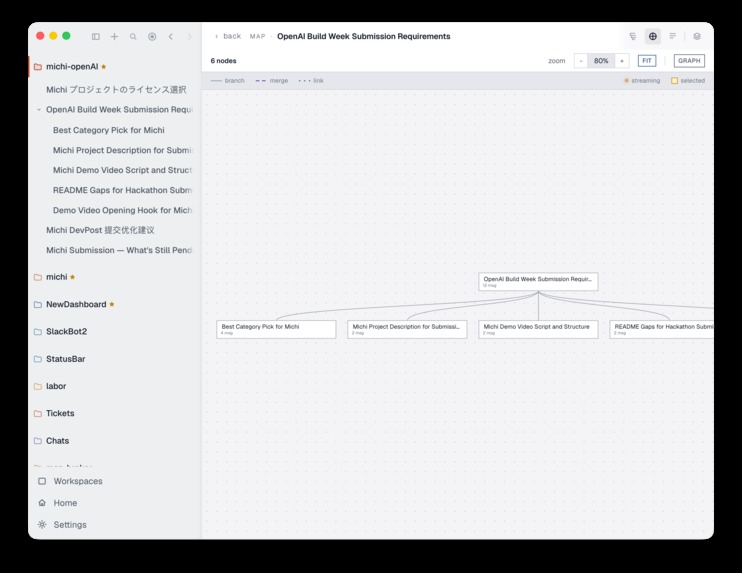
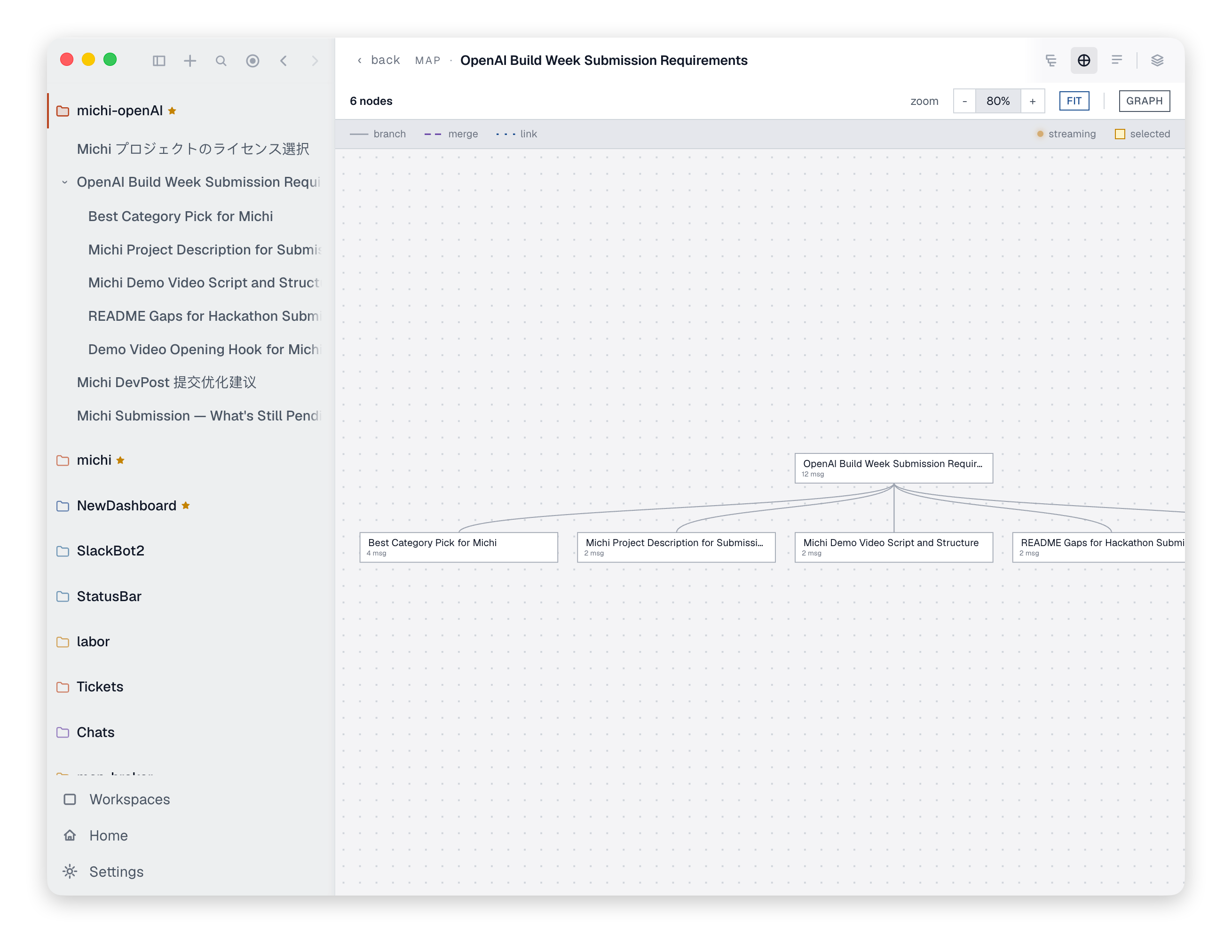
Map
-
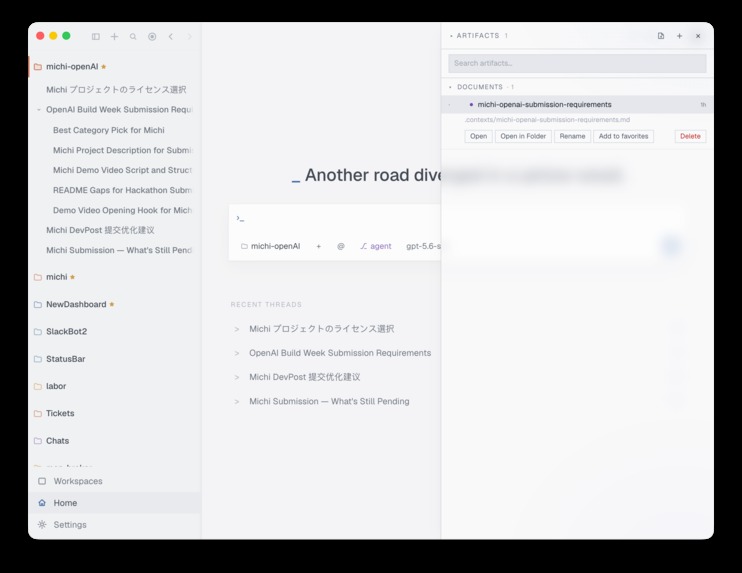
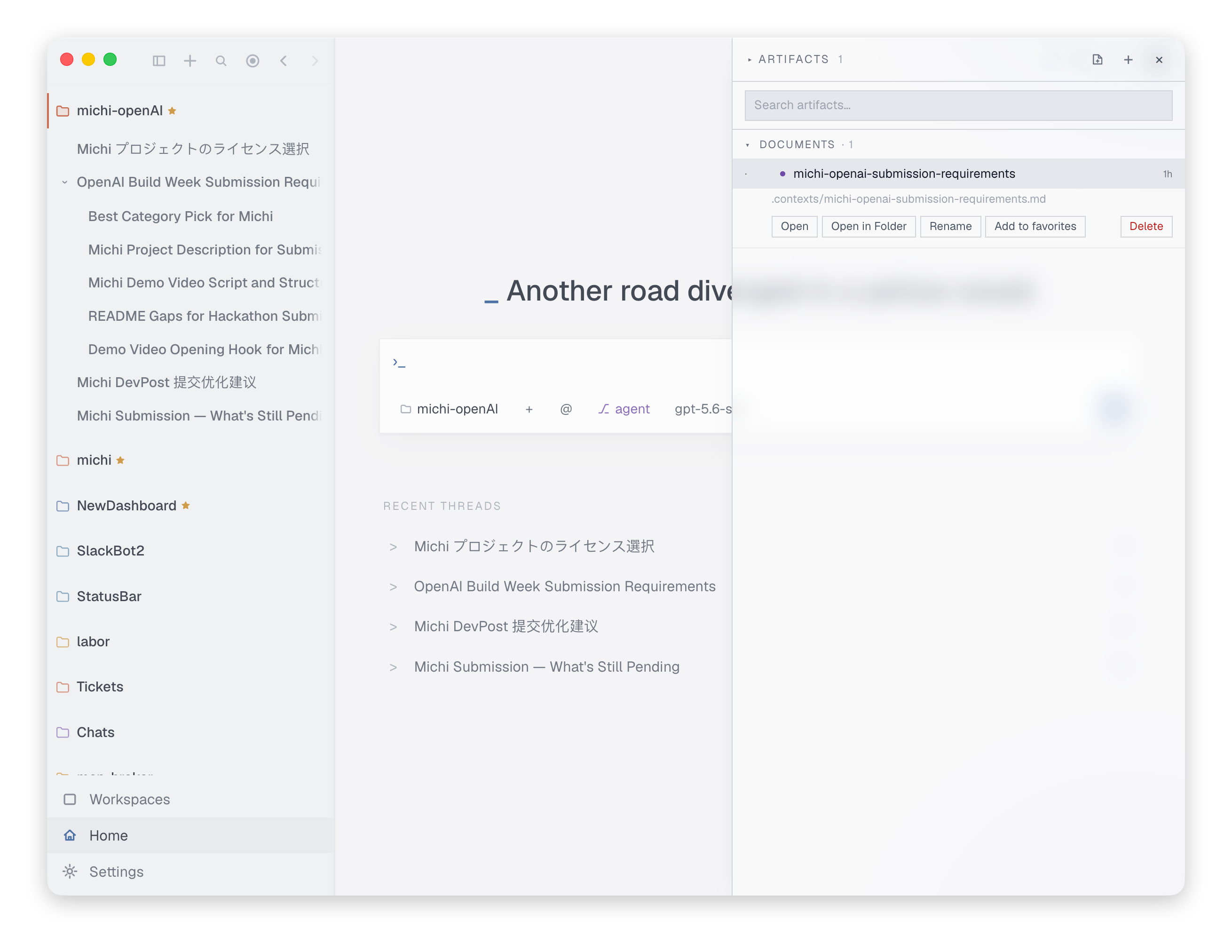
Artifact
-
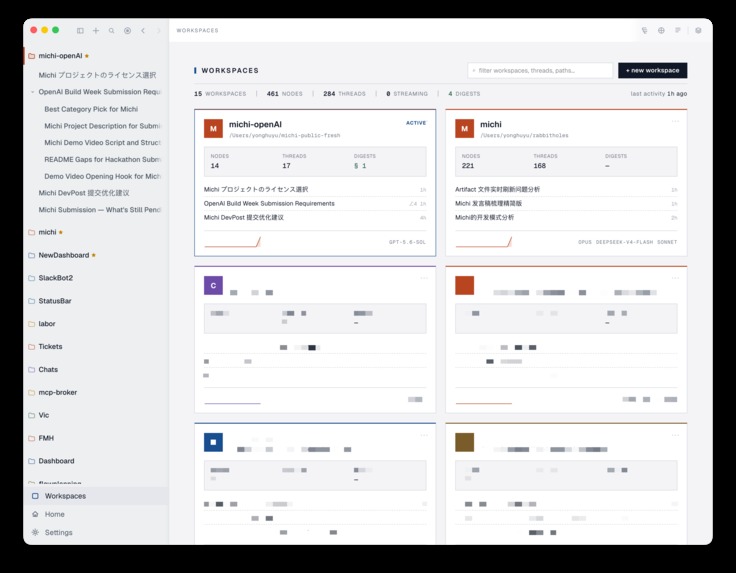
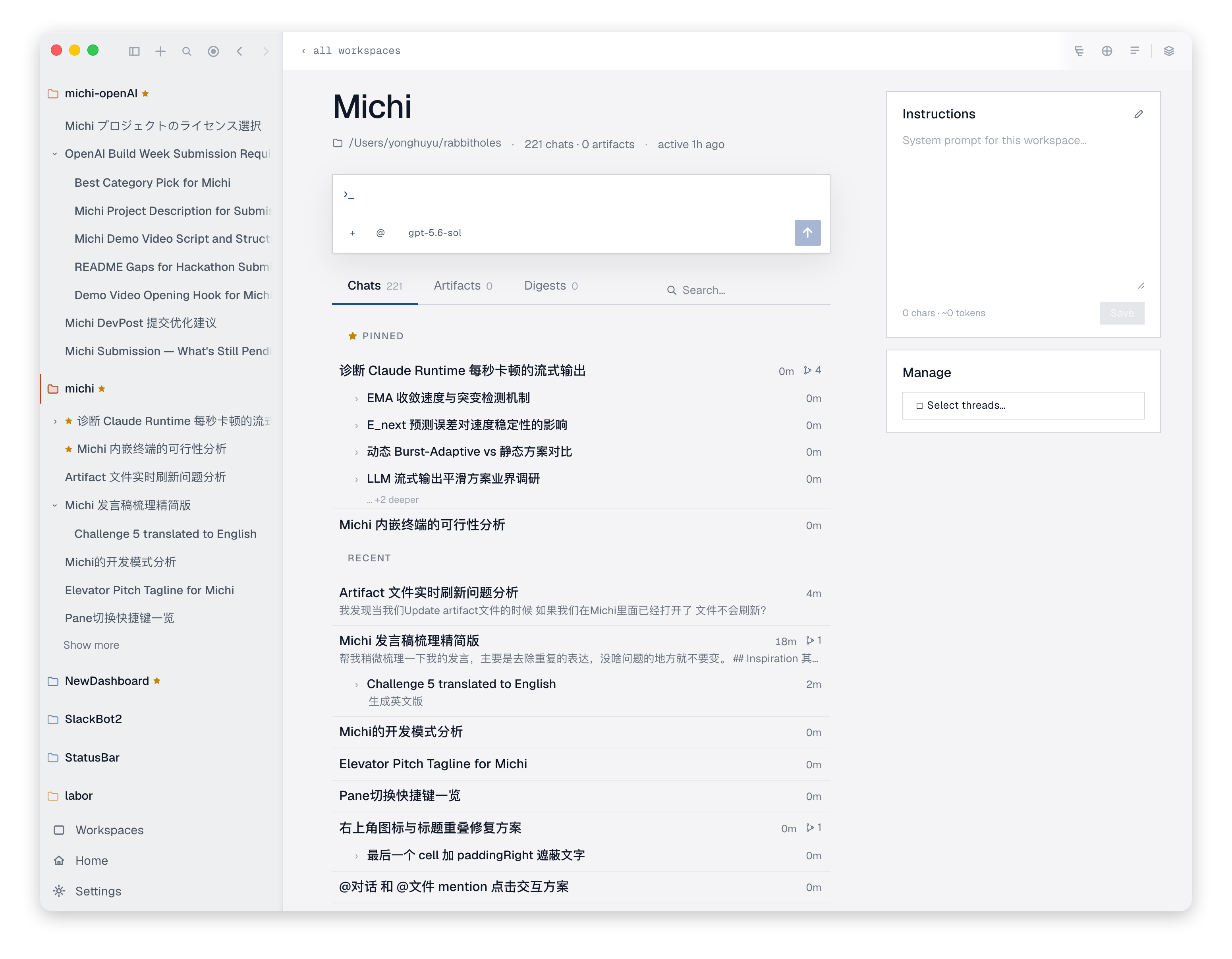
Workspace
-
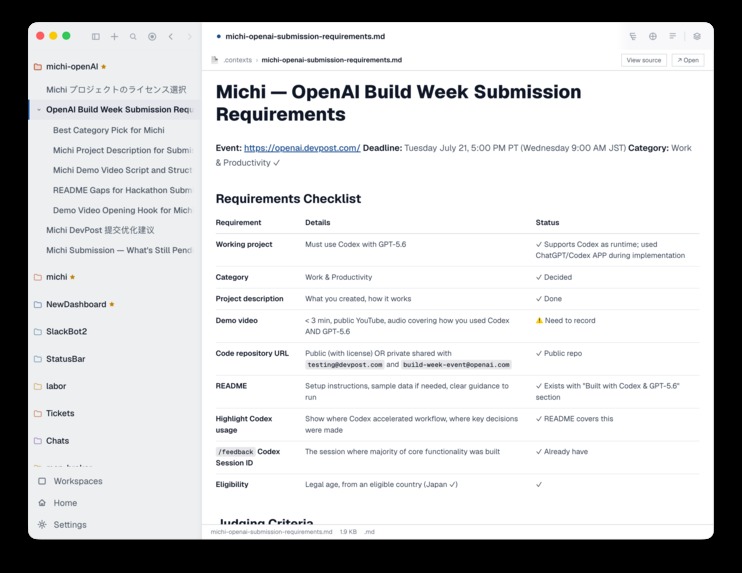
MD file
-
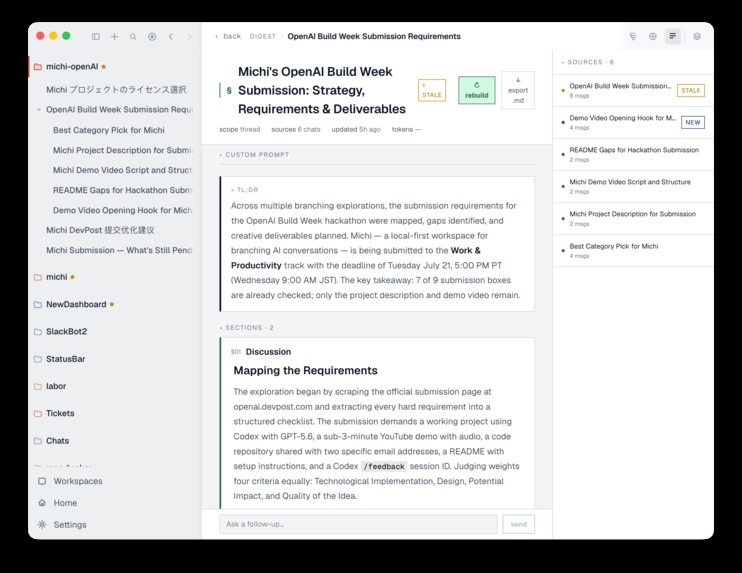
Digest
-
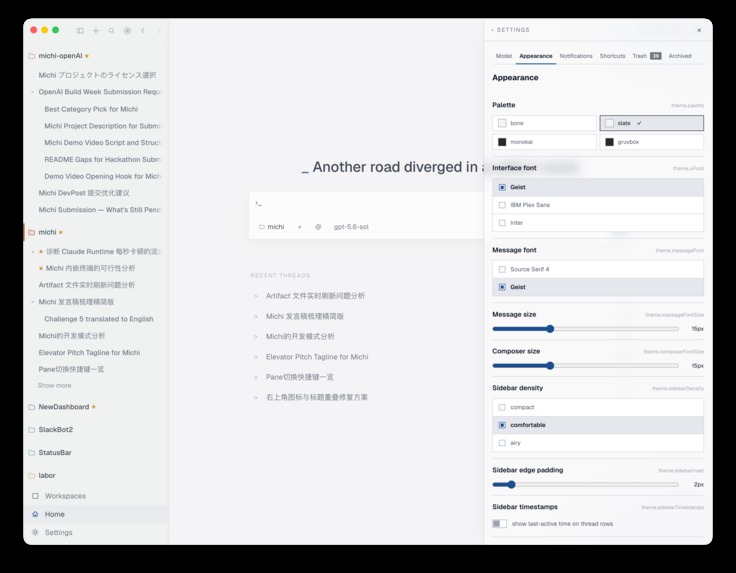
Settings
-
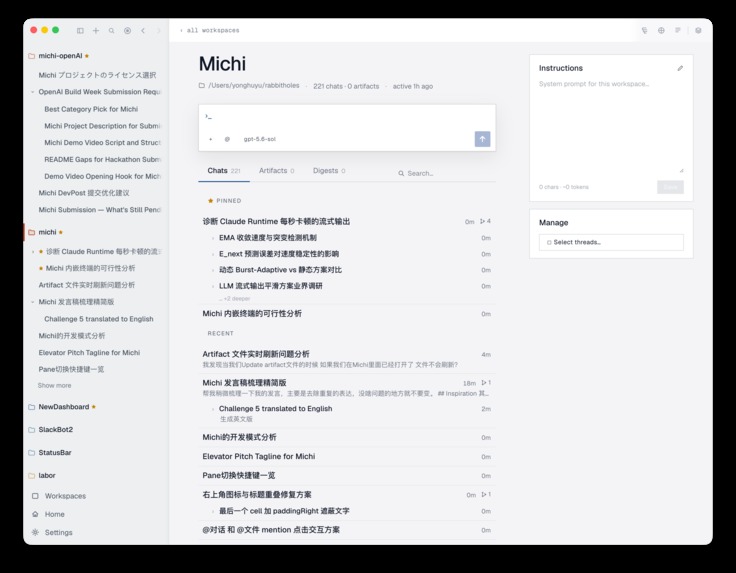
Workspace - 2
-
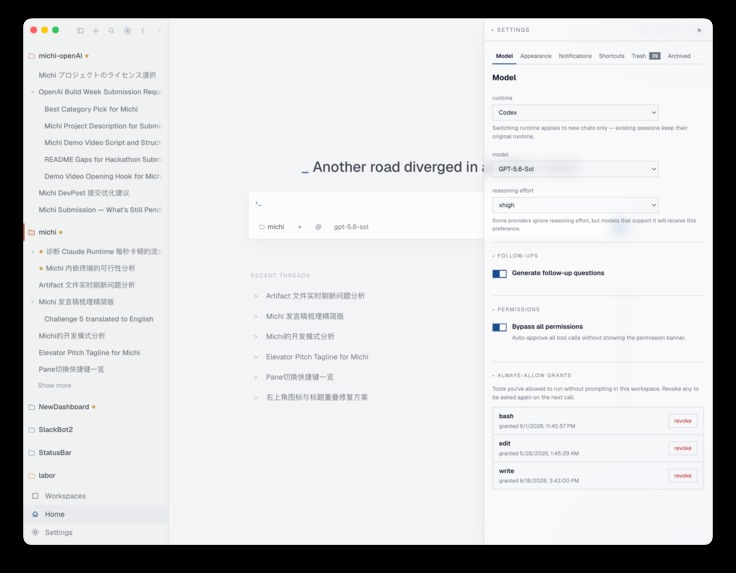
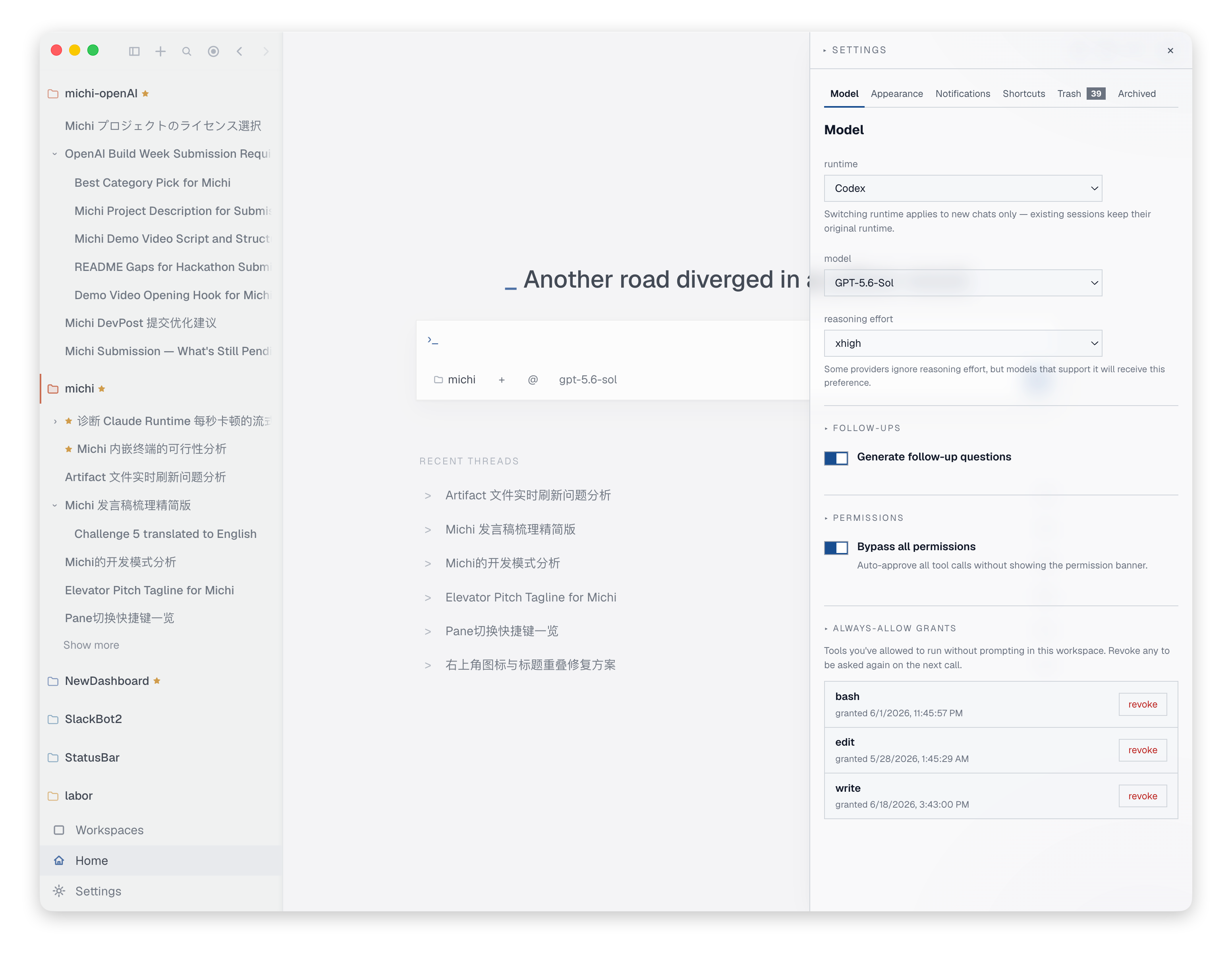
Settings - model
-
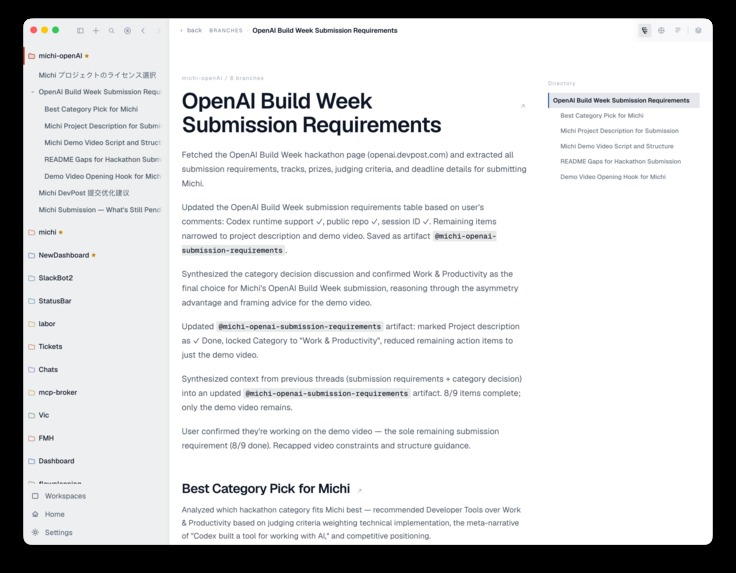
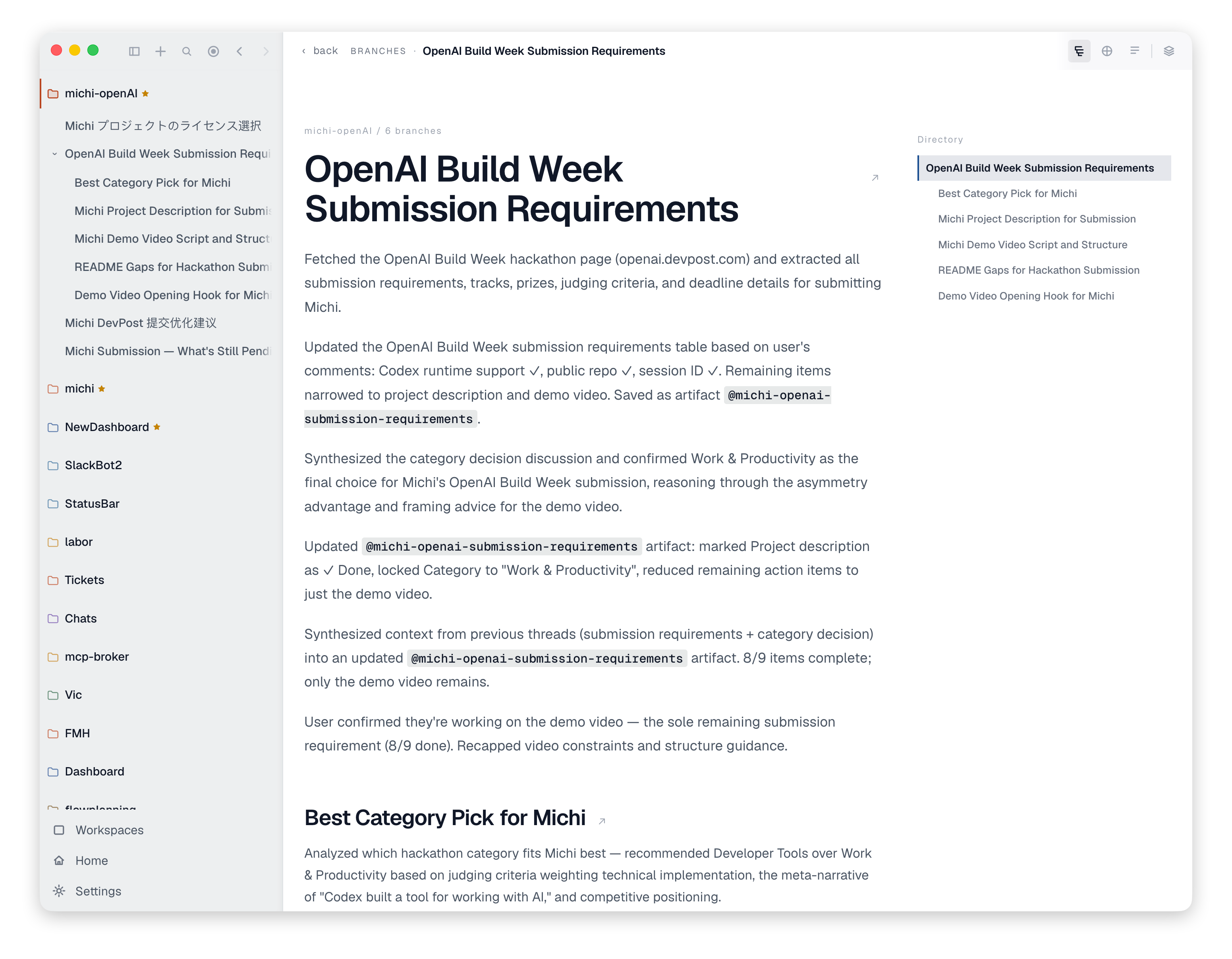
Branch overview
-
-
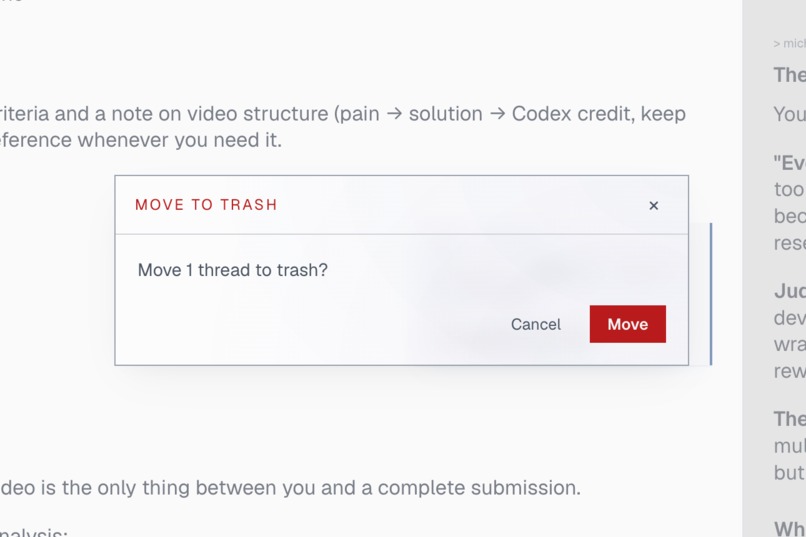
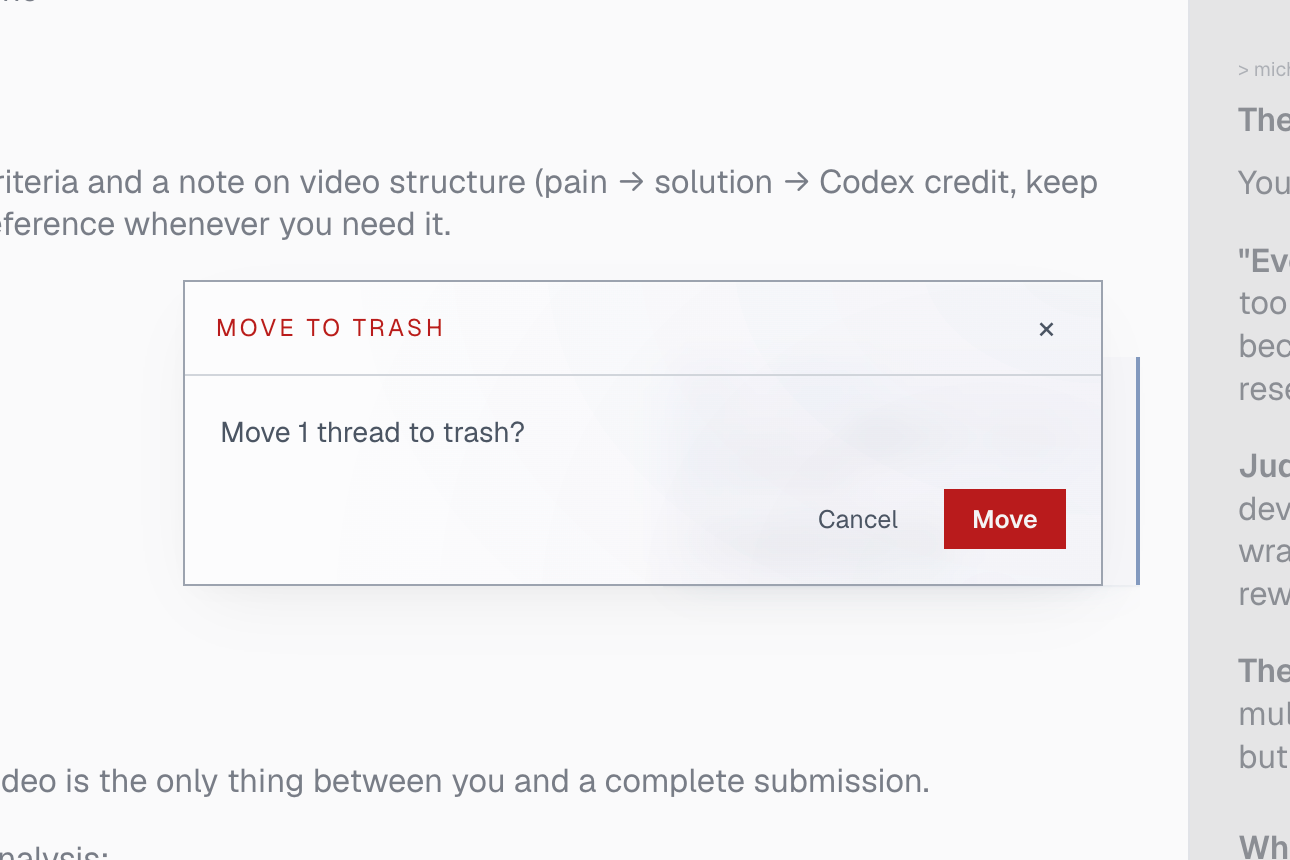
Modal
-
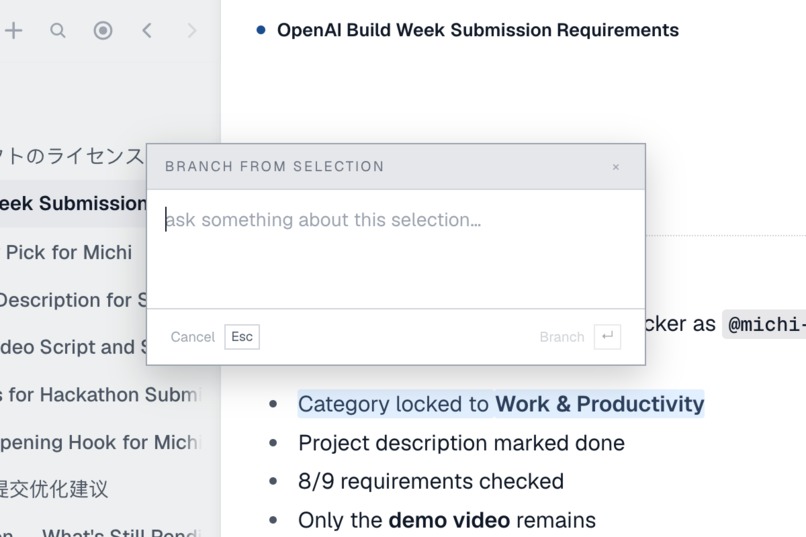
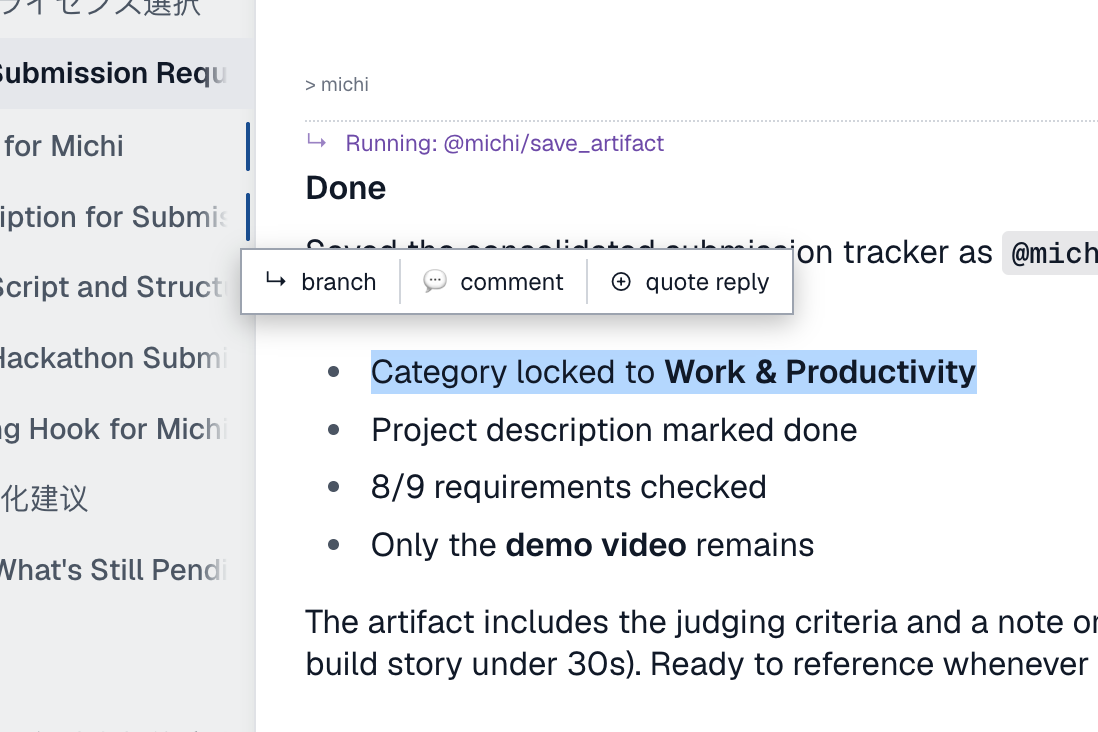
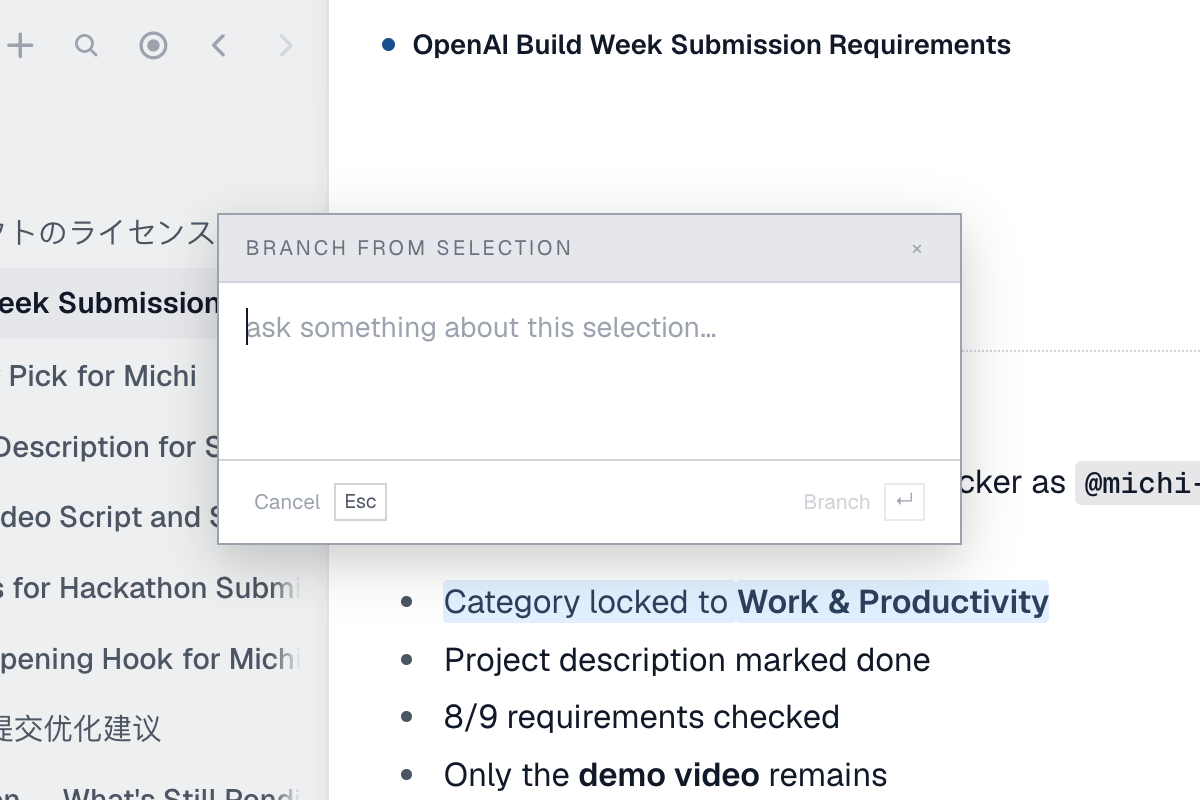
Branching composer
Inspiration
My inspiration mainly came from Wikipedia! There’s something called wiki rabbit hole which I’m sure a lot of people can relate… You just dig into a whole new world of knowledge and concepts from links in one page. I learnt a lot of knowledge that’s not useful at all by just spending hours viewing random pages on Wikipedia. You can tell, I’m all about divergent thinking.
And now my life is occupied by AI. AI chats are mostly linear: if there’s more than one point I’m interested in the AI response, I either have to open a new chat or make it answer multiple points in the same chat. It makes it very hard to expand my thoughts.
During work too, sometimes I need to work on different branches and directions within a bigger scope, and those problems can not be handled by agents — those deep dives and design questions often require human judgements and feedbacks given to the agent.
Of course, mainstream AI interfaces already have these feature supported, e.g. ask in side chat in ChatGPT APP. But these tools don’t and will not make branching as their core feature. I can’t see the logical dependency between branches, can’t interactive between different branches, can’t see how my mind flows with them. Also branching in ChatGPT is very slow D:
*So, why not build one myself? *
What it does
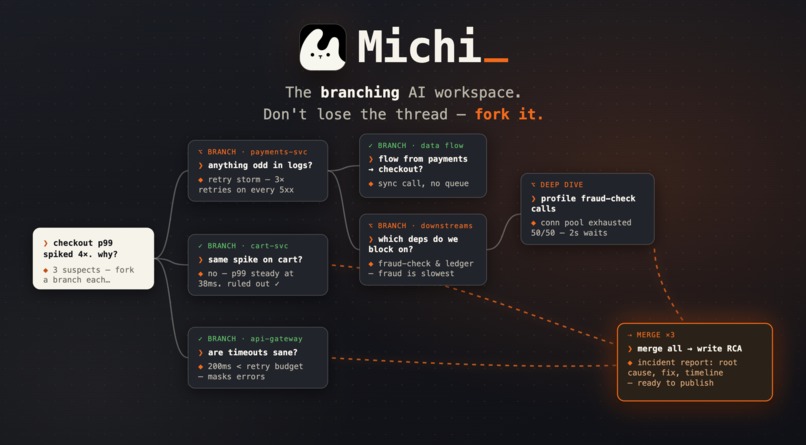
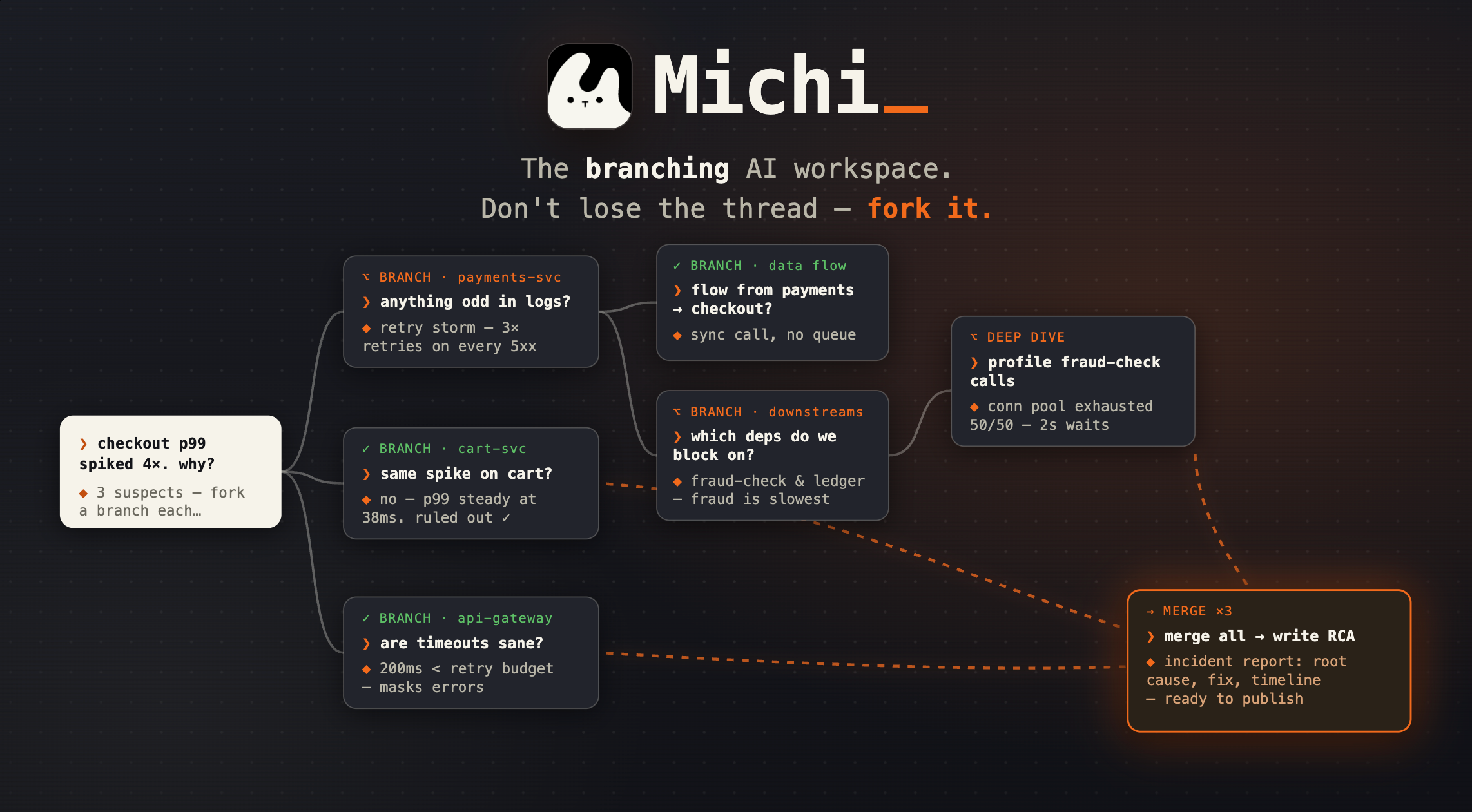
Branching is the core feature of Michi.
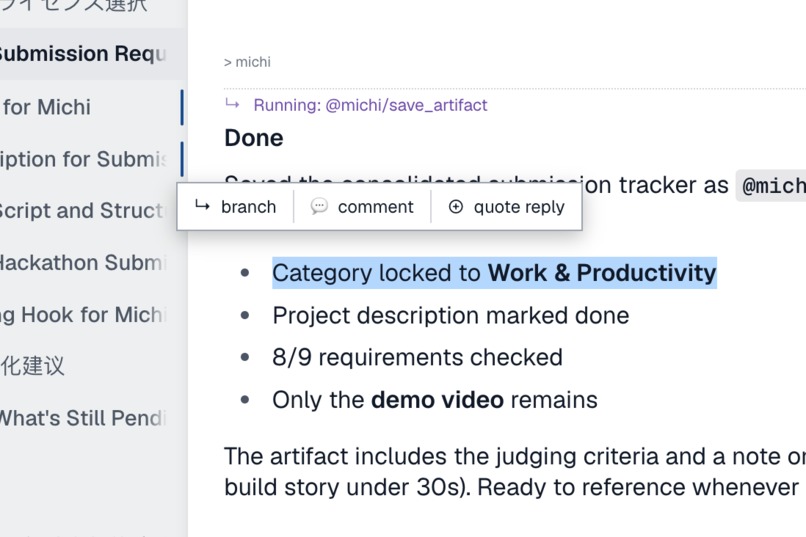
You start a chat with the agent。 In the response, you can select any part of the text, type your follow-up, and branch off, which creates new panes that runs in parallel. While the new branch is streaming, you can keep reading the parent node and do more branches if needed.
Agent will also give you 3 follow up questions you might be interested in, you can simply click to start new branch or follow up in the same chat.
Just like ChatGPT’s ask in side chat. But here branches are treated equally: they show up as a branch under the main chat, persisted in the database, and can be interacted (merge/refererence/digest) like other nodes.
With branches you can do many things:
- Merge - Choose any nodes and start a new node with given nodes as context
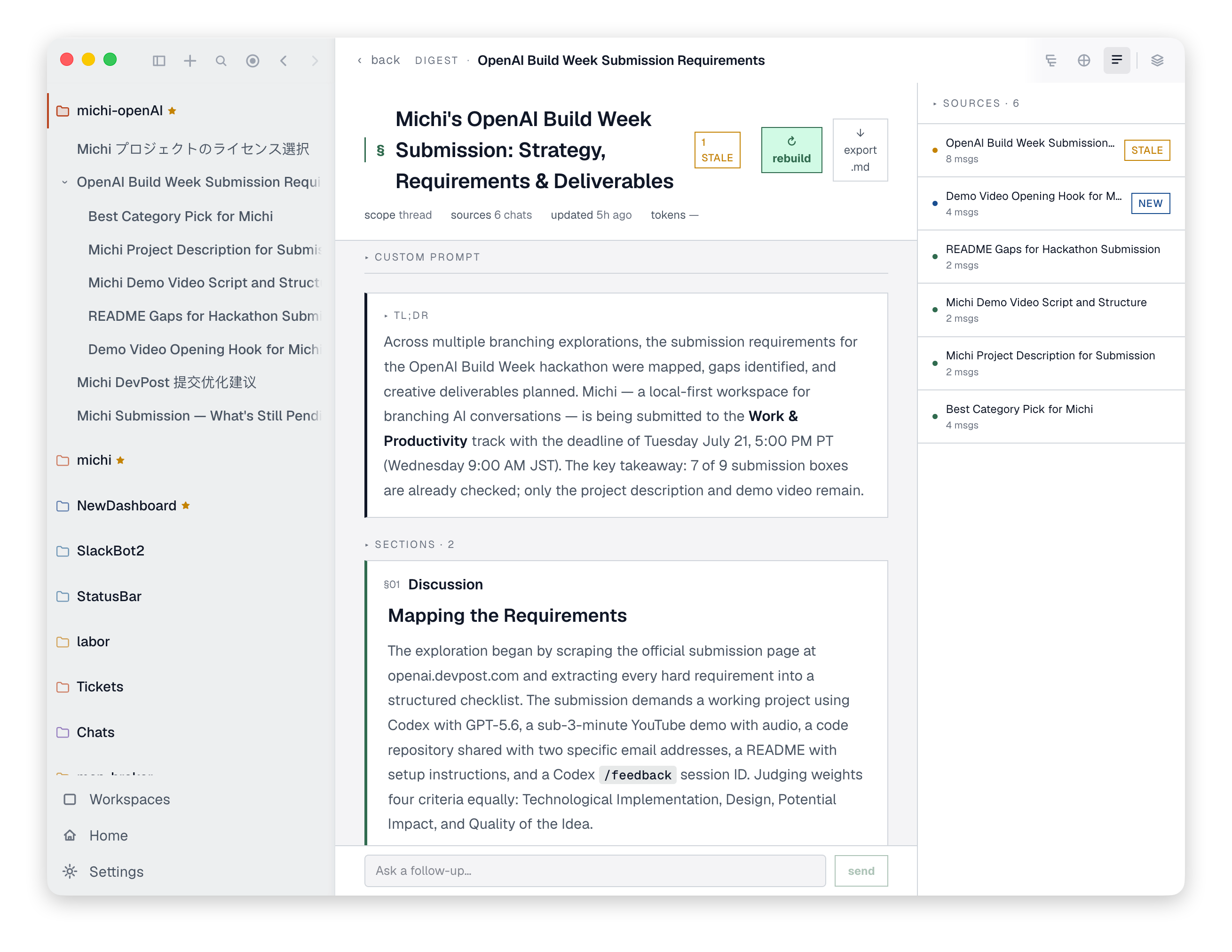
- Digest - A full summary of the whole tree. Perfect for root cause analysis reports and travel plans!
- Reference - You can ask one agent to check the other pane’s responses, or any artifacts saved in this workspace.
- Branch overview - It’s one markdown file that each node updates individually. Overview of the tree and current status.
- Map - Visualization of the tree
By the end of the day, you will get a tree with all of your though process recorded, multiple tasks finished and a beautiful report if you need some updates in the issue.
Other cool things too:
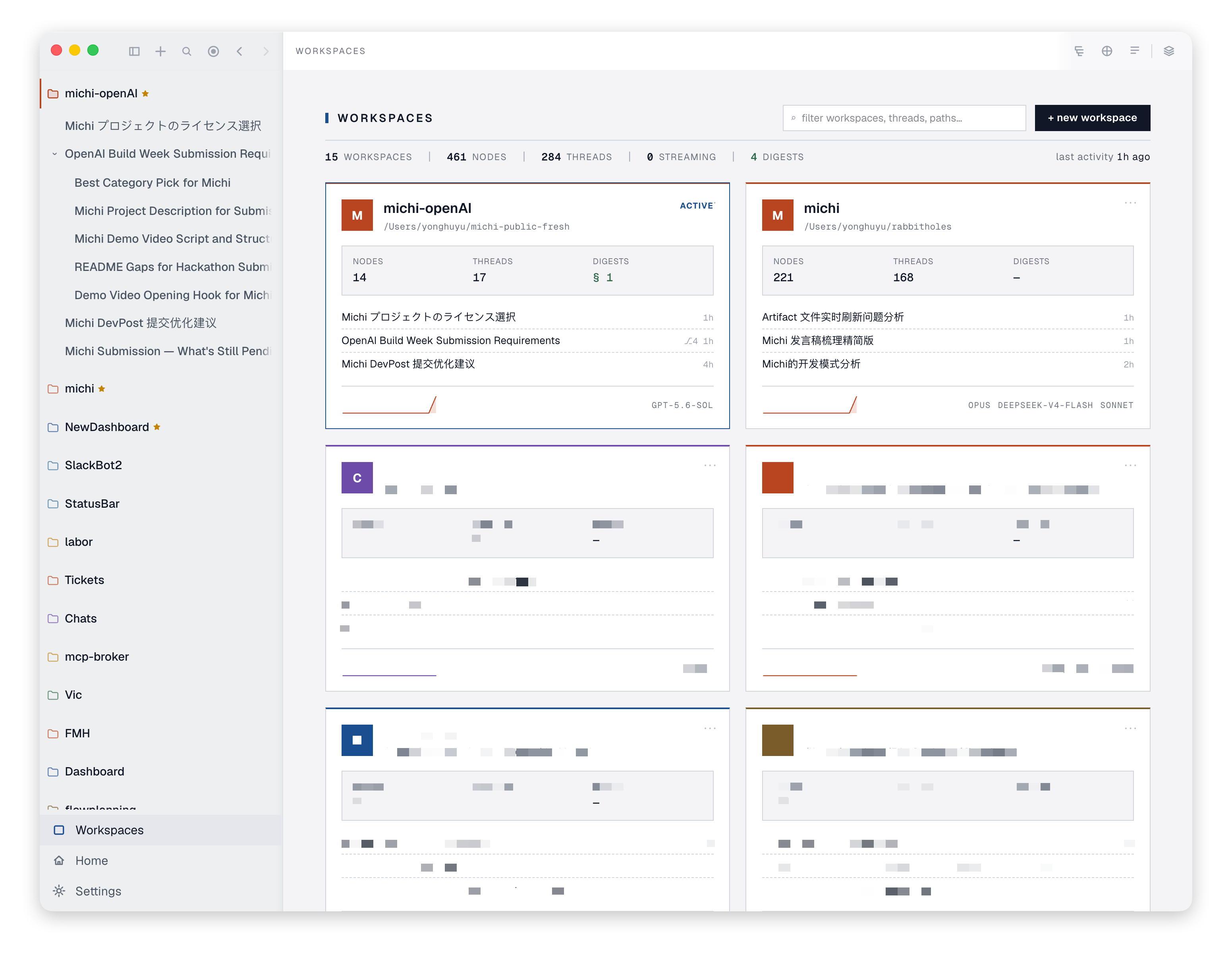
- Workspace management of the chats
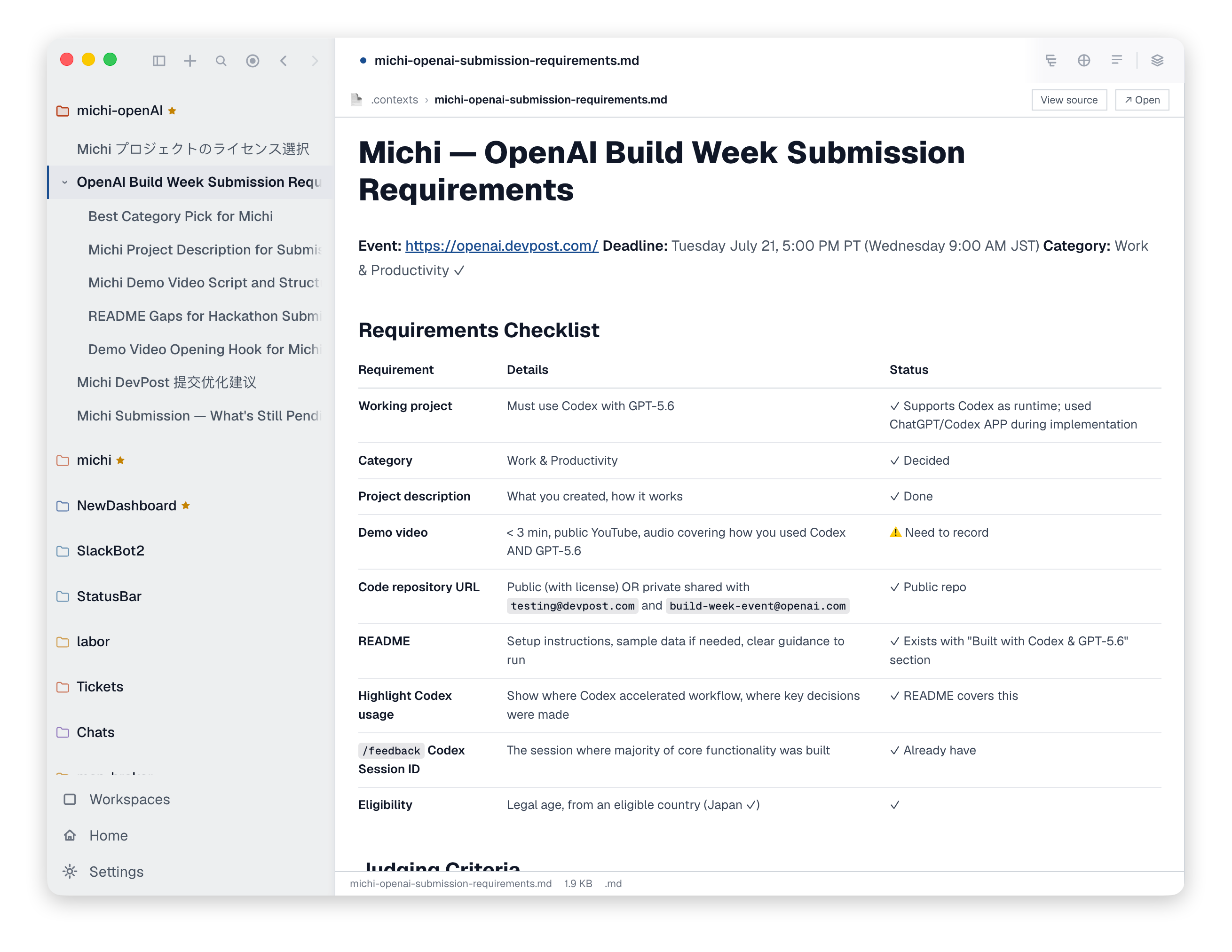
- Artifacts (files, links, code, image…) - everything can be opened in a new pane
- Runtime support across mainstream CLI tools: Codex (Codex App Server), Claude Code (headless), Kiro-CLI (ACP), Pi-agent (Embedded, bring your own API Key)
How we built it
I didn’t touch any line of the code in Michi.
It’s simple: There's a problem / issue / new feature request -> talk to codex -> design -> implementation.
I started from a MVP that only supported one runtime with no data persistency. Then I added multiple runtimes, SQLite, realtime Markdown rendering with smooth typewriter streaming, frosted glass effect, merge/digest/artifact/workspace features… By following the same procedure.
I always utilize a separate worktree for new feature development. Merge to main once I test it out.
I run project level reviews when needed: even with proper design there still could be AI slop code. I try my best to reduce cognitive loads for AI agents by decoupling, extracting shared components, and removing dead code regularly. GPT5.6-sol-ultra really shines in this kind of use cases.
Challenges we ran into
Complexity will compound.
Because of the ultimate-fast iteration nature, I didn’t spend much time on the architecture in the beginning. This was okay for a while, but those hard coded logics and duplicate components were becoming a huge pain in the ass when the product matured enough. This forced me to run architectural reviews… just for agents to work better and faster.
Not everything was made ready
I needed a Markdown render that runs fast and smooth, with typewriter effects. Sounds like a solved problem — it’s not. I had to write my own and spent a huge amount of time fine-tuning it to make sure it fits different runtime, different token produce speed with different edge cases.
Agents have no taste — validation costs more than generation.
Letting an agent write code is fast, but judging whether the result is correct and good turns out to be the most time-consuming part. An agent can produce a feature in minutes, but it won't tell you whether the implementation matches your product intuition — whether the UI animation is too much, whether the interaction flow feels awkward, whether the architecture solves today's problem at the expense of tomorrow's. Generation is cheap; judgement is expensive
Merge conflicts!
Merge conflicts are so bad and sometimes hard to deal with even with the best model when I have multiple agents working and want to merge 4 or 5 features at the same time.
Accomplishments that we're proud of
- I had no experience with front-end development or design. But I made a web-based app with an easy-to-use UX and great UI. Agents did most of the things for me, so all I need is taste.
- Non-AI slop UI design. I hate AI slop so much.
- I built a Markdown rendering + smooth streaming module with SOTA performance and visual effects. I'm planning to open-source the module itself soon.
- It's a niche idea, but after I shared it a lot of people have came to me and told me how much they loved the product. I'm proud that I'm solving real problems.
What we learned
AI could be very helpful when given a task with enough context and instructions. Especially with GPT 5.6, it's becoming more and more autonomous — for most of the time, all I need is to give it a feature request and let it do the magic.
Then human judgement becomes the real bottleneck and breakthrough that makes all the difference, at those rare but important moments. It's fun to build with GPT, and it gives me more time to focus on the things that are really important.
What's next for Michi - Branch-native workspace
Keep improving performance and UX/UI
Add new features, mainly focusing on presentation of branches overview / map. User needs a better way to manage their thinking flow.
Share Michi on more platforms. This is solving real problems for some people and I want them to know there's a tool made for it.
Mobile support. It has been hanging there for quite a long time but I haven't figured out a good way to manage branches and panes on mobile platforms.
Built With
- claude-code
- codex
- electron
- esbuild
- express.js
- gpt-5.6
- json-rpc
- kiro-cli
- mcp
- node.js
- react
- sqlite
- sse
- tailwind-css
- tiptap
- typescript
- vite

Log in or sign up for Devpost to join the conversation.