Inspiration
What it doesHow to connect a webcam to a browser app (which was way harder than I expected).
How to use body movement and posture data to give real-time feedback.
That debugging hardware + internet issues can make you question everything.
And that sometimes, the best way to learn is to just dive in and figure it out as you go.
🛠️ How I Built It Frontend: HTML, CSS, and JavaScript (with a sprinkle of React).
Backend: Node.js and Express for handling logic and feedback.
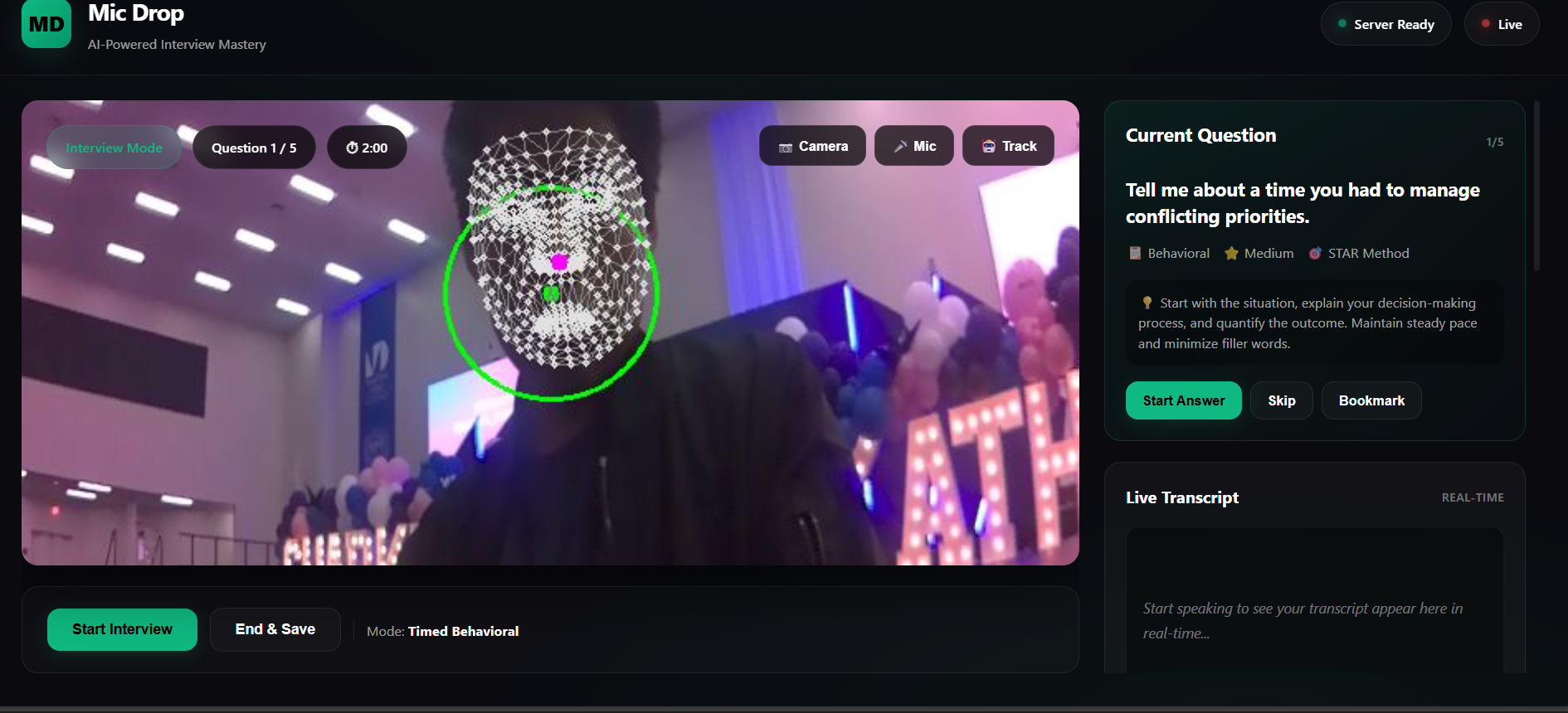
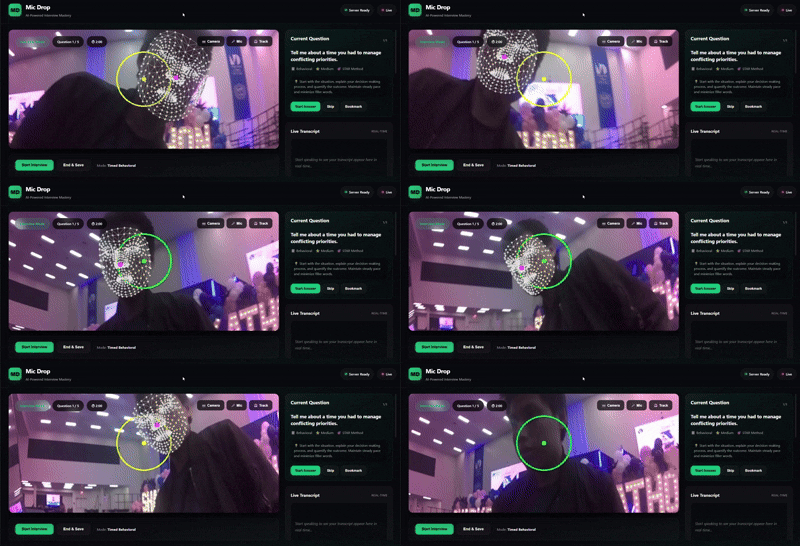
Camera Integration: Used getUserMedia() to access the webcam and track body posture using TensorFlow.js and PoseNet.
How we built it
Challenges we ran into
Accomplishments that we're proud of
What we learned
What's next for mic drop
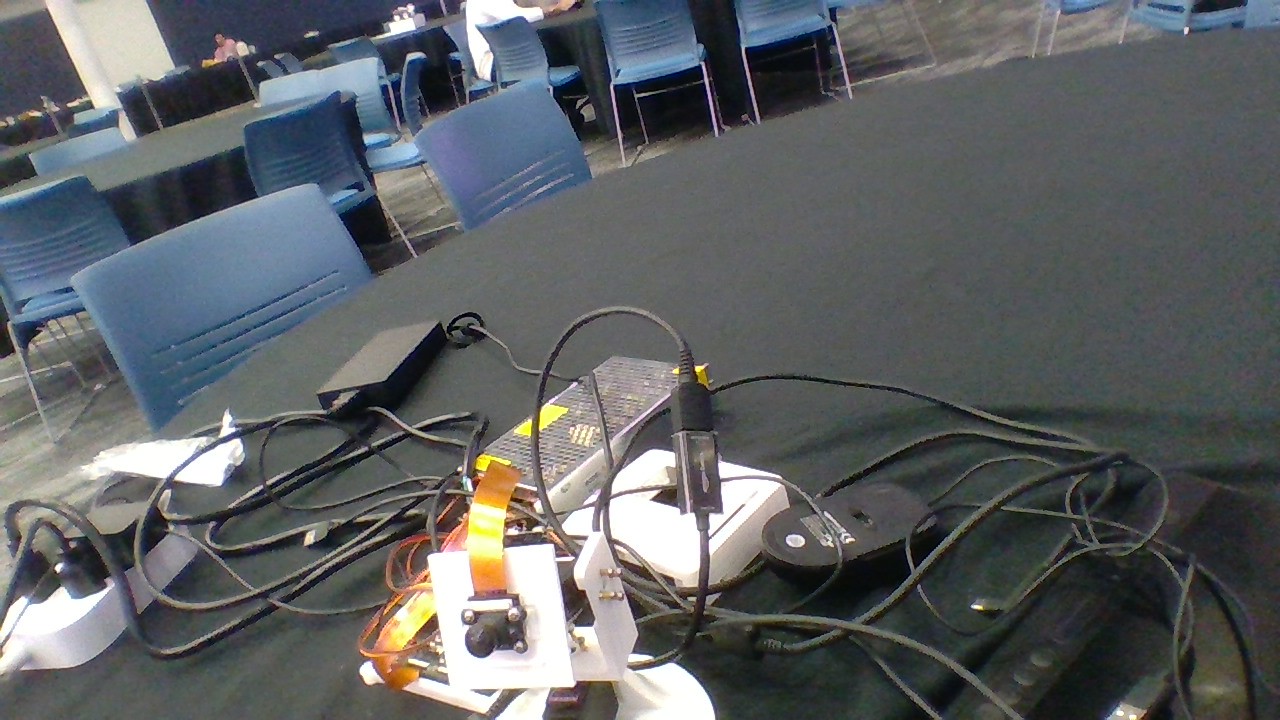
Getting the camera to work with the internet was a nightmare. Between browser permissions, HTTPS requirements, and random bugs, it felt like the camera had a mind of its own.
Wi-Fi issues made testing super frustrating. Sometimes it worked, sometimes it didn’t. I learned that hardware + flaky internet = chaos.


Log in or sign up for Devpost to join the conversation.