-
-
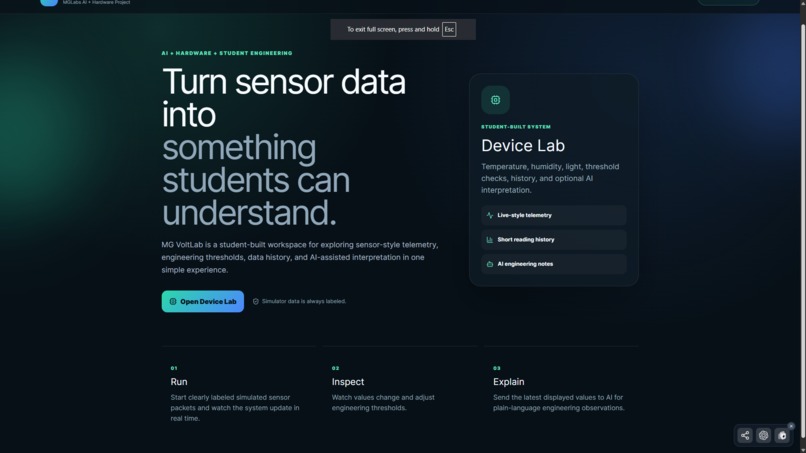
MG VoltLab: AI + hardware learning workspace
-
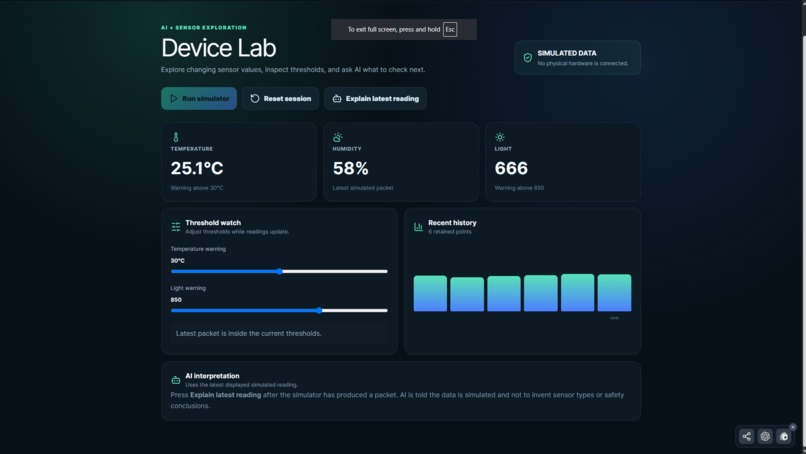
Simulated temperature, humidity, and light data with adjustable thresholds
-
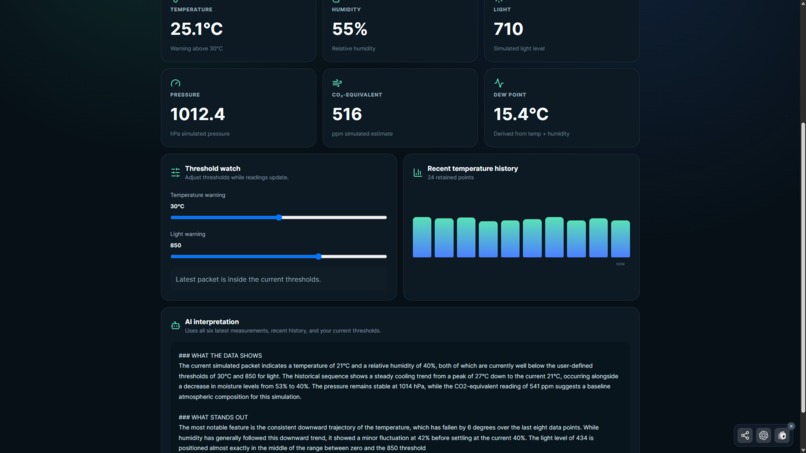
AI turns the latest sensor reading into clear engineering observations and next-step checks
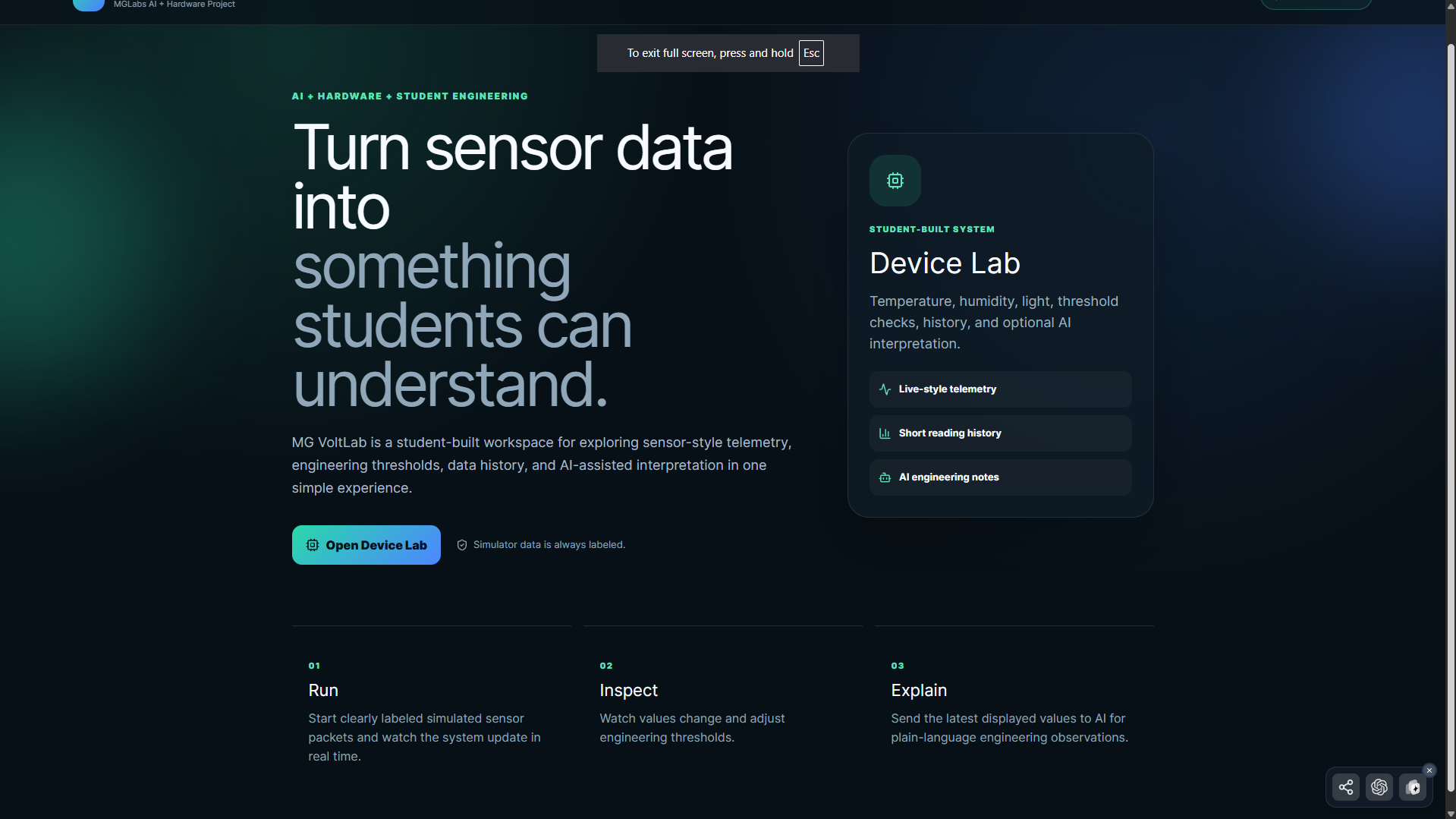
MG VoltLab
MG VoltLab is a student-built AI + hardware experimentation workspace created to make sensor-style data easier for students to understand.
The problem
Hardware and sensor projects can be difficult for beginners because raw values alone do not always explain what is happening or what should be tested next. Students may see temperature, humidity, or light values without knowing how to interpret them, compare them with thresholds, or decide what experiment to try next.
What I built
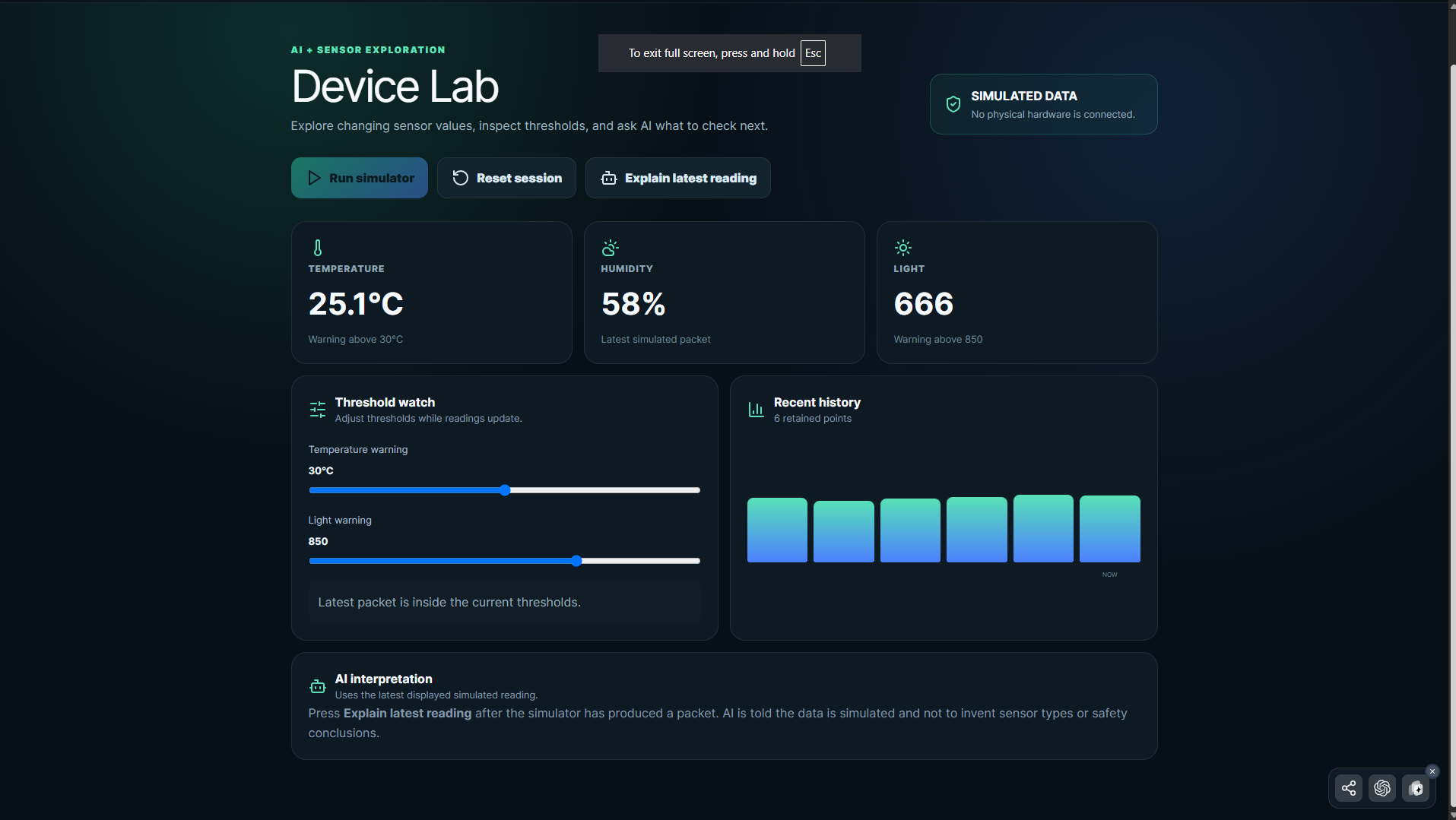
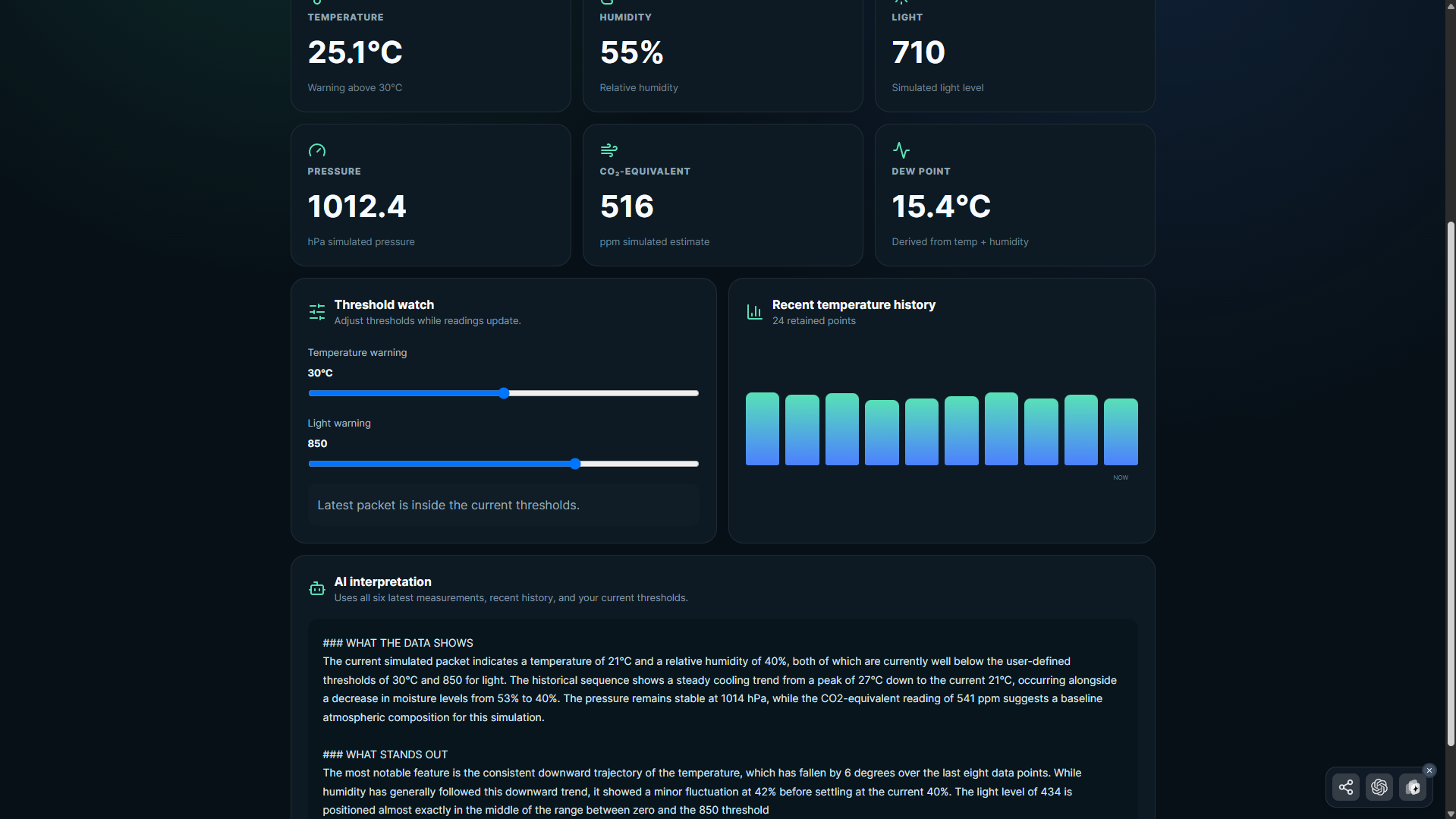
MG VoltLab brings sensor-style telemetry, threshold monitoring, short reading history, and AI interpretation into one simple workspace.
The current VoltHacks demo includes:
- Clearly labeled Simulator Mode
- Simulated temperature, humidity, and light telemetry
- Adjustable warning thresholds
- A short history of recent readings
- AI interpretation of the latest displayed reading
- Engineering-focused observations and suggested checks
- A resettable demo flow for repeated testing
How it works
The user opens Device Lab and starts Simulator Mode. The interface immediately identifies the readings as simulated and states that no physical hardware is connected.
Temperature, humidity, and light values update over time. The user can adjust threshold controls and see when the latest reading crosses those limits.
After a reading is available, the user can choose Explain latest reading. MG VoltLab sends the displayed values to its AI interpretation workflow, which returns a concise observation and engineering checks the student can consider next.
The raw readings remain visible, so the AI explanation does not replace the source data.
Why it matters
The goal is to help students connect AI, data, and engineering thinking in a way that is easier to explore. Instead of only looking at changing numbers, students can practice asking what a reading means, whether a threshold was crossed, and what test should be run next.
Transparency
The current demo uses simulated telemetry. MG VoltLab clearly labels Simulator Mode and does not present those values as physical-device measurements.
Technologies
React, TypeScript, JavaScript, HTML, CSS, AI tools, APIs, and AppDeploy.
Live demo
Open MG VoltLab, choose Open Device Lab, press Run simulator, then choose Explain latest reading after the first packet appears.
Built With
- ai
- apis
- appdeploy
- css
- html
- javascript
- react
- typescript