Inspiration
I was inspired by the eye-tracking technology used by professional gamers and streamers to show where they are looking on screen. However, many eye trackers require dedicated hardware that can be expensive or difficult to access.
I wondered: what if an ordinary webcam could provide a practical hands-free way to interact with a computer?
That idea became MEYES. I believe webcam-based eye and facial gesture control has the potential to provide an alternative input method for people with motor disabilities or anyone who finds a traditional mouse and keyboard difficult to use. MEYES is an assistive productivity prototype, not a medical device.
What it does
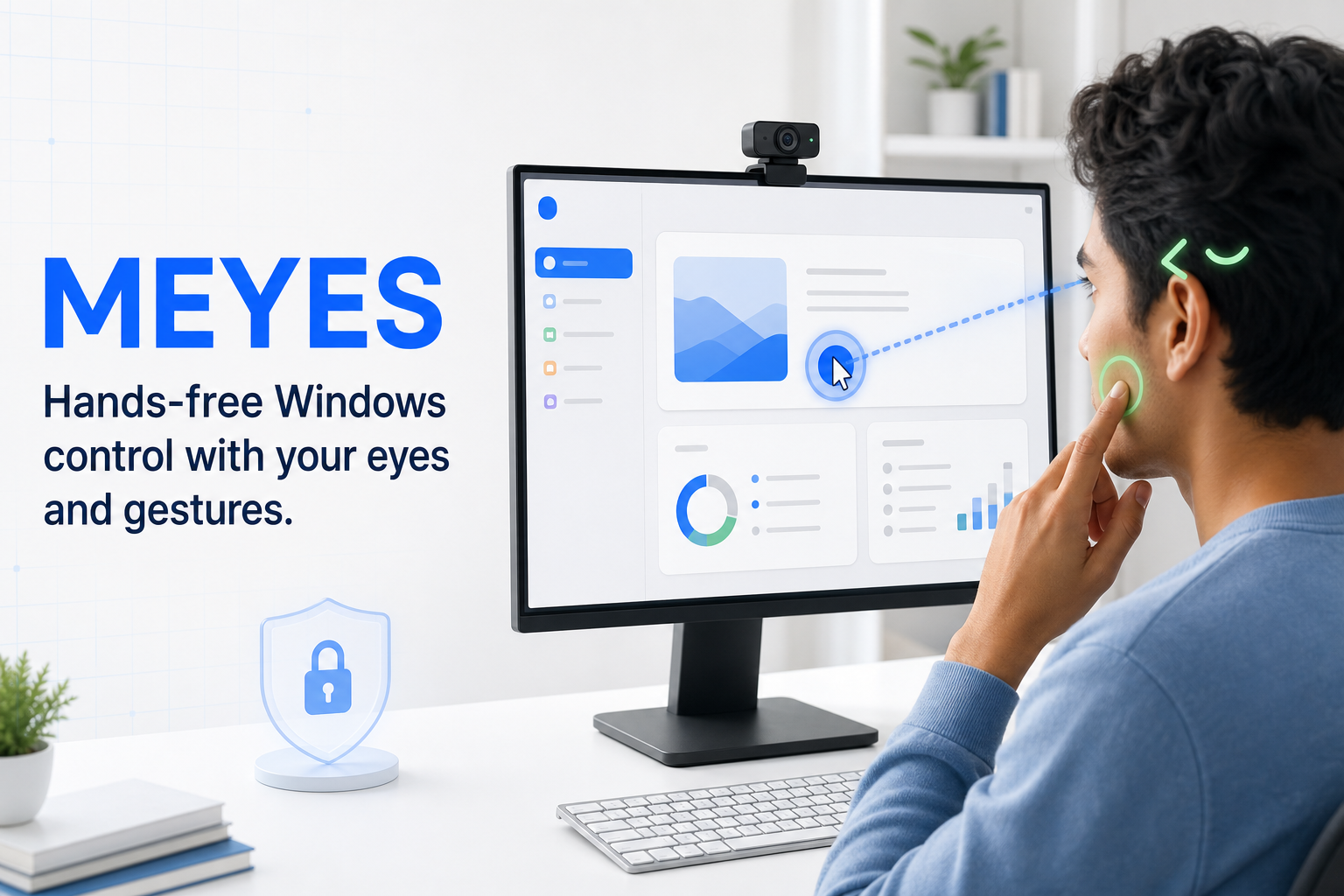
MEYES is an application that lets users control their computer using their eyes and simple facial gestures.
Its main features include:
- Gaze-driven cursor movement.
- Left and right wink detection for configurable actions such as mouse clicks.
- Temple-touch gestures for scrolling up or down.
- Optional left and right cheek bindings.
- Customizable gesture profiles and sensitivity settings.
Camera frames are processed locally and are not intentionally stored or uploaded.
How I built it
I built MEYES with Python 3.11 and PySide6 for the native Windows interface. OpenCV handles webcam capture, while MediaPipe Face Landmarker and Hand Landmarker provide the facial, iris, and hand landmarks used by the gesture system.
The application runs face and hand inference independently to keep the interface responsive. Eye features are converted into screen coordinates through a Smooth Pursuit calibration process, where the user follows a moving target across nine screen regions. MEYES evaluates coverage and eye-movement correlation before fitting a robust quadratic calibration mapper.
I designed the safety architecture to keep vision detection, gesture interpretation, bindings, and real operating-system input as separate layers. I used Codex and GPT-5.6 throughout planning, implementation, testing, debugging, documentation, and iterative design review.
Challenges I ran into
One major challenge was turning noisy webcam observations into deliberate actions without generating accidental clicks or scrolling. Lighting, camera position, head movement, hand occlusion, and natural blinking can all affect detection.
Gaze calibration was another challenge. A manual point-by-point process was difficult to understand, so I replaced it with an interactive Smooth Pursuit workflow that captures samples continuously while the user follows a moving target.
I also had to handle Windows display scaling, physical screen coordinates, input ownership, emerg

Log in or sign up for Devpost to join the conversation.