-
-
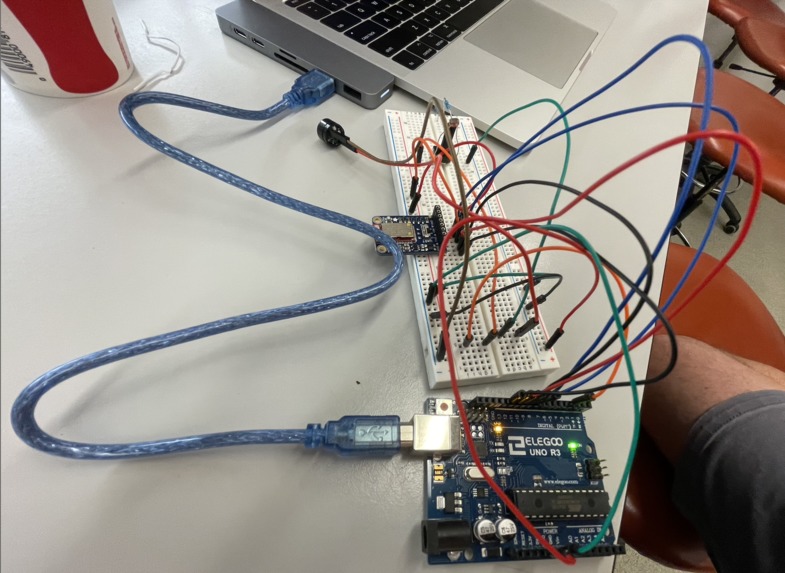
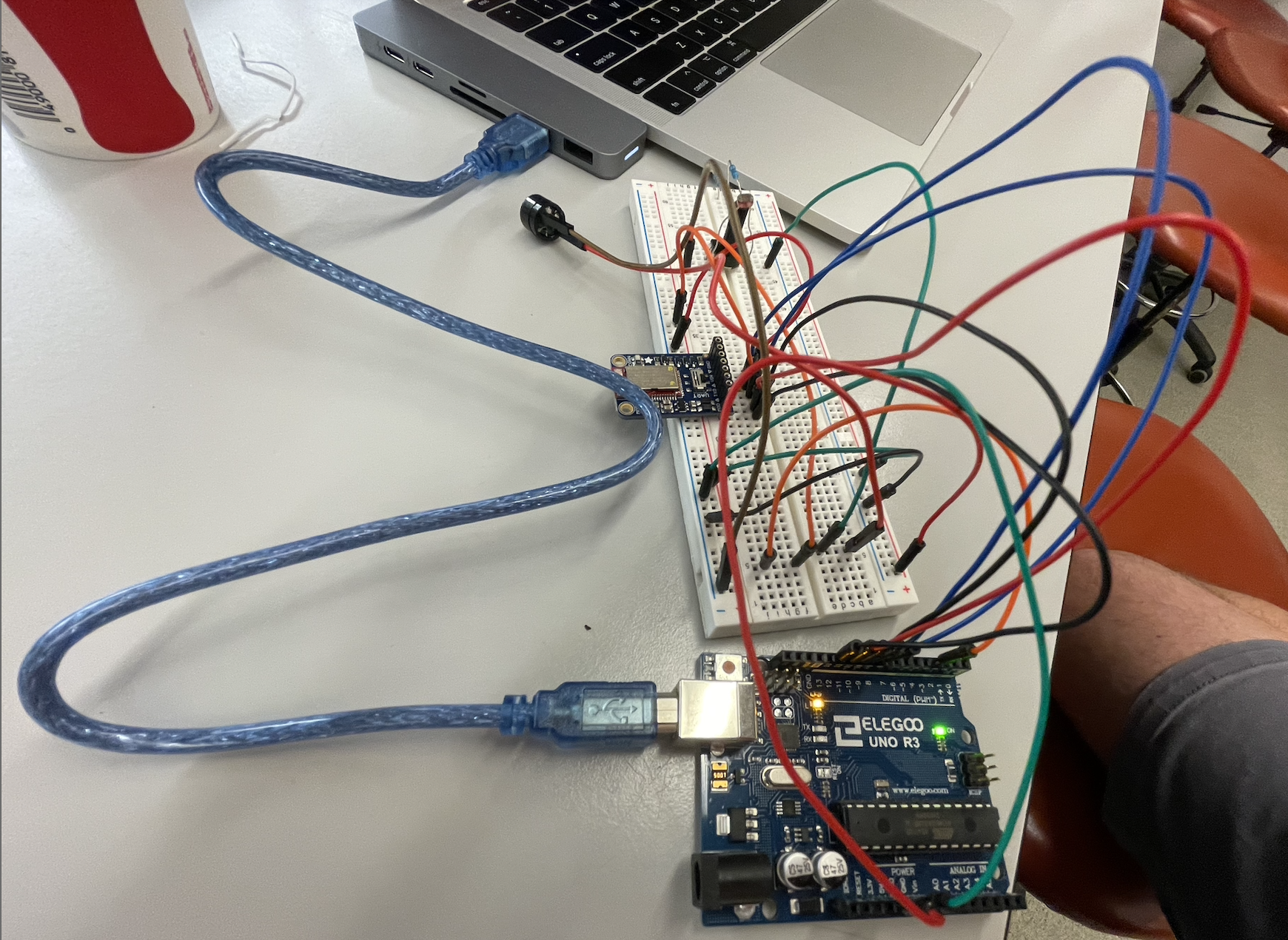
picture of my circuit (includes buzzer, photoresistor, potentiometer, bluetooth UART Friend, and Elegoo Uno R3)
Inspiration
I love playing music, and I thought I would incorporate that enthusiasm into my final project for ESE 190 by creating a metronome, to help me keep my rhythm consistent.
What it does
This metronome plays loudly during the daytime and quietly during the nighttime so that it doesn't disturb your roommates and/or neighbors! It also can play the buzzes at a specific frequency if you would like it to be in tune with the song you're playing.
How we built it
This project is essentially a simple circuit with a buzzer and a photoresistor attached in series with an analog input, and the analog input is controlled by the bluetooth UART Friend. The specific functions I used for starting and stopping the buzzer were tone() and noTone() respectively, with a specific delay after calling each function to make sure the bpm stayed constant and accurate. The UART Friend is controlled by using a bluetooth connection with a phone and designating a specific color on the color wheel, and the UART will take the green component of that color (on a scale of 1-255) and set the metronome's bpm to that integer value.
Challenges we ran into
The delay between buzzes was hard to figure out, not because of the math but because there was a file that had a 500 millisecond delay incorporated into every run through the loop to make the bluetooth component work properly, and this took me forever to find. However, once I finally found out it existed, I reduced that delay from its default value of 500 milliseconds to 1 millisecond. I made this change so that the bluetooth feature would still function properly, but it wouldn't have a noticeable effect on the accuracy of the metronome's bpm.
Accomplishments that we're proud of
What we learned
I learned how to use the tone(), noTone(), and delay() functions efficiently. The delay() function was especially important because the two delays (how long the beep sounds, how long in between each beep) had to be calculated correctly so that the bpm was exact. In order to calculate both of these delays, I incorporated the integer variable named bpm and split up each period into two parts: 1/5 for the actual beeping noise, and 4/5 for the silence between beeps. Here is the code specifically for the input into the buzzer:
tone(buzzer, 698); // Send 698 Hz sound signal, aka note F, to buzzer's pin (in this case buzzer is pin 3)
delay((1000/5)/(bpm/60)); // this is how long the buzzer will play a noise
noTone(buzzer); // Stop sound, this stops the signal being sent to buzzer's pin (aka pin 3)
delay((4000/5)/(bpm/60)); // this is how long the buzzer will be silent
You'll notice there is an extra factor of 1000 in the numerator for both delays, and this is because the delay() function takes in a time parameter in units of milliseconds, so I had to multiply both values by 1000 on top of the 1/5 and 4/5.
What's next for Metronome
Maybe this could be incorporated into some sort of experimental music song, since the frequency (aka the pitch) of the beeps coming from the buzzer can be set manually, which would allow for the beeps to go well with a song's melody. This metronome could also serve as a sort of percussion or backbone to a minimalist song.

Log in or sign up for Devpost to join the conversation.