-
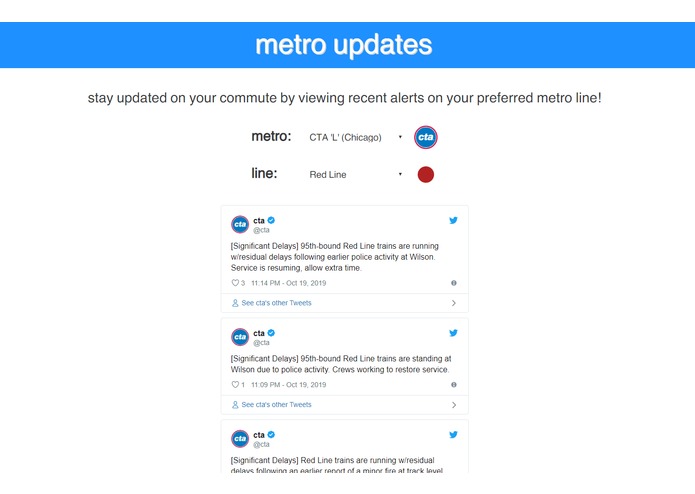
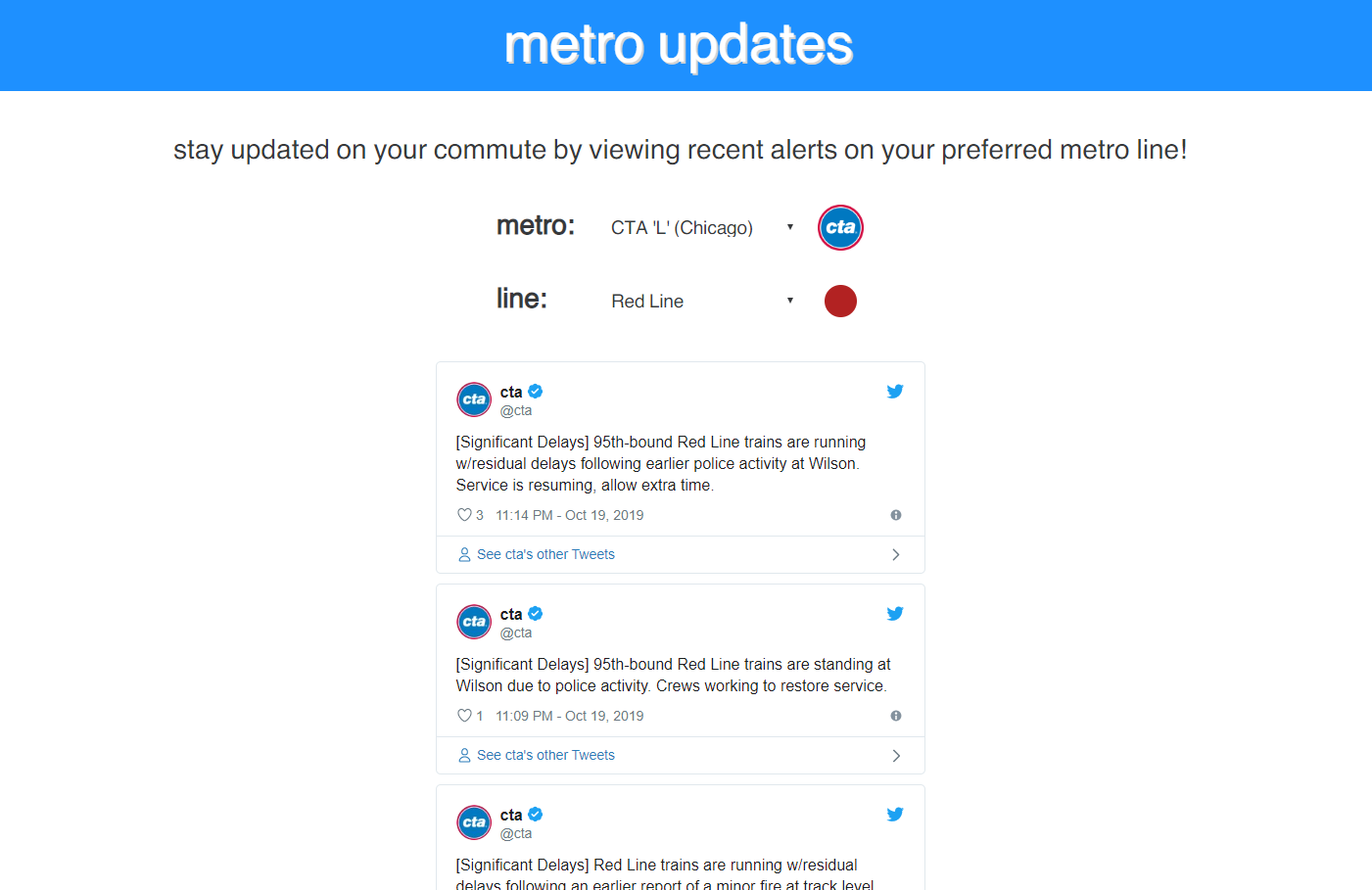
Viewing the latest updates for the Chicago Red Line. This is the first thing you see upon launching the webpage.
-
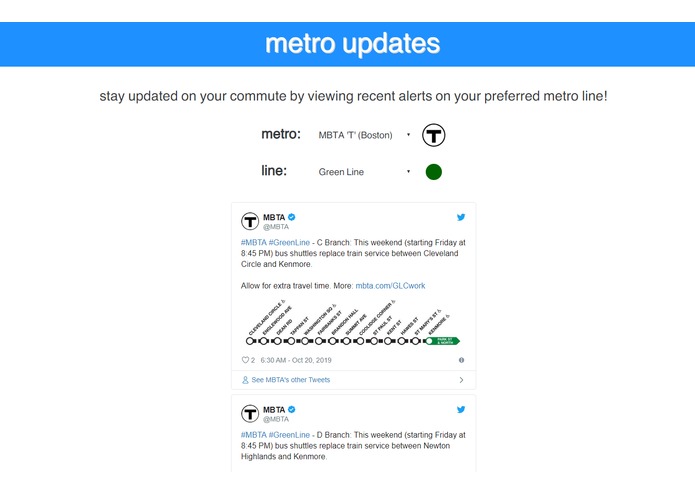
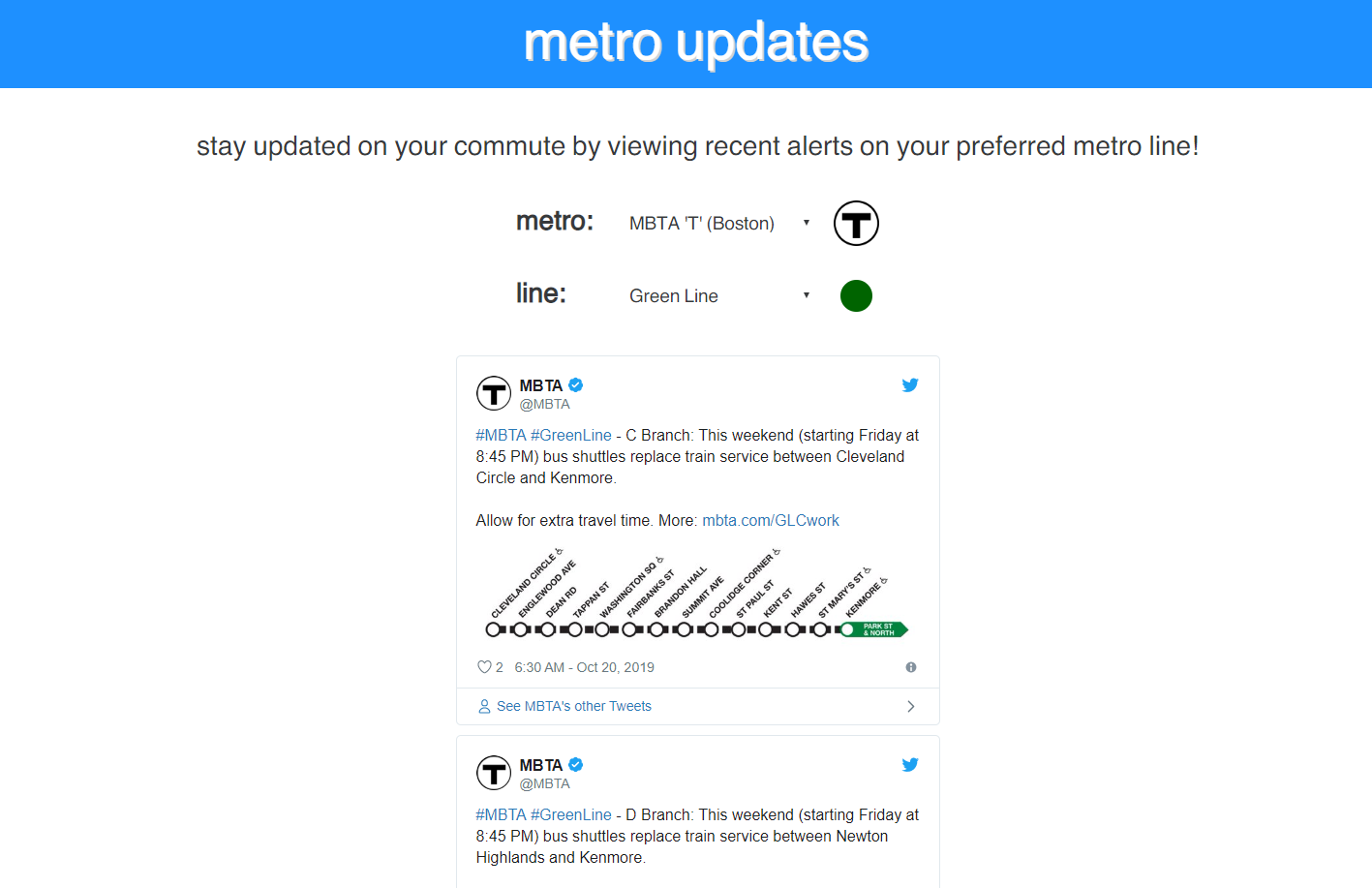
Viewing the latest updates for the Boston Green Line
Inspiration
As students who regularly take the CTA 'L' system, a rapid transit system in the city of Chicago, we often find our schedules interrupted due to untimely delays in train arrivals. In order to combat this, we sought to compile various metro rail system's Twitter alert feeds in an easy-to-view format, where users can filter tweets by metro system and rail line.
What we learned / How we built
Although the idea of our project was quite simple, we had to learn a variety of new frameworks and concepts. We learned how to use React.js to create a clean, efficient user interface, and we learned how to produce a backend API proxy using the node package called 'express.' Our frontend, written in React, would send our backend an HTTP GET request, which would then query the Twitter Developer API to access tweets from a specific metro system and return it to the frontend. We also learned how to use webpack to bundle and build our frontend.
Challenges we faced
JavaScript is a pretty difficult language to debug in, especially when you don't debug iteratively. Often times, we would test our web app only after implementing a variety of new features, and this made it difficult to trace where bugs and errors originated from. One pesky bug in particular was that the Twitter Developer API returned a different Tweet ID in one JSON field and the correct ID in another. It took us an hour to figure this out, which could have been spent polishing our app further. Another challenge we faced was attempting to build an Android app using Android Studio. In the end, we realized it would take too much time to do this, so we settled on only creating a web app.
Built With
- express.js
- javascript
- node.js
- react.js
- webpack

Log in or sign up for Devpost to join the conversation.