-
-
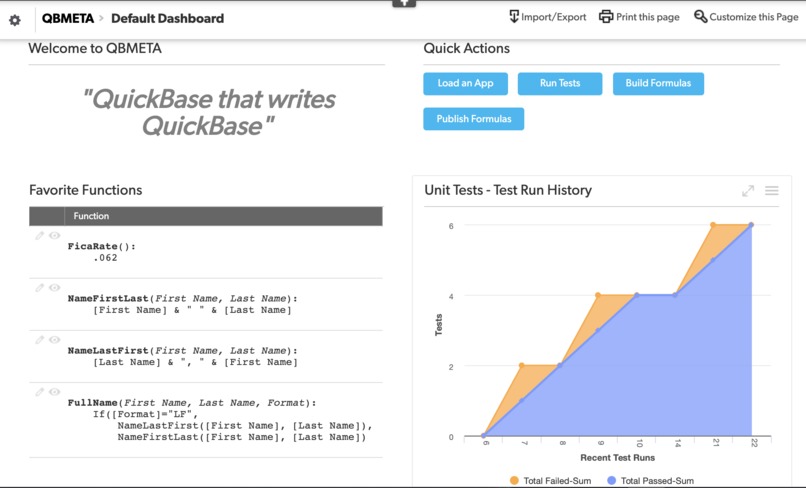
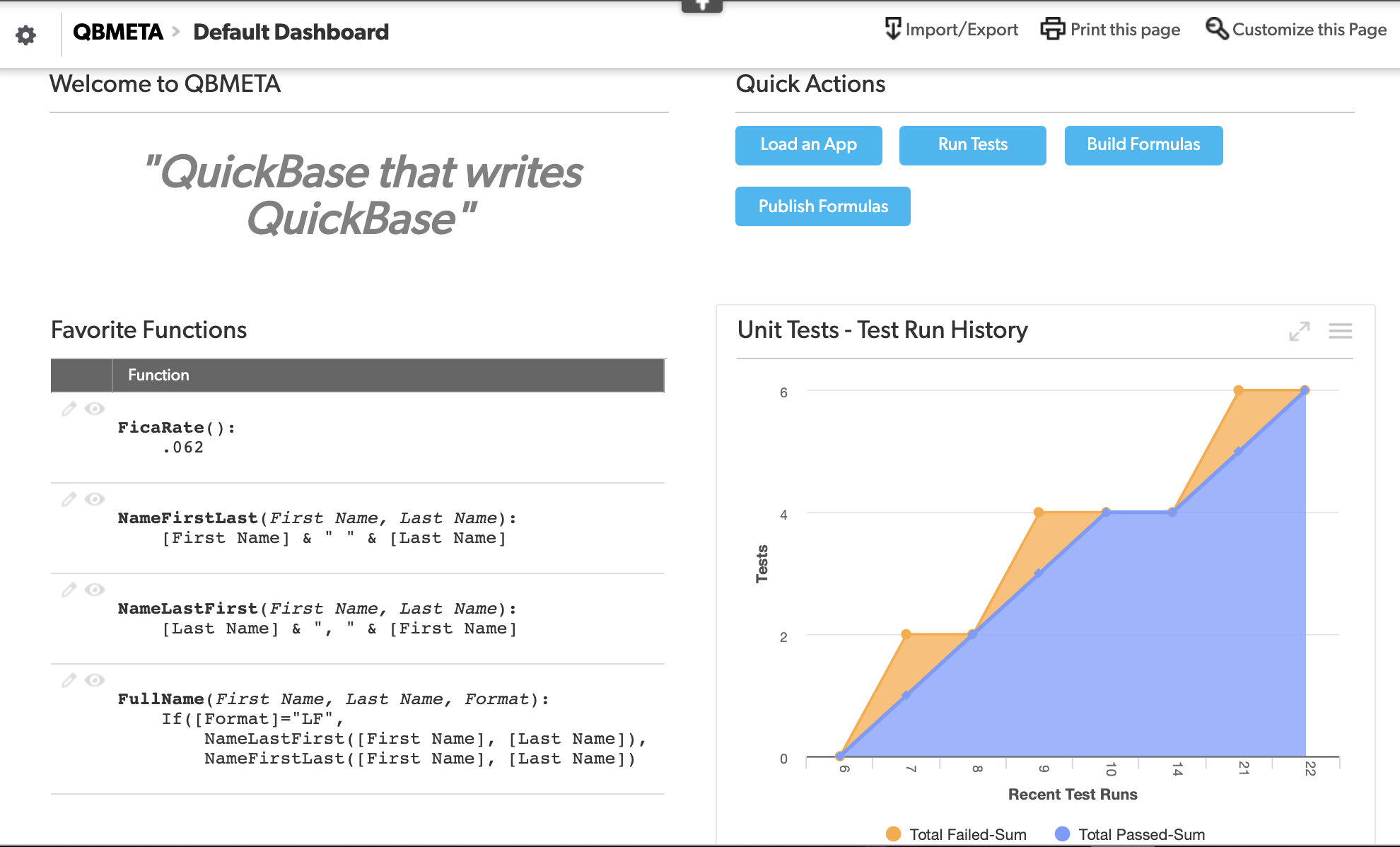
Home Screen
-
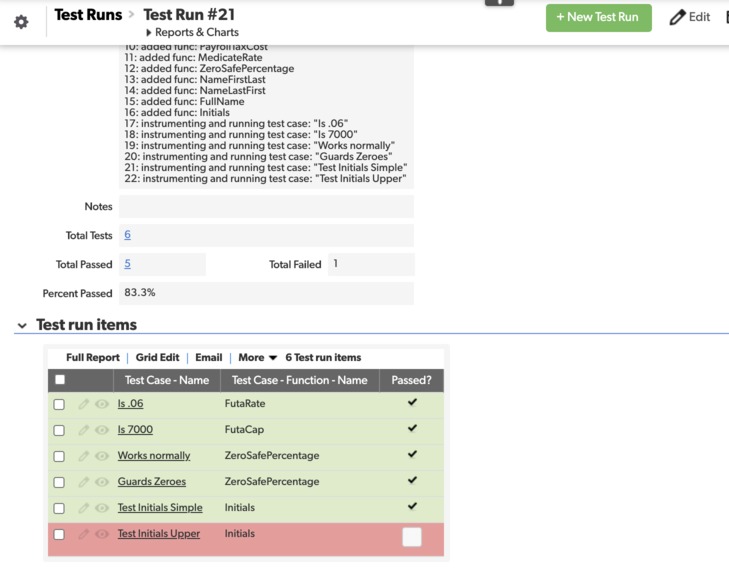
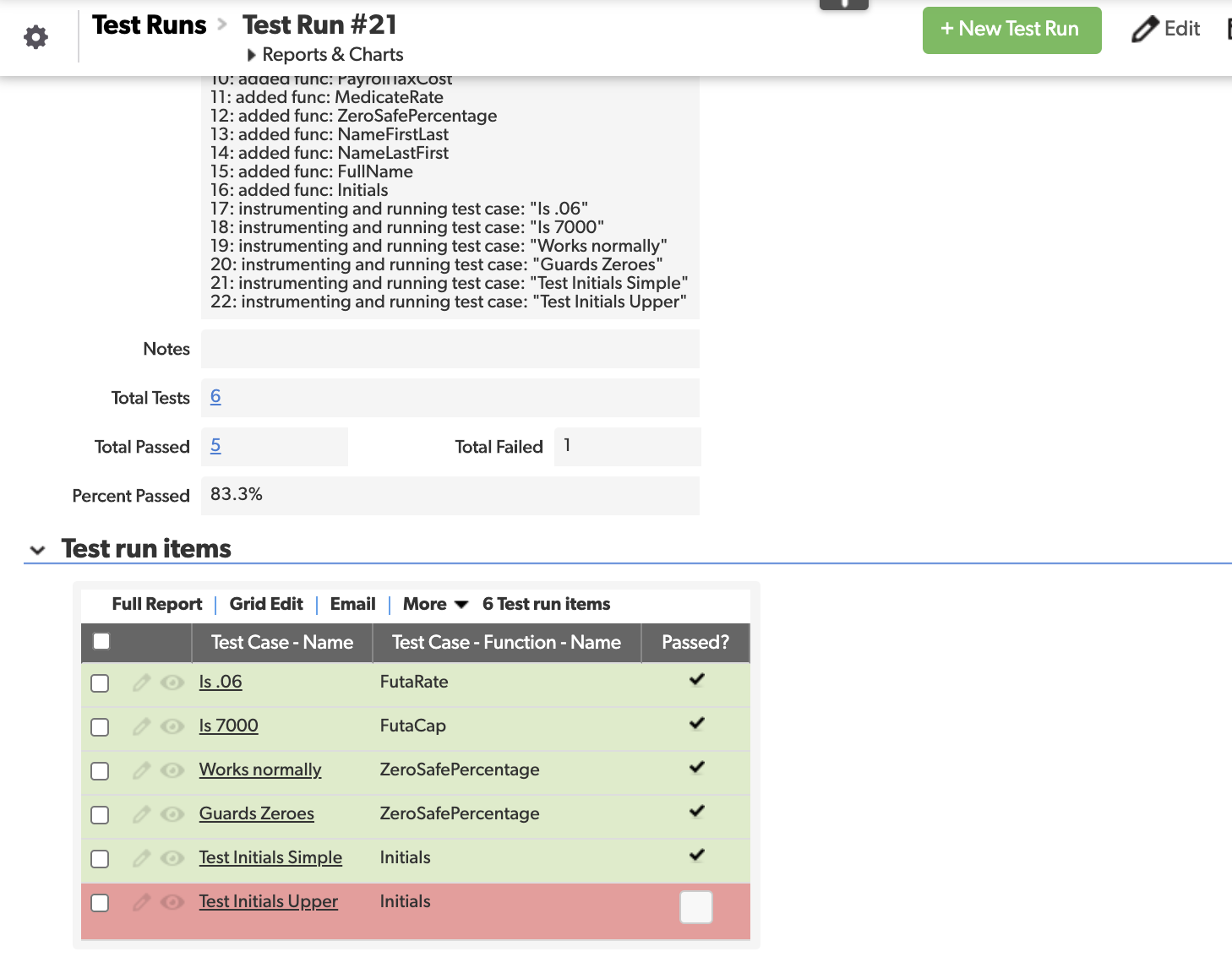
Testing Functions screenshot
Inspiration
After writing dozens of QuickBase Applications and hundreds of formulas over the years, we realized there was a tremendous opportunity for development improvement with a common, shared, library of reusable functions for QuickBase Applications. We used our technology and skills to write a QuickBase Application that writes and manages QuickBase Formulas - QuickBase that writes QuickBase!
Overview
Developing and maintaining logic is one of the most technically challenging aspects of developing any software application. This is especially true in low-code platforms like QuickBase where users & citizen developers are typically implementing logic themselves. Especially in larger apps, we frequently find ourselves maintaining complex formulas, duplicating code, or creating unnecessary fields just for more isolated logic.
QBMETA is a solution that provides productivity enhancements to QuickBase builders and developers with a new way to develop, enhance, test, and publish logic across Applications.
This enhanced ability to maintain logic in QuickBase Applications makes those Applications as a whole more robust and maintainable, thus making the systems which use QuickBase Applications more responsive. Just like managing software in general, if we can better manage, develop, and test our logic, it becomes easier to update, enhance, and adapt our systems to change.
Our Solution
QBMETA is a QuickBase Application which is geared to enhance all aspects of the development process for QuickBase Formulas by introducing user defined Functions and a mechanism to centralize, test, and publish logic.
See the demonstration video for a full end-to-end scenario of loading Application Formulas, refactoring to shared, isolated Functions, testing (and debugging) those Functions, then publishing Formulas back to Applications. See the examples below which highlight some basic use and the power of QBMETA Functions.
Key Features
- Ability to connect to any QuickBase Application
- Automatic loading of all Formulas into a single report view in QuickBase
- Ability to create a re-usable Function with a simple "promote" button
- Ability to manually (or through the promote) create reusable Functions
- Reusable Functions can be shared across Fields, Tables, Apps, and even Realms.
- Functions can be parameterized, allowing for more re-usable and generic logic specifications
- Functions can use other Functions, which could themselves use other Functions, and so on and so forth, allowing for a more expressive development paradigm
- Functions can be bound to any data points and Tables
- QuickBase Formula code is automatically generated from the Functions with adding a simple record to the Function Builds table using our Quick-Code Builder Cloud ™ platform
- Test Cases can be created and run through QuickBase to verify and manage programming accuracy
- Formulas can be edited in any order - even without first defining dependencies
- Generated Formulas can be automatically published back to QuickBase Apps
- Ability to scale to hold many Function definitions, which can be elegantly composed to specify logic for any QuickBase Formula
Examples
Minimal Example
As a minimal example, say we have an Employees Table and a Billing Contacts Table in our app, with respective fields named Employee First Name, Employee Last Name, Contact First Name, and Contact Last Name. We could write a Function in QBMETA FullName which takes parameters First and Last, and is defined as:
[Last] & ", " & [First]
Then we could set up a Formula for Employees that use this function, and provides [Employee First Name] and [Employee Last Name] as the parameters. We can do the same thing, using the same Function, for Billing Contacts and the specific Billing Contacts Fields. Now we can have a field Full Name in both tables which shares the same underlying logic from a maintenance perspective. QBMETA manages building and publishing the Formula that is actually used for each table.
Payroll Tax Cost Example
One of the powerful aspects of the Function approach, is Functions can use other Functions. Suppose we have a more complex formula we are trying to write. We might set up the following functions:
FicaRate(): 0.062
FutaRate(): 0.06
FutaCap(): 7000
MedicareRate(): 0.0245
MedicateRate(): 0.145

RoundToCents(Amount):
    Round([Amount], .01)

FicaCap(Year):
    If([Year] = 2019, 132900, If([Year] = 2020, 137700, 0))

CalcRateBasedCost(Amount, Rate, Cap):
    RoundToCents(Min([Amount], [Cap]) * [Rate])

FutaCost(Wages):
    CalcRateBasedCost([Wages], FutaRate(), FutaCap())

FicaCost(Wages, Year):
    CalcRateBasedCost([Wages], FicaRate(), FicaCap([Year])) +
    RoundToCents([Wages] * MedicateRate())

PayrollTaxCost(Wages, Year):
    FicaCost([Wages], [Year]) + FutaCost([Wages])
Each of these Functions is stored as a separate record in QBMETA that can be developed, tested, and maintained independently. If a constant changes, or we find a bug, we just need to update the relevant Function in one place. Now say we have a Payroll Items table with fields Salary and Effective Year - we can have a Payroll Tax Cost field that is a Formula which uses the PayrollTaxCost function, supplying parameters [Salary], and [Effective Year].
With this exact example in QBMETA, the resulting Payroll Text Cost Field's Formula that gets expanded/built is:
Round(Min([Salary],  If([Year] = 2019, 132900, If([Year] = 2020, 137700, 0))) * .062, .01) +
Round([Salary] * .0145, .01) + Round(Min([Salary],  7000) *  .06, .01)
With the Function approach, QBMETA can help us compose this Formula in a more readable, robust manner.
How we built it
This framework provides a tremendous amount of capabilities and makes use of several aspects of QuickBase, including
- Using the QuickBase API
- In fact we have another Hackathon submission for an open source Python API wrapper around the QuickBase API
- This is the quickbase-client Python package
- QuickBase Webhooks to communicate with our web service running in the cloud
- A Webhook is sent to our Azure server when adding specific records
- That Webhook contains specific information for which script to run, and the data that script needs
- The script then runs in the cloud, reading and writing from/to QuickBase
- The script updates the triggering record itself with logs, and a status.
- Specialized Python add-on code for algorithms to expand Functions to a valid QuickBase Formula
- Innovative use of a QuickBase App (QBMETA), to act as a storage for Functions and serve as a psuedo-IDE
- A creative way to specify and run Unit Tests for our Functions
- One of our web services (triggered by a Webhook) that runs is designed to test functions
- It reads all Test Cases (from the Test Cases table), expands the Function using the expansion algorithm and the Test Case input parameters, then sets a temporary formula field with the expanded Formula (wrapping it in a
ToText), then compares to a snapshot of the expected value from the Test Case to determine the test result
In short, we have developed a system that leverages the power of QuickBase to actually write QuickBase.
Our Experience
Challenges we ran into
- The expansion of the formulas wasn’t necessarily trivial. It was tough to get an algorithm that could recursively expand nested functions and parameters.
- Architecting the test-instrumentation in a way that we could use QuickBase to do the evaluation was a challenging hack.
Accomplishments that we are proud of
- Getting the ability to test the functions was a nice solution that gives a nice clean way to manage a test suite for logic
- We feel we have built a solution which aligns QuickBase Formula development with general software development principles.
- This solution is an enhancement and revolutionized way to manage QuickBase logic.
What we learned
- Using WebHooks and our own web-server, we could build virtually any integration we wanted to to QuickBase
- It was helpful to develop the expansion algorithm for expanding formula strings and relying on a secondary interpreter (rather than the usual flow of evaluating code)
What's next for Metaprogramming with QuickBase
- We believe that our QBMETA app can help any QuickBase builder manage their logic in an elegant way
- We will continue to enhance the app and use it for our managing logic in our own QuickBase Apps
- For future enhancements we would incorporate documentation, refactoring capabilities, versioning, and more.
Copyright 2020 © DICORP, Inc.


Log in or sign up for Devpost to join the conversation.