
Inspiration
The desire to improve and add new functionalities in the Meta Horizon world, as well as the opportunity to participate in the MHCP competition, inspired me to update my existing world. I systematically update the world by browsing the Horizon library, where new items that I consider necessary and functionalities that fit the created world often appear. The 3D items are so realistic that it's sometimes hard to resist adding them when fantasies whisper something in my ear. I was also inspired by meeting a certain girl in MH to whom I dedicate this world.
What it does
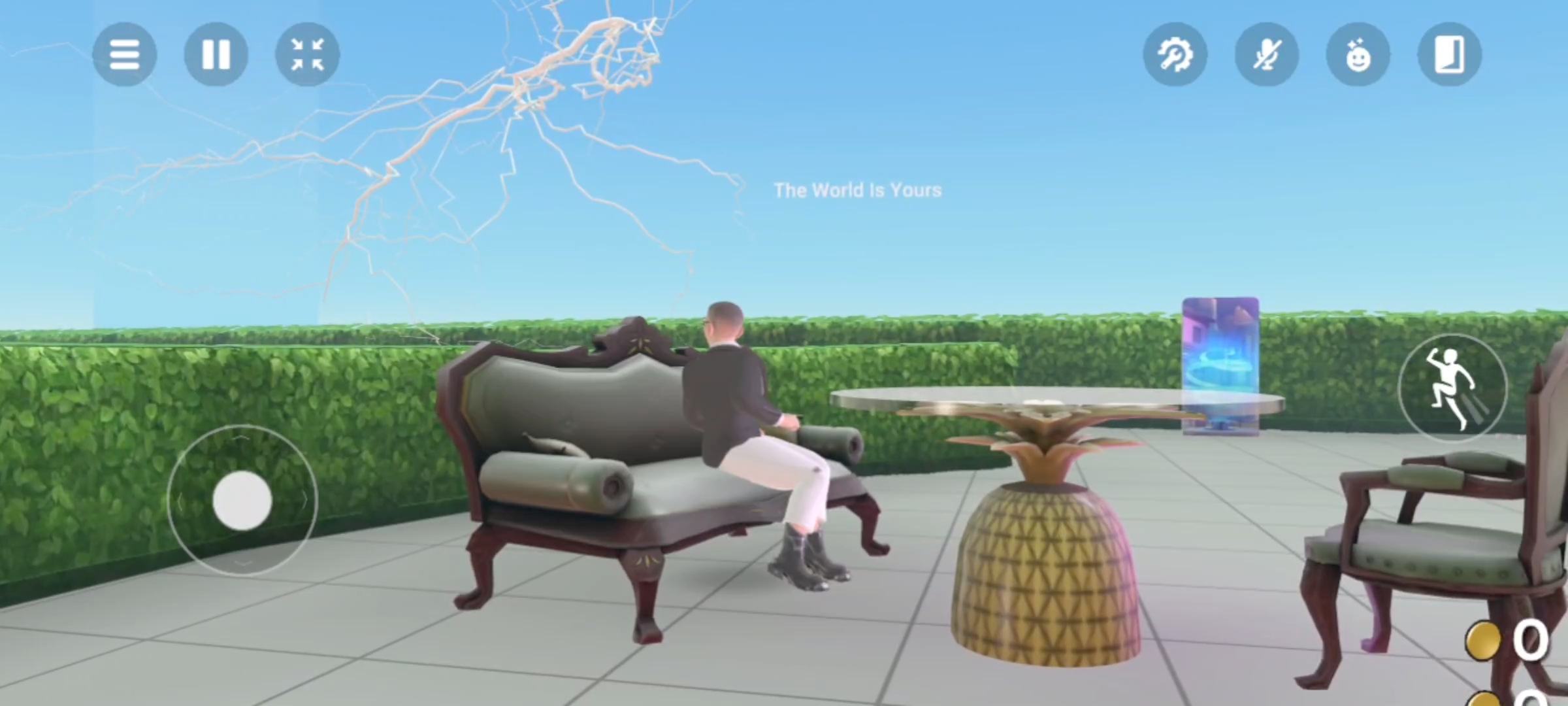
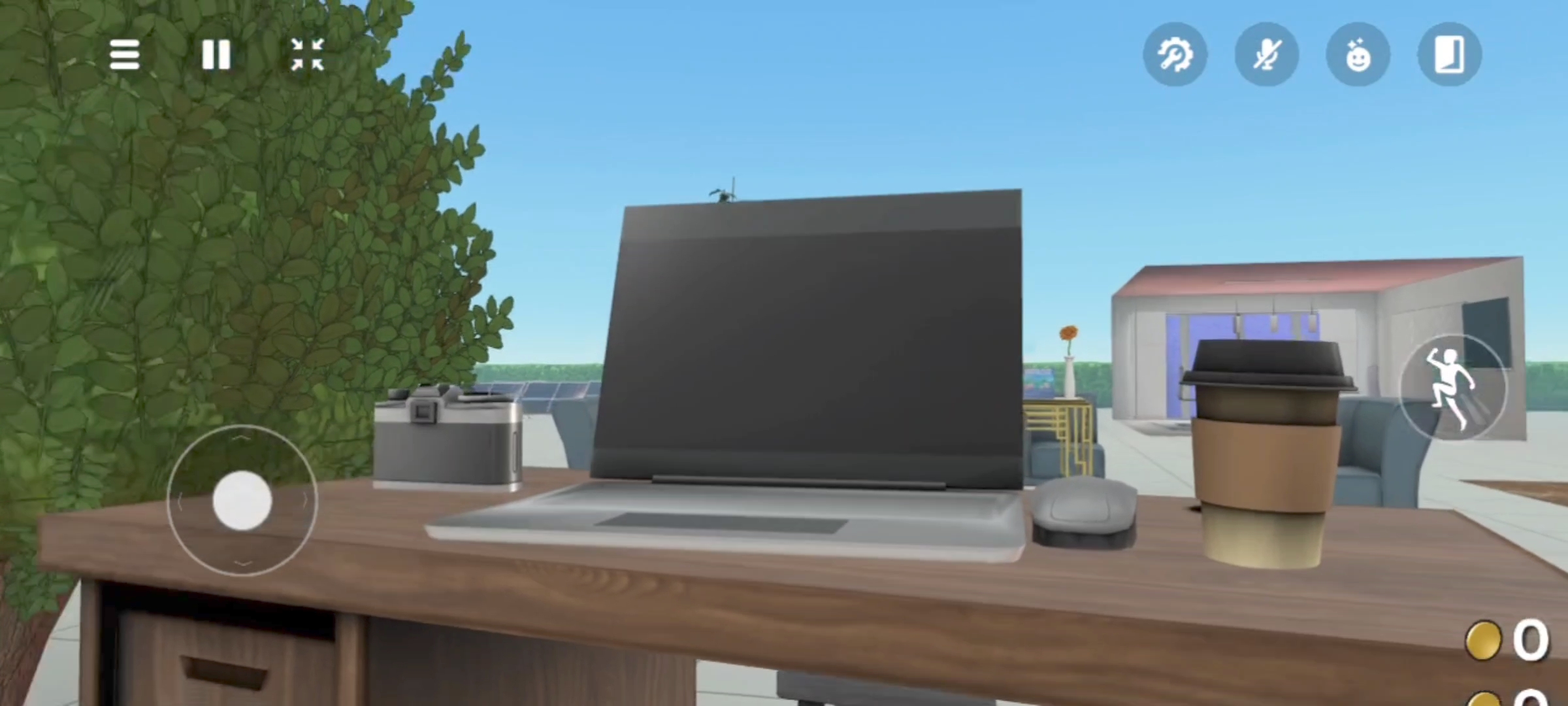
In the world, you can relax, walk among the trees, and take a break from the daily work in the editor of a beginner Full-Stack developer. You can take a photo of yourself and post it on social media or on a website. In the world of Meta maker (+18) Roxanne, you can sit at the bar, you can go through special doors to other worlds, there is an analog clock, a monitoring section for changing the cameras, and chairs and sofas where you can sit.
- Point 1: Updated the VIP area, added tables and chairs
- Point 2: Added sections with bar facilities and bar stools
- Point 3: Added desserts for refreshment on the bar table
- Point 4: Added static light gizmo highlighting effect
How we built it
For the construction from scratch of the world I invented, I mainly used the downloaded Meta Horizon desktop editor, and I supported some things with VS Code, although I did not use it directly. OneDrive and others.
Challenges we ran into
During the world-building process, I encountered many difficulties and solved various smaller or larger problems. Placing 3D objects was particularly challenging for me, moving them from place to place, rotating, adjusting, and dealing with the mysterious editor functions, of which there are many, required me to experiment with different methods. I solved most of my issues by delving into the project's and editor's documentation. I watched instructional videos from other creators dozens of times while creating the first world. Many different mysteries of the editor have not yet been resolved, but I hope to address them through building.
Accomplishments that we're proud of
I am excited to use the Meta Horizon editor for world building. There are wonderful features that are full of admiration for the creators, realistic objects finished with a high gloss that I had never even imagined before. Some things really amazed me that someone came up with the idea to create something like this. Imagination knows no bounds and reached its peak. Being full of admiration and having read fragments of the documentation earlier, I tried to support and add my approval to all the items used in the world to appreciate the artists' work.
What we learned
I learned a lot while continuously sitting in this wonderful editor. Updating, arranging, and moving objects, using gizmo and many more. Rotation of gizmo objects and items, setting the coordinates of items. Operating static lighting gizmo changes to shapes and colors of lighting etc.
What's next for Meta maker(+18) Roxanne
While I will continue my work on world-building, I will familiarize myself with additional documentation and implement it into my project. Some things require a significantly greater amount of time, energy, and focus, but this is rather a constructive guideline for me and fuels my enthusiasm for world creation when I see the impressive results. While refining certain details, I will use a text editor to write the code for implementing scripts. As for specific plans regarding the created world, it is still too early to discuss, but I definitely do not intend to stop at the project I have built so far, which is only getting to know the documentation and functionality of the editor. In the future, I want to create a store for purchasing products.
Built With
- code
- kokpit
- onedrive
- pulpit
- vs


Log in or sign up for Devpost to join the conversation.