Inspiration
When I cook, my hands are in dough or minced meat, and that is when several people write to me at once. I can't touch the phone, but the answers still need to carry what I mean.
What it does
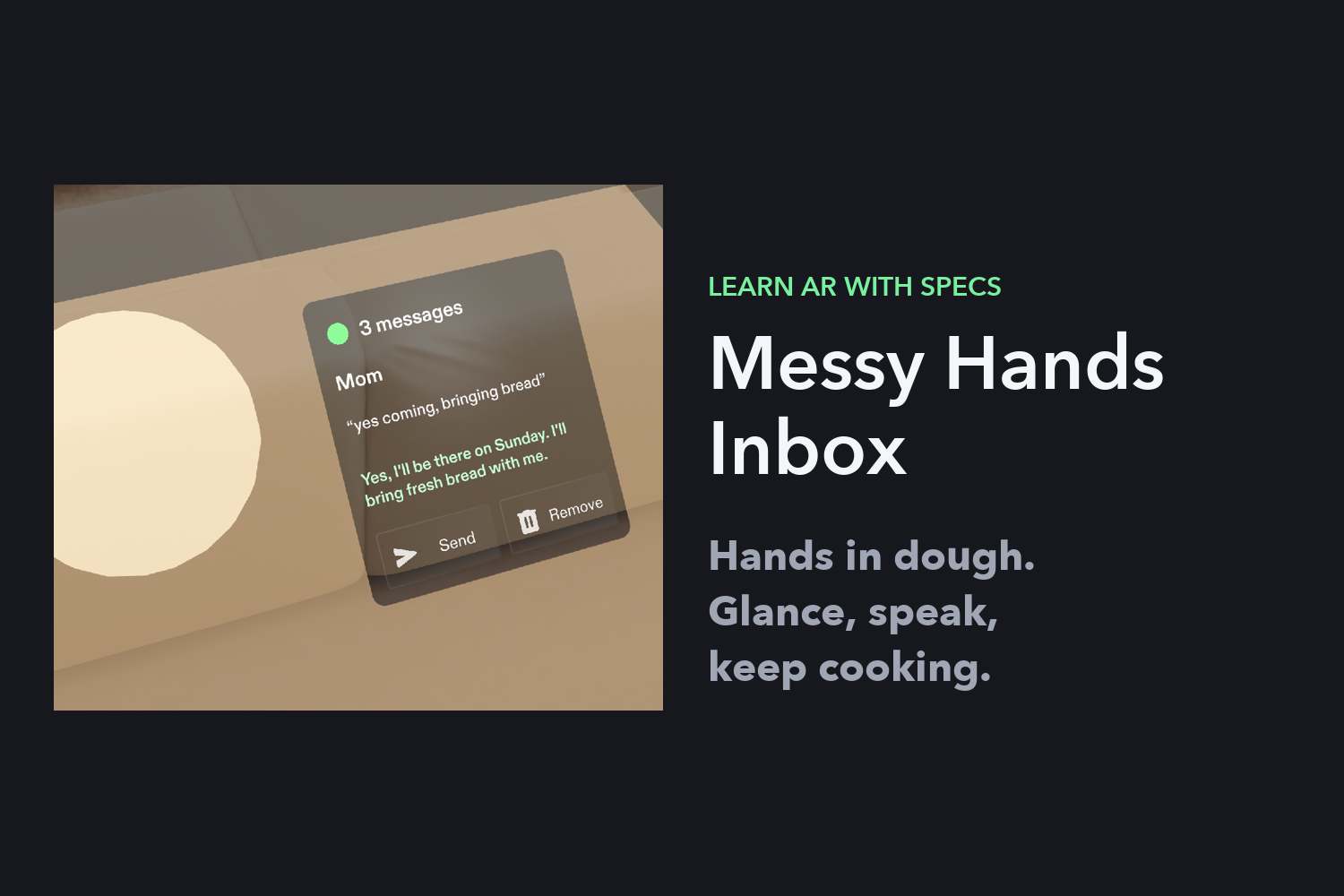
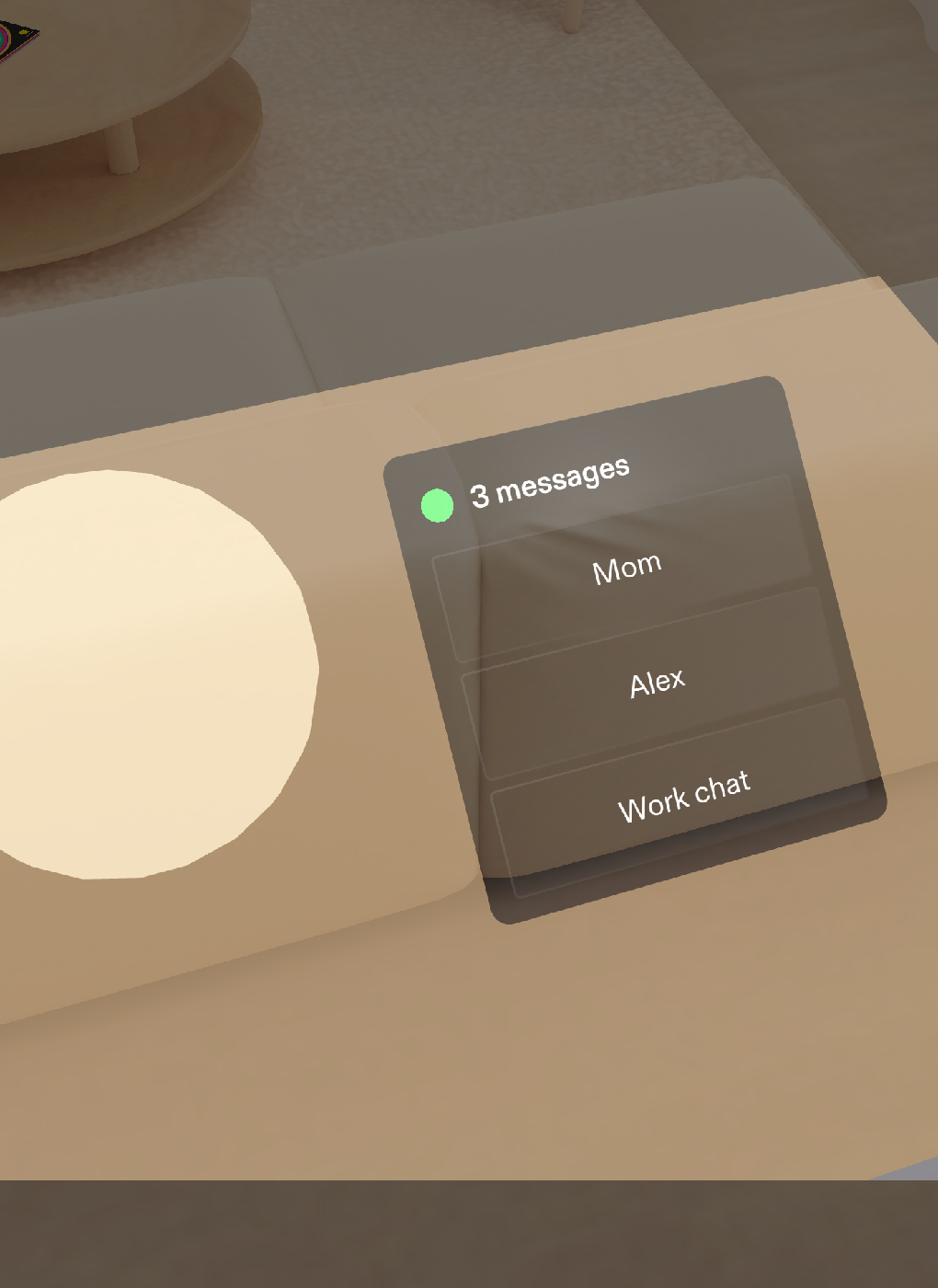
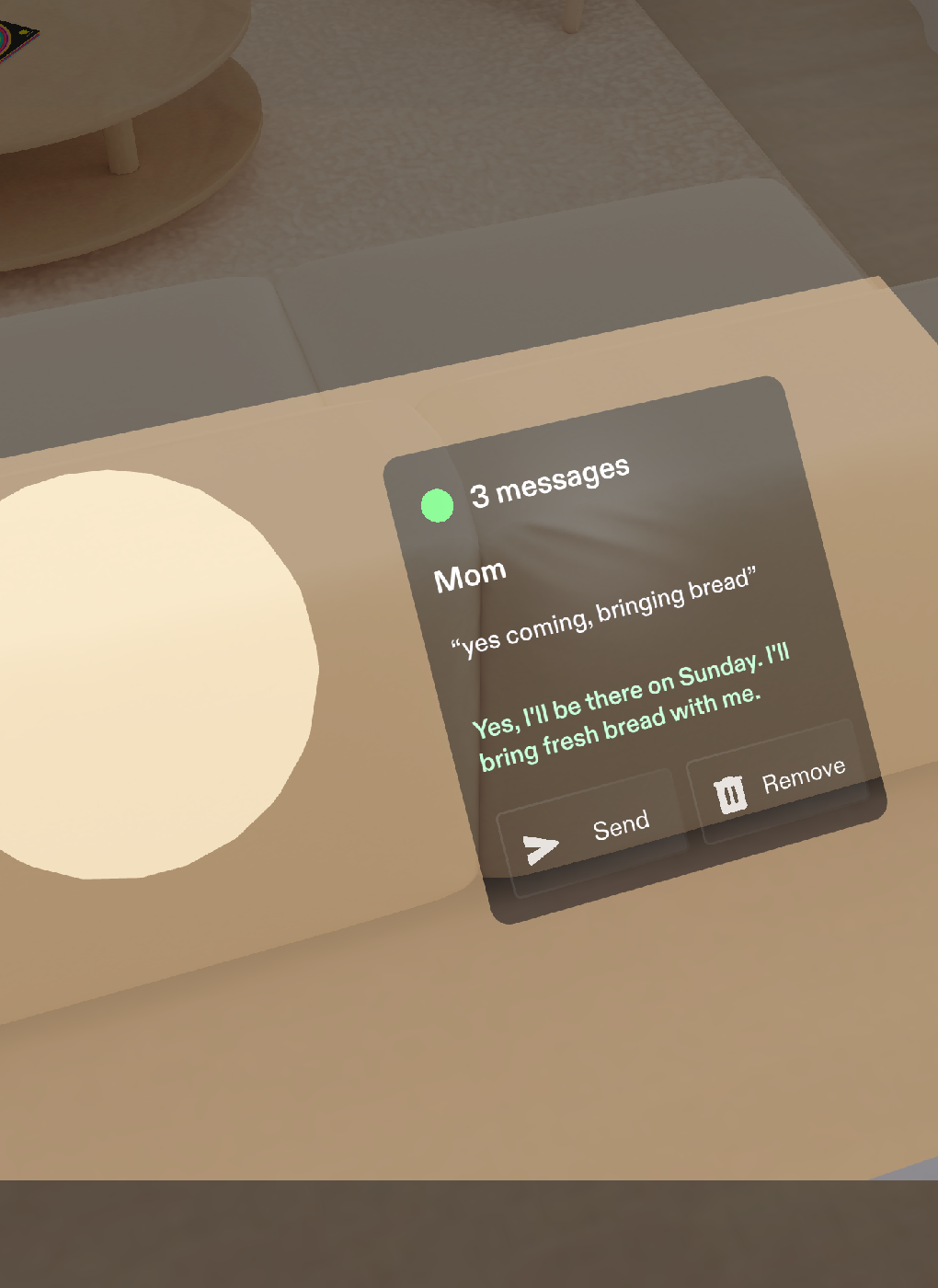
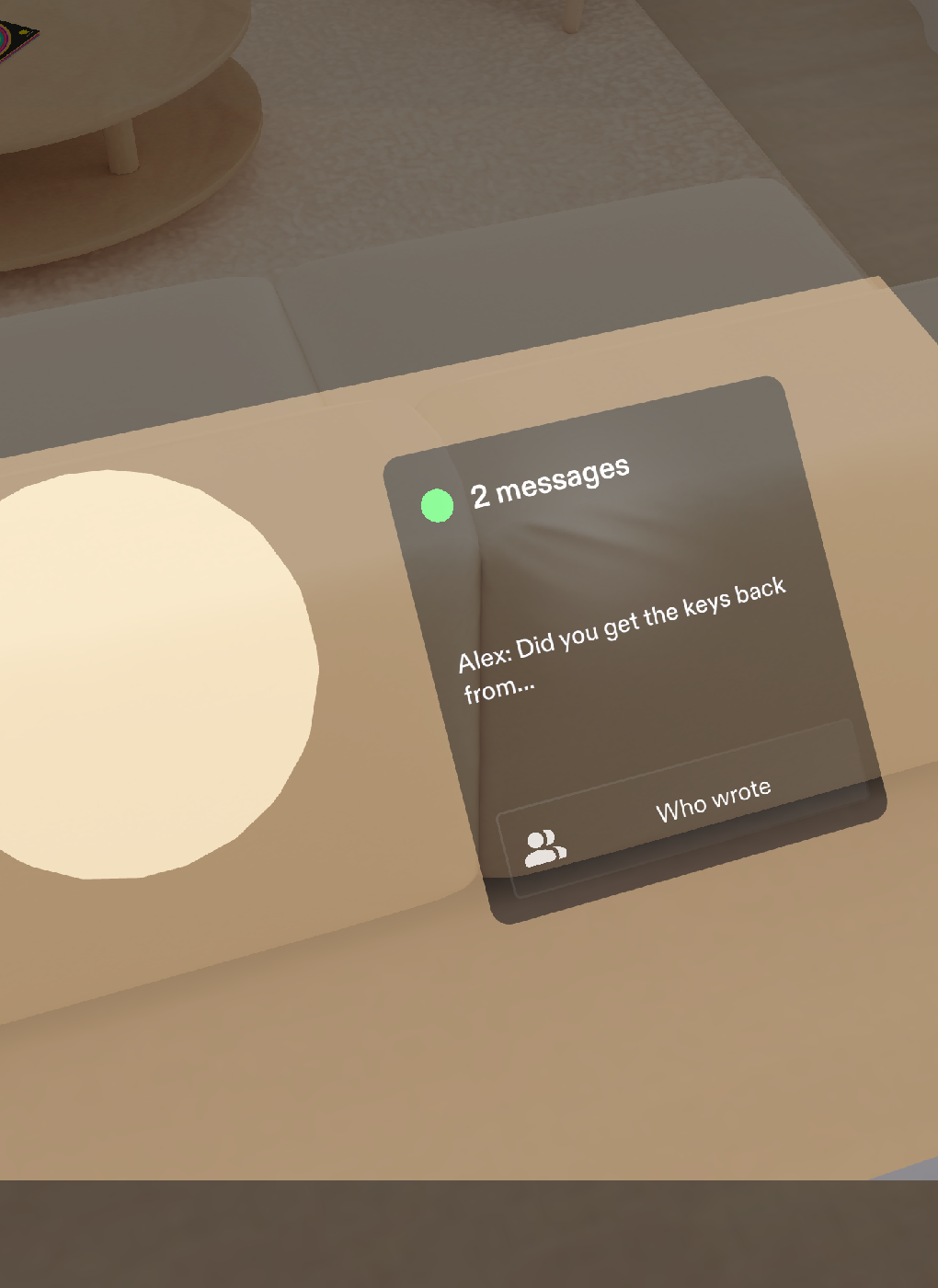
One small card lies on the counter, just right of the dough, so it never covers the work. A grey dot turns green on "start". "Who wrote?" lists the senders, I pick one, say the gist of my reply in my own words, see a cleaned-up version, and send it. "Remove" clears the message and the count drops. Every voice command has a big pinch button, so it works with dirty hands and in the preview.
Who it's for
People whose hands are busy and dirty while messages pile up: home cooks kneading dough or shaping cutlets, parents with flour on their fingers and the family chat going off. I built it for myself first. I cook, and that's when my phone fills up.
How it differs from AR recipe apps
Recipe Lenses put a timer or the next step over the pan. This one leaves the cooking to you and handles the conversation around it. You answer in your own words, you read the clean version before it goes, and nothing leaves until you say "send".
How to run it (testing instructions)
- Install Lens Studio 5.24 or newer and clone https://github.com/DmitriyTopka/messy-hands-inbox
- Open
SpecsLens/SpecsLens.esproj. - In the Preview panel choose Interactive Preview. A click acts as a pinch; WASD moves you, right-drag looks around. Press Start, then Who wrote, pick Mom, Speak, Send, Remove.
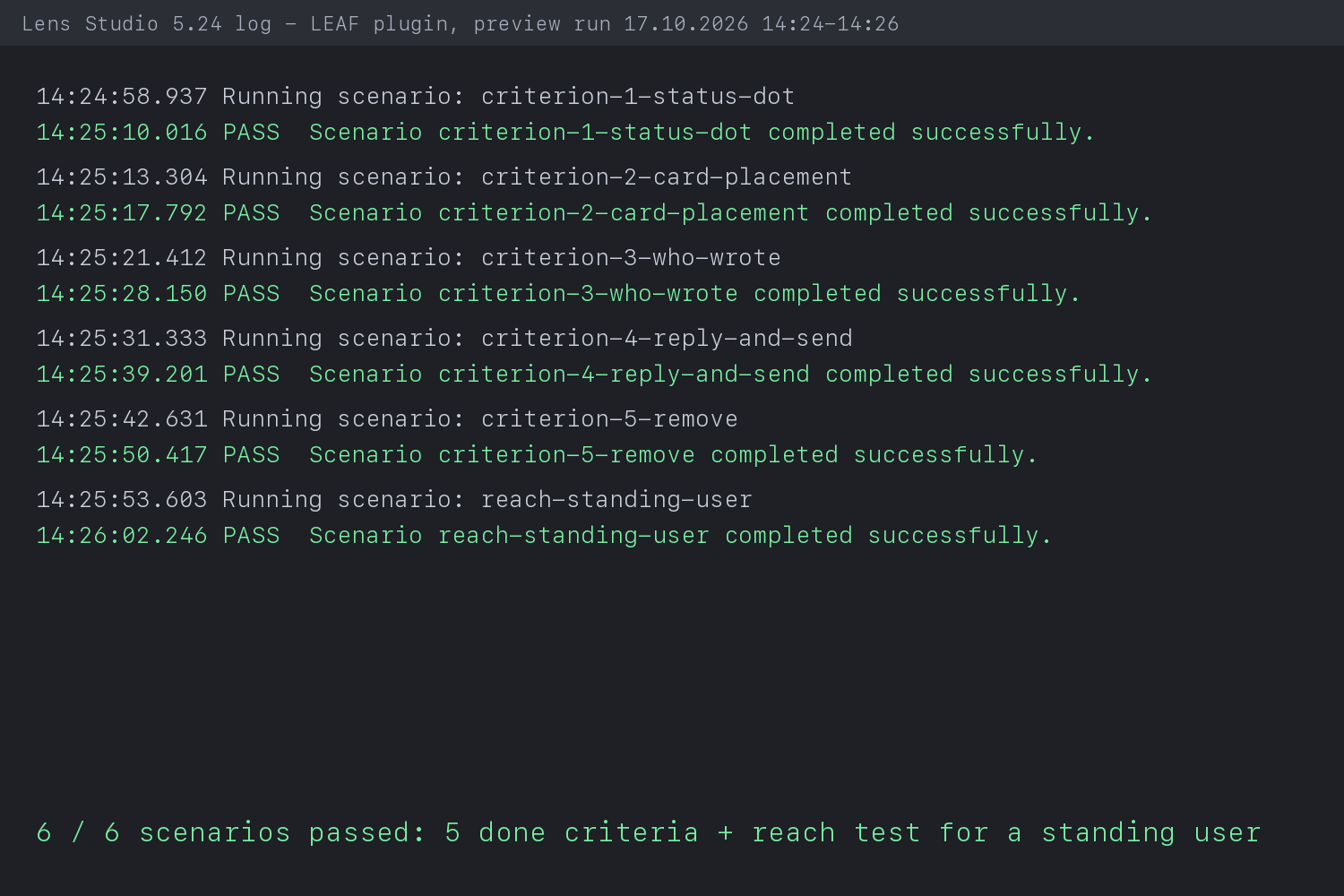
To re-run the tests: open the LEAF panel and run any scenario, or run all six through the Lens Studio MCP tools.
How I built it
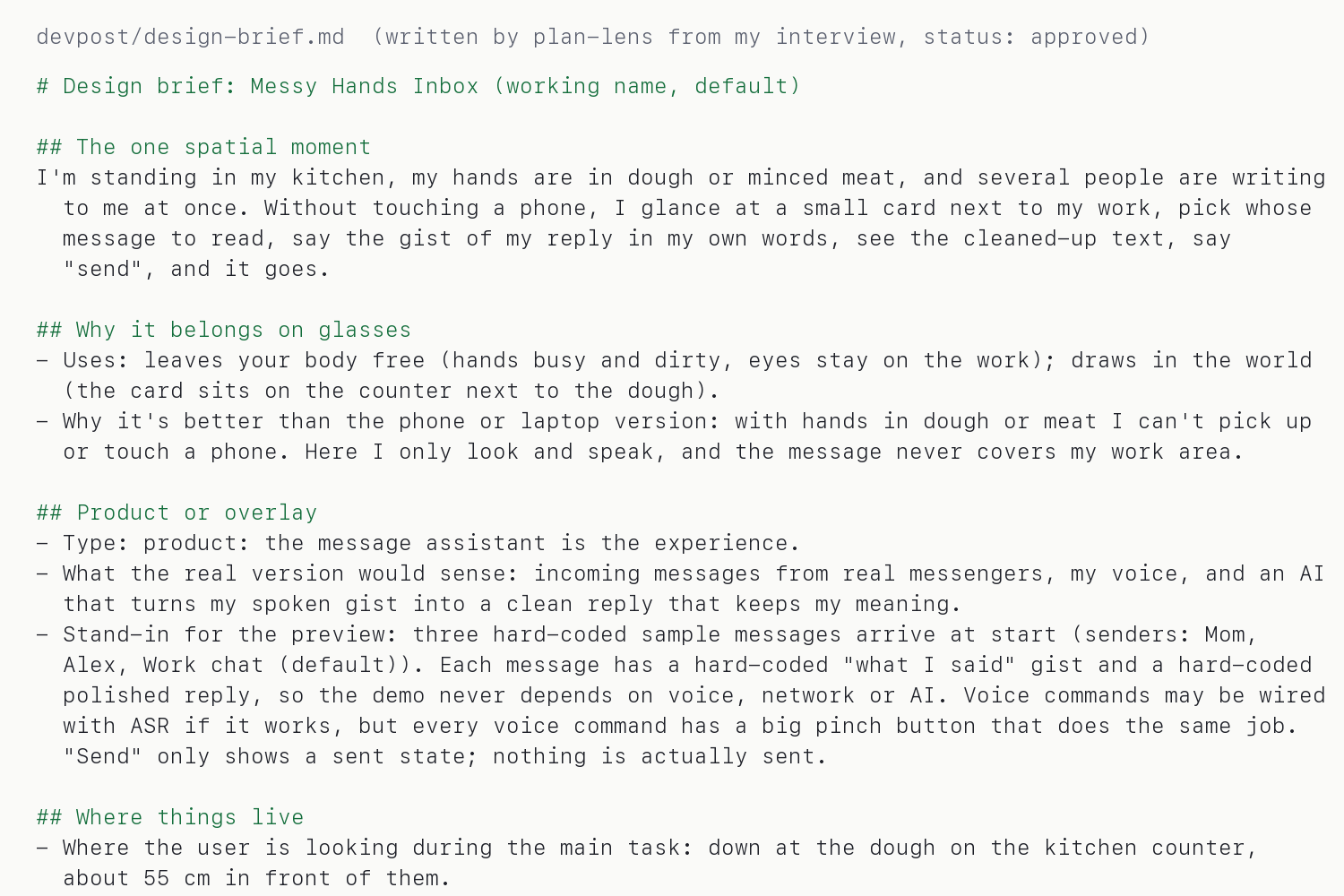
I answered the plan-lens interview: what I want to make, the one moment it's for, where each thing sits, how my hands act on it, and how I'd know it works. My answers became devpost/design-brief.md: card on the counter right of the dough, at least 4 cm tall targets, light text, five done criteria. I approved it and handed it to CLAD.
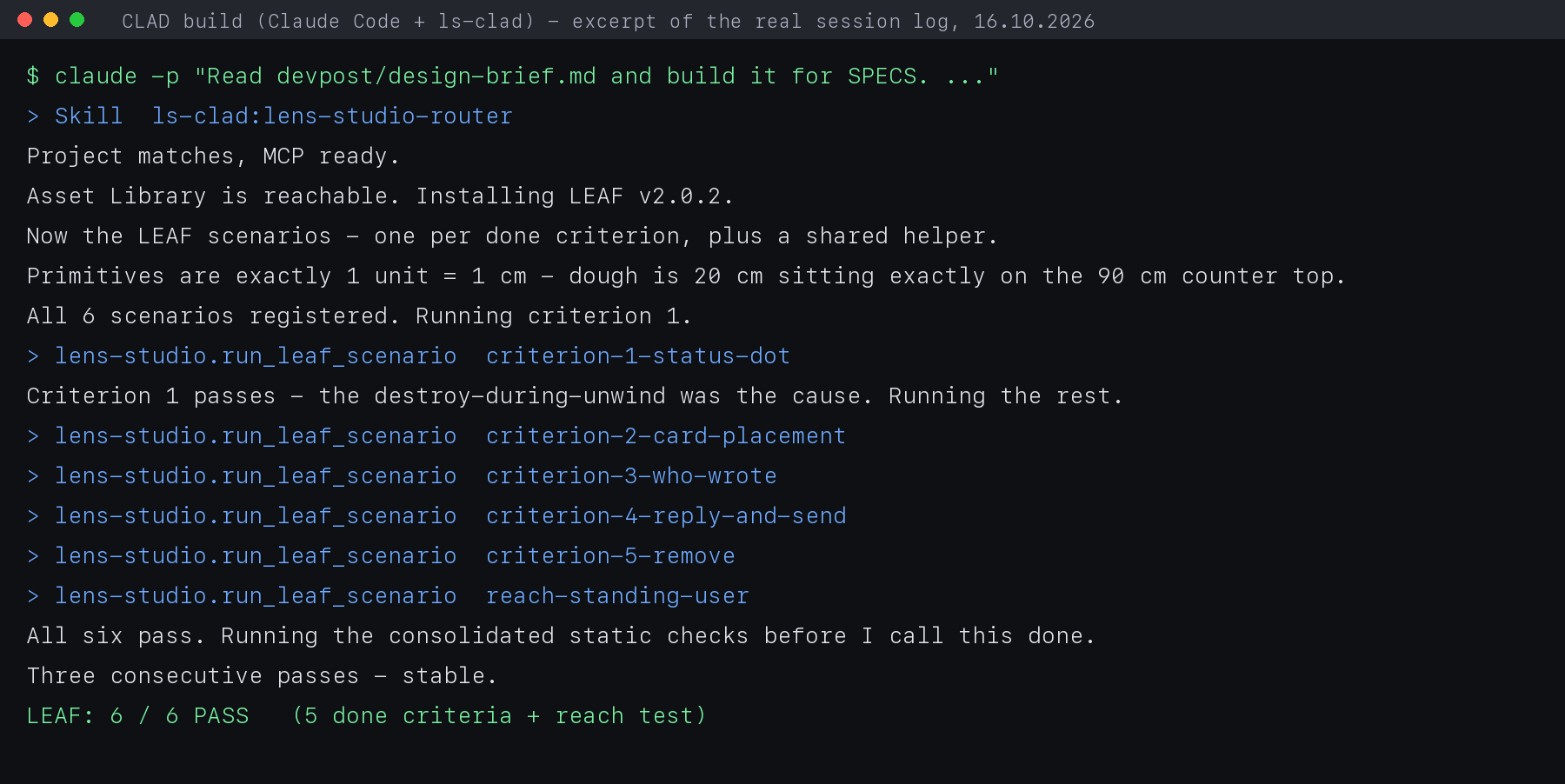
CLAD (Snap's ls-clad plugin for Claude Code) talked to Lens Studio over the MCP server. It built the scene at real scale in centimetres, wrote the TypeScript scripts for the card, the voice commands and the chime, used Spectacles Interaction Kit and UI Kit for the buttons, and wrote one LEAF scenario per done criterion. The first build took 55 minutes.
CLAD changed three of my default values and explained each in devpost/build-notes.md:
- The card grew from 22 x 14 cm to 22 x 20 cm, because three 4.4 cm sender rows plus a status line and buttons do not fit in 14 cm.
- The card moved from 30 cm to 26 cm right of the dough. At about 85 cm from the eyes the Spectacles view is only about 41 cm wide, so a 20 cm dough and a 22 cm card 30 cm apart clipped the card's edge.
- The counter centres under the dough at 55 cm, where you stand to knead.
Then I stood in the preview and the card text was too small and too pale to read from 55 cm. I gave one design note: larger, near-white, readable at a glance. CLAD found two causes. It had scaled text for a panel held near the face, and it used 0.7 alpha on an additive display, where black reads as clear and every bit of transparency costs contrast. Every glyph is now 1.88 times taller, all text is near-white at full alpha, sender rows are 5.5 cm. The tests ran green again.
Tests: LEAF, 6 of 6 pass
| Scenario | What it checks | Result |
|---|---|---|
| criterion-1-status-dot | grey dot at start, green after Start | PASS |
| criterion-2-card-placement | card right of and below the dough, reads "3 messages", doesn't cover it | PASS |
| criterion-3-who-wrote | three sender names, pinching one opens that message | PASS |
| criterion-4-reply-and-send | Speak shows the cleaned-up draft, Send shows it sent | PASS |
| criterion-5-remove | Remove drops the message, card reads "2 messages" | PASS |
| reach-standing-user | a standing user's arm reaches Start and Who wrote | PASS |
The tests read live state, not the numbers used to build the scene. Criterion 2 measures the dough's runtime bounds and the card's real corners. Criterion 4 checks that the draft is the rewrite, not an echo of the gist. Last full run: 17 October, all six passed.
Three bugs CLAD found and fixed
- Cross-script access in
onAwake: the main script woke before the card and read undefined events. Subscriptions moved toOnStartEvent. verticalAlignment = Topon a fixed-height layout poured the card's rows out of its bottom edge. The default Center was right.- Each button destroyed itself inside its own pinch callback, which killed the input event mid-gesture. The card now waits before swapping panes. After the text fix the bigger card needed 0.35 s instead of 0.12 s for a physical hand; four runs out of four pass since.
What is proven and what is not
I had no Spectacles. Everything here ran in the Lens Studio preview.
- Proven in tests and preview: the whole flow, card placement, the dot's two states, target size, reach to Start and Who wrote.
- Not proven: comfort of glancing down-right while kneading, real hand tracking on the sender rows (in tests a simulated arm never reached the top row and reached the bottom one only some of the time), and whether a real AI rewrite keeps my meaning. The demo uses three hard-coded messages and hard-coded rewrites.
- Voice is wired but switched off. Speech recognition in the preview asks for a signed-in Snap account, so the demo shows the pinch buttons that do the same job.
Challenges
The narrow field of view. "To the side" in my head meant out of view on the glasses, so the card sits on the counter next to the work. Text that looked fine on a laptop failed at 55 cm. Recording the demo was harder than the build: a macOS screen-recording dialog blocked mouse clicks, so the Lens Studio Record Video button recorded the preview while CLAD pressed the buttons.
What I learned
Designing for glasses is mostly about where and when. Specific answers (centimetres, which side, what shows when) made the agent's build match what I pictured, and one design note in plain words fixed what code-level guessing got wrong.
What's next
Real messengers and a real AI rewrite behind the same card, voice turned on, and a test on real Spectacles for comfort and readability.
Built With
- clad
- claude-code
- leaf
- lens-studio
- lens-studio-mcp
- plan-lens
- sik
- spectacles
- typescript

Log in or sign up for Devpost to join the conversation.