-
-
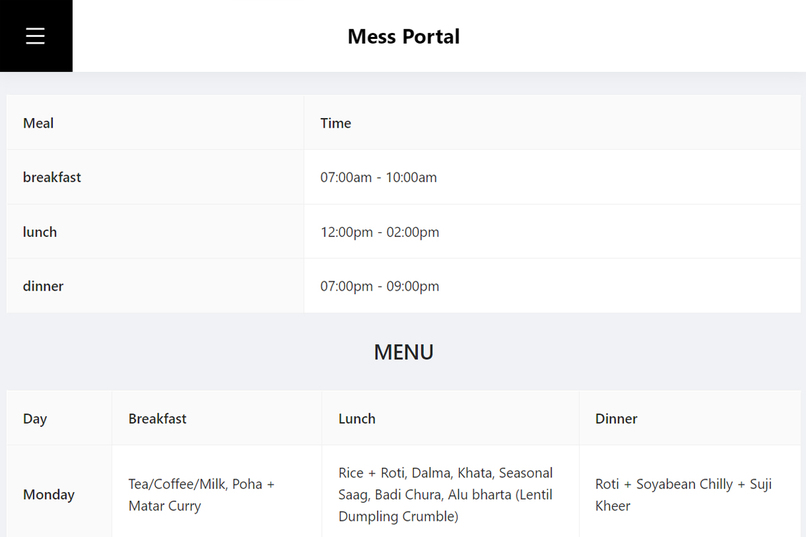
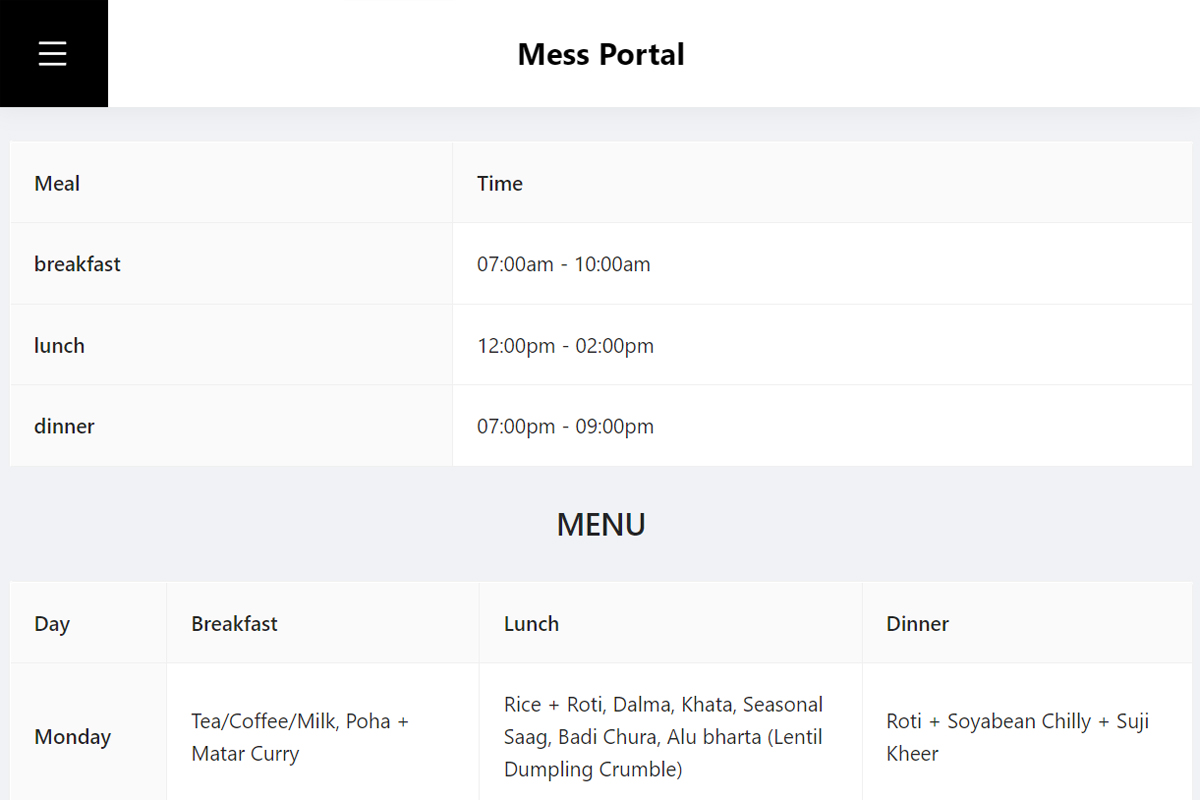
Unsigned users can view time and menu
-
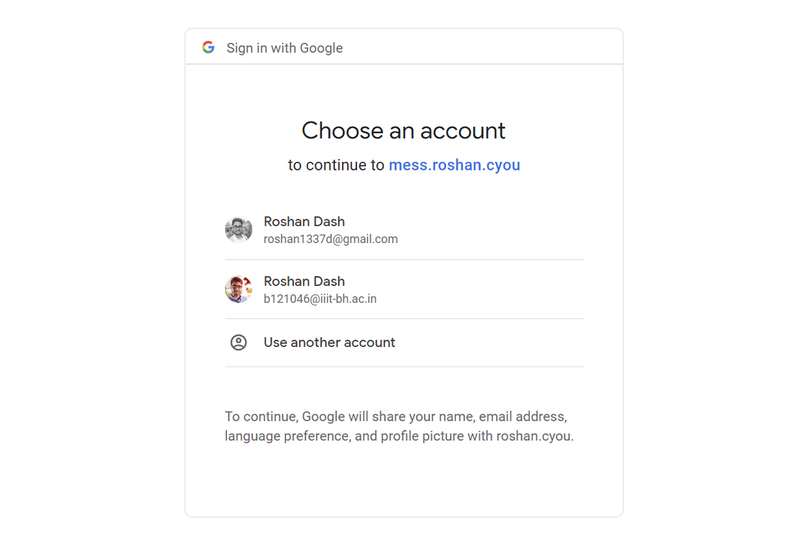
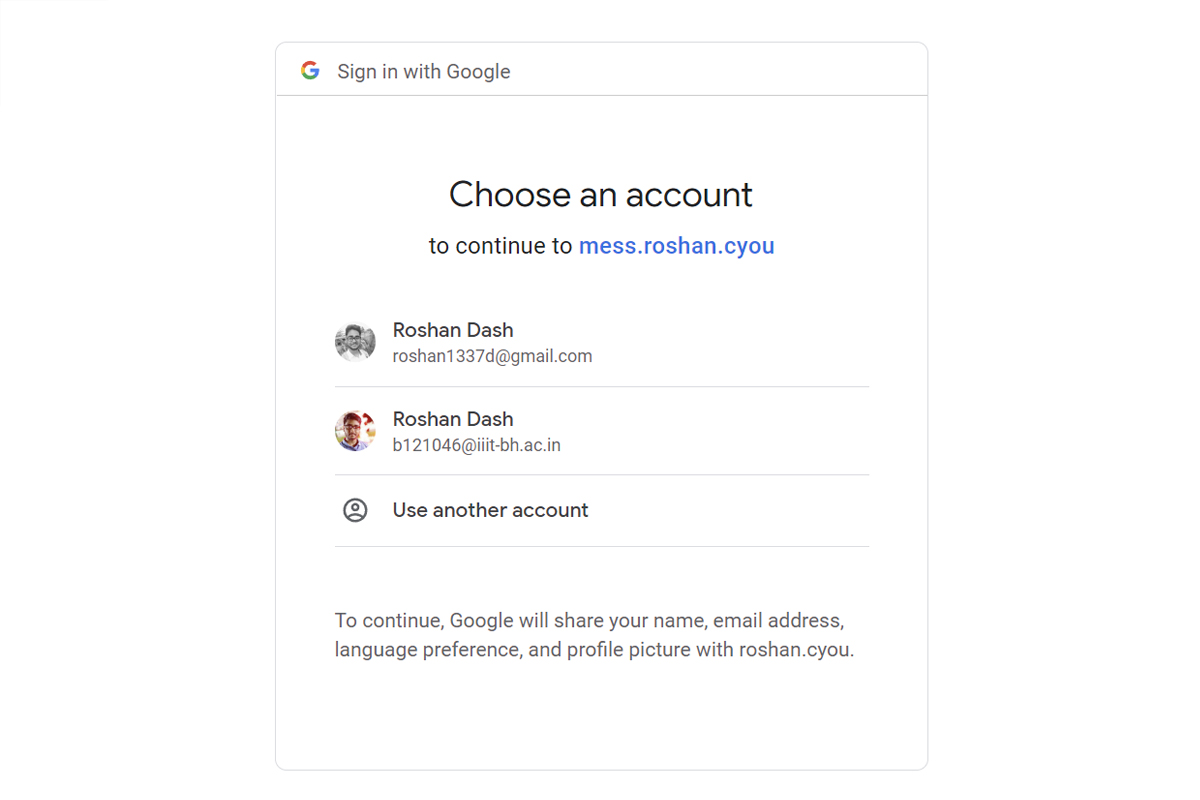
Sign in with google
-
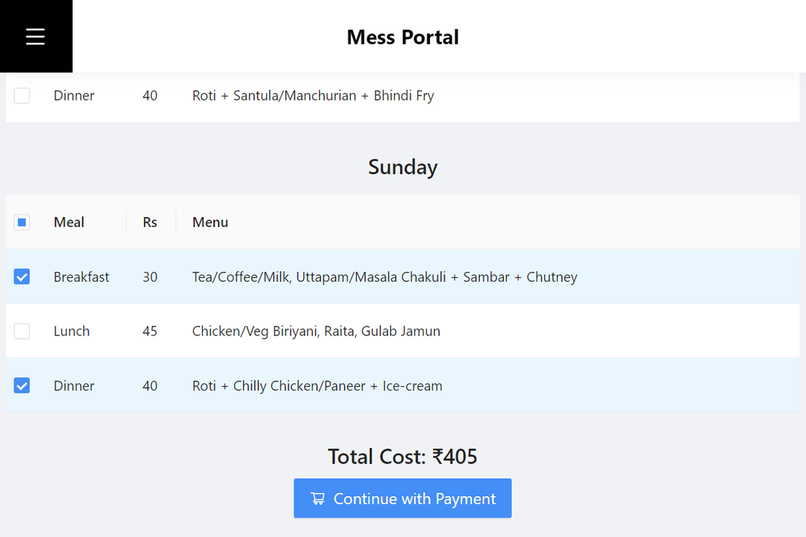
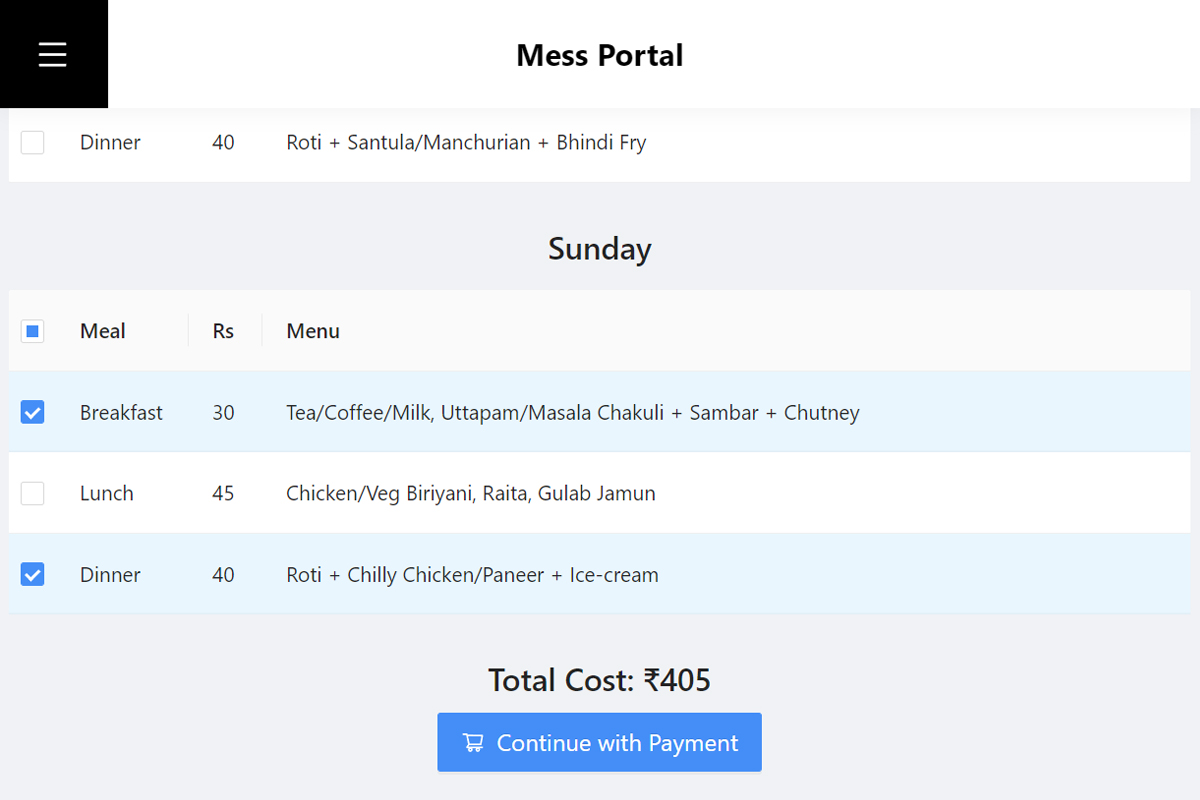
Coupons purchase page
-
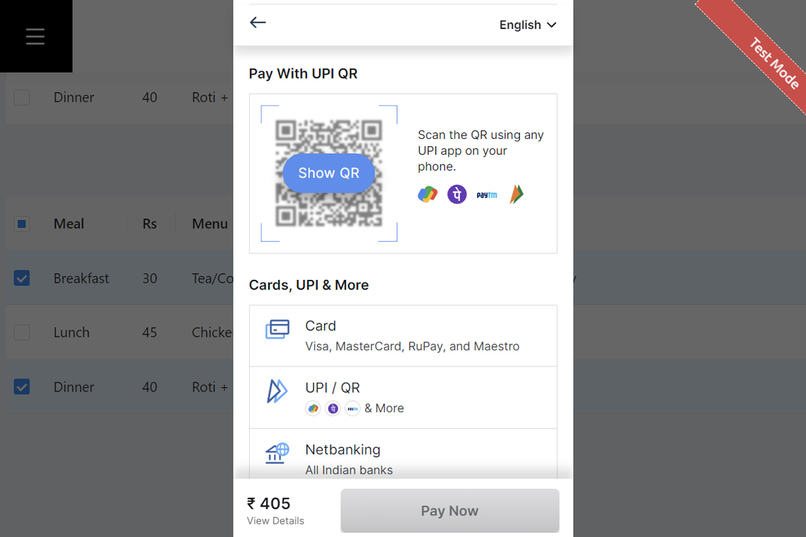
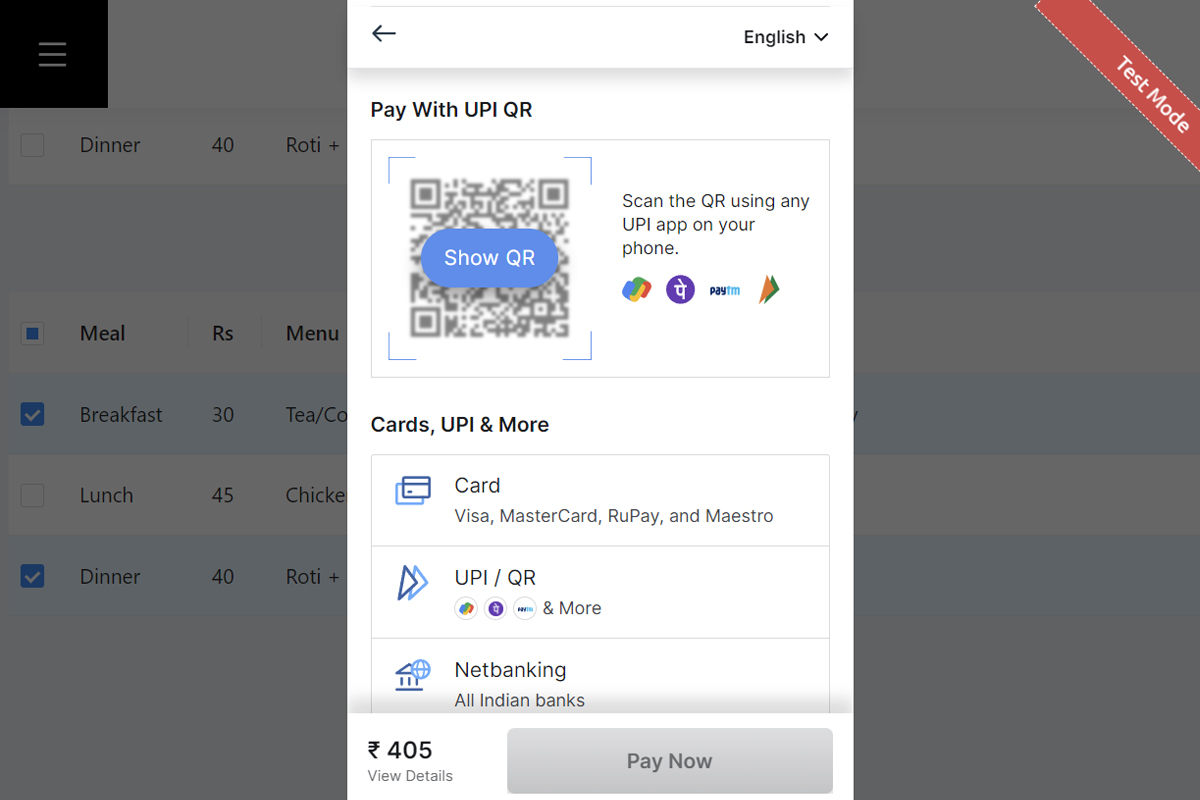
Payment via Razorpay
-
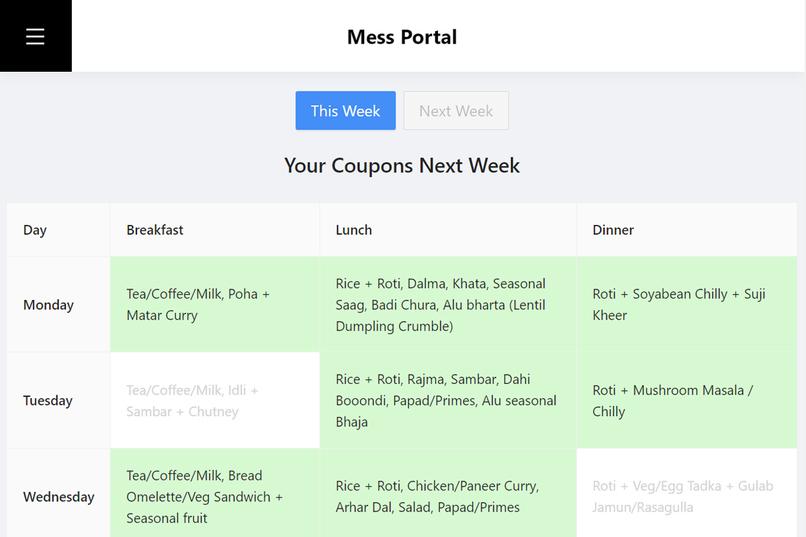
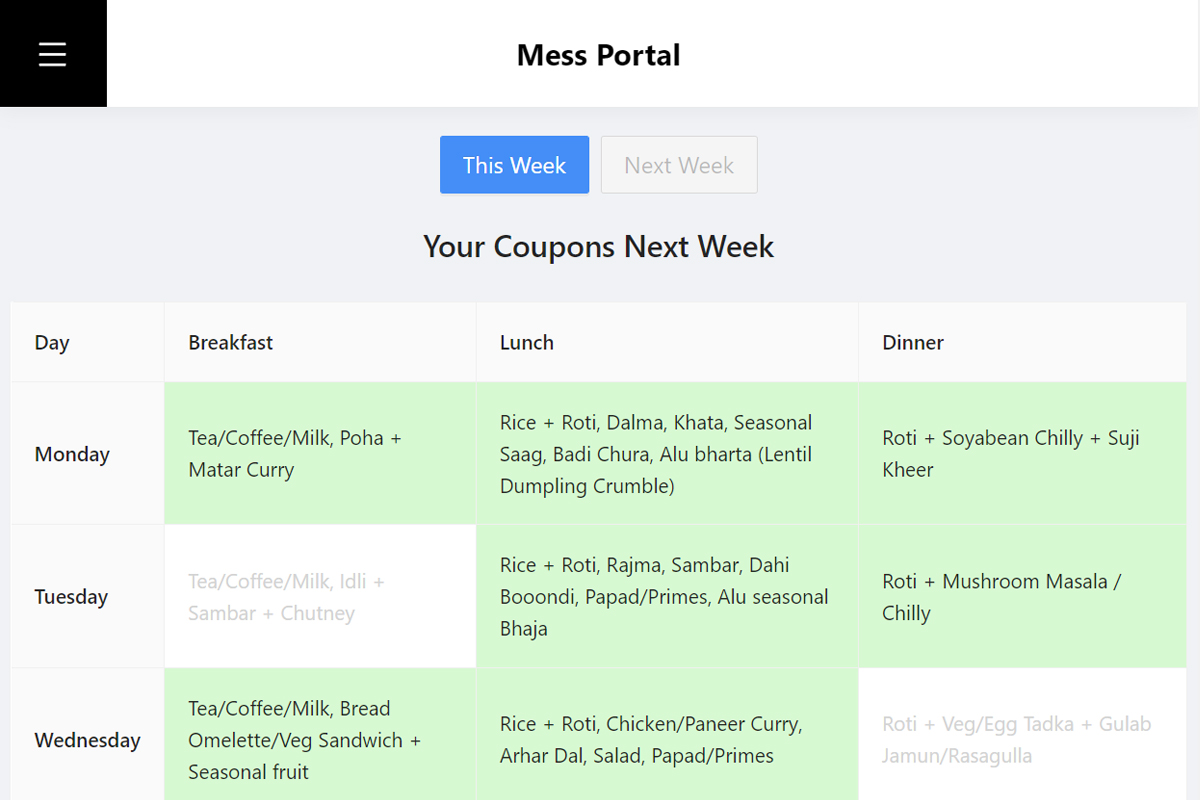
Coupons purchased by user
-
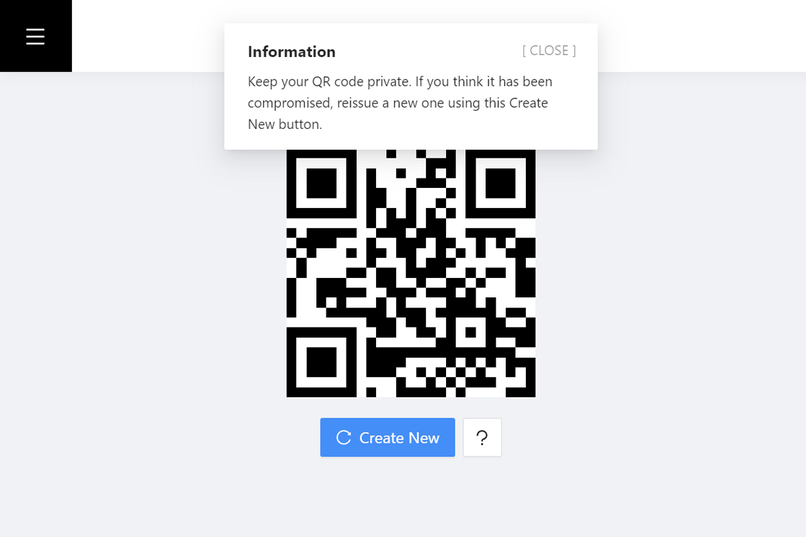
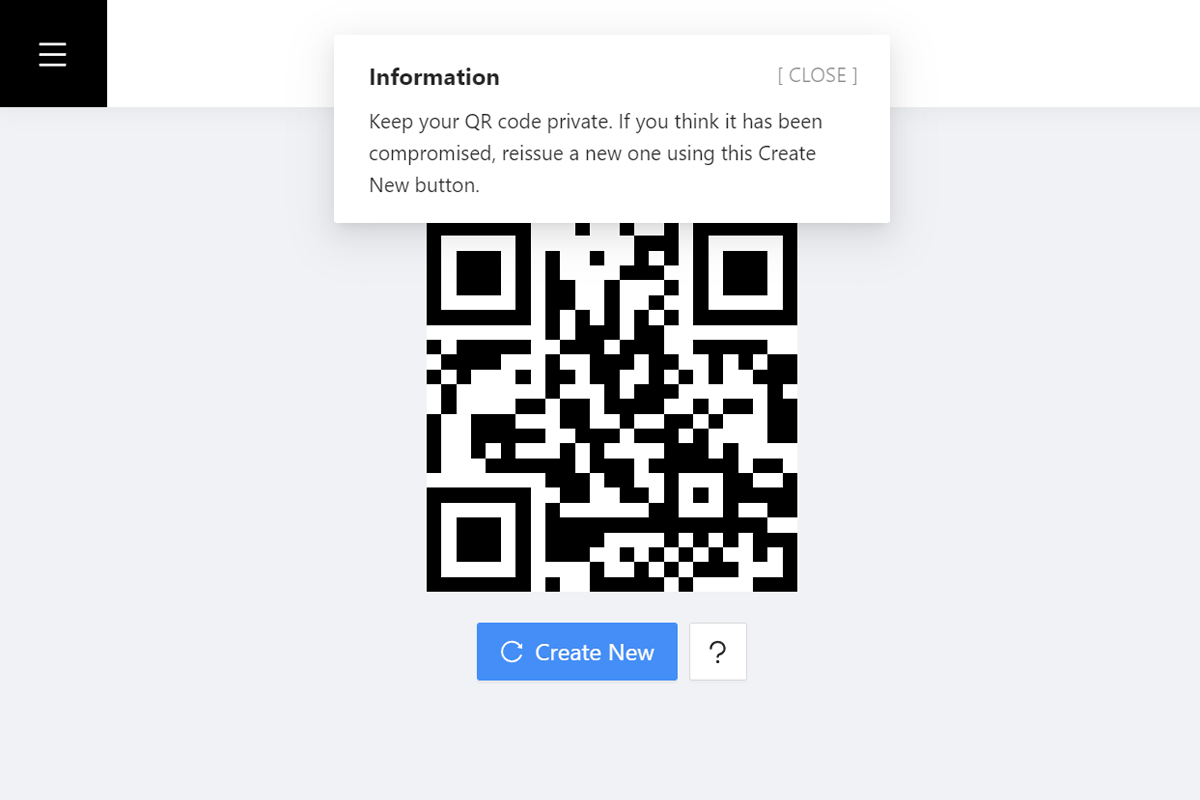
QR code to be used by the user to avail food
-
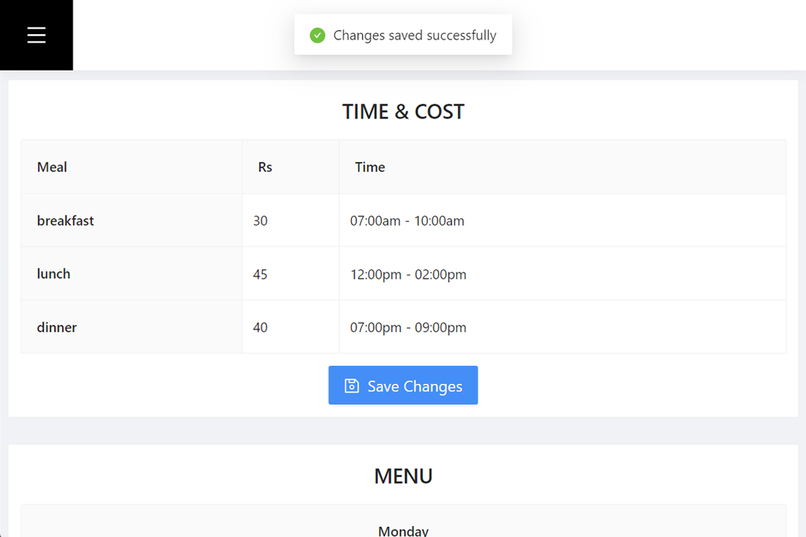
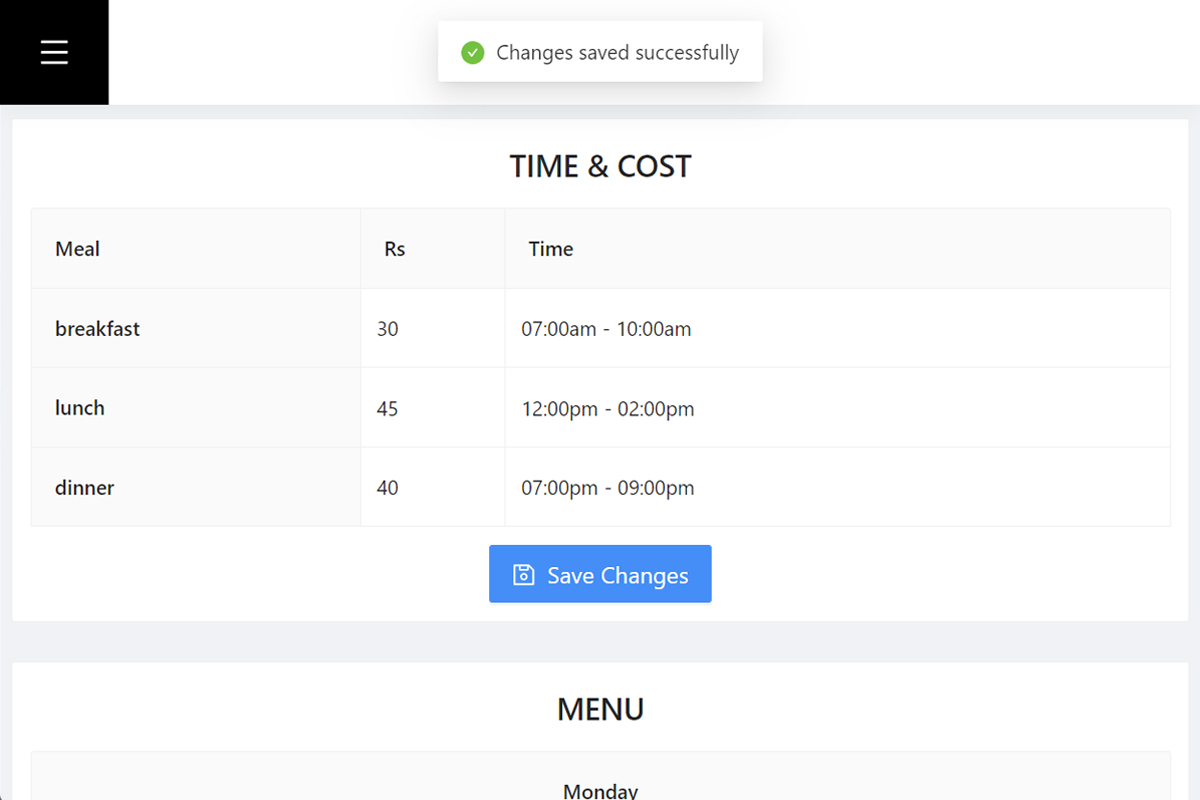
Admin page to edit menu, cost, and time
-
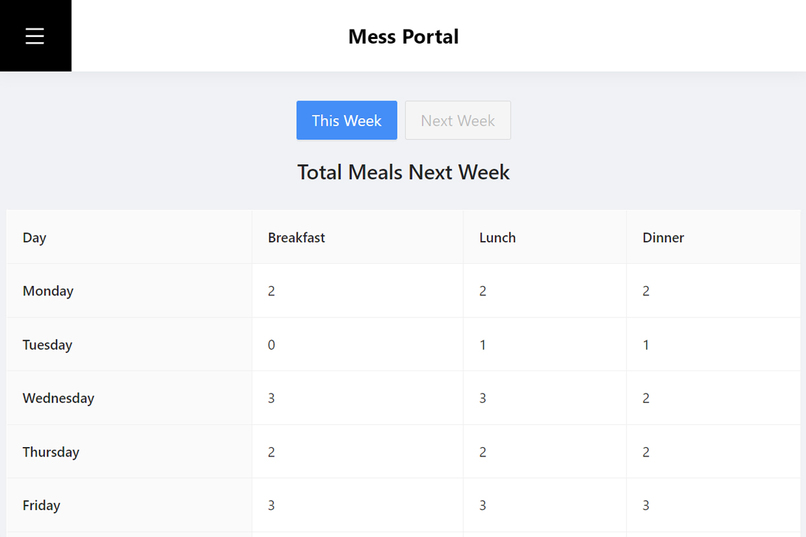
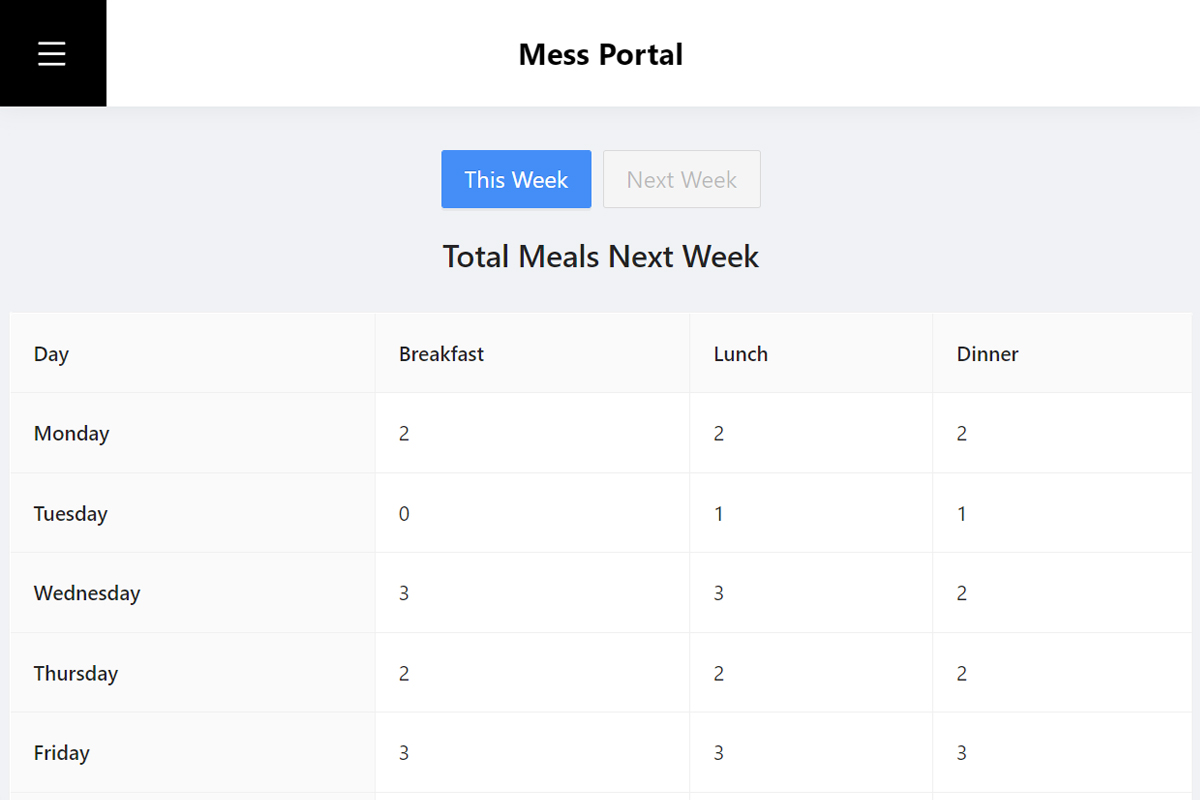
Admin page to view total meals to be cooked
-
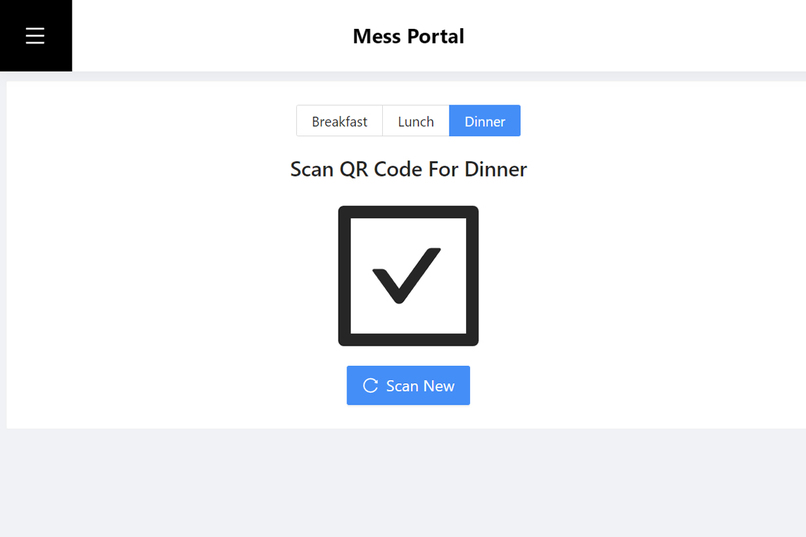
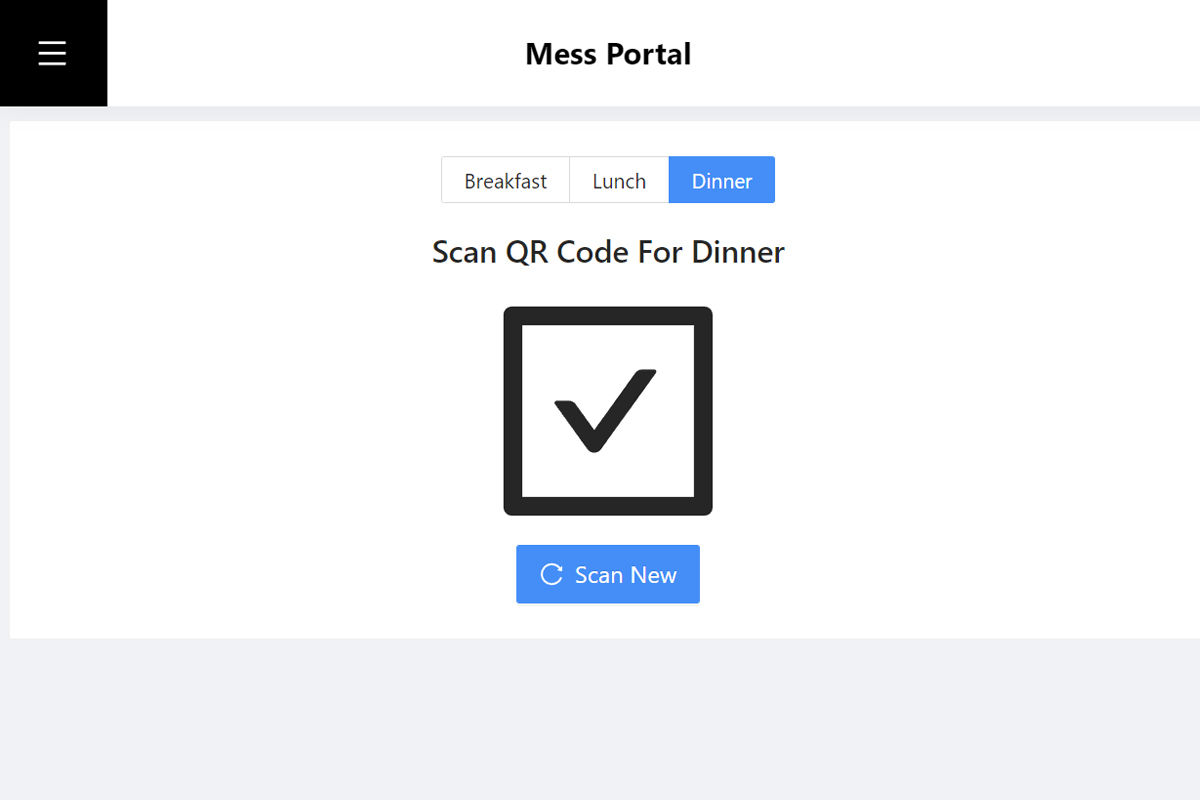
Admin page to scan and verify QR codes for giving food
MESS PORTAL
A D3 Fest Hackathon submission
Team members:
- Roshan Dash (Developer)
- Subhajit Chatterjee (UI/UX, Documentation)
🧱 PROBLEM STATEMENT
D3H05
Develop a solution for mess management. The solution should provide facilities to the mess admin and the students. For mess admins, they can manage coupons and other necessary details like menu, and pricing in the mess dashboard. Students can buy coupons from the mess dashboard only, deciding their desired meals for the week. The aim of the project will be to remove the hassle of buying coupons and provide a centralized platform for mess management.
- Task 1 - QR codes for each meal a day in place of paper coupons
- Task 2 - Razorpay Integration
✨ SALIENT FEATURES OF OUR SOLUTION
For MESS OWNERS :
Has specialised mess dashboard where the admin can :
- Manage the menu
- Edit timings
- Regulate prices
- Know total meals to be cooked
- Scan and verify QR codes to provide meal
- Razorpay integration to accept online payments
For STUDENTS :
They gain access to :
- View the weekly menu, timining, and costs
- Decide and purchase their desired meals online
- Review the meals purchased (for both present and next week)
- Using a single QR code instead of paper coupons
🎯 DETAILED DESCRIPTION
STUDENT SERVICES
Mess time and menu on the home page

Signing in to the account
The students can sign in using their respective Google accounts using the sign in option. Login can be restricted to certain domains like iiit-bh.ac.in

Buying coupons for next week
The student can apply for desired meals by selecting among the checkboxes. The final amount is displayed at the bottom for payment.

Upon clicking "Continue with Payment", the student is directed to the Payment Gateway of Razorpay to complete their purchase.

Purchase history
The student can check which meal and day coupons they have bought for the current and upcoming week.

Using QR code
The student will be provided a unique (static) QR code which can be used directly using smartphones or can also be printed and used just like an ID. In the case that the students feel that their QR code has been compromised, they can create a new QR code.

ADMINISTRATOR SERVICES :
Admin panel
This provides interface to edit the cost, time, and items of the weekly menu.

Total meals
This page shows the total meals to be cooked for the present week as well as the upcoming week based on the total coupons purchased.

Scan QR code
This allows to scan and verify the mess QR codes. After selecting the meal type, upon hovering the camera over a mess QR code it shows a tick mark if the person has purchased coupon for the given meal on the given day. Or a cross mark if the person has not purchased the meal, or have already claimed it.

The admin can press "Scan New" to check a new QR code.


Log in or sign up for Devpost to join the conversation.