-
-
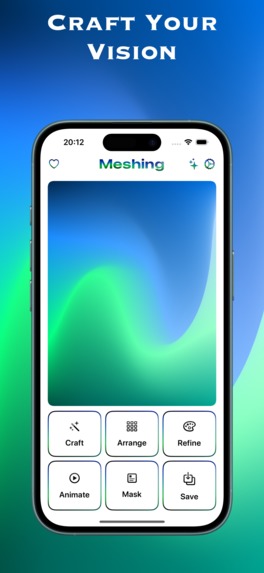
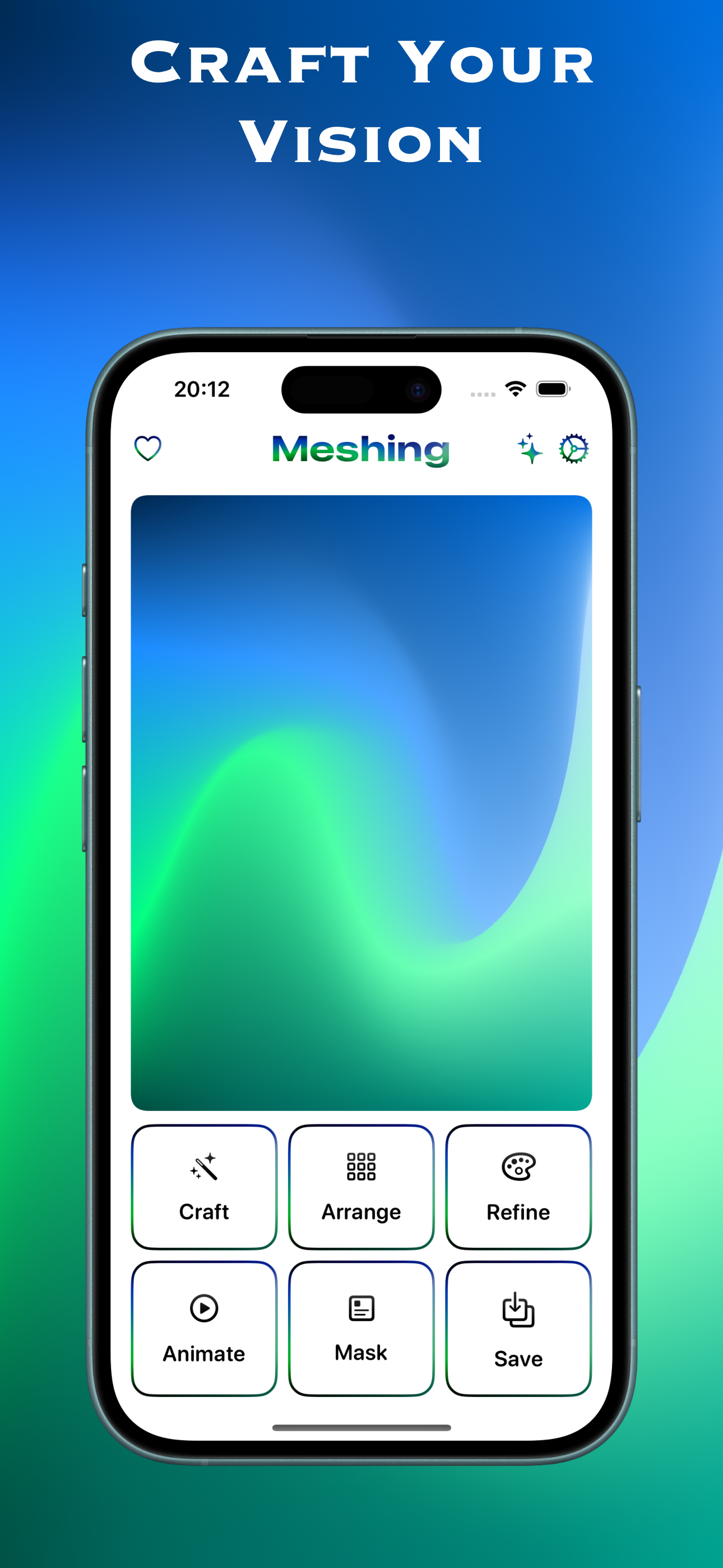
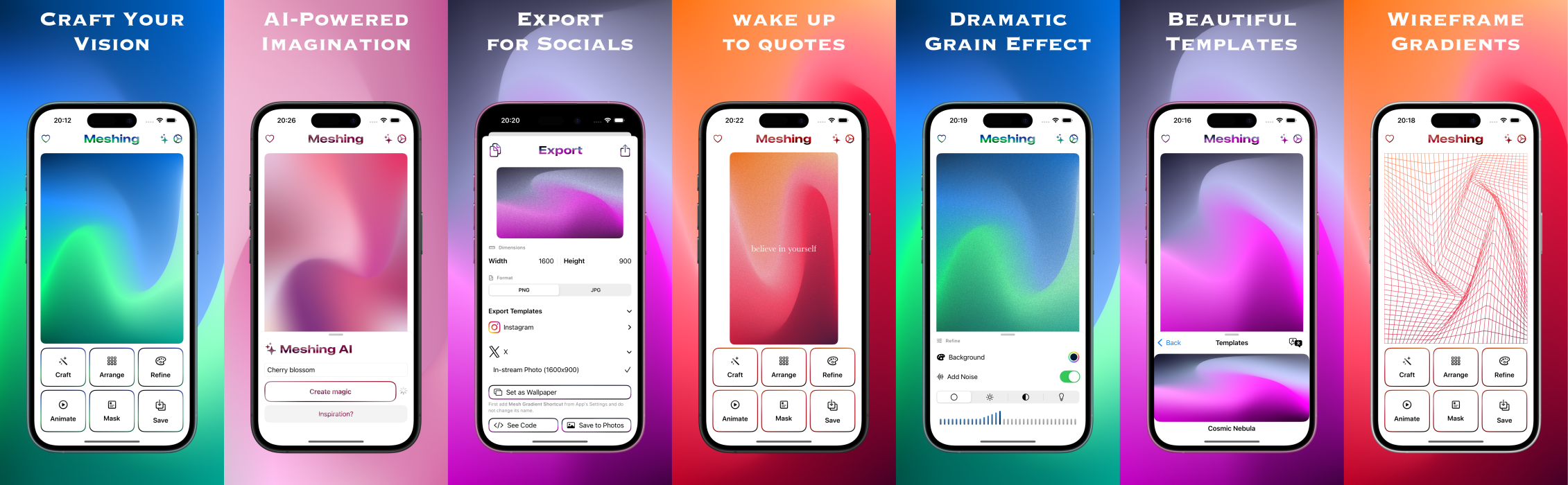
Craft Your Vision
-
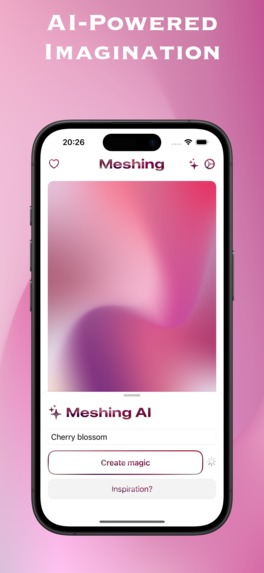
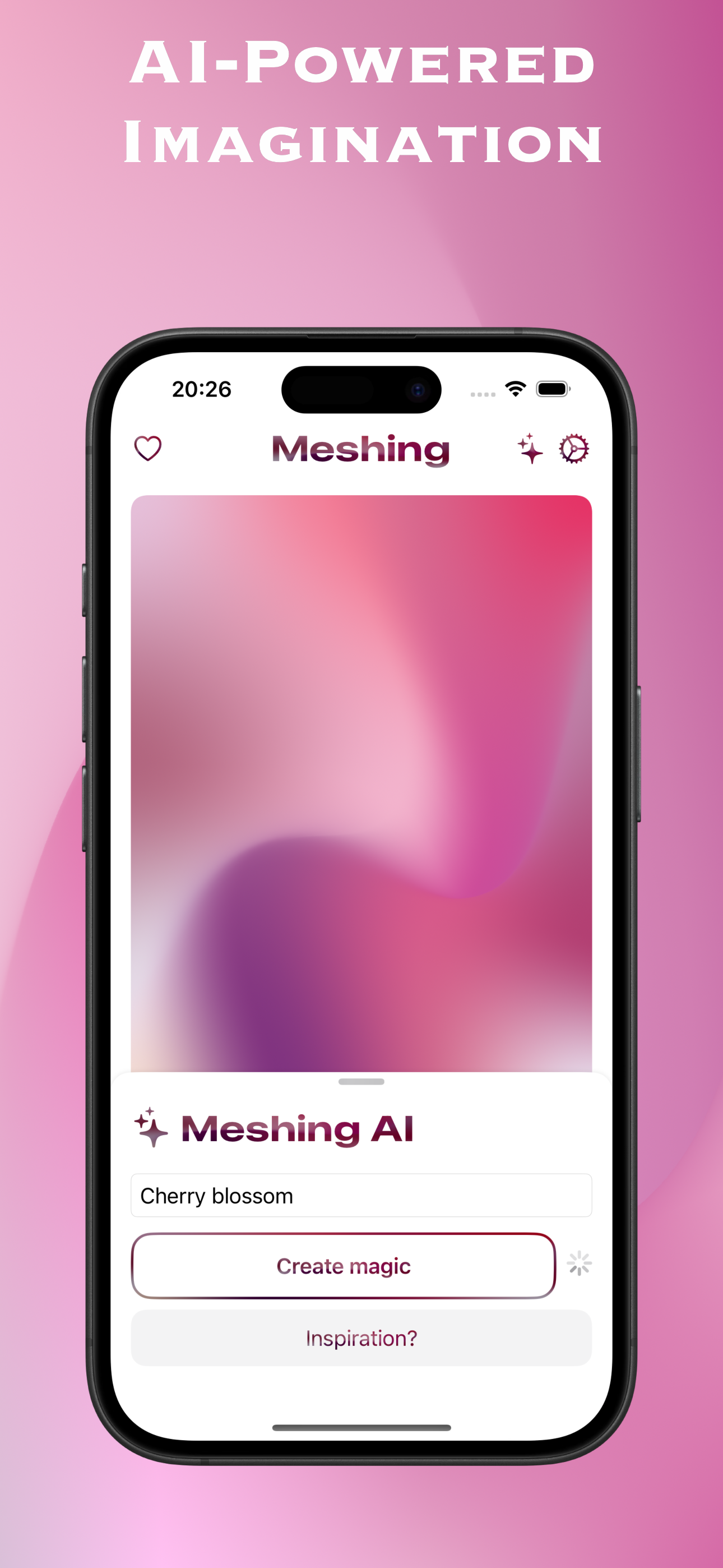
AI Powered Imagination
-
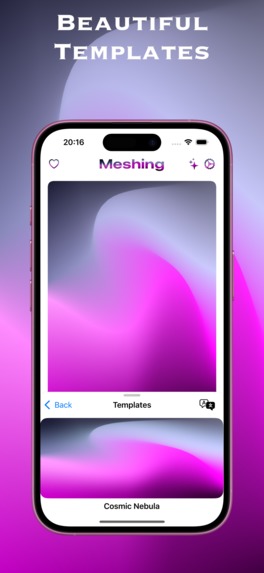
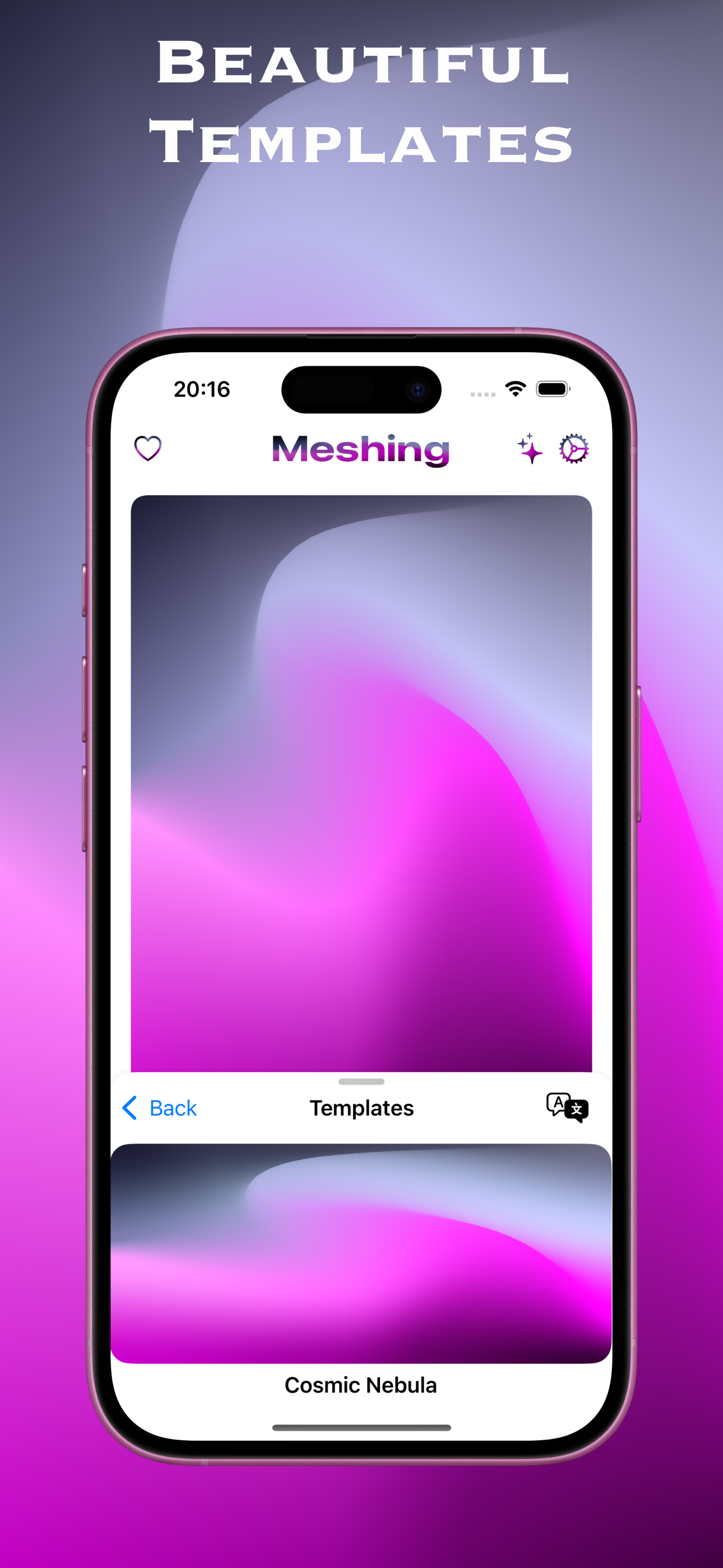
Beautiful Templates
-
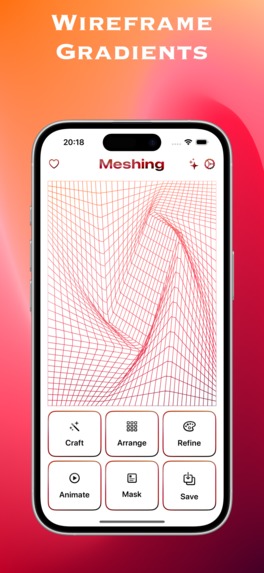
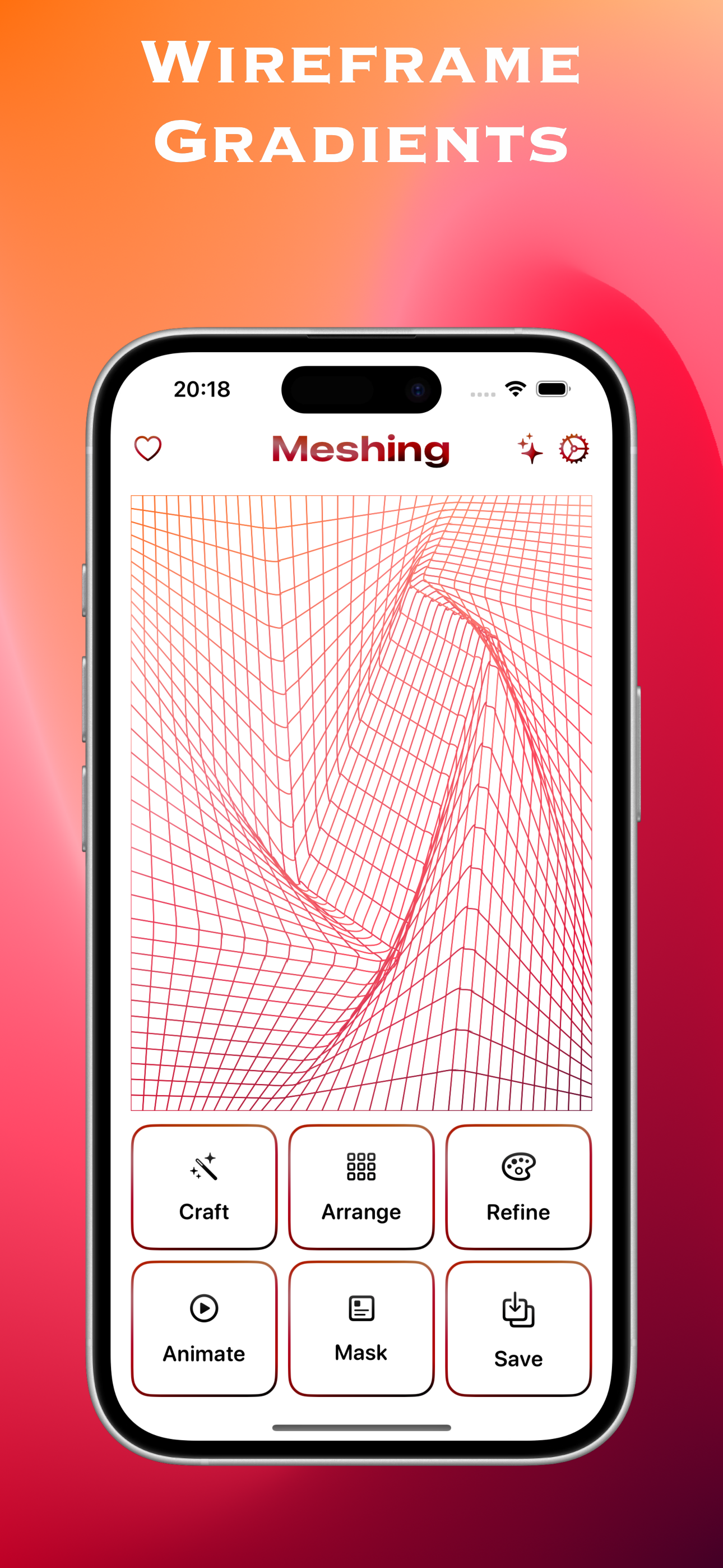
Wireframe Gradients
-
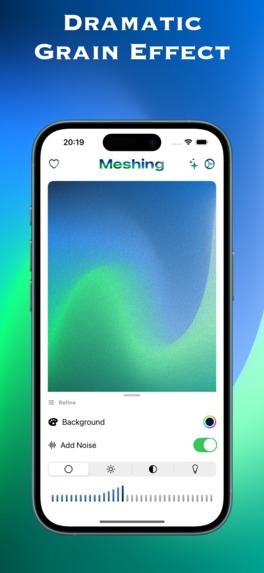
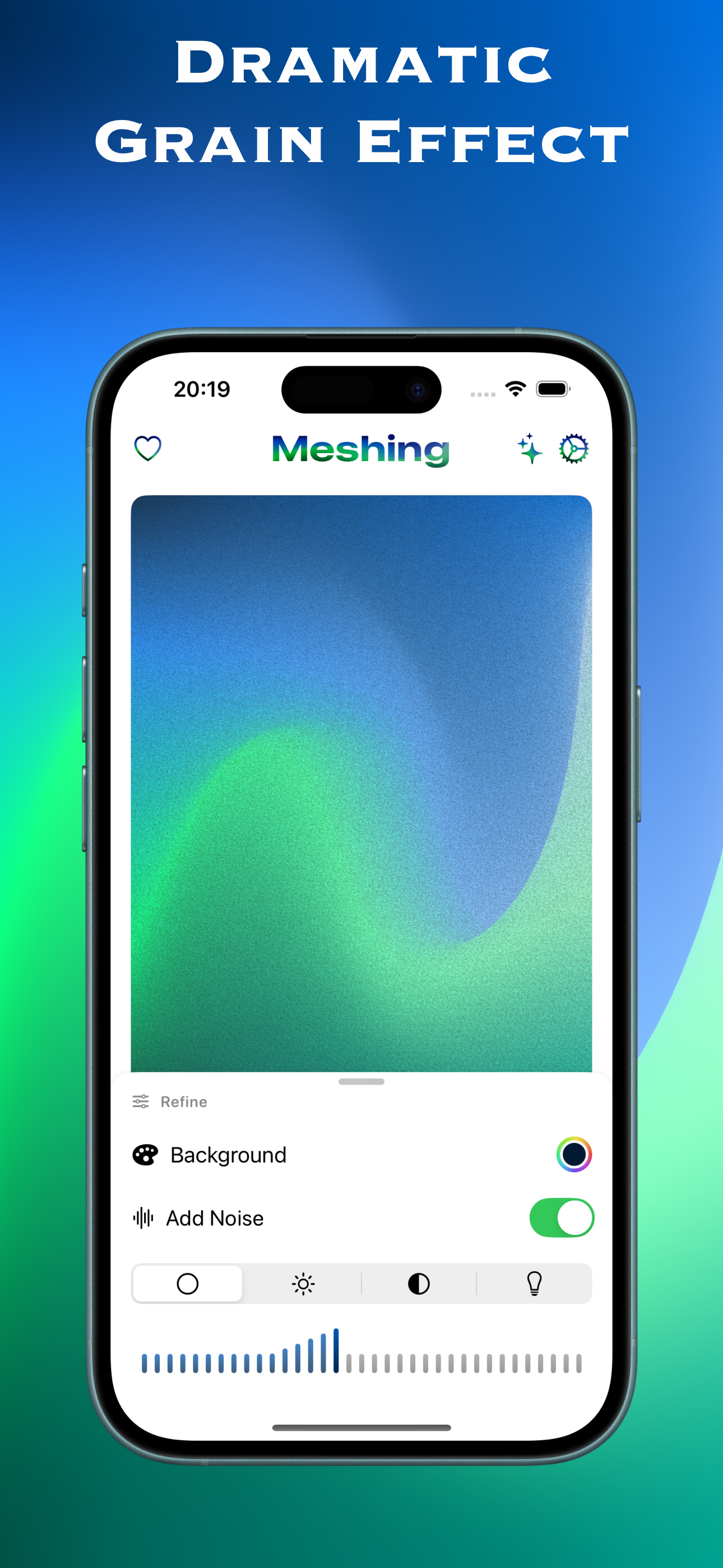
Dramatic Grain Effect
-
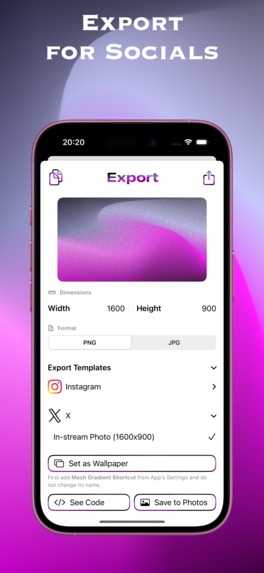
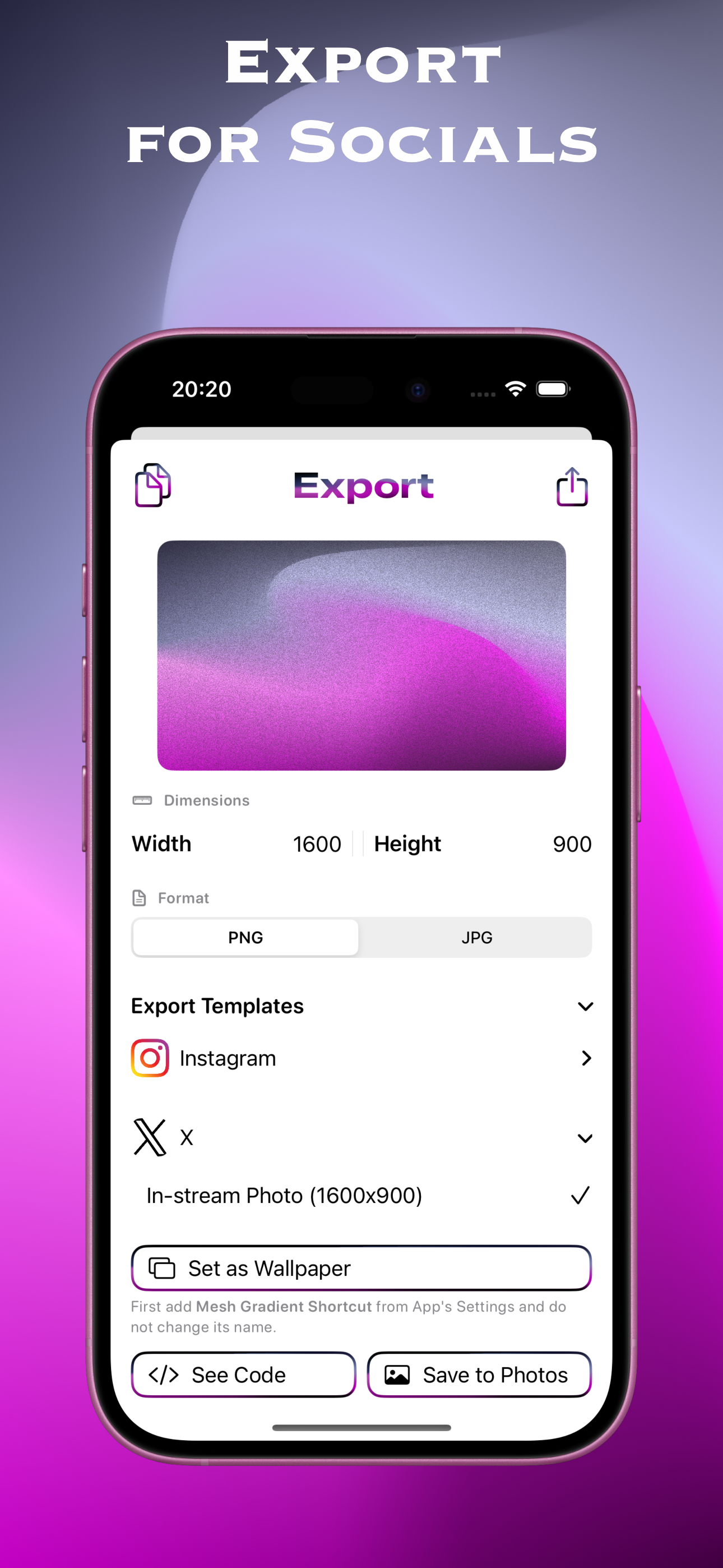
Export For Socials
-
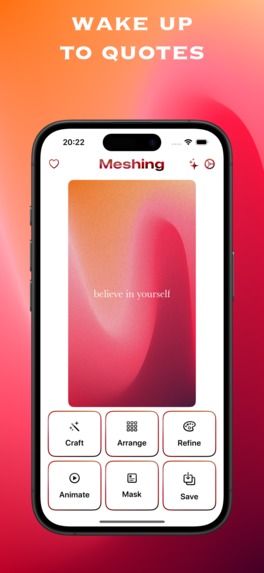
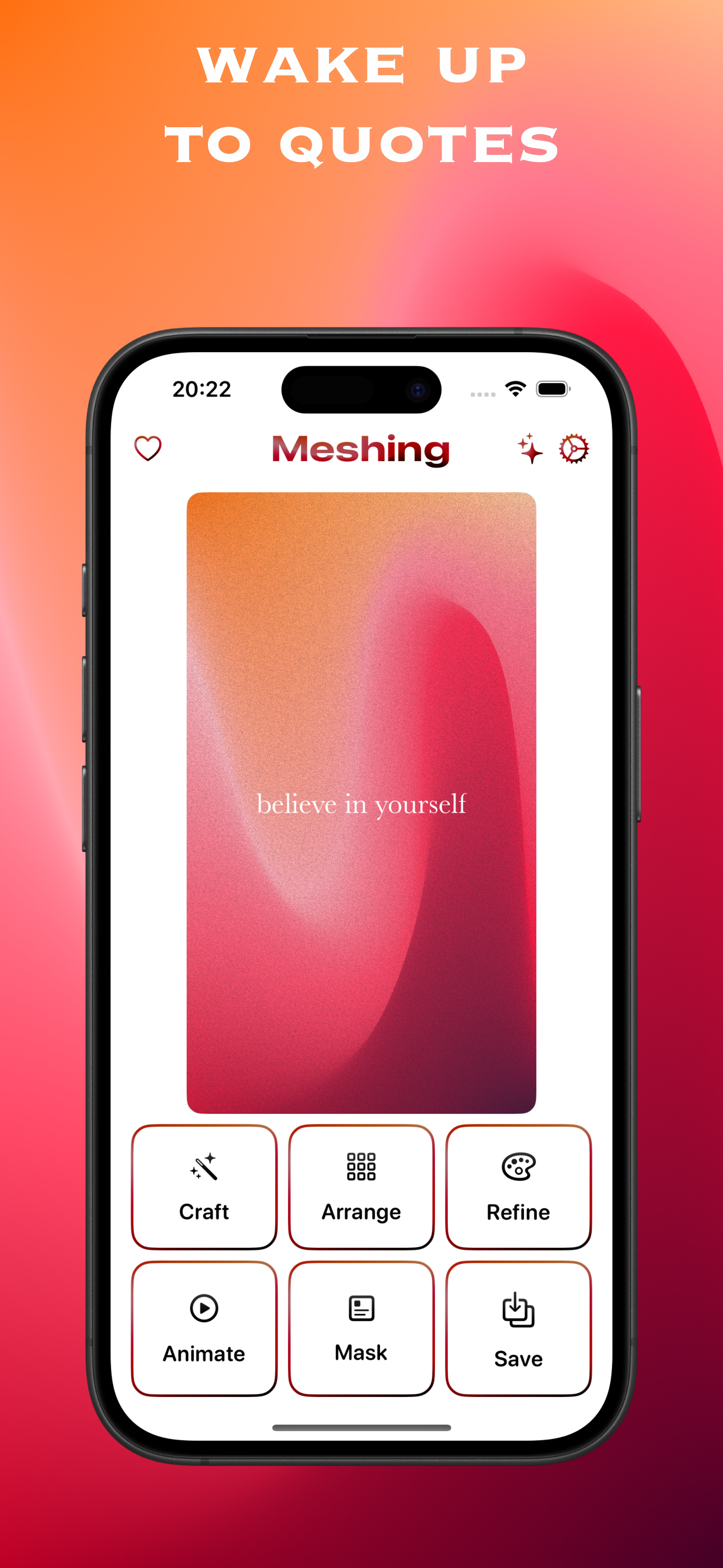
Wake Up To Quotes
-
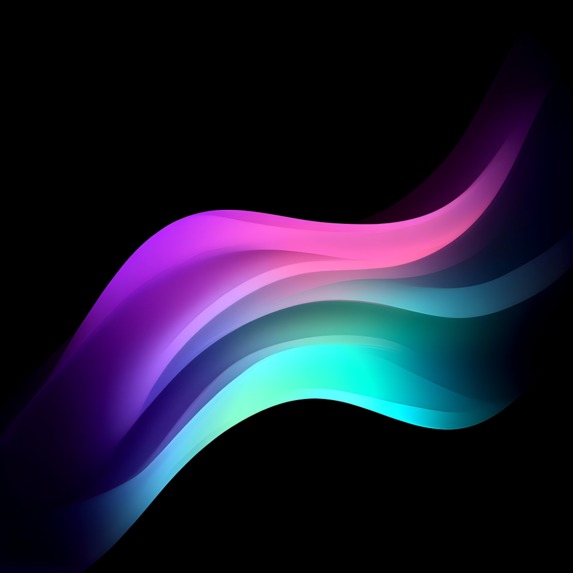
App Icon (1024 x 1024)
-
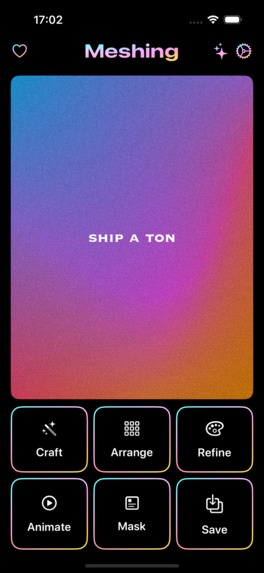
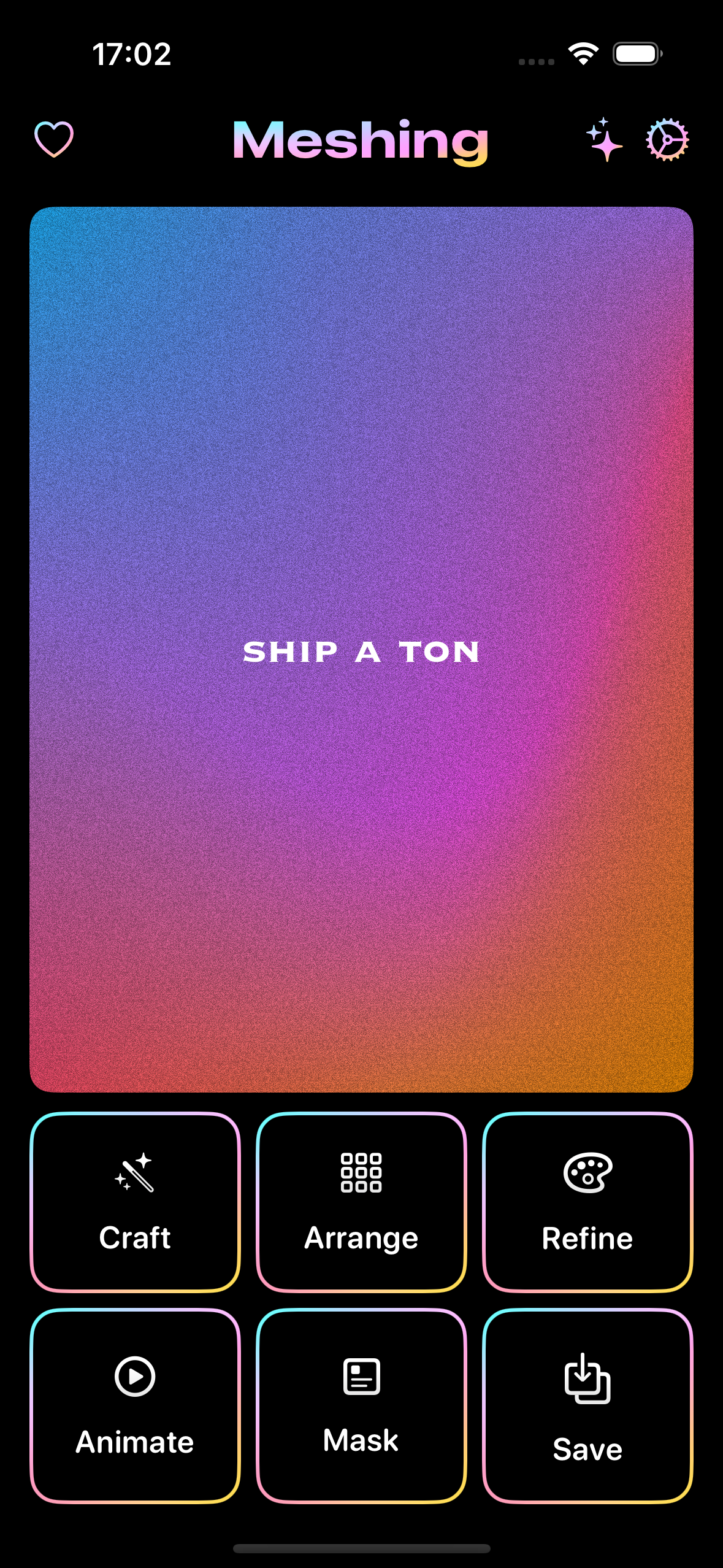
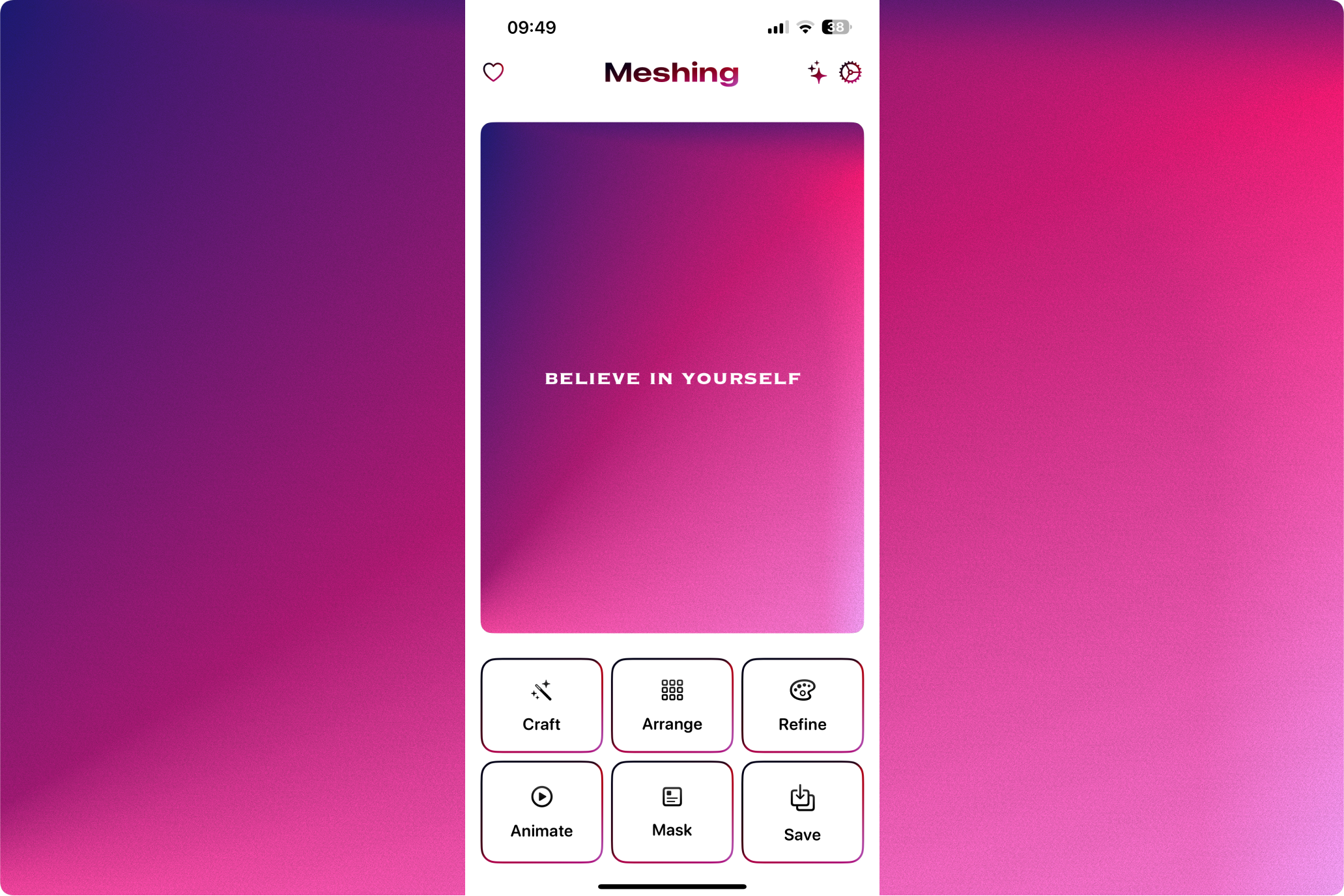
Main Screenshot (1179 x 2556)
“I did not know you could do so much with mesh gradients?!"
Yeah, me neither.
Starbucks and Inspiration
I rarely step out; when I do, it is usually straight to the airport. But a friend wanted to meet one evening, so I hastily dressed up and met him at Starbucks. Our conversation revolved around design, and I somehow found myself taking him to my world of mesh gradients.
Excited to show him what I had been working on using the new MeshGradient structure in SwiftUI, I pulled out my MacBook. But, the usual happened. The previews kept loading...and loading...and loading. It felt like an eternity.
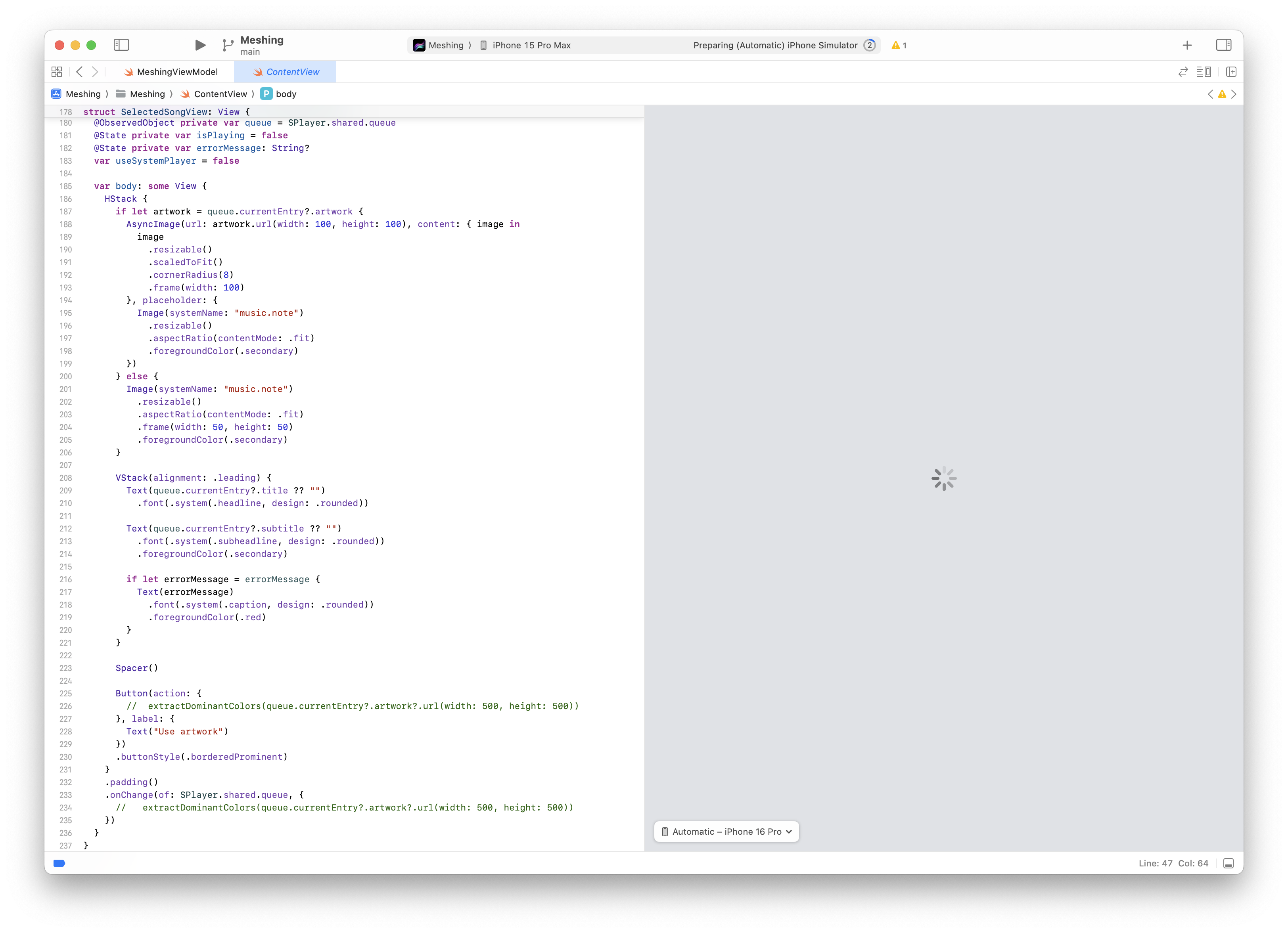
During those moments, my only thought was: "Ah, I wish I had an app that could visualise these mesh gradients easily.”
Frustration to Building
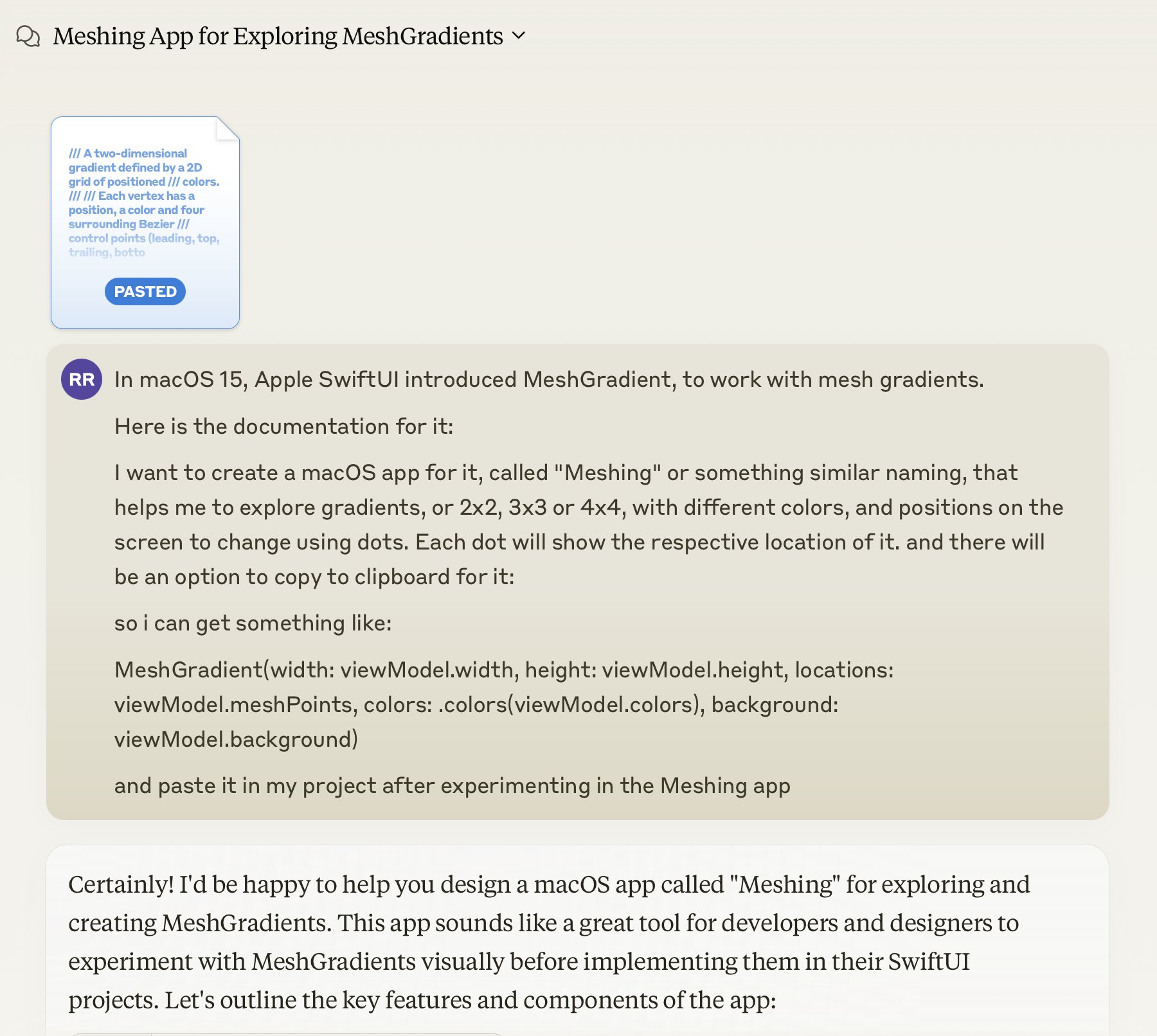
The next evening, out of impulsion, I opened up Claude, an AI assistant, and fed it the SwiftUI documentation on mesh gradients. Within a few hours, I had created a working prototype. I put it on Gumroad and screamed about it on socials. I got decent feedback on it but did not put much effort into shipping more.
Ship A Ton Challenge
Two weeks later, I saw this tweet by RevenueCat that they are announcing a new hackathon to ship a ton.
This is what I wanted.
This is what I needed as motivation to continue working on Meshing.
Alright, then.
Let’s see what all I can do with mesh gradient. It was time to turn this prototype into something gorgeous!
What's Meshing?
Meshing is a mesh gradient design tool that quickly creates mesh gradients.
Why Meshing?
I created Meshing because I believe everyone deserves to create beautiful designs, even if you are not a Picasso. For developers, it is for those moments when Xcode previews keep loading, and you just want to see your gradient come to life.
Design:
- Tap and rotate gestures to craft amazing gradients
- Choose from 2x2 to 4x4 grids for precise control
- See your changes in real time as you create
Describe to create
- Tell what you want, and make it happen with Meshing AI
- Get unique gradients based on your descriptions
- No design skills are needed; just your imagination!
Photo to gradient
- Turn any image into a unique gradient
- Extract colour schemes from your favourite photos
Stunning Visuals
- Add blur effects for a dreamy look
- Switch to the wireframe view for a unique, structural perspective
- Bring your gradients to life with smooth animations
- Experiment with gradients on text, images, and buttons
Templates and Favorites
- Get inspired with pre-made designs
- Save your favourite gradients for future use
- Build a personal library of inspiring colour schemes
Export and Share
- Save your work as high-quality images
- Export gradients as ready-to-use code
- Use your creations in any project
Features, Features Everywhere
Some days, everything clicked, and I would implement new features like a mini hackathon in itself.
Other days, I did not want to get out of bed because I spent hours debugging a few lines of code.
The motto of the app was:
Quickly create beautiful gradients.
I focused on creating an experience that would allow users to easily create, edit, and export mesh gradients. Starting the app with a template that they can directly import, with pre-defined resolution.
Learning and Curves
My coding skills were rusted. But we are grateful to live in the same world as Claude 3.5 Sonnet.
I spent hours understanding the fundamentals of mesh gradients, bezier curves, experimenting with different approaches, and yes, occasionally banging my head against the keyboard because Xcode previews crashed again.
The most impact I felt was more on a personal level than coding, though.
Shipping a ton requires you to show up every day to the ship.
I documented my journey on YouTube, and I created videos when I wanted to, and made sure I created them when I absolutely did not want to.
During the 45 days, I taught myself the meaning and value of consistency that I am applying to different parts of my life, like fitness and diet.
Art and the Artistic Soul
To my artistic soul, it is all about the art to create visually pleasing gradients. The one that makes you go like, “WOW”. I made this app primarily to please myself, the same way I write.
Overcoming Hurdles
Oh, the hurdles. Where do I even begin?
For the fellow geeks, performance was a big one. Animating mesh gradients was computationally expensive, and I had to optimize ruthlessly to keep the app responsive, especially on smaller devices.
As someone who is not a designer, I faced some good hurdles with UI/UX challenges. How do you even make something as complex as a mesh gradient editor user-friendly? It took more than a numerous iterations and a lot of user feedback to get it right!
And finally, not quitting. I had days when I just did not want to work on Meshing anymore. And then I would see tweets or messages that something reminded them of Meshing. Things around them reminded of my beautiful little app.
That kept me going.
When the challenge deadline approached, I found myself working longer hours, probably 12-15 hours sometimes to juggle my consulting work, and this hackathon to ship for iOS 18. I had more coffee in the past 45 days than the entire year.
I took advantage of my insecurities that my app is not good enough, and the occasional existential crisis.
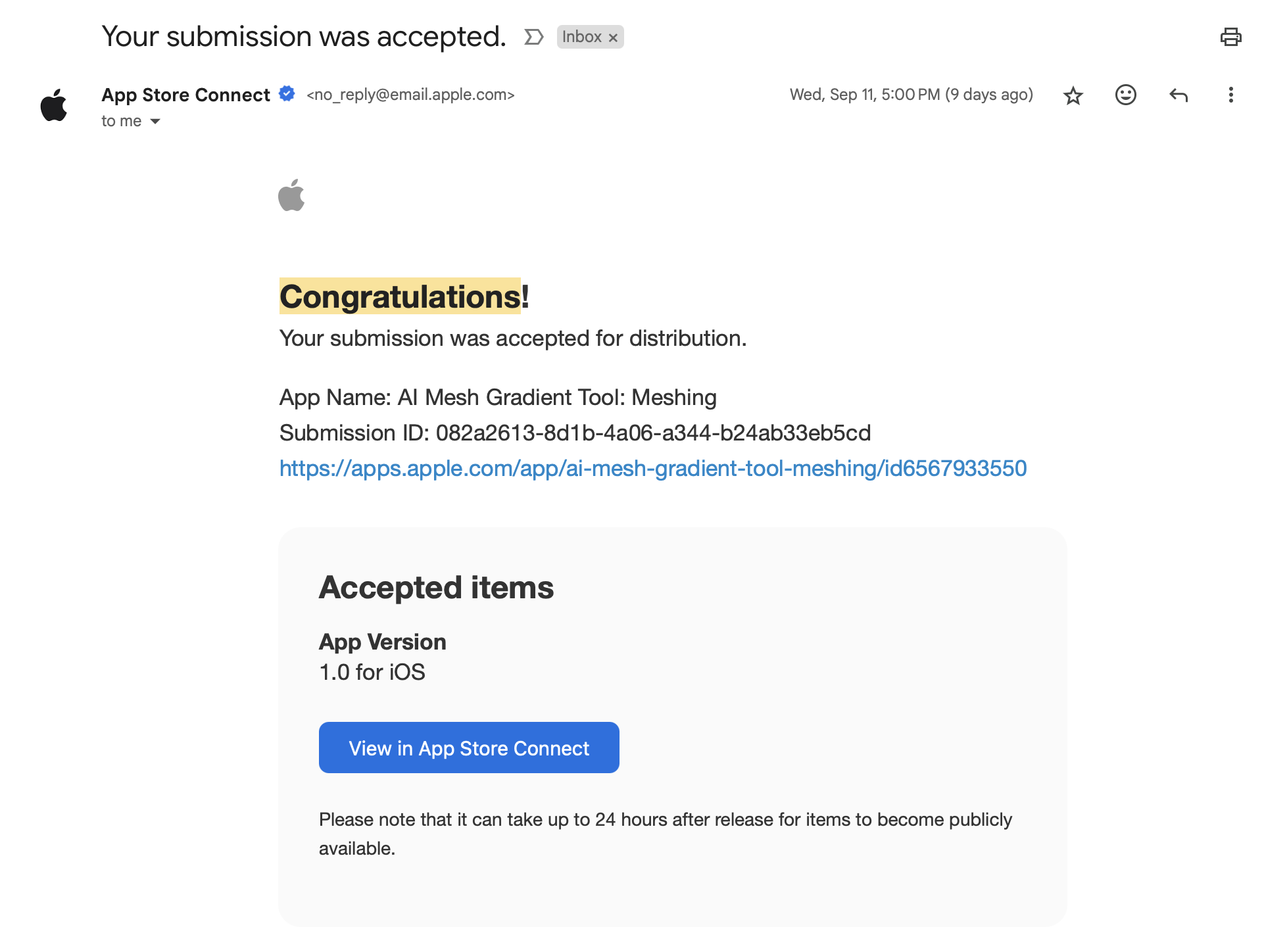
Slowly, bit by bit, Meshing was taking shape. When I finally got the approved mail from the App Store review, I knew I had passed the minimum functionality test.
I did it.
I actually turned that frustrated moment in Starbucks into a full-fledged mesh gradient tool!
Bonus Bonanza
I thought the hackathon was over until I saw a tweet about a day's extension.
Why not ship more?
On the last day of the hackathon, I decided to go all in on making the design accessible for VoiceOver and Voice Control users.
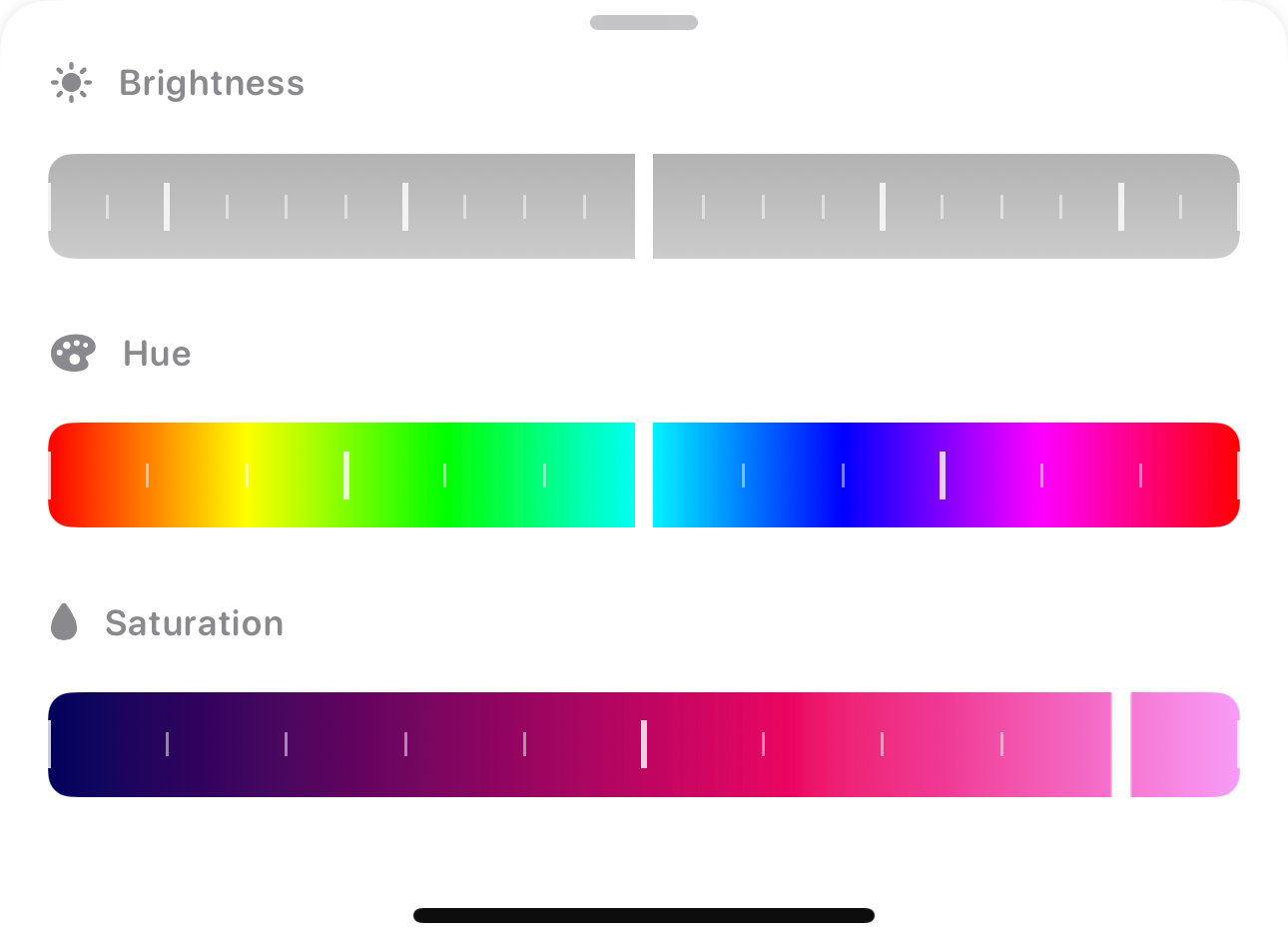
I made Meshing a professional editing tool by adding hue, saturation and brightness sliders! While it may not have made it to the promotional video, I am proud of pulling this feature off in just four hours. That makes working with mesh gradient colours even easier!
Ship-a-ton and Beyond
First, I will take a break and cherish Astro Bot.
There were many features that I could not implement during the hackathon that I want to add later.
The biggest one was MeshRoom, a social media community for sharing mesh gradients in the app itself. It was ambitious, and it will teach me how to create a social app. The second was animated video export, which I did figure out how to implement but could not perfect.
The "Ship-a-ton" challenge may be over, but the journey of Meshing is just getting started.
Built With
- aiproxy
- coregraphics
- coreimage
- metal
- revenuecat
- swift
- swiftui
- wishkit


Log in or sign up for Devpost to join the conversation.