-
-
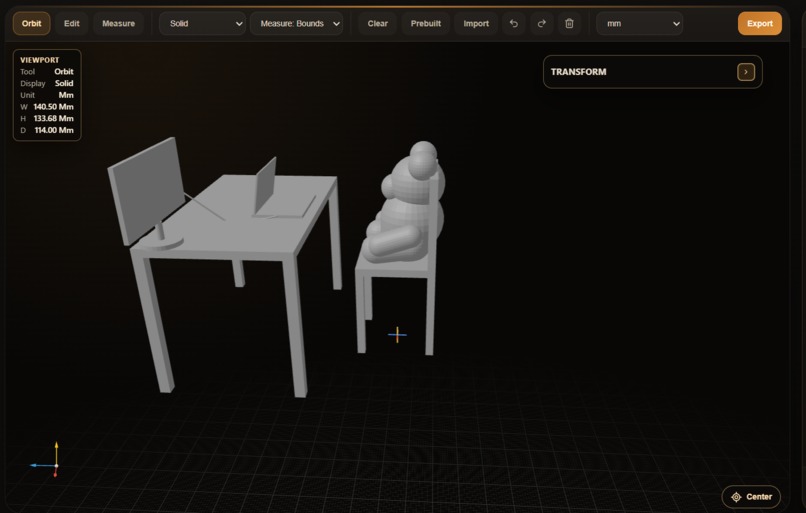
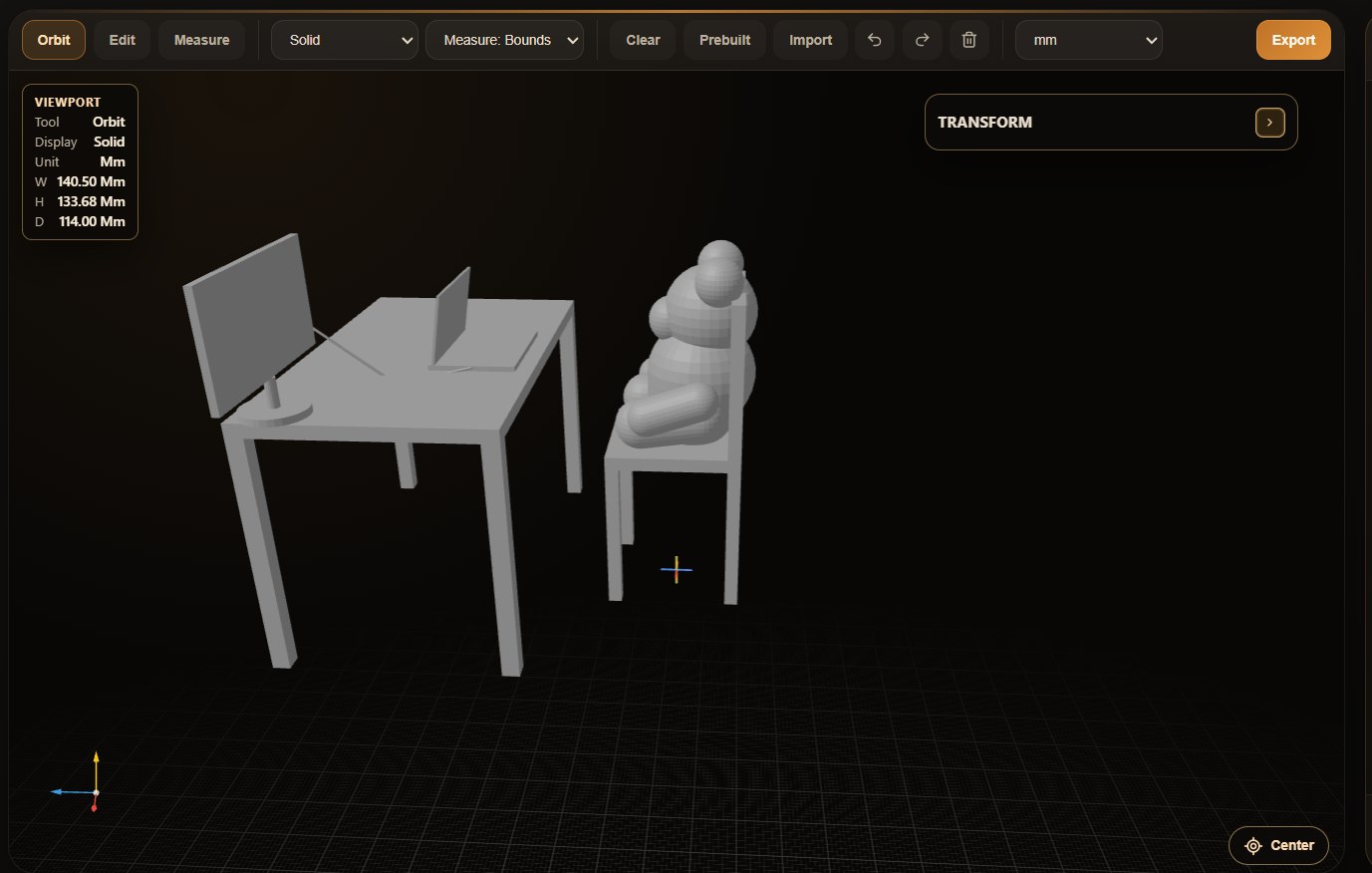
Bear-on-desk
-
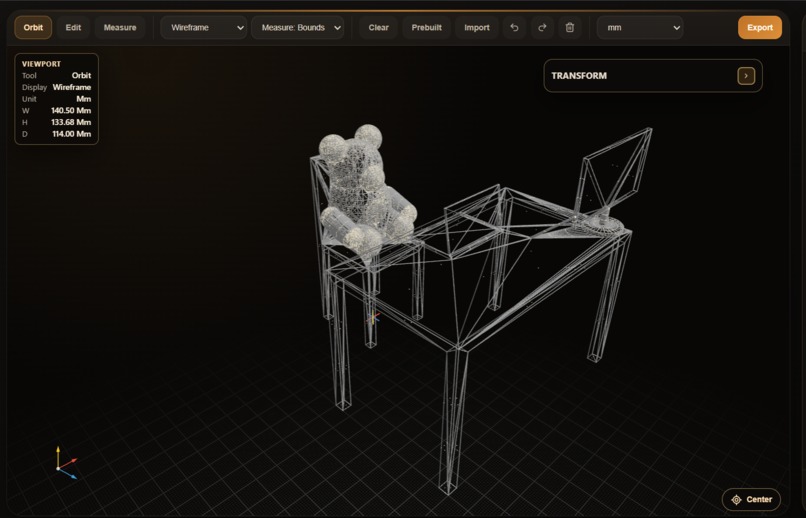
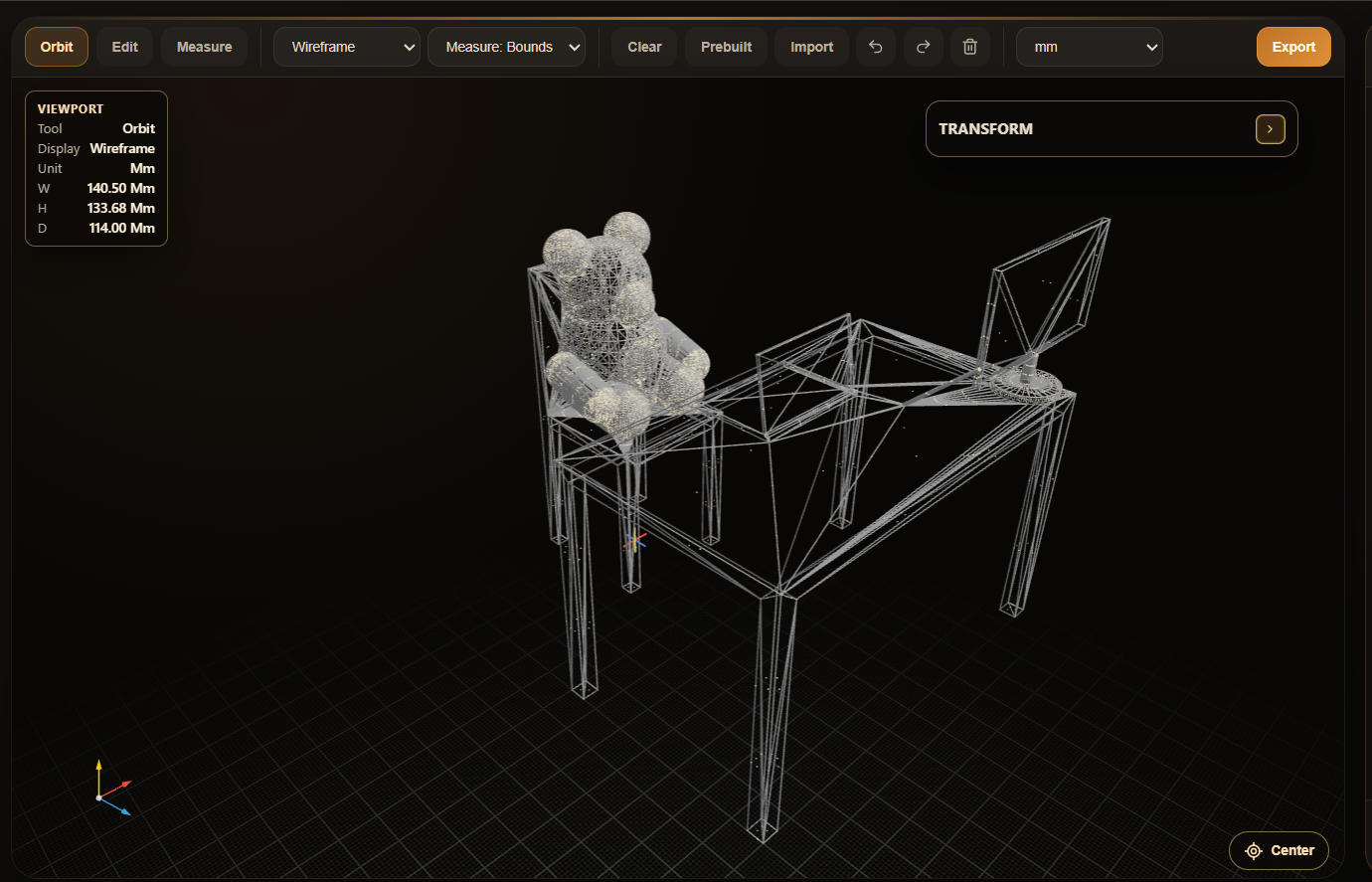
Bear-on-desk-mesh
-
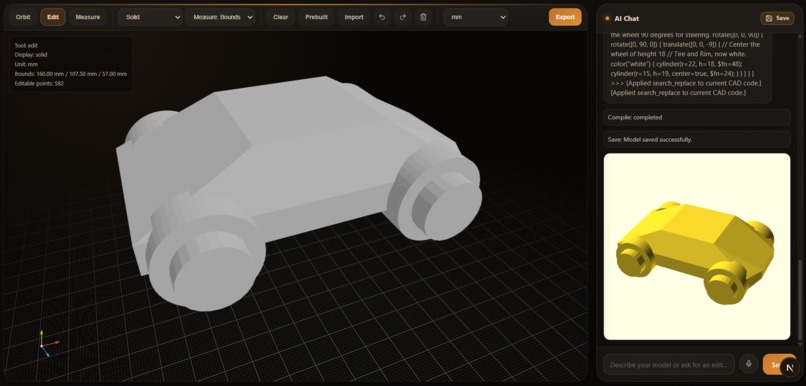
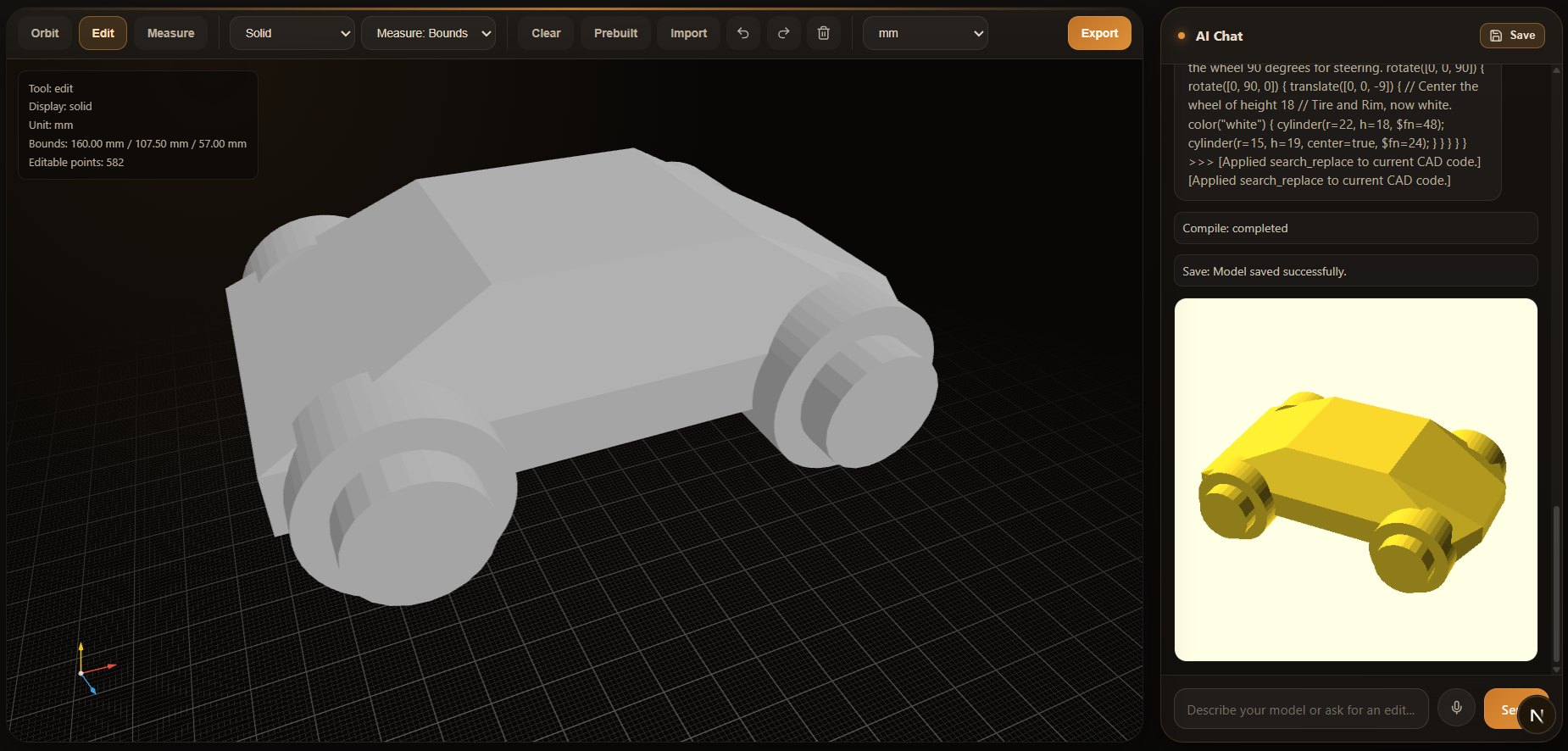
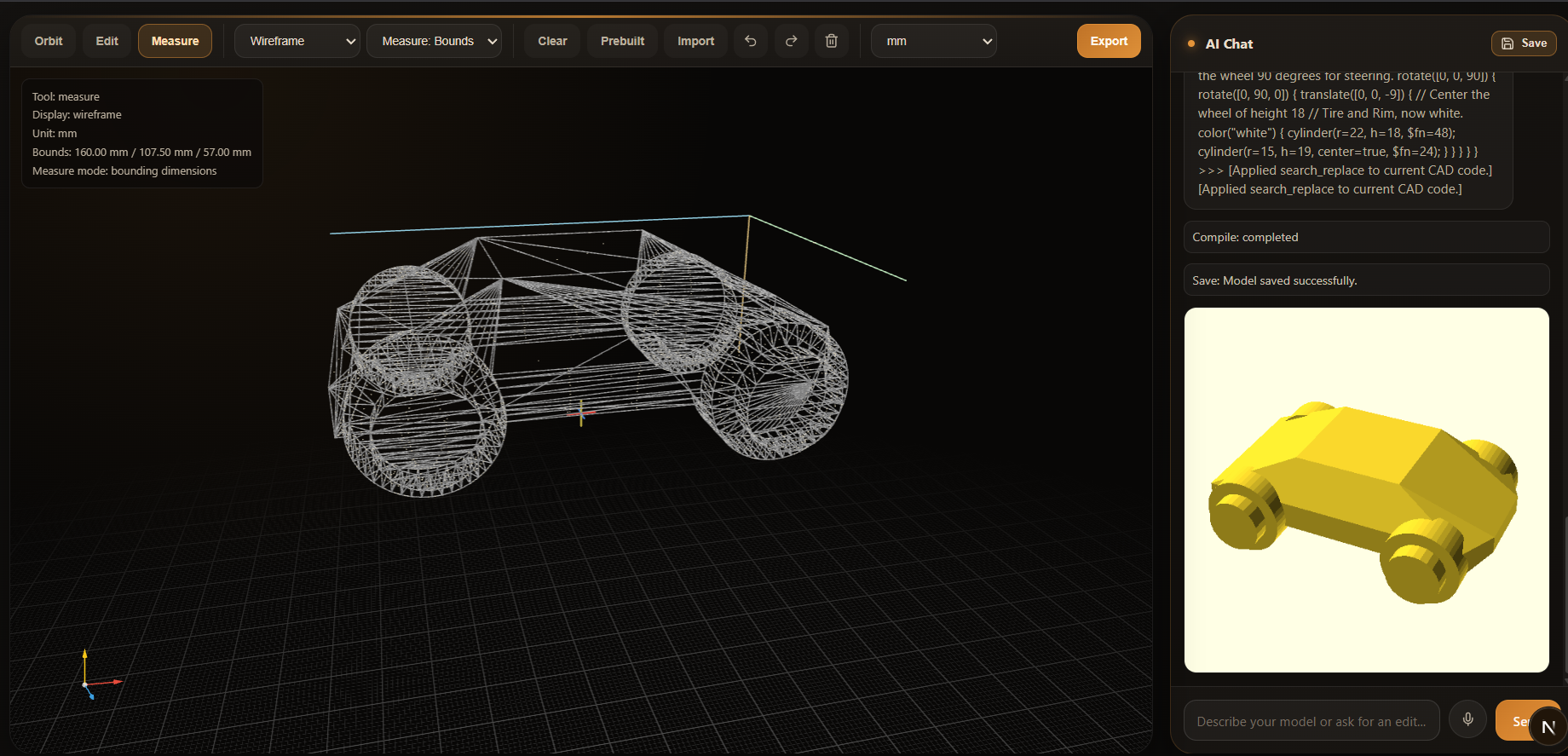
cyber-truck
-
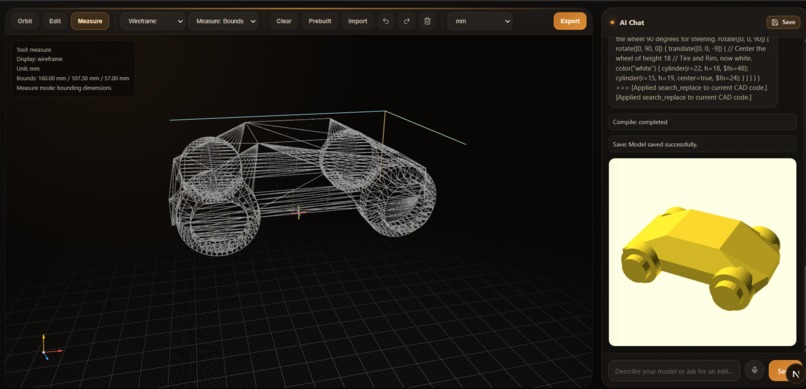
cyber-truck-mesh
-
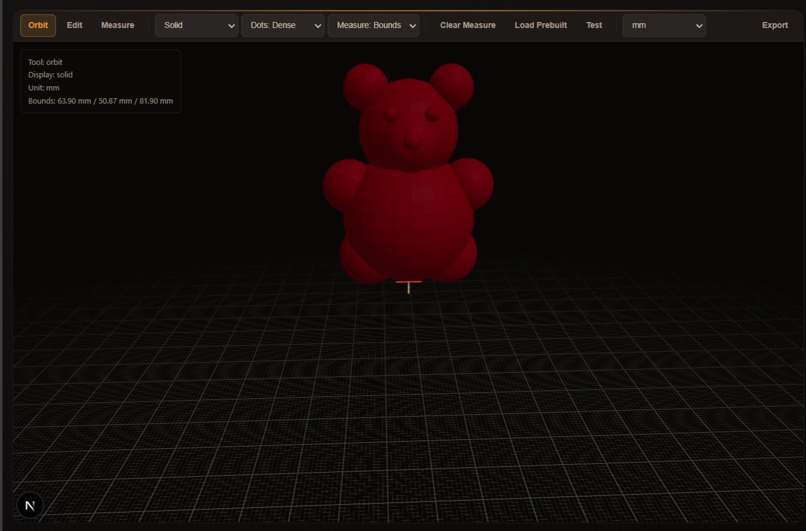
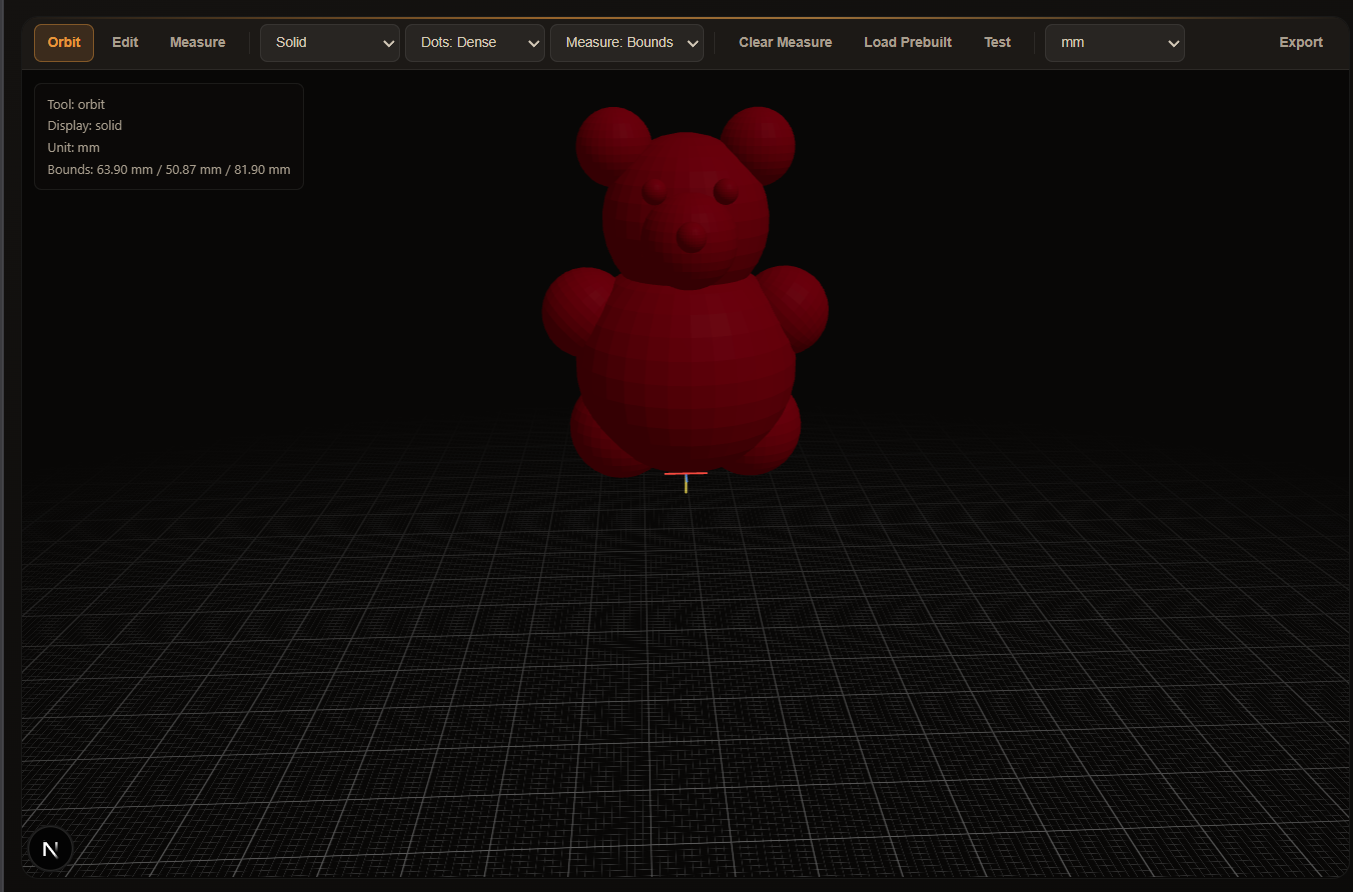
Bear
-
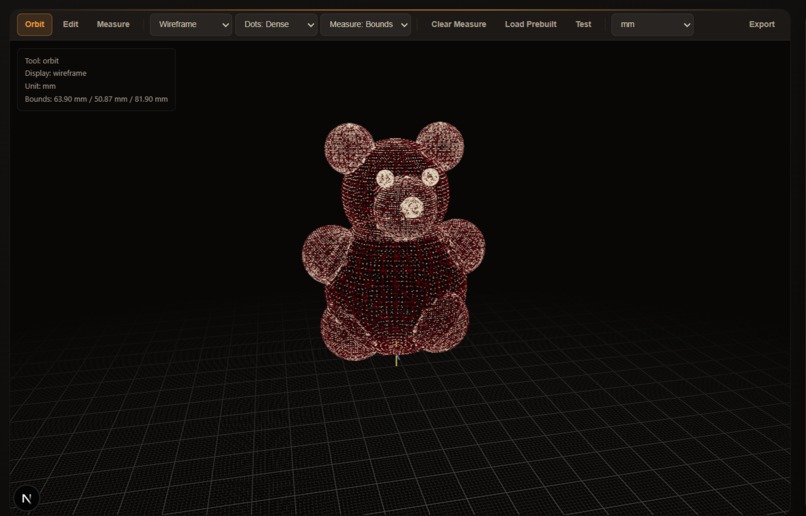
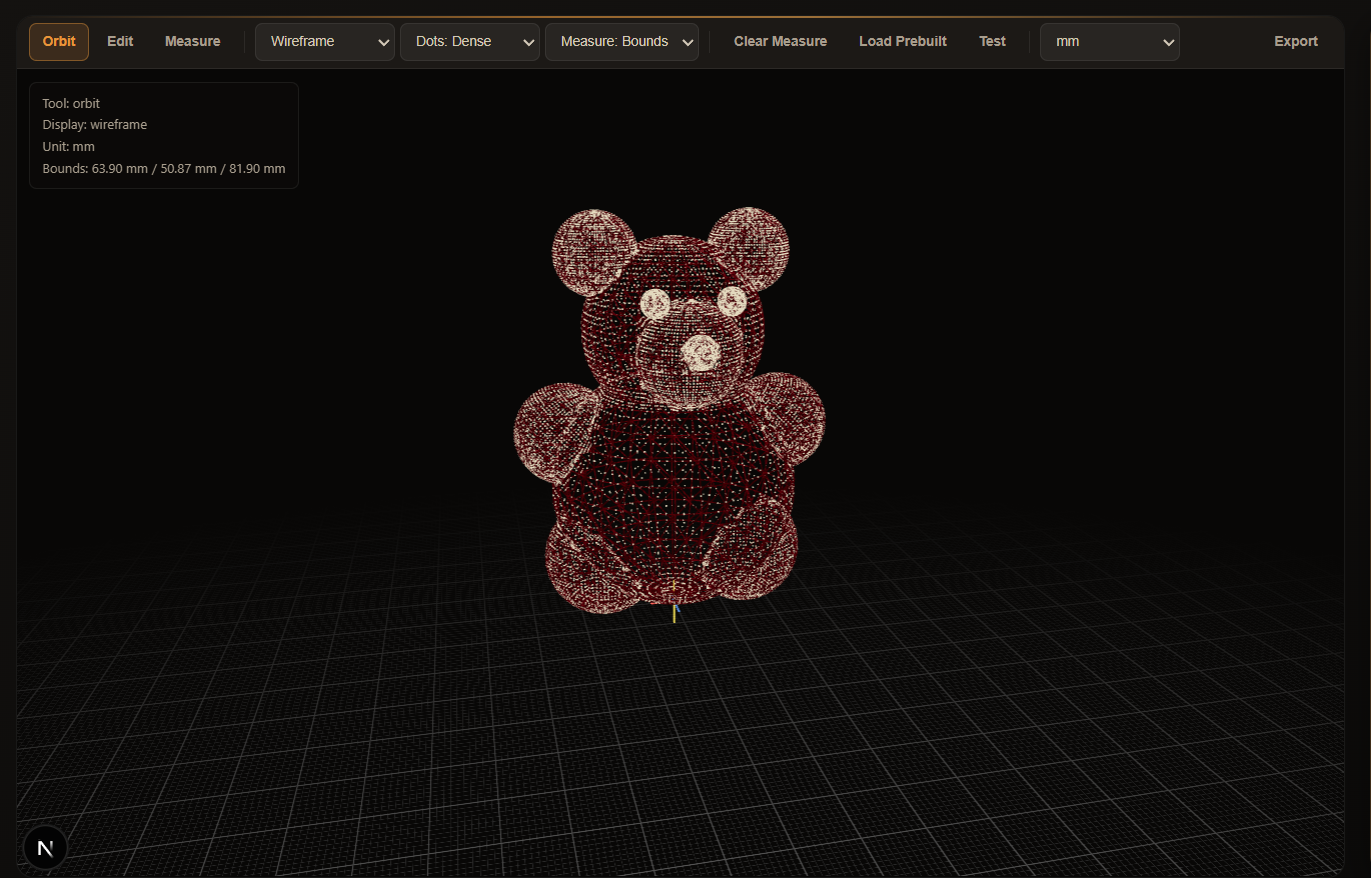
Bear-mesh
-
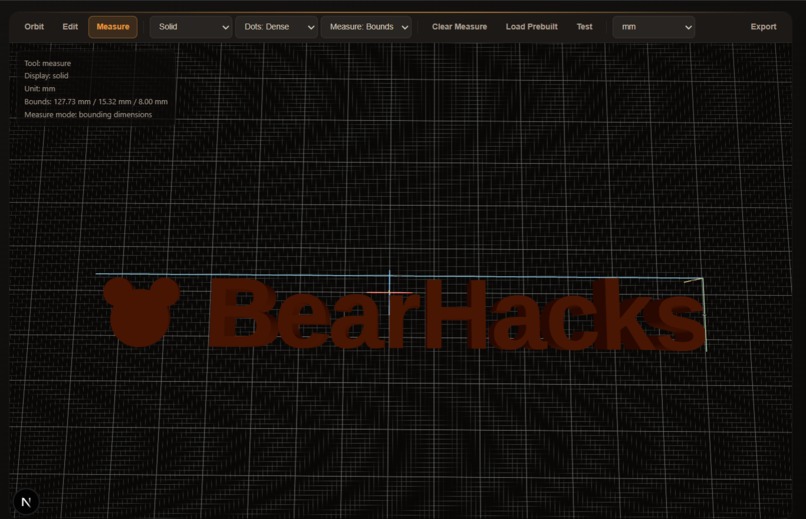
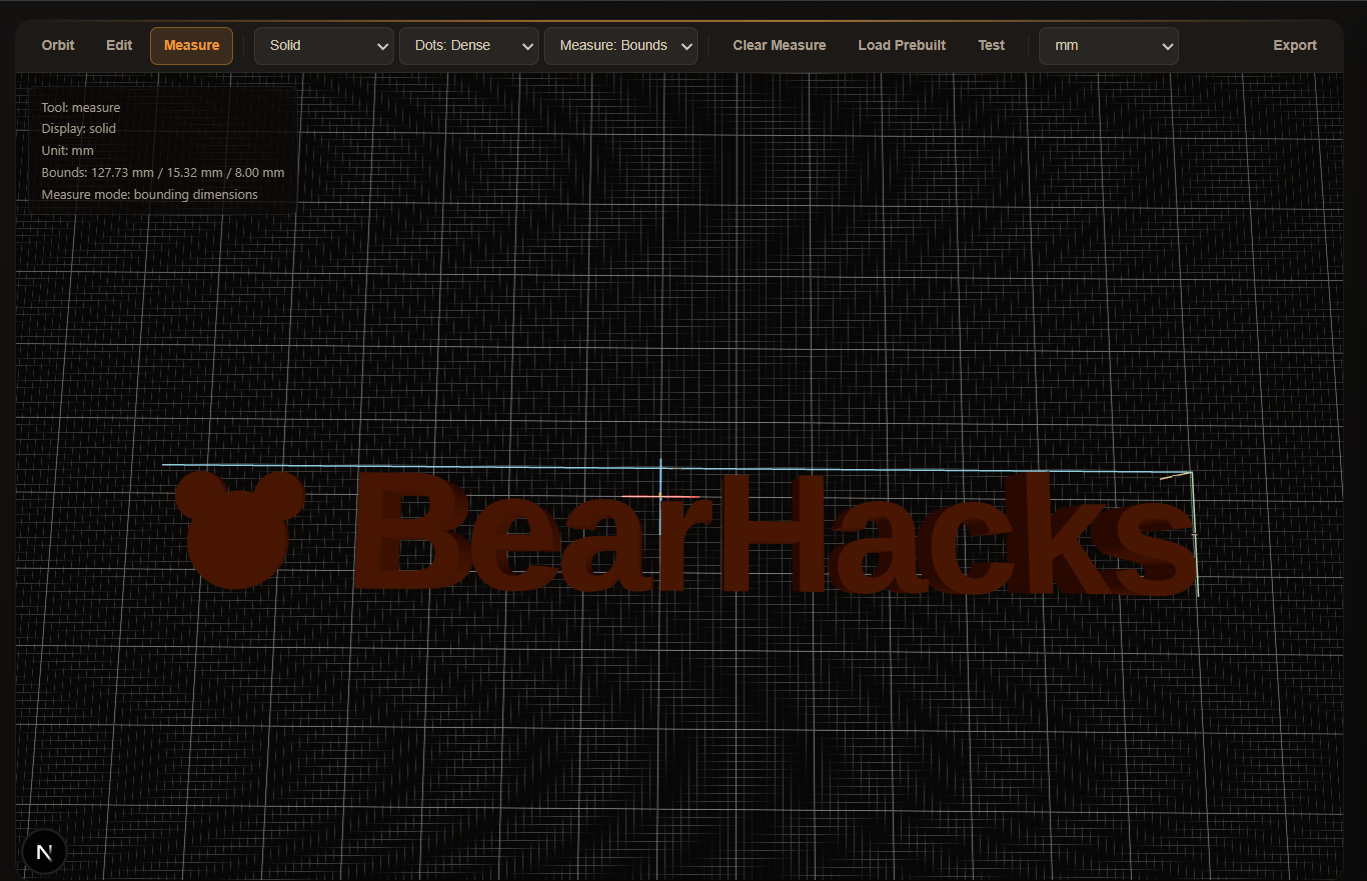
BearHacks-logo
-
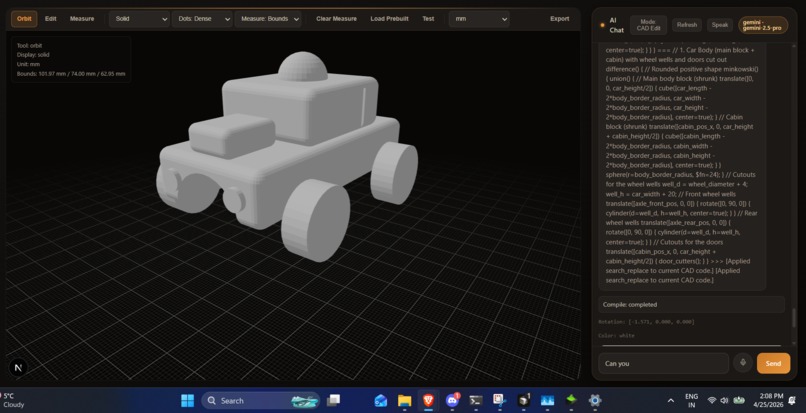
Jeep
-
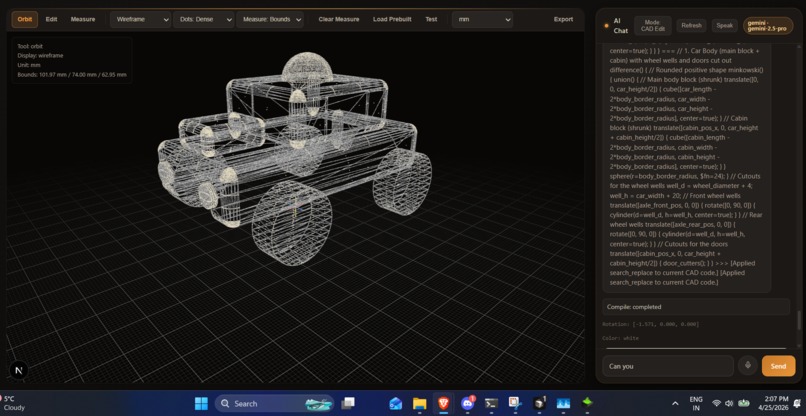
Jeep-mesh
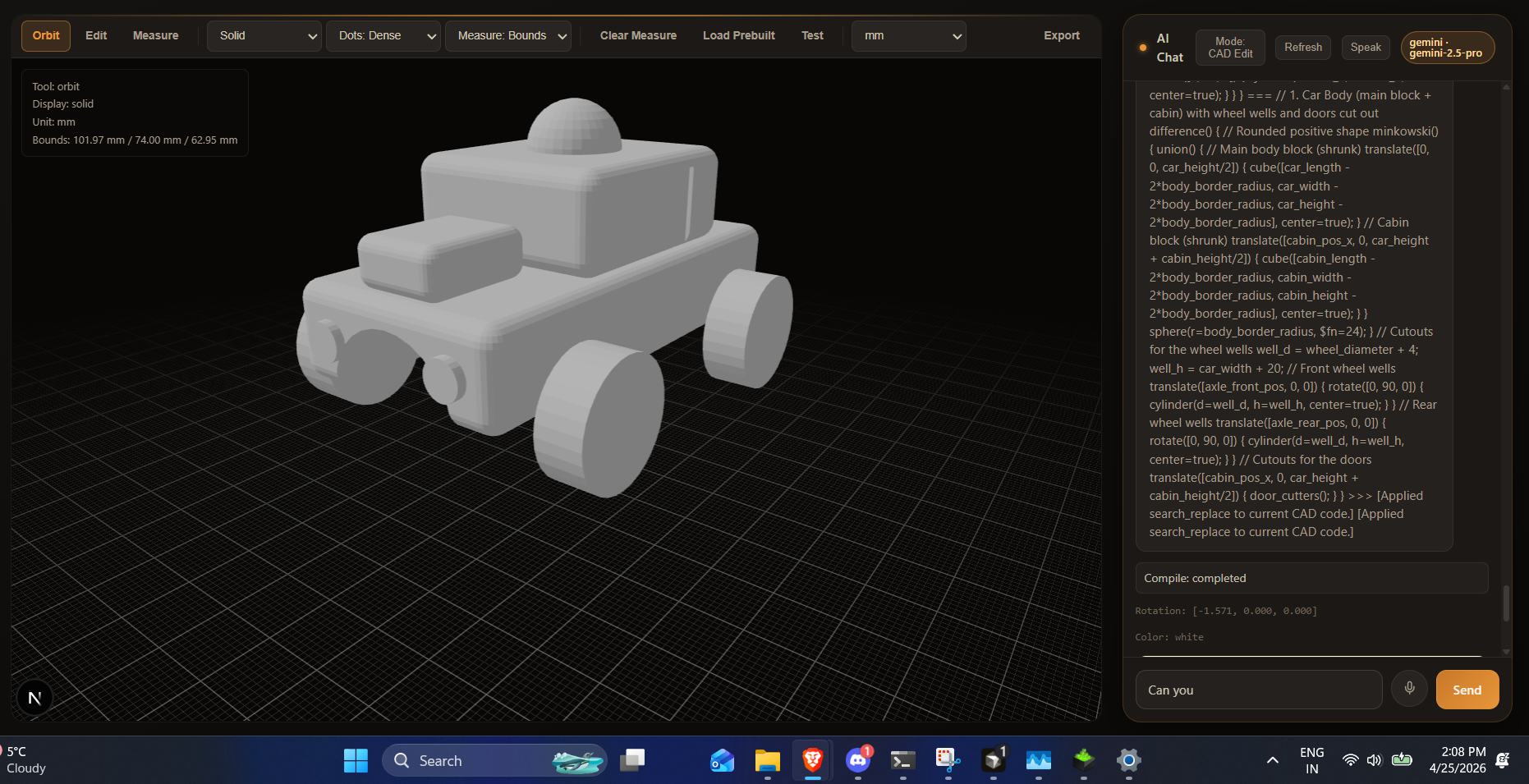
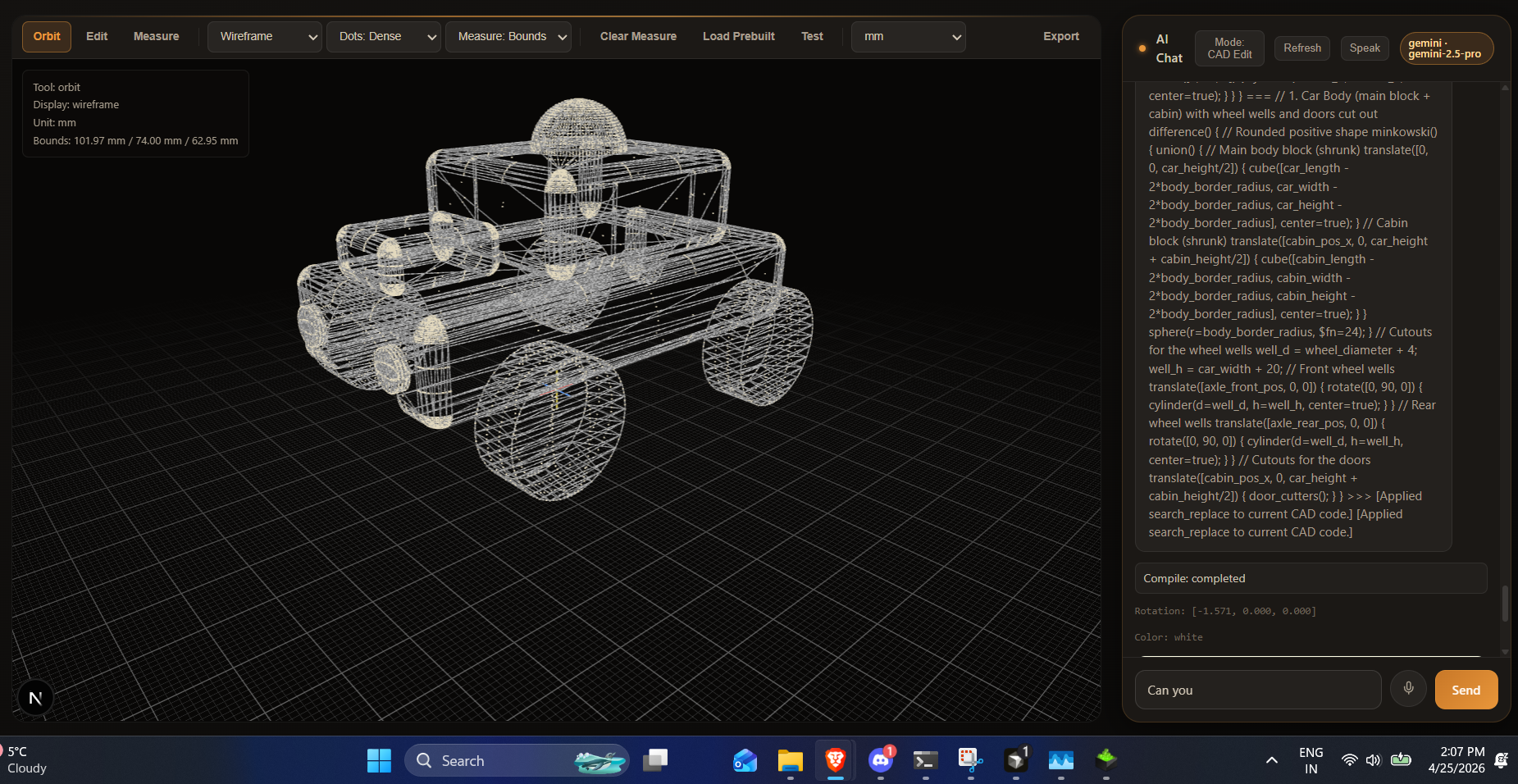
Inspiration
3D modeling tools are powerful, but the learning curve is steep and iteration is slow when you are bouncing between code, preview windows, and documentation. We wanted to make CAD feel more conversational and creative: describe an idea in plain language, see it become geometry, and keep refining in seconds. Mesh Studio came from that gap between imagination and implementation.
What it does
Mesh Studio is an AI-assisted 3D CAD workspace where users can:
- Generate or edit OpenSCAD-style model code with natural language
- Compile code into 3D artifacts (STL/3MF) and preview renders
- Iterate quickly in a chat-driven workflow
- Load, inspect, and adjust models in an interactive viewport
- Save session state and continue refining designs over time
In short, it turns “I want this shape” into editable 3D code and printable output.
How we built it
We built Mesh Studio as a full-stack app:
- Frontend: Next.js + React for chat, editor controls, and 3D viewport UX
- Backend: FastAPI for AI routes, compile orchestration, uploads, and sessions
- AI layer: prompt + code-change pipeline that applies full-rewrite or targeted replace edits
- Compile pipeline: OpenSCAD CLI jobs that generate STL/3MF plus preview images
- Persistence: session and compile-job state storage for continuity and debugging
We focused heavily on keeping the loop tight: prompt -> code update -> compile -> visual feedback.
Challenges we ran into
- Runtime reliability across multiple local ports and environments
- CORS mismatches between frontend and backend during rapid restarts
- Stale processes causing confusing “backend unavailable” behavior
- AI model/provider drift (model IDs, rate limits, and error handling)
- Distinguishing true compile failures from polling/timeout UX issues
- Keeping AI output in formats that are safely and consistently appliable to CAD code
Accomplishments that we're proud of
- Built an end-to-end AI-to-CAD workflow that actually compiles to printable artifacts
- Added robust compile job handling with status tracking and artifact URLs
- Improved error transparency so users see actionable failure messages
- Stabilized session/editor state flows for smoother iteration
- Upgraded model handling to modern Gemma-compatible IDs and defaults
- Tightened UX around long-running compile polling to reduce false failures
What we learned
- Developer experience matters as much as model quality in AI products
- Clear output contracts (structured replace blocks / fenced code) are essential
- Most “AI failed” reports are often infrastructure or integration issues first
- Compile systems need observability, retries, and realistic timeout strategies
- Small UX fixes (better status and error text) dramatically improve trust
What's next for Mesh Studio
- One-click cloud deploy so users can skip local setup friction
- Better model-edit tools (parametric controls, boolean presets, history diff)
- Smarter prompt-to-geometry constraints for more predictable outputs
- Faster compile feedback with incremental previews and queue insights
- Team features: shareable projects, versioning, and collaboration
- Expanded export/interoperability with broader CAD and fabrication workflows


Log in or sign up for Devpost to join the conversation.