-
-

Logo
-
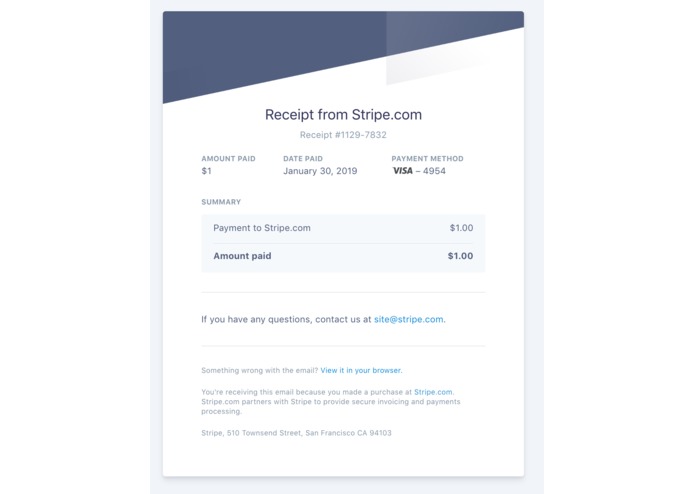
Sample Application - Piping a receipt generated from the Stripe API to S3
-
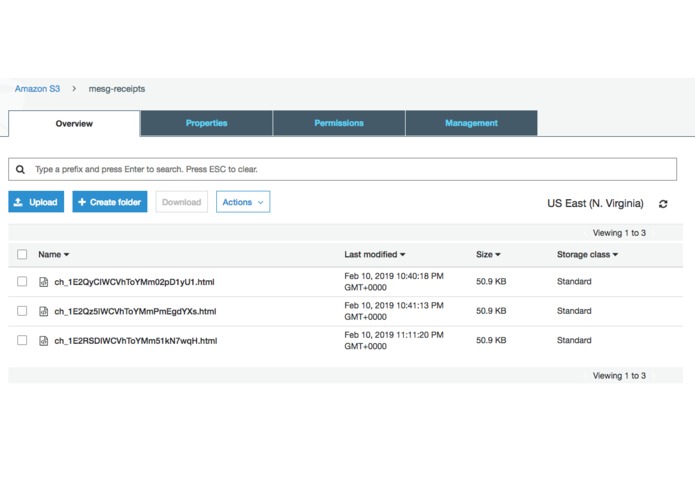
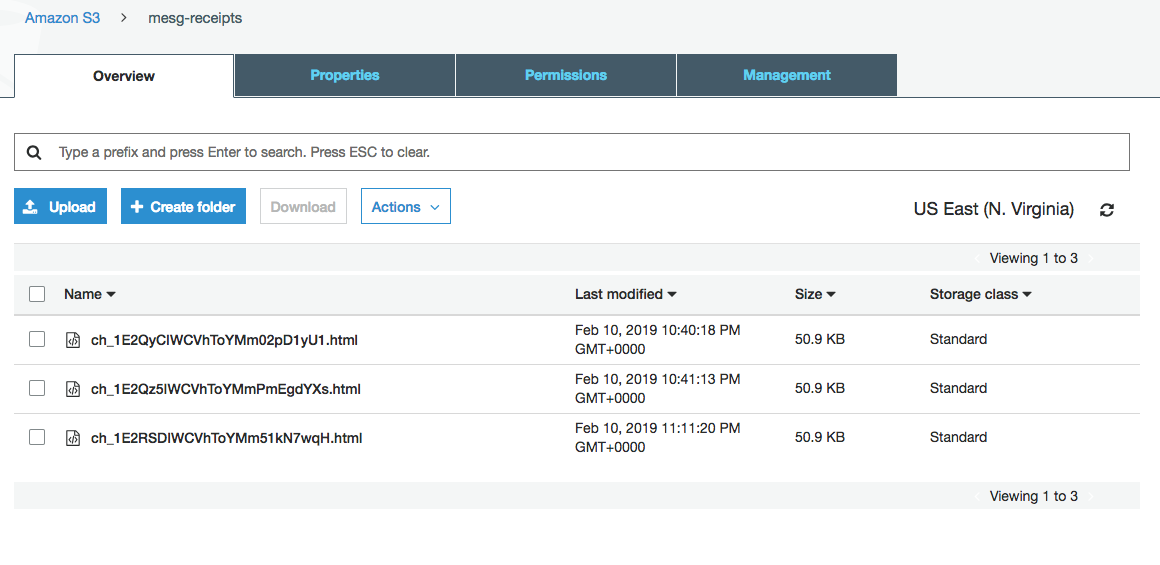
Uploaded Receipts to Amazon S3
-
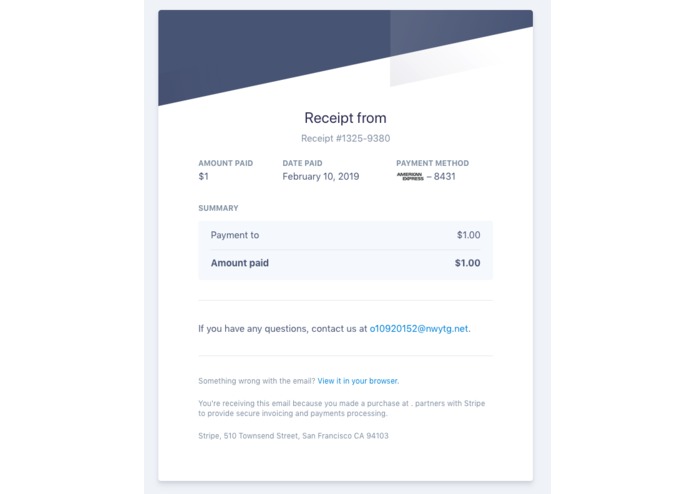
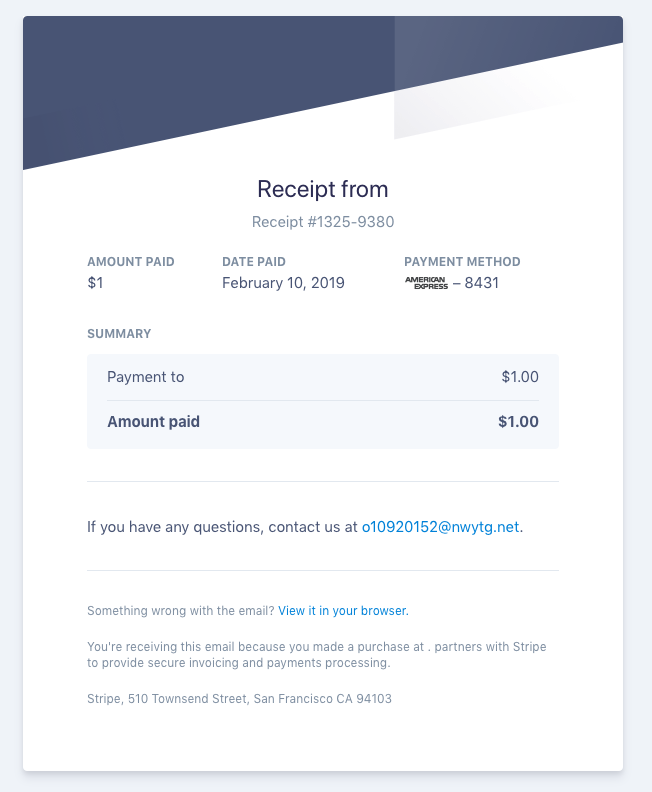
Uploaded Receipt

MESG3
MESG3 enables easy integration of applications with Amazon S3 using this service to upload and query files from S3 Buckets.
Supported Resources
- List Buckets
/buckets - List Objects in bucket
/objects - Upload file to bucket
/upload - Download file from bucket
/download
Schema described below.
Dev Notes
mesg-core service deploy https://github.com/cbonoz/mesg19
Example Application
- Issue and receive a payment via https://github.com/mesg-foundation/service-stripe
- Upload a receipt to Amazon S3 via MESG3 (this repo).
Setup of Example Application
Deploy and start the services:
mesg-core start
mesg-core service deploy https://github.com/cbonoz/mesg19
mesg-core service start SERVICE_ID # service id that was just printed after the deploy.
mesg-core service deploy https://github.com/mesg-foundation/service-stripe
mesg-core service start SERVICE_ID # service id that was just printed after the deploy.
Define the following environment TEST (or production) credentials:
AWS_ACCESS_TEST='YOUR_AWS_ACCESS_KEY_HERE'
AWS_SECRET_TEST='YOUR_AWS_SECRET_KEY_HERE'
STRIPE_API_KEY='YOUR_STRIPE_API_KEY'
Call the stripe test workflow. You'll need to ensure the stripe nodejs library is installed locally to simulate a payment via the script. This example shows a simple 3 step process of processing a payment, retrieving the receipt data from the stripe API, and uploading the receipt to an S3 bucket of your choosing:
node sample_app/stripe.js
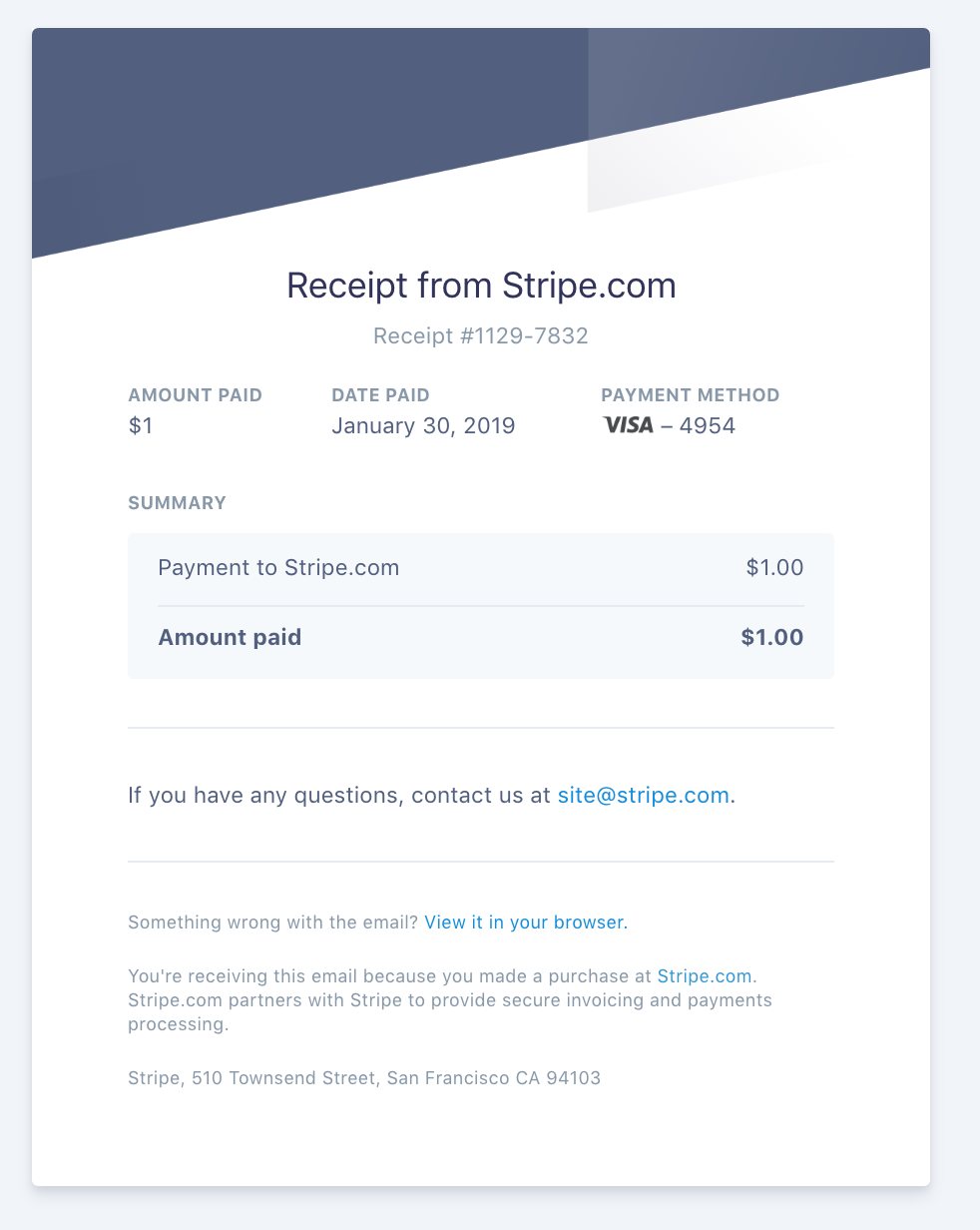
If successful, you should now see an image similar to the following in your s3 bucket.

Tasks / Schema
- listBuckets
- listObjects
- upload
- download
  listBuckets:
    inputs:
      region:
        description: "AWS region, ex: us-east-1"
        type: String
      accessKeyId:
        description: "Access key id for AWS user"
        type: String
      secretAccessKey:
        description: "Secret access key for AWS user"
        type: String
    outputs:
      success:
        data: &bucketData
          buckets:
            description: "List of buckets in the AWS user's region"
            type: Object
      error:
        data:
          code:
            type: String
  listObjects:
    inputs:
      region:
        description: "AWS region, ex: us-east-1"
        type: String
      accessKeyId:
        description: "Access key id for AWS user"
        type: String
      secretAccessKey:
        description: "Secret access key for AWS user"
        type: String
      bucket:
        description: "AWS Bucket for the query"
        type: String
    outputs:
      success:
        data: &objectData
          objects:
            description: "List of objects in the AWS user's bucket (up to 1000 items)"
            type: Object
      error:
        data:
          code:
            type: String
  upload:
    inputs:
      region:
        description: "AWS region, ex: us-east-1"
        type: String
      accessKeyId:
        description: "Access key id for AWS user"
        type: String
      secretAccessKey:
        description: "Secret access key for AWS user"
        type: String
      bucket:
        description: "AWS Bucket for the upload"
        type: String
      key:
        description: "Key within the bucket"
        type: String
      data:
        description: "Binary data to upload"
        type: String
    outputs:
      success:
        data: &uploadData
          result:
            description: "Upload result status"
            type: String
      error:
        data:
          code:
            type: String
  download:
    inputs:
      region:
        description: "AWS region, ex: us-east-1"
        type: String
      accessKeyId:
        description: "Access key id for AWS user"
        type: String
      secretAccessKey:
        description: "Secret access key for AWS user"
        type: String
      bucket:
        description: "AWS Bucket for the download"
        type: String
      key:
        description: "Key within the bucket"
        type: String
    outputs:
      success:
        data: &downloadData
          result:
            description: "Downloaded data binary"
            type: String
      error:
        data:
          code:
            type: String
Built With
- mesg
- node.js


Log in or sign up for Devpost to join the conversation.