-
Sign-up
-
Home

What it does
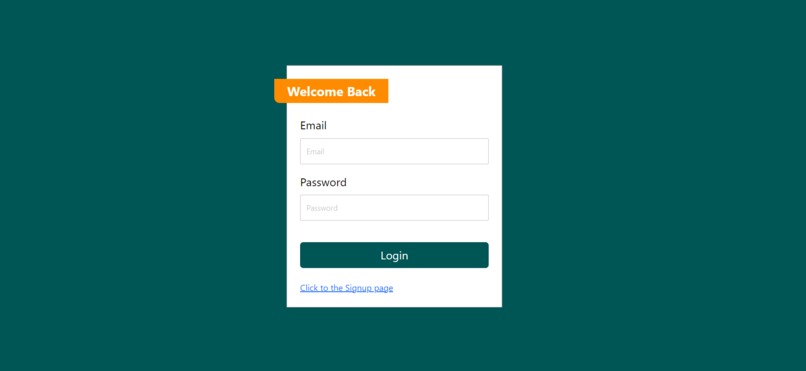
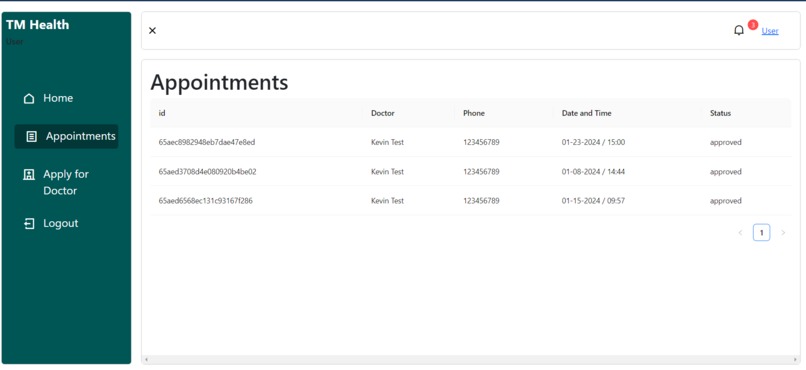
This website can create a new user account and manage doctor appointments. From each action, each user can receive new notifications and click them to jump to the related pages.
For demo
Those are the default user information. 1, Admin - [email protected] / PW 1234 2, Doctor - [email protected] / PW 1234 3, User - [email protected] / PW 1234
How I built it
Main technologies: React, Node, Express.js, and MongoDB
What I learned
1, How to Send Data to the Back-end and Front-end: This time, I learned how to determine the appropriate data type for each request because I needed to establish a flow with the back-end side (Database). I created a basic data component to manage these data types.
2, How to Organize the Folder Structure for Components: I utilized numerous files and folders for both the front-end and back-end. I focused on organizing each folder structure and keeping it as simple as possible. This is a practice that I hadn't previously emphasized in my smaller projects (e.g., those involving only the front-end). Rewriting the code and simplifying the structure are effective ways to save time and identify bugs.
3, How to Deploy and Necessary Steps: I chose Vercel for deployment, successfully deploying both the front-end and back-end folders. However, the tutorial video on YouTube did not cover deployment details. Consequently, I took the initiative to understand the deployment process. I learned how to use localhost and how to update the deployed back-end URL, ensuring a smooth deployment process.

Log in or sign up for Devpost to join the conversation.