-
-
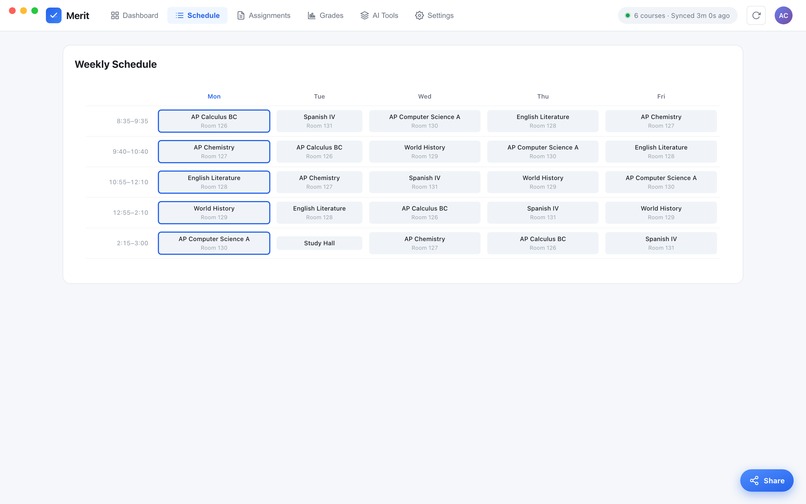
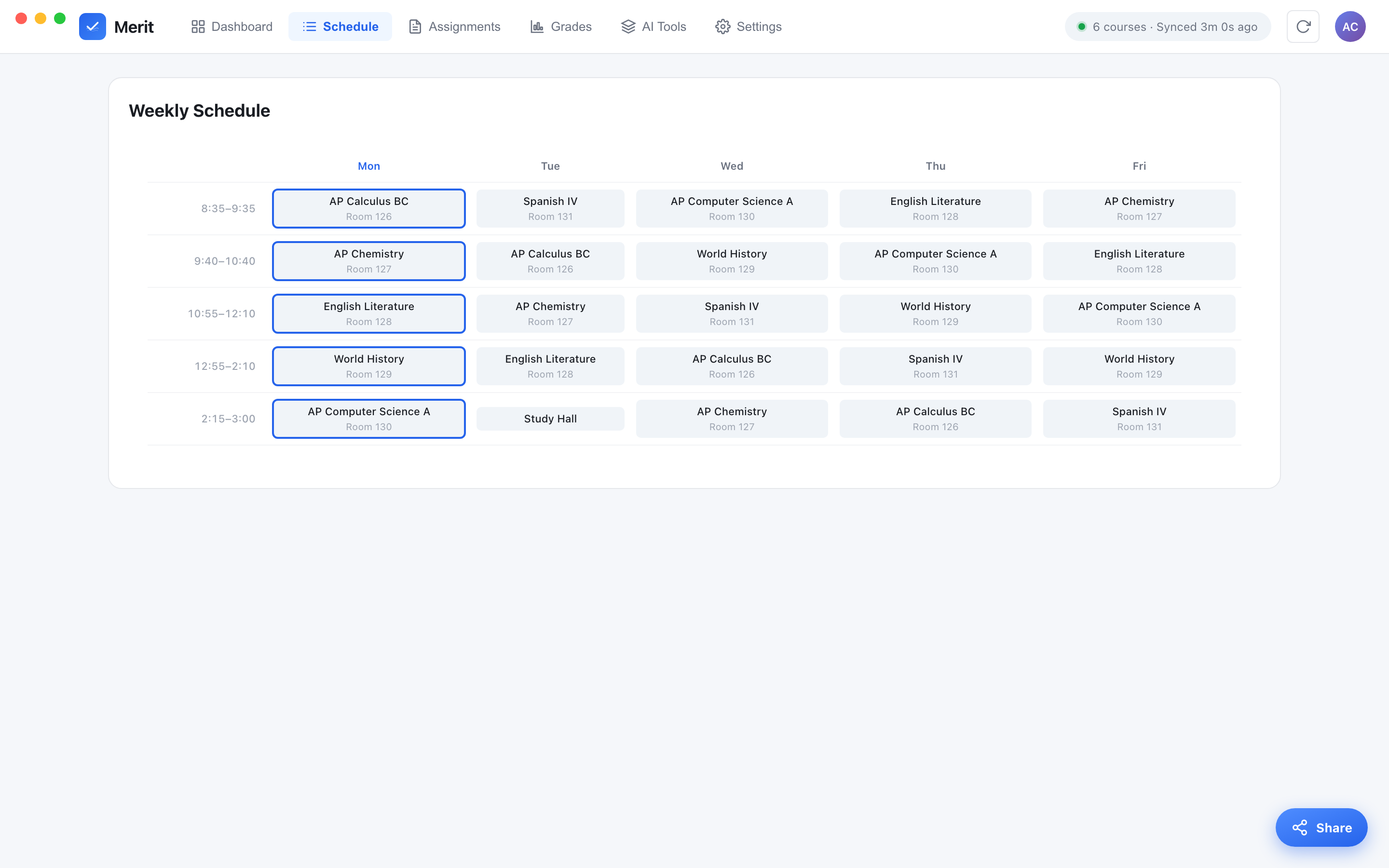
This dashboard shows your weekly schedule and could be edited in settings.
-
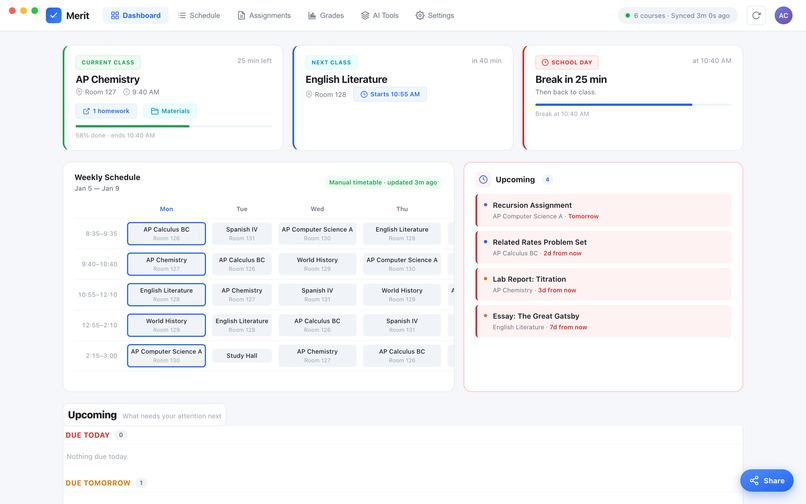
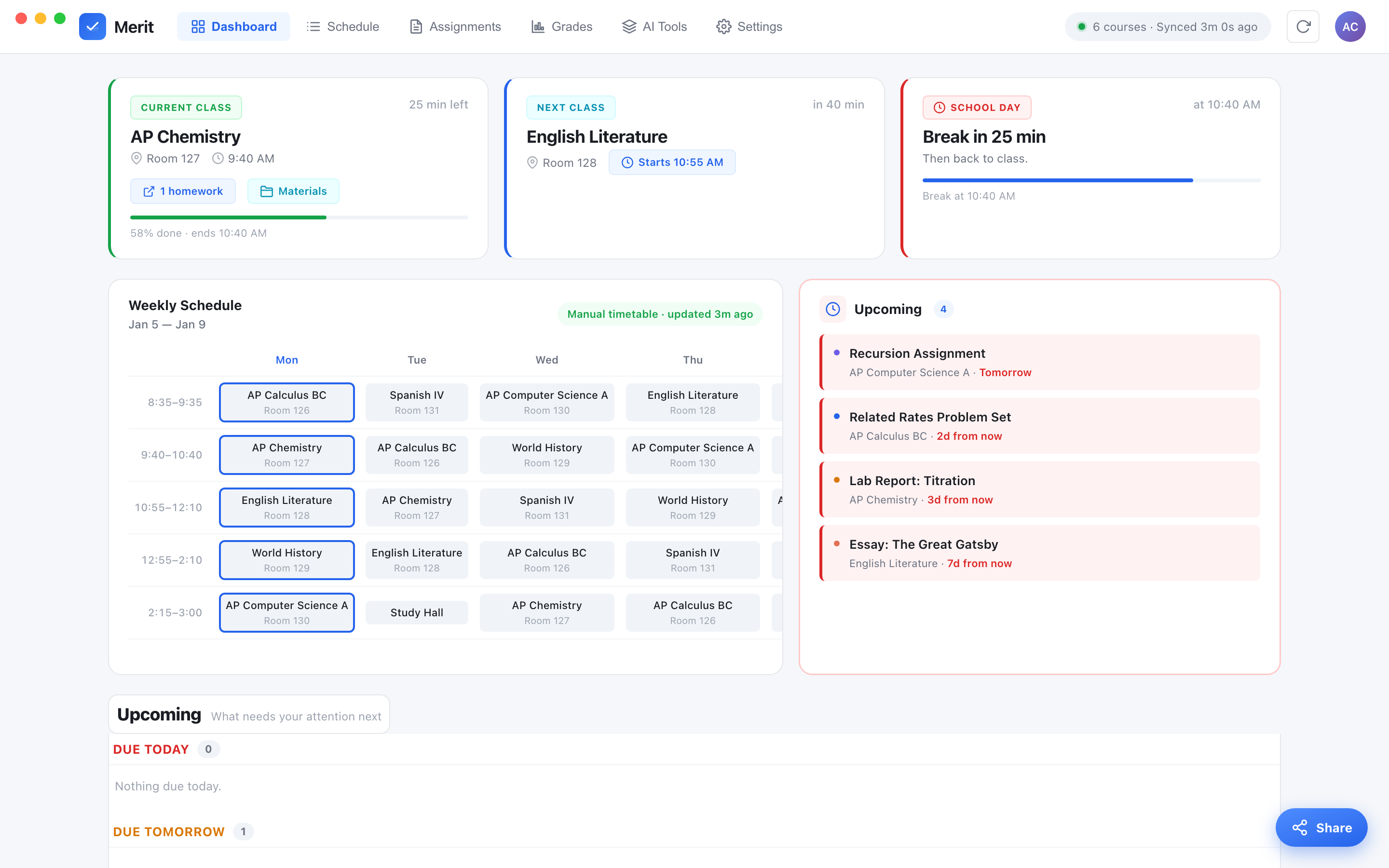
This is an image of the main dashboard showing courses.
Inspiration
Honestly this started because checking grades on Schoology drove me crazy. You have to click into every single class just to see one grade, and there's nowhere that just tells you "here's what's due this week" or "here's what you forgot to turn in." I'd have like 20 tabs open trying to keep track and still miss stuff. I figured there had to be a better way, so I tried to build the app I wished I had.
What it does
Merit is basically a cleaner version of Schoology that runs as a real app on iPhone, iPad, and Mac. It shows:
- all your grades in one place, with the breakdown for each class
- your assignments split into upcoming, missing, and already graded
- your weekly schedule with what class you're in and what's next
- your course materials (files, readings, PDFs, all that)
- a lock so nobody but you can open your grades
- and Ask Merit, an AI that can actually answer stuff about your classes, like "what do I have due this week" or "make me a study plan for finals"
Your login never leaves your phone. It's saved in the Keychain and only ever talks to Schoology, never to me. No ads, no tracking, none of that.
How we built it
Not gonna lie, a lot of this was me figuring it out as I went. It's one project that turns into an app for iPhone, iPad, and Mac. The phone and iPad version is SwiftUI, and the Mac version reuses the same dashboard inside the app with Swift doing the backend behind it, so there's no server running or anything sketchy. Schoology doesn't give you an API, so the app basically logs in like you would and reads the page to pull your grades and assignments. For the AI part, Ask Merit runs on GPT-5.6, and I used Codex to actually build the AI feature from a plan I wrote out for it.
Challenges we ran into
- The Mac App Store has a ton of rules. My first version updated itself and used the Keychain in ways Apple doesn't allow, so I had to rebuild the whole Mac side to follow them.
- There was this really annoying bug where saving your password just... didn't work on Mac, and it took me forever to realize it was a Keychain setting.
- Getting one design to look right on three totally different devices was harder than I thought.
- I also had to be careful with the AI so it could only read my school stuff and not touch my password or anything it shouldn't.
Accomplishments that we're proud of
Honestly just getting it to actually work on iPhone, iPad, AND Mac from one project feels kind of unreal. I'm proud that it's actually private, like your password really does just stay on your device, I didn't cut corners on that. I also made it work for basically any school on Schoology, not just mine, which I wasn't sure I'd pull off. And adding the AI with Codex and GPT-5.6 without turning it into a security mess felt like a real win.
What we learned
I learned that the "app" part is honestly the easy part. The hard part is everything around it: privacy, Apple's rules, and making one thing work everywhere. I also learned how to actually work with an AI coding tool instead of just asking it random questions. If you give Codex a clear plan and let it work on its own copy of the project, it does way better than if you just throw it at everything. Mostly I learned to keep going when stuff breaks, because it broke a lot.
What's next for Merit
- Finish Ask Merit with the credits (some free every day, option to buy more)
- Make picking your school easier by just searching the name instead of typing a number
- Add reminders for what's due or missing
- Show grade trends and a "what do I need on the final" calculator
- Maybe support other school portals too, not just Schoology
Built With
- flask
- gpt
- javascript
- macos
- openai
- swift
- uikit


Log in or sign up for Devpost to join the conversation.