Inspiration
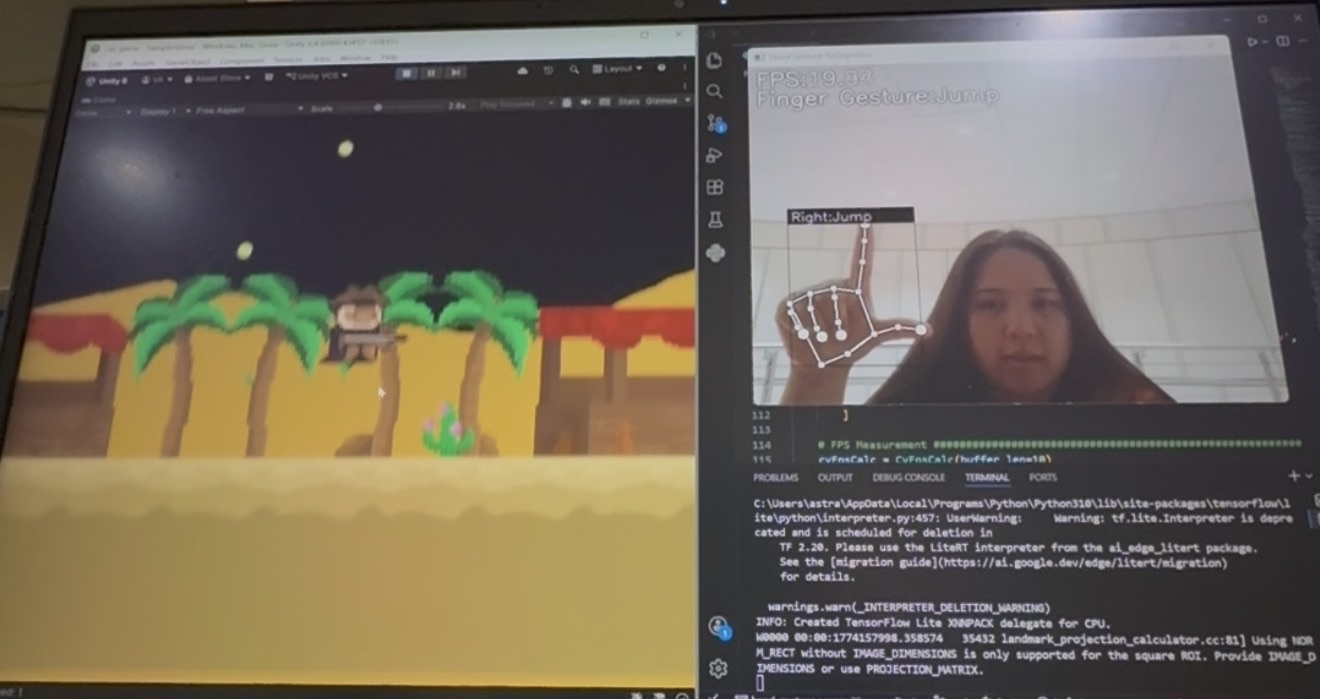
One of the key things mentioned by Mike Swift in his opening ceremony speech was how easily accessible advanced technological tools and techniques are to the average person in this AI-fueled era. We wanted to emphasize how this is also true in related areas like Computer Vision by experimenting with free development tools that use hardware built into our laptops by developing a game that utilizes hand motion recognition to control our western cat, Meowye.
Due to the 24-hour time constraint, we wanted to shoot for a simplistic 2D game, so we drew inspiration from the format of the Dino Run game that is familiar to many Chrome browser users every time there is a network outage!
What it does
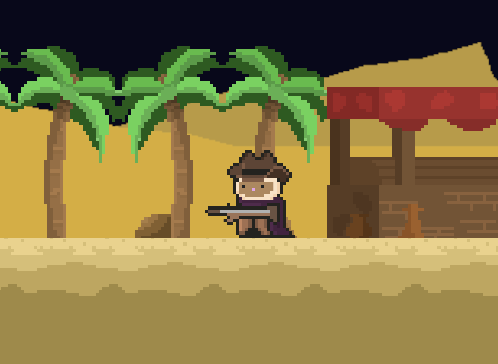
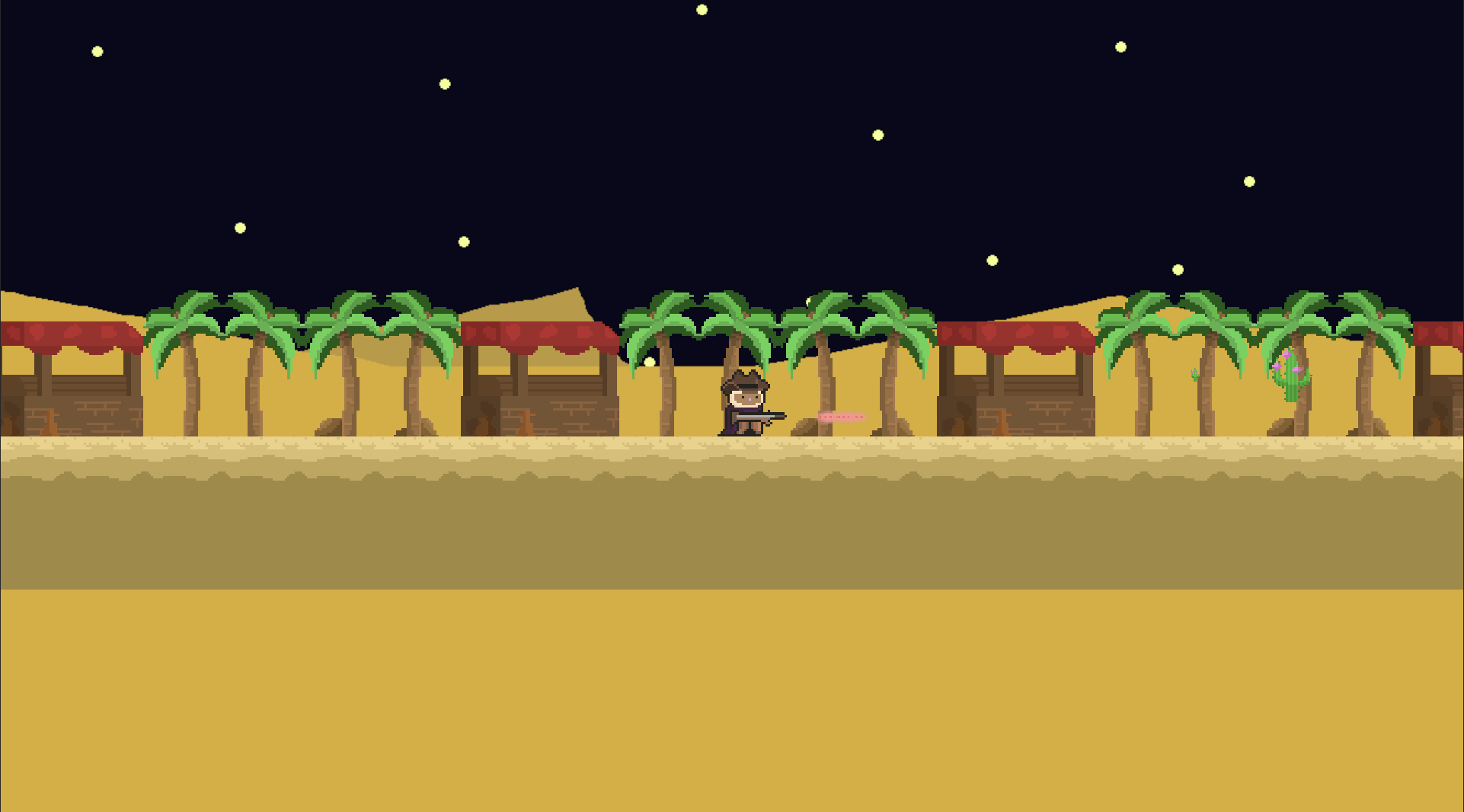
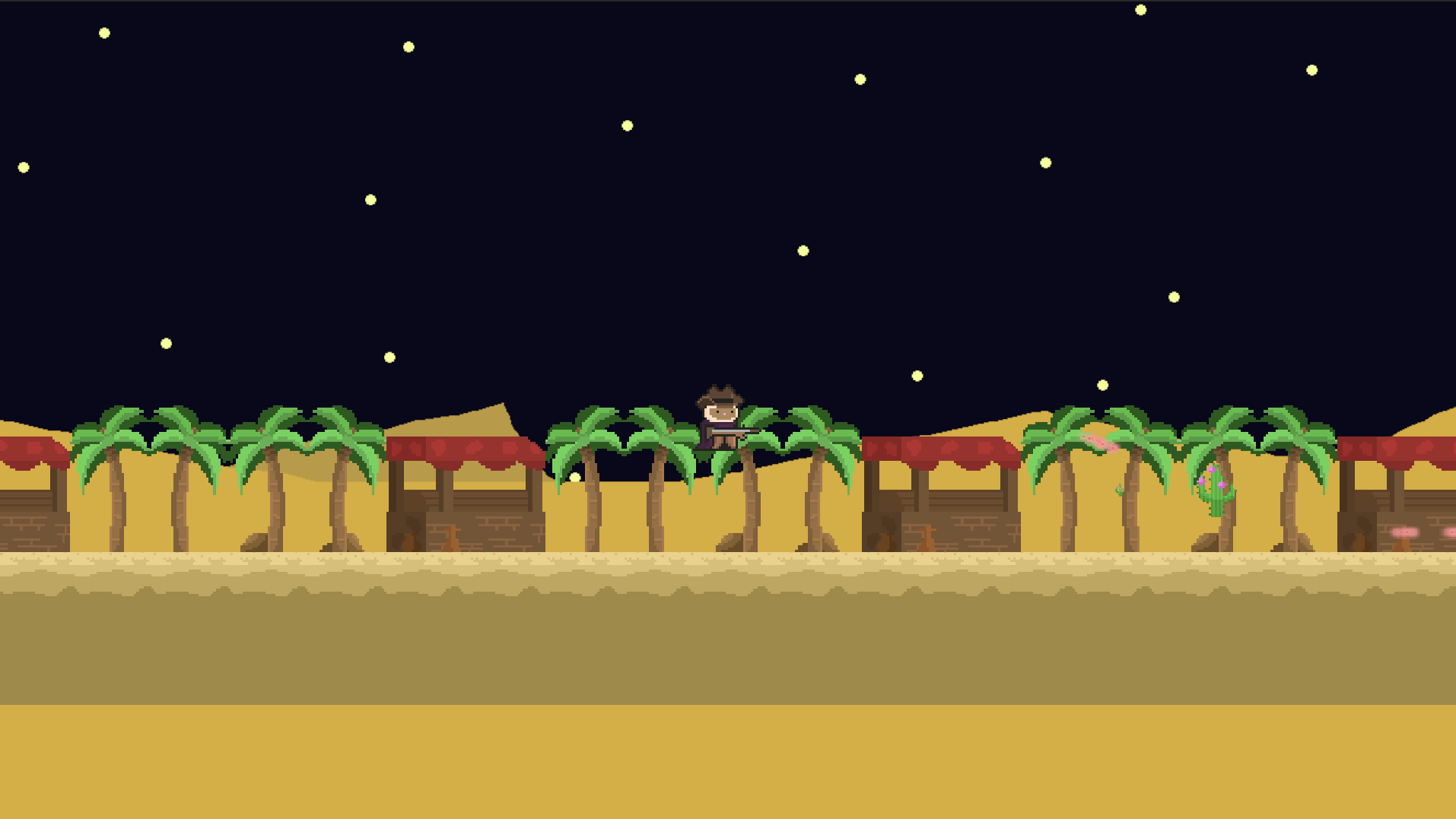
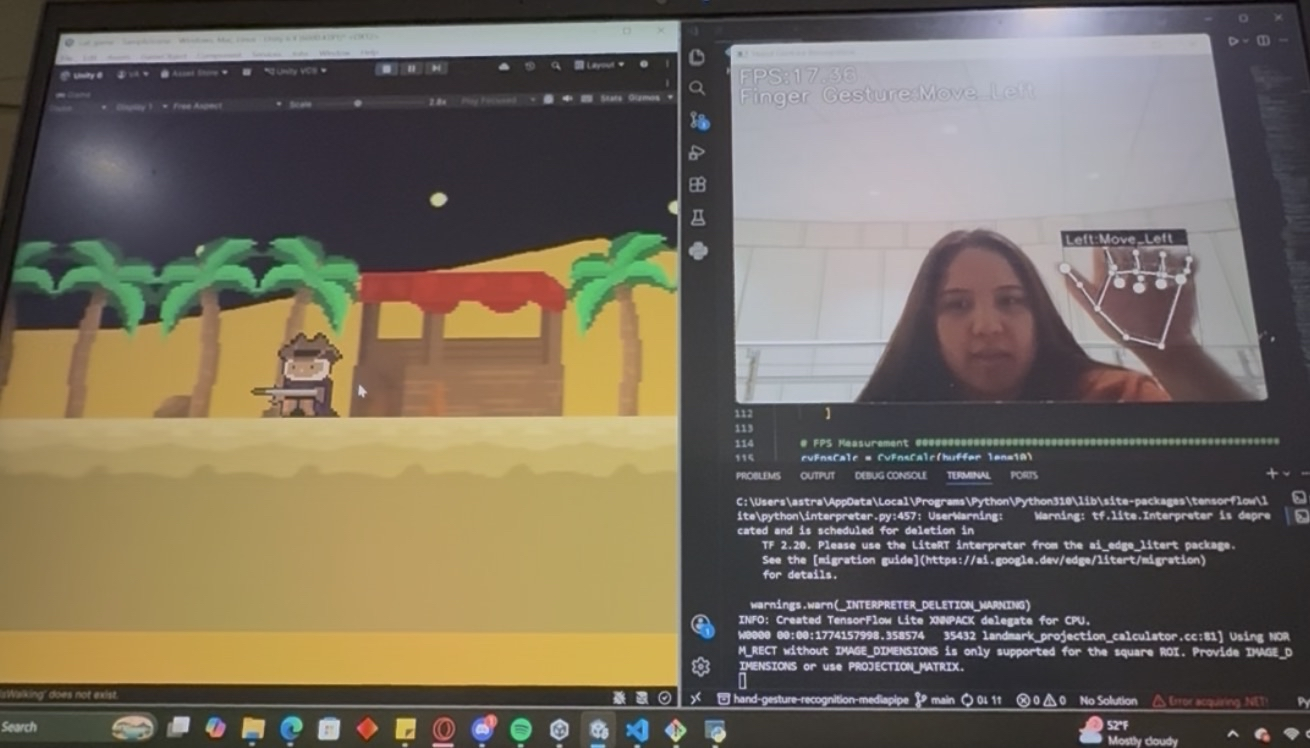
Our main character, Meowye, is a 2D character in a 2D platform that can be controlled by hand motions detected by a built-in laptop camera. The current game allows Meowye to move left, right, and to jump up when obstacles are present.
How we built it
There were 3 major areas that needed development: the game design, the networking configuration, and the hand motion control. Below are the tools that we used to develop all three:
- Unity Game Engine (6000.4.0f1): For the visuals we got free assets from the Unity Asset Store and used these items to create our "Wild West" environment. We also used the engine to control the physics of our character and the surrounding objects for the foreground and background. We used C# scripts to control our game object movements so that the character corresponded with the hand motions detected by the camera. We also implemented a TCP client on the Unity side to receive hand motion commands (sent as integer values that mapped to a specific motion in-game).
- Visual Studio Code: We all used this IDE to develop our portions of the code
- Github: For version control, we used Github to track our respective changes
- Hand Gesture Recogntion Mediapipe: We forked from a repository written originally by Kazuhito Takahashi in Japanese but translated to English by Nikita Kiselov. This repository takes care of the hand gesture recognition and it uses Mediapipe, OpenCV, Tensorflow, Numpy, and more to handle the computer vision algorithms, data management, and training. We modified this program by removing some parts of the point history tracker (it was initially intended to recognize pointer finger motions and tracking where you are pointing, but this was irrelevant for our use case). And since it used an outdated mediapipe API, we also had to update the outdated portions of the code. Additionally, we trained the app to learn an additional hand motion, updated the labels so it corresponded with our game actions, and added a very simplistic TCP server to send our motion commands to Unity.
- Languages: C# and Python
Individual Contributions:
Cecilia Li: Utilized existing free assets to put together a wild-west themed game within Unity. Used C# to develop scripts for asset components in order to model common game mechanics.
Thea Campbell: Worked on customizing (training additional hand motions, removing redundant features that were unnecessary for our project) the hand motion recognition for the project and also updated its outdated usage of the Mediapipe API.
Vagn Avila: Pipelined the output results of the computer vision to be used as input for the Unity game by implementing a local TCP client (Unity) / server (Python) and worked towards an executable build of the game.
Challenges we ran into
- Version control: Since working with Unity creates really large files, we ran into issues with pushing the Unity project into our Github repository. This made it challenging to share files between each other, especially when it came to finalizing the pipeline between the CV, network, and game code.
- Memory loss: One of our team members didn't account for the amount of space the training data and software tools would take up, and they pushed it very close to running out of disk space!
Accomplishments that we're proud of
We are really proud that we managed this project as a 3-man team, especially with implementing the separate parts independently from each other to where they were functional on their own. Many of the tools and concepts we used in this project were completely new to us and required us to learn how to use the tools on the fly. We are also very proud of having a very solid vision on what we wanted to accomplish within a reasonable time so we were able to get into the motions of development almost immediately. We remained very organized throughout the process of developing this project and devoted ourselves to our designated roles the best way we could in the allotted time!
What we learned
- The process of training a hand motion recognition system
- Piping input from multiple layers on our code
- Implementing TCP in Python and C#
- First time forking an established repository and making our own changes to it
- How to use Assets, 2D sprites, and how to script them so they respond to keyboard inputs, motion inputs and other features we wanted in our game environment
What's next for Meowye West
- More interactive game experience with rewards, enemies, or more dynamic obstacles in the environment
- Better movement control for Meowye
- Improved motion detection on the CV side
- Better version control management

Log in or sign up for Devpost to join the conversation.