Two screens. Two cities. One pause button. Press pause, and the person you're watching with pauses too, wherever they are.
Next Gen Award entry · Android-first · open source (AGPL-3.0) · working RevenueCat integration on Test Store (no real charges) · Download the APK
Inspiration
The best part of watching a movie together was never the movie. It's the gasp at the twist, the "wait, go back," the laugh you share half a second later.
Long-distance movie nights lose all of that. They start with a countdown over text, "3, 2, 1… play," and restart every time someone grabs a snack. The conversation lives in another app, and twenty minutes in nobody is sure you're on the same scene. We built MeowWatch so the person on the other side feels like they're on the couch with you. It's made for couples first, and works just as well for friends and family.
What it does
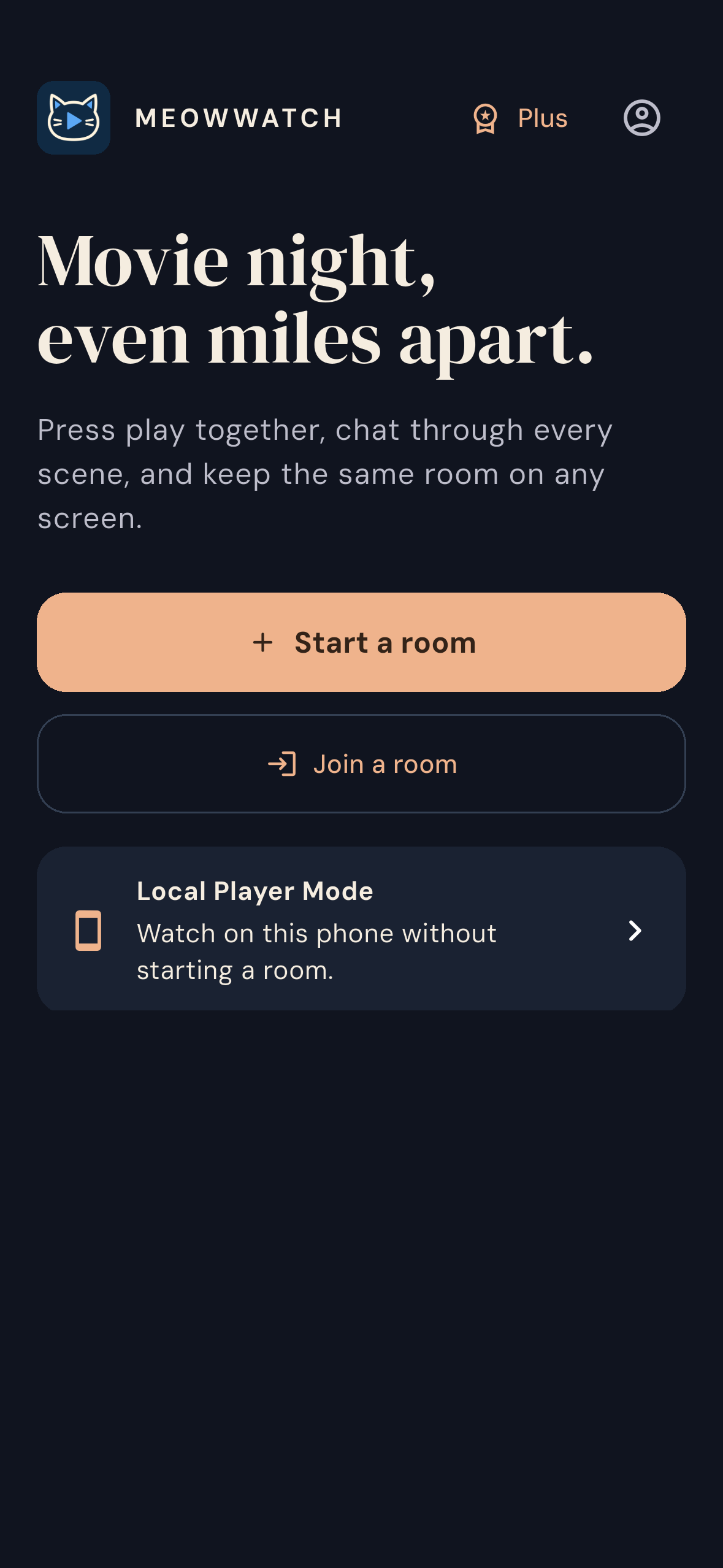
Start a room in one tap. Send the invite as a link, QR code or short code. Your partner joins free, with no sign-up. If you're already watching a direct video link, the invite carries it, so they land on the same movie.
Press pause, both pause. Either person can play, pause or skip, and the other screen follows. If a connection drops, the room waits, paused, until you're both back.
Talk without leaving the movie. Chat, reactions and "who's here" sit right beside the player.
Pick up where you left off. Continue Watching remembers your spot, and recent rooms make the next movie night one tap away. You can also watch solo in Local Player mode.
Phone or computer. The Android app joins the same rooms as our open-source MeowWatch for Windows, which is what you see syncing in the demo video.
What you need: both people open the same video, either a direct video link or their own copy of the file. MeowWatch syncs the playback and never uploads your files. Streaming-site pages and DRM-protected services aren't supported.
How RevenueCat powers the business
Guests always watch free. Hosting is where the cost and the value sit, so the host gets one free movie night per day. It only counts once someone has joined and you've actually pressed play. Reconnecting or switching videos never uses it up.
MeowWatch Plus is for people who host more often: unlimited rooms, player themes (Glass Aurora, Cinema Noir) and a premium "Movie night" reaction your partner sees live.
- The RevenueCat Flutter SDK loads the current Offering, so plan and price come from the dashboard, not the app.
- The
meowwatch_plusentitlement unlocks real behavior: the hosting limit lifts, and the themes and premium reaction switch on. - Purchase, cancel, failure and Restore are all handled. They were tested end to end with RevenueCat Test Store on emulators and on a physical Android phone.
What we haven't proven yet is willingness to pay. The next step is to learn from real hosts whether they value unlimited rooms, a couple plan or a one-off "movie night pass" most. RevenueCat Offerings let us test that without shipping a new app.
How we built it
- Flutter + Kotlin for Android phones and tablets. The room protocol, hosting quota and entitlement logic are kept separate from the UI and covered by tests.
- It builds on our open-source MeowWatch desktop app and speaks the same Syncplay protocol over encrypted connections.
- Android-specific work: a native player that reports its real position, auto-pause for calls and audio interruptions, fullscreen landscape, and progress saved across restarts.
- Tested like a product: CI runs full journeys on two independent Android clients (join, play/pause/seek in both directions, chat, reactions, quota, purchase, Restore), plus a Windows desktop ↔ Android room.
- AI coding assistants helped with implementation and test automation.
Challenges we ran into
Syncing looks simple until the player, the room and the network disagree. A phone call interrupts audio, a decoder fails, or Wi-Fi drops mid-scene. We learned to trust the player's actual state rather than what we asked it to do, and to recover into a paused room instead of letting two people drift apart.
What we learned
- The hard part of "watch together" isn't the Play button. It's getting both people onto the same video in the first place, which is why invites now carry the movie.
- A paywall only works when the free experience is complete. That's why guests never pay.
What's next
- Google Play release, then iOS
- Casting to the TV (sender built, still needs testing on a real receiver)
- Pricing experiments with real hosts through RevenueCat Offerings
Current limits
- Judging build = Test Store APK. No Google Play production billing yet.
- Sync is verified on a physical Android phone with Windows desktop, on two independent Android emulators, and on Windows ↔ cloud Android. It hasn't been tested on two physical phones.
- Chromecast receiver playback and chat relay through the paired desktop "Nearby" remote are not yet verified.
- Full evidence: acceptance ledger
Try it
- Android APK (Test Store): https://github.com/PeterShanxin/MeowWatch-Mobile/releases/latest
- Source: https://github.com/PeterShanxin/MeowWatch-Mobile
- MeowWatch for Windows: https://github.com/PeterShanxin/MeowWatch/releases/tag/v0.51.0-alpha
Built With
- dart
- flutter
- kotlin
- revenuecat
- syncplay

