-
-
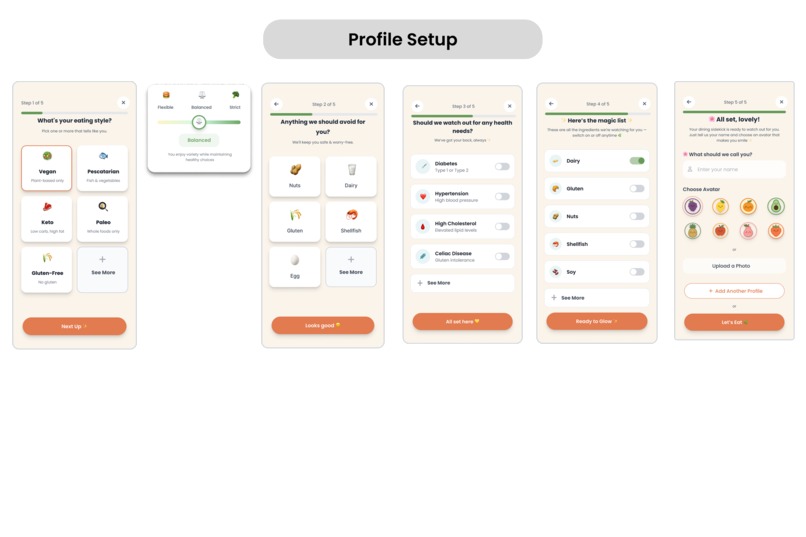
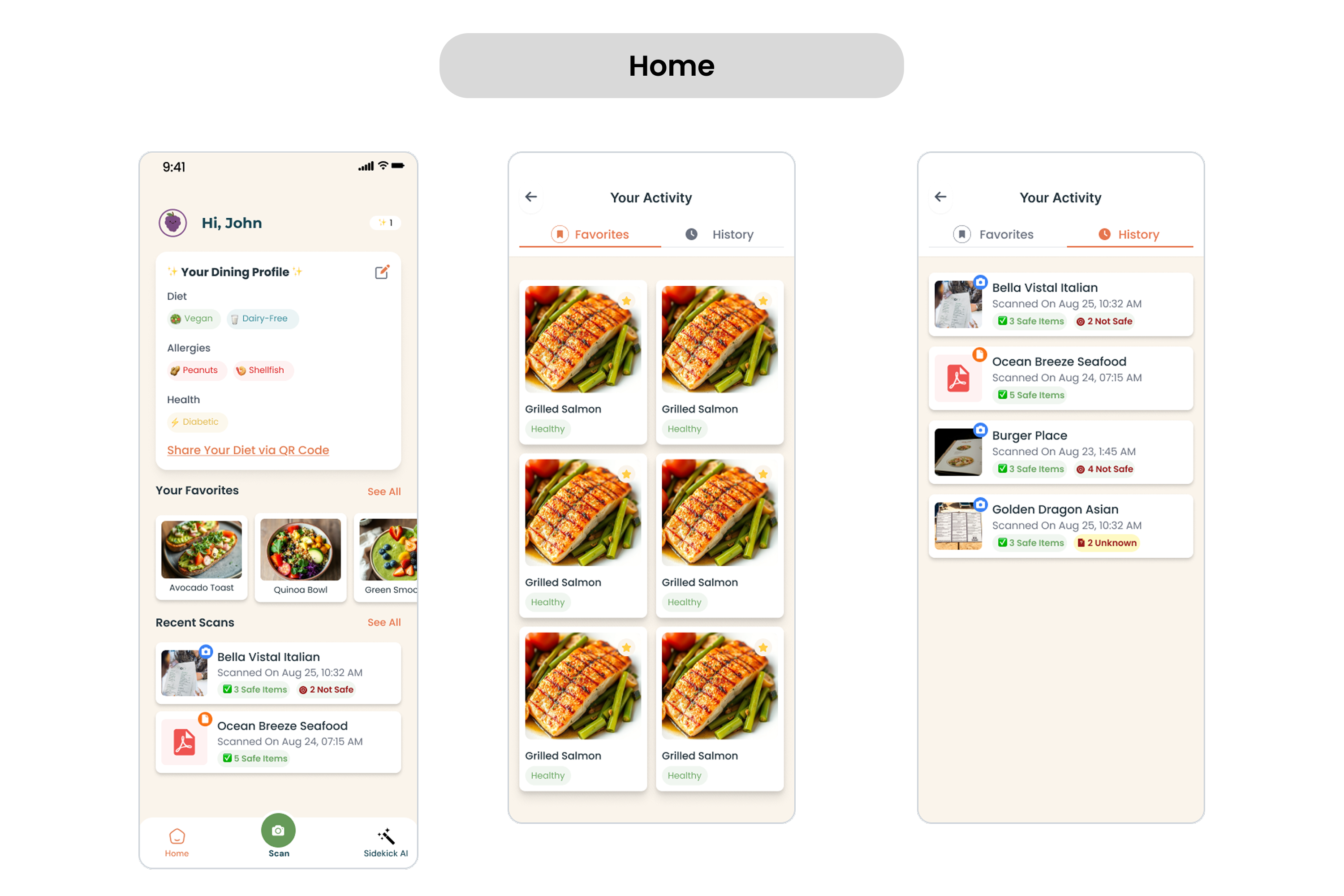
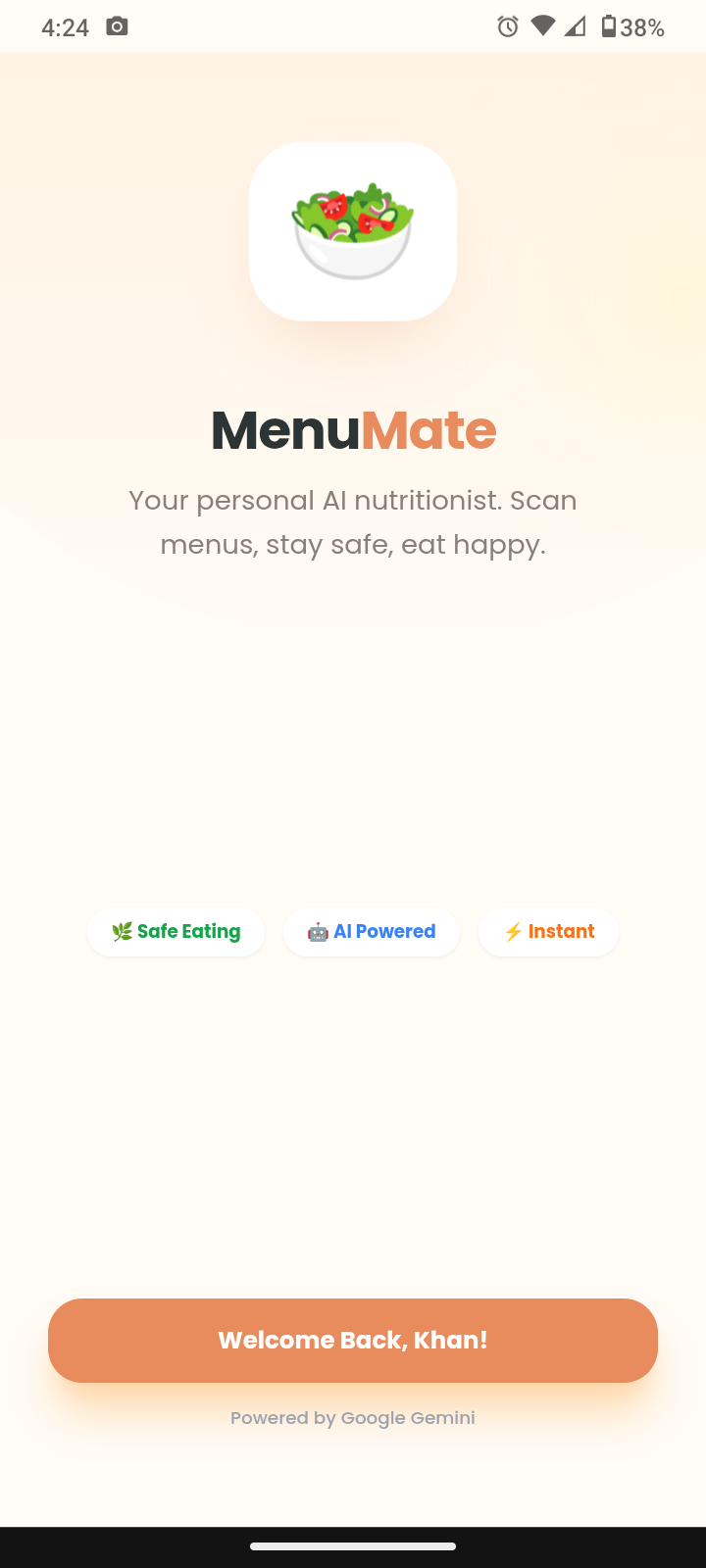
User Onboarding Screen
-
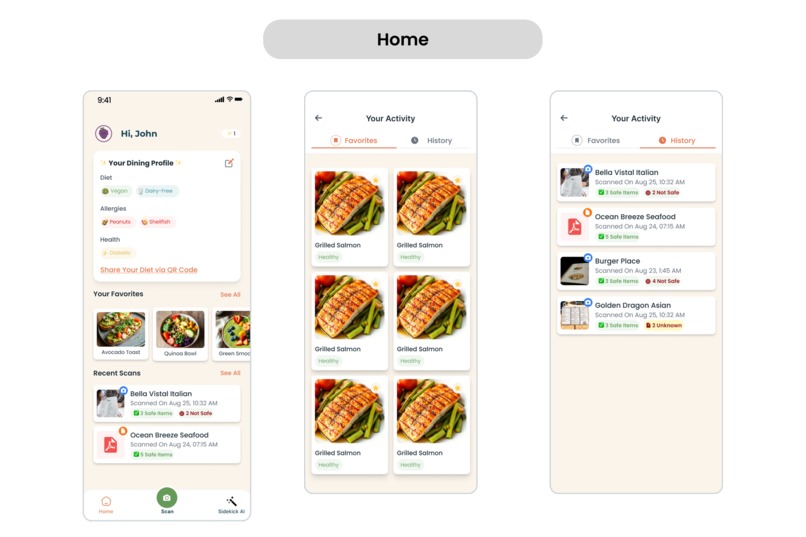
Home Page, History Page, Activity Page
-
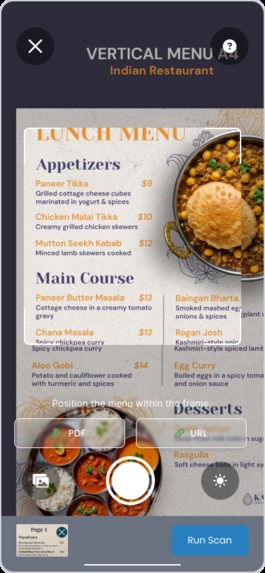
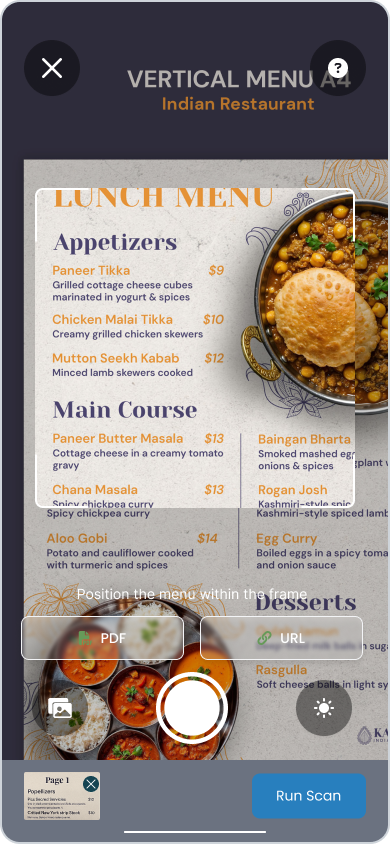
Scanning Menu
-
-
-
-
Inspiration
Honest talk? Dining out with dietary restrictions is stressful. Whether it's a peanut allergy, Celiac, or strict macro-tracking, playing "guess the ingredients" ruins the vibe.
We didn't want another static database or a judgmental calorie counter. We wanted to leverage Multimodal AI to bridge the gap between complex visual data (menus) and specific health constraints. MenuMate isn't just a wrapper; it's a real-time dietary companion that "sees" what you see.
What it does
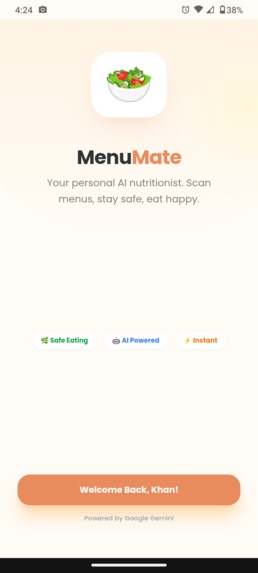
MenuMate is a Progressive Web App (PWA) that performs real-time visual analysis on food items.
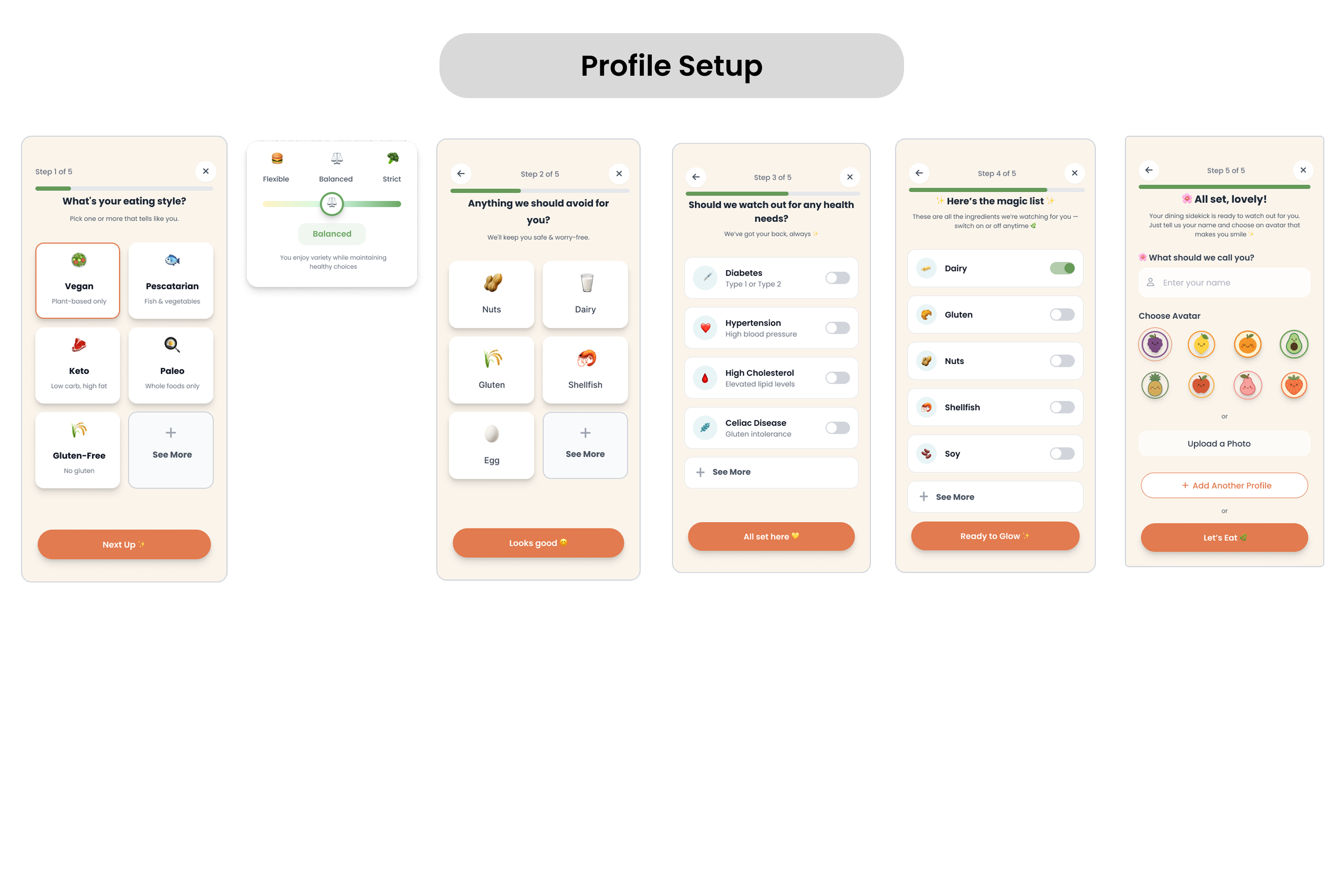
- Strict Profiling: Users define a "Digital Taste Profile" (Allergies, Conditions, Diet Styles) stored locally.
- Visual Inference: The user captures a menu or dish via the device camera.
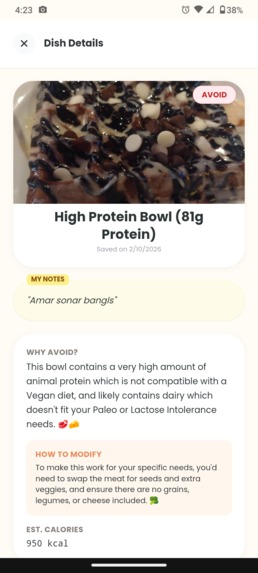
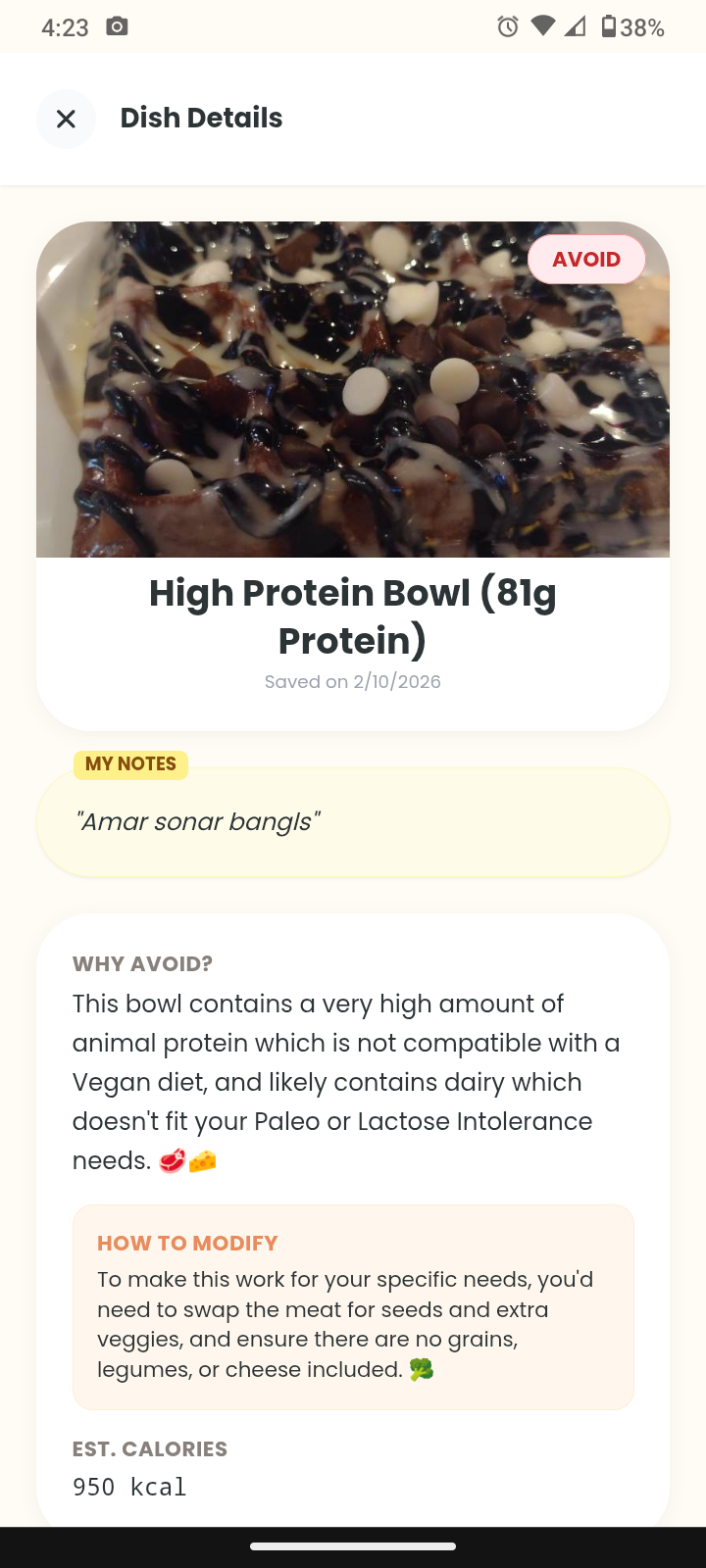
- Structured Analysis: We don't just get text back. The app forces the AI to return a strict JSON object classifying every item as:
- 🟢 SAFE
- 🟡 MODIFY (with specific instructions like "Omit cheese")
- 🔴 AVOID (with reasoning)
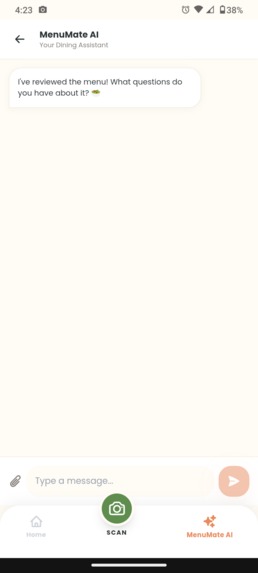
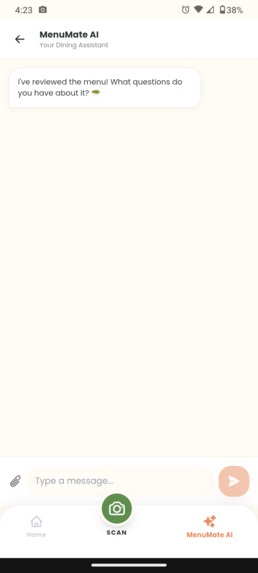
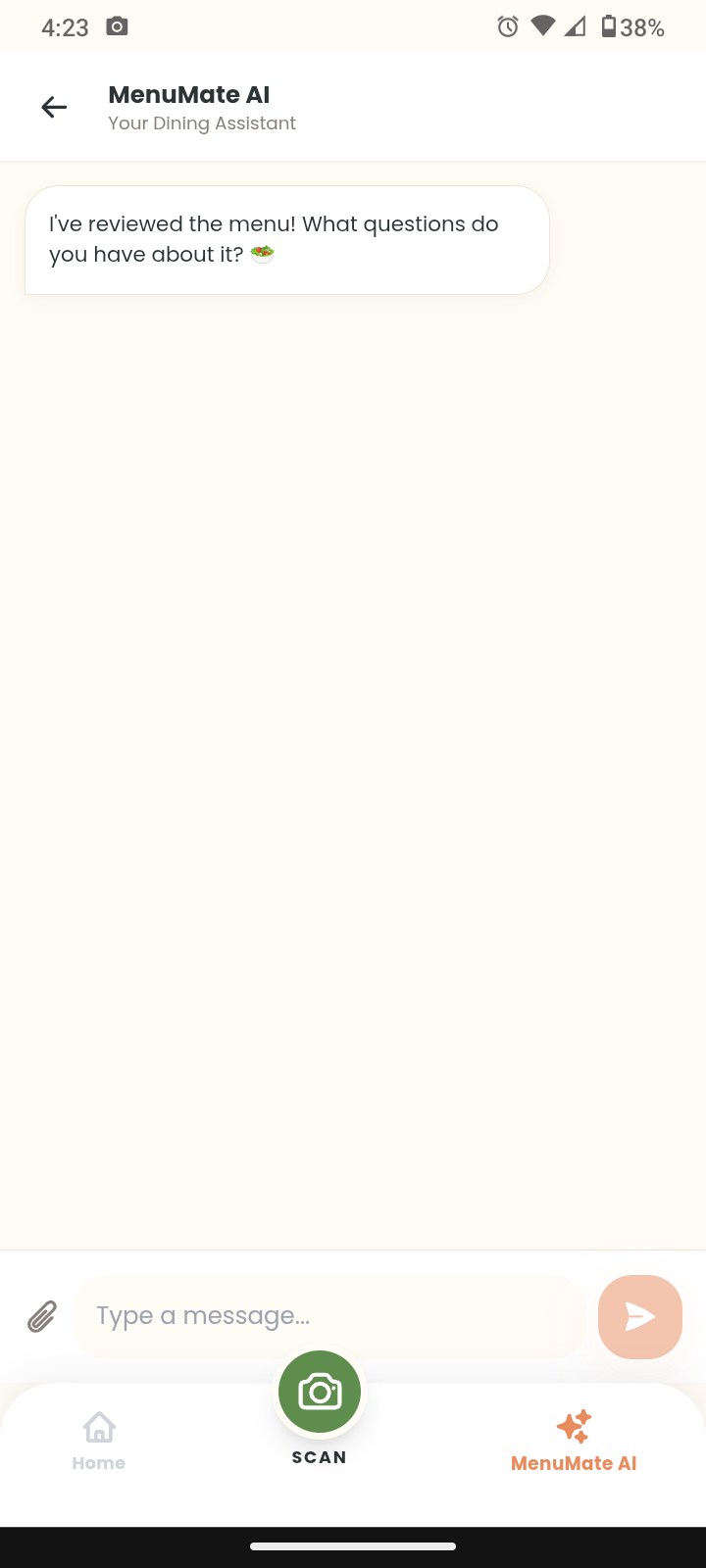
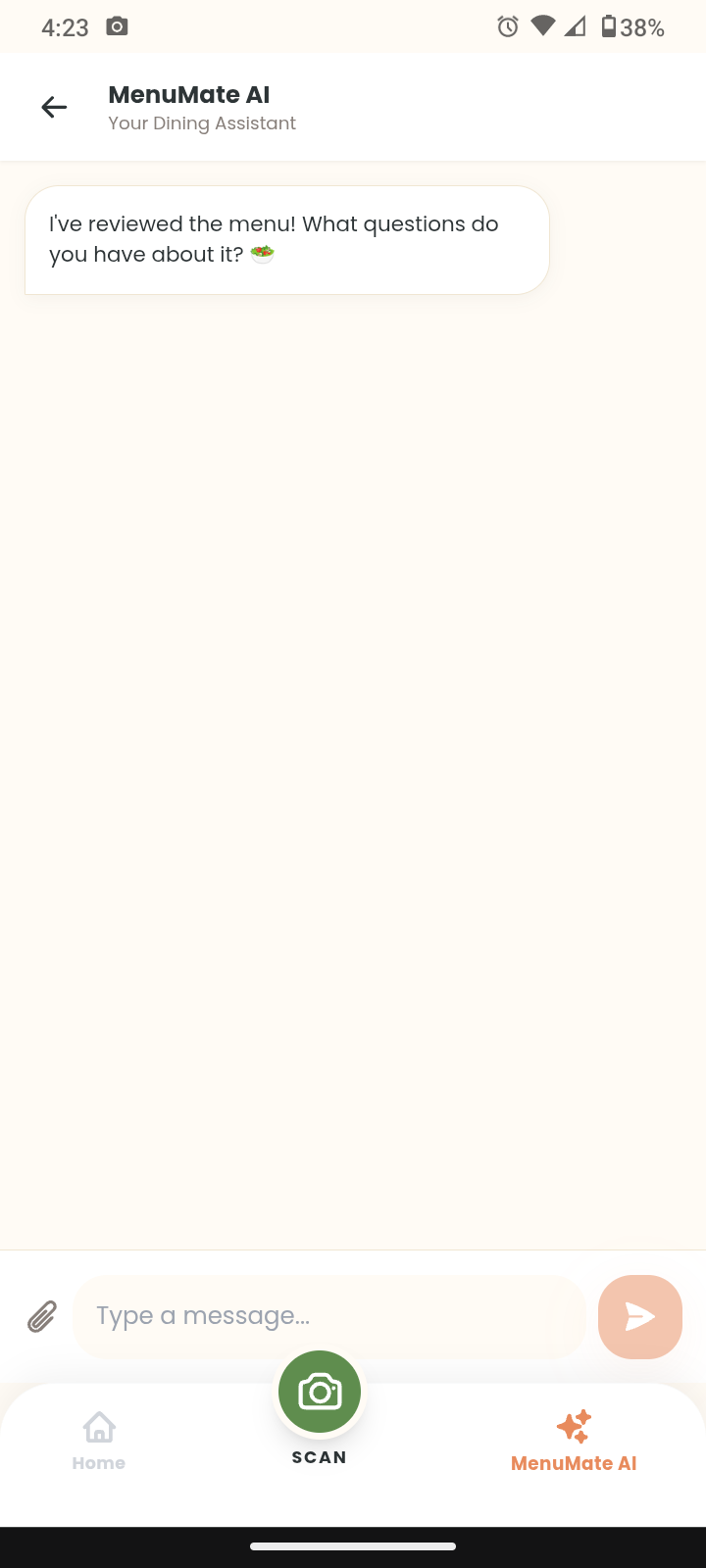
- Context-Aware RAG: You can chat with the AI about the results. The chat session is pre-seeded with the analysis JSON, so the model has full context of the menu you're looking at.
How we built it
We architected a Serverless, Mobile-First PWA using React (Vite) + TypeScript. Since privacy is critical, all user health data resides in localStorage and is only sent ephemerally to the inference engine.
The AI Architecture (The Heavy Lifting):
We orchestrated a multi-model pipeline using the new @google/genai SDK to optimize for latency and reasoning depth:
- Vision & Structured Output (
gemini-3-flash-preview): We chose the Flash model for the core analysis because of its speed and multimodal capabilities. Crucially, we utilize Controlled Generation by passing a strictresponseSchema(defined withType.OBJECTandType.ARRAY) and settingresponseMimeType: "application/json". This guarantees the LLM outputs parseable data that matches our TypeScript interfaces—no regex required. - Contextual Chat (
gemini-3-pro-preview): For the chat feature, we swap to the Pro model. We inject the previously generated analysis JSON directly into thesystemInstruction. This gives the model "short-term memory" of the menu without needing a vector database. - Micro-Interactions (
gemini-3-flash-preview): We use the lightweight model for the "Quick Tips" feature to generate dashboard motivation with minimal token usage.
The Frontend:
- PWA Engine: Built with
vite-plugin-pwafor service worker registration, asset caching, and the native "Install App" intent on iOS/Android. - Image Pipeline: We implemented client-side canvas compression to resize 4K phone photos to optimized binaries before Base64 encoding. This reduced payload size by ~85%, significantly cutting API latency.
Challenges we ran into
- Deterministic vs. Creative: LLMs love to be creative, but food safety requires precision. Defining the
analysisSchemawas the hardest part—we had to iterate on the property descriptions to stop the model from hallucinating "Safe" statuses on ambiguous items. - Type Safety across the Wire: Mapping the AI's JSON output directly to our React component state required rigorous type guards. If the model missed a field, the UI would break. We solved this by enforcing
requiredfields in the Gemini schema definition. - The "Uncanny Valley" of Design: Medical apps usually look sterile. We fought against that by building a custom Tailwind design system ("Soft Vintage Pop") with warm
#FFFBF5backgrounds and rounded interaction states to lower user anxiety.
Accomplishments that we're proud of
- End-to-End Type Safety: We successfully mapped a generative AI output to a strict TypeScript interface (
AnalysisResult). The code is robust. - Zero-Backend Architecture: The entire application runs client-side. This reduces hosting costs to near zero and ensures maximum user privacy.
- Latency Optimization: By orchestrating different models (Flash for vision, Pro for chat, Lite for tips), we balanced cost and speed perfectly.
What we learned
- Prompt Engineering is actually Logic Engineering: When working with JSON schemas, the prompt isn't just text; it's a functional specification.
- Client-Side AI is viable: You don't need a heavy Python backend to build powerful AI apps anymore. The JS SDKs are mature enough for production.
What's next for MenuMate
- AR Overlay: Utilizing the WebXR API to draw green/red bounding boxes directly on the camera feed.
- Offline Mode: Caching previous analysis results in IndexedDB so users can review past meals without a signal.
- OCR Translation: Adding a translation layer to the pipeline for travel use cases.
Built With
- gemini
- google-cloud-run
- javascript
- localstorage
- typescript
- vite


Log in or sign up for Devpost to join the conversation.