-
-
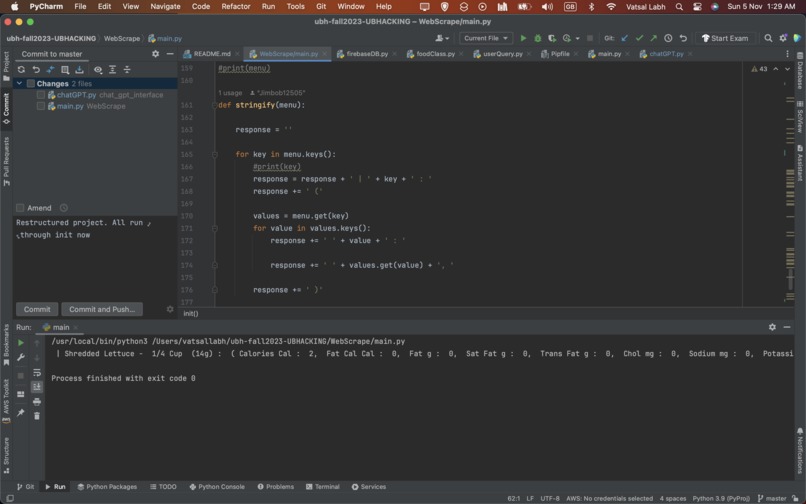
Output before AI
-
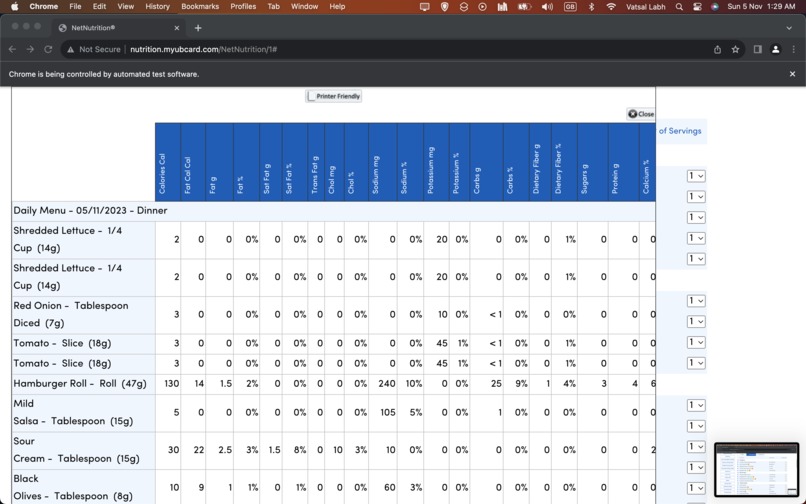
Getting Information from Net Nutrition
-
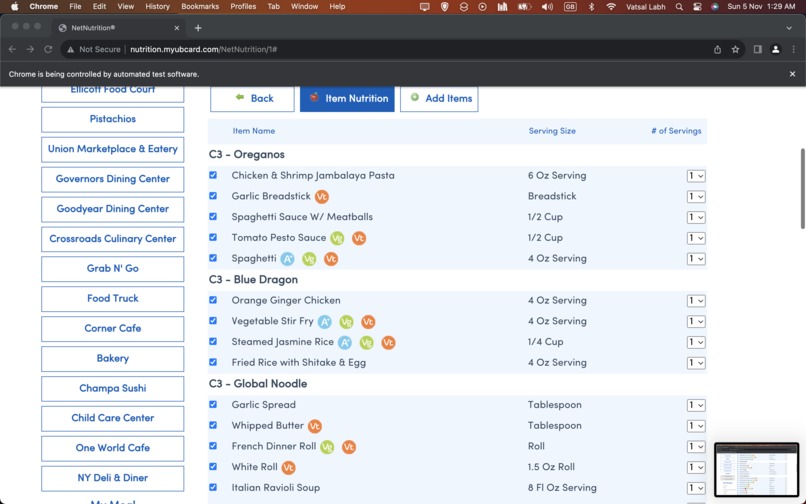
Automatically creating a bot to tick each box and add it
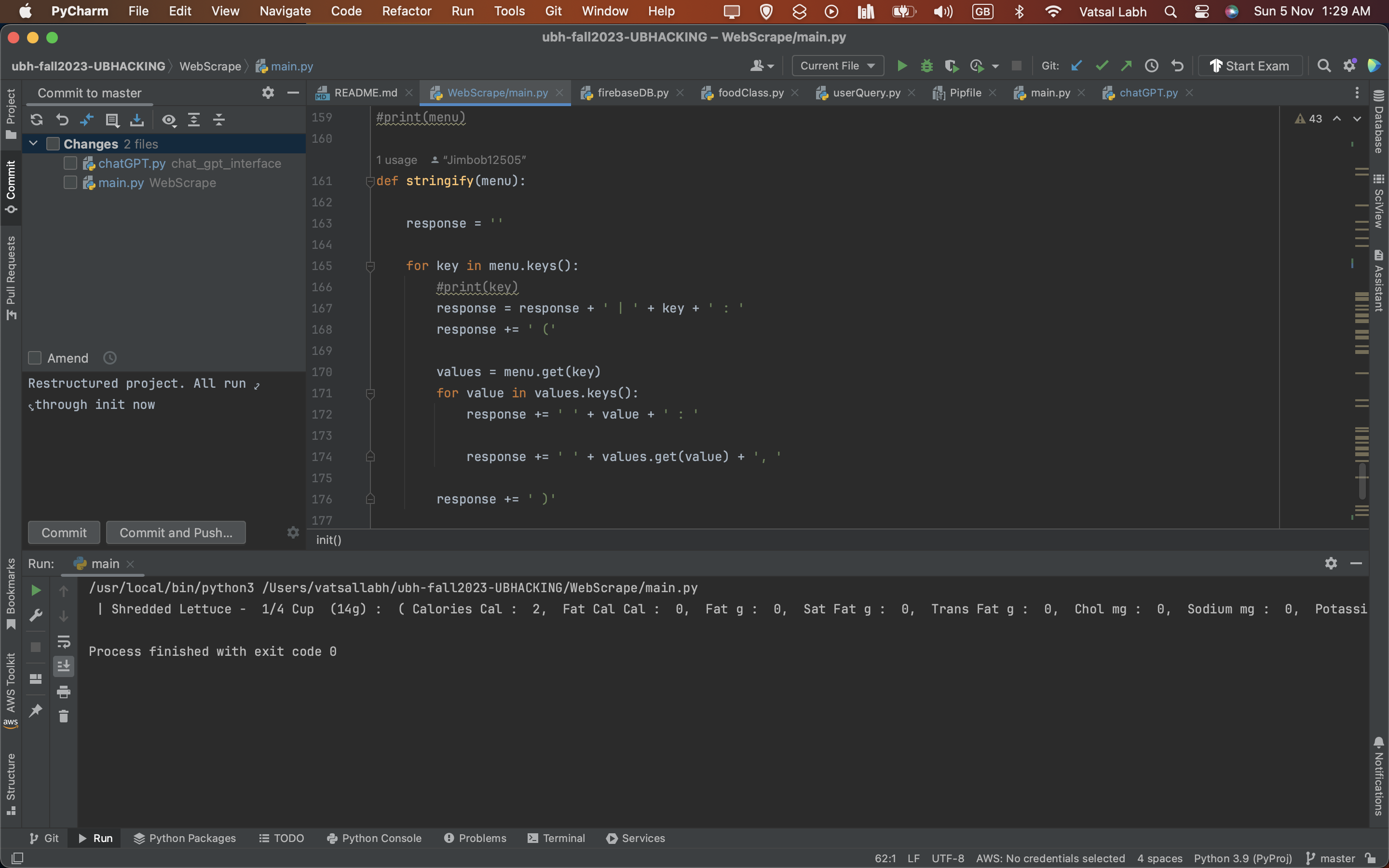
Inspiration
As university students, Colton and I have struggled when it came to healthy eating; and I know most other university students do as well. According to cspinet.org, an unhealthy diet contributes to approximately 678,000 deaths each year in the U.S. In addition, statista.com concluded that 14% of university students have a poor diet according to a survey they conducted. We wanted to provide people with a way to balance their diet without having to sacrifice what they want to eat.
What it does
Our product web scrapes data from the Net Nutrition website on UBDining and gathers all the nutrient data for each food item under C3's menu. We then run the data collected through an AI tool that ends up returning the best possible meal that satisfies all your requirements. If you aren't happy with the menu, you can always ask it to generate a new one or remove specific items.
How we built it
We built our product by using selenium and the webdriver-manager libraries to open an automated instance of Chrome, go to the UBDining website, then to Net Nutrition and head to C3's menu by accessing the HTML contents and its XPath.
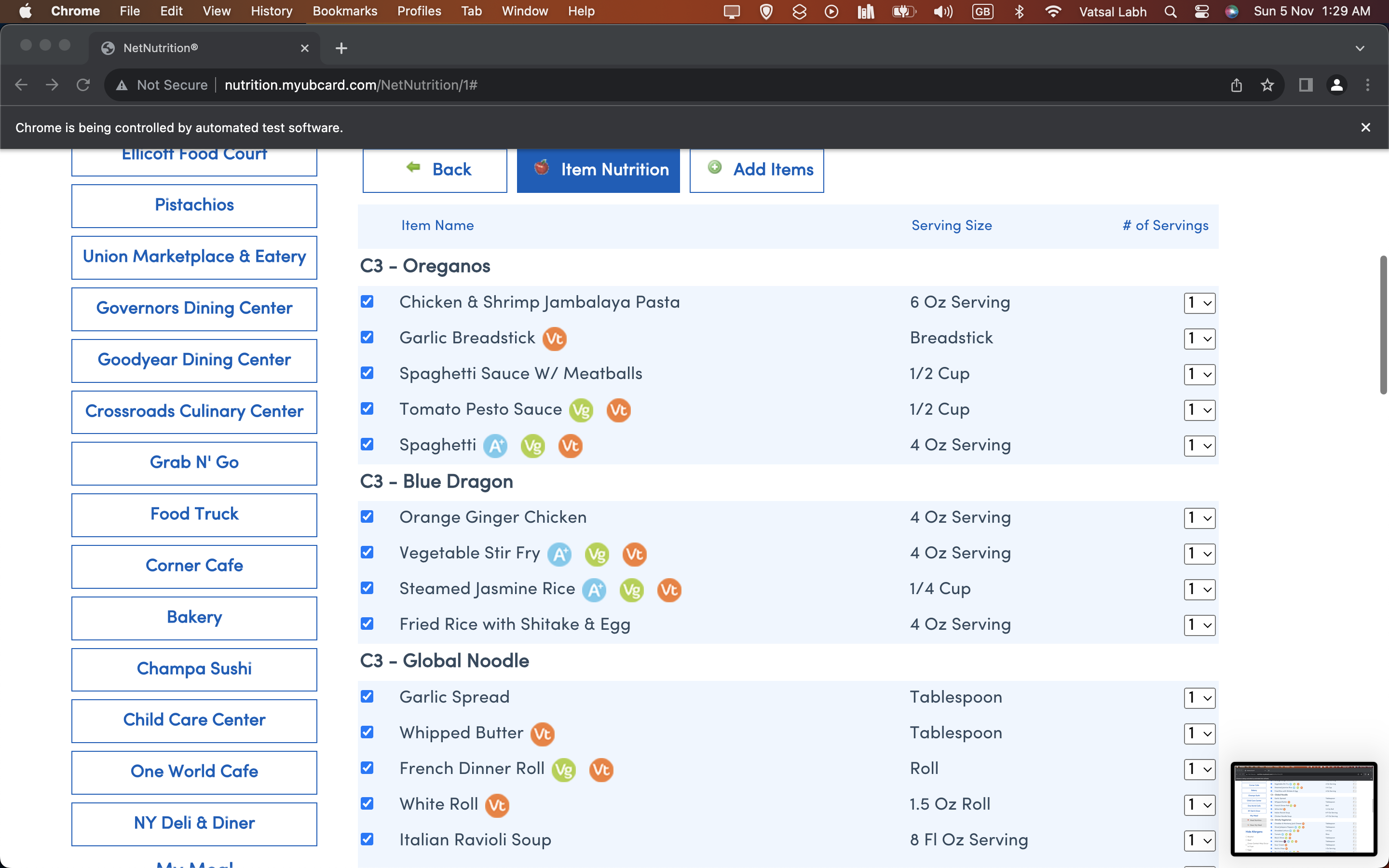
We then automate the process of selecting all items. We do this since the Net Nutrition website labels each item with the following CSS Style: "td.cbo_nn_itemCheckBox" This gives us the checkbox container class, however, the checkbox is not centered in the container class, so we need to get an instance of the checkbox itself from the container class by using the following CSS Style selector again: "input[type='checkbox']" This returns us an array of all checkbox's as rows. We use a for loop to iterate through the checkbox items and use the driver.click() function to then click on each check box at each row.
At this point, we need to get the nutrient data of all the items we just added. We can do this by clicking the "meal nutrient" button. Since we wanted to make this entire process automated, we found the Xpath of the meal nutrient button by inspecting the webpage source code and finding the element container. This was the following Xpath: "/html/body/div[1]/div[2]/form/div[2]/div[6]/section/div[3]/table/tbody/tr/td[2]/button"
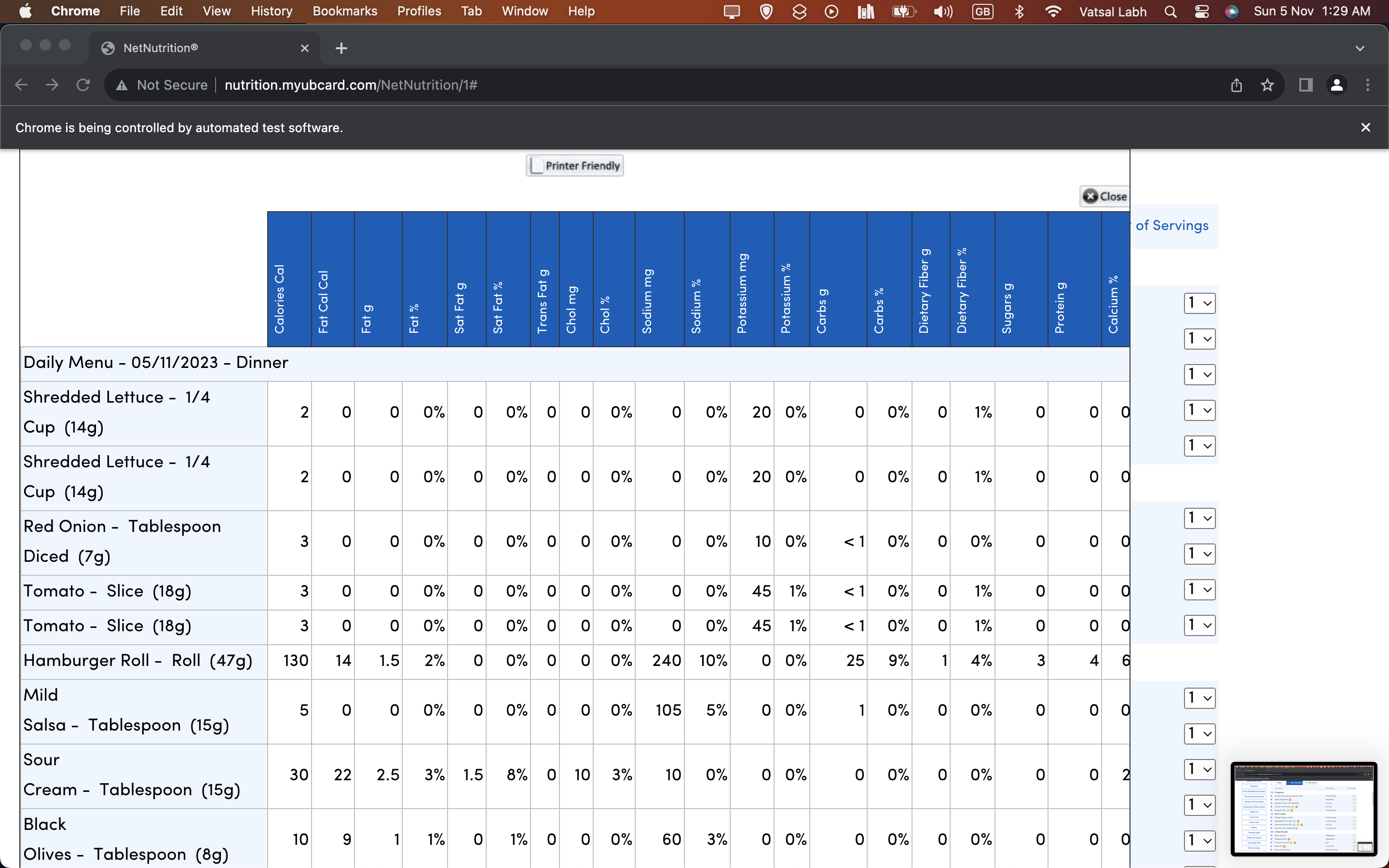
We then click on the Xpath which returns what can be seen in image 2 (Getting information from Net Nutrition)
From here, we need to loop through each element in the table seen. To do this, we get the Xpath of the table: /html/body/div[1]/div[4]/div/div[2]/table
We then use driver.find_element(By.Xpath, "/html/body/div[1]/div[4]/div/div[2]/table") and storing that in some variable which gives us a reference to the table
From here comes to challenging path, each element is now allocated in rows, rather as 3d arrays of headers, food item and nutrient values. This can be seen in the search_menu_table() method in WebScrape/main.py. We then have to iterate through the index of the header and the nutrient value and assign it to a dictionary with the corresponding indexes.
We did the AI API call by, first of all, reading through the API documentation to get it set up. We then broke the problem into 2 queries, an initial query and a follow-up query. These were created as separate methods. Based on the user input, we ran specific prompts based on what we thought the best query it would fit into was. We then passed this query to the API model using an API request, gathering its result, processing it in a displayable manner, and printing it to the terminal
Challenges we ran into
We ran into numerous challenges. For example, initially, the web scraper was extremely slow, running at n^2log(n) time. We managed to cut this down to n^2, which although isn't the best it was something we had to deal with due to the time constraints. Another challenge we ran into was the API requests. It took a long time to process the API request and get the data returned to us, there was nothing we could do to speed this up which made our time even worse. Webscraping was quite challenging since inspecting the html markup was time consuming and complicated at times since there were many Ajax requests that lead to elements only being able to be seen after performing some action on them, and then viewing them
Accomplishments that we're proud of
We're very happy with how our product turned on. Neither Colton nor I knew how to web scrape, use selenium or set up and use APIs. We had to learn how to do all of this within the span of 24 hours and we made progress that we're both really happy with. Although our product isn't perfect, we learnt a lot from this experience and know that with more time we could make an even better product.
What we learned
We learnt about how HTML mark ups are formatted. We learnt how to access them using web drivers to scrape through data contained within classes, styles, tags and ids while using selenium to automate a chrome instance. We learned how to clean data, parse through it and generate data structures capable of storing data in manageable ways. We also figured out how to convert data stored in data structures into parsable JSON files and sending that using API requests
What's next for MenuMagic: A Web scraped AI-Powered Healthy Meal Planner
There are various improvements we would like to make to our system. For example, currently its only set up to scrape through C3’s menu, but with minor modifications and more time, we’d be able to expand it to incorporate ALL dining locations at UB.
In addition, it’s only set up to do the current days menu, but again, this can be changed easily with just a little more time.
We would also like to create a more pleasant user experience by designing a UI that displays the information more pleasantly
In addition, we also want to speed up how fast our code runs


Log in or sign up for Devpost to join the conversation.