-
-
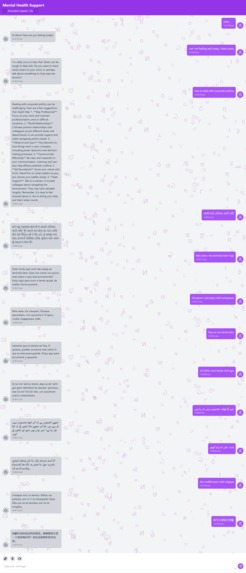
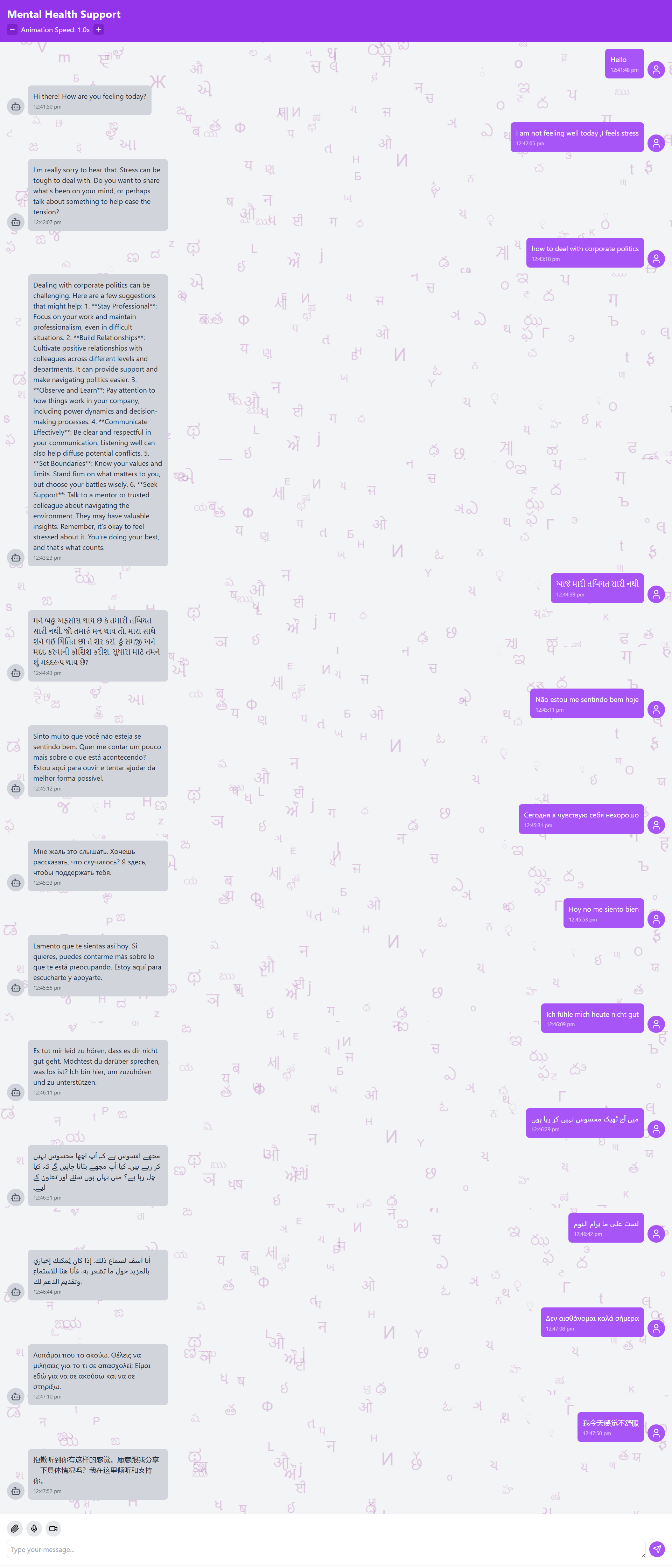
Mental Health Chatbot
-
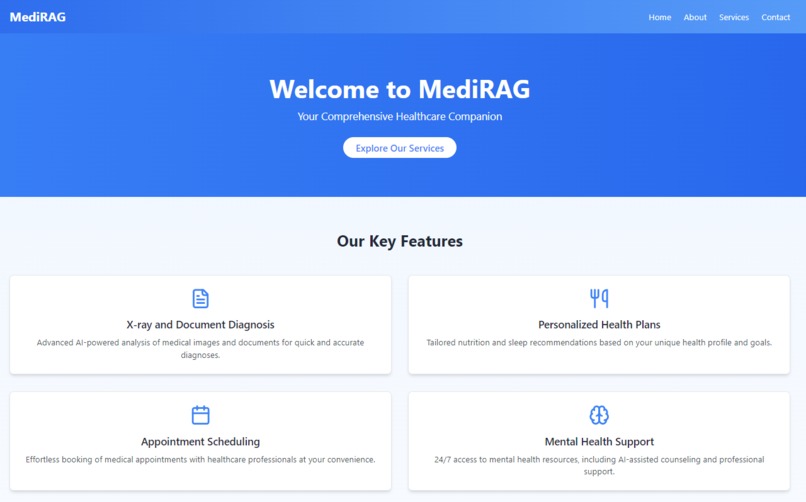
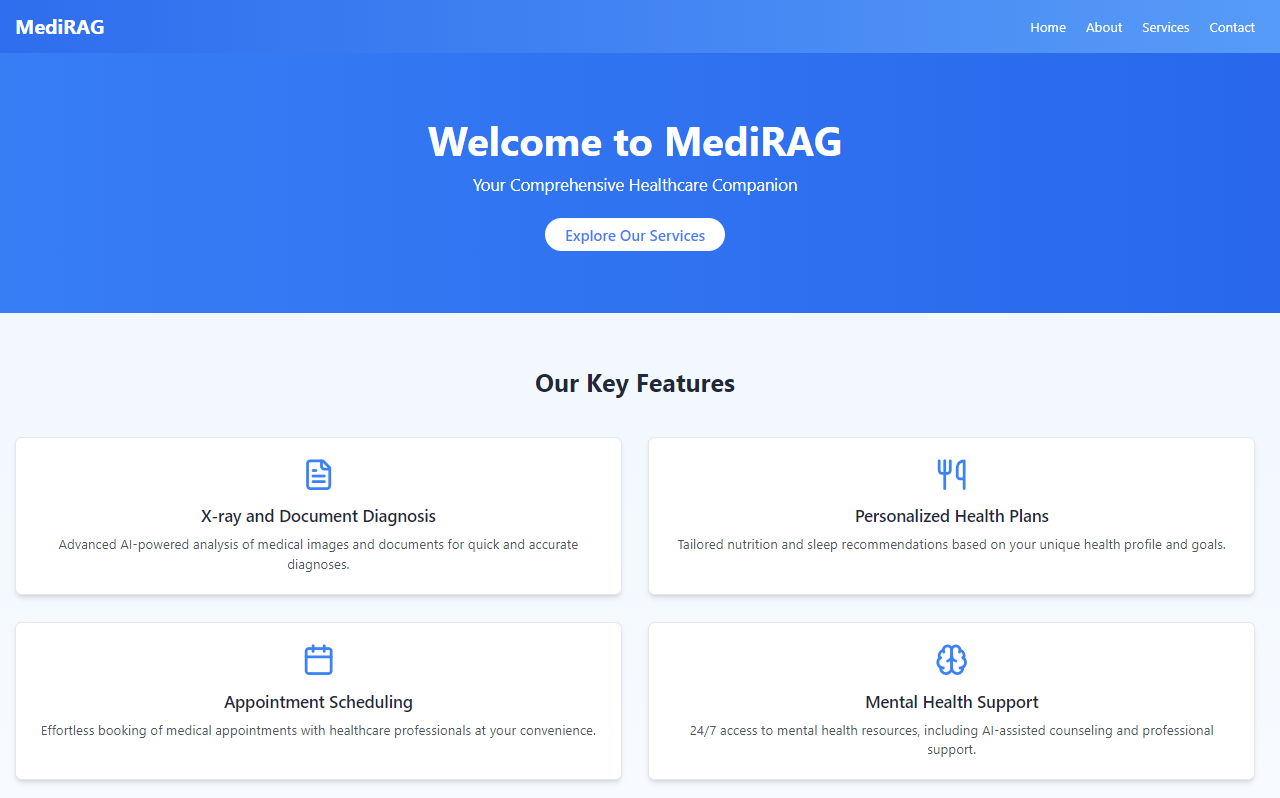
Home Page
MediRAG - Intelligent Healthcare Solutions 🏥✨

📋 Overview
MediRAG is a comprehensive healthcare platform that leverages artificial intelligence to provide accessible, personalized healthcare solutions. Built with modern web technologies including JavaScript, TypeScript, and Node.js, it aims to revolutionize patient care, streamline medical processes, and provide easy access to health-related information and services.
💡 Vision: Making quality healthcare accessible through intelligent technology integration
🏗️ Healthcare Application Architecture
The MediRAG platform follows a client-server architecture with AI integration for advanced healthcare features.

System Architecture Diagram
graph TD
    A[Frontend - React.js] -->|API Requests| B[Backend - Node.js]
    B -->|Responses| A
    B -->|AI Processing| C[OpenAI API]
    C -->|Analysis Results| B
    B -->|Data Storage| D[(Database)]
    E[Users] -->|Interacts with| A
    B -->|Image Processing| F[PDF to Image Conversion]
✨ Key Features
🔍 X-ray and Document Diagnosis
- AI-powered analysis of medical images and documents
- Quick and accurate diagnoses with confidence levels
- Support for various file formats including images and PDFs
- Detailed analysis reports with recommendations

🥗 Personalized Health Plans
- Tailored nutrition recommendations based on individual profiles
- Custom sleep routines addressing specific sleep issues
- Personalized caloric intake and macronutrient distribution
- Daily meal plans with timing suggestions

📅 Appointment Scheduling
- Intuitive interface for booking medical appointments
- Selection from various healthcare professionals
- Customizable appointment types and reasons
- Automatic email confirmations and reminders


🧠 Mental Health Support
- 24/7 access to AI-assisted mental health resources
- Interactive chatbot with empathetic responses
- Integration with professional support services
- Relaxation exercises and resources

🛠️ Technology Stack
| Layer | Technologies |
|---|---|
| Frontend | React.js, TypeScript, Tailwind CSS |
| Backend | Node.js, Express |
| AI Integration | OpenAI API |
| File Processing | Multer, pdf-img-convert |
| Styling | Tailwind CSS, Lucide React (icons) |
| Routing | React Router |
| HTTP Requests | Axios |
🚀 Setup Instructions
Prerequisites
- Node.js (v14 or higher)
- npm or yarn
- OpenAI API key
Installation
Clone the repository:
git clone https://github.com/your-username/healthcare-website.git
cd healthcare-website
Setup the backend:
cd backend
npm install
Setup the frontend:
cd ../frontend
npm install
Configure environment variables: Create a
.envfile in the backend directory with:PORT=3001 OPENAI_API_KEY=your_openai_api_key DATABASE_URL=your_database_connection_stringStart the development servers:
For backend:
   cd backend
   npm run dev
For frontend:
   cd frontend
   npm start
- Access the application:
Open your browser and navigate to
http://localhost:3000
📡 API Endpoints
| Endpoint | Method | Description | Request Body | Response |
|---|---|---|---|---|
/api/analyze-image |
POST | Analyze medical images | File upload (image/PDF) | Diagnosis results with confidence level |
/api/HealthPlans |
POST | Generate health plans | Age, weight, height, activity level, dietary restrictions, sleep issues | Personalized diet and sleep routine |
/api/mental-health-chat |
POST | Mental health chat | User message | AI assistant response |
/api/test |
GET | Test backend connectivity | - | Connection status |
/api/appointments |
Various | Manage appointments | Appointment details | Confirmation/details |
📦 Project Structure
healthcare-website/
├── backend/               # Node.js backend
│   ├── index.js           # Main server file
│   ├── uploads/           # Storage for uploaded files
│   └── package.json       # Backend dependencies
├── frontend/              # React frontend
│   ├── public/            # Static files
│   ├── src/               # Source code
│   │   ├── components/    # React components
│   │   ├── styles/        # CSS styles
│   │   ├── api/           # API service files
│   │   └── routes/        # Frontend routes
│   └── package.json       # Frontend dependencies
└── README.md              # Project documentation
🔄 Component Flow
flowchart TB
    A[HomePage] --> B[XrayDiagnosis]
    A --> C[HealthPlans]
    A --> D[AppointmentScheduling]
    A --> E[MentalHealthSupport]

    B -- "Upload Image" --> B1[Backend API]
    B1 -- "AI Analysis" --> B2[Display Results]

    C -- "Submit Health Info" --> C1[Backend API]
    C1 -- "Generate Plan" --> C2[Display Health Plan]

    D -- "Book Appointment" --> D1[Save Appointment]
    D1 --> D2[Send Confirmation]

    E -- "User Message" --> E1[Backend API]
    E1 -- "AI Response" --> E2[Display Response]
🧪 Features in Detail
X-ray Diagnosis Process
- Upload: User uploads X-ray image or PDF document
- Processing: System converts PDFs to images if needed
- AI Analysis: OpenAI API analyzes the image with expert radiologist prompting
- Results: System returns diagnosis, confidence level, and recommendations
Health Plan Generation
- Input Collection: User provides health information and preferences
- AI Processing: System generates personalized diet and sleep plans
- Presentation: Interactive display of health recommendations
- Follow-up: Optional monitoring and adjustment features
Mental Health Support System
- User Interface: Chatbot with friendly, empathetic design
- Context Management: Conversation history tracking for coherent responses
- AI Responses: Empathetic and supportive message generation
- Resources: Integration with relaxation videos and exercises
📝 Contributing
We welcome contributions to improve MediRAG. Please follow these steps:
- Fork the repository
- Create a new branch (
git checkout -b feature/AmazingFeature) - Make your changes
- Commit your changes (
git commit -m 'Add some AmazingFeature') - Push to the branch (
git push origin feature/AmazingFeature) - Open a Pull Request
📄 License
This project is licensed under the MIT License - see the LICENSE.md file for details.
👏 Acknowledgments
- OpenAI for providing the AI models
- React and Node.js communities for excellent documentation
- All contributors who have helped improve this project
📞 Contact
Your Name - arkavaiya@gmail.com
Project Link: https://github.com/Yash-Kavaiya/MediRAG
**MediRAG** - Your Partner in Modern Healthcare


Log in or sign up for Devpost to join the conversation.