-
-

Splash Screen
-
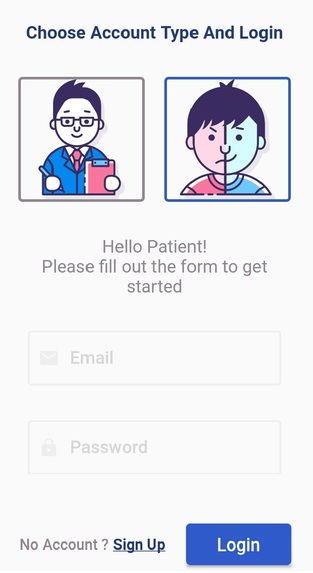
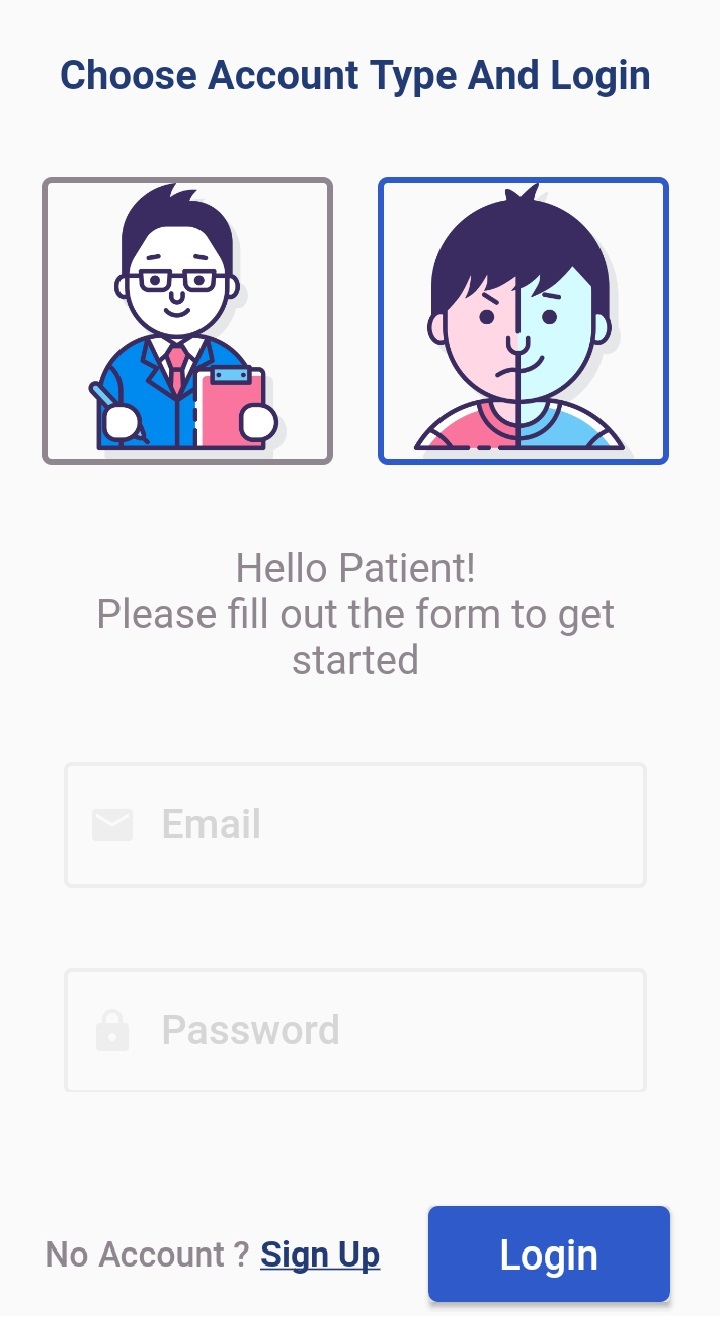
Login for Patient
-
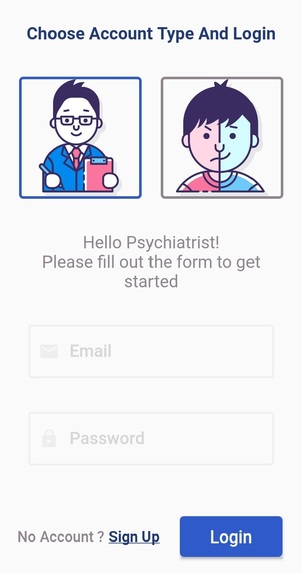
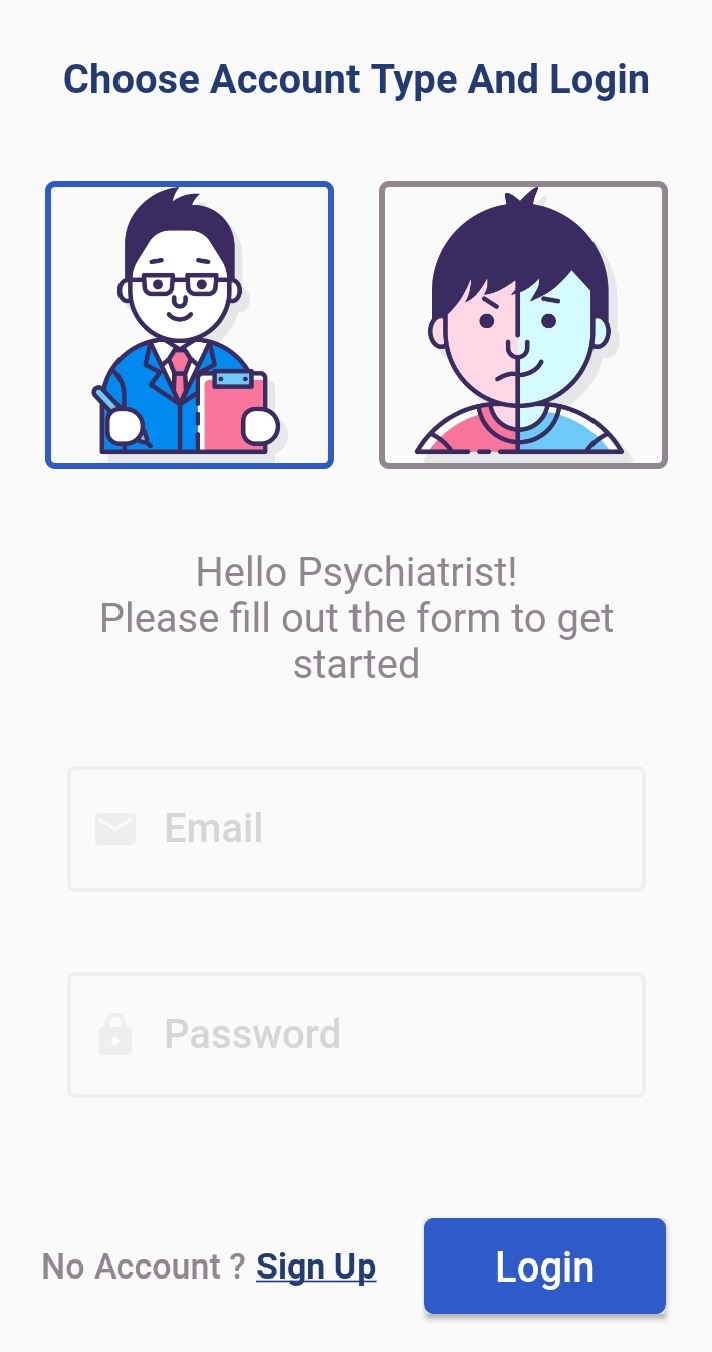
Login for Psychiatrist
-
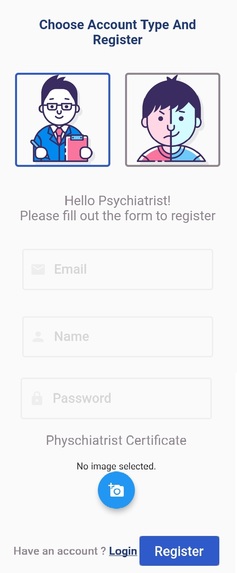
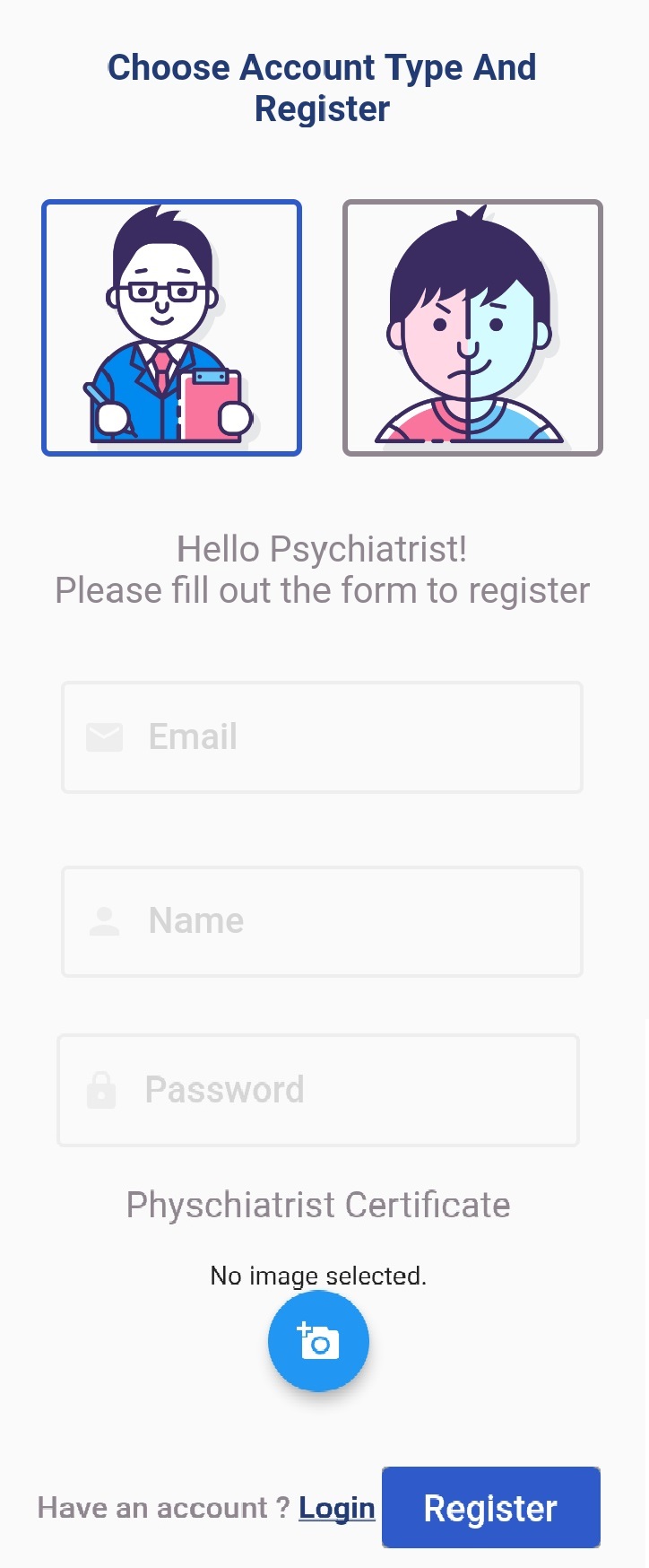
Register for Psychiatrist
-
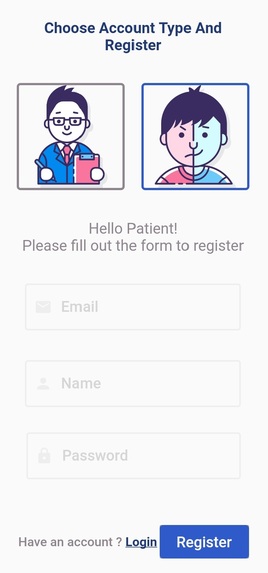
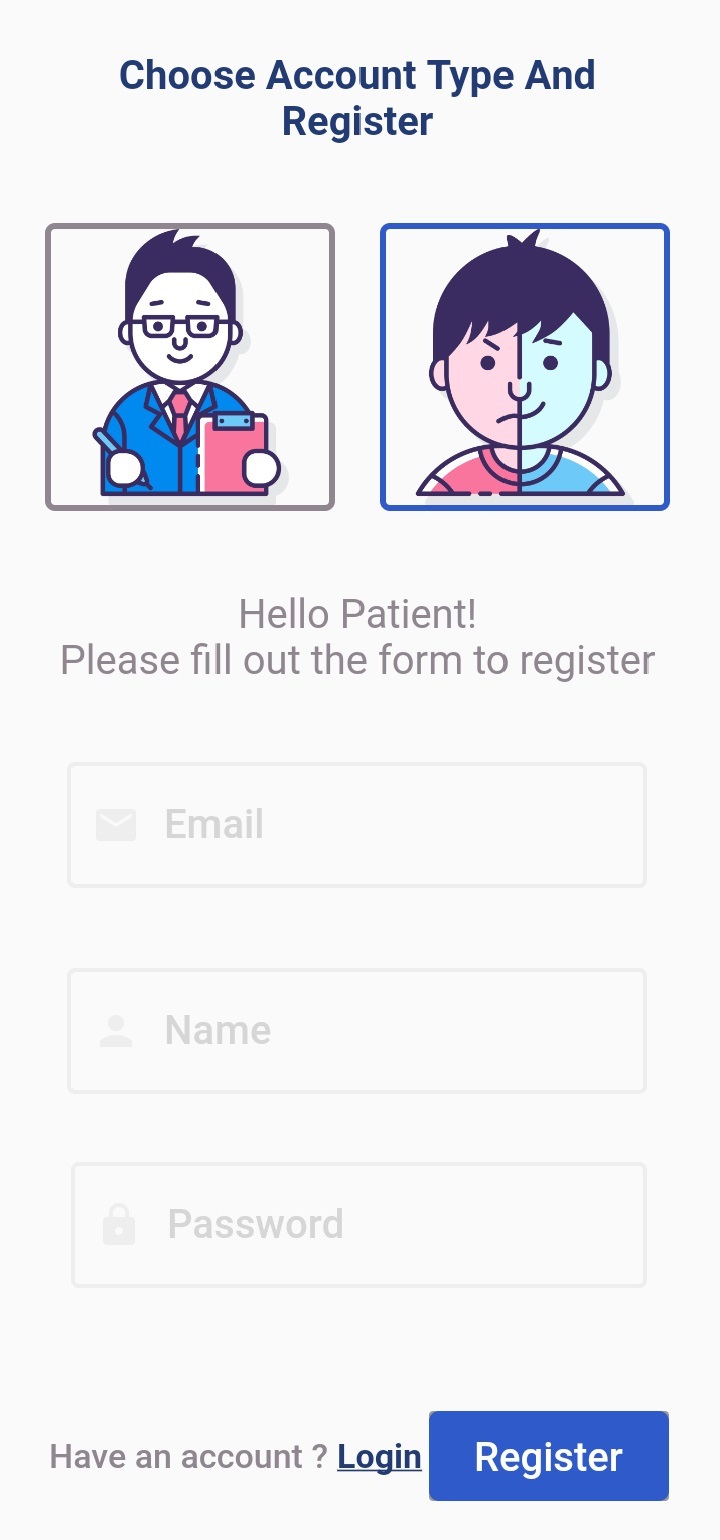
Register for Patient
-
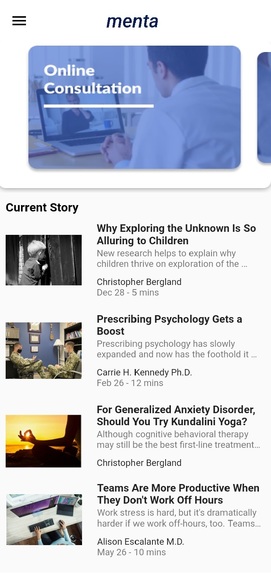
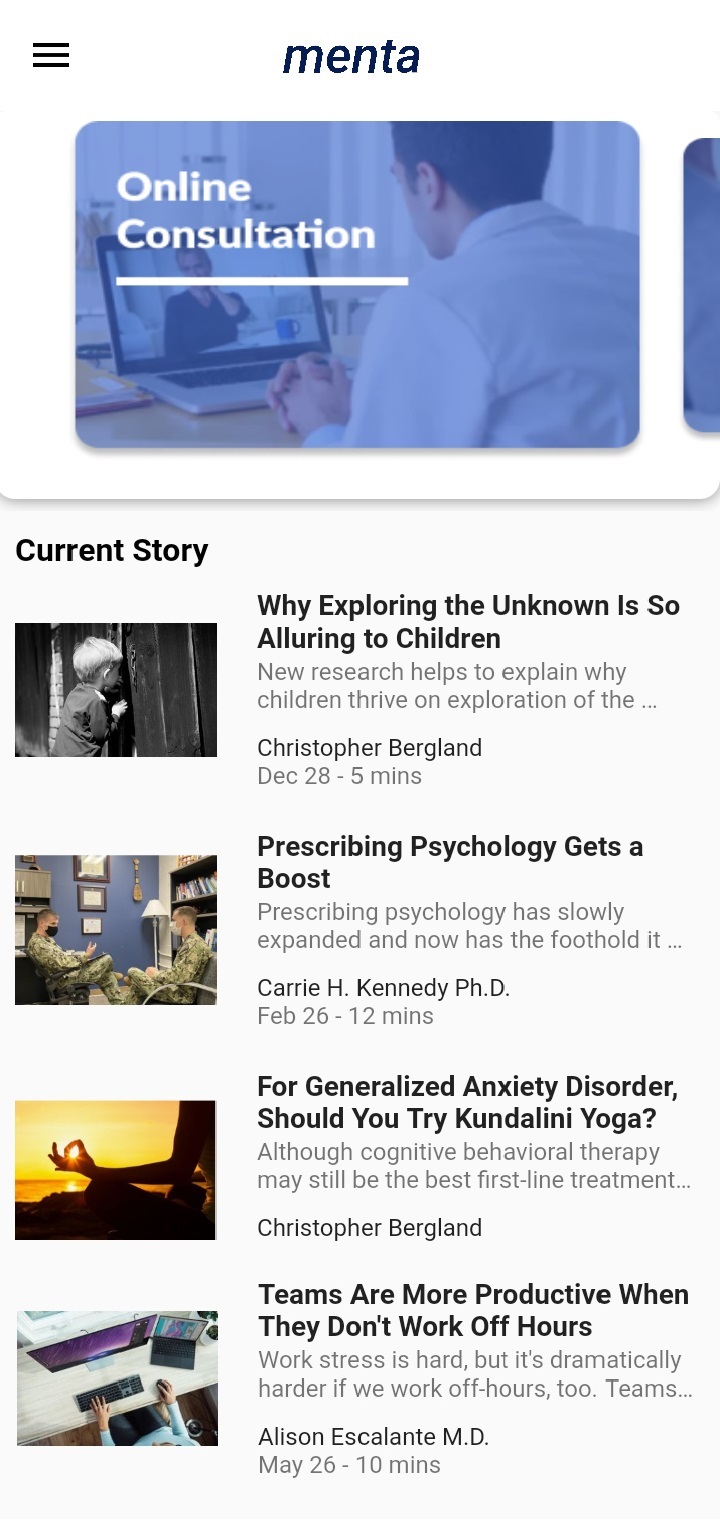
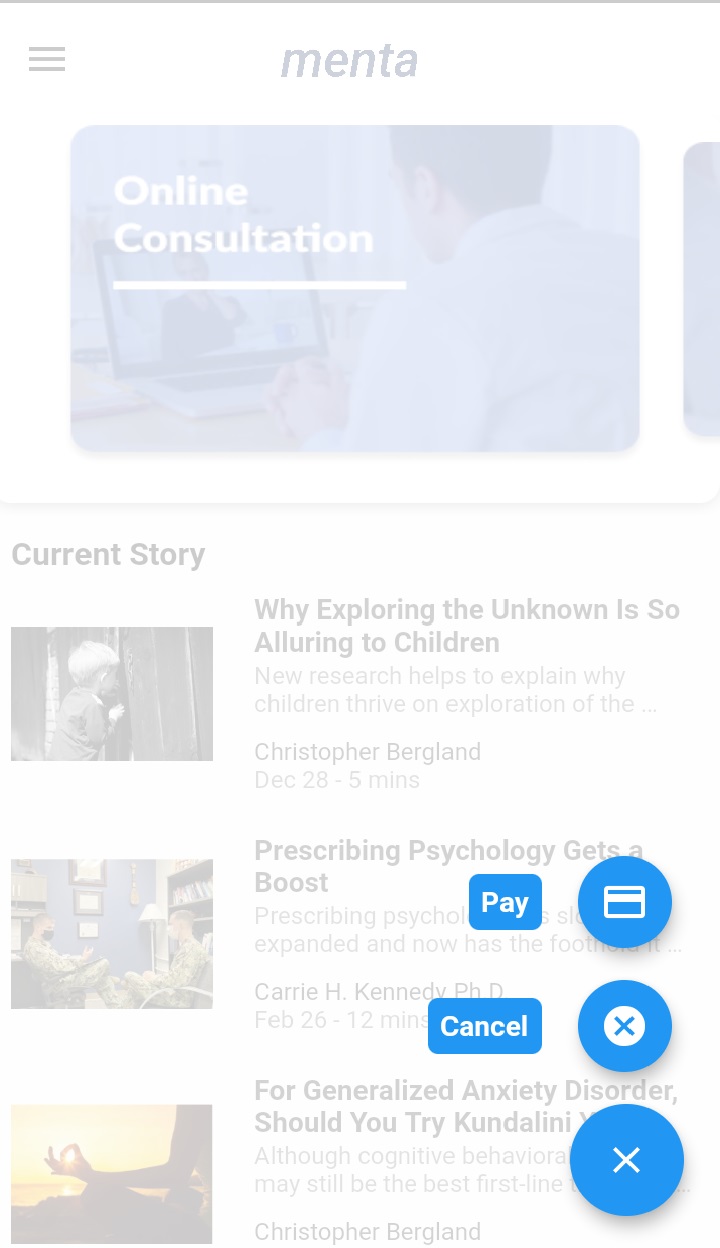
Homepage and Menu for Patient
-
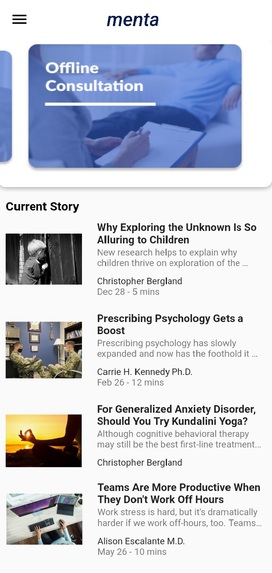
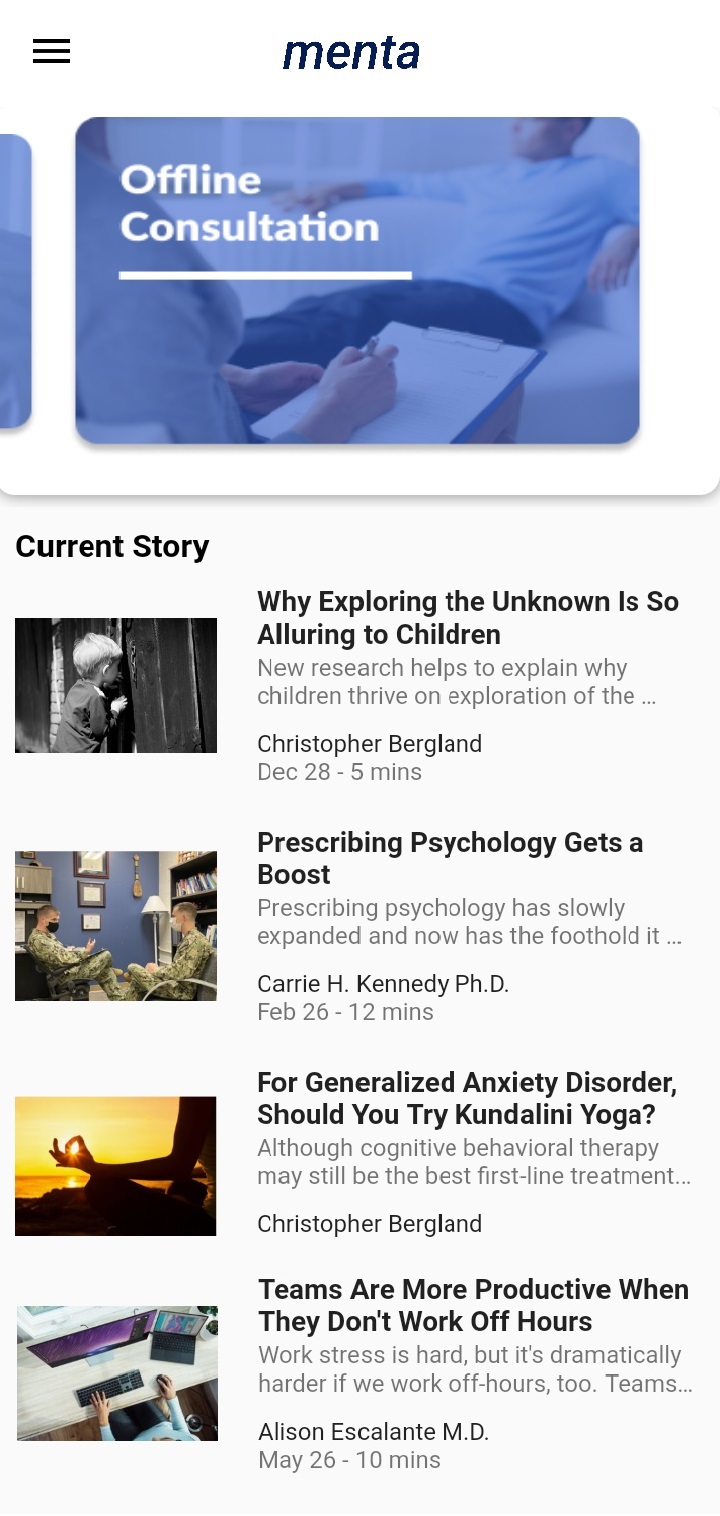
Homepage and Menu for Patient
-
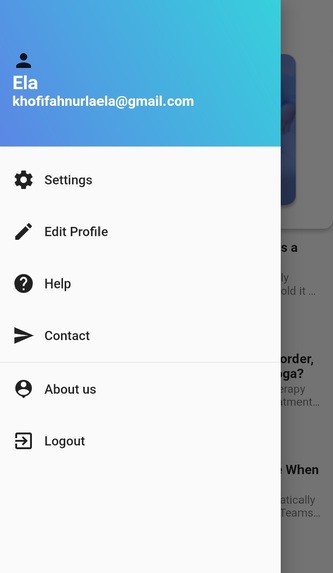
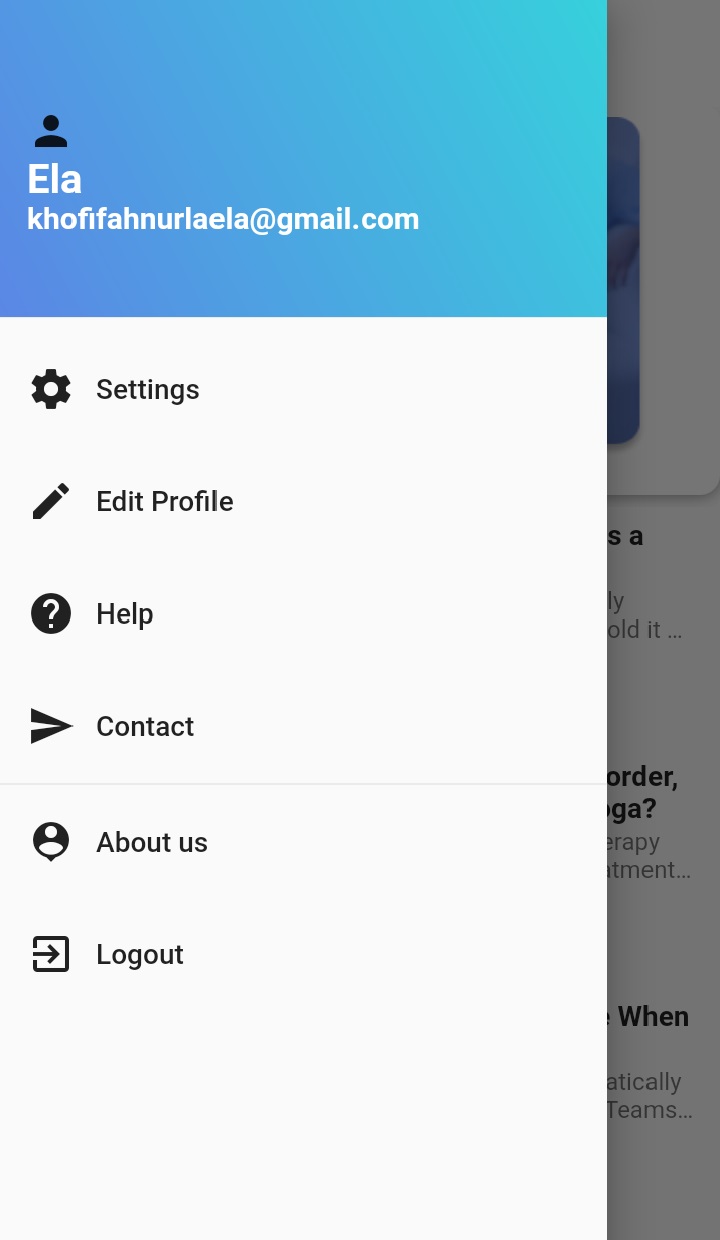
Drawer Menu for Patient
-
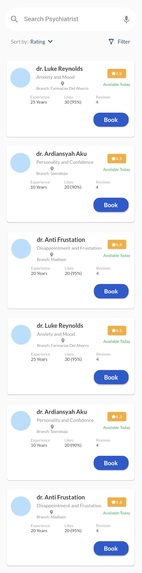
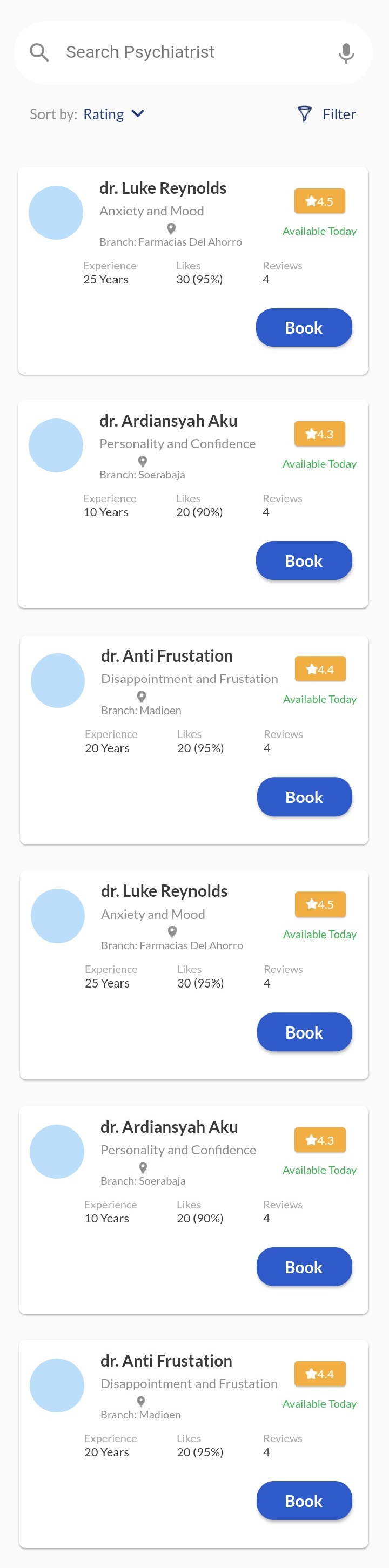
Select Psychiatrist for Offline Consultation
-
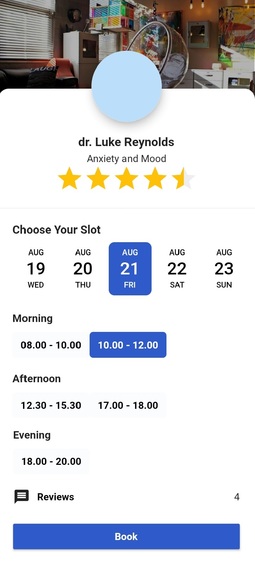
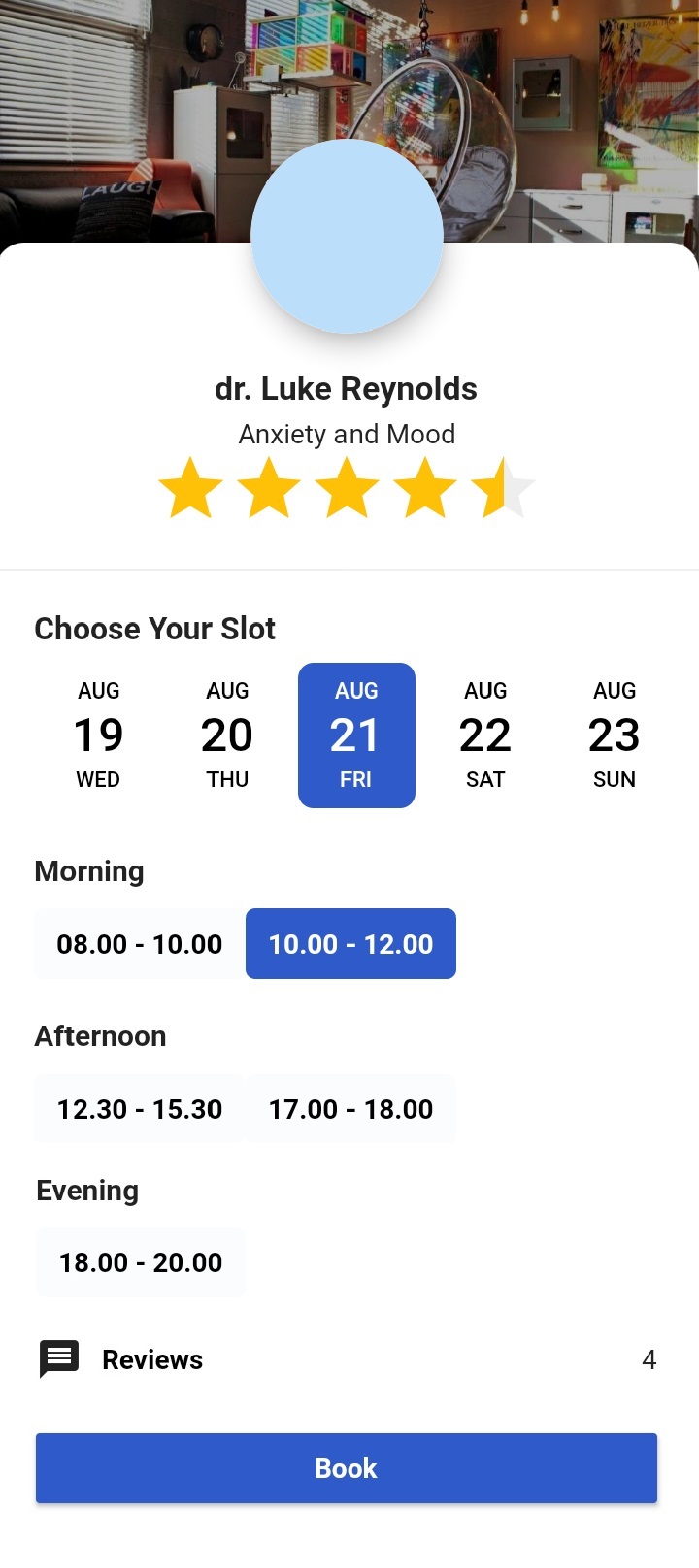
Offline Consultation Booking Page
-
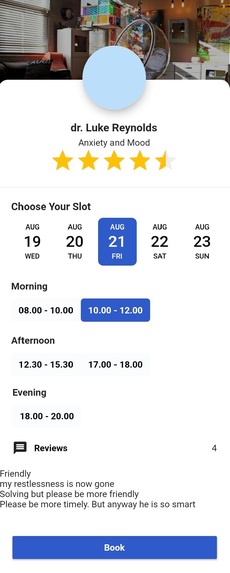
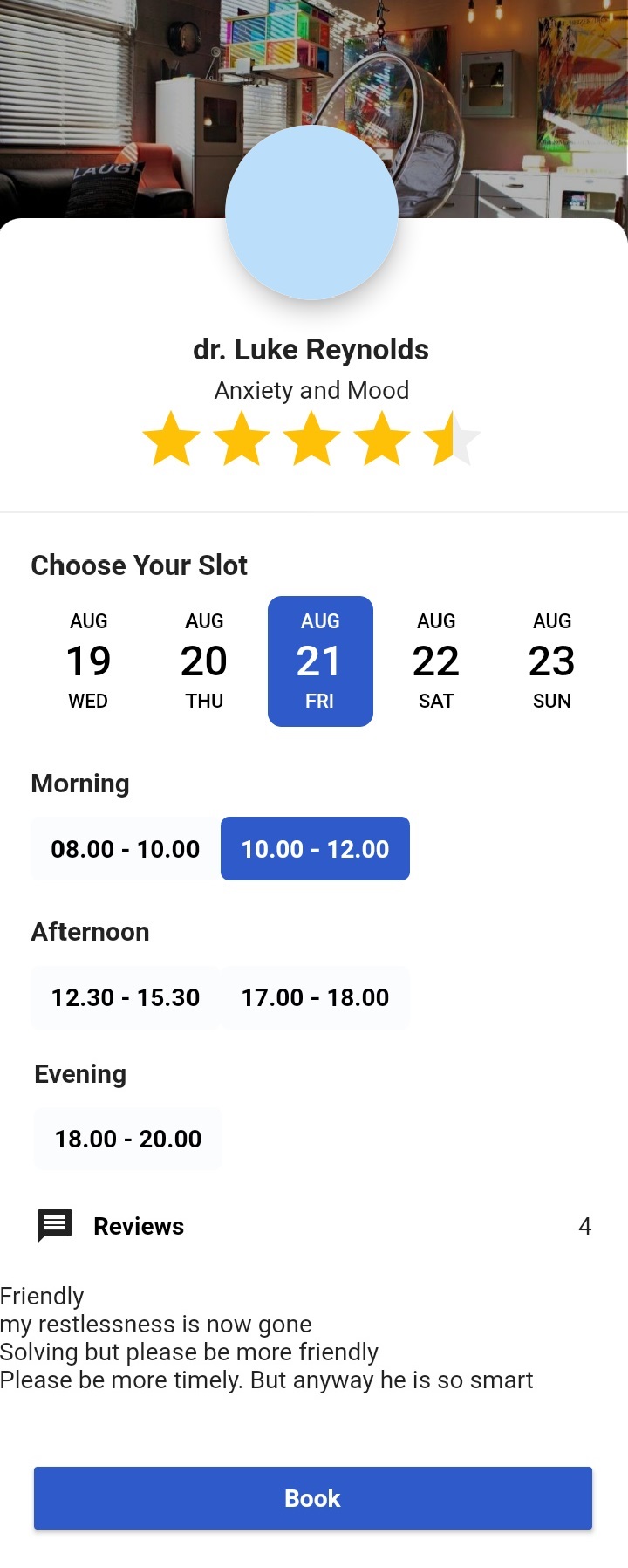
Offline Consultation Booking Page with Review
-
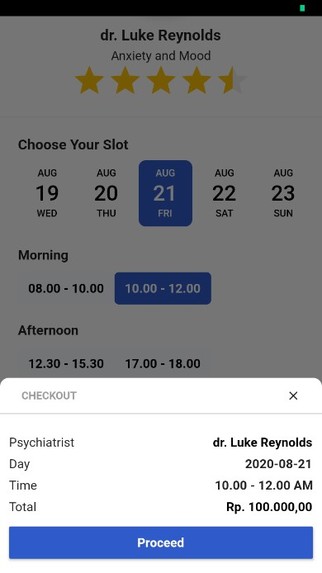
Recipient Notes
-
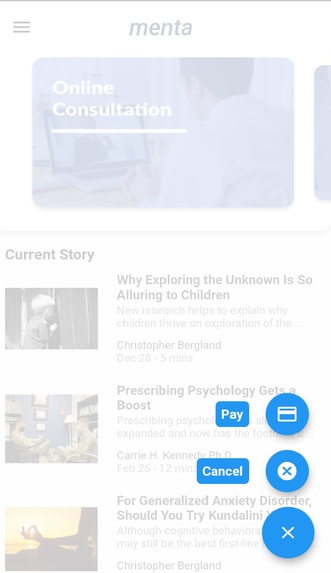
Float Button for Patient
-
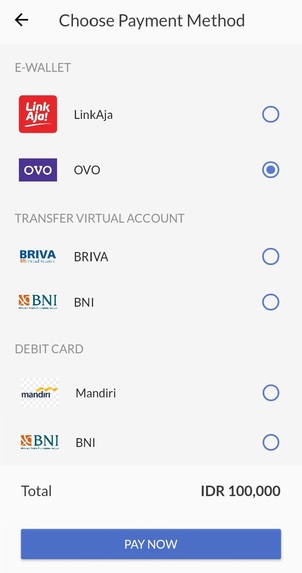
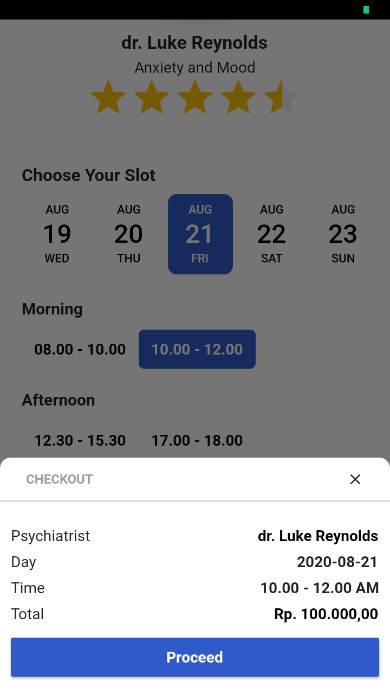
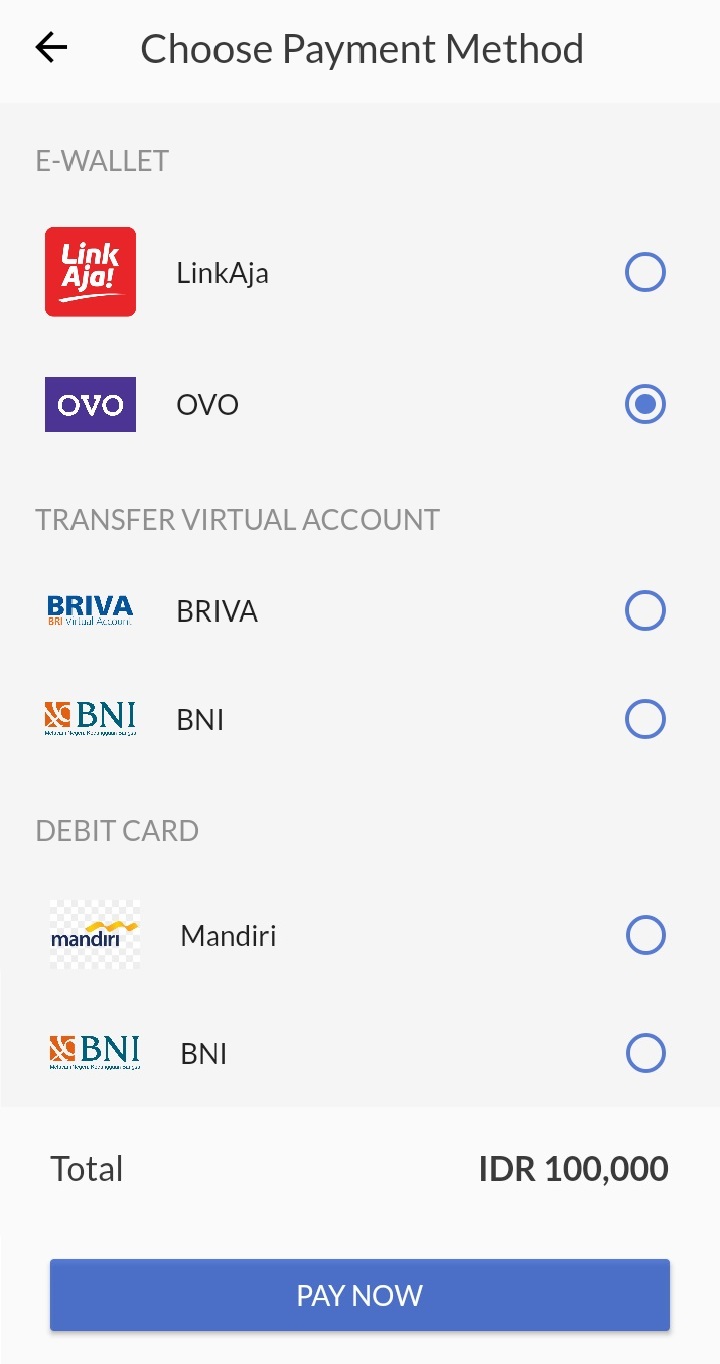
Payment Gateway
-
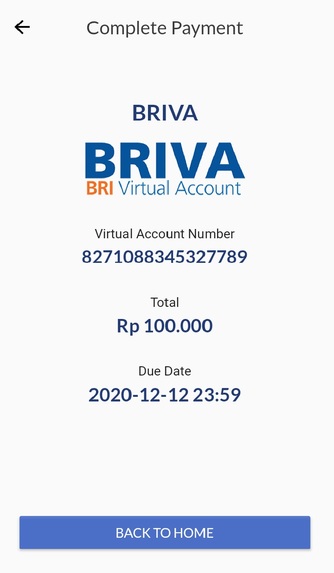
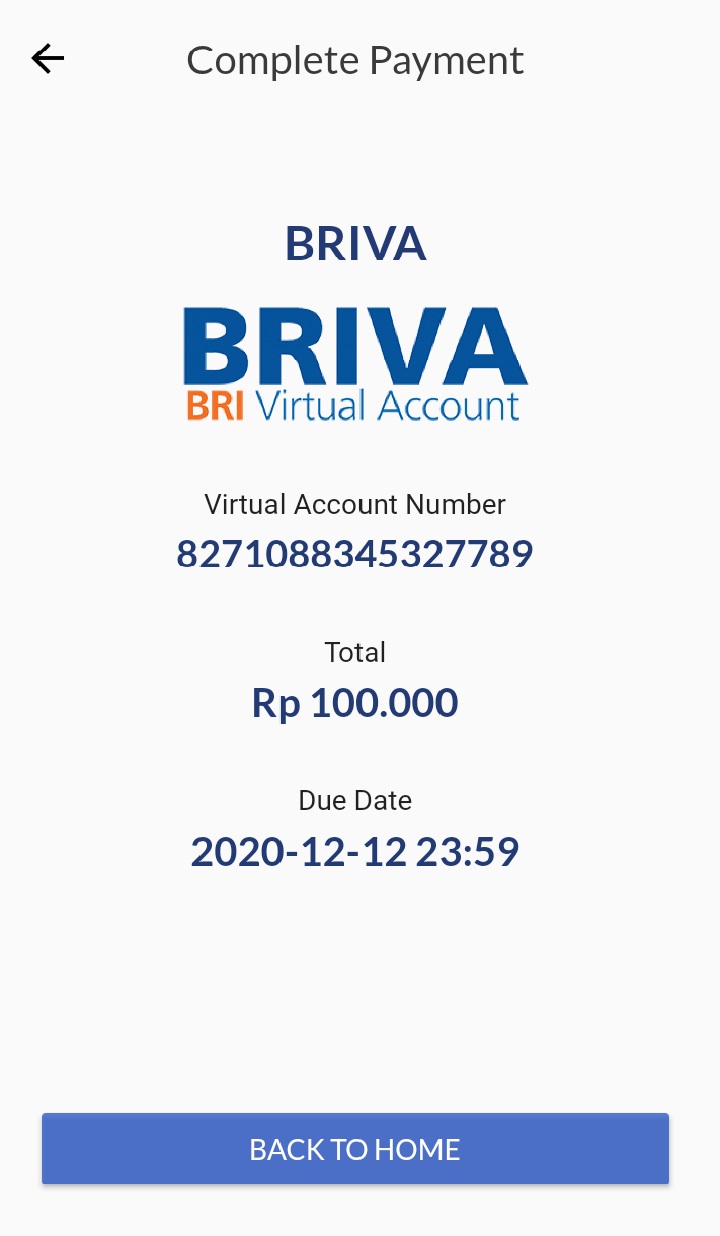
Payment Page with Virtual Account
-
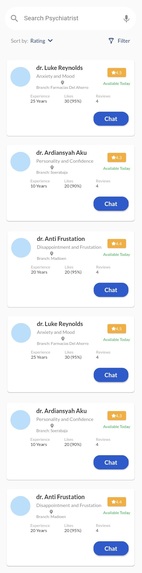
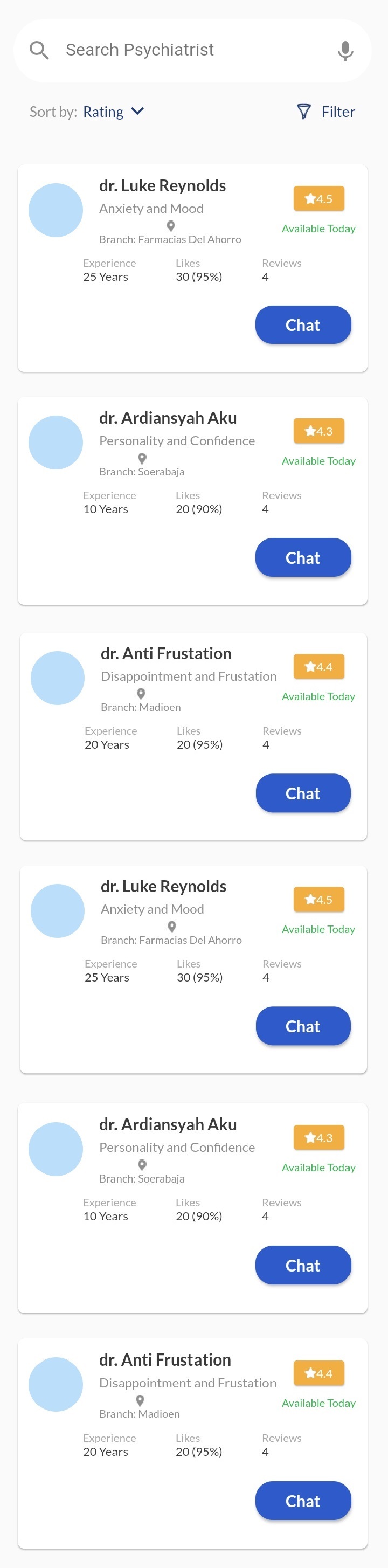
Online Consultation Psychiatrist Selection
-
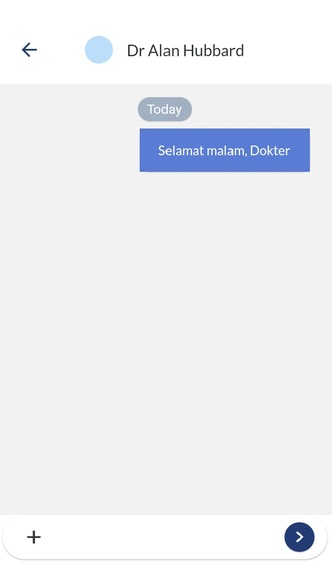
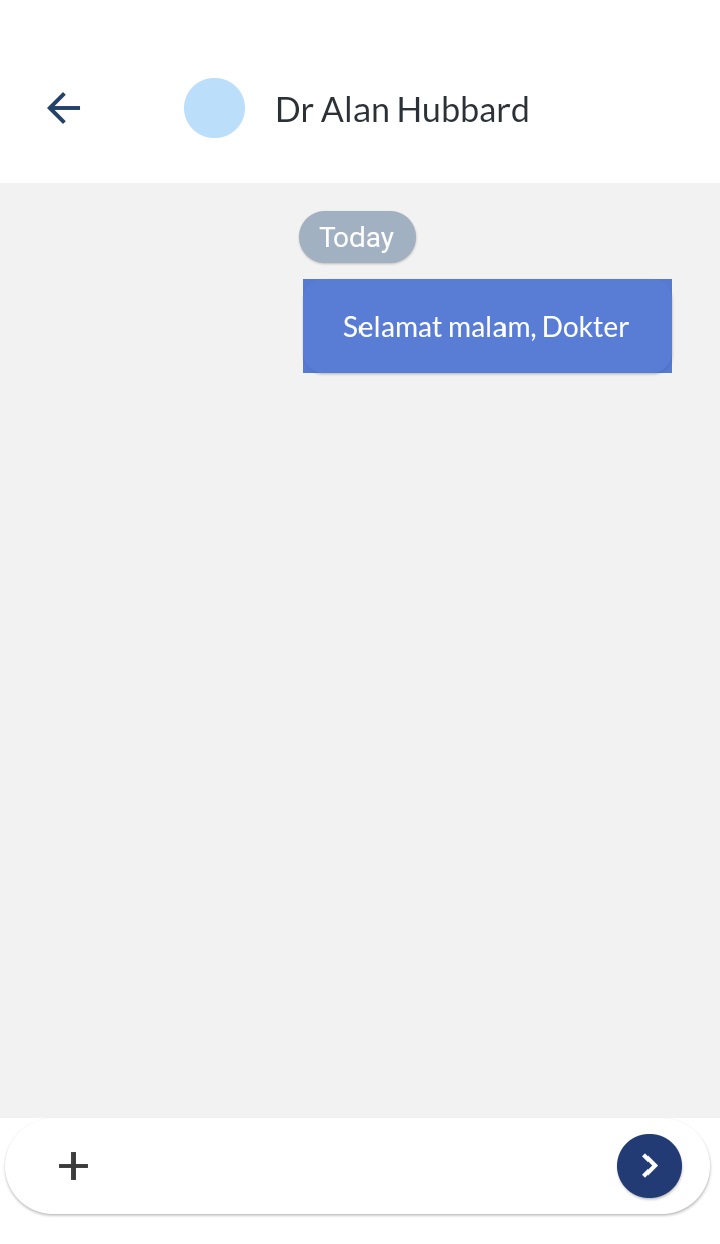
Chat Page
-
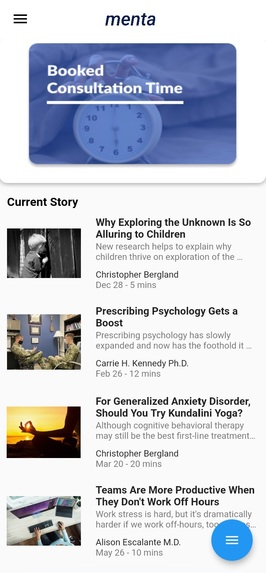
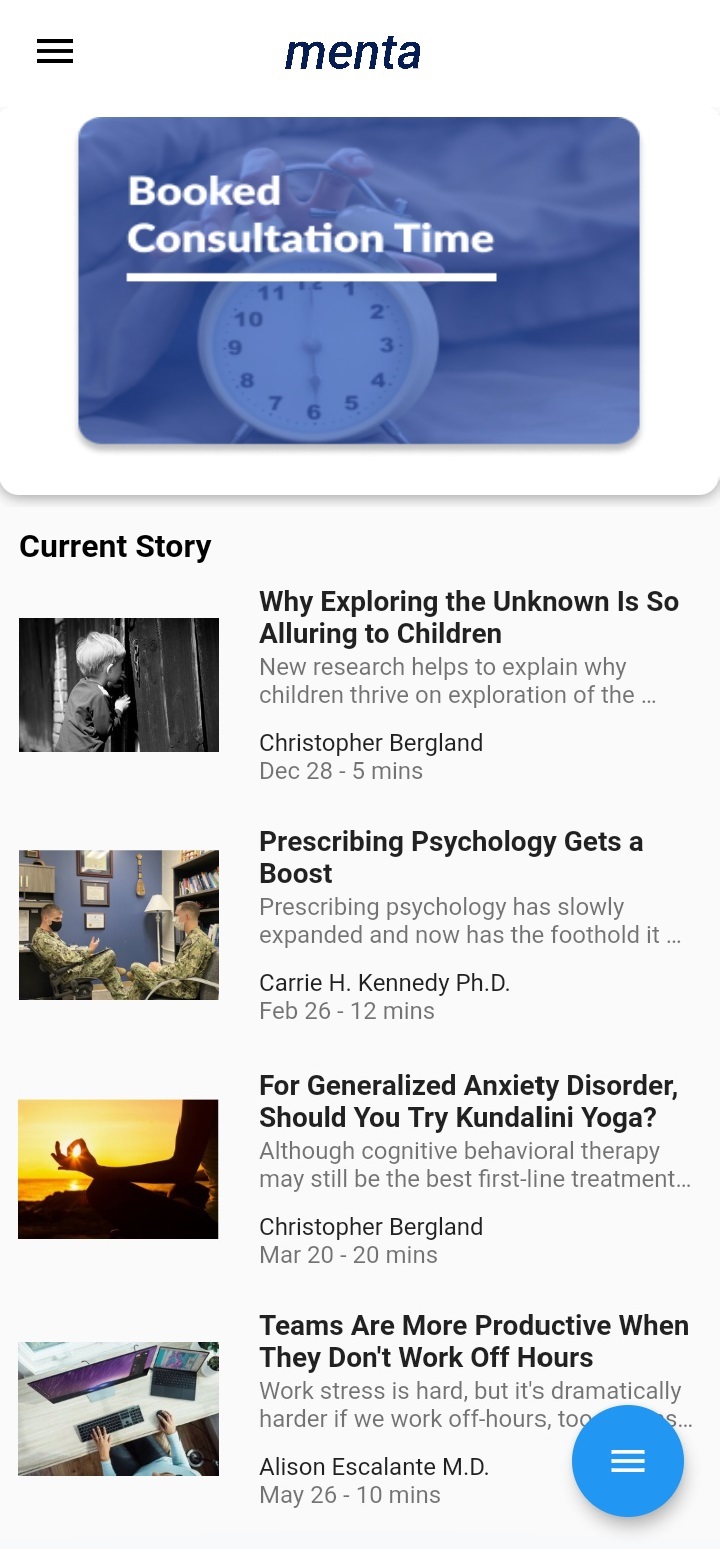
Homepage and Menu for Psychiatrist
-
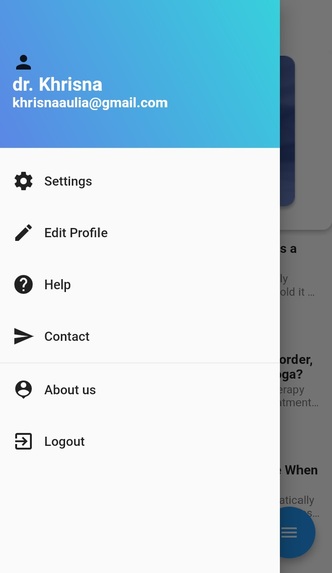
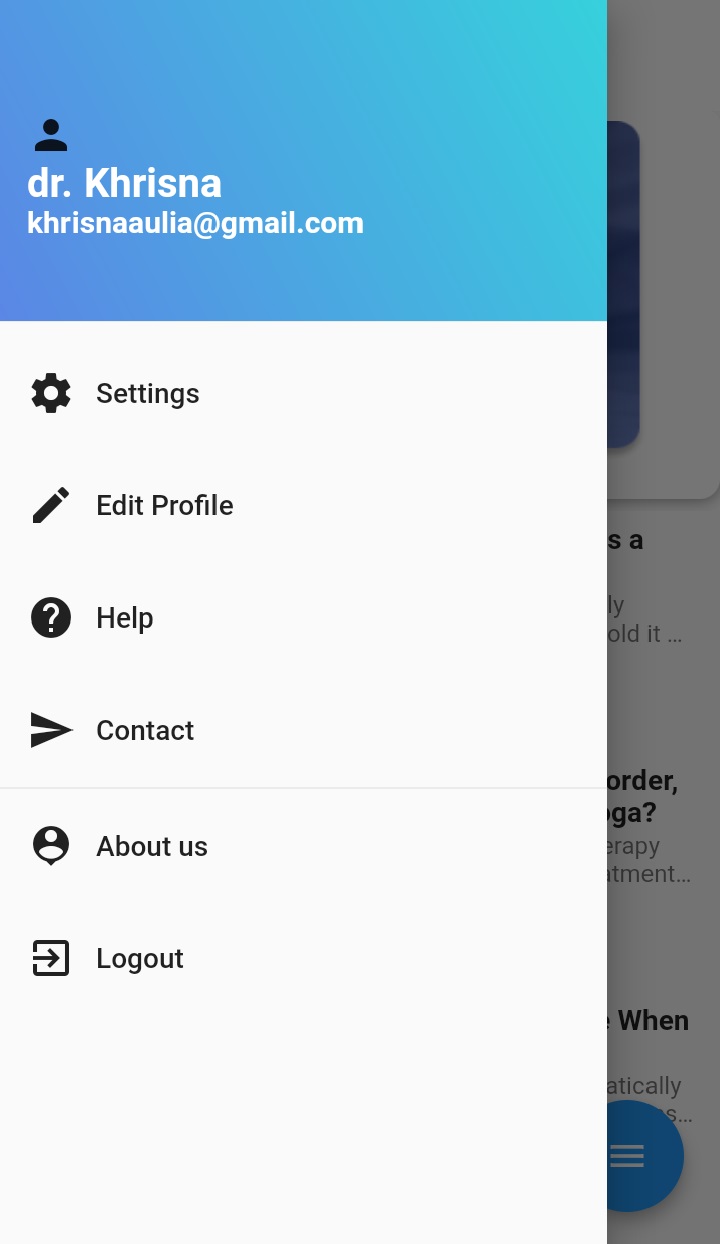
Drawer Menu for Psychiatrist
-
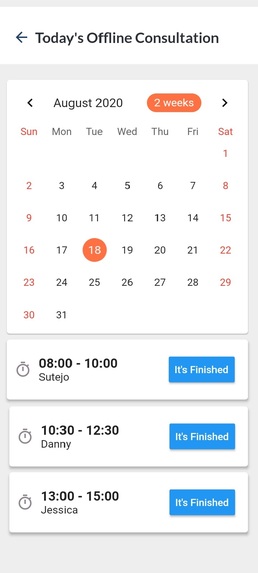
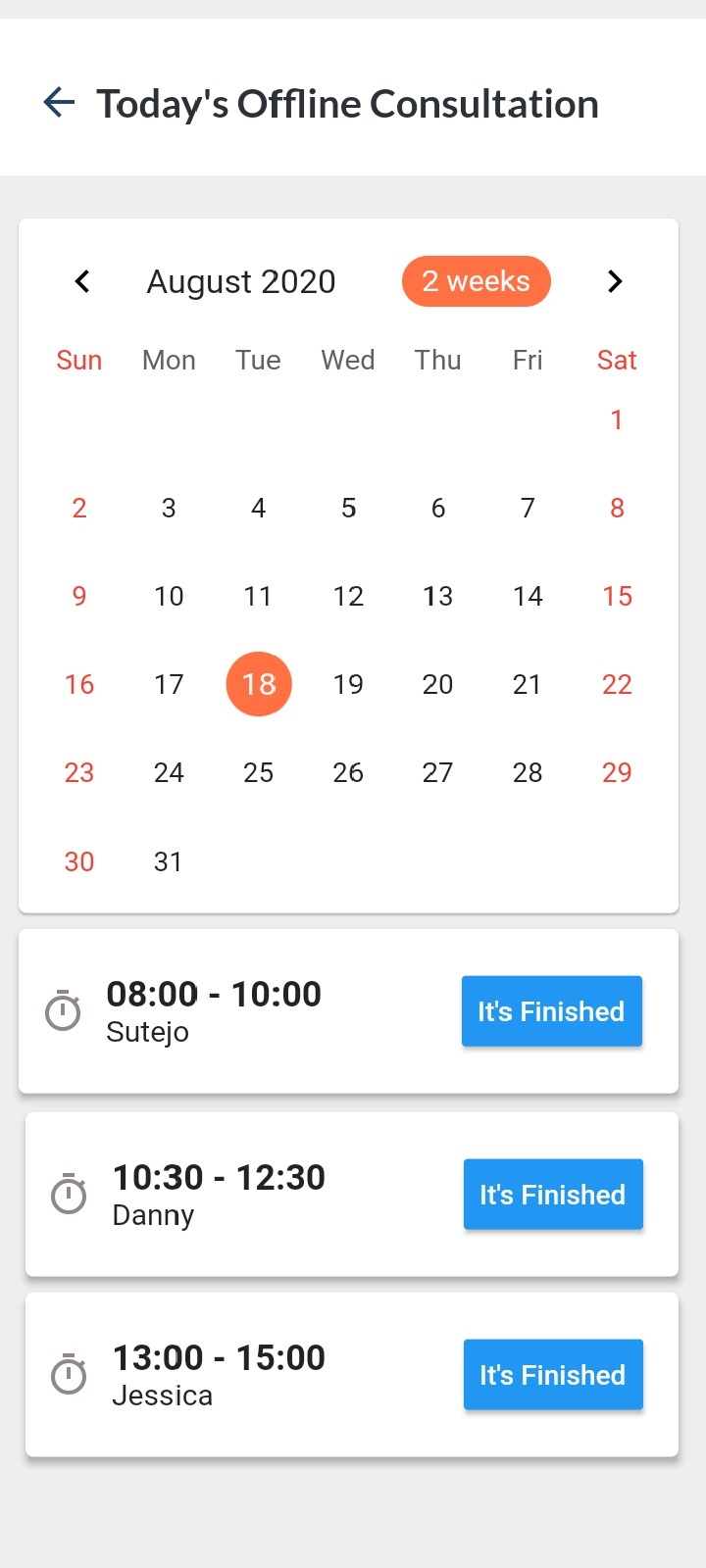
See Booked Offline Consultation Time
-
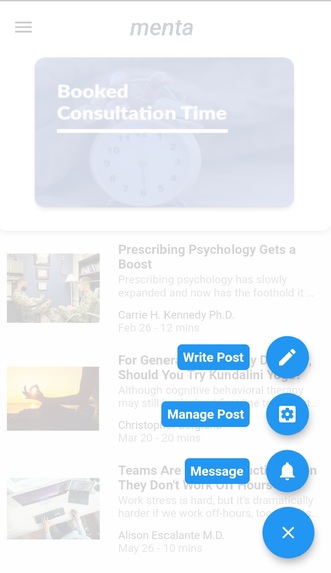
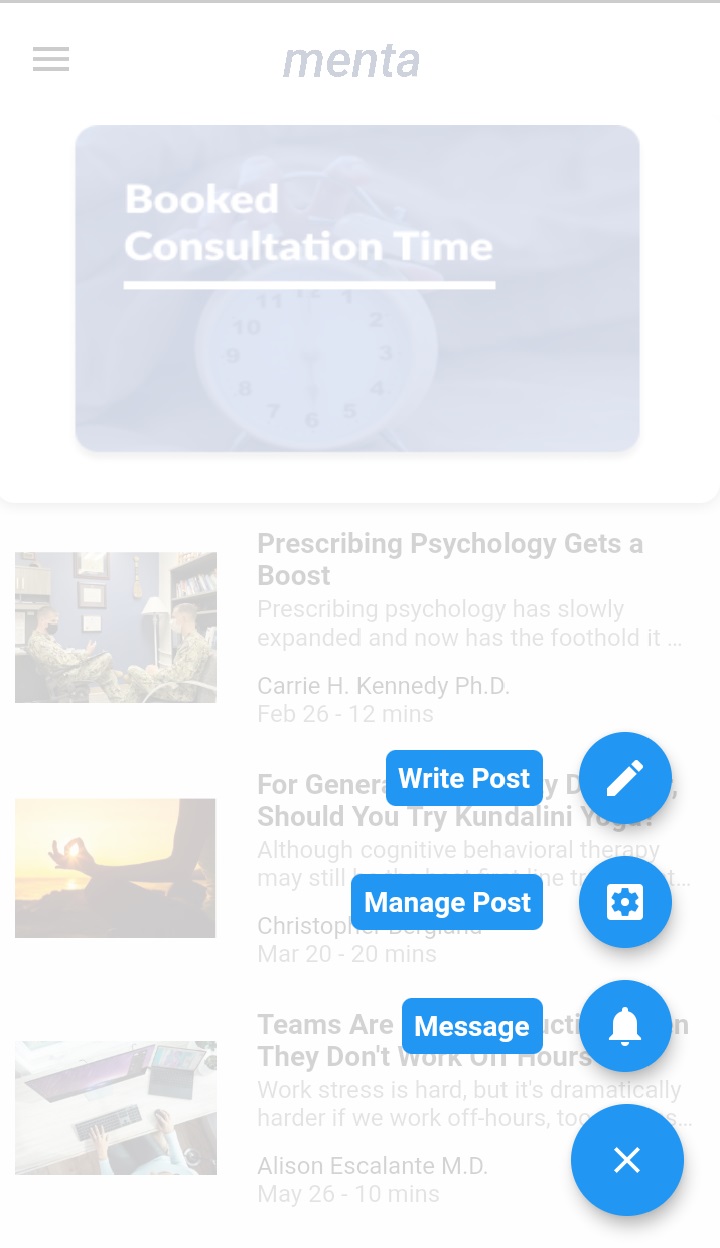
Float Button for Psychiatrist
-
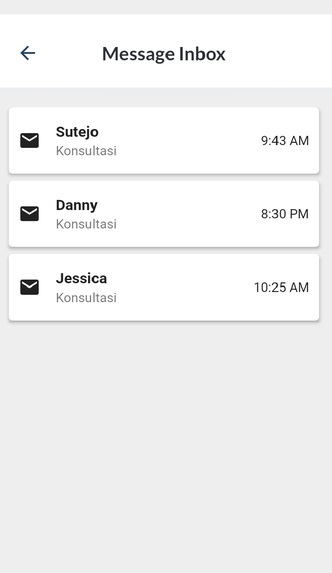
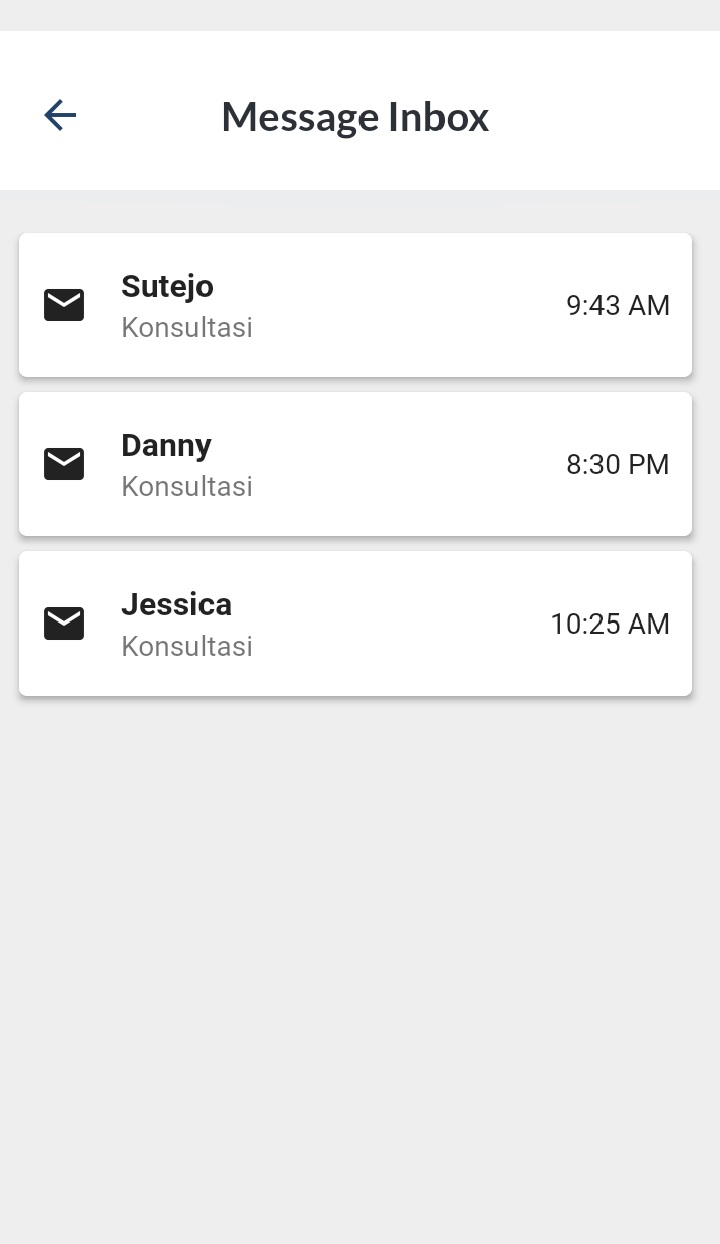
Inbox for Psychiatrist

Inspiration
Everyone has mental health. Like physical health, we need to look after and care for it. If a person has mental health problems, it can affect their daily activities. Therefore, people with mental health disorders must be handled by professionals, psychiatrists, so that patients can recover and stabilize their mental health conditions.
Unfortunately, mental health services are inadequate in Indonesia, especially health workers who deal with mental problems. The number of psychiatrists is small and the distribution is uneven, making it difficult for a person to get treatment. The small number of psychiatrists meant that patients had to queue long to consult a psychiatrist. Not to mention that if the area does not have a psychiatrist, the patient has to travel a long way to get a consultation. Therefore, we created a android based application that can connect patients with psychiatrists.
What it does
The application called 'MENTA' is expected to have the following capabilities:
- Patients can consult online via chat.
- Patients can schedule a consultation with a psychiatrist (booking consultation) and make payments.
- Patients can read articles related to mental health.
- Psychiatrists can see the schedule of consultations with patients.
- Psychiatrists can write articles related to mental health.
How we built it
The first step to creating this application is to create a baseline. The baseline is the foundation on which other application elements will be built. This must include a scope statement. Start by identifying what business needs the application can do and how it can solve problems. Then design the application system in detail, starting from the context diagrams, data flow diagrams, file designs, table designs, table relationships, and user interface design. thus forming a complete system. When the design is fixed, it is followed by the coding process to make it happen. And the last step is application testing.
Challenges we ran into
Every time you develop an application, the difficulty that is often faced is how the application or system can be easily used by the community. So in developing this application, we often change the application design, especially in the data flow diagram section. Another difficulty is how to make the application run responsively.
Accomplishments that we're proud of
Menta is an application that makes it easy for patients to consult a psychiatrist. What makes us proud is when this application can be launched and used by the community. Apart from that, it is also something to be proud of working with the people who have developed this app.
What we learned
Working together as a team means that we must be able to respect the opinions of other team members. Work fast and precisely based on the task timeline. Analytical skills and programming (coding) skills are some of the things that have been learned a lot in developing this application.
What's next for Menta
Menta will continue to be maintained and tested until this application can be launched. Testing to find out whether programming work has been done correctly so that it can produce the desired function. Testing is also intended to determine the limitations and weaknesses of application programs that are made to make the maximum possible improvements. In addition, we will also add features that make it easier for users and it can solve problems related to mental health services.
Built With
- dart
- flutter


Log in or sign up for Devpost to join the conversation.