-
-
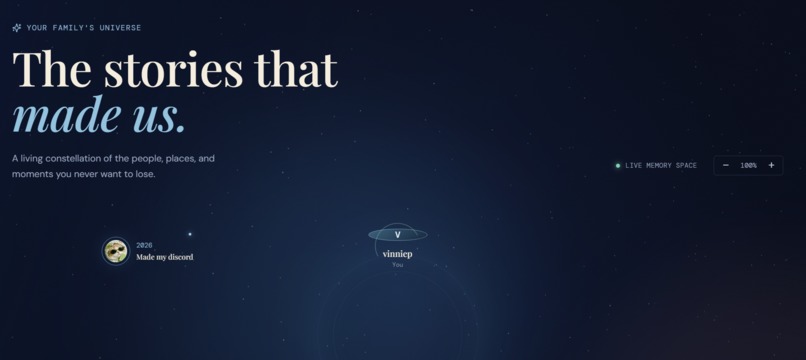
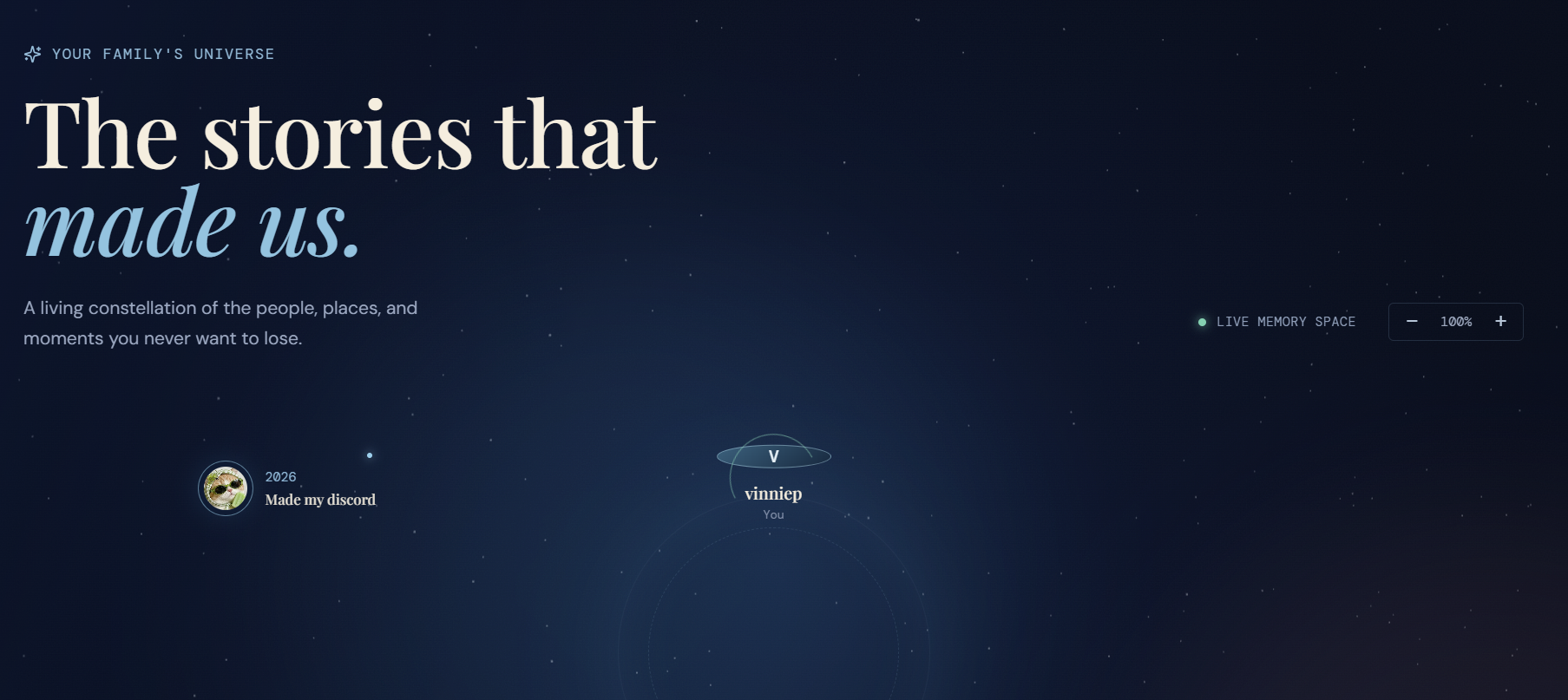
front page
Inspiration
I kept thinking about a shoebox of old photos I have at home — faces I couldn't name anymore, trips I couldn't remember the story behind. Photos survive, but the context around them doesn't. The people, the dates, the little details that make a memory actually mean something — those fade first. I wanted to build something that holds onto both the photo and the story behind it, before that story is gone for good.
What it does
MemorySpace is a shared home for the moments, stories, and people that make up a life. Instead of a flat camera roll, you get a visual, interactive timeline you can actually browse. For each memory, you can add photos, dates, places, the people involved, a written story, or even a voice recording — someone telling it in their own words.
Under the hood, I use Google Gemini to turn everything you add — text, voice transcripts, loose details — into searchable summaries and context, and I made sure it's instructed never to invent details that weren't actually given. That means you can ask your memories questions directly, like "when did we move to Chicago?", and get back an answer grounded in a real saved memory, with the source attached.
You can also share memories with specific people or groups, with full control over who sees what.
How I built it
I built the frontend with React, TypeScript, and Vite, and used Supabase for auth and data storage, including the sharing and privacy rules. Gemini handles three jobs: organizing raw input into structured summaries, transcribing voice recordings, and answering questions about saved memories with sources. Since I was working solo, I tried to keep the stack simple and lean on tools that let me move fast without sacrificing a real, working data layer.
Challenges I ran into
Getting the AI to stay grounded was harder than I expected — it's easy for a model to "helpfully" fill in a gap, but for something as personal as a memory, a made-up detail is worse than a missing one. I spent a good chunk of time on prompting and testing to make sure Gemini would say "I don't know" instead of guessing.
I also hit the classic environment-variable trap: everything worked perfectly on my machine, then broke the moment I moved to a fresh environment, because my local .env file obviously didn't travel with the code. Debugging that taught me a lot about how config and secrets should actually be handled outside of "it works on my laptop."
Working alone also meant every decision — design, backend, AI prompting — was on me, so time management was its own challenge.
Accomplishments that I'm proud of
I'm proud that the AI layer actually works the way I wanted it to: grounded, sourced, and honest about what it doesn't know. I'm also proud that I got sharing and privacy controls working, since that felt like the difference between "personal note app" and something that could genuinely be useful for a family. And I'm proud I shipped something end-to-end, solo, in the time I had.
What I learned
I learned a lot about designing AI features that are trustworthy, not just impressive — a flashy answer means nothing if it's wrong. I also learned more about environment configuration and deployment pitfalls than I expected to going in, and I came away with a much better appreciation for how much thought goes into "why does this work here but not there."
What's next for MemorySpace
I'd like to explore how MemorySpace could support families navigating memory loss — dementia, Alzheimer's — as a calm, easy way to revisit familiar faces and stories together. I'm not looking to turn it into a medical product, but I think the core idea, preserving context around the people who matter, could be genuinely meaningful there. Beyond that, I want to improve the timeline UI, add better voice transcription accuracy, and make the sharing experience feel more like a real shared family space rather than just permissions on a database.
Built With
- api
- react
- supabase
- typescript
- vite


Log in or sign up for Devpost to join the conversation.